

 X
 facebook
 WhatsApp
 Email
Introduction
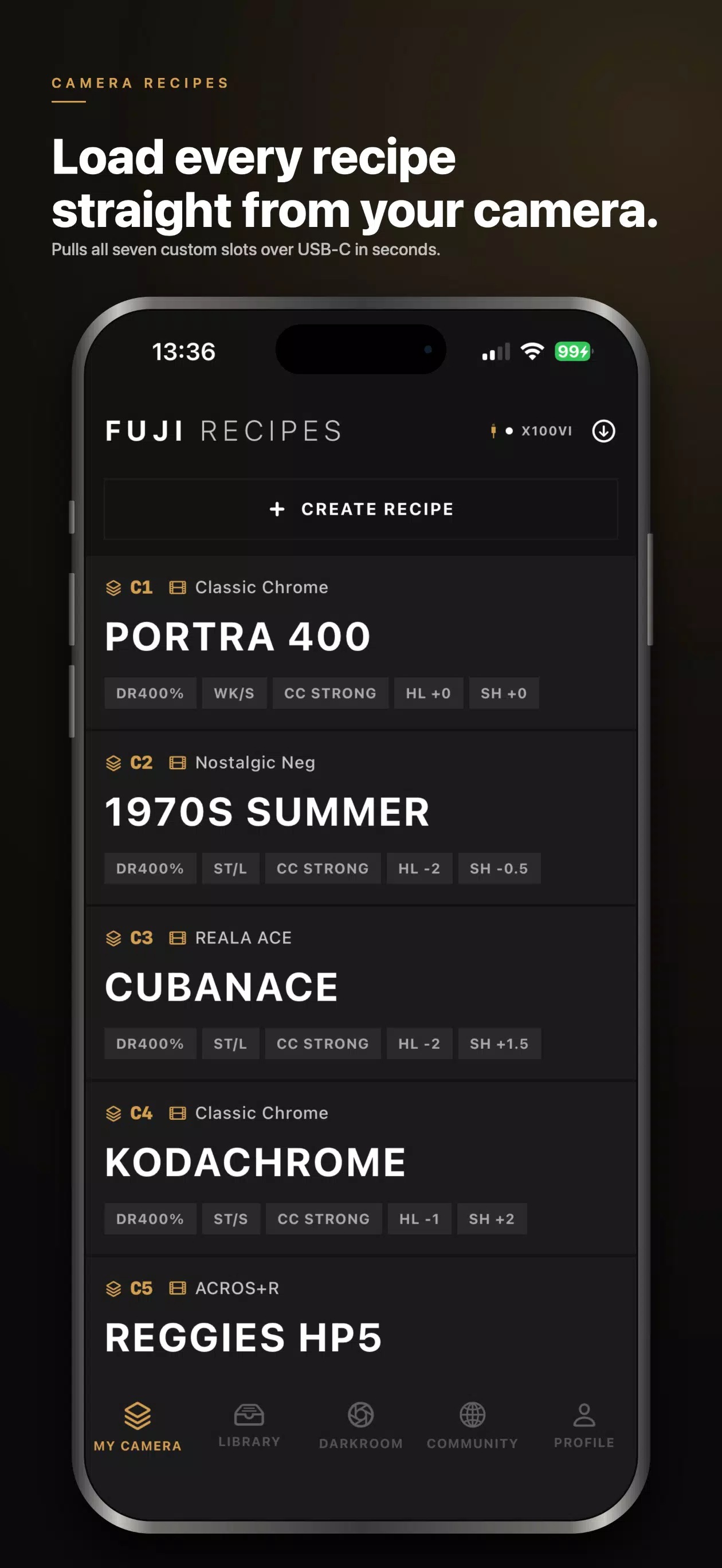
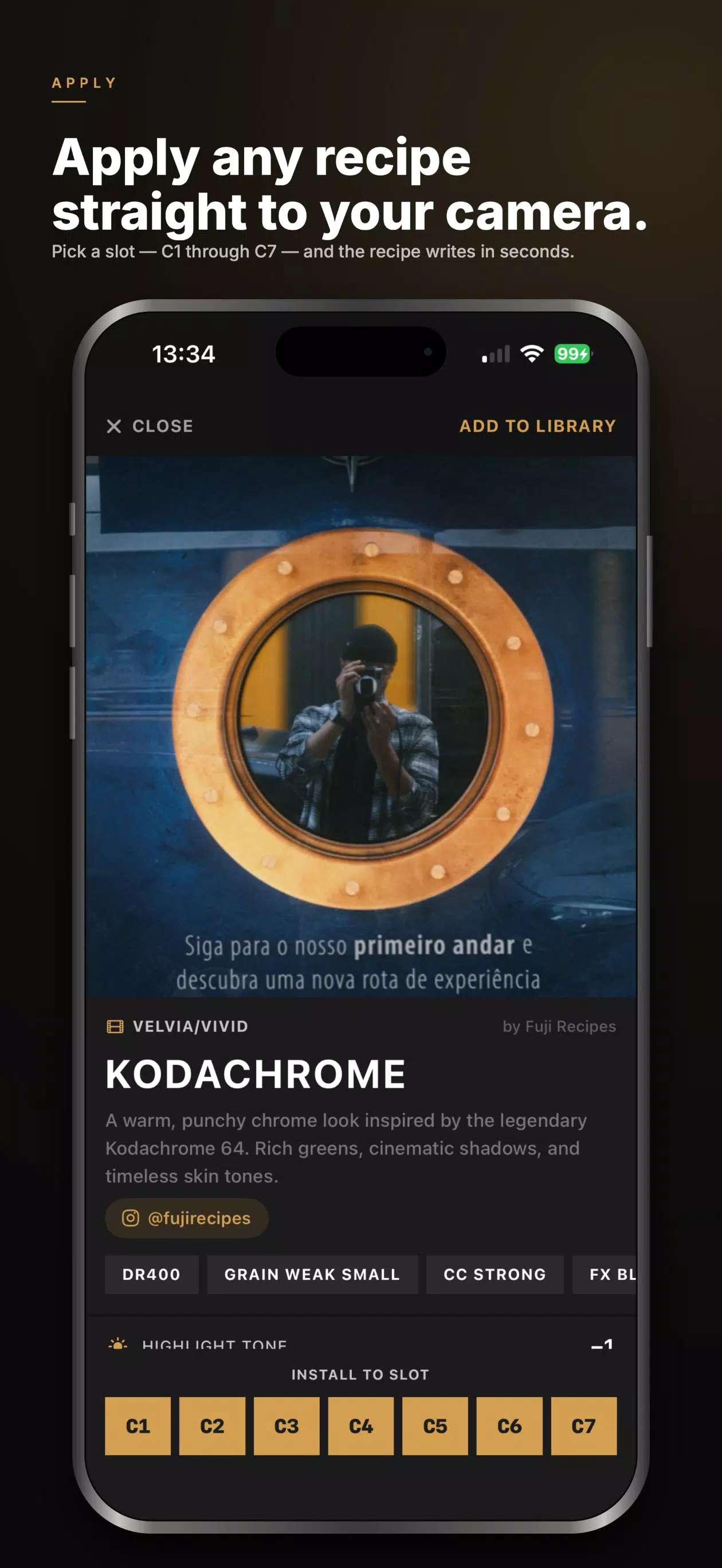
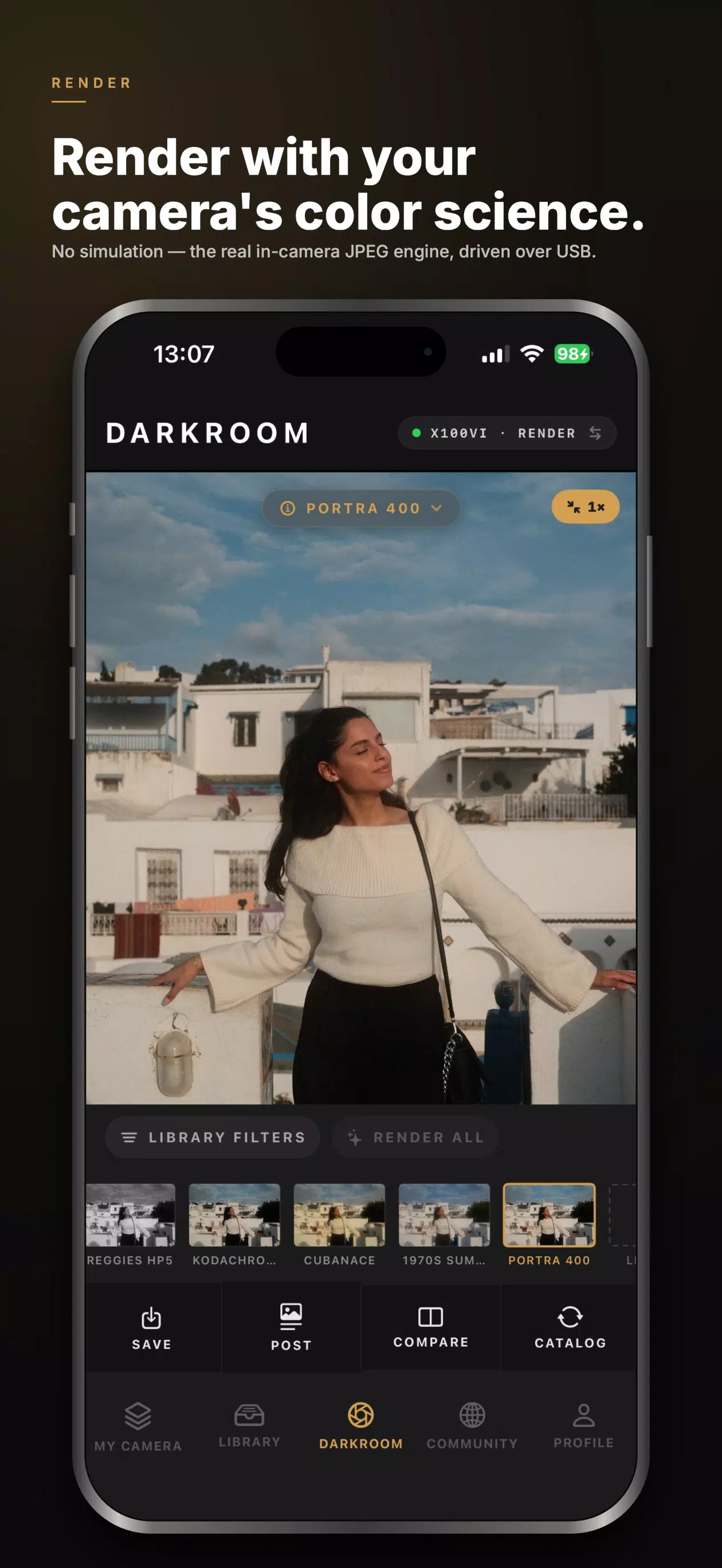
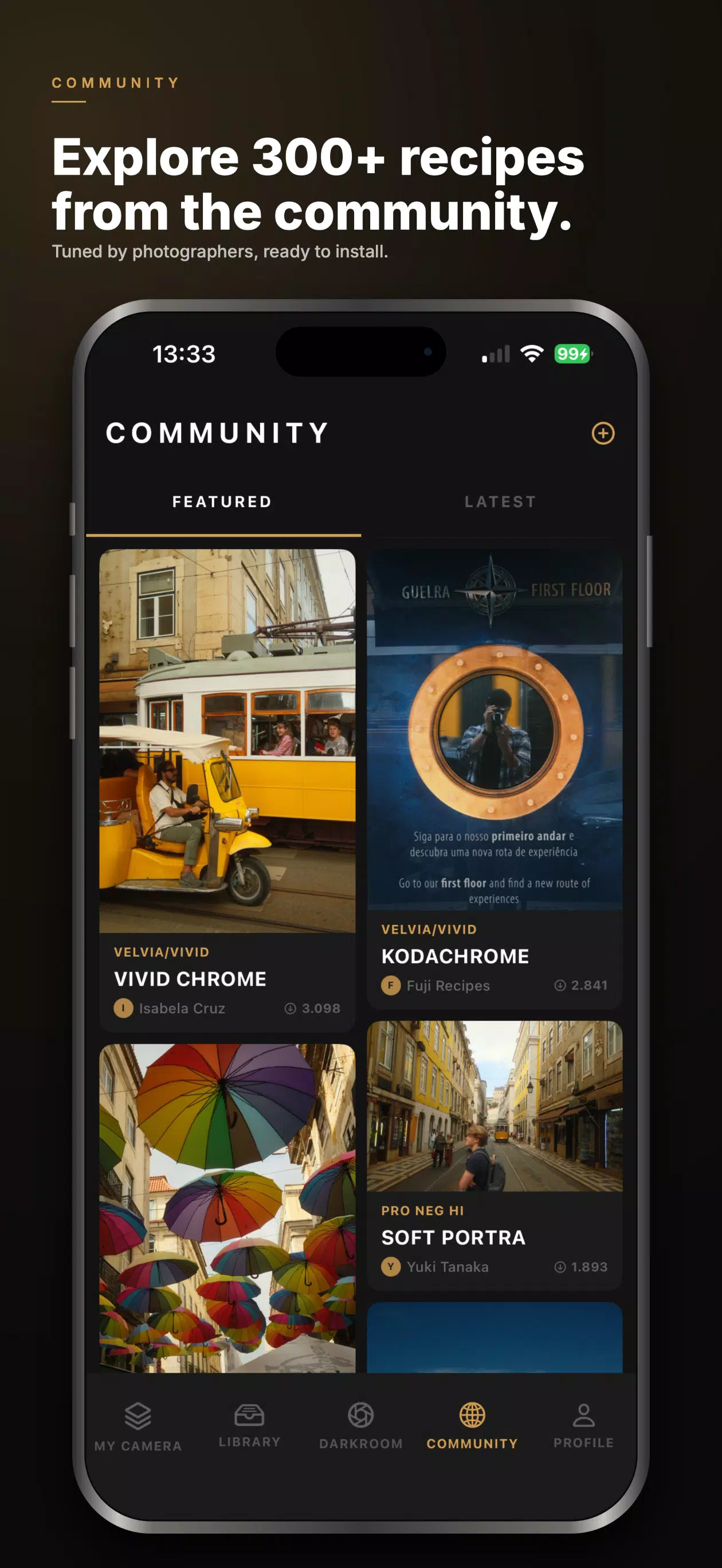
Fuji Recipes is a mobile app that brings curated Japanese and international recipes to your kitchen with clear instructions, smart ingredient lists, and step-by-step photos. Designed for hobby cooks and busy households, it helps plan meals, manage groceries, and discover seasonal dishes with minimal fuss.
Overview: What this app does
Fuji Recipes organizes hundreds of recipes into an easy-to-navigate format so you can find dinner ideas in seconds. The app focuses on practical cooking: timing, portions, and pantry-friendly swaps are highlighted so even beginners can succeed. Whether you want traditional dishes or quick weeknight meals, the content is structured for real-world use.
Key capabilities at a glance
- Smart search — filter by ingredient, cuisine, dietary need, or cooking time.
- Step-by-step guides — concise instructions paired with photos and timers.
- Grocery list builder — generate and edit shopping lists from recipe selections.
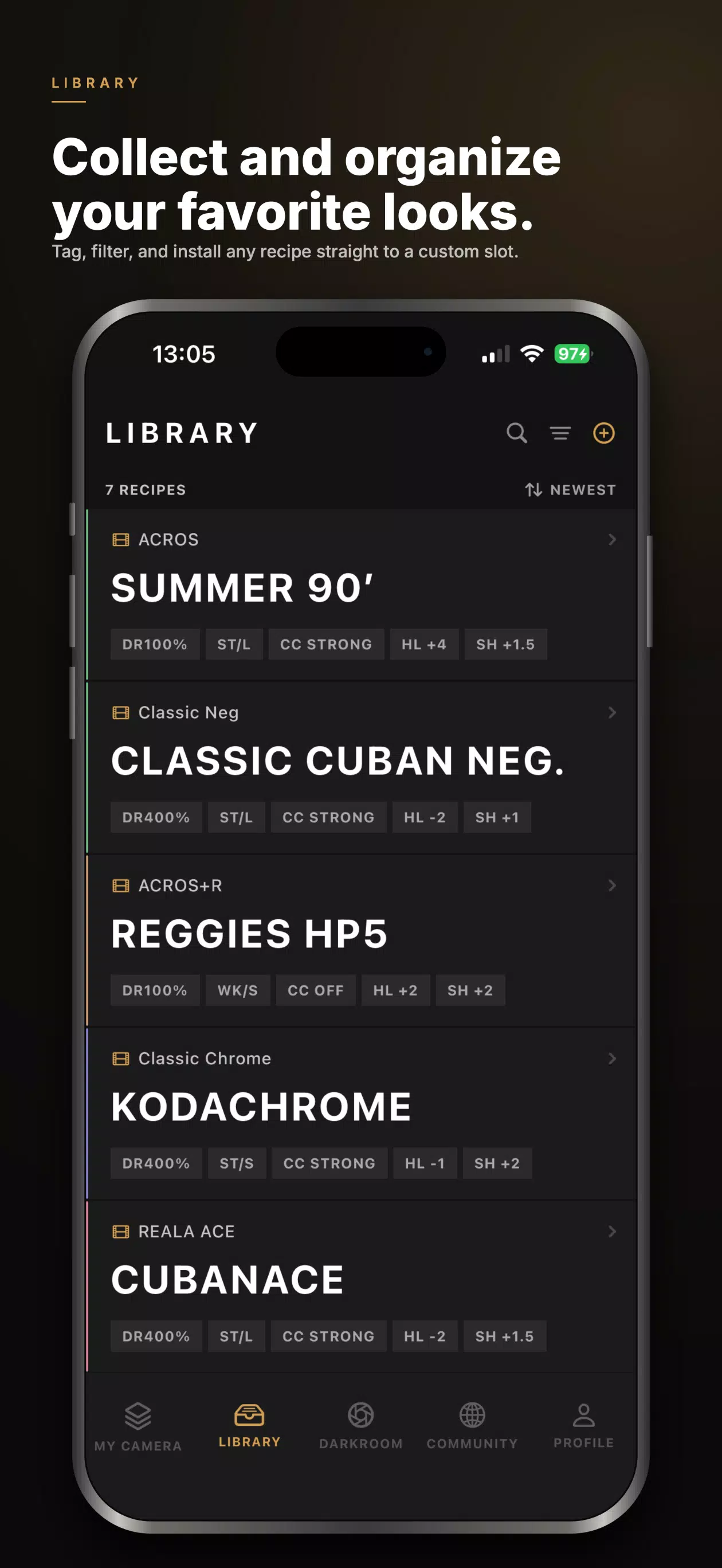
- Save and organize — bookmark favorites and create your own collections.
- Offline access — download recipes for use without an internet connection.
How the app streamlines cooking
Navigation is driven by a clear hierarchy: browse categories, open a recipe, then follow the concise steps. Each recipe includes preparation time, ingredient quantities, and recommended equipment. Built-in timers and progress markers keep you on track while you cook, making multitasking in a busy kitchen simpler and less stressful.
Tools that improve workflow
- Portion scaling — adjust servings to automatically recalc ingredient amounts.
- Substitution hints — suggestions for common swaps if an ingredient is missing.
- Integrated timers — one-tap timers linked to specific steps.
- Nutrition overview — basic calorie and macronutrient estimates for meal planning.
Customization and personalization
Fuji Recipes adapts to your preferences. Tag and sort recipes by difficulty or occasion, and the app will prioritize similar suggestions. Create custom collections—‘Weeknight Favorites’, ‘Vegetarian’, or ‘Holiday Baking’—to keep frequently used recipes at hand. Theme options and adjustable font sizes improve readability for different users.
User interface and performance
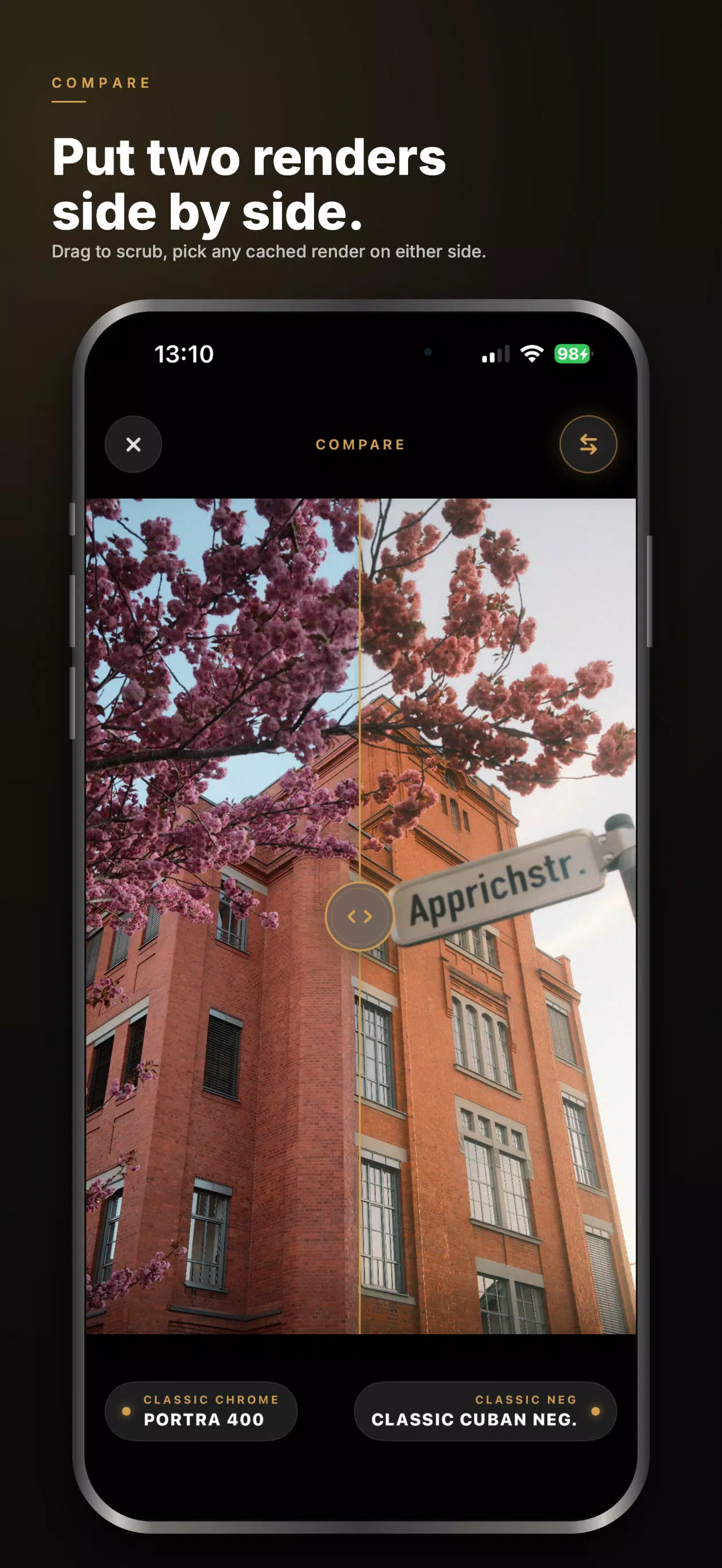
The interface is minimal and photo-forward, placing emphasis on clear visual steps without clutter. Pages load quickly and the app remains responsive on older devices thanks to lightweight image handling and local caching. Dark mode is available for late-night browsing and the layout preserves readability across screen sizes.
Tips for getting the most from Fuji Recipes
- Use the grocery builder to avoid duplicate trips—add multiple recipes at once and combine items.
- Download weekend meal plans for offline access during busy weekday evenings.
- Start with simple recipes to get comfortable with timers and portion scaling before attempting more complex dishes.
- Leverage substitution hints when shopping budgets or availability change.
Frequent users report that saving a few go-to recipes and organizing them into folders reduces decision fatigue and speeds up meal prep. The app’s reminder and planning features help keep a consistent cooking rhythm without having to reinvent menus every week.
Getting started and installation
Installation is straightforward: download from the store, allow optional permissions for notifications and offline storage, and complete a short onboarding to set dietary preferences. The onboarding tour highlights how to add items to the grocery list and how to use the timer system so you can start cooking confidently in minutes.
Why people choose it
Users appreciate Fuji Recipes for its balance of inspiration and practicality. Recipes are credible and tested, the interface eliminates friction, and features like scaling and swapping reduce waste. For cooks who want to discover new dishes while staying organized, this app strikes a useful middle ground between a recipe book and a kitchen assistant.
Whether you’re forming habits around meal planning or exploring new cuisines, Fuji Recipes provides the tools and guidance to make cooking more efficient and enjoyable. Bookmark favorites, plan your week, and let the app take care of the small details so you can focus on the food.
Information
 Google Play
User Comments

찍스 - 트루 포토북, 스탠딩포토 brings a full mobile photo-printing studio to your pocket, letting you turn ordinary pictures into museum-quality True Photo Books or compact Standing Photos for desks and shelves. In the first moments after opening 찍스 - 트루 포토북, 스탠딩포토 you can import images from your phone gallery, cloud folders or camera roll, and the app guides you through creation with clear on-screen steps and instant previews so you always know how the final product will look.

MagnetPhoto - Impression Photo converts your favorite pictures into collectible vintage-style magnets you can order directly from your phone. The app applies retro Polaroid-inspired formatting to images and produces 75 x 95 mm magnets that feel like instant photos, with options for sepia, black-and-white, gray scale or a playful vintage snapshot look. Users can personalize each piece with different fonts and filters, turning ordinary shots into keepsakes or event save-the-dates. If you enjoy tangible mementos or want a creative way to share memories, MagnetPhoto - Impression Photo offers an approachable, design-focused way to preserve moments at home.

Before After Photo Frame is a simple, creative tool for making before-and-after collages that highlight transformations, projects, or personal journeys. The app combines two images into a single comparison layout and offers a quick, visual way to document progress or showcase results, which makes it useful for fitness, home improvements, beauty, or hobby projects. With an intuitive interface and ready-made templates, users can arrange photos side-by-side or top-and-bottom, add text and stickers, apply filters and textured backgrounds, and export their work to the device gallery or use it as a wallpaper.
Experience the thrill of flying a quadcopter from the palm of your hand with this KYUFO App. By connecting to WIFI, you can seamlessly control the aircraft using the joystick and view real-time footage from the camera. Capture stunning photos and videos, control the flight through gravity sensing, and even use gesture recognition to snap pictures. Immerse yourself in the VR mode, create music videos, and apply fun filters to your content. Whether you're a beginner or a seasoned pilot, this App offers a user-friendly interface and a multitude of features to enhance your flying experience.

Capture and cherish your special New Year moments with the ultimate New Year Photo Editor 2025! With a vast collection of over 100 HD quality frames, customizable text features, and unique 2025 New Year messages and backgrounds, this app is your go-to for creating stunning New Year memories. Easily personalize your photos, adjust them to perfection, and share them effortlessly on social media platforms – all for free! Compatible with all devices, this intuitive and user-friendly app guarantees a smooth and enjoyable experience. Download now and kick off the New Year in style with New Year Photo Frames 2025!
XCamera is a top-rated photography app that allows users to take stunning selfies with its advanced camera features and powerful editing tools. Developed by Meitu (China) Limited, the latest version 7.2.010 offers a wide range of filters, effects, and editing options to enhance your photos. With over 100 million downloads, BeautyPlus is a popular choice for users looking to capture and edit beautiful selfies on their mobile devices. Download BeautyPlus now for free on Google Play and start creating amazing photos with just a few taps!