
 X
X
 facebook
 WhatsApp
 Email
Email
Introduction
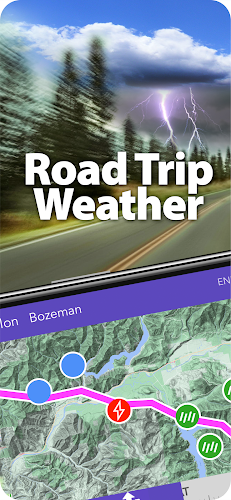
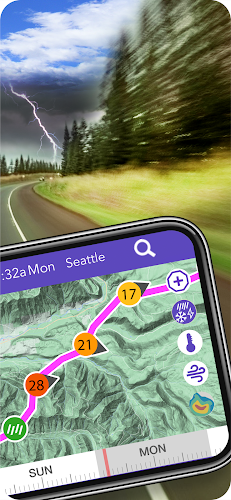
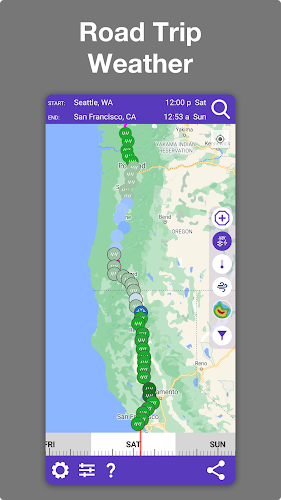
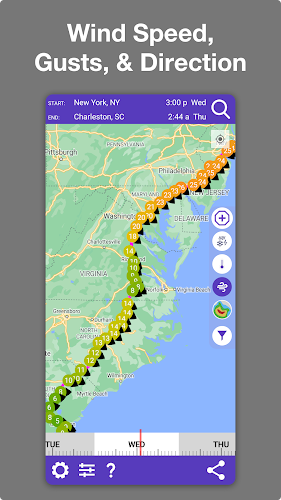
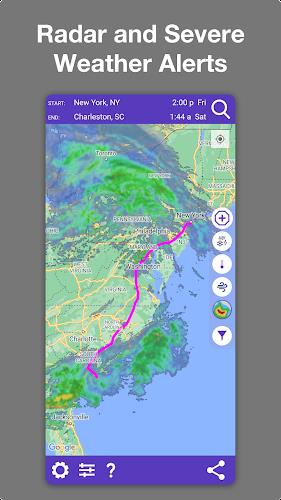
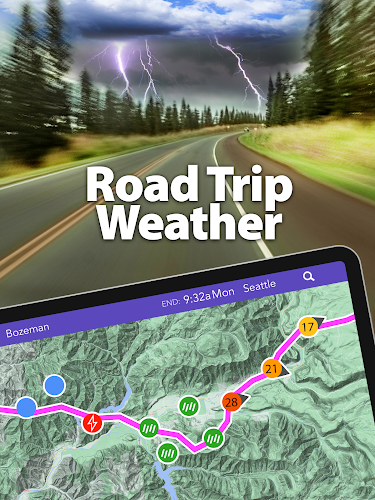
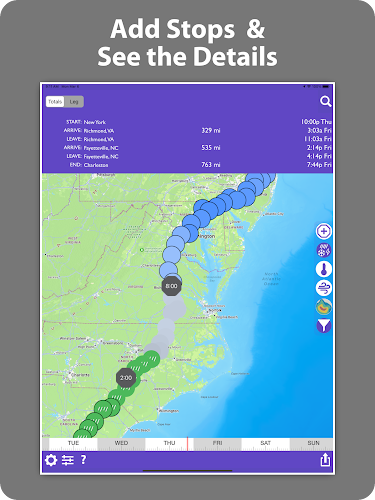
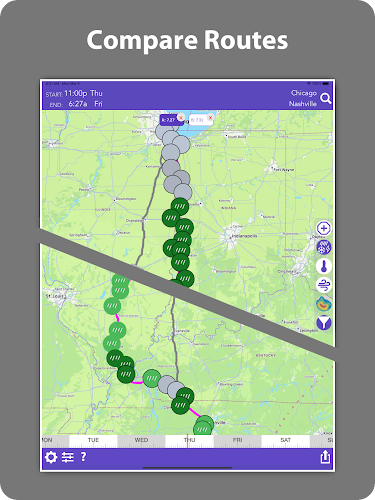
Drive Weather is a route-focused weather app that shows the forecast along your planned drive so you know what conditions to expect when you reach each point. It maps National Weather Service forecasts to your route based on departure time and displays precipitation types, temperatures, wind speed and direction, plus animated radar to help you compare routes and adjust plans for safer, more economical trips.
Key Features
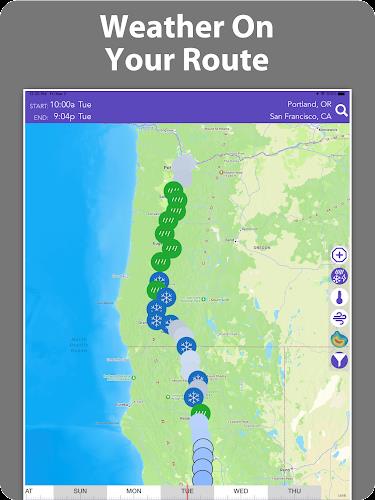
Drive Weather provides route-based forecasts that estimate weather at the time you reach each location on your trip.
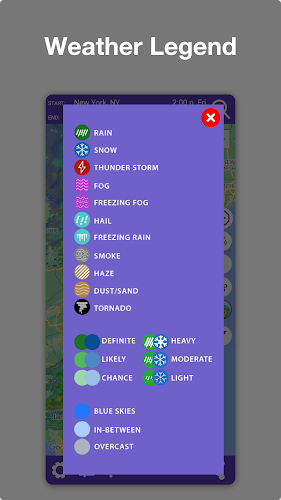
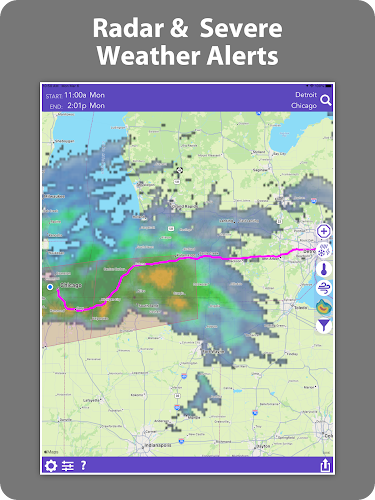
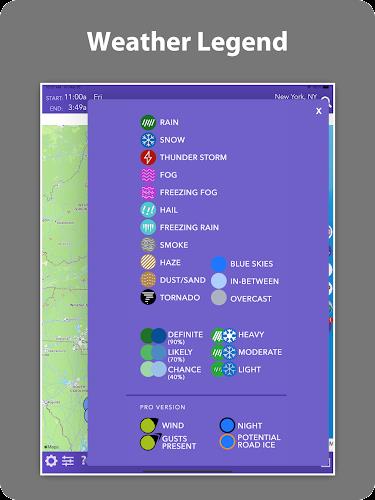
Animated radar, cloud cover and detailed precipitation types including rain, snow, freezing rain, fog and hail are shown along your route.
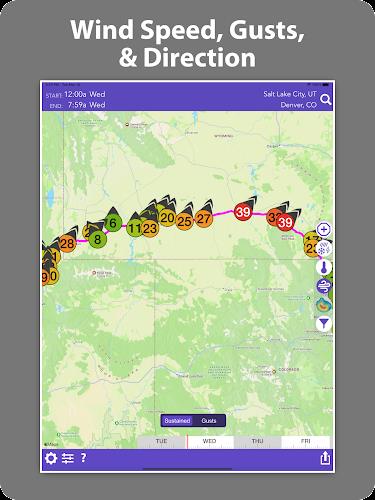
Wind speed, direction and gust information help truckers and RVers avoid costly headwinds when planning routes.
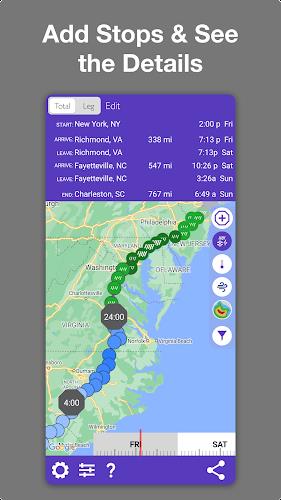
Interactive planning tools let you compare routes, change departure times and add stops or waypoints; a Pro option adds unlimited route length and waypoints.
The app offers automatic updates while on the road, high-resolution location forecasts and area summaries for general conditions.
Advantages
Drive Weather presents large volumes of forecast data in a compact, easy-to-read route view so you can scan conditions quickly.
The app can help drivers and fleet operators save fuel and time by identifying headwinds and hazardous conditions in advance.
The Pro option in Drive Weather removes ads and extends forecasts to seven days with severe weather alerts and indicators for icy pavement.
Disadvantages
The free version includes ads and limits the forecast to two days unless you upgrade to Pro.
The app is not designed or officially supported for use on laptops at this time.
Some advanced features such as unlimited route length, additional waypoints and seven-day forecasts require a Pro purchase.
Information
 Google Play
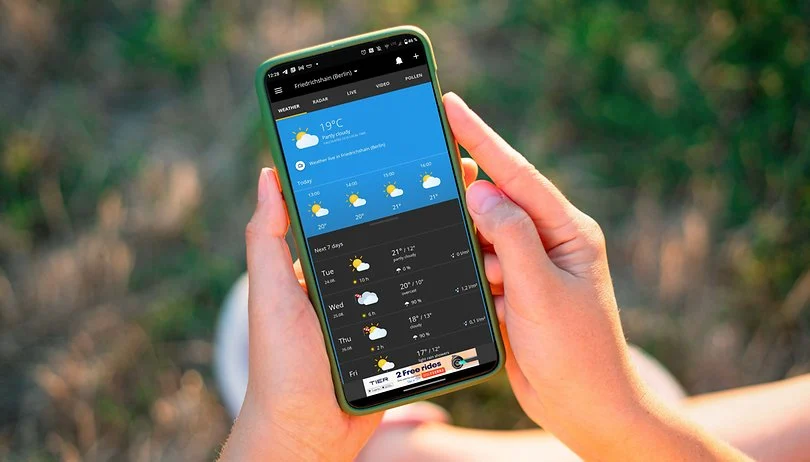
What are some reliable weather apps without ads? A great weather app not only helps you stay informed about daily weather conditions but also delivers accurate weather data. Some apps even come with smart voice alerts, ensuring you're always prepared when heading out. These weather apps are ad-free, with all forecasts and updates sourced from trusted meteorological organizations, providing you with the most precise information. If you're looking for such a tool, download and try one today!



User Comments

欧乐影院 is an Android APK that brings a broad collection of films, TV series and premium streaming content to phones, tablets and TV boxes, and it places the app name 欧乐影院 at the center of a simple, mobile-first viewing experience. Designed for casual viewers and dedicated binge-watchers, 欧乐影院 organizes new releases and catalog favorites into searchable categories, offers high-definition playback with resolution choices, and provides offline downloads for times when connectivity is limited.

Emotion Tree - Find Your Why is a reflective journaling app that helps you map feelings, track patterns, and trace emotions back to their root causes. Emotion Tree - Find Your Why converts recurring moods into a living visual tree so you can observe how small daily states accumulate into longer trends, and it places the app name at the center of a calm, structured practice that supports personal insight. The first interactions are simple: record a feeling, choose a color for its tone, and follow guided prompts that help you move beyond surface reactions.

Do1 is a habit-building app that applies the Kaizen idea of continuous improvement to daily routines, turning tiny actions into measurable long-term gains. Do1 helps you break large goals into micro-tasks, delivers focused daily missions, and visualizes progress so you can see incremental growth without designing complicated routines yourself. The app is aimed at people who want sustainable study, fitness, creative, or work habits and prefer consistency and clear feedback over intensity.

Place,Us is a map-centered couple diary that helps partners record and revisit shared memories tied to real places. Place,Us makes it easy to pin the exact cafés, parks, travel stops and everyday meetups you share, attach photos and short written notes, and then explore those moments as a visual map and timeline of your relationship.

Logic Grid Puzzles: Brain Game is a focused logic-puzzle utility that delivers 100 unique, ad-free brain teasers with graduated difficulty to help users practice deductive reasoning and pattern recognition. The app supports multiple grid sizes—from compact 3×4 puzzles to larger 4×7 boards—and includes Smart Hints that analyze your current grid and explain which clue applies next (requires internet). With features like Auto-X for faster entry, multi-level undo, adjustable text size and Dark Mode, Logic Grid Puzzles: Brain Game is suited for newcomers learning logic puzzles and for experienced solvers seeking steady brain training.

TriviaMaker is a versatile quiz and gameshow builder designed for teachers, presenters, and event hosts who want to create interactive trivia experiences quickly. The app places question categories, timers, scoring rules, images and video into a single editor so you can assemble a complete session and present it on a screen in minutes. TriviaMaker balances an approachable setup with options for professional presentation, letting you use templates for a fast start or customize every detail for a classroom review, corporate training exercise, or community trivia night.