

 X
 facebook
 WhatsApp
 Email
Introduction
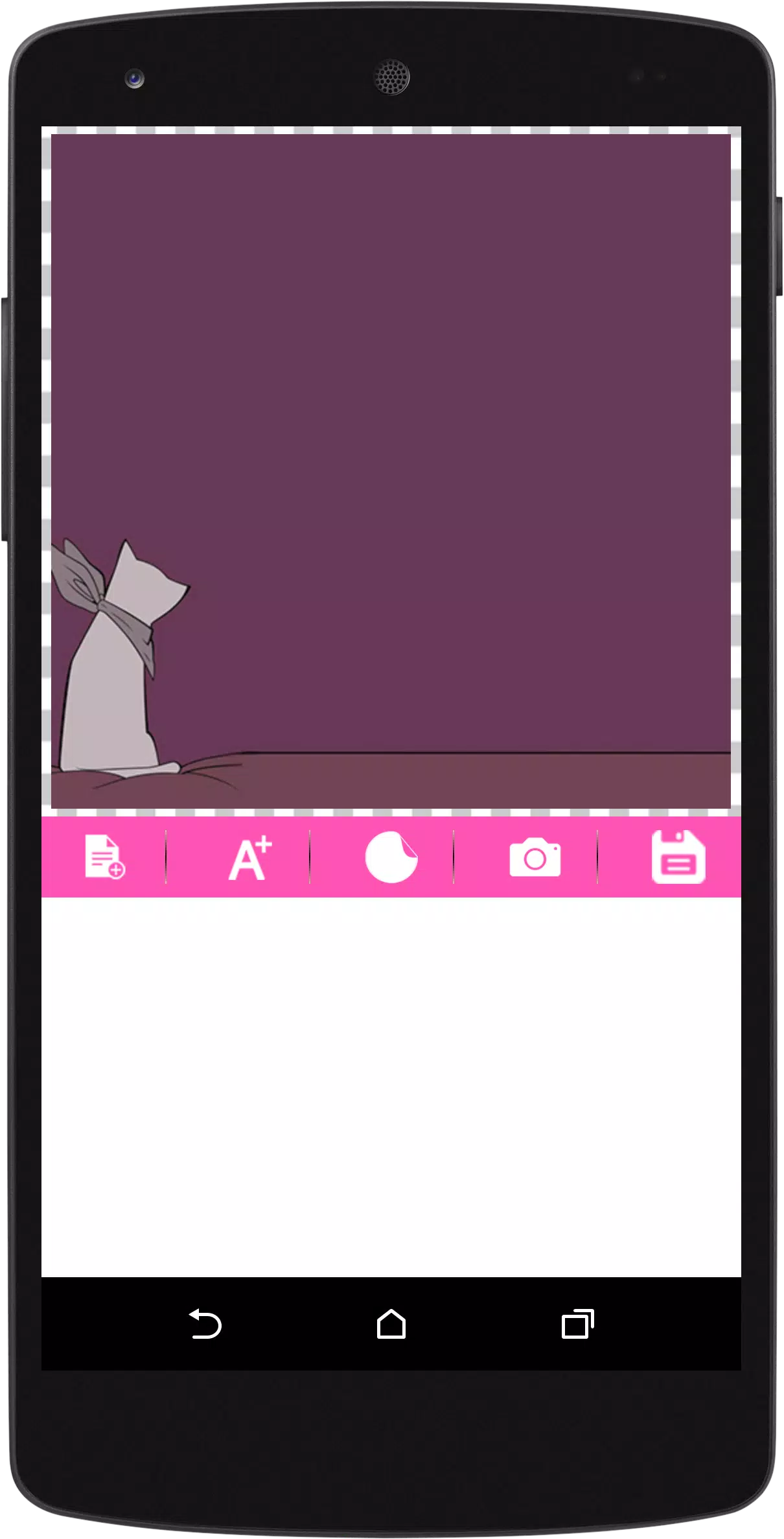
Stylish Name Maker helps you transform ordinary names into polished text designs for personal keepsakes, social profiles, or baby-name previews with a simple, no-friction workflow. The app opens to an editing canvas where you type the name, choose a decorative frame and a font, and then refine size, weight and style to produce a finished name graphic in seconds. Because Stylish Name Maker emphasizes quick previews and straightforward controls, anyone can produce attractive name art—whether you are testing baby-name ideas, personalizing a gift tag, or creating a distinctive profile signature.
Key features
At its core, Stylish Name Maker offers a compact set of creative tools designed for speed and clarity. The app includes around 100 decorative frames covering motifs such as hearts, playful characters, scenery scenes and formal borders, together with a selection of fonts that range from clean modern sans to calligraphy-inspired scripts. You can adjust basic typography features—text size, bold and italic—to fit names into frames and balance visual weight. The interface gives instant visual feedback as you try different combinations, and specialized modes make it easy to format nicknames or preview baby-name options in a single tap.
Controls and editing workflow
The editing workflow is intentionally shallow and approachable: enter the text, pick a frame, select a font family, then use on-screen controls to scale and align the text. Sliders and simple buttons control the most commonly needed adjustments, so you spend less time learning menus and more time iterating. Real-time previews update as you change size or emphasis, which speeds up experimentation. Touch-friendly controls mean you can nudge letter placement or resize the text with a thumb or stylus, keeping the process tactile and direct on phones and tablets.
Customization and visual style
Design options focus on combinations rather than deep image editing: frames set the overall mood, fonts convey personality, and layout settings ensure the name sits well inside the chosen border. The available frames are diverse enough to cover casual, celebratory and more formal looks, and the font set includes varieties suitable for baby-name mockups, playful nicknames and elegant signatures. Background suggestions and frame motifs let you visualize how a name will read in different contexts—for example, against a simple color wash or within a themed gift label—so you can decide which approach best fits the intended use.
Progression, experimentation and replay value
Rather than a level-based progression, the app encourages iterative design: build multiple variations by swapping frames and fonts, test different typographic weights, and refine sizes until the composition feels right. The specialized nickname and baby-name modes promote side-by-side comparison of ideas, which increases replay value because small changes often produce fresh looks. That iterative loop—try, preview, tweak—keeps the experience engaging even after many quick projects and makes it practical for both one-off creations and repeated personalization tasks.
Accessibility and offline use
The interface is designed for readability and ease of use, with clear controls and adjustable text sizes that make it comfortable for users with varying levels of visual acuity. Many of the core editing features work without requiring a constant internet connection, so you can experiment with designs while offline and pick up where you left off when you return to the app. The streamlined toolset also helps the app perform smoothly on a wide range of devices, which supports accessibility for users on older phones.
User experience and device support
Stylish Name Maker favors a compact feature set and low friction over complex toolchains: that simplicity shortens the learning curve and makes routine tasks efficient. The editing canvas and preview area are designed to give a clear sense of scale for how a name will appear in different contexts, and sensible defaults speed up the first results while allowing deeper adjustment when needed. Because the app focuses on name styling rather than photo manipulation, it launches quickly and keeps common actions one or two taps away.
Limitations
Stylish Name Maker is focused on decorating names and streamlining the naming and styling process rather than providing a full-featured image editor. The frame collection—about 100 designs—is broad but may not cover every niche aesthetic some users want, and the typography adjustments are centered on essential controls such as size, bold and italic rather than advanced kerning or professional type features. If you need detailed photo retouching or complex vector tools, a dedicated image or design app will be a better fit.
Overall, Stylish Name Maker is a compact, approachable tool for anyone who wants quick, attractive name graphics without a steep learning curve—use it to test baby-name combinations, stylize nicknames for friends, or create simple signature-style art for social media and printed gifts.
Information
Social networking apps have become essential tools in everyday life, making communication with others more convenient. These apps allow you to easily stay in touch with old friends while also providing opportunities to meet new people, helping to expand your social network beyond its usual boundaries. This page features a handpicked selection of the best social apps, making it your go-to choice for mobile socializing!





User Comments

Doodle Art is a compact design tool that helps you explore and choose tattoo ideas by collecting inspiration, templates and practical tips in one place. If you’re planning a new tattoo or researching styles, Doodle Art provides a user-friendly interface to browse downloadable templates, save reference images and sketch concepts you can bring to a studio. The app also explains how to use artist portfolios, prepare original artwork and adapt photographs so a tattooist can work from your files, including tips about transferring sketches to tattoo paper. It highlights placement, size and customization considerations so you can make a thoughtful decision before committing to ink.

Introducing "Build The SPORTY Yamaha Mio Sporty," a revolutionary mobile application that allows users to design their very own Yamaha Mio Sporty in stunning 360 degree 3D. Select your desired model, customize it with various options, and witness your dream bike take shape right before your eyes. With an immersive and interactive user experience, this app caters to motorcycle enthusiasts who crave personalization and creativity when it comes to their two-wheeled machines. Download The Sporty now and unleash your inner designer to create the perfect Yamaha Mio Sporty that truly reflects your style and personality.
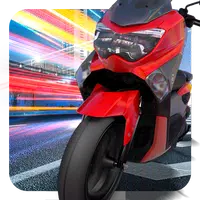
Design your dream Yamaha Nmax with The MAX in stunning 3D! With just a few taps, you can select your preferred model, add custom options, and then witness your unique creation come to life in full 360 degrees. From sleek colors to stylish accessories, the possibilities are endless in creating the perfect ride that fits your personal style. Whether you're a bike enthusiast or simply looking to build your perfect two-wheeled companion, this app offers an immersive and interactive experience that will leave you excited to hit the road with your personalized Yamaha Nmax.

DaFonts Lite brings a large, searchable font library to Android in a compact package, giving designers, content creators and casual users fast access to typefaces without installing bulky software. DaFonts Lite is written for people who want to experiment with typography on a phone or tablet: the app is small (around 3 MB), launches quickly, and focuses on browsing, previewing and downloading fonts so you can use them in presentations, social media graphics, or other creative projects. The interface emphasizes clear previews and short load times, making it easy to test dozens of styles in a single session.
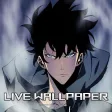
Sung-jin Woo Live Wallpaper is a fan-made wallpaper app that lets Solo Leveling fans customize phones and tablets with high-quality images of the series’ protagonist. The app provides a large, carefully curated gallery of artworks and fan art so you can set dramatic home screens, lock screens, or contact photos with ease. It focuses on presentation and simplicity, offering HD to 4K images, a tidy interface, and straightforward controls for downloading and applying wallpapers. Fans who want frequent new artwork will appreciate the regular updates and notification alerts that bring fresh imagery to their collection.
Sky-Frame B2B is a cloud-focused productivity tool designed for companies that manage sales channels, inventory, and client relationships. The platform centralizes order processing, automates B2B workflows, and delivers realtime analytics so teams can reduce manual tasks, speed fulfillment, and maintain accurate commercial records across suppliers and customers.