
 X
X
 facebook
 WhatsApp
 Email
Email
Introduction
Takeout is a smartphone application designed to simplify interactions with digital materials during meetings, presentations and social gatherings by turning your phone into an immediate content source and controller when placed on compatible table PCs. The app lets users download brochures, product catalogs and other documents to their device, share images with nearby participants through the table surface, and reopen the app with a simple touch gesture to avoid repeated sign-ins or cumbersome navigation. Takeout focuses on making meetings cleaner and more efficient while reducing reliance on printed materials.
Key features
Takeout provides a cable-free connection between phones and table PCs such as PixelSense devices, so content flows from the central surface to individual devices without USBs or complex pairing. Documents presented on the table can be pushed to participants’ phones for immediate viewing and offline access, while photos and visual assets can be shared across nearby devices without registration. The app supports quick preview and full-view modes for PDFs and image files, and it preserves original formatting so brochures and catalogs remain readable on small screens.
How it works
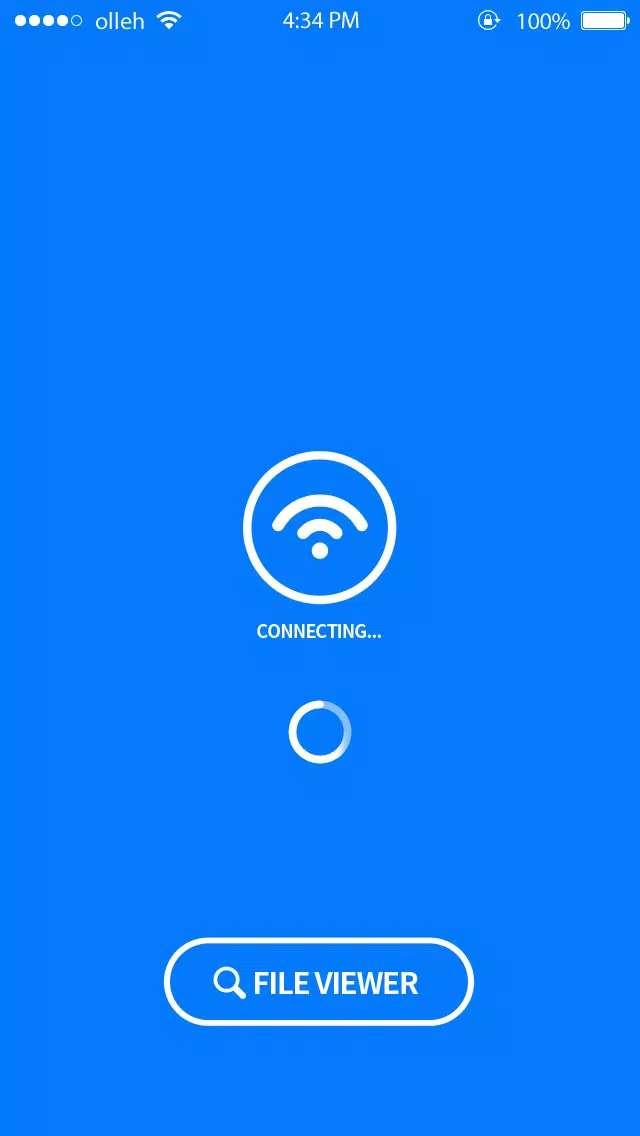
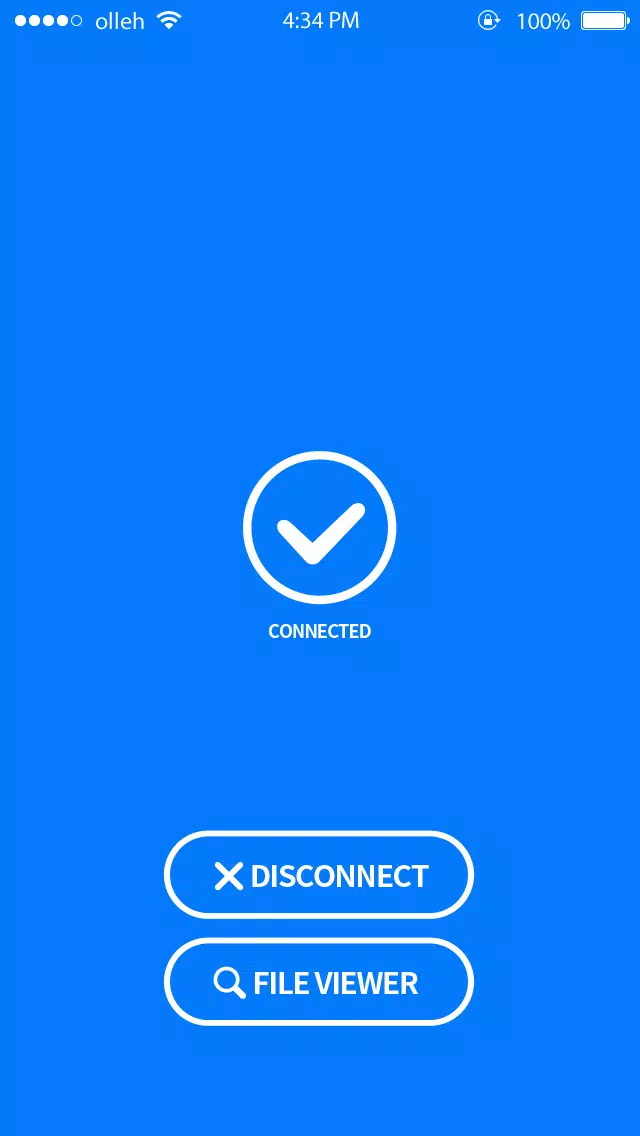
The core interaction model of Takeout is intentionally simple: place your unlocked phone on an active table PC and the device identifies available content. A tap or small gesture is then used to accept downloads or open shared images. The table PC acts as the hub for content distribution while your phone becomes a personal copy of the materials. All transfers are initiated from the table surface and completed on the phone, so attendees maintain control over what they keep and what they discard after a meeting.
Controls and navigation
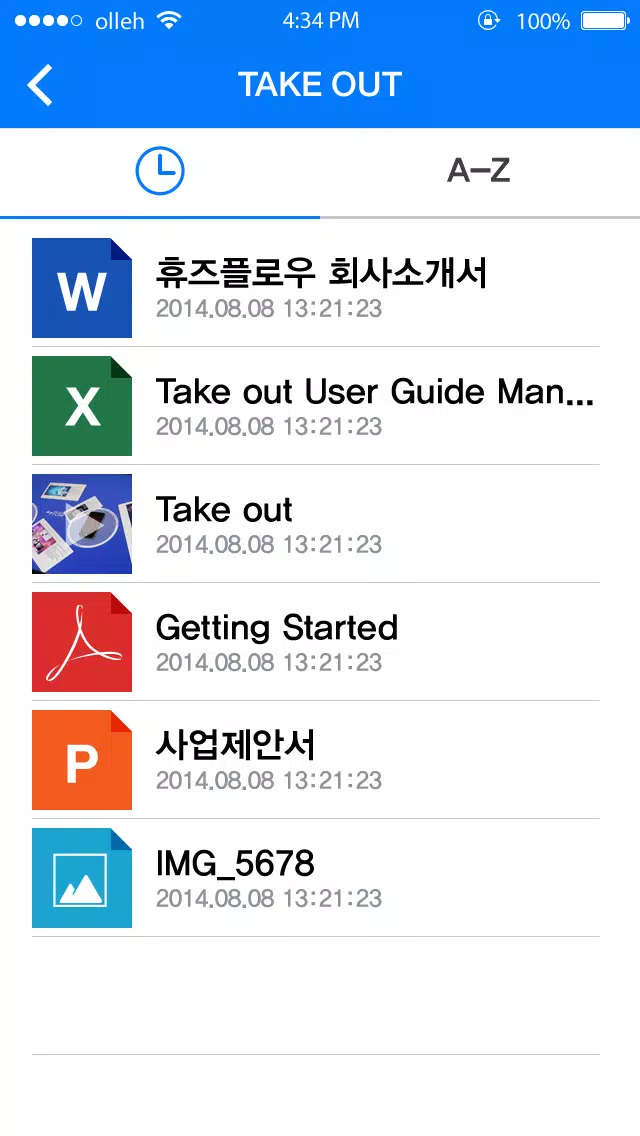
The interface emphasizes touch-first controls and a minimal learning curve. Navigation is organized into sections for Catalogs, Brochures, Recent Shares and Downloads, with single-tap opening and swipe gestures for paging through documents and images. After the initial placement, Takeout can be reopened with a brief touch gesture on the phone’s screen, eliminating repeated password entry during the same session. The design keeps primary controls large and predictable, which makes it easy to use during fast-paced meetings.
Progression and meeting flow
Rather than a game-style progression, Takeout supports a meeting-oriented workflow that moves participants from discovery to retention. Hosts can arrange material on the table in a sequence that reflects agenda items, and attendees can collect items to their phone in the order relevant to their role. Collected items remain available for later review, allowing users to revisit specific slides or product pages after the meeting ends. This staged flow helps keep meetings focused and creates a natural sequence for follow-up actions.
Visual style and customization
Takeout uses a clean, neutral visual language that prioritizes legibility and quick scanning of content. Document thumbnails are generated automatically to show a representative page, and full-screen viewing preserves the layout and images of the original file. Users can adjust text size for reading mode, choose a light or dark viewing theme, and manage automatic downloads to control storage. These customization options help adapt the app to different presentation types and individual accessibility needs.
Replay value and long-term use
Because Takeout saves received materials to each participant’s device, the app delivers ongoing value beyond the meeting itself. Sales teams can archive catalogs for reference between visits, training groups can retain handouts for study, and event attendees can keep content that matters to them without carrying physical brochures. The ability to re-open materials quickly and the straightforward file library contribute to the app’s utility across repeated meetings and different venues.
Accessibility and offline support
Takeout is designed with accessibility in mind: large tap targets, configurable text sizes and compatibility with standard screen readers help accommodate a wide range of users. Downloaded documents are stored locally so they remain accessible offline once transferred, which is useful in venues with limited connectivity. The app also provides simple in-app troubleshooting tips when the connected table PC is not detected, and it clearly communicates device compatibility requirements.
Limitations and environment requirements
Takeout’s primary limitation is its dependence on a compatible table PC environment; core features require a supported surface such as PixelSense devices, and the app is not intended for remote control of off-site systems. Performance and available features may vary according to the table PC model and how content is published from the host system. These constraints are balanced by the convenience of quick, cable-free transfers and the privacy of local storage on each phone.
Information

The Remote App Tool collection includes many Android apps that allow remote control. With the growing number of smart devices, it's easy to misplace remotes. These apps solve that problem, offering a convenient, free way to control your devices. They provide great convenience for your daily life!






Social networking apps have become essential tools in everyday life, making communication with others more convenient. These apps allow you to easily stay in touch with old friends while also providing opportunities to meet new people, helping to expand your social network beyond its usual boundaries. This page features a handpicked selection of the best social apps, making it your go-to choice for mobile socializing!






User Comments

Takeout is a smartphone application designed to simplify interactions with digital materials during meetings, presentations and social gatherings by turning your phone into an immediate content source and controller when placed on compatible table PCs. The app lets users download brochures, product catalogs and other documents to their device, share images with nearby participants through the table surface, and reopen the app with a simple touch gesture to avoid repeated sign-ins or cumbersome navigation. Takeout focuses on making meetings cleaner and more efficient while reducing reliance on printed materials.

Action is a polished video production tool from Meitu that helps creators and marketers produce professional talking videos quickly and with minimal effort. It combines AI-assisted script writing, teleprompter guidance, portrait beautification and streamlined post-production so you can go from idea to a high-definition clip in minutes. Enter a few keywords and Action suggests topics, captions and full scripts, extract text from images or footage for ready-made scripts, and provides presenter and voice tools when you prefer not to appear on camera. If you want crisp 4K output, clearer audio and faster subtitle editing, Action packages these features into a compact workflow.
TOK CAM - Analog Camera brings classic instant, CCD and film-style photography to your phone with one-tap realism and a familiar, tactile interface. TOK CAM - Analog Camera reinterprets over 20 camera models and film formats so you can capture images that read like prints or scanned negatives, with authentic grain, film borders, mechanical-style shutter feedback and optional timestamps displayed on export. The app is designed for photographers and visual storytellers who want a nostalgic analog aesthetic without film processing or darkroom work.

AI Photo - AI Generator lets you transform ordinary photos into anime-inspired art and avatars using AI-powered styles, filters and textures. Whether you want a distinctive profile picture, a wallpaper, or playful avatars for social media, AI Photo - AI Generator converts selfies and portraits into stylized headshots in seconds with minimal effort. The app targets users who enjoy creative self-expression and visual customization: you get HD exports for printing or sharing, a range of trending artistic looks, and a simple interface that avoids complex editing tools—so both casual users and content creators can produce striking anime-style images quickly.

Colorize Photos restores color to black-and-white and faded images with AI-assisted colorization and manual adjustment tools for natural-looking results.

AI Photo Generator - acha AI turns ordinary selfies and photos into cinematic, fashion-style portraits with a few taps. This app uses a growing set of creative Recipes to apply looks inspired by movie scenes, retro film photography, fantasy art and editorial fashion so you can create professional-looking images for social feeds or personal projects. Choose a style, upload a photo or take one in the app, and generate high-resolution portraits in seconds — ideal for creators who want striking profile pictures, avatars or standout content without complex editing.