
 X
 facebook
 WhatsApp
 Email


Introduction
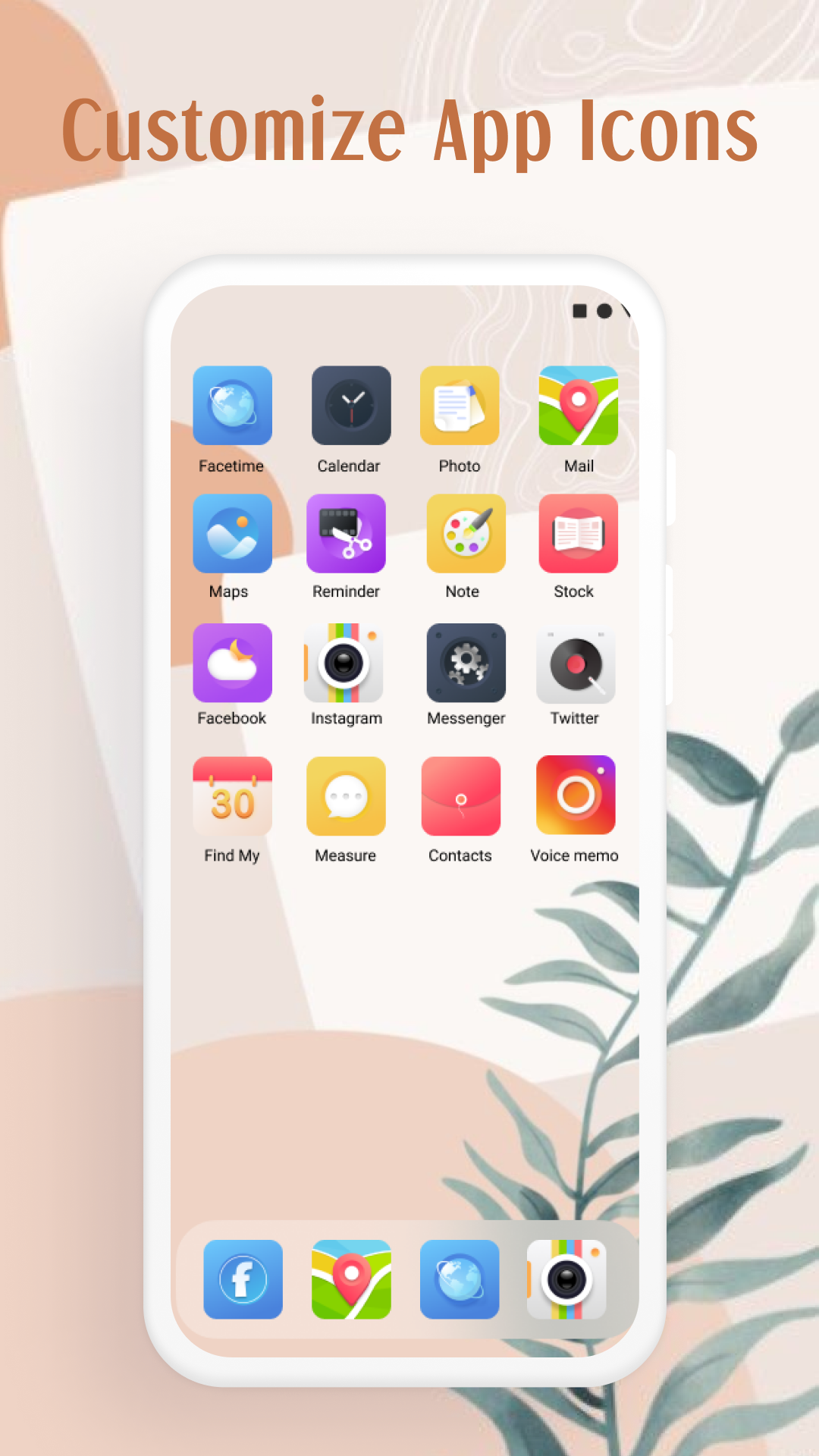
Icon changer is a lightweight Android utility that lets you replace app icons, customize labels, and create personalized home screen shortcuts without installing a new launcher. It focuses on quick icon swaps, batch editing, and simple previews to help users tailor their device look with minimal effort and no design skills.
Overview: What the app does
Icon changer streamlines the visual side of Android customization. Rather than forcing a full theme or third-party launcher, it applies new icons to individual apps or groups through system shortcuts. The result is a cleaner approach to personalization: users get aesthetic control while keeping their preferred launcher and widgets intact.
Core features at a glance
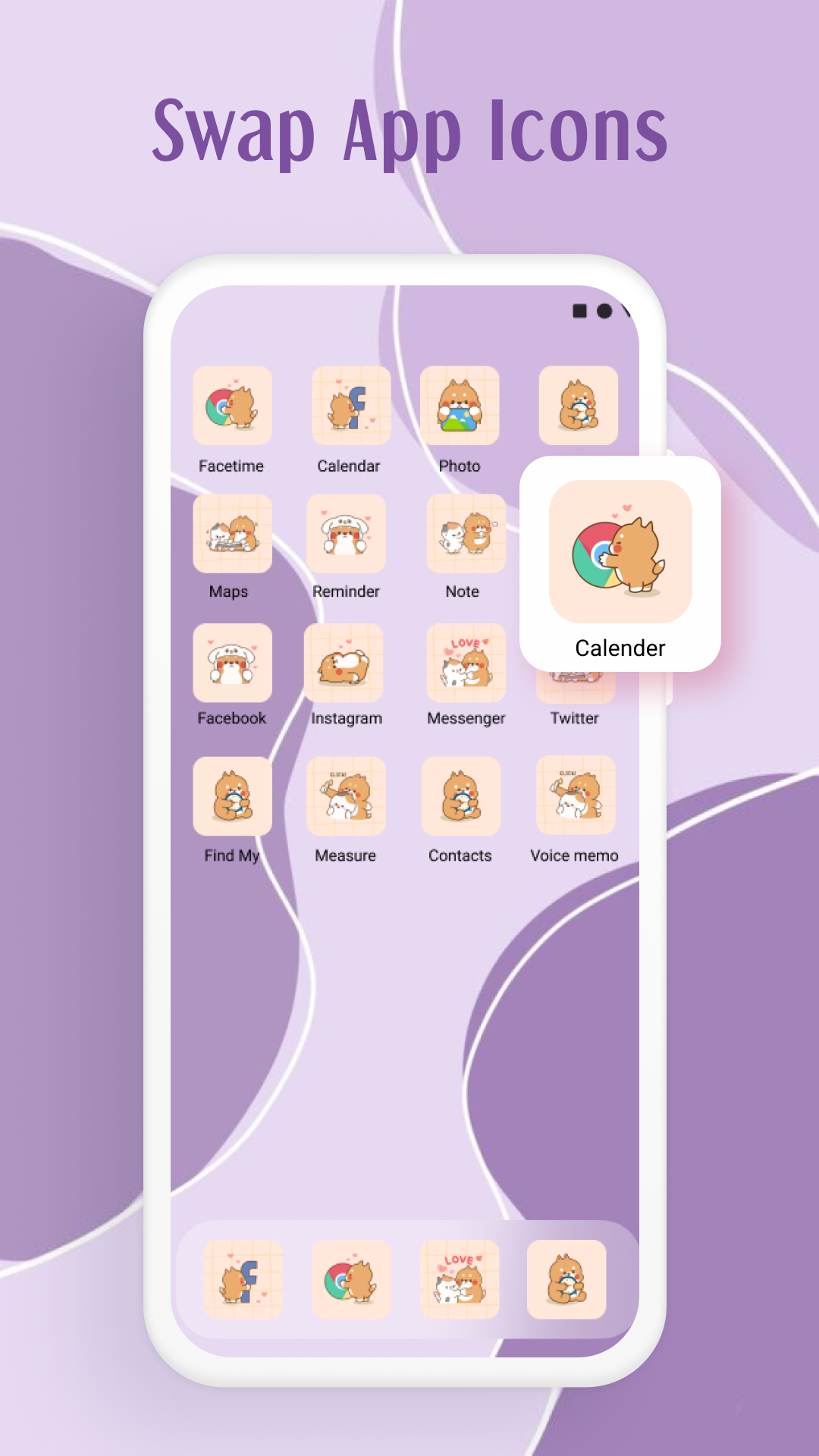
- Icon replacement: Swap an app’s default icon with any image from your gallery or a custom pack.
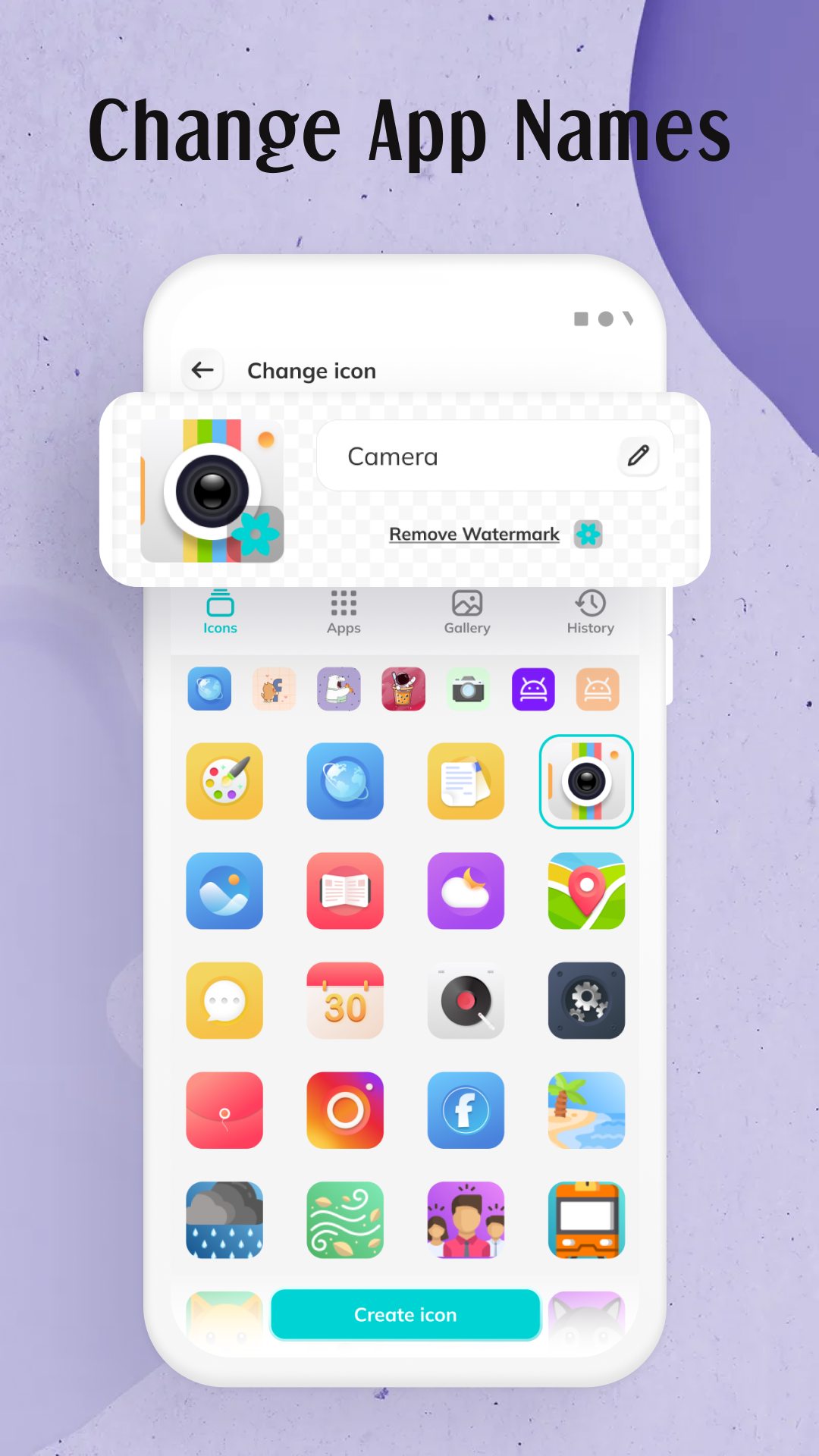
- Label editing: Change the text beneath an icon to match your organization style.
- Batch apply: Update multiple app icons in one session to maintain consistency.
- Preview mode: See how changes look on a mock home screen before committing.
- Backup and restore: Save icon sets and revert to originals if needed.
How it works
The simplified workflow is one reason Icon changer appeals to casual and power users alike. You start by selecting an app from a list. Next, choose an image — either from the bundled icon packs, the device gallery, or a downloaded resource. The app generates a shortcut with the new icon and optionally the new label, placing it on the home screen. The original app remains unchanged in the app drawer.
Tools and options inside
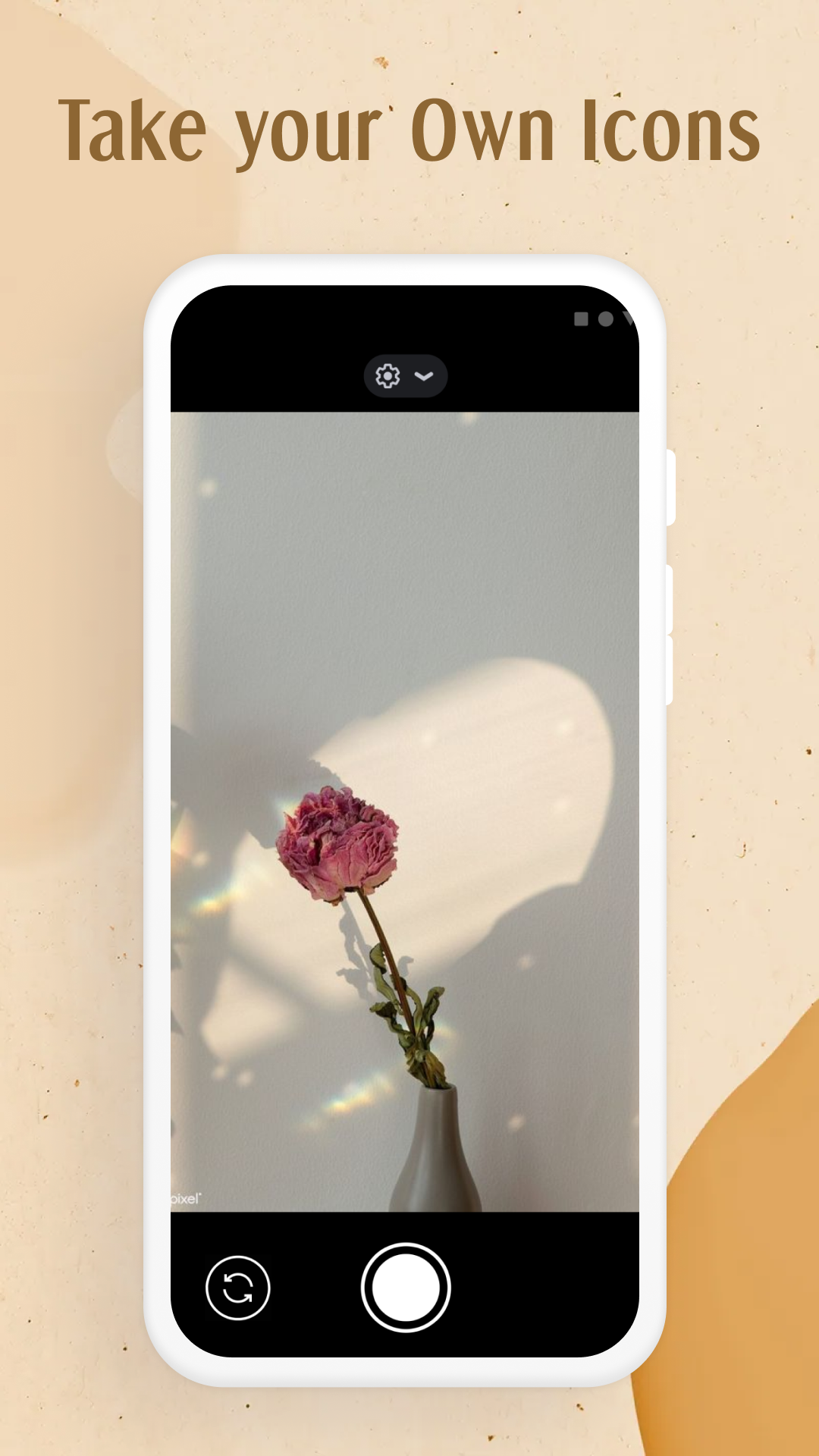
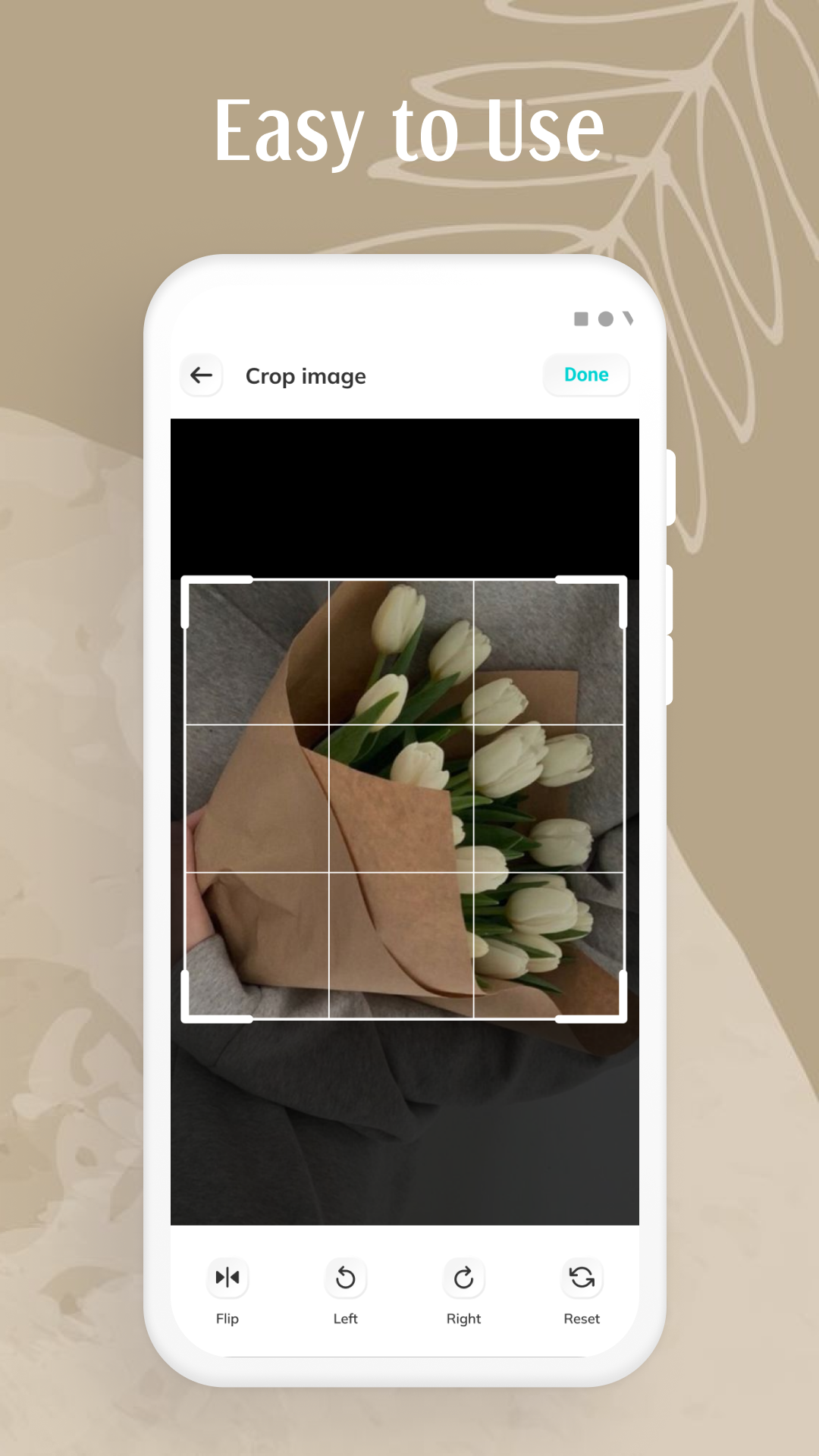
- Crop and fit: Trim imported images to avoid awkward borders or misalignment.
- Resize presets: Quickly choose sizes that match your launcher grid.
- Icon packs support: Apply entire packs or mix-and-match icons.
- Transparent backgrounds: Remove backgrounds for cleaner icons.
Design and user interface
Icon changer keeps the interface minimal. Clear buttons and a preview pane make it easy to test variations. Menus are grouped into logical sections like Apps, Icons, and Presets, reducing friction for users who just want a quick aesthetic update. The settings menu includes options to control shortcut naming, shortcut creation behavior, and whether the app asks for confirmation before replacing icons.
Performance and resource use
Changing an icon is lightweight, and the app performs operations locally without large background services. That means low battery impact and minimal memory usage. Most devices apply shortcuts instantly; older phones may show a short delay during image processing. The app gracefully handles permission requests and provides clear prompts so users know why access is needed.
Practical tips for new users
- Start with a small batch: change five icons first to check visual cohesion.
- Use preview mode to test different sizes and label styles.
- Keep a saved backup before applying large-scale changes.
- Organize icons into folders to maintain a tidy home screen after redesigning.
For those who enjoy creating their own icons, try exporting test packs and installing them across devices to maintain a consistent look. Icon changer supports common image formats and recommends square images for the best results.
Compatibility and installation
Icon changer is compatible with most modern Android launchers because it relies on home screen shortcuts rather than deep integration. Installation requires standard storage permission to access gallery images and the ability to create shortcuts on the home screen. The app includes a brief walkthrough on first launch that explains permissions and shows how to add your first customized icon.
Why users pick this tool
People choose Icon changer when they want precise control over the look of their device without committing to a full theme or learning a complex launcher. It balances simplicity with enough advanced options to satisfy enthusiasts who care about visual details. The app's straightforward flow and low system footprint make it a practical addition to any customization toolkit.
Whether you want to refresh your device for a new season, create a uniform aesthetic, or simply rename cluttered icons for clarity, Icon changer provides the necessary tools in a compact, user-friendly package.
Information
User Comments

Introducing Phone Ringtones - the ultimate solution to boring phone ringtone music! Say goodbye to generic tones and hello to a world of personalized ringtones that reflect your unique style. With a vast collection of the latest iphone ringtones, notification sounds, and remixes, you'll never have to settle for default sounds again. Our user-friendly app allows for easy customization, so you can set different ringtones for contacts and alarms with ease. And with added features like wallpapers and the ability to share with friends, Phone Ringtones is more than just a ringtone app - it's a complete phone makeover experience. Upgrade your phone now with Phone Ringtones and let your personality shine through!

Upgrade your Android device with the most comprehensive icon pack available today from ENIX. With over 4200 unique icons and regular updates to keep up with the latest trends, your home screen will never look the same. But that's not all - the motion calendar feature offers a fresh take on the traditional calendar view, while a diverse collection of stunning 3D wallpapers adds a whole new level of customization. With ENIX, your phone will always be up-to-date and your user experience will be maximized to its full potential. Try it now and see the difference!
Experience the ultimate personalization for your mobile device with iPhone 11 Pro max. This innovative app provides you with a wide range of stunning themes, icons, and wallpapers designed in 4D to give your phone a fresh and stylish look. With a variety of categories to choose from, you can easily customize your screen display with high-quality graphics and unique designs. The app is user-friendly, free to use, and allows you to easily change and customize icons and names for any app on your device. Give your phone a makeover and download iPhone 11 Pro max today to transform your mobile experience.

Looking to make your phone stand out with a fresh new look? Look no further than Mellows Theme! This comprehensive launcher beautification program covers icons, wallpaper, folders, menus, skins, and more to give your phone a complete makeover. Compatible with popular launchers like CLauncher, Go Launcher EX, and iOS 7 Launcher, Mellows Theme offers a variety of wallpapers and lockers to suit your style. With C Launcher, you can simplify, beautify, and supercharge your Android phone with tools to save battery life and clean up junk files. Download Mellows Theme now and transform your phone into a true reflection of your personality!
USB Screen Share - Phone to TV is the ultimate USB connection app for mirroring your phone or tablet to a TV. With the ability to easily connect your device to a TV using a USB cable or wireless connection, this app allows you to share your favorite videos, photos, and other content on the big screen. With features like USB screen mirroring and customizable settings, USB Screen Share - Phone to TV is perfect for anyone looking to enhance their viewing experience and share content with others effortlessly. Whether you're a tech pro or a beginner, this app is a must-have for enjoying your device's content on a larger display.
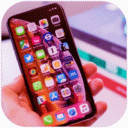
Enhance the look and functionality of your Android device with ios 12 launcher xs - ilauncher. Customize your home screen with a variety of themes, wallpapers, icons, and widgets to give your device a fresh and unique look. Enjoy fast and smooth navigation through your phone with options to personalize layouts, hide apps, and optimize app organization. With smart searching capabilities and app suggestions, finding what you need is easier than ever. Keep your apps private with icon hiding and backup your settings for added convenience. Experience a new level of customization and efficiency with ios 12 launcher xs - ilauncher.