

 X
X
 facebook
 WhatsApp
 Email
Email



Introduction
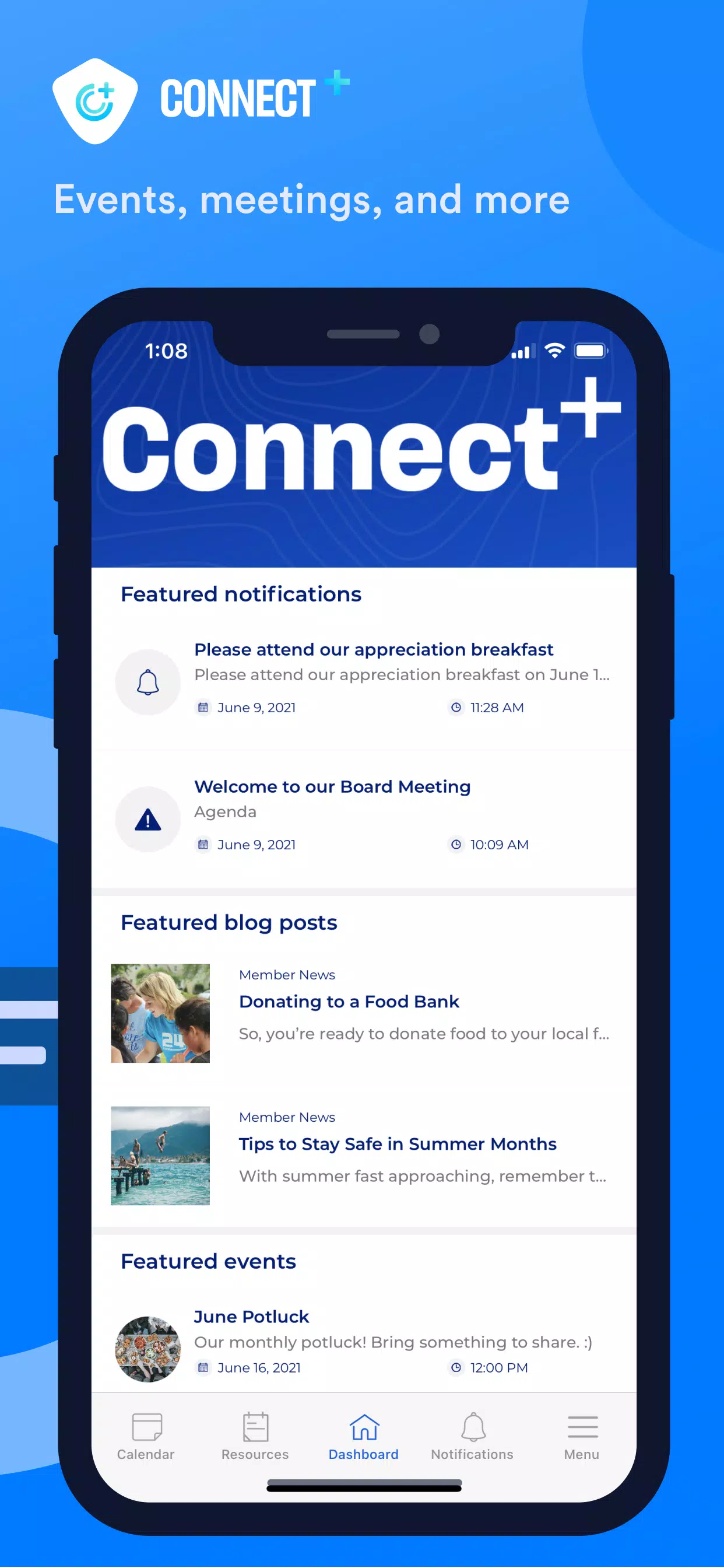
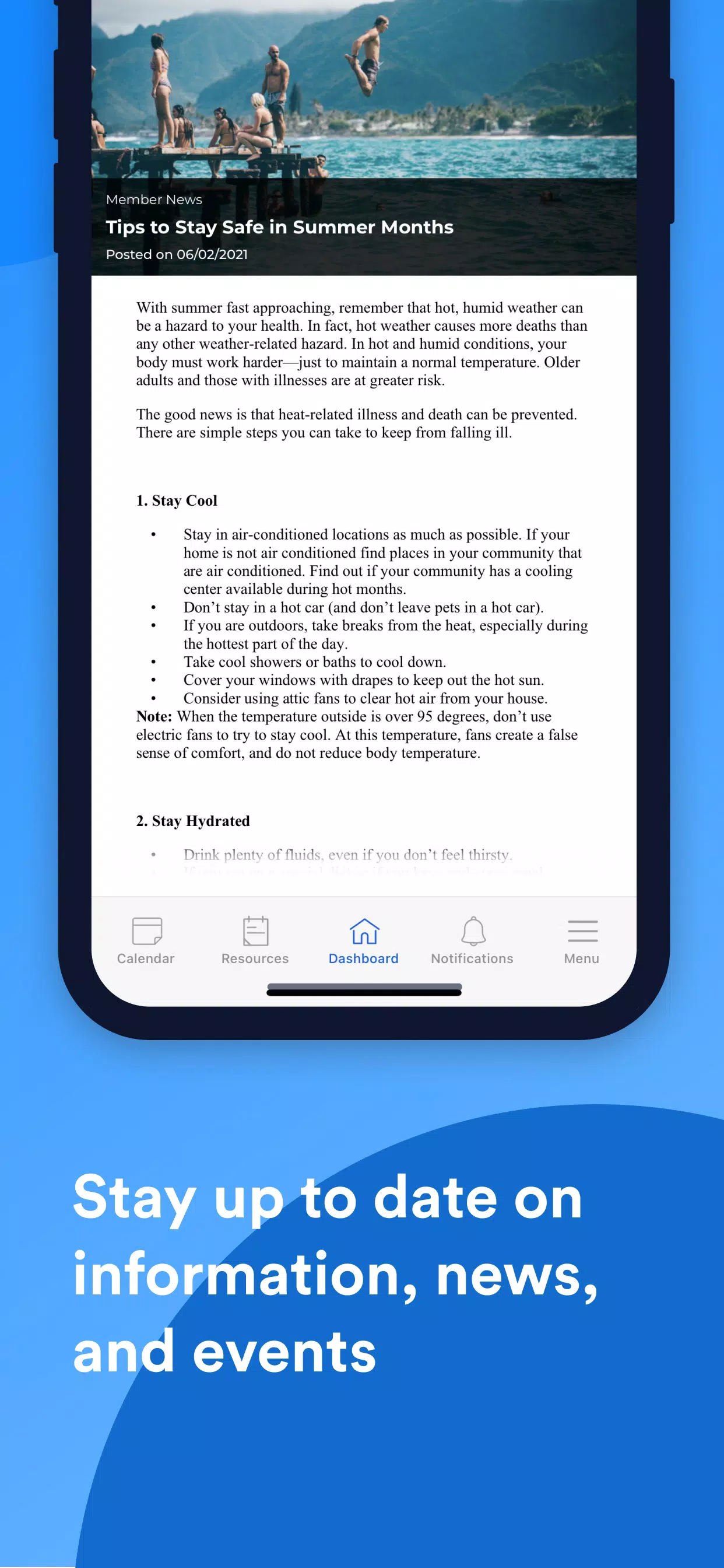
Connect Plus+ is a secure communication and organization app that centralizes messaging, documents, event calendars and real-time alerts so you can manage work, community activities and personal plans from a single interface. Connect Plus+ emphasizes privacy and reliable delivery, using modern encryption to protect messages and sensitive files while providing push notifications and resource links that keep users informed and productive. The app is designed for groups that need a compact hub for conversations, shared materials and time-sensitive reminders, with an interface focused on clarity and quick access.
Key features
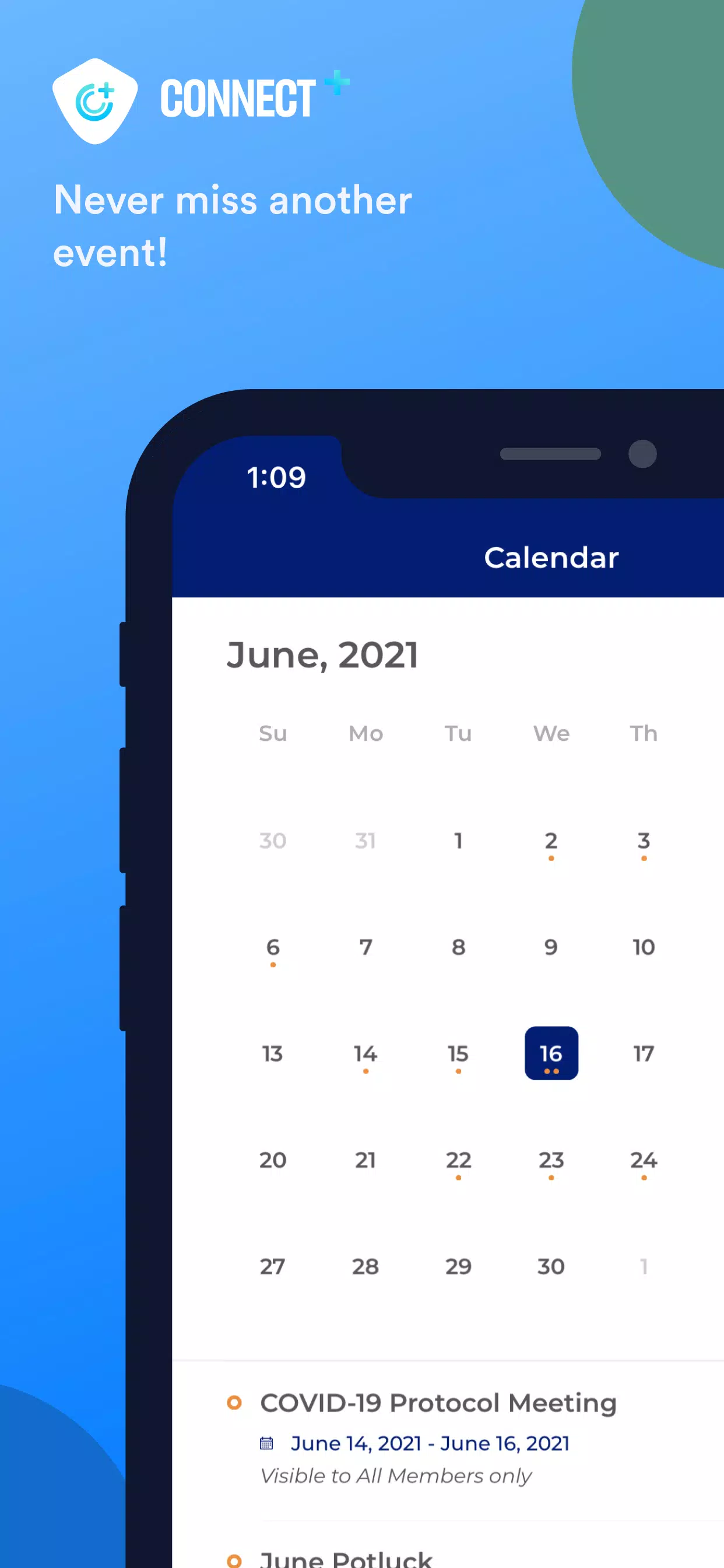
The core of Connect Plus+ is its unified inbox and document library: threaded conversations sit alongside file previews and linked resources so you can move from a message to the supporting material without switching apps. Event calendars are integrated at the group and individual level, with timed alerts and reminders for meetings, deadlines and community events. The app supports attachment types commonly used by organizations — documents, PDFs and images — and offers deep search across messages, file titles and calendar entries so you can find past information quickly. Real-time alerts and resource links allow coordinators to share location-based details and external references when needed, while permission settings help restrict access to confidential folders and documents.
User interface and controls
Navigation relies on simple, mobile-friendly gestures: tap to open threads, swipe to archive or mark conversations, and long press to access quick actions like pinning or muting a chat. Composing messages uses a compact editor that supports basic formatting and file attachments; inline previews let you open documents without leaving the conversation. A persistent search bar and filter controls help you narrow results by date, author or file type. On tablets and larger screens, Connect Plus+ adapts with a two-column layout so you can read a message while browsing a calendar or document, improving multitasking during busy periods.
Organization and progression
Groups and folders form the backbone of information structure in Connect Plus+. Administrators and moderators can create topic-based channels, organize documents into shared libraries, and apply folder-level permissions to shape how teams progress through tasks. New users are guided through a brief onboarding flow that highlights key areas — joining channels, uploading a document, and setting notification preferences — which helps groups move from setup to regular use with minimal friction. Document updates and simple activity histories make it easier to track changes and see who last edited or commented on a file.
Customization and accessibility
Connect Plus+ provides options to tailor the experience: adjust notification frequency, choose a compact or expanded message view, and set font sizes for readability. Visual themes offer contrast choices to suit different lighting conditions, and accessibility considerations include compatibility with common screen readers and scalable text. Notification controls let users prioritize alerts for high-impact items while muting lower-priority channels, giving individuals control over how and when they are contacted.
Security and privacy
Security is a central focus in Connect Plus+. Messages and documents are protected with state-of-the-art encryption and transport safeguards to reduce the risk of unauthorized access. Permission controls and centralized administrative settings allow organizations to limit who can view or edit sensitive content, and the app honors device-level protections so stored data remains guarded by PINs or biometric locks when those features are enabled. Audit-friendly logs and clear privacy settings make it straightforward for teams to establish and maintain secure collaboration practices.
Offline use and performance
To support work in varied network conditions, Connect Plus+ caches recent messages, calendar entries and frequently accessed documents for limited offline viewing. Changes made offline are queued and synchronized automatically when a connection is restored. The app is optimized to reduce bandwidth consumption during peak hours and to perform smoothly on a range of devices, from older smartphones to modern tablets and desktops through its responsive design.
Who benefits and user experience
Connect Plus+ is suited to small teams, community organizers, volunteer groups and personal users who need a single place to coordinate schedules, share documents and stay updated with real-time alerts. Its combination of straightforward controls, organized structure and secure handling of information helps reduce missed deadlines and scattered resources. Regular updates improve stability and add refinements based on user feedback, keeping the experience practical and reliable for everyday coordination tasks.
Information
 Google Play
User Comments

Forum Joomla!FR brings the Francophone Joomla community to your phone and tablet, offering fast access to the official French Joomla forum and community resources so you can read, reply and stay informed from anywhere. Forum Joomla!FR centralizes discussions, AFUJ announcements and practical resources in a responsive interface designed to work smoothly on both smartphones and larger screens, helping developers, site maintainers and newcomers keep up with topics and collaborate in French.

Space messenger is a compact messaging application aimed at everyday communication, letting users exchange text and media, organize conversations, and manage contacts in a straightforward interface. It is useful for people who want a simple, efficient way to keep in touch without complex setup; the app's design focuses on clear message threads and quick sharing. Space messenger suits users who prefer a lightweight messaging tool for personal or small-team conversations and who value a no-frills approach to sending messages and viewing chat history.

VSN is a utility and mobile recharge app that lets users pay bills and send IMPS transfers quickly and securely. Designed for people who want to simplify routine payments, VSN combines bill reminders, transaction history, and secure online payments in a single, easy-to-use interface. The app is useful for individuals and small businesses that need a dependable way to manage mobile recharges, electricity, water, and other utility bills without juggling multiple providers. With clear workflows and built-in safeguards, VSN reduces the time spent on payments and helps avoid missed dues.

APP Técnicos is a specialized mobile app designed for technicians who maintain Tennant cleaning equipment, providing a compact, field-ready tool to receive, manage and document service work orders. The app delivers detailed job information—model, serial number, reported faults—so technicians can diagnose and resolve issues quickly. Technicians can update job status in real time, attach photos and notes, and keep a complete service log. Secure, credential-based access ensures only authorized personnel use the system, while offline mode lets teams continue work without connectivity and sync changes when a connection returns.

Kemendesa Corner is a centralized communication and resource app designed to help employees of the Ministry of Desa, Pembangunan Daerah Tertinggal, and Transmigration stay informed and work more efficiently. The application gathers reference materials, news updates, discussion spaces and direct consultation tools into a single interface so staff can quickly find documents, follow program developments and coordinate activities across village development, Bumdes initiatives and transmigration programs. Users who need a reliable internal hub for sharing policy updates, accessing training videos and resolving questions will appreciate how Kemendesa Corner reduces fragmentation and speeds everyday collaboration.

ChubbSurvey is a mobile application built to help officers and staff manage accident investigations and claims more efficiently. The app centralizes scene logging, evidence capture and reporting so teams can record photos, audio notes, descriptive damage assessments and GPS coordinates directly from the field. Organizations choose ChubbSurvey to reduce paperwork, keep stakeholders informed with automated alerts and ensure consistent, professional documentation that speeds up claim processing. Designed for both on-site and remote use, it helps surveyors and insured companies locate incidents precisely and maintain organized exploration records from first assessment through final reporting.