

 X
 facebook
 WhatsApp
 Email
Introduction
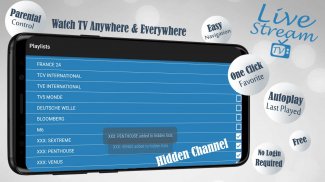
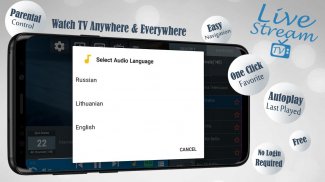
Livestream TV - M3U Stream Player IPTV is a lightweight Android app that plays IPTV playlists and live streams with minimal setup. It supports M3U and M3U8 lists, offers customizable channel groups, and provides stable playback for users who want a straightforward mobile streaming solution.
What the app does
This player focuses on delivering a simple, reliable way to consume live TV and network streams on Android devices. Rather than bundling built-in channel catalogs, the app loads user-provided playlist files or URLs and renders them in a compact channel list. Playback relies on widely supported formats to reduce compatibility issues across different devices and Android versions.
Primary capabilities
- M3U/M3U8 support – Accepts local files and remote playlist URLs for quick channel import.
- Channel grouping – Organize streams into favorites, categories, or custom folders.
- Adaptive playback – Buffering and reconnection options to keep streams running smoothly.
- External player integration – Option to hand off streams to third-party video players when needed.
How it works
Adding content is straightforward: paste an M3U URL or browse to a saved playlist on your device. The app parses entries and displays channel names with available metadata. Tapping a channel initiates playback using the built-in engine or an external player you choose. Basic controls cover pause, resume, seek (if the stream supports it), and audio track selection.
Playlist handling and organization
Livestream TV - M3U Stream Player IPTV automatically detects entries in playlists and extracts group titles when present. You can filter the channel list, search by name, or create custom groups for quick access. The interface keeps the most-used channels within reach through a favorites feature and remembers the last played stream for faster resuming.
Interface and performance
The user interface keeps distractions to a minimum: a tidy channel list, a simple player screen, and lightweight settings. Because the app avoids heavy visual effects, it runs well on mid-range hardware and older phones. Buffer sizes and connection timeout values are adjustable to match your network conditions, helping reduce dropouts on unstable Wi-Fi or mobile data.
Playback stability
Several settings aim to stabilize live streaming: retry attempts, custom buffering, and a choice of playback backends. When a stream fails, the app shows error messages that point to common causes like unreachable URLs, unsupported codecs, or misformatted playlists—helpful for troubleshooting without digging into logs.
Getting started: installation and setup
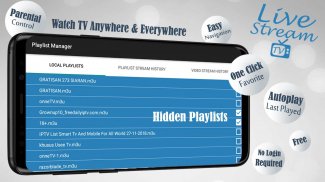
Installation is like most Android apps: grant the necessary permissions, then add a playlist. For remote streams, paste the M3U URL into the add-playlist field and let the app fetch entries. Local files can be selected from the device storage. If you prefer, Livestream TV - M3U Stream Player IPTV supports importing multiple playlists and merging them into a single view.
Settings to check first
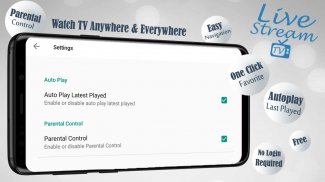
- Network timeout – Increase if streams drop frequently on slow connections.
- Player backend – Switch to an external player if your device lacks codec support.
- Auto-reconnect – Enable to attempt reconnection after brief network interruptions.
Tips for new users
Start with a small playlist to verify playback before importing large lists. Label groups and favorites to avoid scrolling through long channel catalogs. If a specific channel shows errors, try opening the entry in a different player to confirm whether the issue is the stream or the app. Clearing the cache can also resolve occasional parsing or playback glitches.
Why many users pick this player
People choose this app for its no-nonsense approach to IPTV: it does what a playlist player should do without forcing a curated service. The emphasis on compatibility, quick setup, and simple channel management makes Livestream TV - M3U Stream Player IPTV a practical tool for users who already have playlists and want dependable mobile playback. Advanced users will appreciate external player support and configurable buffering, while casual users benefit from an uncluttered, easy-to-navigate interface.
Whether you need an always-ready player for travel or a lightweight IPTV client for daily viewing, the app presents a balanced set of options to get streams running with minimal fuss.
Information

The Remote App Tool collection includes many Android apps that allow remote control. With the growing number of smart devices, it's easy to misplace remotes. These apps solve that problem, offering a convenient, free way to control your devices. They provide great convenience for your daily life!






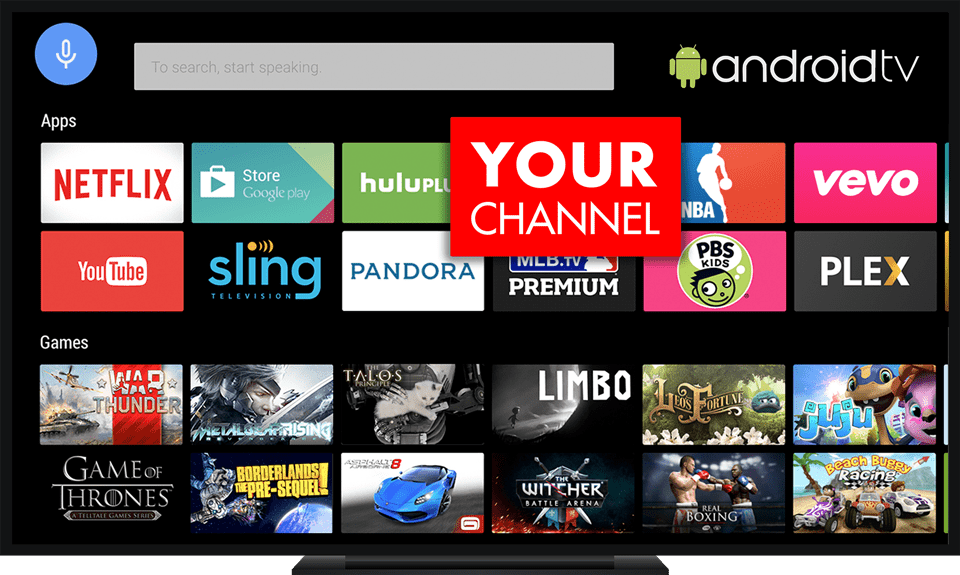
This collection of TV apps offers users several options for free streaming, featuring high-definition media players compatible with television. With these apps, you can easily watch your favorite shows without hassle. The platform boasts a vast library of video content, organized into clear categories for quick access. High-quality videos are just a click away, ensuring you never miss out on anything. If you're interested, download and start enjoying the experience today!






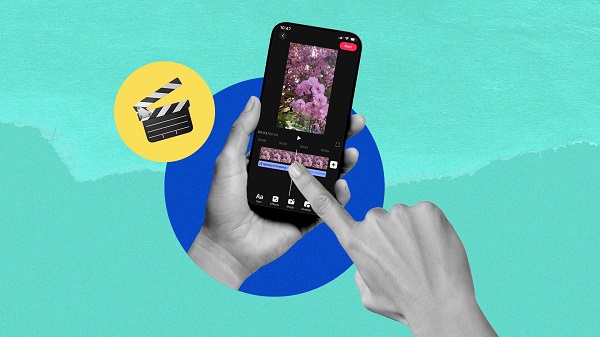
What would it be like to download video software for free? In this collection, you can find various video software that interests you, whether it’s video players or video editors—everything you need is here. All of it is provided for free, allowing you to download with ease and without any worries.




User Comments

face video downloader makes it easy to save publicly available short videos that highlight faces for offline viewing and reference. The app supports common video formats and keeps saved clips organized so you can review them later within the app.

STREAMING is a mobile app for discovering and watching on-demand video and live channels. The app organizes movies, shows and broadcasts into categories and provides search and playback controls for a consistent viewing experience.

Vanced Tube PopUp Video Guide For Vanced is a practical companion that explains how to enable ad-free playback and a floating pop-up player for online video services so you can keep watching or listening while switching between apps. The guide walks users through multitasking playback, blocking intrusive ads, searching for content and creating playlists to streamline viewing. It is intended for people who multitask—students, commuters and professionals—and includes notes on safety and the importance of obtaining tools from trusted sources.
荐片播放器 is a lightweight Android video player that organizes local and streamed videos and provides personalized recommendations in a simple, uncluttered interface. With 荐片播放器 you can browse and manage your library and playlists, play common video formats with external subtitle support, and control playback using gesture controls and adjustable speed.

Stream on Screen for Price Tag is a digital signage tool that replaces paper price tags with live, updateable on-screen labels, letting retailers broadcast pricing, promotions and product details from a single dashboard. Designed for stores of any size, Stream on Screen for Price Tag simplifies content management by pushing updates to multiple displays instantly and improves pricing accuracy while reducing staff time spent on manual changes.

iFeng Video puts global headlines and China-focused stories into a single, video-first app so you can watch and follow developments without hunting across sources. The app surfaces breaking news, finance, military and entertainment clips alongside longer documentaries, and it offers an integrated browser, personalized alerts and offline playback so you can download videos over Wi‑Fi and watch later. With a clean, category-driven interface and a search bar to find related material, iFeng Video is useful for commuters, busy professionals and anyone who prefers watching curated news on demand.

The RTÉ Player app is your go-to destination for all your favorite TV shows in Ireland, both live and on-demand. With a vast library of gripping dramas, entertaining soaps, live sports, and popular entertainment shows, there is something for everyone. Easily browse and switch between RTÉ channels, including RTÉ One, RTÉ2, RTÉ News, and RTÉ Kids, all on the go. Keep the little ones entertained with RTÉ Player Kids, offering a variety of fun, educational, and entertaining content from RTÉjr.

Get all the latest and most important sports news, with a focus on football, right at your fingertips with Viper Play Net Fútbol TV. Stay up to date on all the action happening in the world of sports, from game results to player transfers and more. Viper Play makes sure you never miss a beat when it comes to the latest sports updates. Whether you're a die-hard football fan or just like to stay informed on trending sports topics, Viper Play has got you covered. Download the app now and elevate your sports news experience to the next level!

Are you a movie buff looking for the ultimate streaming app? Look no further than CineB - More! This app, also known as CineB - Plus - Filmes e Séries, is your one-stop destination for all things entertainment. With a vast library of movies, TV shows, and documentaries, CineB - Plus offers detailed information about your favorite titles and allows you to curate your own watchlist based on your genre preferences. Say goodbye to endless scrolling and endless ads, and hello to a seamless streaming experience with it.

Stay in the loop with all things cricket by downloading Live Cricket TV -Watch Matches! This app provides you with live streaming of matches, expert analysis, upcoming match schedules, player rankings, and more. Customize the app to suit your preferences with themes, live banners, and easy-to-use UI/UX. Dive into the world of cricket with ball-by-ball scoreboards, match highlights, and in-depth statistics. Whether you're a seasoned cricket enthusiast or a newcomer to the game, Live Cricket TV HD Streaming has something to offer everyone.

Discover a world of entertainment with Splash TV online - Rádios - Câmeras ao vivo that brings together TV channels, live radio stations, and live cameras from around the globe. With just a few clicks, you can access a wide variety of content to suit all tastes and preferences. Whether you're in the mood for watching your favorite TV shows, listening to live music on the radio, or exploring different cities through live cameras, this app has got you covered. Say goodbye to boredom and hello to endless hours of entertainment with this user-friendly and convenient app.

For all the die-hard fans of Chilean soccer, Live Chilean Soccer is the ultimate must-have app. With this application, you can easily keep track of all the matches in the Chilean Football League in real-time, ensuring that you never miss any of the action. Whether you're following the Scotiabank and Primera B Championship, the Chilean Cup, or international contests like the Copa América, Copa Libertadores, and Copa Sudamericana, Live Chilean Soccer has you covered.