

 X
X
 facebook
 WhatsApp
 Email
Email
Introduction
On My Mind is a lightweight communication app designed to help team members share short, meaningful updates about mood, progress, or current blockers so colleagues stay aligned without long meetings or overflowing chat channels. The app name appears here to make it easy to recognize in download listings and to remind teams that On My Mind emphasizes concise, daily check-ins that fit naturally into busy workdays. This editor introduction explains how the app works, what controls and options you can expect, and how it supports better team understanding while remaining simple to use.
Key features and core behavior
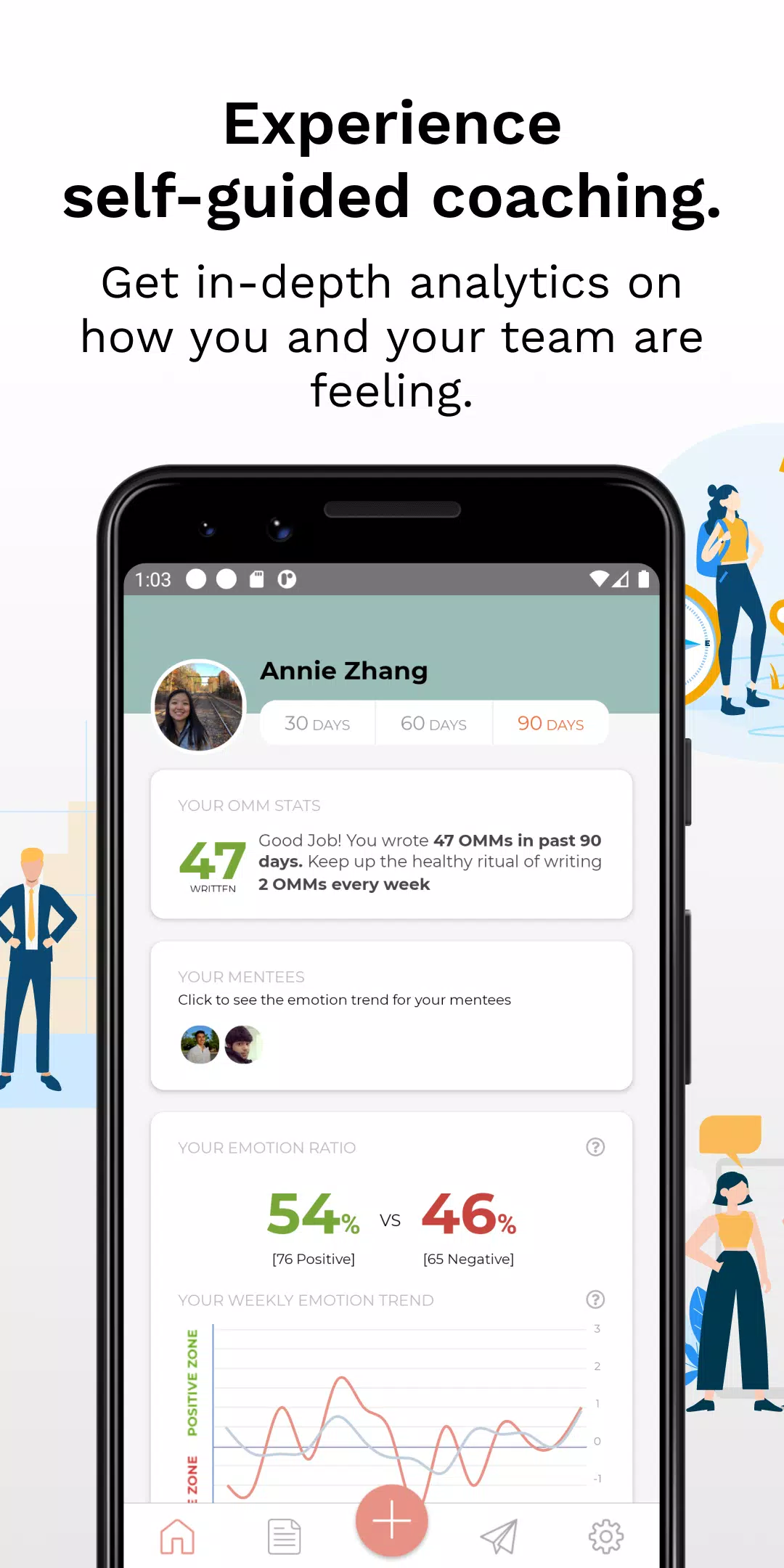
On My Mind focuses on short notes and clear signals rather than long status reports. Users can post brief status lines that combine a quick mood indicator with a one-sentence update about progress or blockers. Each entry is intended to be read quickly: the app highlights whether someone is excited, overwhelmed, needs help, or is on track, and it presents recent entries in a compact timeline for fast scanning. Optional tags let you mark entries by project or topic so teammates can filter what matters to them. Built-in sharing uses Android’s native share tools so a note can be copied into chat channels, email, or other collaboration apps without forcing a replacement of your existing workflow.
How it works: interaction mechanics and controls
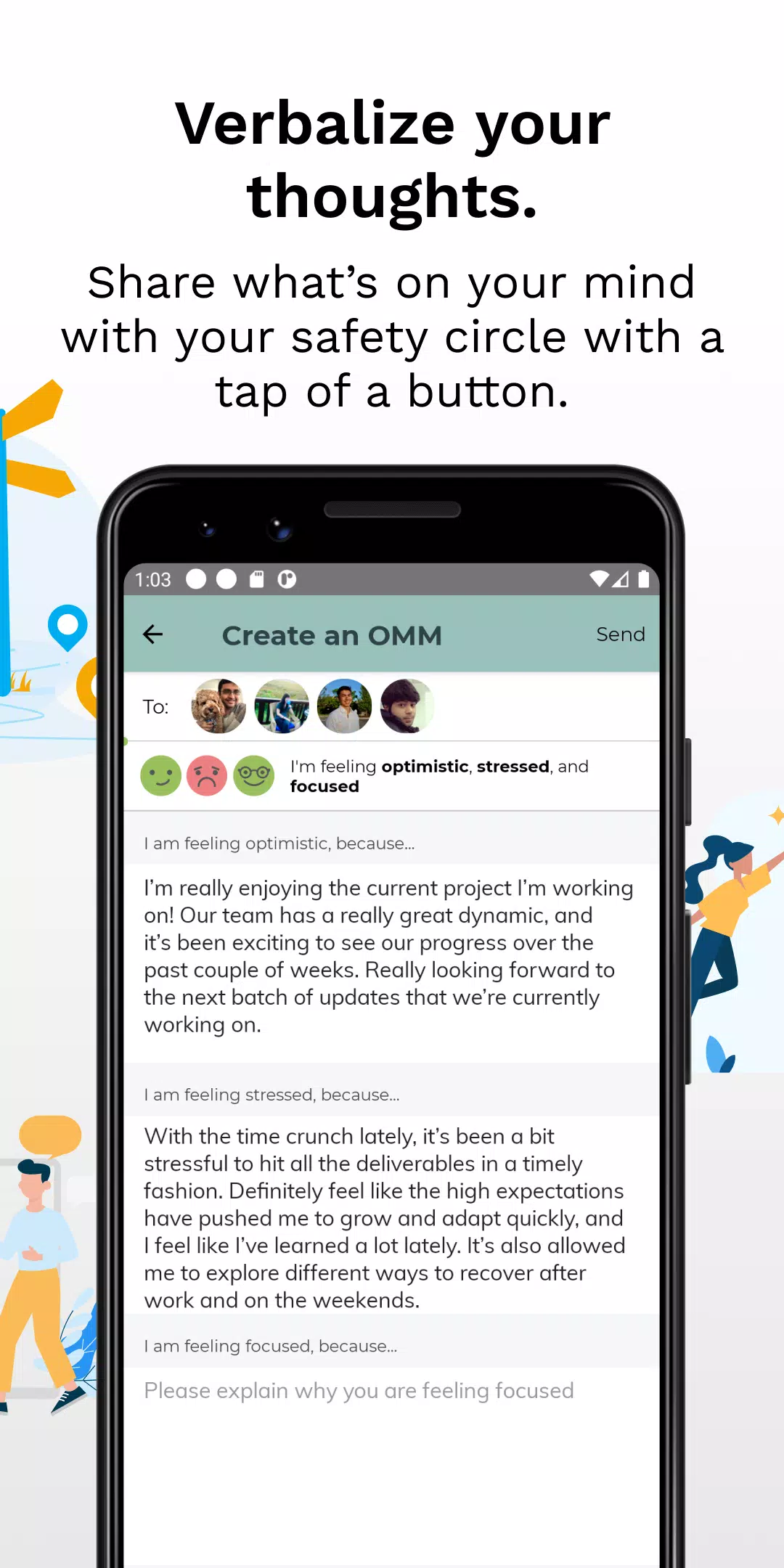
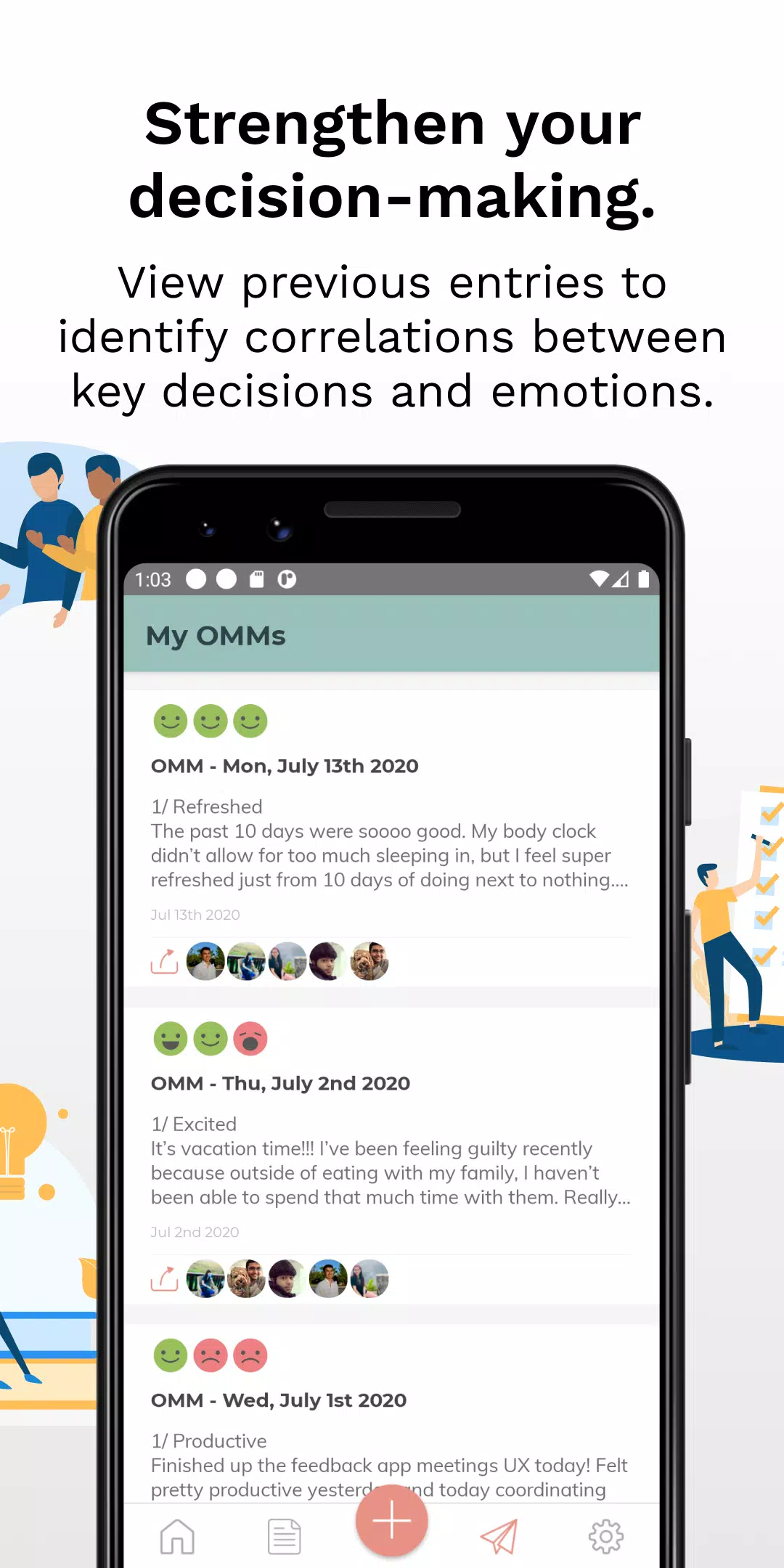
The interaction model is deliberately simple: open the app, select a mood icon, type a short line (a 140-character limit helps keep updates concise), and tap Post. Controls are optimized for quick use on a phone—large tap targets, one-tap mood selection, and an inline text field that remembers recent tags for speedy re-use. Entries appear in a reverse-chronological feed and can be edited or archived locally. Sharing options are available from each entry so you can export a note, copy it to the clipboard, or share through your device’s installed apps.
Progression, habit formation, and challenge elements
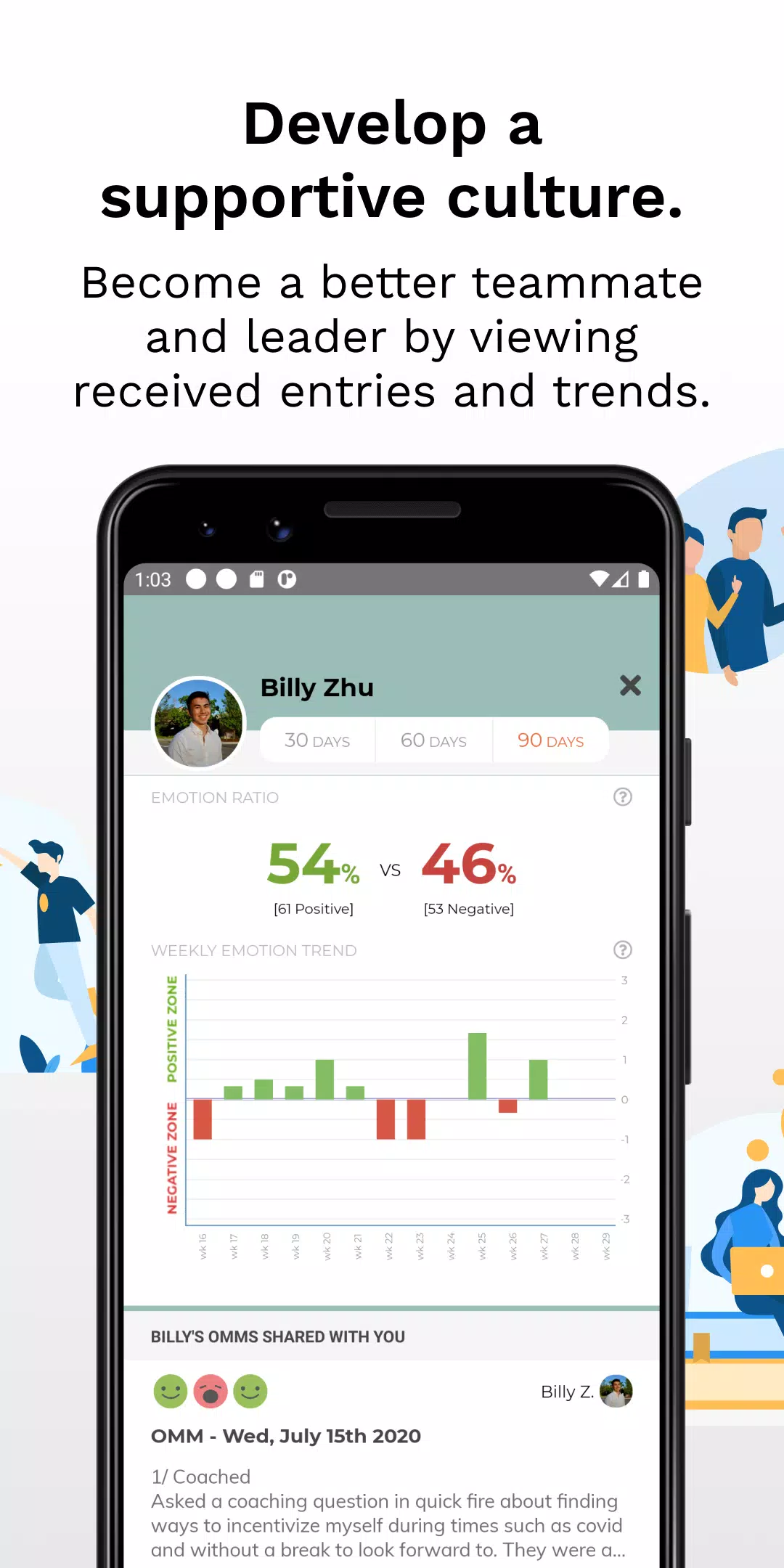
Rather than gamified competition, the app supports personal and team rhythms through gentle progression systems: optional streak tracking, weekly summary views, and subtle check-in goals help teams develop a consistent cadence of short updates. Streaks are local to your device and serve as a private prompt to keep habits steady; weekly summaries show the balance of moods and common blockers so teams can spot trends. A lightweight challenge system offers optional personal goals (for example, five meaningful check-ins in a week) and friendly reminders that can be turned on or off to suit different working styles.
Visual style, level structure, and replay value
The visual approach is minimal and functional: clean typography, neutral backgrounds, and a small palette of mood colors that keep the interface calm and readable. The app’s structure is organized around daily levels—each day functions as a unit that groups entries and displays a short summary of the day’s dominant mood. This level-like grouping encourages habitual returns because reviewing a day takes seconds. Replay value comes from the low time cost of posting and the long-term benefit of building a concise history that helps users reflect on workload, wellbeing, and recurring blockers.
Customization and personalization
On My Mind offers simple customization so teams and individuals can tune the experience: choose from a few color themes, rename or reorder tags, set default privacy behavior for new entries, and adjust the length limit if you prefer slightly longer notes. Personal profiles are lightweight and focused on work-appropriate context: a role label, optional timezone, and preferred check-in hours help others interpret updates without exposing unnecessary personal details. These personalization options keep the app feeling tailored without creating complexity.
Accessibility, offline support, and user experience considerations
Accessibility is a priority: large-font modes, high-contrast themes, and proper labels for screen readers are included so posting and scanning updates is straightforward for many users. Offline support preserves drafts and recent history so you can compose updates without a connection and share them later via Android share when you return online. Notifications and reminders are fully configurable to avoid interruption during focus time, and privacy settings let you control which entries are visible when export or share actions are used.
Intended use cases and limitations
This app is intended as a lightweight complement to, not a replacement for, full project management or task-tracking systems. It helps teams surface small issues early, speed daily alignment, and promote empathy by making individual states visible in short form. On My Mind is most effective when teams adopt a regular habit of posting and reading updates; its value depends on consistent participation and clear context in each brief note. If you need deep task workflows, dependencies, or formal project plans, use this alongside your existing tools rather than in place of them.
Information
 Google Play
User Comments

Forum Joomla!FR brings the Francophone Joomla community to your phone and tablet, offering fast access to the official French Joomla forum and community resources so you can read, reply and stay informed from anywhere. Forum Joomla!FR centralizes discussions, AFUJ announcements and practical resources in a responsive interface designed to work smoothly on both smartphones and larger screens, helping developers, site maintainers and newcomers keep up with topics and collaborate in French.

Space messenger is a compact messaging application aimed at everyday communication, letting users exchange text and media, organize conversations, and manage contacts in a straightforward interface. It is useful for people who want a simple, efficient way to keep in touch without complex setup; the app's design focuses on clear message threads and quick sharing. Space messenger suits users who prefer a lightweight messaging tool for personal or small-team conversations and who value a no-frills approach to sending messages and viewing chat history.

VSN is a utility and mobile recharge app that lets users pay bills and send IMPS transfers quickly and securely. Designed for people who want to simplify routine payments, VSN combines bill reminders, transaction history, and secure online payments in a single, easy-to-use interface. The app is useful for individuals and small businesses that need a dependable way to manage mobile recharges, electricity, water, and other utility bills without juggling multiple providers. With clear workflows and built-in safeguards, VSN reduces the time spent on payments and helps avoid missed dues.

APP Técnicos is a specialized mobile app designed for technicians who maintain Tennant cleaning equipment, providing a compact, field-ready tool to receive, manage and document service work orders. The app delivers detailed job information—model, serial number, reported faults—so technicians can diagnose and resolve issues quickly. Technicians can update job status in real time, attach photos and notes, and keep a complete service log. Secure, credential-based access ensures only authorized personnel use the system, while offline mode lets teams continue work without connectivity and sync changes when a connection returns.

Kemendesa Corner is a centralized communication and resource app designed to help employees of the Ministry of Desa, Pembangunan Daerah Tertinggal, and Transmigration stay informed and work more efficiently. The application gathers reference materials, news updates, discussion spaces and direct consultation tools into a single interface so staff can quickly find documents, follow program developments and coordinate activities across village development, Bumdes initiatives and transmigration programs. Users who need a reliable internal hub for sharing policy updates, accessing training videos and resolving questions will appreciate how Kemendesa Corner reduces fragmentation and speeds everyday collaboration.

ChubbSurvey is a mobile application built to help officers and staff manage accident investigations and claims more efficiently. The app centralizes scene logging, evidence capture and reporting so teams can record photos, audio notes, descriptive damage assessments and GPS coordinates directly from the field. Organizations choose ChubbSurvey to reduce paperwork, keep stakeholders informed with automated alerts and ensure consistent, professional documentation that speeds up claim processing. Designed for both on-site and remote use, it helps surveyors and insured companies locate incidents precisely and maintain organized exploration records from first assessment through final reporting.