
 X
 facebook
 WhatsApp
 Email
Introduction
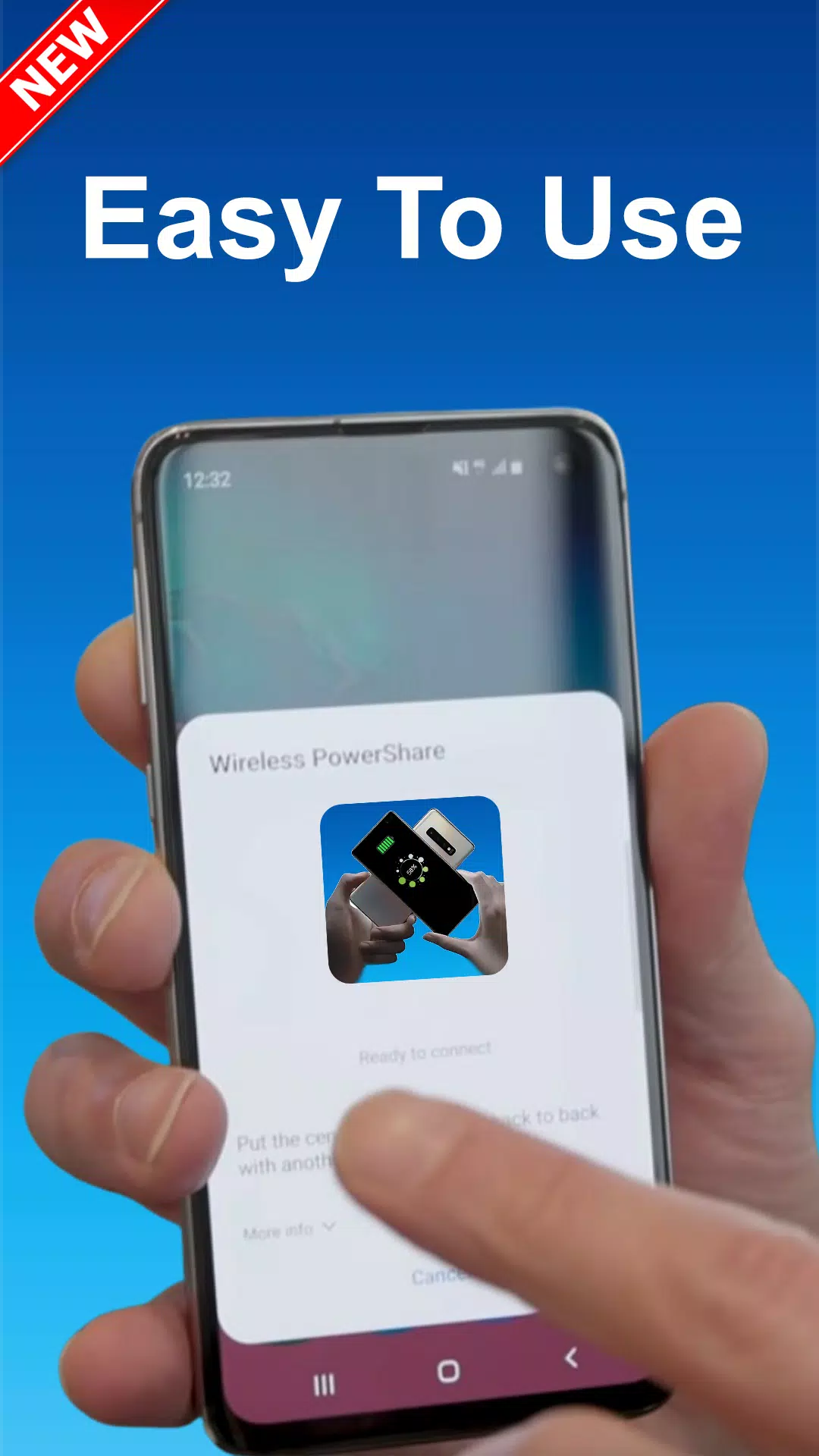
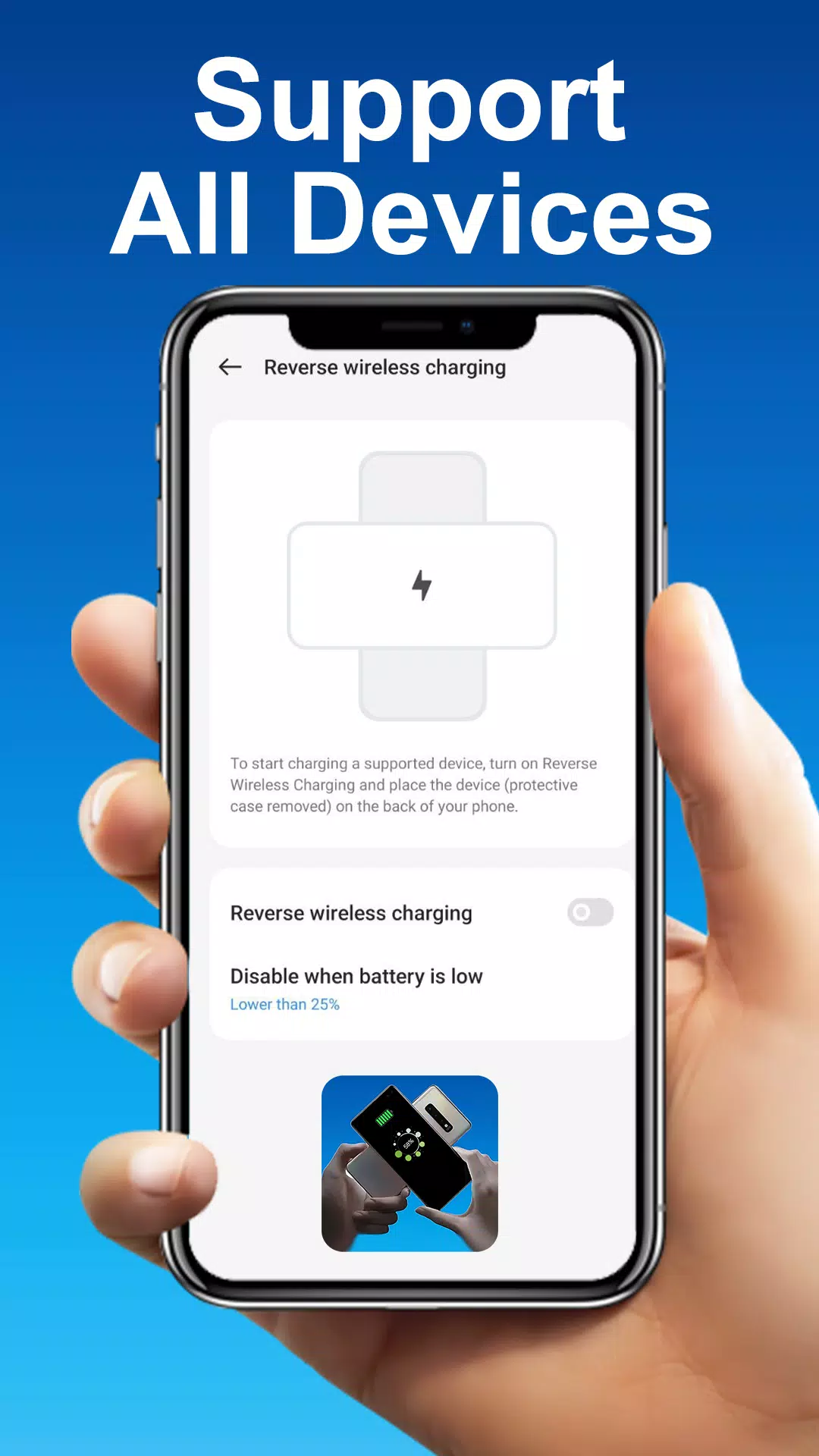
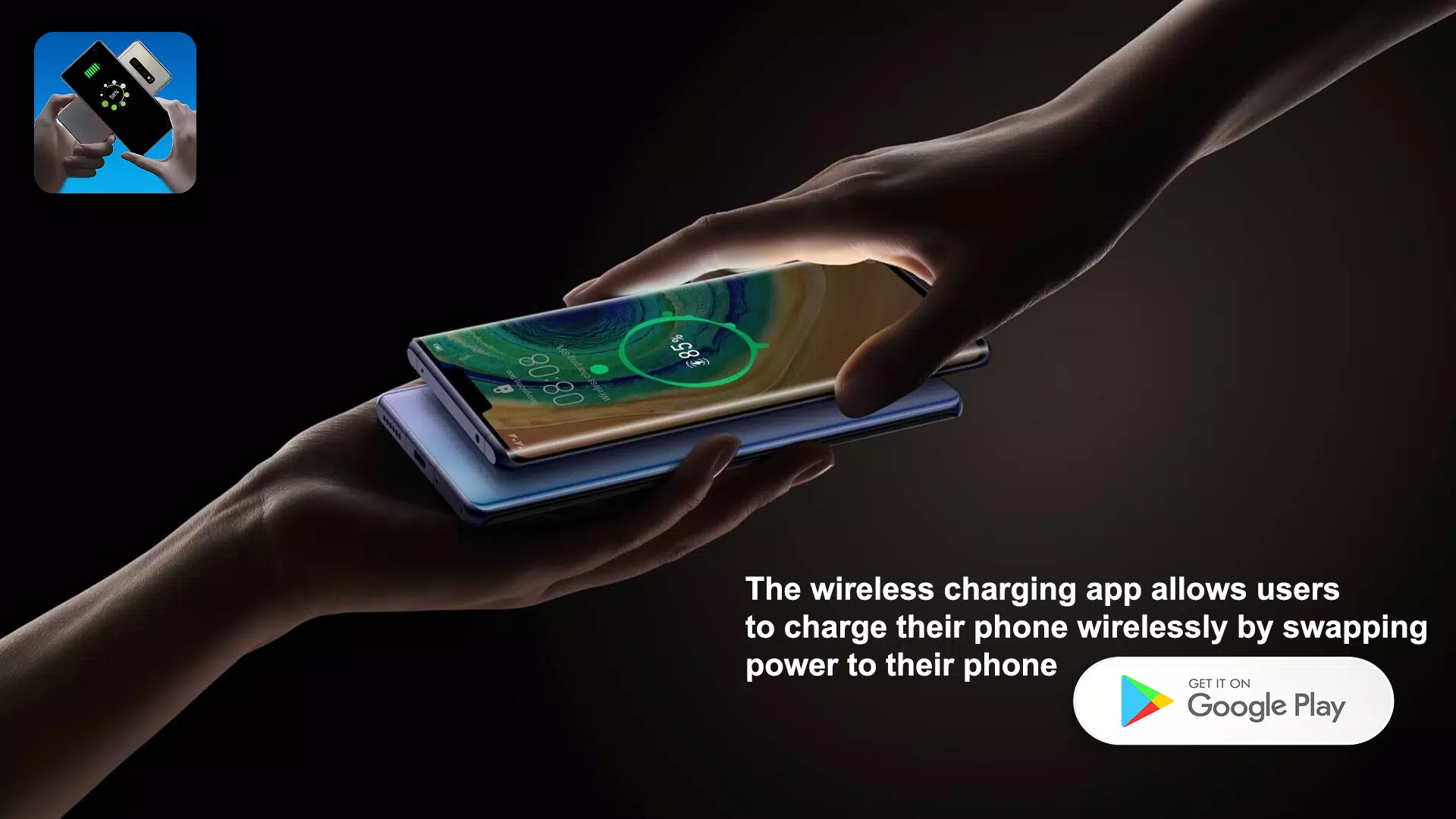
Reverse Charging Wireless brings reversible power sharing to your Android device by turning a compatible smartphone into a portable charging pad. Reverse Charging Wireless helps you check compatibility, initiate a transfer, and monitor the session with clear, live feedback — all without hunting for cables. This editor's introduction explains how the app simplifies quick top-ups for phones, smartwatches and wireless earbuds while keeping a practical focus on safety and device limitations.
Key features
The app offers a step-by-step compatibility check that quickly detects whether your phone and the target accessory support wireless power transfer, including common Qi-based protocols when present. A live charging status display shows incoming and outgoing percentages, estimated time remaining and instantaneous transfer rate so you can see the effect of a short top-up in real time. Where the phone’s hardware supports it, the app recognizes and uses fast reverse charging modes to reduce the time needed for small boosts. Designed for straightforward use, controls are touch-driven and concise: tap to begin, tap to pause, and use an on-screen alignment guide to position devices for best results.
How it works
The workflow models real-world use: first run the compatibility scan, then place the target device on the host phone’s rear panel as guided by the alignment overlay, and finally watch the transfer on the status readout. Reverse Charging Wireless relies on the phone’s built-in wireless power transmitter hardware, so both host and recipient must support wireless charging for the feature to work. Charging sessions are intentionally short and manual by default to conserve the host battery; the app surfaces charging thresholds and recommended maximum transfer times so users can manage energy trade-offs without surprises.
Interface, controls and visual style
The visual design favors legibility and low distraction during a charging session: large numeric battery indicators, color-coded status bars and simple icons indicate whether a session is active, paused or completed. Controls remain on a single screen with prominent start and stop buttons, and a tappable alignment helper that uses on-screen guidance rather than complex menus. Small accessibility adjustments, such as high-contrast text, scalable fonts and clear haptic feedback on start/stop actions, make the app easier to use for people with visual or motor accessibility needs.
Progression, customization and user experience
Although not a game, Reverse Charging Wireless provides a predictable progression of tasks during each session — detect, align, transfer, monitor — which helps new users become comfortable quickly. Customization options let you set display preferences, measurement units (percent or estimated minutes) and whether the app should play a short sound on completion. The app remembers your last alignment and display settings to speed up repeat usage, improving the overall user experience for travelers or anyone who frequently needs quick power sharing.
Compatibility, safety and offline behavior
The app performs its core checks and displays status information locally on the device, so basic operation does not require an internet connection. It emphasizes safety by warning when device temperatures or battery levels fall outside recommended ranges and by refusing to start a transfer if a compatibility scan suggests a risk. Reverse Charging Wireless does not attempt to bypass hardware safeguards; it depends on the phone and accessory firmware to enforce current limits and thermal protections. This local, hardware-respecting approach reduces surprises and helps keep both devices within safe operating conditions.
Practical limitations and tips
Reverse wireless charging is inherently constrained by physics and device design: transfers are slower than wired charging, alignment matters for efficiency, and the host device consumes its own battery to feed another device. To get the best results, use short, targeted top-ups, align devices using the on-screen guide, and prefer transfers when the host has sufficient remaining charge. The app makes these trade-offs visible so you can choose when it makes sense to share power with a friend’s phone, a smartwatch or wireless earbuds.
Use cases and replay value
Common scenarios include a quick emergency boost for a friend’s phone, topping up a smartwatch before a workout, or refreshing wireless earbuds between meetings. Because each session is brief and situational, Reverse Charging Wireless has strong practical replay value: users often return to it when outlets aren’t convenient. The app’s lightweight, offline-capable design and clear guidance make it a reliable utility to keep on your device for occasional, real-world power-sharing needs.
Information
User Comments

HTC Service Pack is a support update package that bundles previously released fixes and improvements to make your HTC device more stable and reliable. Delivered free of charge, this service pack centralizes maintenance updates so users can install a single package rather than hunting individual patches. Installing the latest HTC Service Pack helps keep system components current and can reduce unexpected glitches, improving daily usability. This update focuses on background services and platform reliability rather than adding new consumer-facing features, so it’s recommended for anyone who wants a smoother, more predictable HTC experience.

Get behind the wheel of your dream car with this incredible Minecraft PE addon! With amazing vehicles like a detailed jeep with custom sounds, a classic hot rod with a flame paintjob, a realistic police car with sirens, and a luxurious sports car for fast-paced fun, you'll be cruising in style in no time. Choose from 12 different colors, test your speed on the roads, and enjoy the thrill of driving around in the pixelated world of Minecraft. Don't let your horse hold you back - download Cars mod now and experience the excitement of virtual driving like never before!

Are you tired of losing your precious photos and videos? Say goodbye to the stress of accidentally deleting important files with a simple solution - récuva images delected! This app makes it easy to recover all your deleted images and videos with just one simple step. No need for any complicated programs or computers, just download the app and say hello to effortlessly retrieving your files. Don't let your memories disappear - récuva images delected has got you covered!

SmartEmail puts email and multimedia services in one app, combining a full-featured mail client with access to apps, music, movies, TV shows and reading material so you can manage communication and entertainment from a single interface. If you want to stop switching between apps and keep your inbox, contacts and calendar synced across devices, SmartEmail offers an all-in-one solution that streamlines productivity and leisure. The app is useful for people who travel or work across phone, tablet and laptop and prefer a consistent, easy-to-navigate interface that keeps important messages and media within reach.

Elberfelder Bible in german is a lightweight, searchable Bible app that brings the classic Elberfelder translation to Android devices. It combines precise German text with fast navigation, offline access, and study-friendly tools to help readers explore scripture anytime, anywhere with clarity and ease.

ALARME ORION IP2 is an app for the ORION IP2 control panel and cameras that lets you manage and monitor your alarm system from anywhere. It enables configuration of the central unit, activation and deactivation control, real-time status checks and access to event history. With ALARME ORION IP2 you receive instant alerts and live video streams remotely and can control numerous electrical devices connected to the system. For users who want continuous remote surveillance and convenient device management, this app centralizes alerts, video and system controls into a single interface.