

 X
 facebook
 WhatsApp
 Email
Introduction
Simple Gallery Pro is a lightweight, privacy-focused photo and video manager designed to make browsing, organizing, and editing media effortless. It combines fast performance with useful tools like secure folders, batch operations, and customizable views to streamline how you manage memories on Android devices.
Overview of the app
Designed for users who prefer straightforward control over their files, Simple Gallery Pro focuses on practical functionality rather than cloud complexity. The app supports common image and video formats, offers offline operation, and keeps your library organized with minimal friction. It’s especially suitable for users who value speed and local storage management.
Core capabilities and tools
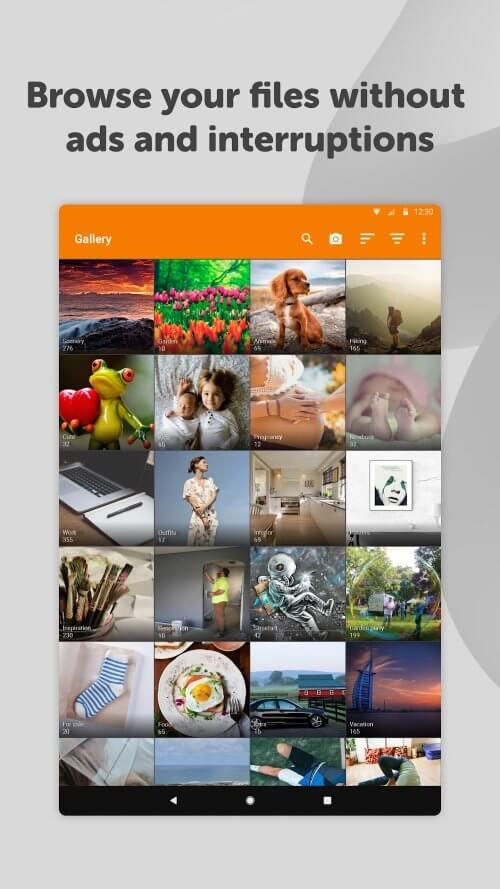
- Robust file browsing: Fast thumbnail generation and smooth scrolling let you flip through thousands of photos without lag.
- Batch operations: Select multiple items at once to move, copy, rename, or delete, saving time when managing large collections.
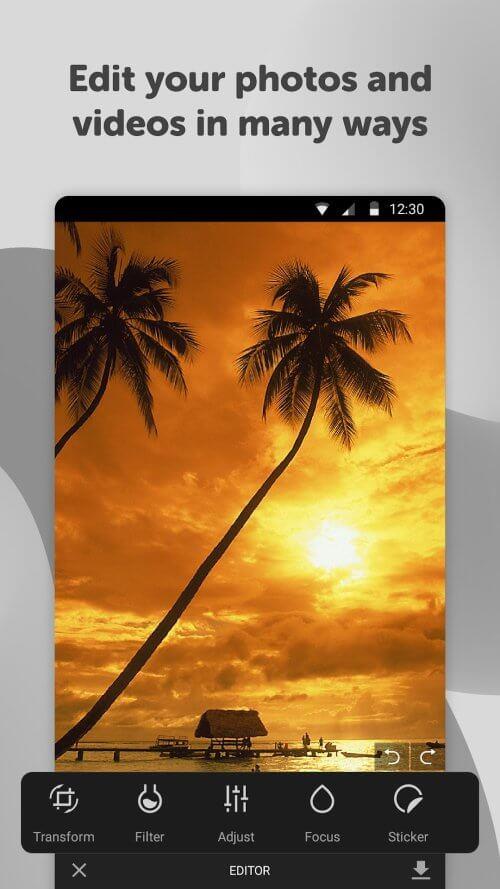
- Built-in editor: Crop, rotate, adjust colors, and apply basic filters without leaving the app.
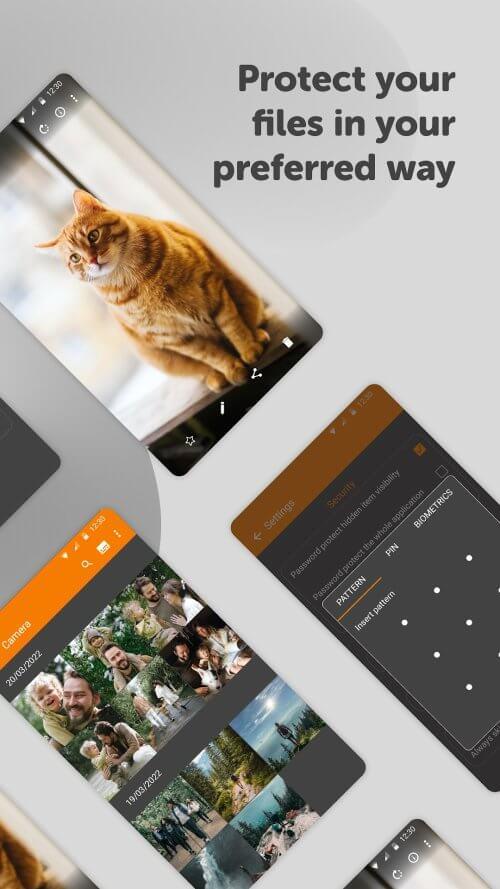
- Secure folders: Hide or lock albums with a PIN or pattern to protect sensitive content locally.
- Recycle bin: Files are recoverable for a configurable period, reducing accidental deletion worries.
Interface and performance
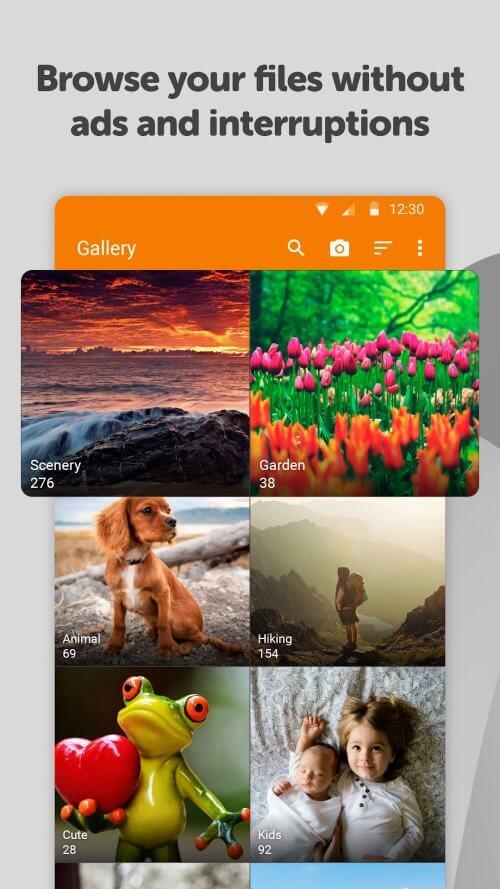
The interface favors simplicity: familiar gestures, a clear toolbar, and customizable grid layouts. You can change thumbnail sizes, switch between list and grid views, and sort by date, name, or size. Memory use is optimized for older devices, and the app avoids unnecessary background processes to preserve battery life.
Customization and appearance
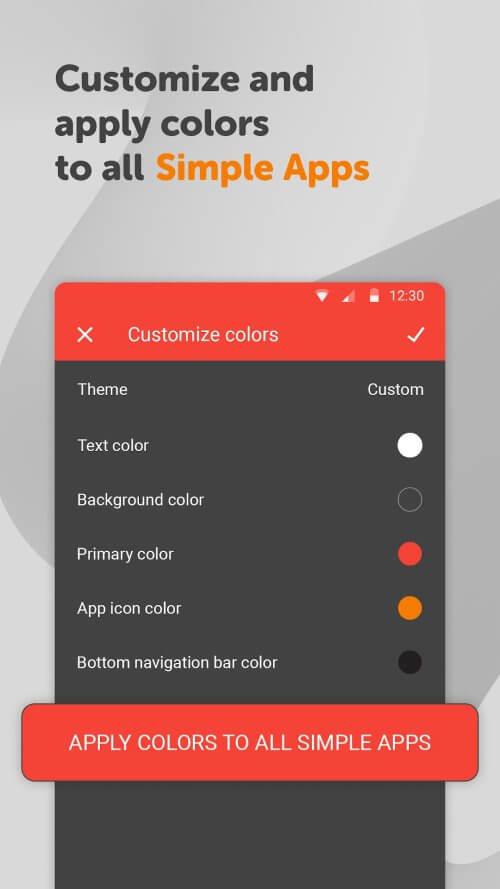
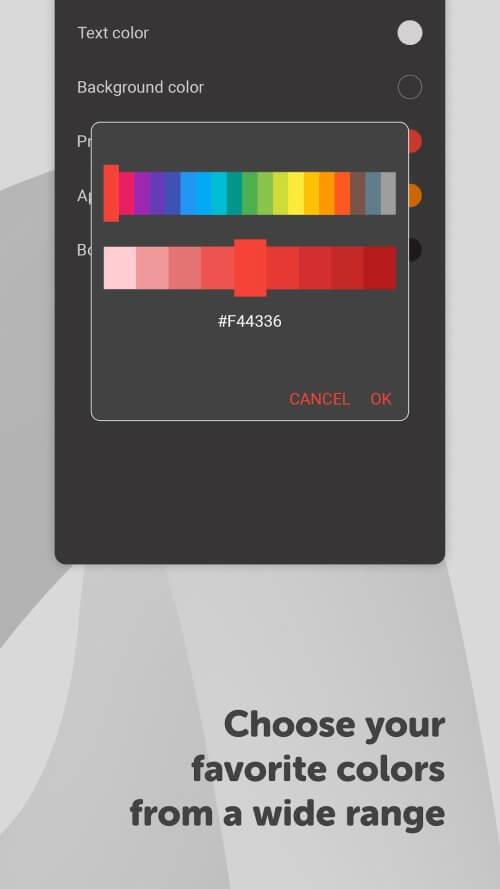
Simple Gallery Pro lets you personalize the look and behavior to match your workflow. Choose dark or light themes, adjust margins and spacing, and set the default folder view. Context menus are configurable, so frequently used actions stay accessible. These options help turn a generic gallery into a tailored media hub.
Organizing your collection
Effective organization is a major strength. You can create folders, merge albums, and tag collections for quick retrieval. The search function handles filenames and metadata, making it easy to locate a photo by date, location tag, or file type. For users with large archives, sorting and smart folders reduce time spent hunting for specific items.
Privacy and local control
Privacy is central: the app operates offline and gives you full control over where your media is stored. Hidden albums and locking mechanisms protect content without relying on external services. There’s no forced account signup, and backups can be handled manually or through standard Android file exports.
Workflow improvements
Workflows benefit from quick sharing and exporting. Simple Gallery Pro integrates with other apps via Android’s share sheet, supports creating ZIP archives, and offers easy transfer options to SD cards or network storage. For photographers, RAW format support and lossless exports maintain image fidelity during edits or transfers.
Tips for new users
- Start by scanning all folders: Let the app index storage to find every media file, including camera folders and app caches.
- Use tags and favorites: Mark important photos to build a curated quick-access collection.
- Set a recycle period: Configure the trash retention time to prevent accidental permanent deletes.
- Enable gesture shortcuts: Map double-tap or swipe actions to frequently used functions for faster navigation.
Compatibility and installation notes
Installation is straightforward through standard Android package sources. The app runs well across Android versions and on a wide range of devices, from budget phones to high-end hardware. Because it avoids heavy cloud integrations, storage demands remain predictable and transparent.
Why many users prefer it
Users choose Simple Gallery Pro for its reliability and no-nonsense approach. It balances essential photo management features with a lightweight footprint and strong privacy controls. For anyone who wants to keep media local, move files quickly, and maintain a tidy library without complexity, this app provides the tools needed in a compact package.
Information
 Google Play
Other Games by the Same






What would it be like to download video software for free? In this collection, you can find various video software that interests you, whether it’s video players or video editors—everything you need is here. All of it is provided for free, allowing you to download with ease and without any worries.






User Comments

찍스 - 트루 포토북, 스탠딩포토 brings a full mobile photo-printing studio to your pocket, letting you turn ordinary pictures into museum-quality True Photo Books or compact Standing Photos for desks and shelves. In the first moments after opening 찍스 - 트루 포토북, 스탠딩포토 you can import images from your phone gallery, cloud folders or camera roll, and the app guides you through creation with clear on-screen steps and instant previews so you always know how the final product will look.

MagnetPhoto - Impression Photo converts your favorite pictures into collectible vintage-style magnets you can order directly from your phone. The app applies retro Polaroid-inspired formatting to images and produces 75 x 95 mm magnets that feel like instant photos, with options for sepia, black-and-white, gray scale or a playful vintage snapshot look. Users can personalize each piece with different fonts and filters, turning ordinary shots into keepsakes or event save-the-dates. If you enjoy tangible mementos or want a creative way to share memories, MagnetPhoto - Impression Photo offers an approachable, design-focused way to preserve moments at home.

Before After Photo Frame is a simple, creative tool for making before-and-after collages that highlight transformations, projects, or personal journeys. The app combines two images into a single comparison layout and offers a quick, visual way to document progress or showcase results, which makes it useful for fitness, home improvements, beauty, or hobby projects. With an intuitive interface and ready-made templates, users can arrange photos side-by-side or top-and-bottom, add text and stickers, apply filters and textured backgrounds, and export their work to the device gallery or use it as a wallpaper.
Experience the thrill of flying a quadcopter from the palm of your hand with this KYUFO App. By connecting to WIFI, you can seamlessly control the aircraft using the joystick and view real-time footage from the camera. Capture stunning photos and videos, control the flight through gravity sensing, and even use gesture recognition to snap pictures. Immerse yourself in the VR mode, create music videos, and apply fun filters to your content. Whether you're a beginner or a seasoned pilot, this App offers a user-friendly interface and a multitude of features to enhance your flying experience.
Capture and cherish your special New Year moments with the ultimate New Year Photo Editor 2025! With a vast collection of over 100 HD quality frames, customizable text features, and unique 2025 New Year messages and backgrounds, this app is your go-to for creating stunning New Year memories. Easily personalize your photos, adjust them to perfection, and share them effortlessly on social media platforms – all for free! Compatible with all devices, this intuitive and user-friendly app guarantees a smooth and enjoyable experience. Download now and kick off the New Year in style with New Year Photo Frames 2025!
XCamera is a top-rated photography app that allows users to take stunning selfies with its advanced camera features and powerful editing tools. Developed by Meitu (China) Limited, the latest version 7.2.010 offers a wide range of filters, effects, and editing options to enhance your photos. With over 100 million downloads, BeautyPlus is a popular choice for users looking to capture and edit beautiful selfies on their mobile devices. Download BeautyPlus now for free on Google Play and start creating amazing photos with just a few taps!