

 X
 facebook
 WhatsApp
 Email

Introduction
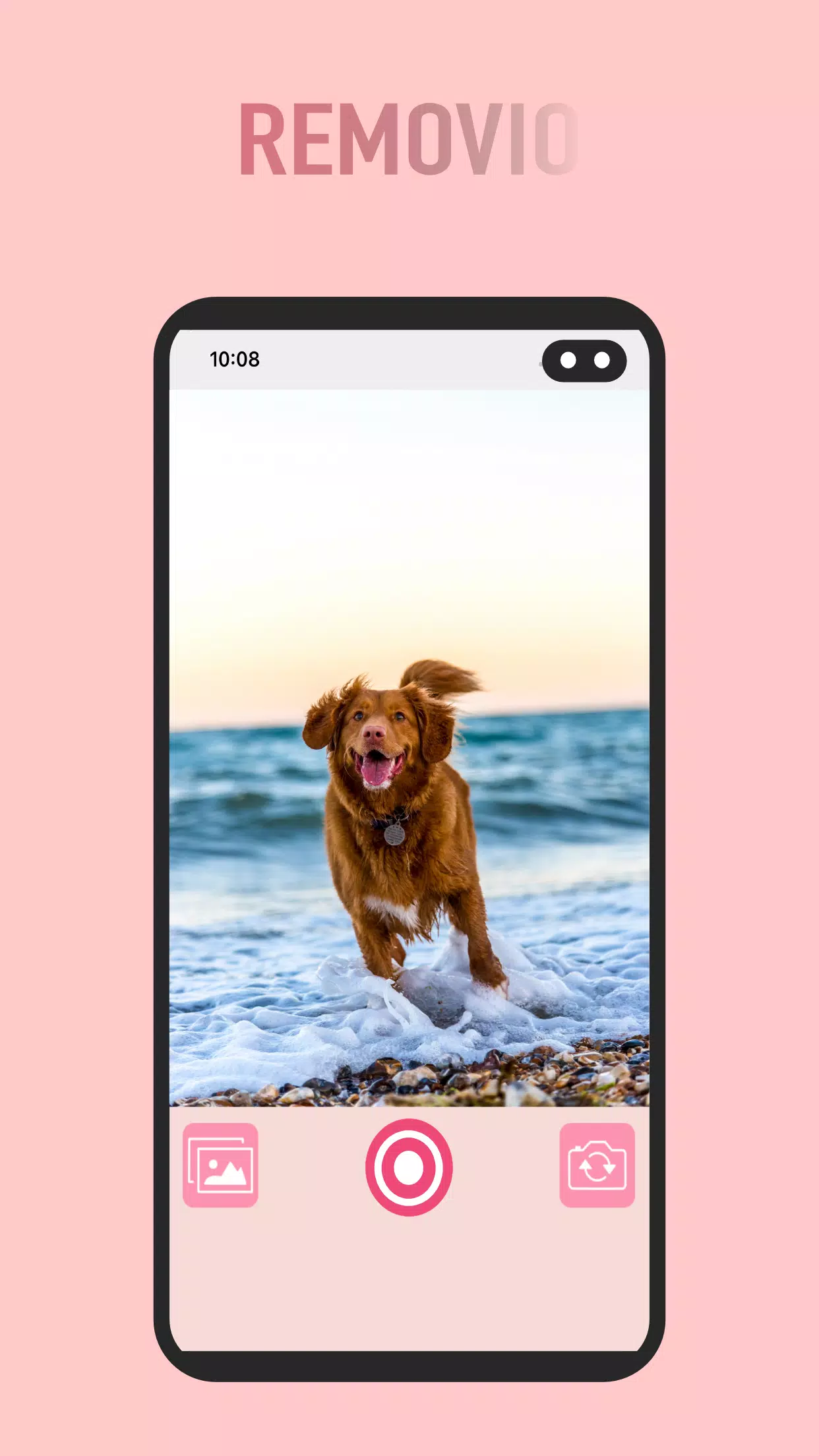
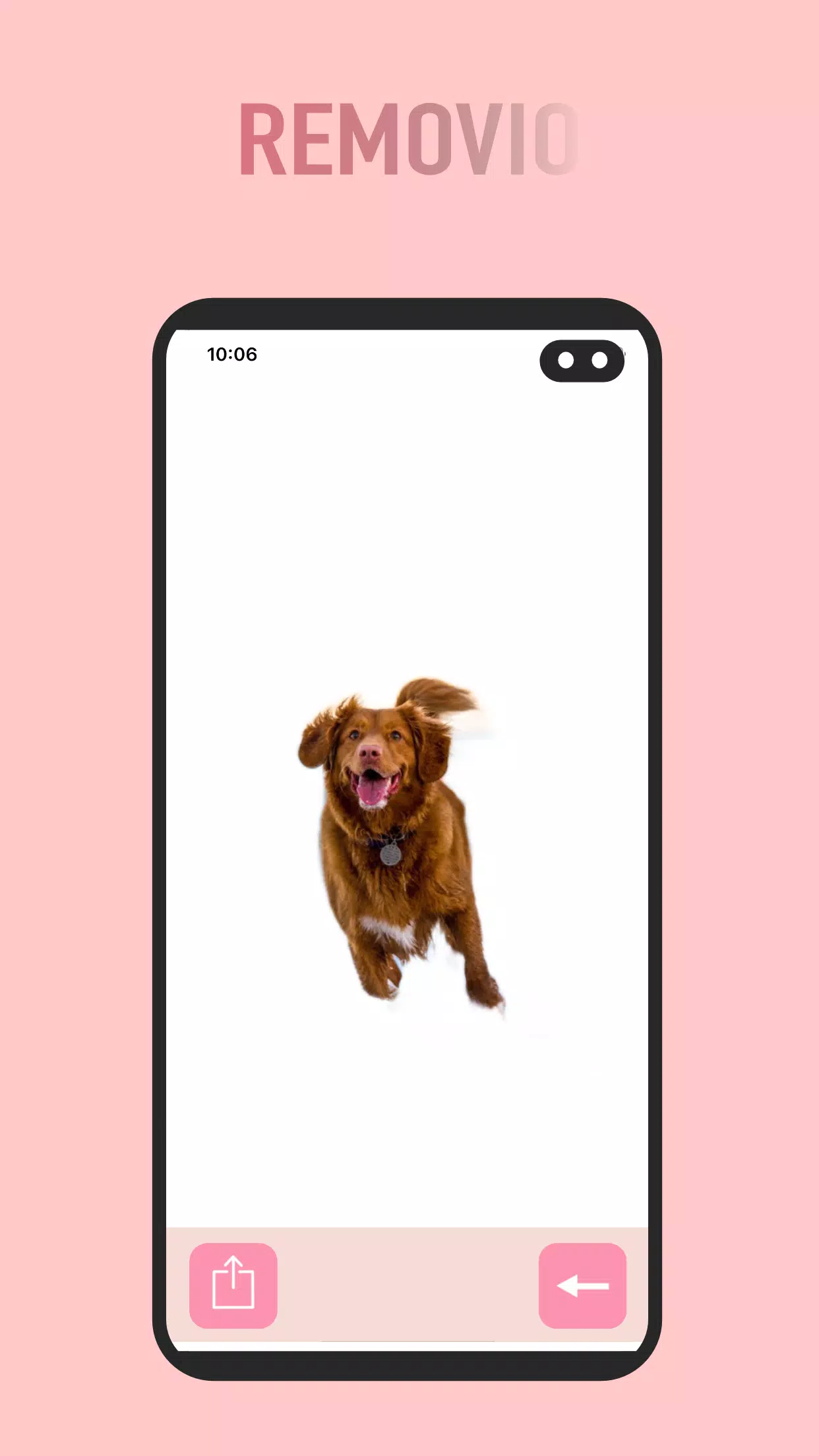
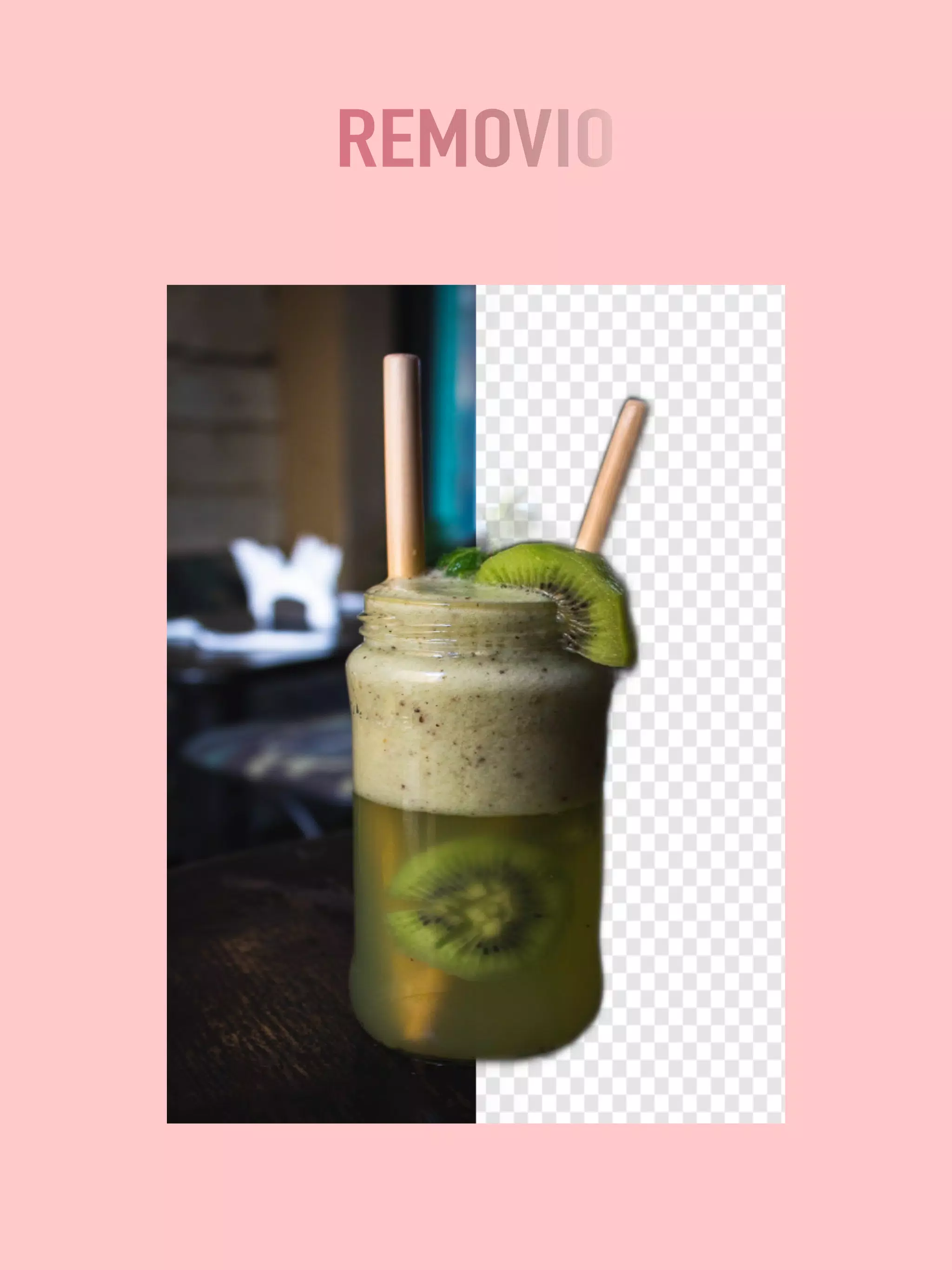
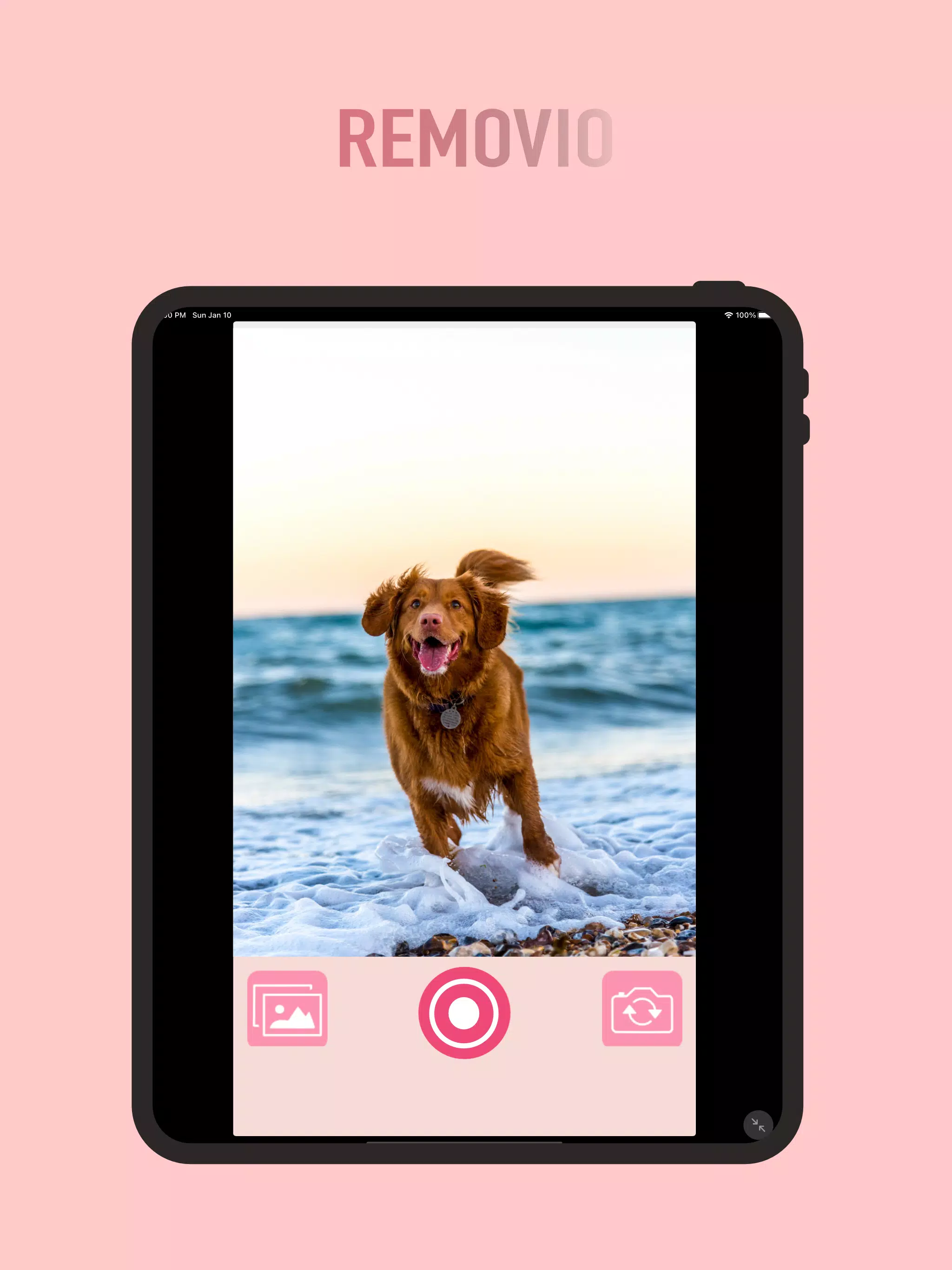
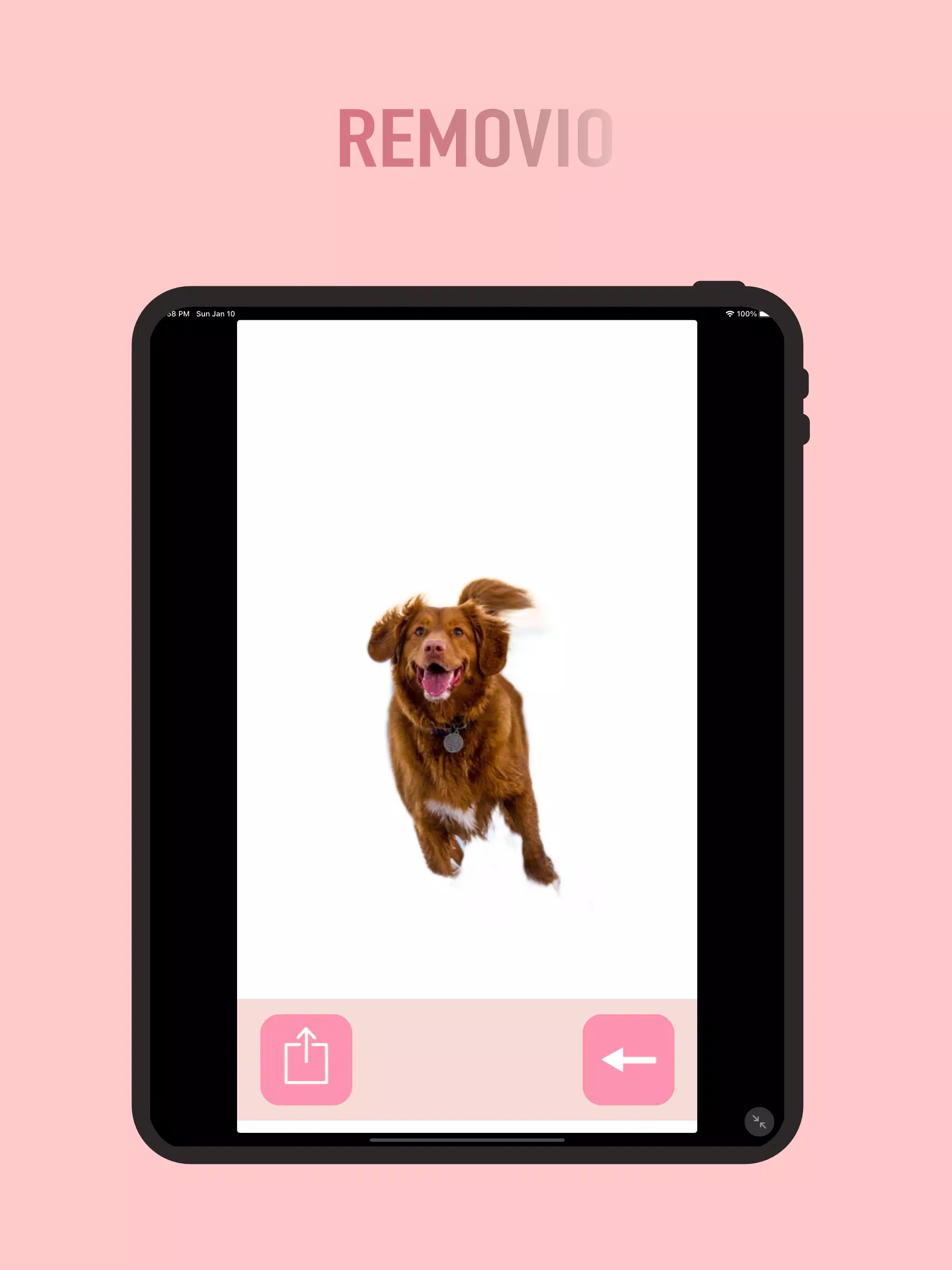
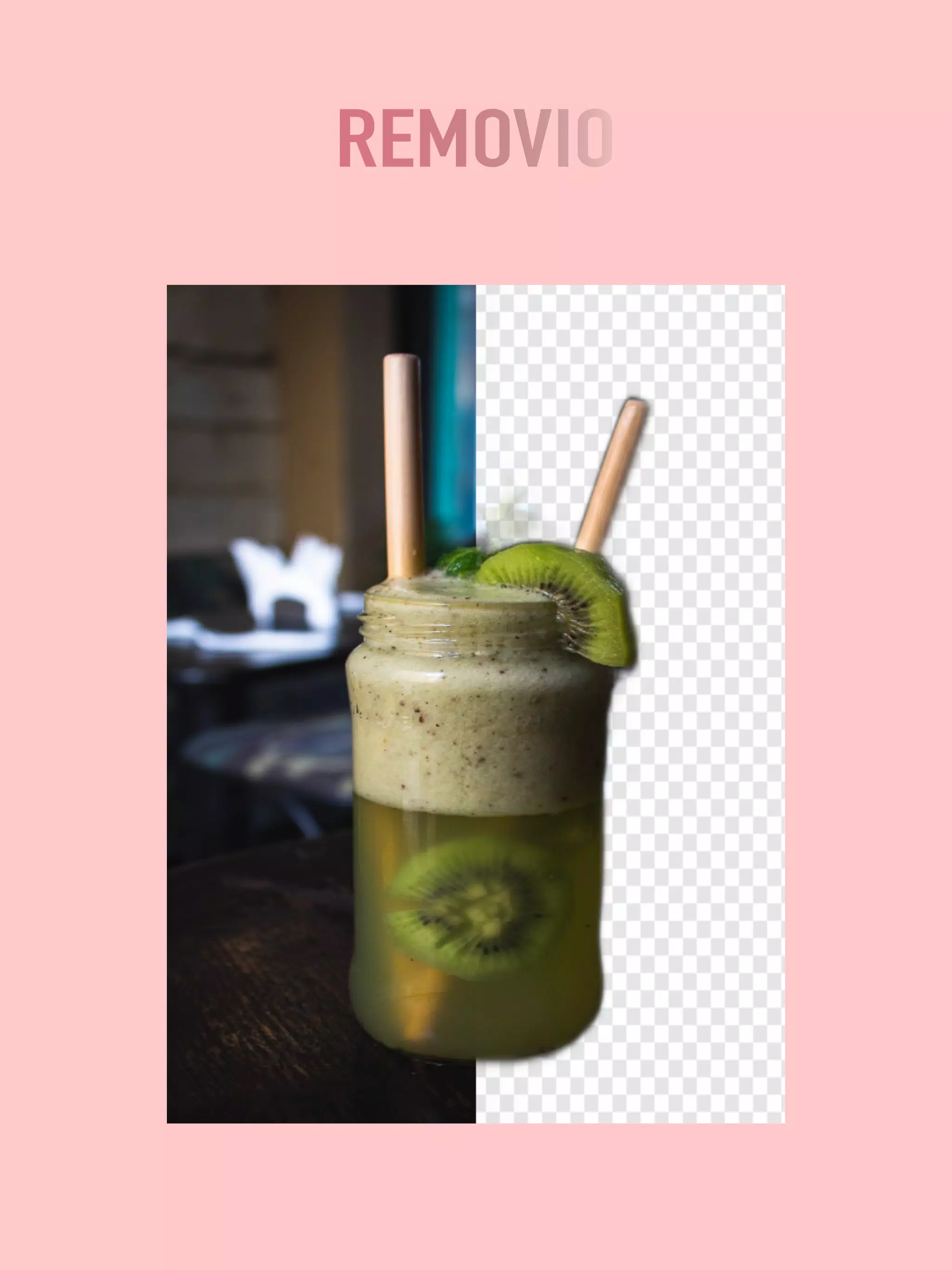
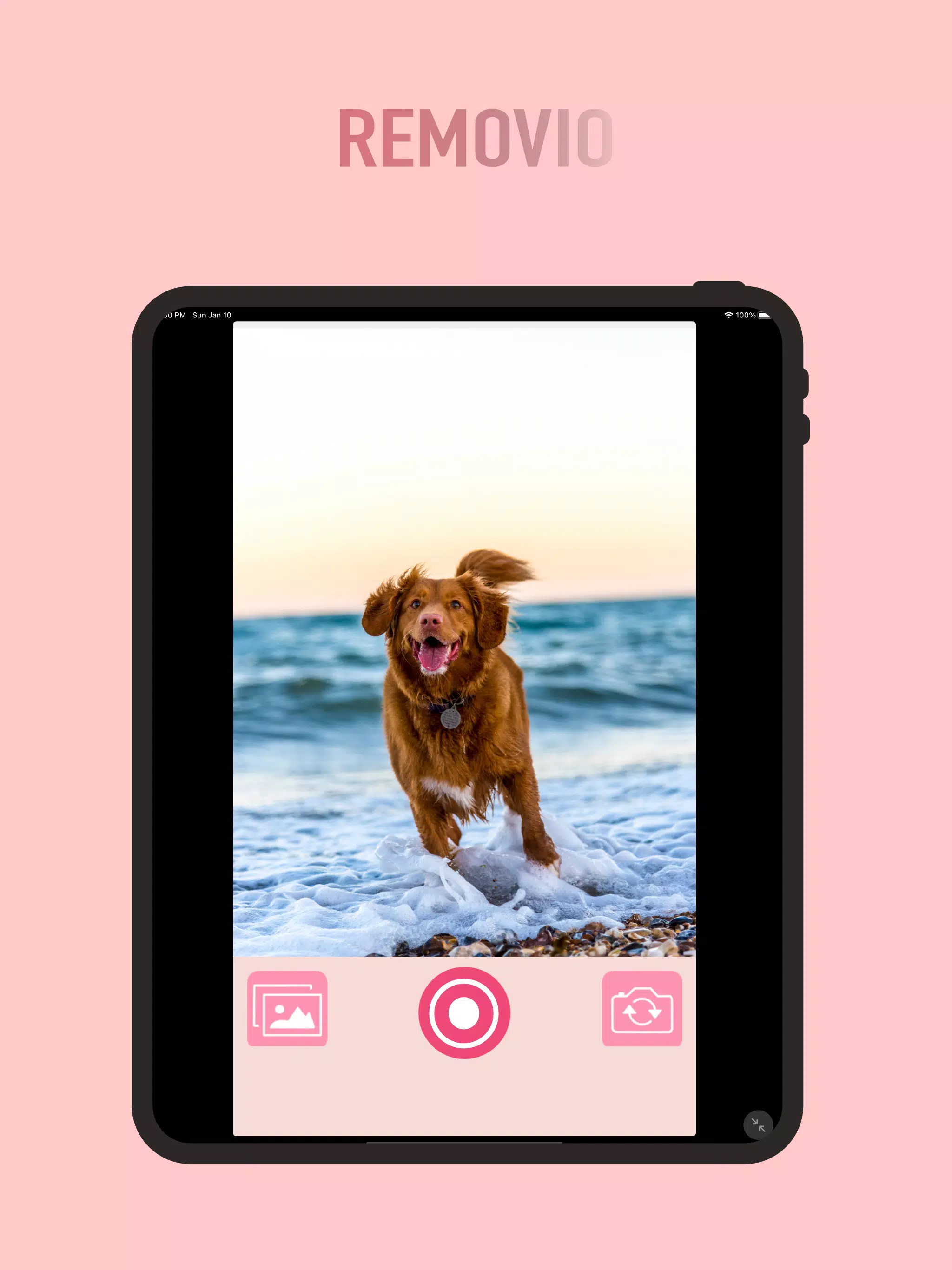
REMOVIO is a mobile image editing tool that automatically removes photo backgrounds using deep learning, helping users isolate subjects quickly for presentations, social media, product photos, or personal projects. The app combines a built-in camera and album import so you can capture or pick images, then processes each photo to produce clean, editable results without manual cutting. REMOVIO emphasizes a straightforward workflow that suits casual users, content creators, and small business owners who need reliable subject isolation without steep learning curves.
Key features
The core capability of REMOVIO is fully automatic background removal powered by trained neural networks that detect and preserve the main subject while removing surrounding elements. The app supports direct capture with the device camera or import from the photo library, and it delivers processed images in seconds on modern hardware. After removal, exported images are saved in common formats that retain transparency or can be flattened onto a solid or custom background for sharing. Smart subject detection handles portraits, product shots, and a variety of scenes, and the interface guides users through quick edits such as basic cropping and rotation so the final composition is ready for use in presentations or online listings.
Controls and workflow
REMOVIO follows a simple, step-based workflow: capture or import, let the algorithm analyze the image, preview the isolated subject, and export. Controls are minimal and context-aware to reduce friction: basic gestures allow panning and zooming in the preview window, while single-tap options switch between transparent output and background replacement modes. The app provides undo support for recent actions and preserves original photos so you can reprocess or try a different export option without losing the source file. This lightweight control scheme keeps common tasks fast while still offering a few adjustments for composition and alignment.
Export, customization, and file handling
When an image is processed, REMOVIO offers flexible export choices that match common creative workflows. You can save transparent PNGs for layered design work, export flattened JPEGs with a chosen background color for social media, or save intermediate files for batch workflows. File naming and simple project organization help you keep track of multiple edits, and the app's export options are designed to produce files suitable for presentations, product catalogs, or quick posts. These options make it easy to integrate processed images into other editing apps or online platforms without additional conversions.
Performance, compatibility, and limitations
Processing speed depends on device capabilities: on current mid-range and high-end phones REMOVIO completes background removal in seconds, while older or low-end devices may take longer and sometimes show reduced responsiveness. Devices with less than 3GB of memory may experience performance issues, and very old hardware can limit functionality. The app is optimized for efficient use of system resources but users working with large batches of high-resolution photos should expect longer processing times. REMOVIO also conservatively manages storage by keeping original files until the user confirms exports, preventing accidental data loss.
User experience, accessibility, and replay value
The design of REMOVIO focuses on clarity and speed: large buttons, clear progress indicators during processing, and straightforward language for settings and export choices. This approach reduces the learning curve for new users and improves accessibility for people who prefer simple interfaces. For regular users, the app offers steady value through time savings and consistent results, and its ability to handle a wide range of compositions increases its practical replay value as a daily tool for content preparation rather than a one-off utility.
Advantages and trade-offs
REMOVIO replaces tedious manual cutouts with automated processing, which saves considerable time on routine editing tasks and yields consistent, professional-looking images suitable for marketing and social posts. Because the app is built around automation, it avoids complex manual masking controls, which keeps the interface approachable but means that edge cases may not receive the same level of control as fully manual editors. Users who need pixel-perfect refinements may still want a secondary editor for final touches, while most users will find the automatic output sufficient for common needs.
Development team and support
The REMOVIO team is based in Yuseong-gu, Daejeon, South Korea, and provides user support by phone at +821099733384. The team publishes updates focused on improving subject detection and processing speed, and they welcome feedback on device compatibility and common use cases to prioritize future refinements.
Information
Social networking apps have become essential tools in everyday life, making communication with others more convenient. These apps allow you to easily stay in touch with old friends while also providing opportunities to meet new people, helping to expand your social network beyond its usual boundaries. This page features a handpicked selection of the best social apps, making it your go-to choice for mobile socializing!





User Comments

찍스 - 트루 포토북, 스탠딩포토 brings a full mobile photo-printing studio to your pocket, letting you turn ordinary pictures into museum-quality True Photo Books or compact Standing Photos for desks and shelves. In the first moments after opening 찍스 - 트루 포토북, 스탠딩포토 you can import images from your phone gallery, cloud folders or camera roll, and the app guides you through creation with clear on-screen steps and instant previews so you always know how the final product will look.

MagnetPhoto - Impression Photo converts your favorite pictures into collectible vintage-style magnets you can order directly from your phone. The app applies retro Polaroid-inspired formatting to images and produces 75 x 95 mm magnets that feel like instant photos, with options for sepia, black-and-white, gray scale or a playful vintage snapshot look. Users can personalize each piece with different fonts and filters, turning ordinary shots into keepsakes or event save-the-dates. If you enjoy tangible mementos or want a creative way to share memories, MagnetPhoto - Impression Photo offers an approachable, design-focused way to preserve moments at home.
Before After Photo Frame is a simple, creative tool for making before-and-after collages that highlight transformations, projects, or personal journeys. The app combines two images into a single comparison layout and offers a quick, visual way to document progress or showcase results, which makes it useful for fitness, home improvements, beauty, or hobby projects. With an intuitive interface and ready-made templates, users can arrange photos side-by-side or top-and-bottom, add text and stickers, apply filters and textured backgrounds, and export their work to the device gallery or use it as a wallpaper.
Experience the thrill of flying a quadcopter from the palm of your hand with this KYUFO App. By connecting to WIFI, you can seamlessly control the aircraft using the joystick and view real-time footage from the camera. Capture stunning photos and videos, control the flight through gravity sensing, and even use gesture recognition to snap pictures. Immerse yourself in the VR mode, create music videos, and apply fun filters to your content. Whether you're a beginner or a seasoned pilot, this App offers a user-friendly interface and a multitude of features to enhance your flying experience.
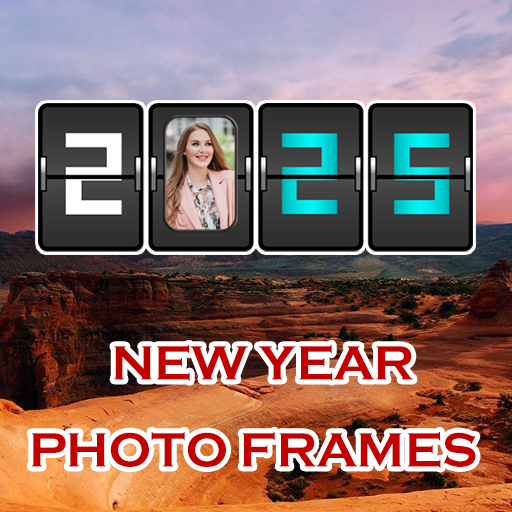
Capture and cherish your special New Year moments with the ultimate New Year Photo Editor 2025! With a vast collection of over 100 HD quality frames, customizable text features, and unique 2025 New Year messages and backgrounds, this app is your go-to for creating stunning New Year memories. Easily personalize your photos, adjust them to perfection, and share them effortlessly on social media platforms – all for free! Compatible with all devices, this intuitive and user-friendly app guarantees a smooth and enjoyable experience. Download now and kick off the New Year in style with New Year Photo Frames 2025!
XCamera is a top-rated photography app that allows users to take stunning selfies with its advanced camera features and powerful editing tools. Developed by Meitu (China) Limited, the latest version 7.2.010 offers a wide range of filters, effects, and editing options to enhance your photos. With over 100 million downloads, BeautyPlus is a popular choice for users looking to capture and edit beautiful selfies on their mobile devices. Download BeautyPlus now for free on Google Play and start creating amazing photos with just a few taps!