
 X
 facebook
 WhatsApp
 Email
Introduction
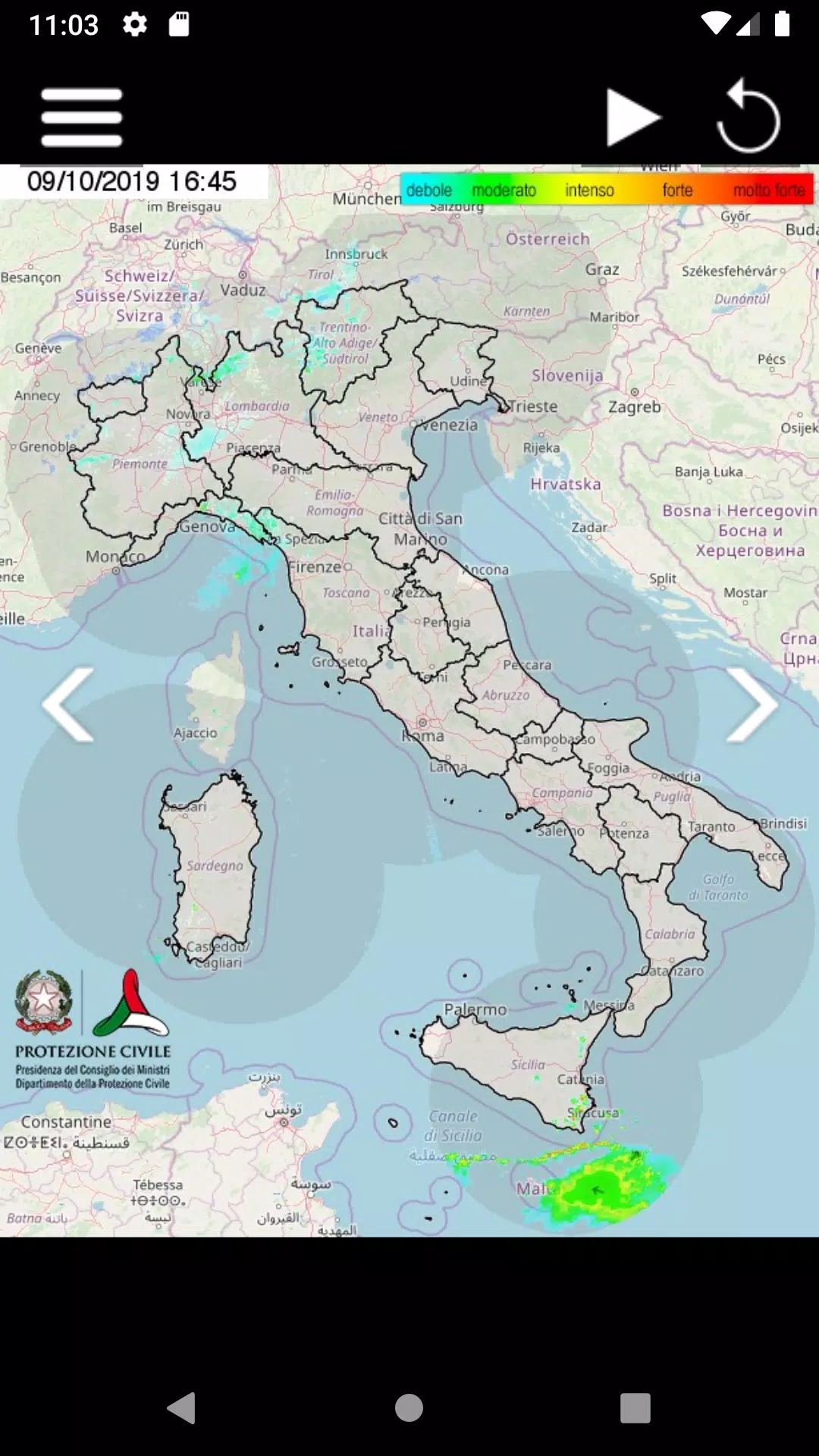
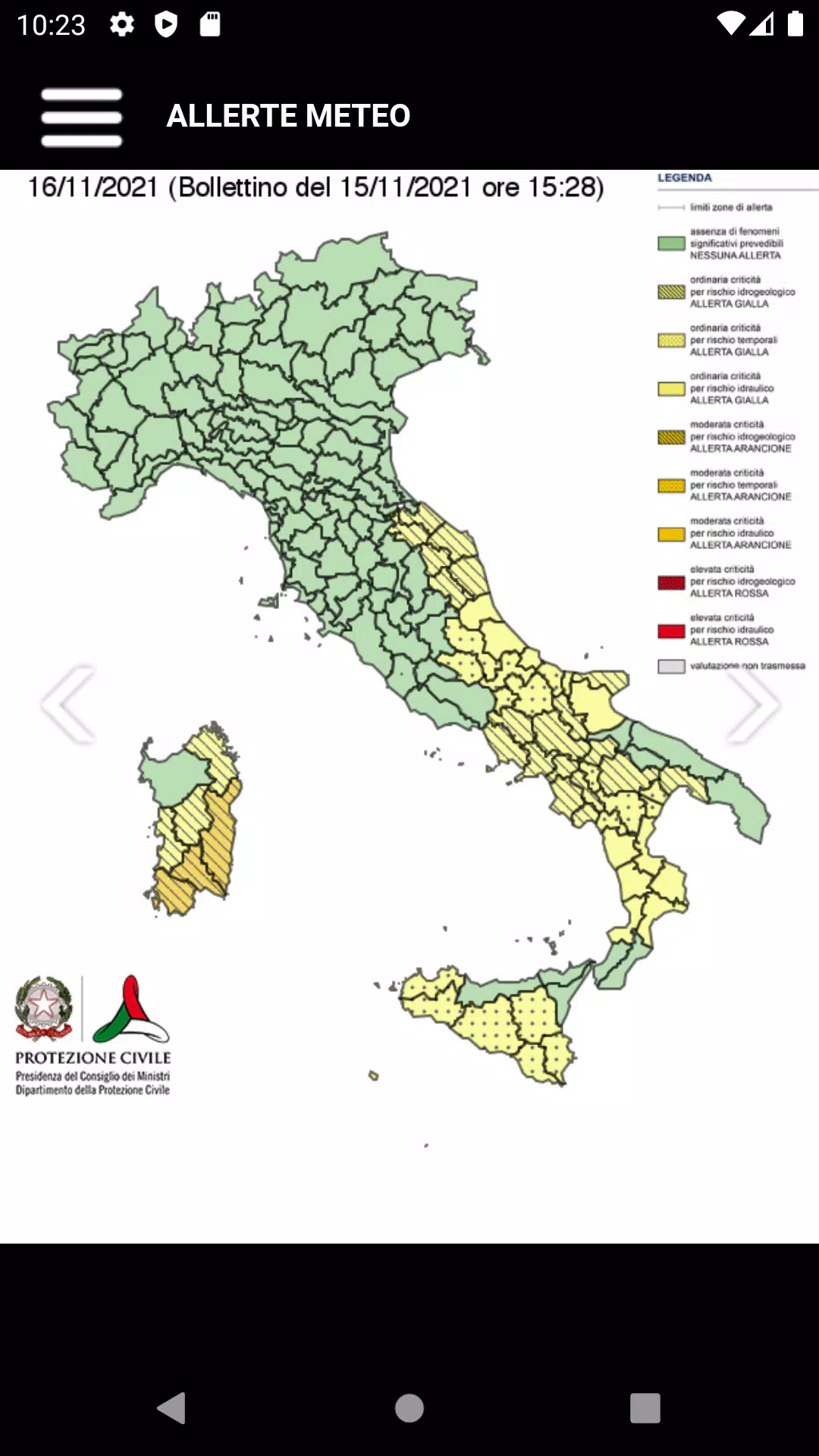
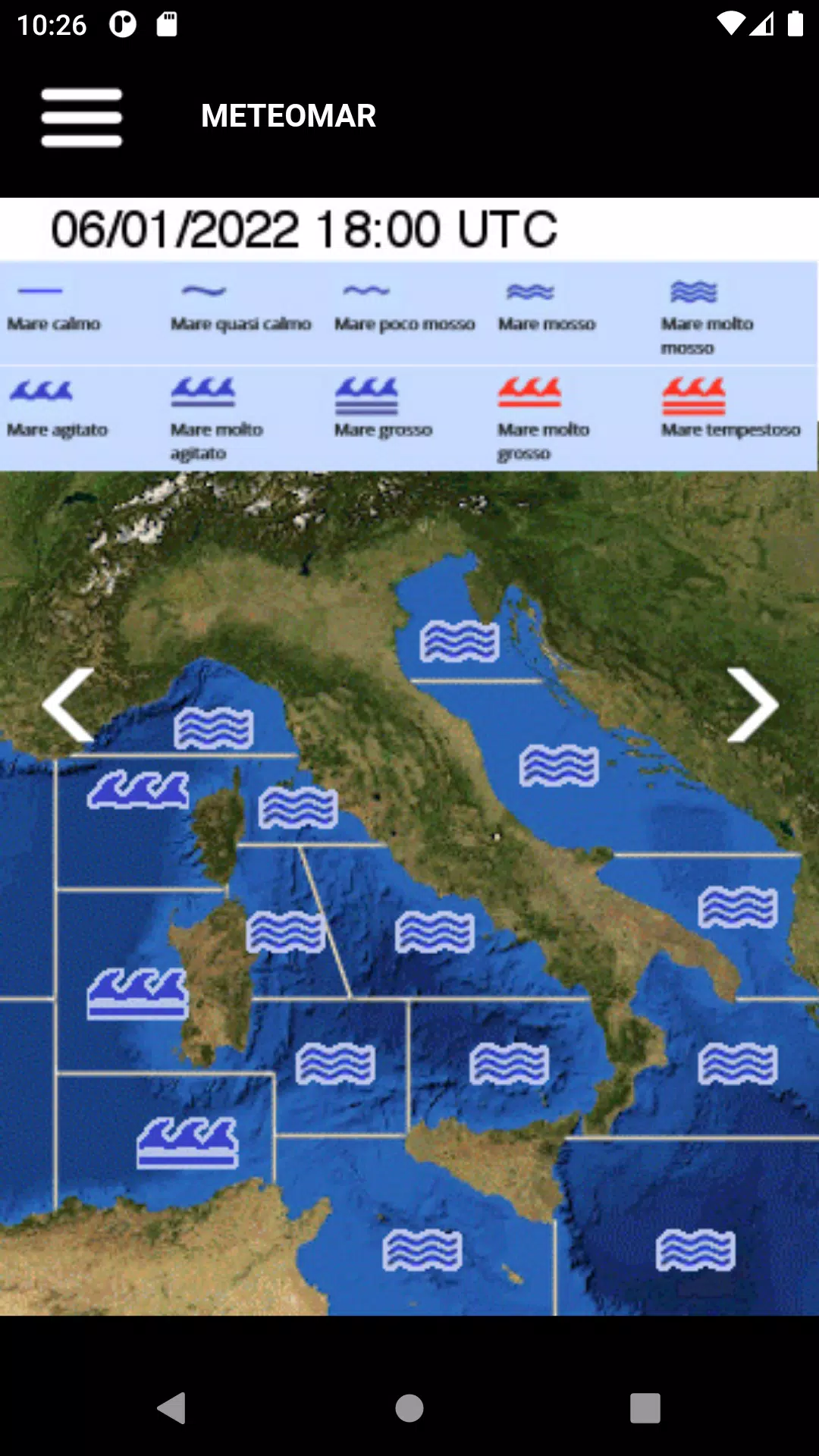
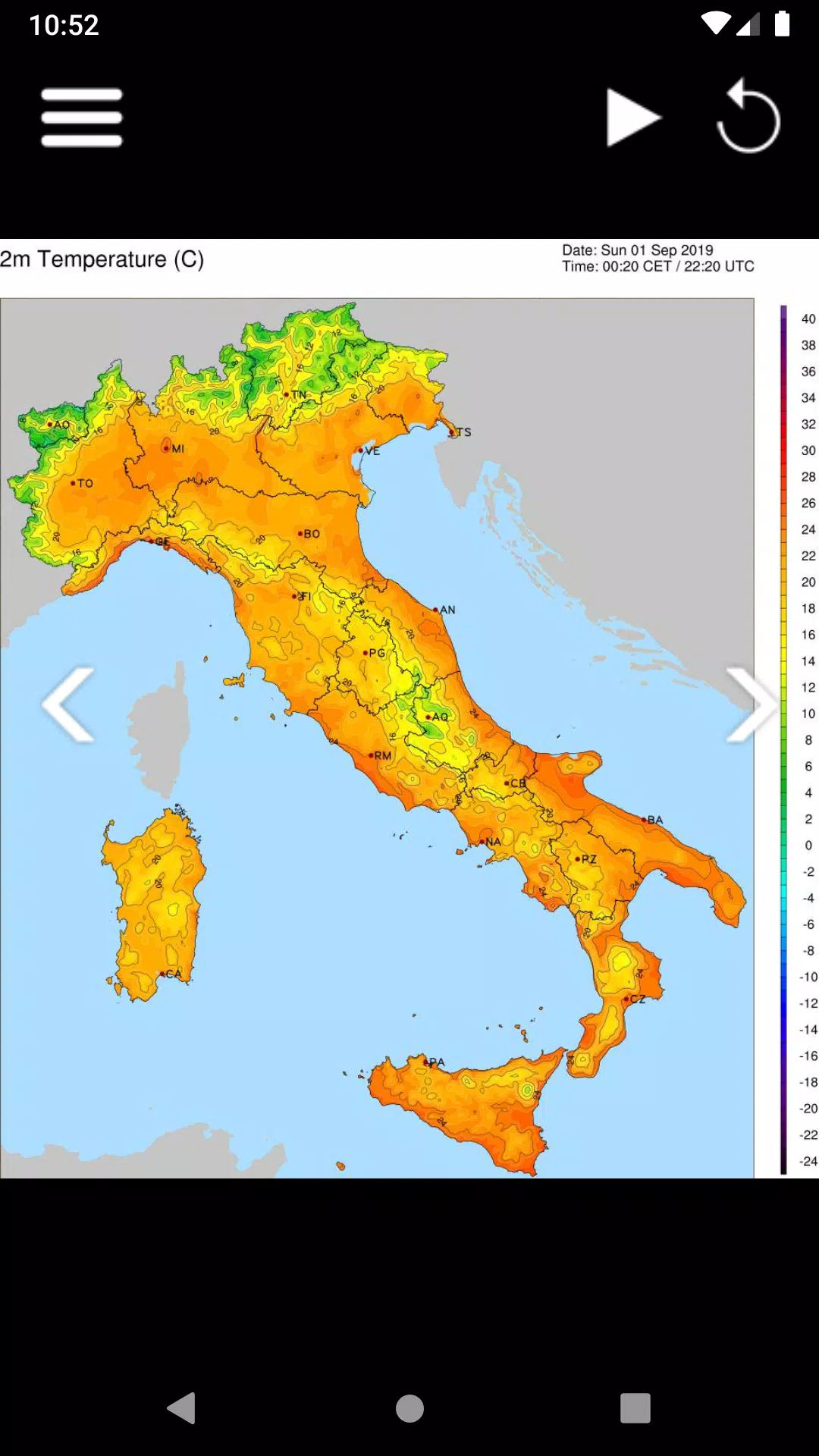
Radar Meteo Italia delivers live radar maps, precipitation forecasts and weather alerts tailored for Italy's regions, combining detailed satellite overlays with customizable layers and timely notifications. The app aims to help commuters, outdoor enthusiasts and planning professionals track storms, rain patterns and temperature trends across local areas.
Overview of the app
Designed for users who need precise, region-specific information, Radar Meteo Italia focuses on clarity and responsiveness. It aggregates radar returns, lightning data and short-term precipitation forecasts into a compact interface. That mix makes it practical for quick checks before travel, for planning outdoor activities or for keeping informed during volatile weather.
Core features at a glance
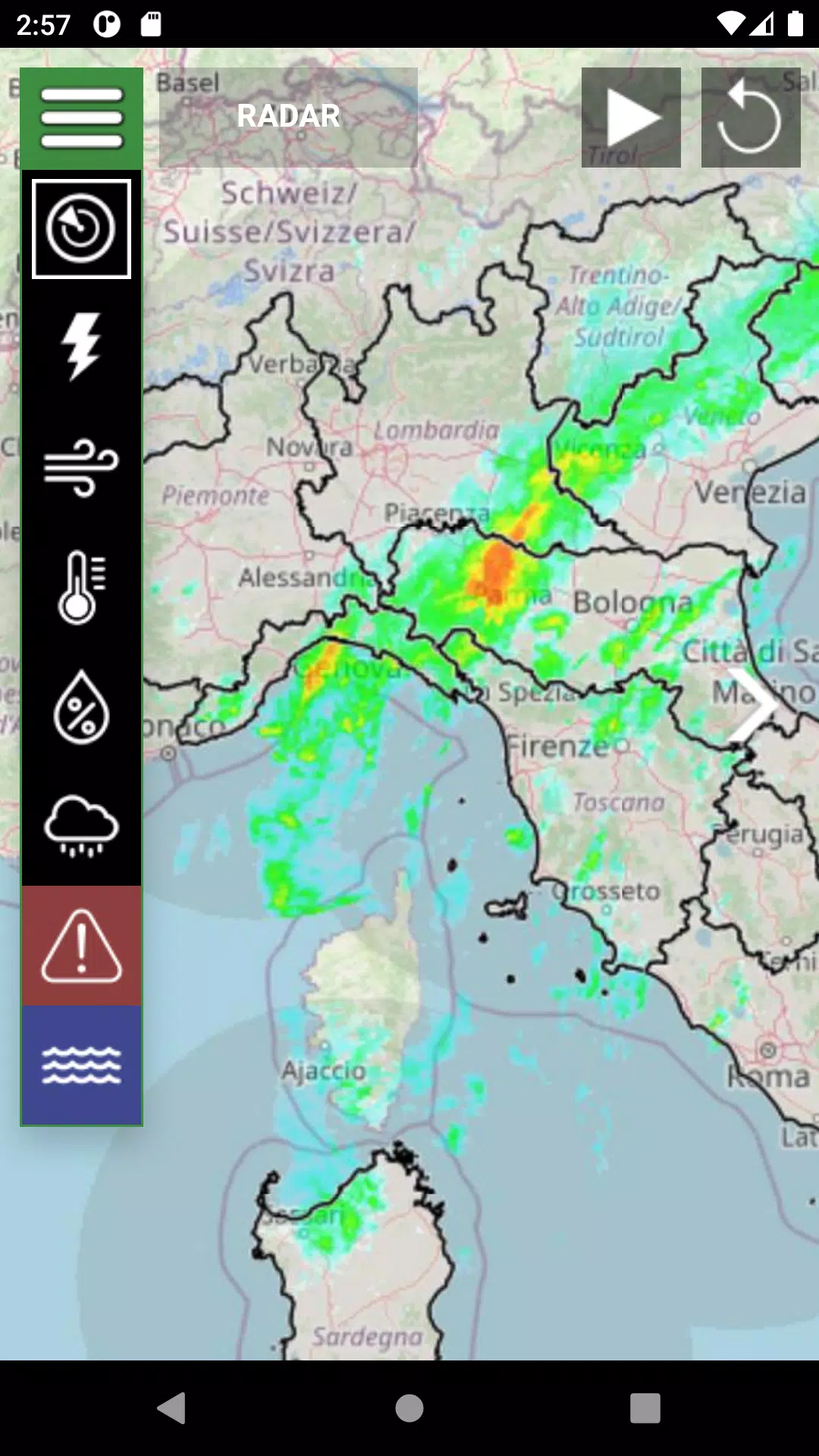
- Realtime radar – High-resolution radar loops with adjustable playback speed to monitor approaching systems.
- Precipitation forecast – Minute-by-minute and hourly forecasts to anticipate rain or snow.
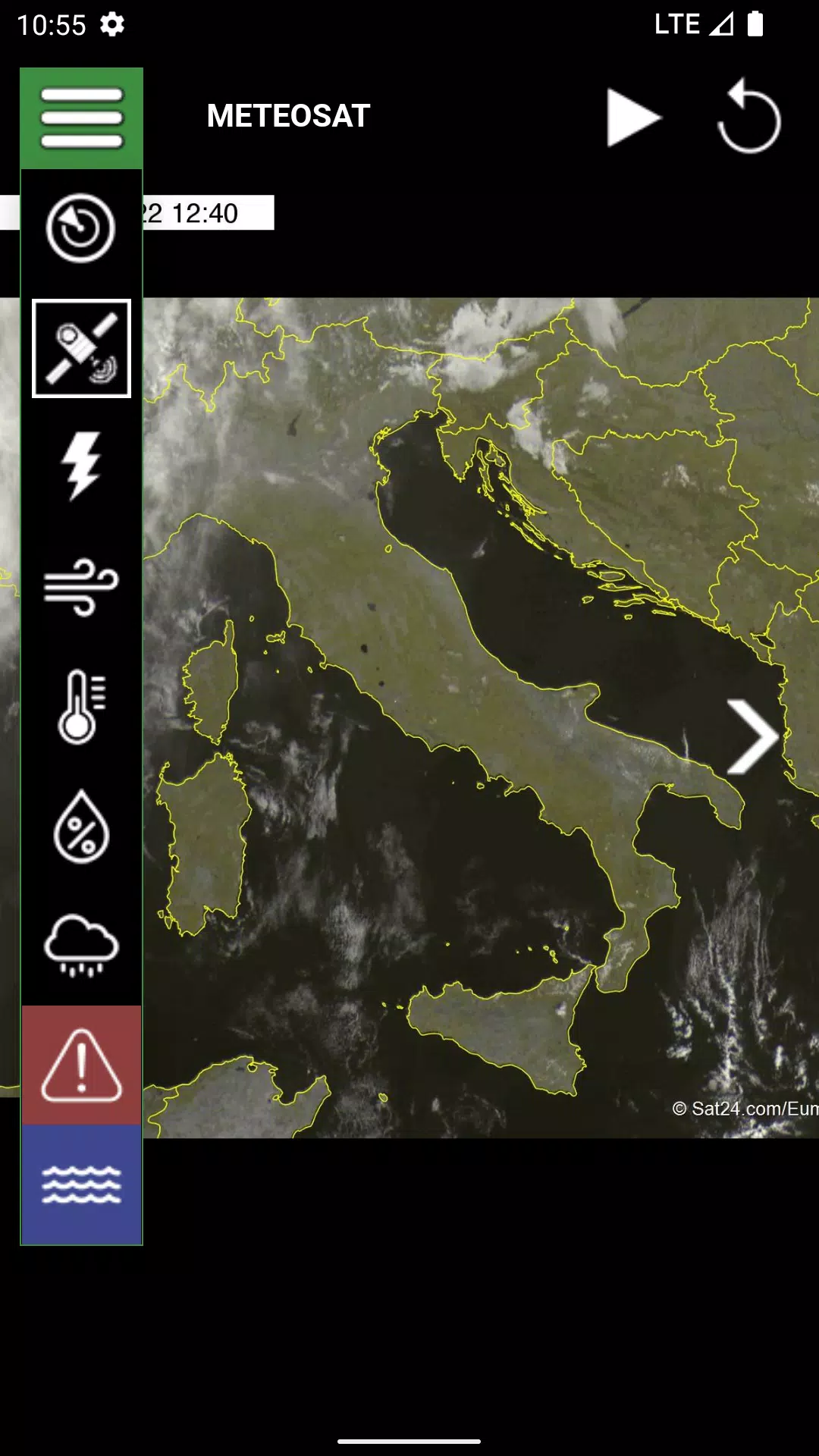
- Satellite overlays – Infrared and visible layers that help distinguish cloud cover from precipitation.
- Alerts and notifications – Customizable warnings for heavy rainfall, thunderstorms or snow in selected areas.
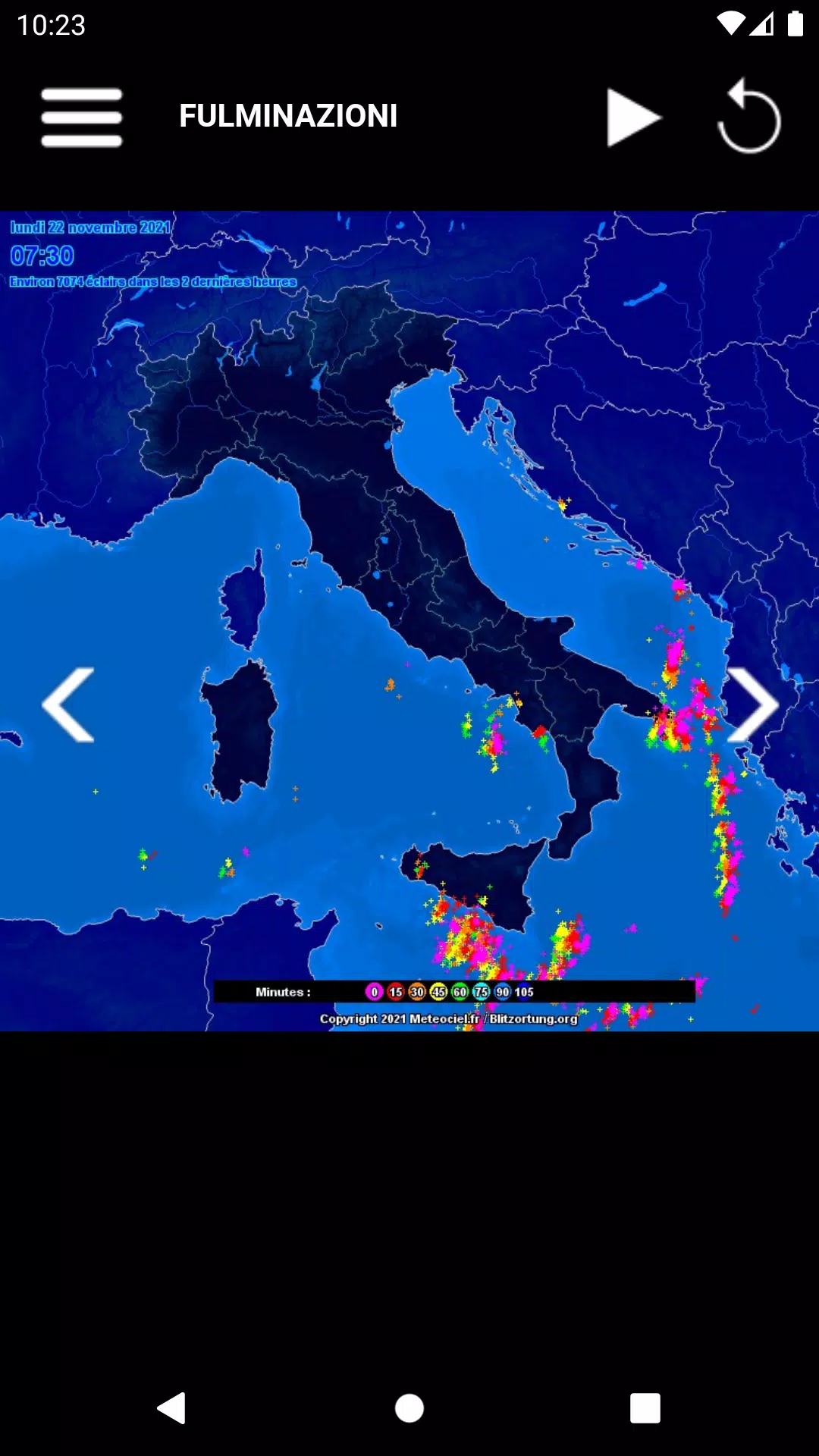
- Lightning tracking – Visualized strike locations and timestamps for safety-aware users.
How the app works in practice
Radar Meteo Italia combines multiple data feeds to create a coherent picture. Radar returns are stitched into animated tiles so users can follow movement and intensity. Satellite imagery is blended with radar layers to improve situational awareness, particularly when precipitation intensity alone is not enough to understand cloud structure or coverage.
Users can tap any point on the map for a short forecast and swipe the timeline to see how conditions will change. The app caches recent images for quicker load times and can download higher-resolution tiles on demand when the connection is strong.
Interface and performance
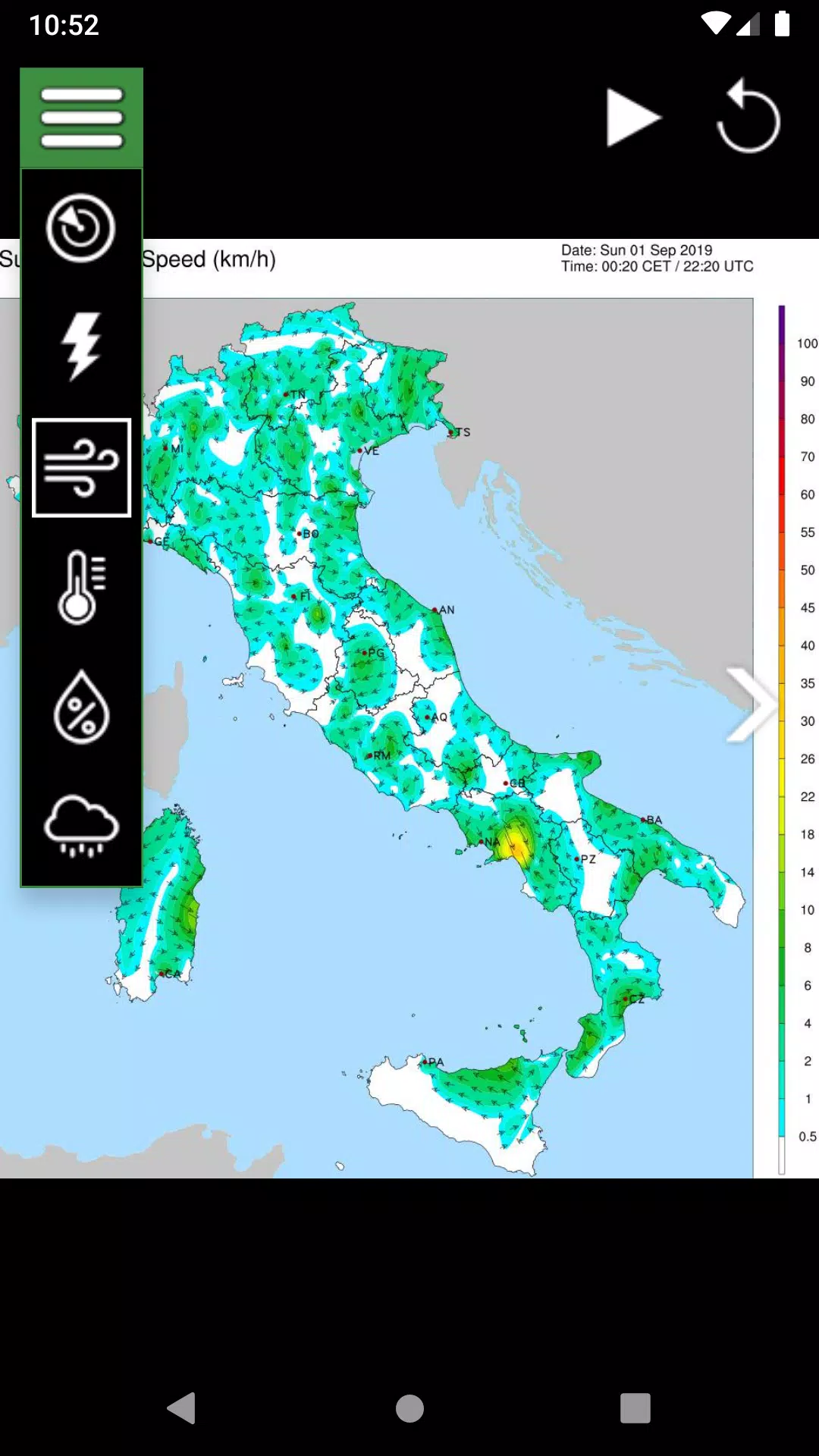
The design emphasizes legibility: clear color scales, distinct markers for lightning, and an uncluttered toolbar. Map controls are responsive on most modern devices, and the app includes options to limit background updates to save battery. Zoom levels are optimized for both regional overviews and neighborhood-level inspection.
Customization and tools
Customization is a strong point. You can create named locations to monitor specific addresses, toggle individual layers on or off, and define alert thresholds by intensity or proximity. For frequent travelers, a favorites list keeps locations accessible without manual searching. There are also options to switch units between metric and imperial, and to set the map orientation to north-up or heading-up.
Practical tips for daily use
- Save home, work and favorite outdoor spots for one-tap access to current conditions.
- Use the minute-by-minute forecast when planning short trips, especially when radar returns show quickly developing cells.
- Enable lightning notifications if you spend time outdoors during summer months; the visual strike history helps assess risk.
- Limit background updates when battery is low and use Wi-Fi for high-resolution tile downloads to reduce data usage.
Installation and compatibility
Radar Meteo Italia installs like any standard Android application. It requests permissions needed for map display and optional location services. Compatibility is broad, with smooth performance on mid-range and high-end devices; older phones may experience reduced map tile resolution or slower animation playback. Regular updates improve map rendering and data accuracy.
Who benefits most from this app
This app is useful for daily commuters, cyclists, event planners and anyone who needs concise location-specific weather insight. The balance of live radar, forecast timelines and alert customization makes it an efficient tool for making short-term decisions based on evolving weather conditions.
Practical evaluation
Radar Meteo Italia stands out for its focus on Italian coverage and the way it prioritizes actionable visual information. The app is not overloaded with unnecessary widgets; instead, it gives users the tools to pinpoint threats and plan around them. For those who monitor weather frequently, its feature set and thoughtful interface deliver a useful mix of detail and speed.
Information
 Google Play
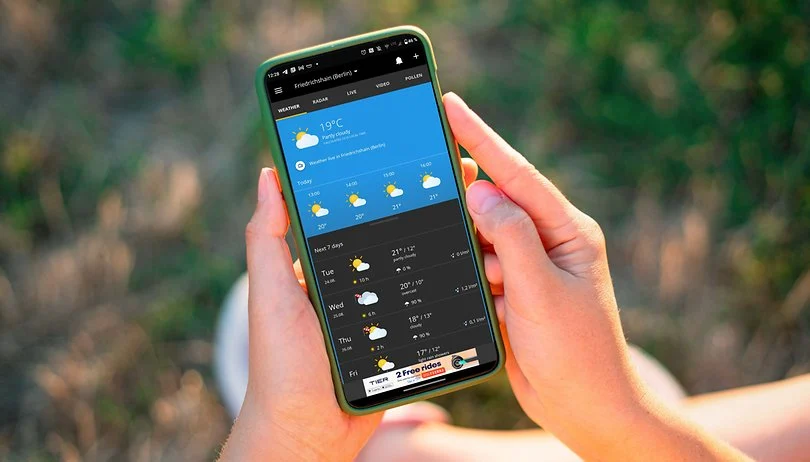
What are some reliable weather apps without ads? A great weather app not only helps you stay informed about daily weather conditions but also delivers accurate weather data. Some apps even come with smart voice alerts, ensuring you're always prepared when heading out. These weather apps are ad-free, with all forecasts and updates sourced from trusted meteorological organizations, providing you with the most precise information. If you're looking for such a tool, download and try one today!





User Comments
Weather Station - Data Manager helps you collect, organize, and review sensor readings from local and networked weather stations. The app imports common data formats, displays interactive charts, and supports export for further analysis.
Weather app widget- Live radar puts real-time weather, forecasts and radar maps on your device so you can plan ahead and avoid surprises. This compact weather utility delivers precise local forecasts, a seven-day outlook and hour-by-hour updates, plus a live radar view to track storms and precipitation across your area. Users who want fast access can add customizable home screen widgets showing temperature, humidity, wind, UV index and more. Weather app widget- Live radar also reports advanced metrics such as dew point, visibility and pressure, and includes an Air Quality Index to monitor common pollutants.
DashClock Moon Phase Extension brings the moon’s current phase directly to your Android home or lock screen, letting you check lunar phases at a glance without opening extra apps. This lightweight extension integrates with the DashClock Widget to display whether the moon is new, waxing, full or waning and requires no complex setup — simply add the extension to your existing DashClock Widget and enable it.
News 9 Weather provides accurate local forecasts, live radar, severe weather alerts, and on-demand forecast videos for your area. News 9 Weather offers hourly and 10-day forecasts, interactive radar maps, and customizable push notifications to help you plan your day.

AI Weather - AI Assistant is a smart weather utility that uses artificial intelligence to give personalized forecasts, packing practical travel planning and everyday advice into a simple interface. Choose your destination and travel dates, and the app analyzes upcoming conditions to suggest what to pack, whether you'll need an umbrella, and tips for staying comfortable in different climates. Travelers and daily planners will appreciate the tailored recommendations, while the hybrid approach combines AI-driven insights with familiar forecast formats so you stay prepared for changing weather.
Sun Shield brings real-time UV safety tools to your phone so you can plan outdoor time based on current conditions. Sun Shield provides current, hourly and daily UV Index readings for any location worldwide, including solar-noon measurements and hourly intervals, and pairs that data with a six-day UVI forecast and ozone column information.