
 X
 facebook
 WhatsApp
 Email
Introduction
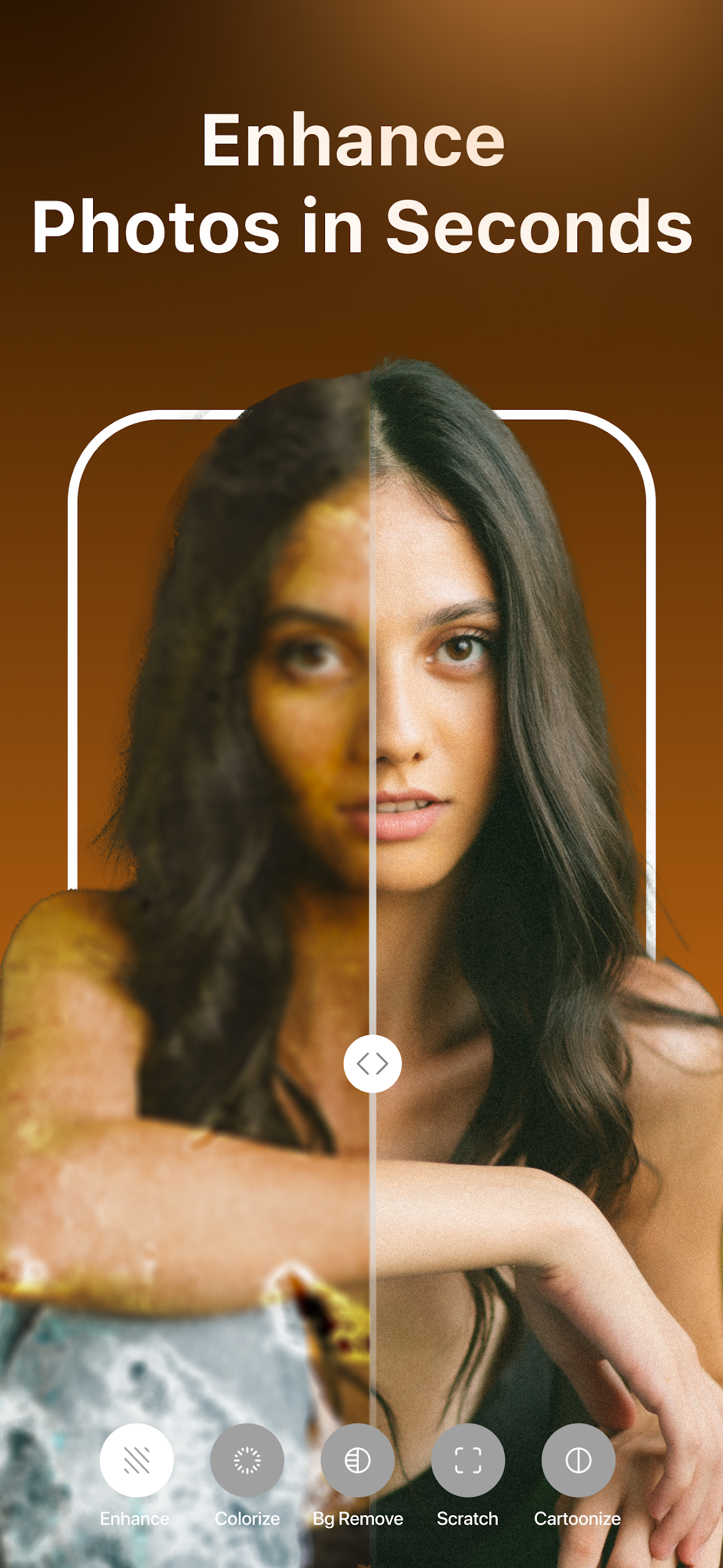
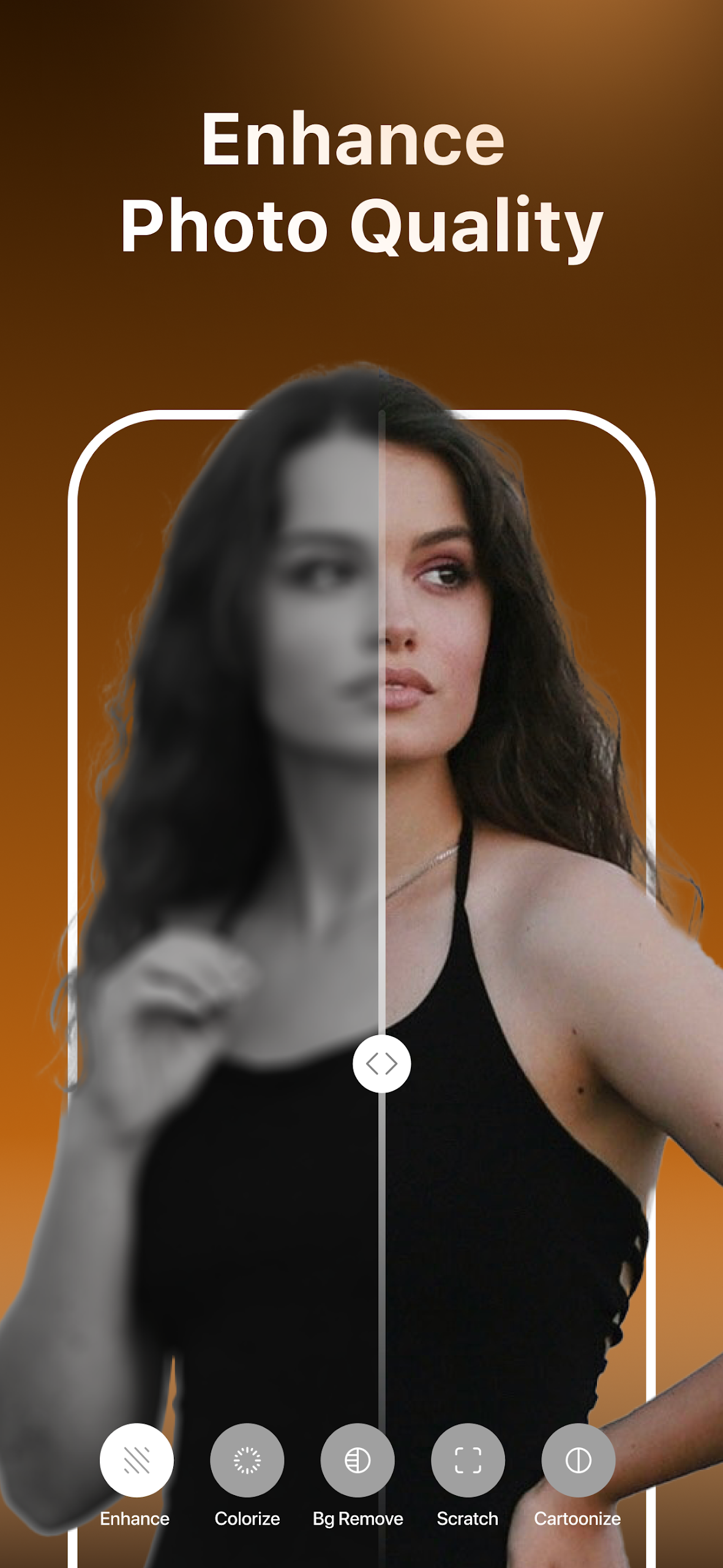
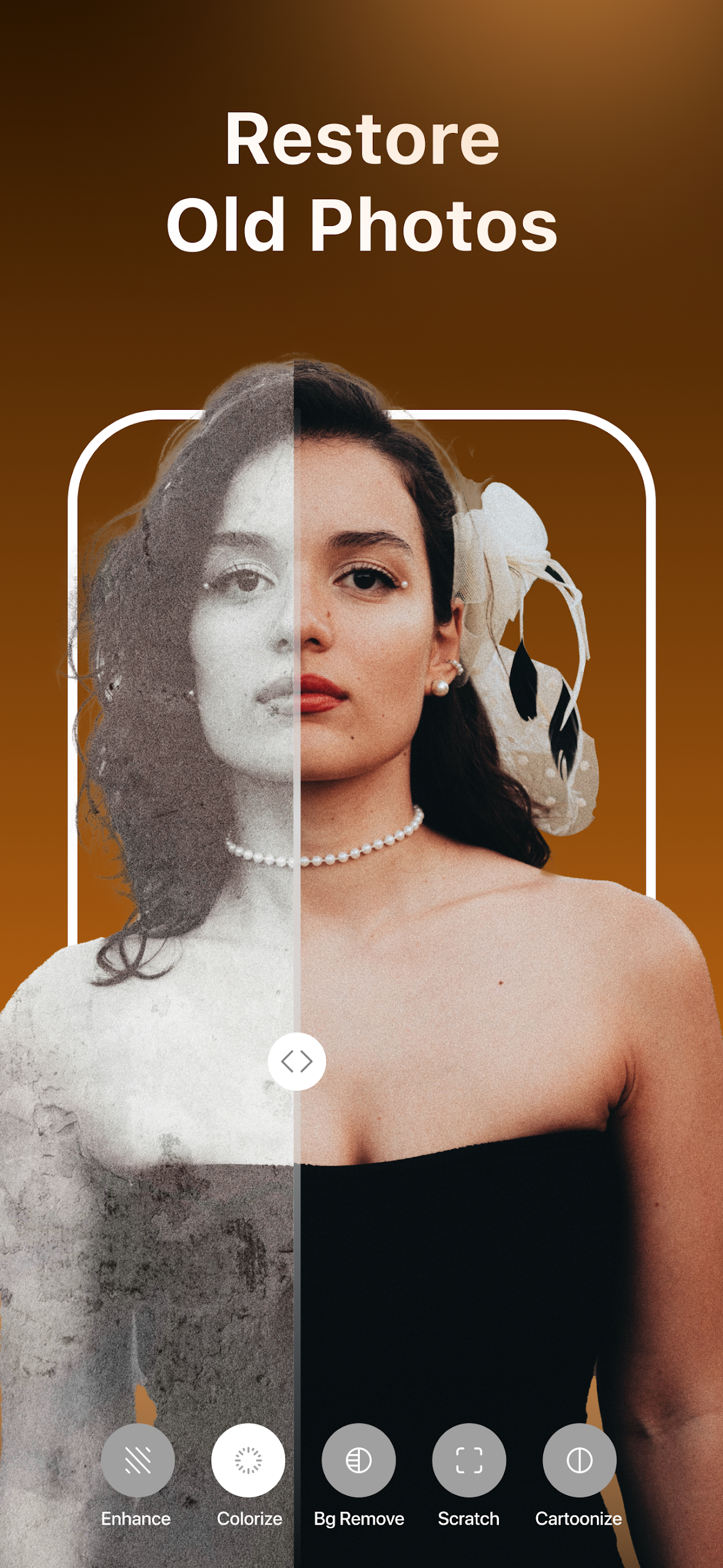
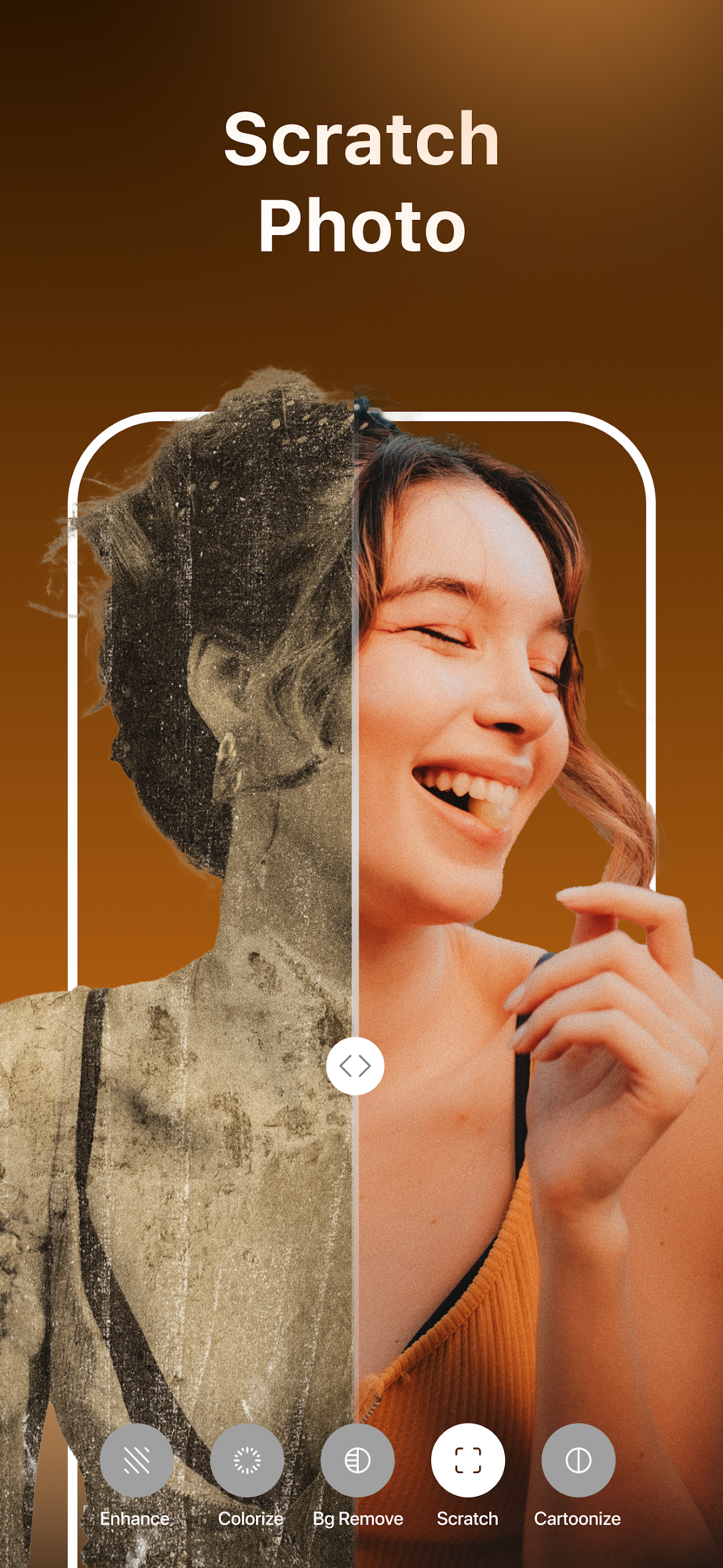
Photo Enhancer & Blurry Fixer is a compact image utility that restores soft or out-of-focus photos, sharpens fine details, and improves overall clarity using quick, easy controls. Designed for casual users and pros, it streamlines correction workflows while preserving natural textures and tones.
Overview and purpose
This application targets a common problem: valuable pictures ruined by motion blur, low light, or camera shake. Photo Enhancer & Blurry Fixer focuses on practical fixes rather than heavy retouching. It balances automated algorithms with manual controls to yield believable results without requiring advanced photo-editing experience.
Core design philosophy
The app is built around three goals: speed, simplicity, and fidelity. Speed ensures edits happen within seconds on modern devices. Simplicity keeps the interface approachable, with a minimal learning curve. Fidelity preserves edges and texture so images look authentic after enhancement.
Key features at a glance
- Smart deblur: Automatic detection of blur type with a single-tap correction that targets both motion and softness.
- Detail enhancer: Localized sharpening that brings out fine lines and facial features without introducing harsh artifacts.
- Noise reduction: Adaptive smoothing that cleans grainy backgrounds while keeping subject detail intact.
- Batch processing: Apply the same enhancement profile to multiple photos to save time during large cleanups.
- Before/after comparison: Intuitive slider for quick visual checks and step-by-step undo options.
How it works
When you open a photo, the engine analyzes blur patterns and proposes a correction level. The suggested fix is applied non-destructively so you can adjust intensity. A combination of edge-preserving filters and frequency separation techniques allows the tool to sharpen important structures while minimizing haloing and overshoot.
Interface and workflow
The UI favors clarity: prominent preview area, compact tool strip, and contextual controls that appear only when needed. Controls include sliders for strength, smoothing, and contrast, plus a local brush for targeted fixes. Most edits are previewed in real time, allowing iterative refinement without waiting.
Performance on devices
On mid-range phones the app completes typical corrections in a few seconds; high-end devices produce near-instant results. Background processing keeps the UI responsive during batch jobs. Memory usage scales based on resolution, and users can select a lower preview quality to improve responsiveness on older hardware.
Practical usage scenarios
Photographers, social media users, and everyday documenters will find different uses: rescue a cherished family photo, polish mobile snaps for Instagram, or clarify text on receipts and whiteboards. Photo Enhancer & Blurry Fixer works well as a quick fix in the field or as a final polish before sharing or printing.
Tips for best results
- Start with the auto-scan: Let the app recommend a baseline and then fine-tune the sliders.
- Use the local brush: Apply strong sharpening to the subject and lighter treatment to backgrounds.
- Combine features: Run noise reduction first, then apply detail enhancement to avoid amplifying grain.
- Work at full resolution: For prints, process the highest-resolution file available and use preview modes to judge results.
User experience and reliability
Feedback-driven updates improve stability and introduce new correction models over time. The app includes undo history and preserves the original image. Export options cover common formats and quality settings, and saved edits are lightweight so they don’t bloat device storage.
Getting started
Installation is straightforward. Grant photo access, select an image, and run the auto-enhance to get an immediate improvement. Photo Enhancer & Blurry Fixer provides short in-app tips on first use and a gallery of before/after examples to guide beginners.
Final notes for potential users
If you regularly encounter soft or noisy photos, this tool offers a pragmatic, well-balanced approach to restoration. It refrains from extreme, unnatural processing and instead focuses on preserving the original look while making images clearer and more usable for sharing or archiving.
Information
 Google Play
Social networking apps have become essential tools in everyday life, making communication with others more convenient. These apps allow you to easily stay in touch with old friends while also providing opportunities to meet new people, helping to expand your social network beyond its usual boundaries. This page features a handpicked selection of the best social apps, making it your go-to choice for mobile socializing!






User Comments

찍스 - 트루 포토북, 스탠딩포토 brings a full mobile photo-printing studio to your pocket, letting you turn ordinary pictures into museum-quality True Photo Books or compact Standing Photos for desks and shelves. In the first moments after opening 찍스 - 트루 포토북, 스탠딩포토 you can import images from your phone gallery, cloud folders or camera roll, and the app guides you through creation with clear on-screen steps and instant previews so you always know how the final product will look.

MagnetPhoto - Impression Photo converts your favorite pictures into collectible vintage-style magnets you can order directly from your phone. The app applies retro Polaroid-inspired formatting to images and produces 75 x 95 mm magnets that feel like instant photos, with options for sepia, black-and-white, gray scale or a playful vintage snapshot look. Users can personalize each piece with different fonts and filters, turning ordinary shots into keepsakes or event save-the-dates. If you enjoy tangible mementos or want a creative way to share memories, MagnetPhoto - Impression Photo offers an approachable, design-focused way to preserve moments at home.
Before After Photo Frame is a simple, creative tool for making before-and-after collages that highlight transformations, projects, or personal journeys. The app combines two images into a single comparison layout and offers a quick, visual way to document progress or showcase results, which makes it useful for fitness, home improvements, beauty, or hobby projects. With an intuitive interface and ready-made templates, users can arrange photos side-by-side or top-and-bottom, add text and stickers, apply filters and textured backgrounds, and export their work to the device gallery or use it as a wallpaper.
Experience the thrill of flying a quadcopter from the palm of your hand with this KYUFO App. By connecting to WIFI, you can seamlessly control the aircraft using the joystick and view real-time footage from the camera. Capture stunning photos and videos, control the flight through gravity sensing, and even use gesture recognition to snap pictures. Immerse yourself in the VR mode, create music videos, and apply fun filters to your content. Whether you're a beginner or a seasoned pilot, this App offers a user-friendly interface and a multitude of features to enhance your flying experience.
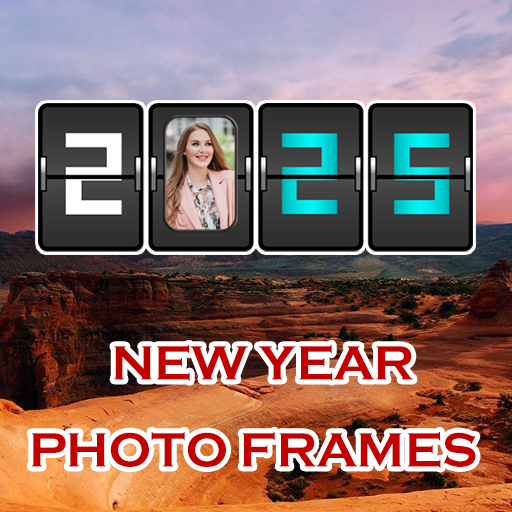
Capture and cherish your special New Year moments with the ultimate New Year Photo Editor 2025! With a vast collection of over 100 HD quality frames, customizable text features, and unique 2025 New Year messages and backgrounds, this app is your go-to for creating stunning New Year memories. Easily personalize your photos, adjust them to perfection, and share them effortlessly on social media platforms – all for free! Compatible with all devices, this intuitive and user-friendly app guarantees a smooth and enjoyable experience. Download now and kick off the New Year in style with New Year Photo Frames 2025!
XCamera is a top-rated photography app that allows users to take stunning selfies with its advanced camera features and powerful editing tools. Developed by Meitu (China) Limited, the latest version 7.2.010 offers a wide range of filters, effects, and editing options to enhance your photos. With over 100 million downloads, BeautyPlus is a popular choice for users looking to capture and edit beautiful selfies on their mobile devices. Download BeautyPlus now for free on Google Play and start creating amazing photos with just a few taps!