

 X
 facebook
 WhatsApp
 Email
Introduction
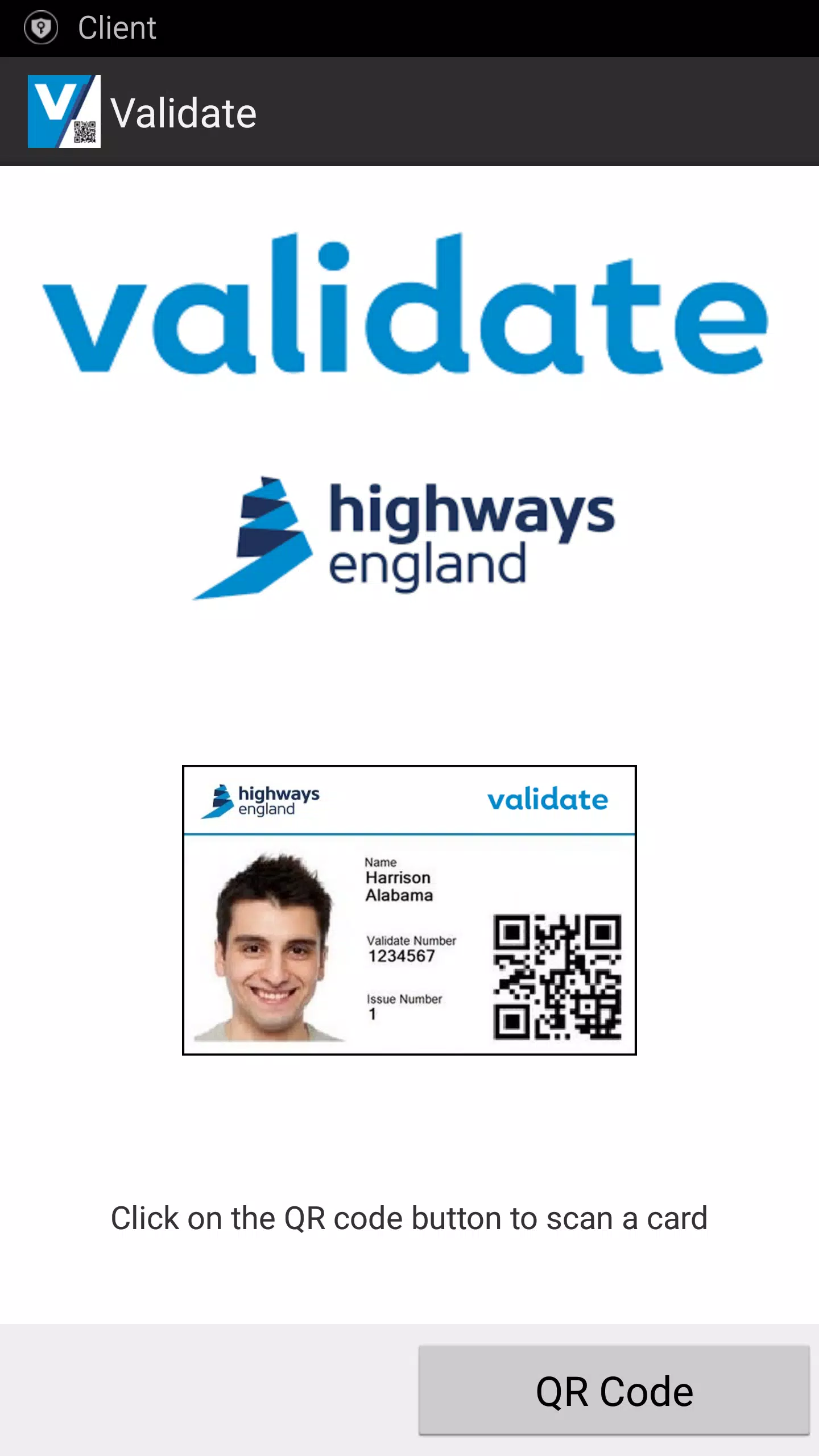
Highways Validate QR is a practical Android utility designed to verify and process QR codes used in highway systems, tolls, and transport permits. The app quickly confirms code validity, displays associated trip or vehicle details, and helps operators and drivers resolve scanning issues with minimal delay.
Core Features and Tools
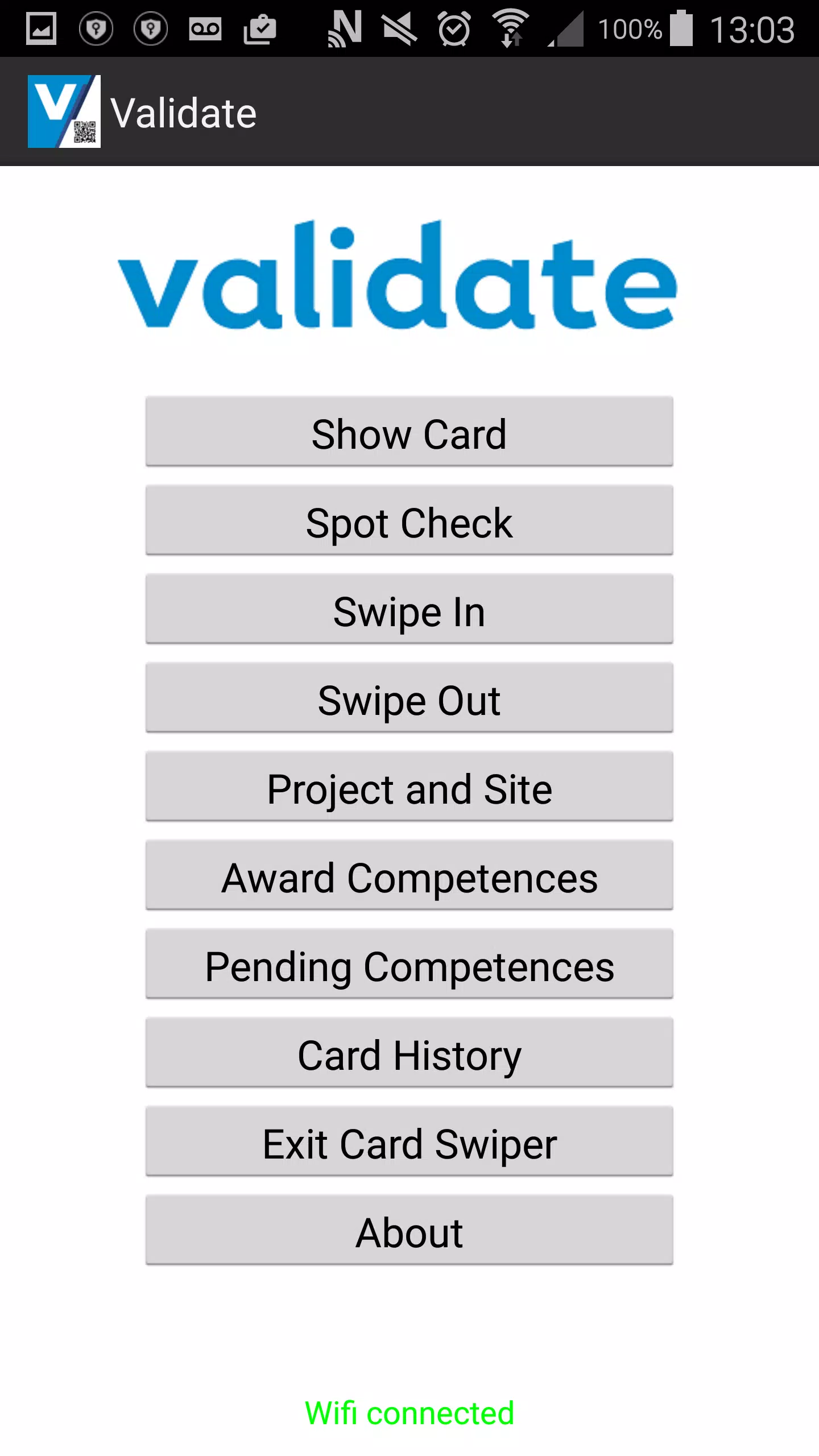
Highways Validate QR delivers a compact set of tools tailored for roadside and back-office validation tasks. It supports bulk scanning, manual code entry, and stored history of recent verifications. Built-in logging captures timestamped results and device IDs for audits, while a filtered search makes it simple to retrieve past checks.
- Real-time QR decoding with onscreen validation status
- History log with exportable entries for reporting
- Manual code input when camera access is limited
- Offline validation cache to handle intermittent connectivity
How the Validation Process Works
The app reads encoded payloads and cross-references them against local rules or remote verification endpoints. When connected, Highways Validate QR calls a secure server to confirm a code’s authenticity and retrieve details such as permitted route, expiry time, and vehicle class. If offline, cached validation rules provide preliminary acceptance or rejection, with full reconciliation once a network is restored.
User Interface and Daily Workflow
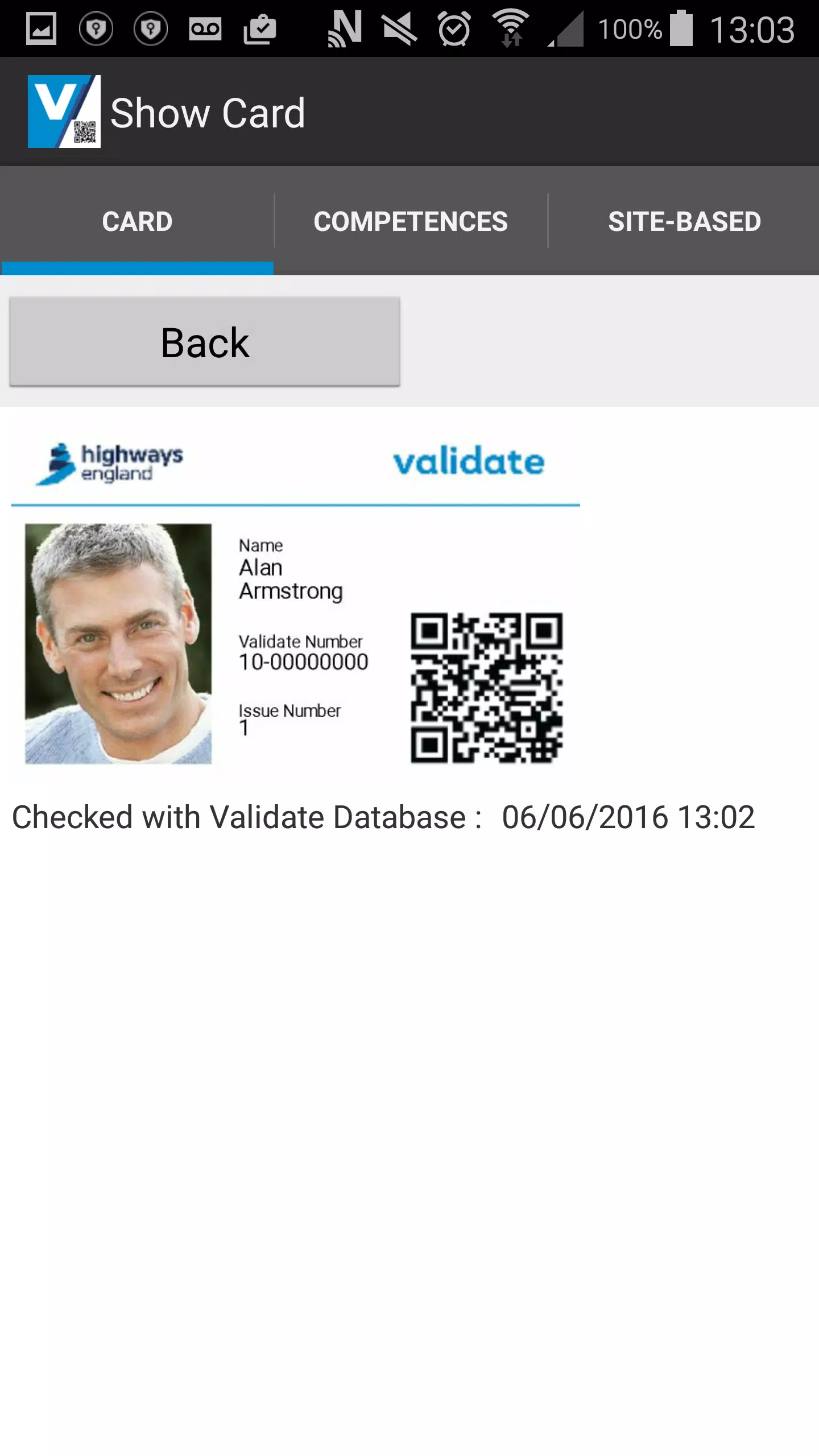
A clear, high-contrast interface places the scanner in the center of the screen for fast alignment. Results appear in a concise card that highlights critical fields—status, permit number, and expiration—so staff can make rapid decisions without navigating menus. Quick actions let users flag suspicious codes, add notes, or initiate a follow-up review.
- Large scanner window with visual alignment guides for rapid capture
- Result cards with color-coded states: valid, expired, or suspicious
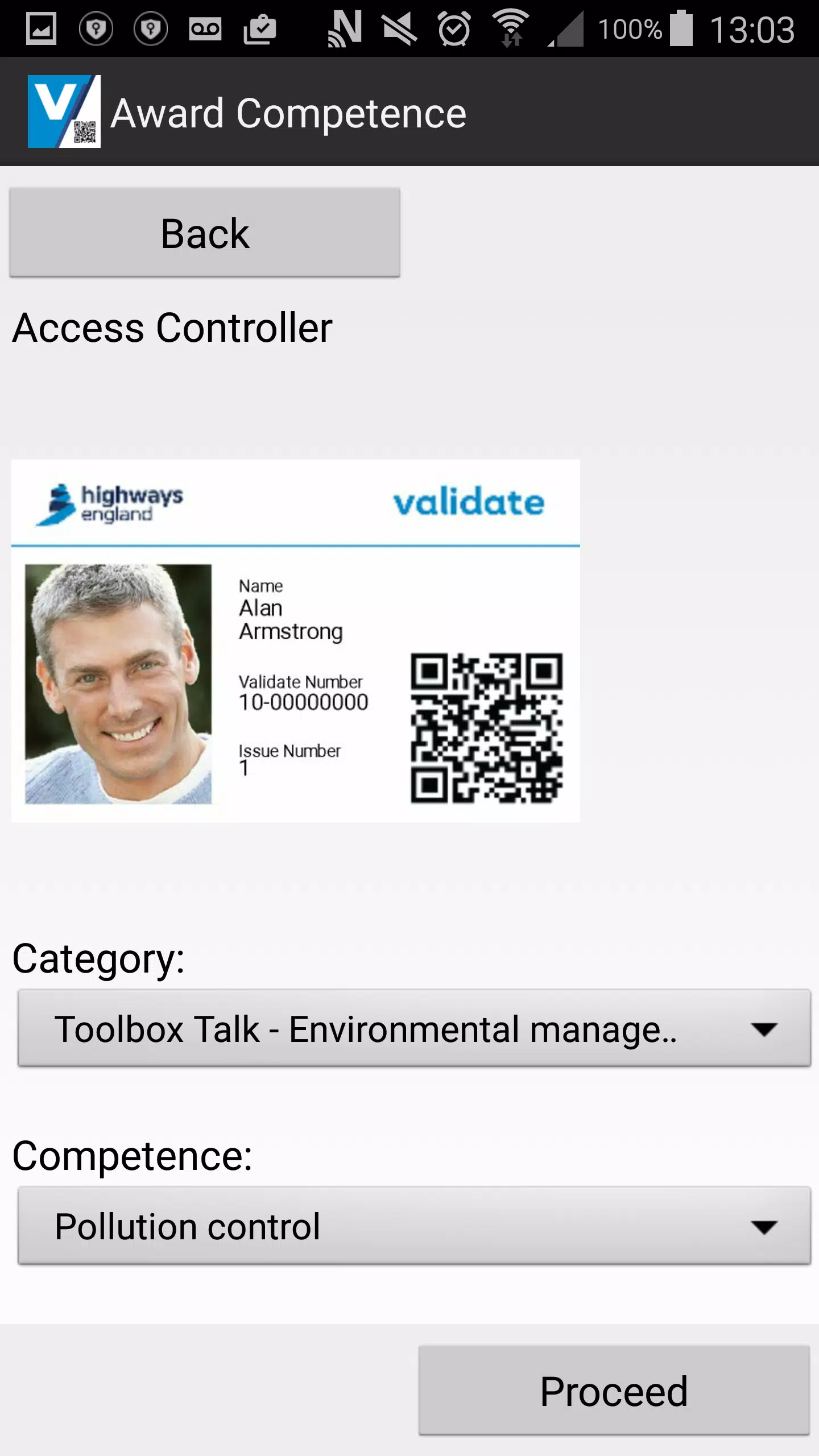
- Options to attach photos, text notes, or operator ID to a validation record
Setup, Integration, and Permissions
Installation takes only a few minutes. Highways Validate QR requests camera and storage permissions to scan codes and retain logs. For integration with backend systems, administrators can configure API endpoints, set authentication tokens, and define custom validation rules. The app supports role-based access, so managers and field operators see different options and report levels.
Performance, Reliability, and Compatibility
The scanning engine is optimized for low-light and angled captures, reducing retries and speeding throughput. Highways Validate QR runs well on modern mid-range and high-end Android devices; compatibility extends back several Android versions to support legacy hardware often used in field operations. The app minimizes battery impact by suspending background tasks when the app is idle.
Security and Data Handling
Security focuses on protecting validation data and communications. Local logs can be encrypted on-device, and all server interactions use HTTPS with token-based authentication. Administrators can enable automatic log purge to comply with data retention policies and limit the personal data retained on the device.
Practical Tips for Accurate Scans
For best results, keep the camera lens clean and steady, and use the app’s alignment guides to center the QR code. If scanning fails, try adjusting the distance slowly rather than moving quickly. Enable the offline cache when working in areas with unreliable networks to ensure continuous operation and avoid disruptions.
Who Benefits Most
Highways Validate QR is suited to toll operators, traffic enforcement teams, parking management, and logistics staff who need a fast, verifiable way to check QR-based permits and tickets. Its combined on-device validation and server checks make it flexible for both standalone field use and integrated enterprise workflows.
With concise reporting, configurable integration points, and an emphasis on fast, reliable scanning, Highways Validate QR helps reduce verification time and supports consistent enforcement across varied highway environments.
Information

The Remote App Tool collection includes many Android apps that allow remote control. With the growing number of smart devices, it's easy to misplace remotes. These apps solve that problem, offering a convenient, free way to control your devices. They provide great convenience for your daily life!






User Comments

Huntplex ACE puts essential management tools for fitness businesses into a single mobile app, helping gym owners, class instructors and studio managers run daily operations more smoothly. Designed to centralize billing, invoices, attendance tracking, customer enquiries and promotional messaging, Huntplex ACE reduces the need to juggle multiple systems and gives clearer visibility into revenue and client engagement across gyms, yoga studios, group classes and martial arts schools.

Adzshop is an Android utility that brings campaign setup, creative management, and real-time analytics into a single, mobile-friendly dashboard. It helps marketers and small business owners launch ads, track ROI, and optimize budgets on the go, combining practical tools for ad creation, scheduling, and performance monitoring in one compact package.

Journote is an all-in-one toolkit for journalists who need to record, organize and publish on the go. The app combines a document scanner, an audio recorder, a quick note pad, a built-in calendar and a camera so reporters can capture interviews, paperwork, photos and deadlines without switching apps. It also offers a radio stream for news monitoring and direct blog publishing from the app, making it a practical companion for fast-paced reporting. Journalists will want Journote for its convenience: it reduces context switching and keeps essential reporting tools together in one streamlined interface.

SIIP Alexandre Luz is an application designed for municipal public lighting technicians to manage maintenance tasks and service orders efficiently. The app centralizes reporting and reception of work requests so field teams can notify faulty points, receive assignments from a control center, and close or update existing orders directly from a mobile device. Technicians may create new posts, record inspections, and track previously reported locations using a straightforward, easy-to-use interface. SIIP Alexandre Luz aims to reduce paperwork and speed up repair workflows by keeping communication and status updates in one place for municipal lighting operations.

With Dynamics 365 Mobile, your sales team will be equipped with a powerful tool that seamlessly integrates data, tasks, and insights into one streamlined platform. Whether you're at the office or on the go, this app provides offline capabilities, innovative note-taking features, personalized workspaces, and visual tracking of key metrics to keep your business moving forward. Say goodbye to data loss and hello to increased productivity, efficiency, and confidence in your mobile operations. Experience the command center that is redefining business agility with Dynamics 365 Mobile today.

With just a few simple steps, our innovative Letterhead Maker app can help you create a sleek and professional letterhead in minutes. Begin by filling in your profile information, then select a template from our vast collection of modern designs. Preview your customized letterhead and easily download it to your device. Share it with ease via various messaging channels and rest assured knowing that all data is securely stored locally on your phone. No more time-consuming processes or hassle - our app streamlines the creation of personalized letterheads with ease and efficiency. Choose your template, input your details, and voila - your professional letterhead is ready to go!