
 X
 facebook
 WhatsApp
 Email
Introduction
Custom Keyboard brings a flexible typing experience to Android with themeable layouts, gesture controls, and predictive tools. It aims to speed typing, improve accuracy, and match personal style through an intuitive interface and extensive customization options designed for everyday use and productivity-focused users.
Overview: What the app delivers
Custom Keyboard is a productivity-focused input app that replaces the default Android keyboard to offer advanced tools, visual themes, and adaptive text suggestions. The app emphasizes speed and personalization without sacrificing battery life or privacy, making it suitable for professionals, students, and casual texters who want more control over how they type.
Highlights at a glance
- Personalization: multiple themes, fonts, and layout choices.
- Efficiency: swipe typing, predictive text, and clipboard management.
- Privacy: offline mode for local prediction and no cloud backups unless enabled.
Major features and tools
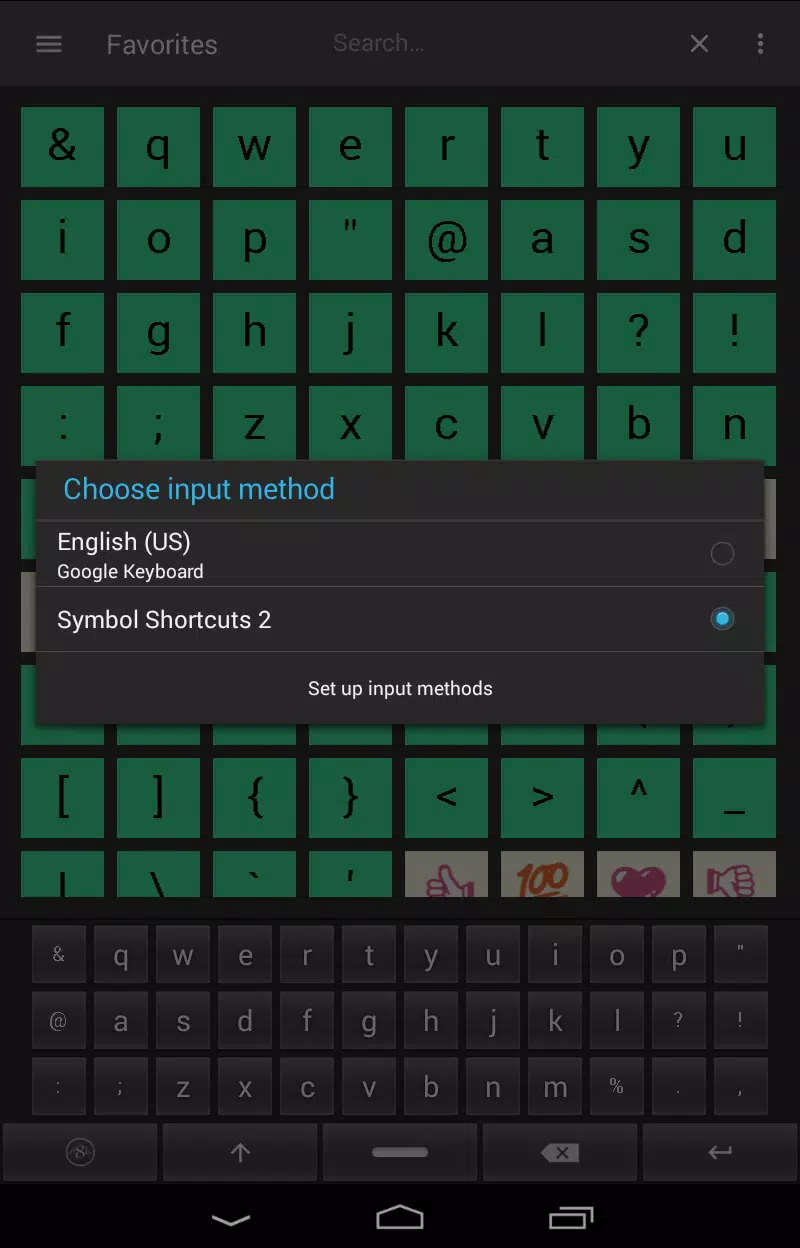
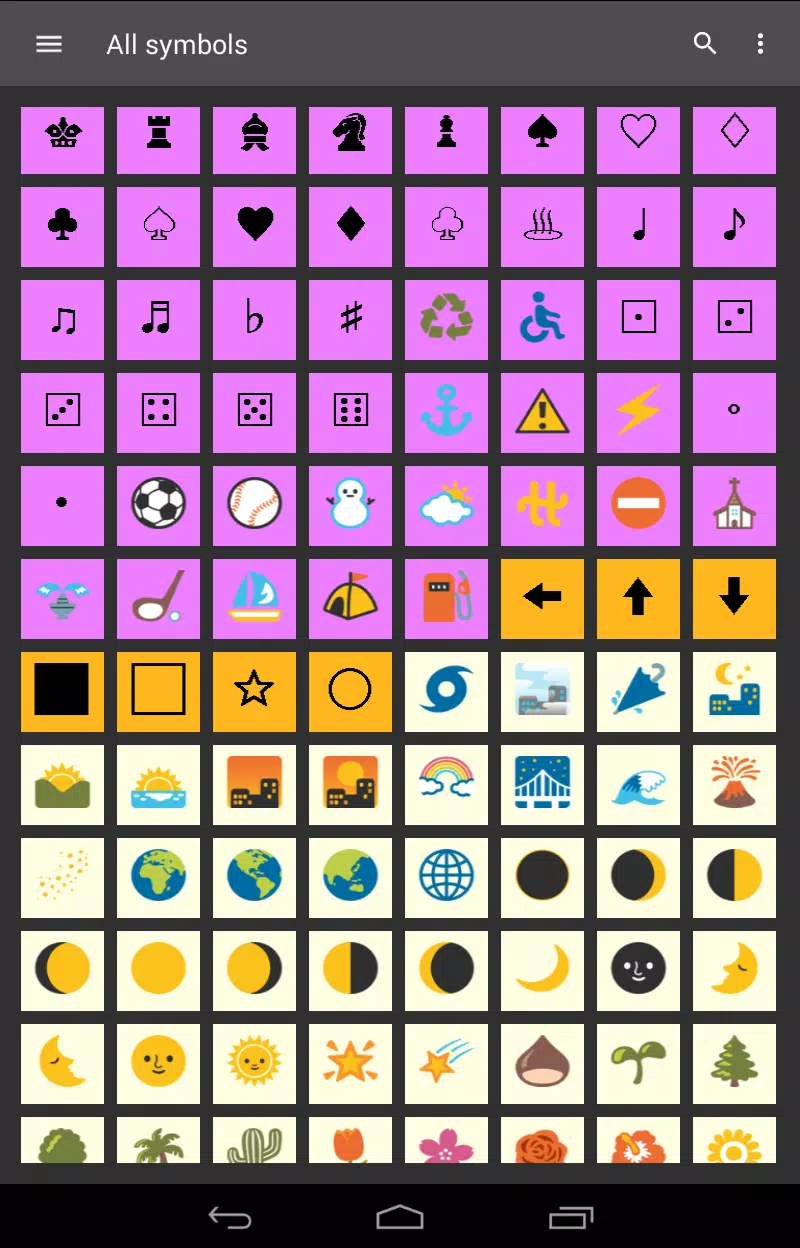
The feature set combines common productivity tools with a handful of unique additions. Predictive typing learns from your vocabulary to help reduce keystrokes. Clipboard history stores recent copied items so you can paste frequently used snippets fast. A built-in emoji panel and custom shortcut manager let you insert commonly used phrases with a tap.
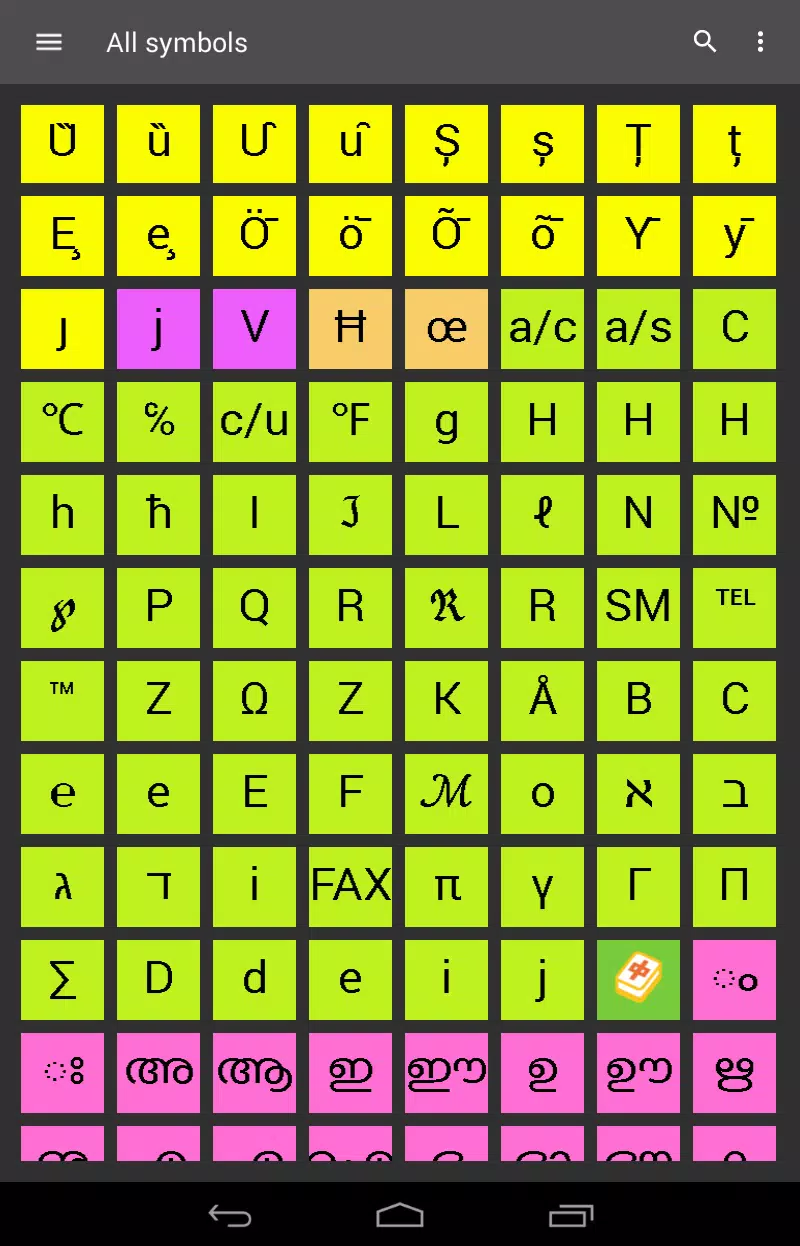
For power users, Custom Keyboard supports multi-language layouts, a numeric row toggle, and customizable key sizes. Developers will appreciate the plain-text clipboard export option, while casual users benefit from auto-correction and grammar-aware suggestions.
Interface and responsiveness
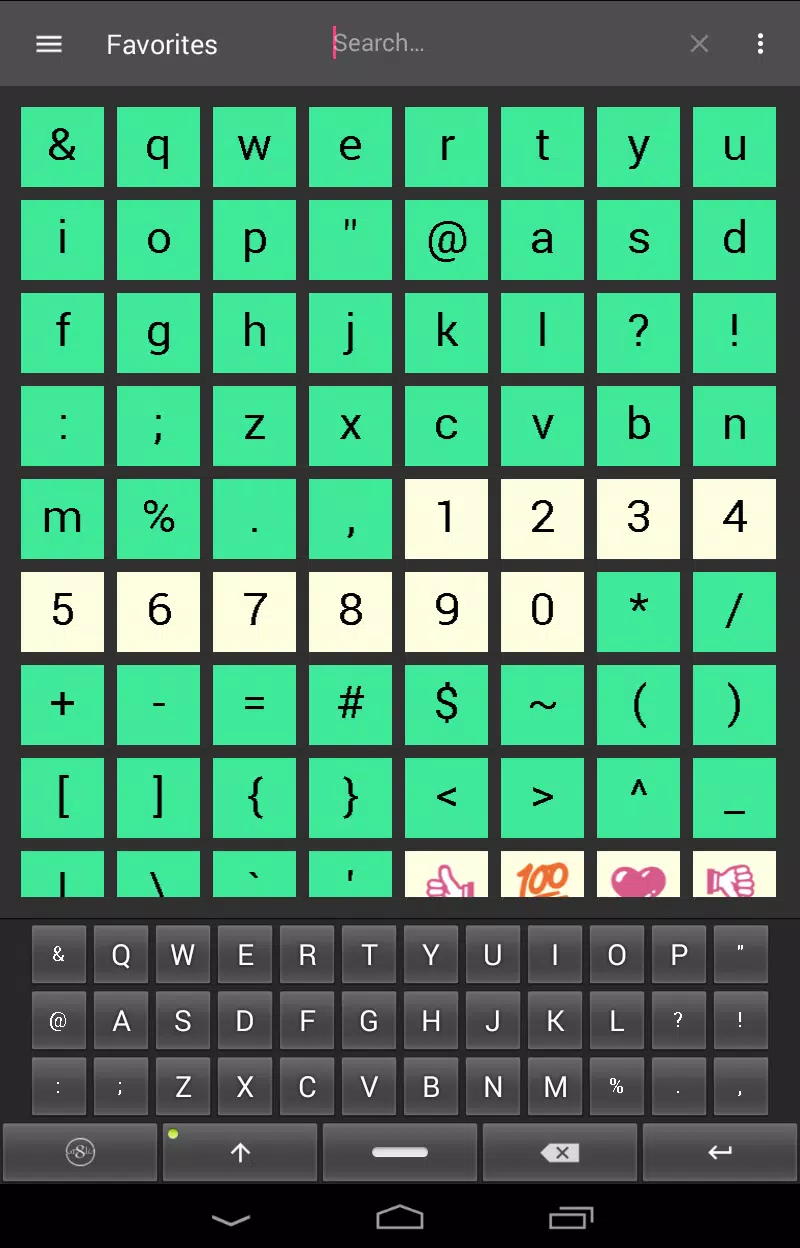
Design leans toward minimalism: keys are well-spaced, transitions are smooth, and visual feedback is subtle. The keyboard loads quickly, and typing latency is low even on mid-range devices. Theme packs include both high-contrast and low-light variants to improve visibility in different environments.
Customization options you can tweak
Where Custom Keyboard stands out is the breadth of personalization. Users can switch between QWERTY, AZERTY, and compact layouts, adjust key height, and set the keyboard width to match one-handed use. Color gradients, background images, and per-key sound choices let you craft a typing experience that feels unique.
- Theme editor: change colors, key shapes, and font sizes.
- Gesture controls: assign actions to swipe up/down or long-press.
- Shortcuts: set text macros for repetitive phrases.
How it works: setup and daily use
Installing Custom Keyboard is straightforward: after download, activate the keyboard in Android settings and grant any optional accessibility permissions for advanced gestures. The onboarding wizard walks through theme selection, language packs, and training the predictive engine. Most users will be typing comfortably within minutes.
During everyday use, the keyboard adapts to writing style and offers contextual suggestions. Clipboard and shortcut tools are accessible from a small toolbar above the keys, keeping frequent actions within thumb reach. If you prefer a minimal workspace, those tools can be hidden with a single toggle.
Tips for new users
- Enable multi-language mode only for languages you use to keep suggestions relevant.
- Use the tutorial to teach the predictive engine common names and jargon.
- Try a compact layout for one-handed typing if you often work on the go.
Performance and compatibility
Custom Keyboard is optimized to run smoothly across a wide range of Android versions and hardware. Memory usage remains low during standard typing tasks. Battery impact is minimal unless you enable continuous background learning or cloud sync. The app supports most third-party apps without layout or input issues.
Why users choose this keyboard
People pick Custom Keyboard for its balance of power and simplicity. It provides advanced productivity features—like clipboard history and intelligent suggestions—while keeping the interface accessible for casual use. Extensive customization ensures the keyboard fits individual workflows, whether you’re writing emails, coding, or messaging friends.
If you value a tailored typing environment that adapts and grows with your needs, Custom Keyboard is worth trying. Its mix of features, light footprint, and thoughtful design make it a practical upgrade to the default Android input method.
Information
 Google Play
User Comments

Introducing Phone Ringtones - the ultimate solution to boring phone ringtone music! Say goodbye to generic tones and hello to a world of personalized ringtones that reflect your unique style. With a vast collection of the latest iphone ringtones, notification sounds, and remixes, you'll never have to settle for default sounds again. Our user-friendly app allows for easy customization, so you can set different ringtones for contacts and alarms with ease. And with added features like wallpapers and the ability to share with friends, Phone Ringtones is more than just a ringtone app - it's a complete phone makeover experience. Upgrade your phone now with Phone Ringtones and let your personality shine through!

Upgrade your Android device with the most comprehensive icon pack available today from ENIX. With over 4200 unique icons and regular updates to keep up with the latest trends, your home screen will never look the same. But that's not all - the motion calendar feature offers a fresh take on the traditional calendar view, while a diverse collection of stunning 3D wallpapers adds a whole new level of customization. With ENIX, your phone will always be up-to-date and your user experience will be maximized to its full potential. Try it now and see the difference!
Experience the ultimate personalization for your mobile device with iPhone 11 Pro max. This innovative app provides you with a wide range of stunning themes, icons, and wallpapers designed in 4D to give your phone a fresh and stylish look. With a variety of categories to choose from, you can easily customize your screen display with high-quality graphics and unique designs. The app is user-friendly, free to use, and allows you to easily change and customize icons and names for any app on your device. Give your phone a makeover and download iPhone 11 Pro max today to transform your mobile experience.

Looking to make your phone stand out with a fresh new look? Look no further than Mellows Theme! This comprehensive launcher beautification program covers icons, wallpaper, folders, menus, skins, and more to give your phone a complete makeover. Compatible with popular launchers like CLauncher, Go Launcher EX, and iOS 7 Launcher, Mellows Theme offers a variety of wallpapers and lockers to suit your style. With C Launcher, you can simplify, beautify, and supercharge your Android phone with tools to save battery life and clean up junk files. Download Mellows Theme now and transform your phone into a true reflection of your personality!
USB Screen Share - Phone to TV is the ultimate USB connection app for mirroring your phone or tablet to a TV. With the ability to easily connect your device to a TV using a USB cable or wireless connection, this app allows you to share your favorite videos, photos, and other content on the big screen. With features like USB screen mirroring and customizable settings, USB Screen Share - Phone to TV is perfect for anyone looking to enhance their viewing experience and share content with others effortlessly. Whether you're a tech pro or a beginner, this app is a must-have for enjoying your device's content on a larger display.

Enhance the look and functionality of your Android device with ios 12 launcher xs - ilauncher. Customize your home screen with a variety of themes, wallpapers, icons, and widgets to give your device a fresh and unique look. Enjoy fast and smooth navigation through your phone with options to personalize layouts, hide apps, and optimize app organization. With smart searching capabilities and app suggestions, finding what you need is easier than ever. Keep your apps private with icon hiding and backup your settings for added convenience. Experience a new level of customization and efficiency with ios 12 launcher xs - ilauncher.