

 X
X
 facebook
 WhatsApp
 Email
Email


Introduction
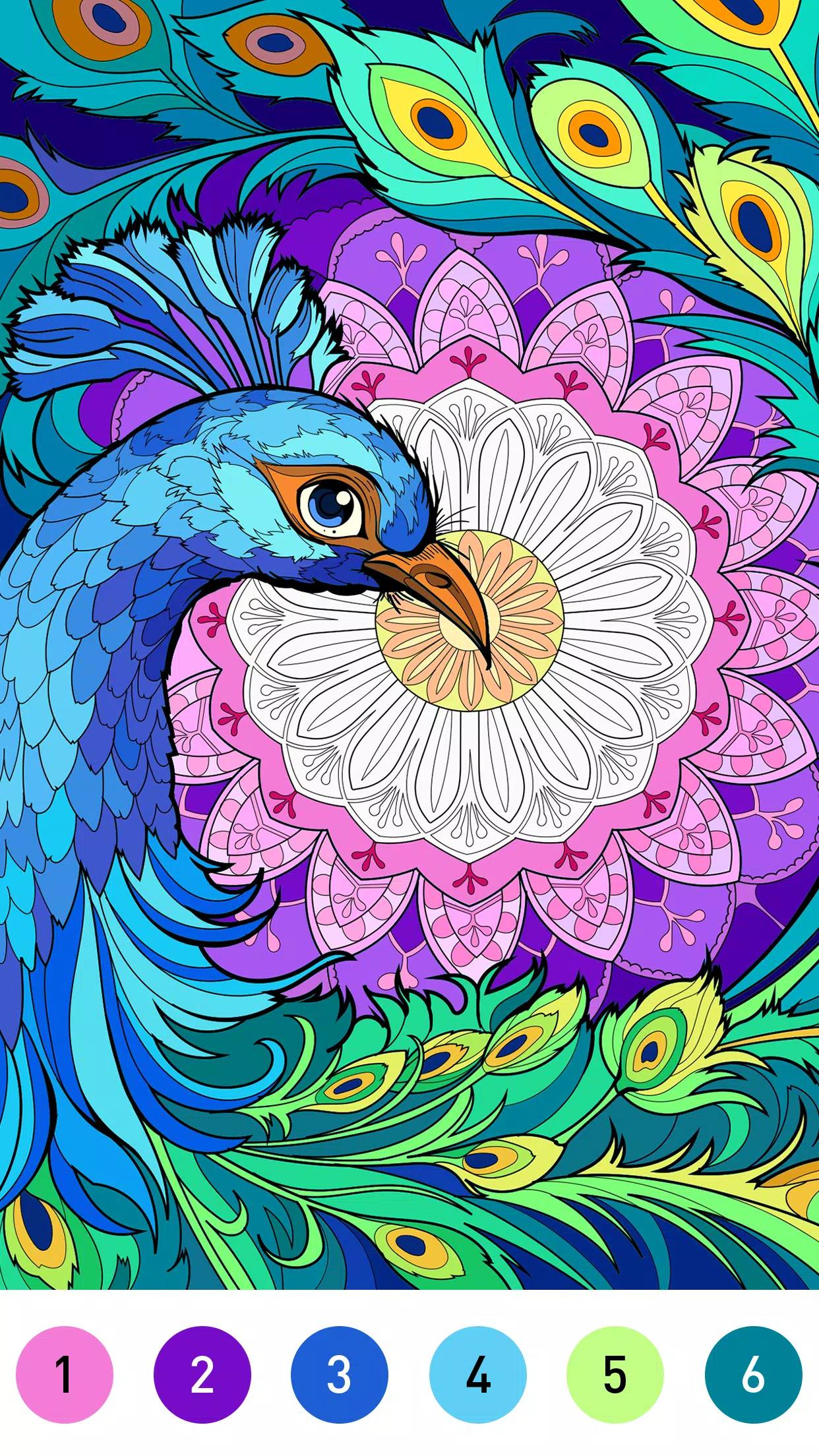
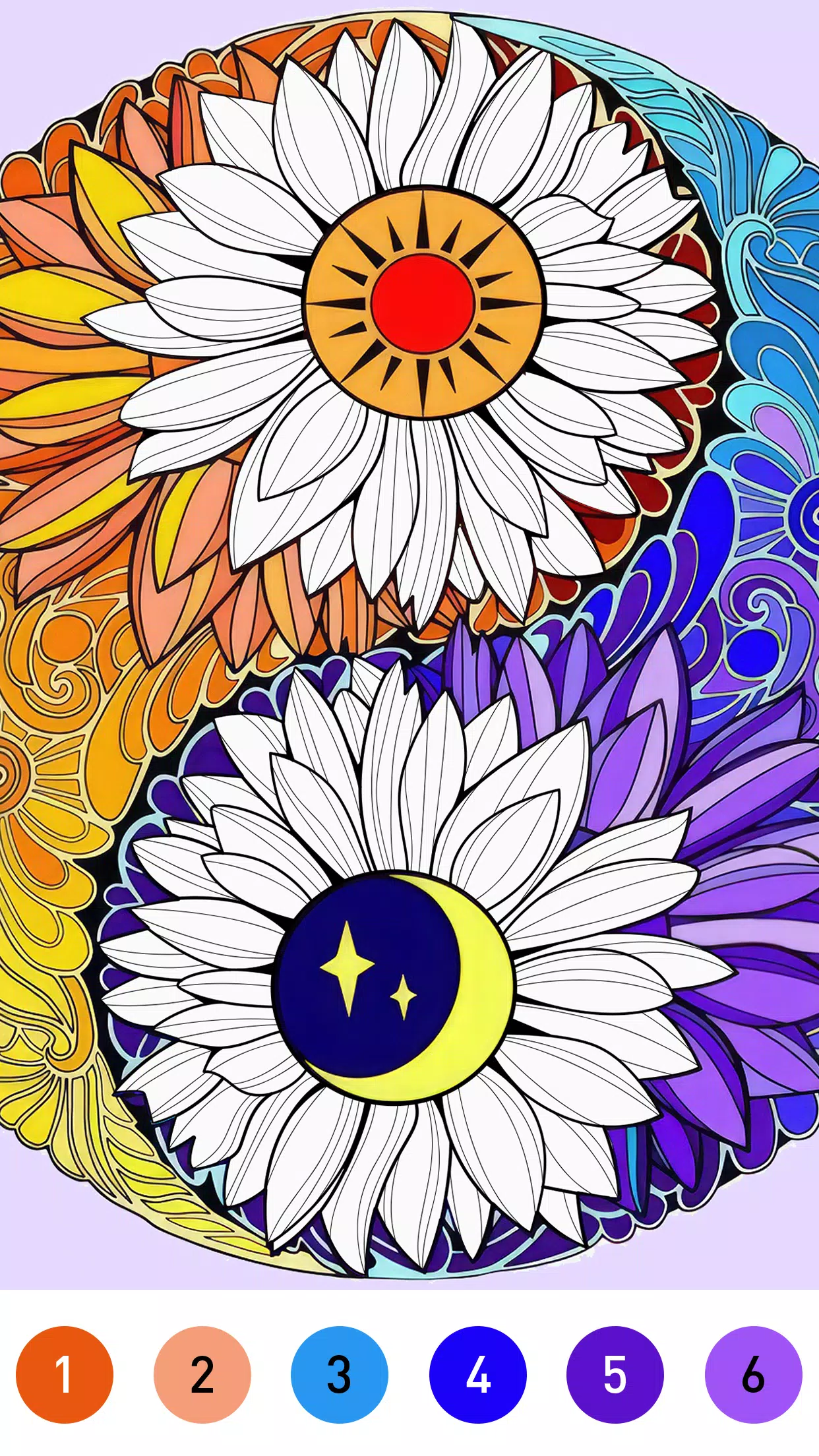
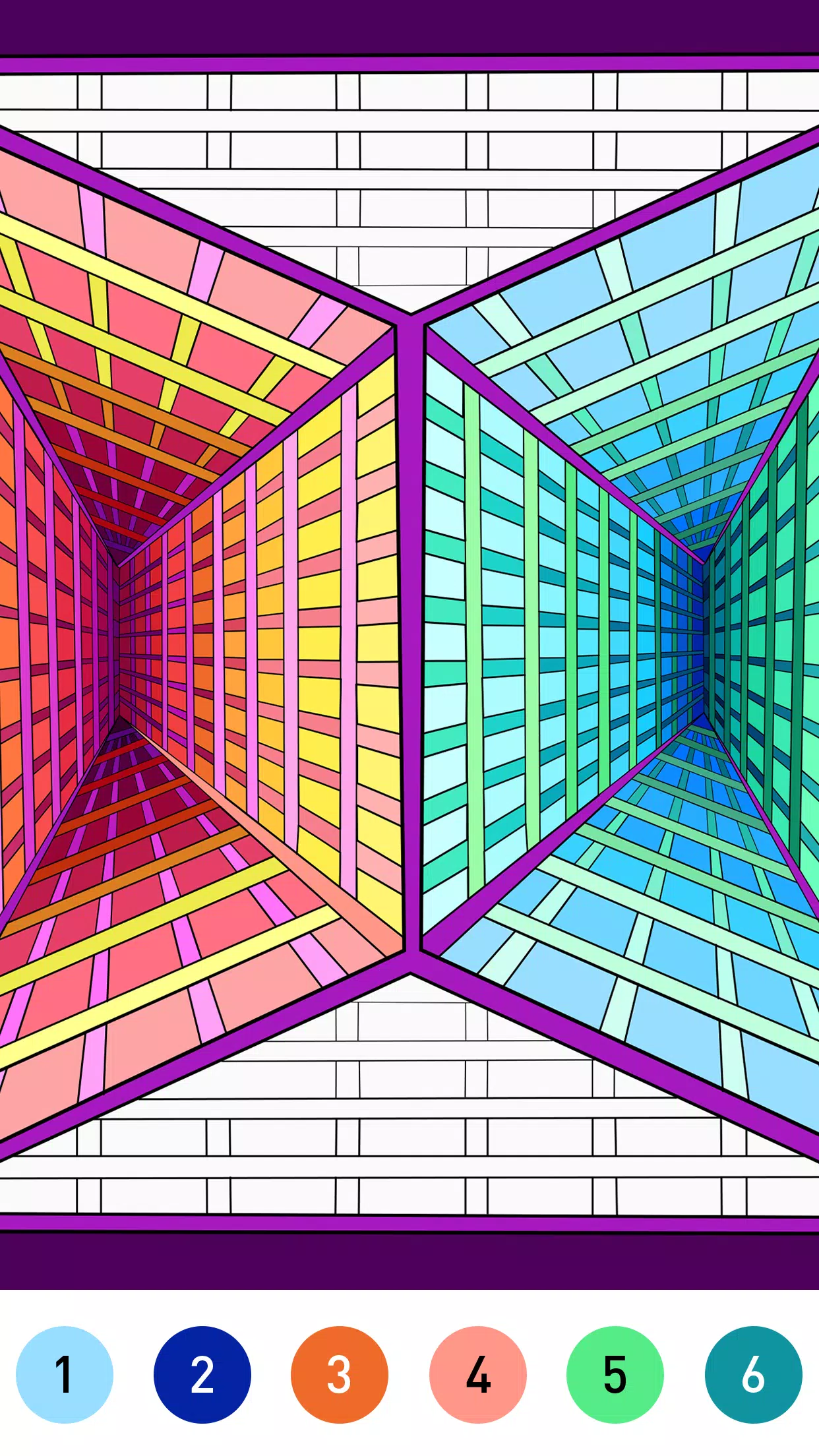
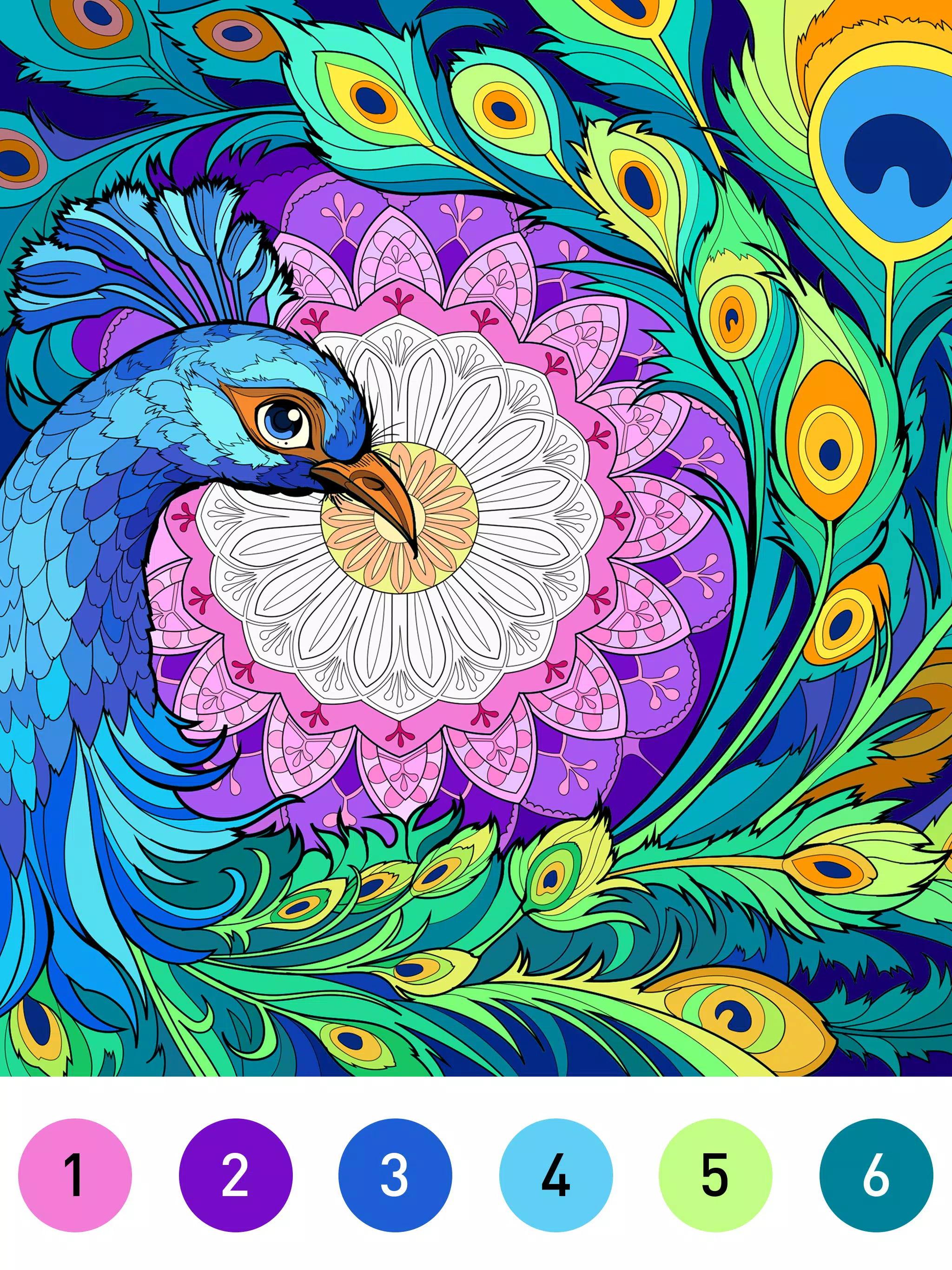
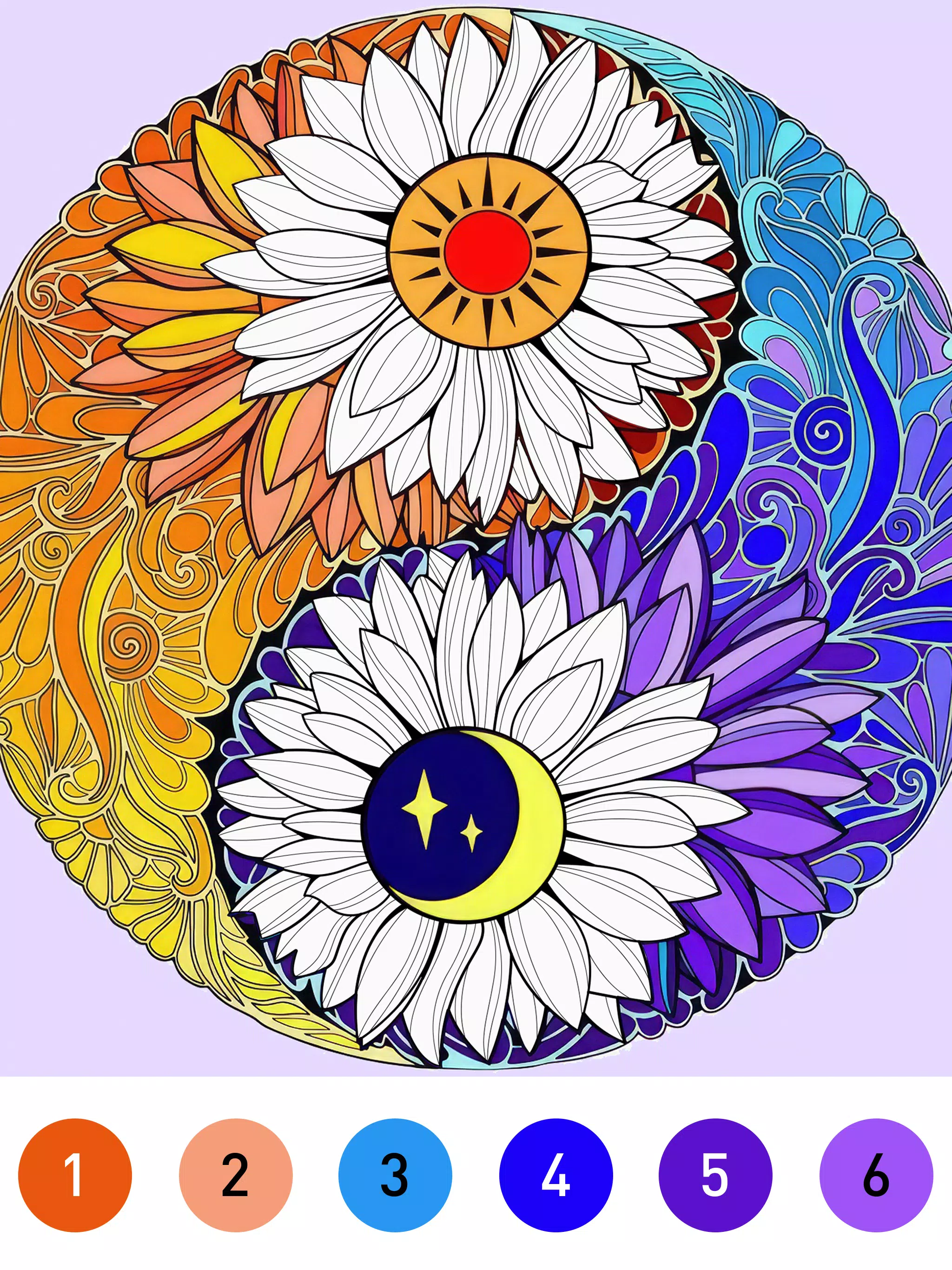
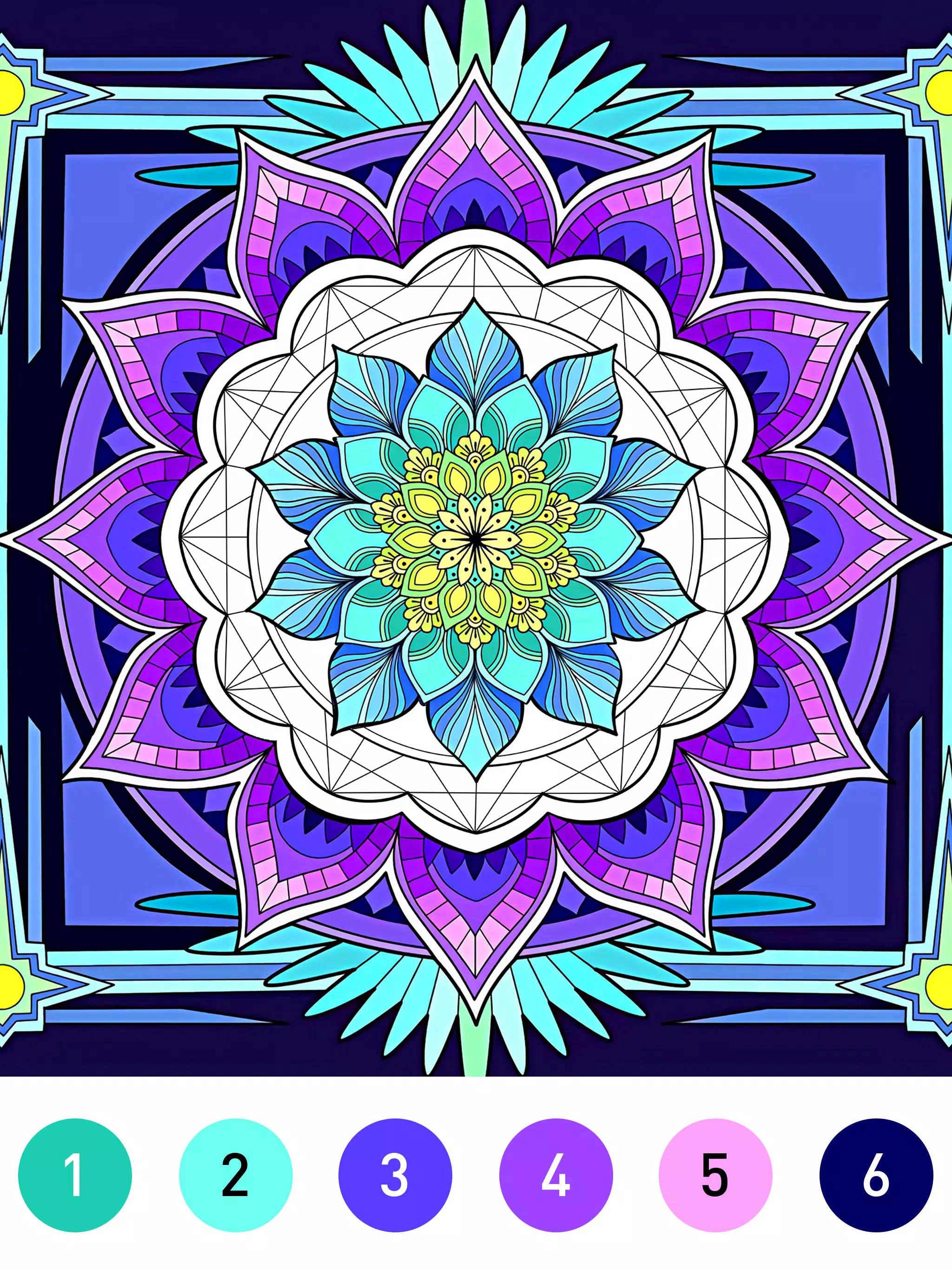
Mandala Color is a calming coloring app that invites players to fill intricate mandala designs with color, combining creative play and mindful focus in a quiet, low-pressure experience. The interface is designed to get you coloring quickly: a clear canvas, a broad palette of hues, and tools that encourage experimentation with light, shadow and texture as you progress through patterns that range from simple to highly detailed.
Gameplay mechanics
The core gameplay in Mandala Color centers on selecting areas of a mandala and applying color in ways that feel deliberate and satisfying rather than hurried. Sessions are self-paced: you can complete a quick pattern in minutes or linger on a complex design over multiple sittings. Subtle mechanics such as layer-based coloring, adjustable brush strength, and optional symmetry guides help you control how colors blend and interact, supporting both casual doodling and careful composition work.
Controls and user interaction
Controls are optimized for touch: intuitive gestures let you tap to fill an area, drag to blend shades across a petal, and use simple pinch or spread gestures to focus on fine detail. Responsive undo and redo actions keep experimentation frustration-free, while contextual tooltips and visible hotspots make it easy for newcomers to learn the interface. The design prioritizes accessibility of input so the coloring process remains smooth on a wide range of devices.
Progression systems
Progression in Mandala Color is gentle and optional, centered on achievements and a system of daily prompts that reward consistency rather than competition. As you complete patterns and challenges you unlock themed palettes and new brushes that encourage creative variation. This light progression rewards exploration and provides a sense of accomplishment without locking core content behind paywalls or aggressive gating.
Visual style and presentation
The app presents mandalas with crisp vector lines and layered shading options to help colors pop on screens of different sizes. A neutral interface palette keeps attention on your artwork, while optional visual effects such as soft gradients and textured fills add depth to finished pieces. The focus is on clarity and aesthetic flexibility so each creation can range from flat, graphic color to richly shaded, painterly results.
Level structure and variety
Mandala Color organizes designs by complexity and theme, allowing you to choose quick patterns for short sessions or invest time in large, ornate pieces. Themes rotate regularly and include seasonal, geometric, floral and abstract collections that broaden the creative possibilities. This structure supports both spontaneous play and deliberate long-form coloring projects.
Customization and creative tools
Customization is a core strength: a wide palette and adjustable color wheels let you create custom swatches, and tools for gradients, textures and shading enable nuanced effects. Layer controls and opacity sliders give you greater control over blending, while the ability to save and reuse favorite palettes speeds up workflow for series or themed sets. These options keep each piece feeling personal and distinct.
Replay value and content updates
Replay value comes from a large catalog of mandalas, rotating daily challenges, and regular content updates that introduce new patterns and seasonal themes. The combination of varying difficulty, fresh prompts and unlockable creative tools means you can return repeatedly without feeling like you’re repeating the same activities.
User experience and community features
The user experience emphasizes calm, distraction-free coloring with straightforward navigation and an optional gallery to save and share finished work. Community sharing is presented as a way to showcase styles and discover inspiration from other players while keeping social features optional for those who prefer a solitary practice. The app also includes contextual help and short tutorials that demonstrate techniques like gradient blending and texture layering.
Accessibility, offline play and challenge systems
Accessibility is considered with adjustable text sizes, clear contrast for UI elements and controls that respond reliably across devices. Mandala Color supports offline use so you can color without a network connection and sync or share creations later when convenient. Challenge systems are non-competitive: daily creative prompts and achievement milestones provide gentle motivation to return and try new combinations without pressure.
Whether you seek a soothing break, a tool to practice color theory, or a portable creative outlet, Mandala Color offers a thoughtful balance of tools, content and pacing to suit a wide range of players and artistic goals.
Information
Other Games by the Same LoveColoring Game






As people's lives become increasingly fast-paced and mobile gaming rises in popularity, Offline games have gradually gained favor. These games typically require extensive and repetitive actions, which can be mentally exhausting if done manually. Therefore, they feature specific Offline mechanics; once set up, players can set the game aside and it will play itself, freeing up your hands.






User Comments
Sequence brings the familiar board-and-card strategy of the classic Jacks/Sequence experience to your Android device, recreating the shared-board tactics and team play that make the tabletop game inviting for groups of two to eight players. In Sequence you match cards from your hand to card spaces on a board that shows each card twice, place colored chips to form connected runs, and use Two-Eyed and One-Eyed Jacks as special moves to place or remove chips; the app keeps turns quick and natural so a casual session with friends or family stays engaging. The interface is designed to make set-up and play straightforward: draw a card, play or use a jack, resolve chip placement or removal, then draw a replacement and pass the device—this simple rhythm is central to Sequence’s easy-to-learn flow.

سوبرا is a multiplayer hub that gathers dozens of popular brain and party games into a single app, letting players jump into quick online matches or longer competitive sessions. The collection includes hits like Mafia, Uno, Mench and Domino alongside other board and card titles, offering varied gameplay mechanics and social challenges that appeal to casual and competitive audiences alike. With in-game chat, private messaging, a friend list and a customizable profile, سوبرا makes it simple to organize matches, track rankings and take part in weekly league play for ongoing goals and rivalry.

Domino Wings is a compact, 15MB offline domino merge game that blends familiar solitaire-style matching with connect-and-chain mechanics, designed for players who want short, strategic sessions without needing Wi‑Fi. In Domino Wings you scan a tabletop of domino tiles, look for a tile that matches the points on your active card, and tap to link pieces and trigger chain reactions that reward planning and timing. The design keeps the download small, the controls simple, and the puzzles approachable for casual play while offering room for deeper decision-making.
HousieTambola Number Generator is a compact, easy-to-use caller app built to streamline housie and tambola sessions: it produces unbiased random draws, announces each number aloud, and keeps a clear on-screen record so hosts and players can follow the game without juggling physical tokens or manual calling. The app places the most important functions — call next number, pause/resume, and reset session — within immediate reach, so game flow stays steady and mistakes are reduced. Designed for small community events, family game nights, and charity evenings, HousieTambola Number Generator prioritizes clarity, fairness, and low device overhead.

tic tac toe Juego 2025 brings the familiar paper-and-pencil Tic Tac Toe experience to a modern mobile environment, pairing the simple three-in-a-row rules with upgraded presentation and an interface built for quick sessions. Matches are short and intuitive, so new players can start immediately while returning users enjoy a polished board that makes routine plays feel satisfying. The app keeps the core mechanics intact, focusing on clarity and speed rather than adding layers of complexity, and is suitable for casual play at any time and place.

Chess Online · Play and learn is a versatile chess game that helps players of all levels play and improve through flexible gameplay. The app supports matches against the computer, real opponents online, or two players on the same screen, and it combines casual play with learning tools such as move hints, interactive tips, undo, and post-game analysis. With multiple time controls from bullet to classic, 21 difficulty levels and customization for pieces and boards, Chess Online · Play and learn is ideal for anyone who wants to practice tactics, test strategy, and track progress in a compact mobile experience.