

 X
X
 facebook
 WhatsApp
 Email
Email
Introduction
NIGHTOWL is a compact event management app designed to make check-ins and ticket validation fast and reliable for events of any size. NIGHTOWL focuses on streamlining the entry process with a live attendance counter, automatic event recognition and a fast-scan engine so that staff spend less time troubleshooting and more time guiding guests. The app is lightweight by design and suits pop-up shows, multi-room festivals, conferences and community events where speed and clarity at the door matter.
Key features and workflow
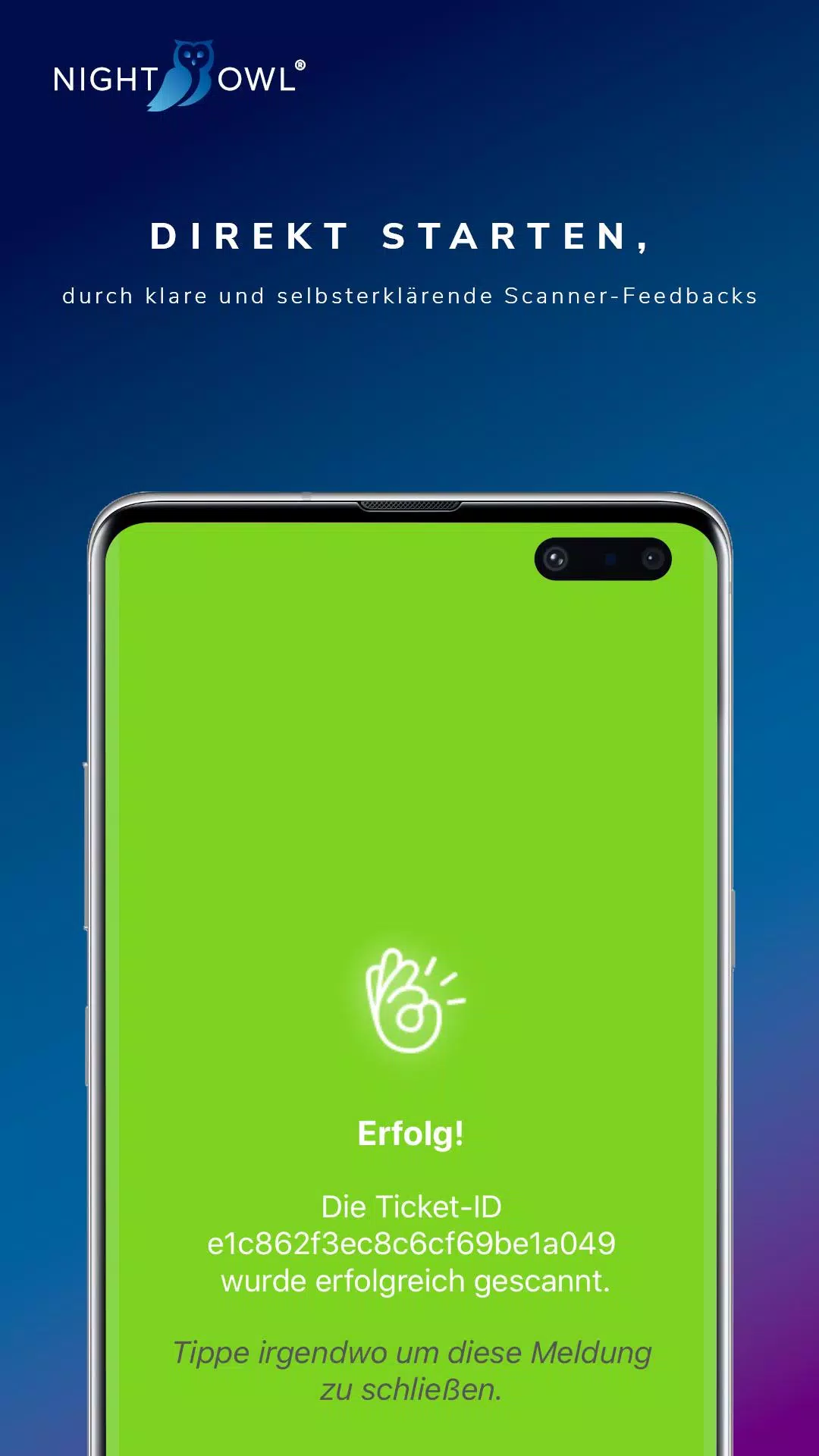
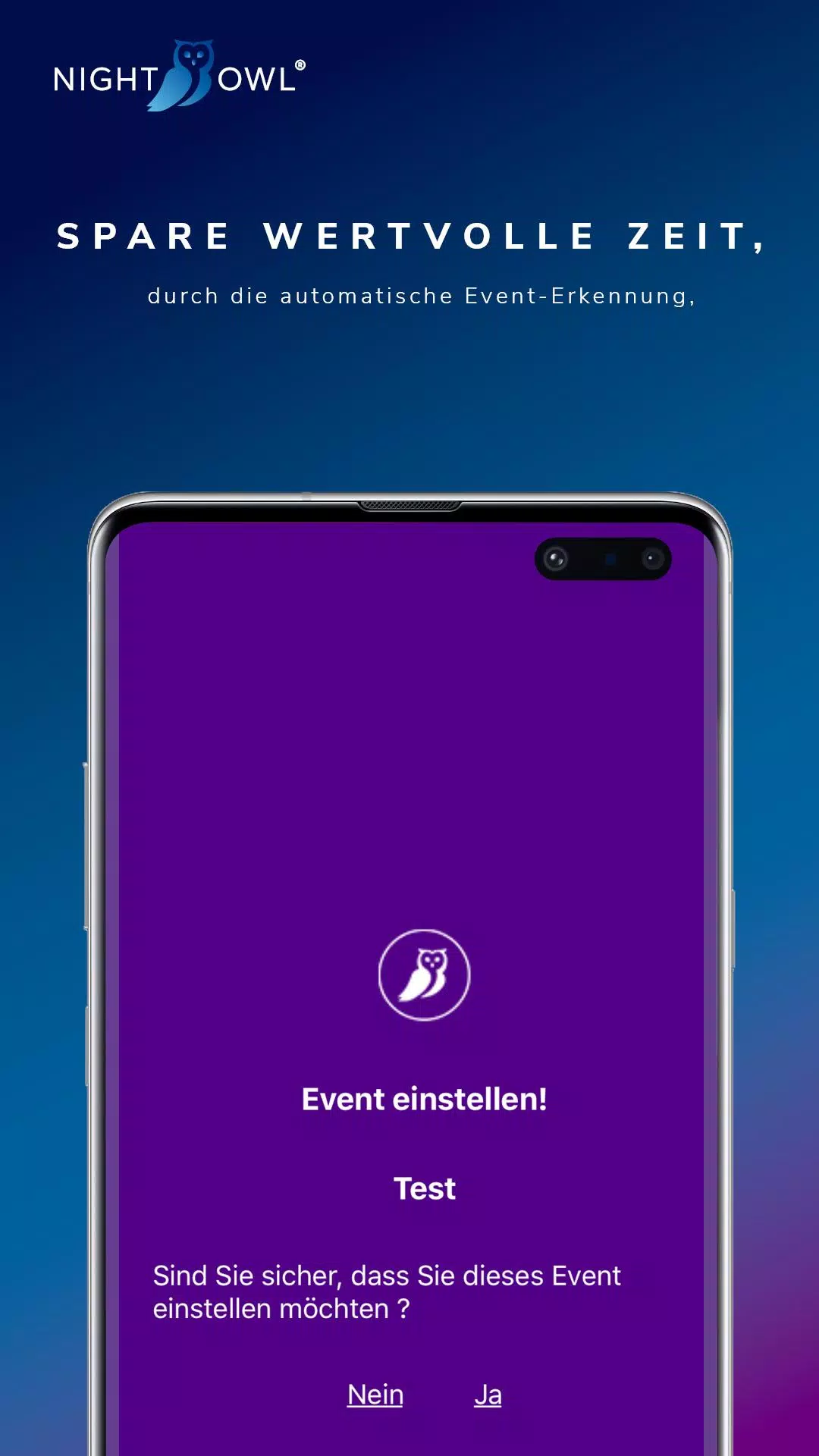
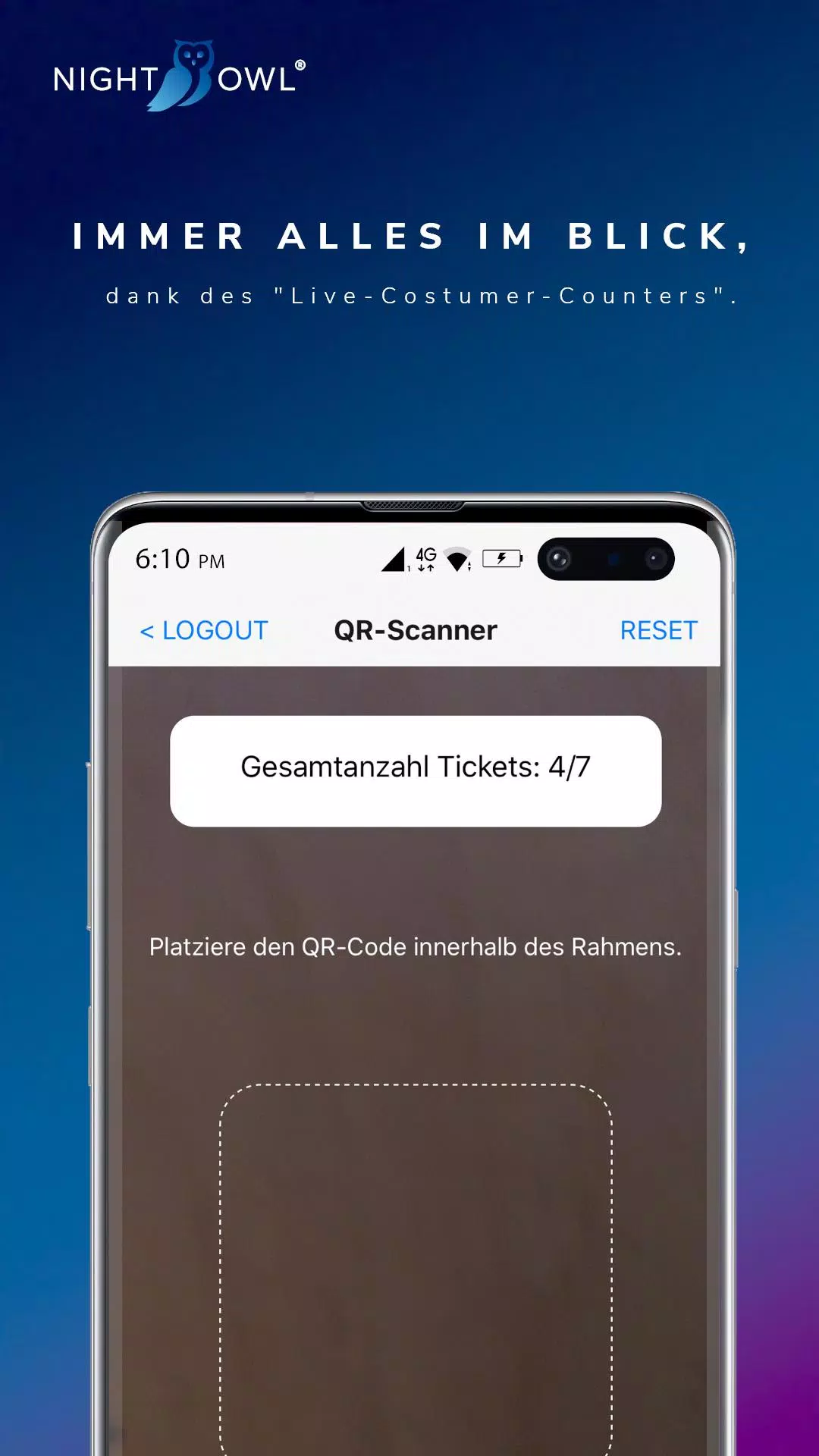
The core of NIGHTOWL is its live customer counter, which updates instantly as each ticket is validated so organizers have an accurate head count in real time. The automatic event recognition learns the active event after the first validated ticket, reducing the chance of scanning a valid ticket for the wrong show. Fast-Scan-Technology returns concise status feedback for each scan, using short status codes such as Erfolgreich, Ungültig, Falsches Event and Bereits Gescannt which help staff make immediate decisions on the line.
User interface and controls
The interface emphasizes large, easy-to-tap controls and a minimal learning curve so temporary event staff can start scanning with almost no training. Scanning controls support camera-based QR and barcode recognition plus manual code entry for printed or unusual ticket formats. Buttons are intentionally labeled and sized for gloved hands and busy conditions, and common actions like recheck, undo and register guest are one tap away. NIGHTOWL offers simple configuration screens for switching between events and adjusting scan sensitivity to match lighting and camera performance.
Progression, setup and customization
Setup is intentionally linear: import or register the event and ticket list, confirm the active event, then begin scanning. Permission levels allow a manager to restrict some device settings while frontline staff focus on scanning. Administrators can customize short validation messages and choose which ticket fields are shown at the point of check-in, so the workflow adapts to different event needs without adding complexity. The app preserves recent event templates so recurring setups are faster over time.
Visual style and accessibility
The visual design uses high-contrast elements, clear typography and large status areas to make results readable from a distance. Color and iconography are designed to be distinguishable for common forms of color vision deficiency, and font sizes can be increased in the settings for users who require larger text. The simplified layout reduces cognitive load for staff working in loud or crowded environments and supports quick on-the-job decision making.
Event structure, scalability and replay value
NIGHTOWL works equally well for single-room meetups and multi-event venues by recognizing distinct ticket sets and maintaining separate counts. Because the core functionality focuses on reliable validation and logging, the app has strong replay value for teams that run frequent events: saved configuration profiles, repeated attendance reports and clear per-event logs mean the same device can be re-used night after night without reconfiguration. Organizers can export check-in logs after the event for auditing and resource planning.
Performance, offline use and reliability
The app is optimized for speedy local validation so common ticket reads complete in a fraction of a second under good lighting. It is tolerant of intermittent network connectivity by queuing validation records locally and syncing when a connection is available, which helps when operating in basements, remote venues or crowded cellular environments. Error handling is explicit so staff see whether a ticket failed because of decoding issues, a mismatched event, or because it was already scanned.
Deployment, device compatibility and integrations
NIGHTOWL runs on standard Android hardware and supports a wide range of camera resolutions and external barcode scanners that present input as keyboard events. This flexibility lets venues use affordable consumer devices or dedicated scanning hardware depending on throughput needs. Integration points focus on importing guest lists and exporting attendance logs; the app does not include ticket selling or marketing modules, so it complements a venue's existing ticketing system rather than replacing it.
Limitations and practical considerations
The app is purpose-built for check-in and validation rather than full ticket sales, reporting or CRM. Some status messages are intentionally concise and examples appear in German to illustrate common return codes, so teams that require verbose diagnostics may prefer to pair NIGHTOWL with more detailed back-end monitoring. Training remains minimal but teams should confirm event templates and device settings before peak entry times to ensure the fastest throughput.
Why operations teams use NIGHTOWL
Event staff appreciate NIGHTOWL for its predictable scan times, clear on-screen direction and ability to reduce queues, while managers value the immediate attendance snapshot and straightforward logs that inform staffing adjustments during an event. With practical controls, accessible visual design and resilient offline behavior, NIGHTOWL is a focused tool for improving guest flow and reducing entry friction at live events.
Information

The Remote App Tool collection includes many Android apps that allow remote control. With the growing number of smart devices, it's easy to misplace remotes. These apps solve that problem, offering a convenient, free way to control your devices. They provide great convenience for your daily life!






User Comments

My Abilities Centre is a versatile mobile app that combines scheduling, contactless check-ins, notifications and fitness tracking into a single, easy-to-use interface for people who want to manage daily activities and stay informed without juggling multiple services.

My Drama is an app that delivers original short dramas and micro-films designed for busy viewers who want a rich storytelling experience in short bursts. Each story runs roughly a minute, making this a great choice for commutes, coffee breaks, or relaxed moments at home or while dining. The collection highlights high-definition productions adapted from novels and is updated regularly, giving users fresh, polished content on every visit. With a mix of contemporary and legendary themes, My Drama provides an easy way to enjoy complete, satisfying narratives without a long time commitment.

RADIOS GUIDE WORLD is a user-friendly radio directory that lets listeners and broadcasters find and stream stations from across the globe. The app collects local and international channels in a searchable, easy-to-navigate interface so you can discover music, news and talk shows from many countries. Broadcasters can publish their station for free through the app's distribution system, reaching a wider audience without heavy technical setup. With broad format and protocol support the app aims to deliver reliable playback on a variety of devices, making RADIOS GUIDE WORLD a practical choice for casual listeners and station owners alike.

Avatar creator is a flexible avatar design tool that lets you build a personalized digital identity with full control over appearance, clothing, and accessories. Use Avatar creator to design a fun or professional representation of yourself from scratch, adjusting hairstyles, eye color, facial features and outfits to match your personal style. The app also makes it easy to share creations with friends or display them inside the app, and it supports ordering custom products featuring your avatar so you can turn digital designs into real-world items like T-shirts, phone cases, or posters.

Anime Browser puts a fast, clean interface on top of a popular tracking service so you can manage your anime and manga collections without opening a web browser. Anime Browser helps fans keep episode and chapter counts accurate, update statuses and ratings, and take personal notes from a mobile-friendly layout that supports light and dark themes. The app is built for quick list editing and discovery: you can jump between seasonal charts, your personal library, and newly added titles in just a few taps.

Melody Wallpaper brings the charming world of My Melody to your phone or tablet with a curated library of more than 150 wallpapers, images and animated GIFs designed for easy preview and application. Melody Wallpaper places high-resolution static art and animated backgrounds in one simple interface so fans can personalize home screens and lock screens with pastel, kawaii and character-pairing designs that work across different device sizes. The app makes it straightforward to browse themed collections, preview how an image will look on a device, and apply or save artwork without a steep learning curve.
