
 X
X
 facebook
 WhatsApp
 Email
Email
Introduction
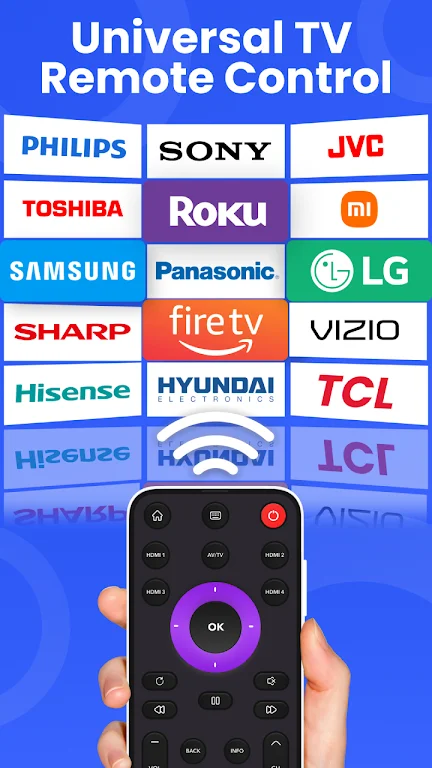
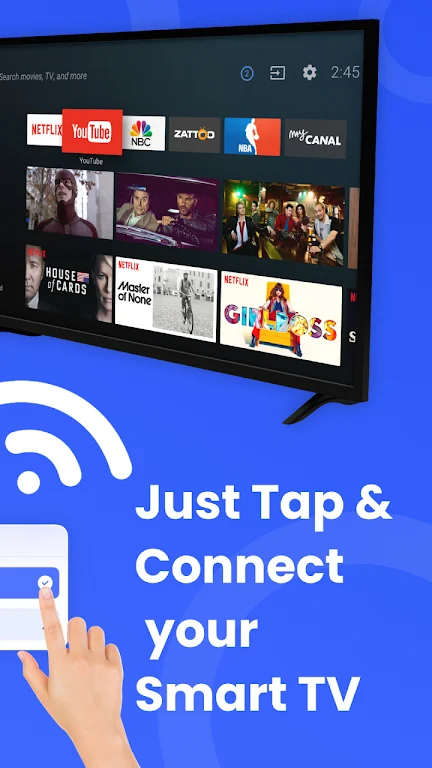
Remote Control turns your Android phone into a single, easy-to-use command center for smart TVs and other home entertainment devices and the Remote Control app is designed to replace a pile of physical remotes by consolidating the most common TV and media controls into one interface. The opening experience focuses on core tasks: changing channels, adjusting volume, navigating menus, and sharing photos or videos on a larger display without searching for buttons. This description explains what the app does, how the controls behave, what to expect during setup, and practical tips to get the most out of it.
Key Features
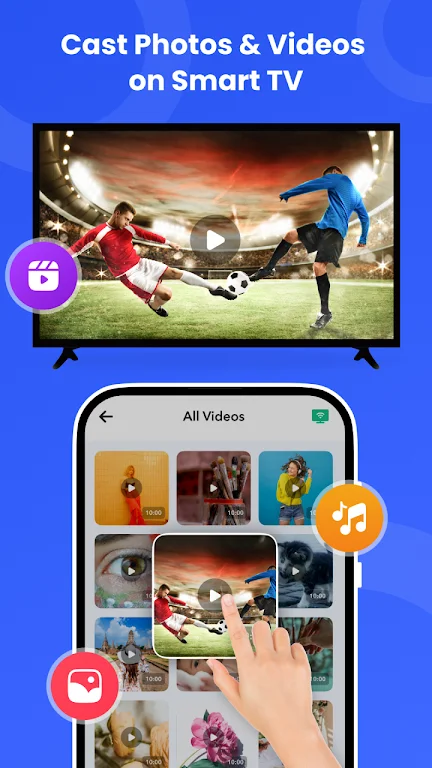
Universal remote functions combine power, volume, channel and navigation controls so a single device can manage most smart TVs and set-top boxes that accept network or device-level control. Screen mirroring projects your phone screen to a TV for movies, games, web browsing and live presentations, while media casting sends photos, video clips and audio to a larger display so you can enjoy content with others. The app includes dedicated Photo and Audio Cast and IPTV and Video Cast modes that optimize playback and slideshow behavior depending on whether you want to present images, stream a channel, or play back local videos.
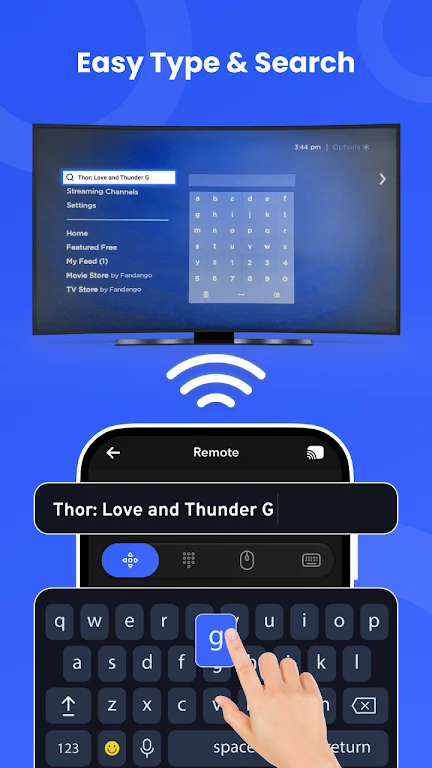
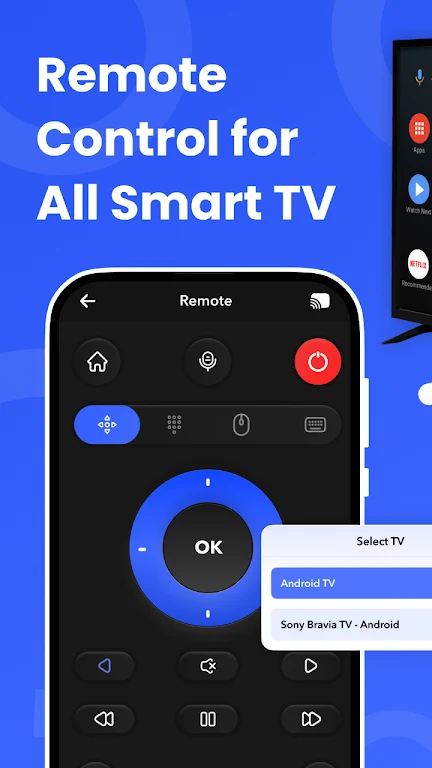
Controls are laid out to be familiar to anyone who has used a handheld remote, with a directional pad, home and back buttons, volume and input selection and a responsive virtual pointer for apps that require touch. A built-in virtual keyboard helps with searches and login fields when navigating streaming apps on the TV so you avoid typing with an on-screen remote. The interface also emphasizes quick access to recently used devices and favorite sources to reduce repetitive setup steps.
How It Works and Setup
Initial setup walks you through device discovery and pairing, looking for compatible televisions and receivers on the same local network. For most TVs and media devices the app uses standard casting and screen-mirroring protocols, so no extra hardware is necessary beyond your phone and the target display. The setup flow guides you through permission prompts and offers simple troubleshooting hints if a device is not immediately found. Because the app handles local connections directly, many features will work without an active internet connection once devices are on the same network.
Connection controls are responsive and designed to reduce accidental input; you can switch between pointer mode, traditional remote layout, and a simplified large-button layout for guests or quick access. The app remembers devices and preferred control styles, so daily routines become faster after initial use. If a TV model requires additional configuration, the setup guide highlights common manufacturer settings that may need to be enabled.
Customization, Visual Style and Progression
Remote Control favors a clean, uncluttered visual design with clear icons and legible typography so the screen is readable from a distance. You can tailor button size and layout density to suit hands-on use or faraway operation, and the interface supports switching between compact and large-button modes to accommodate different viewing situations. As you use the app you naturally progress from basic controls to more advanced features like casting playlists, using the virtual keyboard, or navigating app-specific menus; the app surface is structured so those capabilities are discoverable without overwhelming new users.
Accessibility and Offline Use
Accessibility considerations include large, high-contrast controls and simple navigation patterns to help users with limited dexterity or impaired vision. The app is built to operate on a local network, so many core functions are available without ongoing internet access, which is useful for offline viewing of locally stored media or when your home internet is unstable. Screen reader compatibility and support for adjustable control sizes improve usability for a wide range of users.
Replay Value and Everyday Use
Remote Control delivers replay value through frequent daily utility: switching inputs, casting family photos, mirroring a web page for group viewing, or using the app to control multiple living room devices. The convenience of having one app manage routine tasks reduces friction and encourages repeated use, and the interface improvements you make during the first week speed up common actions over time. Small features like remembering last-cast media and quick access to input controls keep the app useful beyond initial setup.
Compatibility and Known Limitations
Compatibility may vary by TV model and manufacturer; not every device will support every feature. Advanced casting or playback options can depend on the capabilities and firmware of the target display or receiver, and some operations require both the phone and the TV to support the same casting or mirroring protocol. If a function is unavailable, the app provides guidance on likely causes and steps to try, such as confirming devices are on the same local network or updating TV software.
Overall, Remote Control offers a practical, user-focused approach to reducing physical remotes while consolidating mirroring and casting tools. The app balances an approachable learning curve with deeper functionality for users who want to present, cast media, or simplify living-room control without adding extra hardware.
Information
 Google Play
Other Games by the Same




The Remote App Tool collection includes many Android apps that allow remote control. With the growing number of smart devices, it's easy to misplace remotes. These apps solve that problem, offering a convenient, free way to control your devices. They provide great convenience for your daily life!




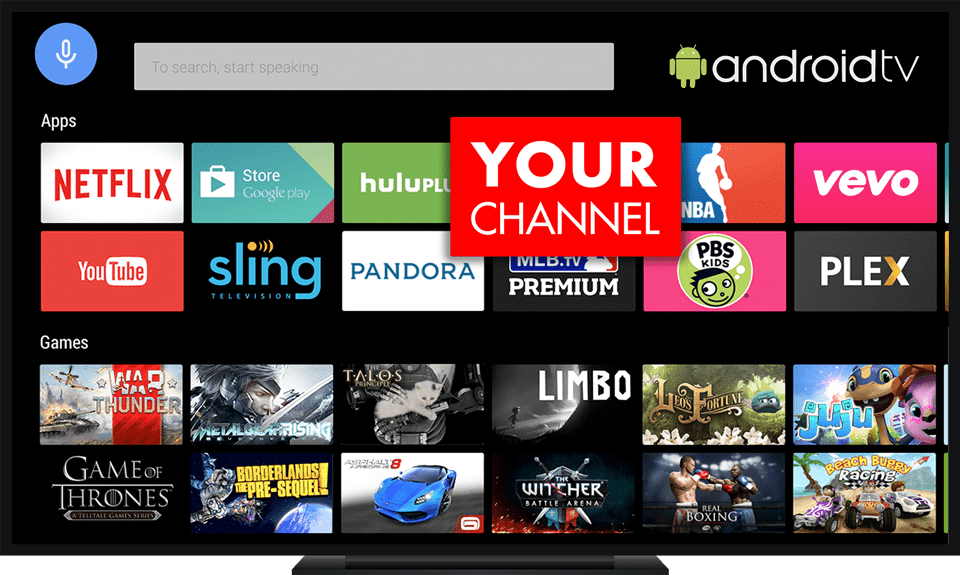
This collection of TV apps offers users several options for free streaming, featuring high-definition media players compatible with television. With these apps, you can easily watch your favorite shows without hassle. The platform boasts a vast library of video content, organized into clear categories for quick access. High-quality videos are just a click away, ensuring you never miss out on anything. If you're interested, download and start enjoying the experience today!

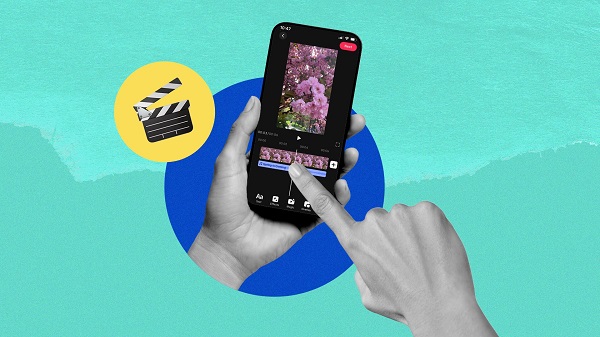
What would it be like to download video software for free? In this collection, you can find various video software that interests you, whether it’s video players or video editors—everything you need is here. All of it is provided for free, allowing you to download with ease and without any worries.


User Comments

Remote Control turns your Android phone into a single, easy-to-use command center for smart TVs and other home entertainment devices and the Remote Control app is designed to replace a pile of physical remotes by consolidating the most common TV and media controls into one interface. The opening experience focuses on core tasks: changing channels, adjusting volume, navigating menus, and sharing photos or videos on a larger display without searching for buttons. This description explains what the app does, how the controls behave, what to expect during setup, and practical tips to get the most out of it.

JUNCESS is a compact, purpose-built utility for technicians and operators who need a fast way to inspect battery packs in the field. JUNCESS connects to Bluetooth-enabled battery management systems (BMS) after a secure sign-in, discovers nearby devices and presents core parameters such as series string count, individual cell voltages, pack current and device state of charge (SOC). The app is intentionally read-only, designed to give immediate visibility into the most relevant metrics without requiring additional measurement tools or complicated setup.
App Ops Launcher provides a simple, no-frills shortcut to Android's hidden App Ops screen so you can inspect and adjust app permissions introduced in Android 4.3 without rooting your device. App Ops Launcher places a direct launcher on your home screen that opens the system permission interface instantly, giving you quick access to per-app controls for location, microphone, camera and other sensitive features. This editor description explains how the app behaves, what to expect from its interface, and practical guidance for using the tool safely on compatible devices.

时间管家 is a compact, local-first time management app designed to help you plan, track and review your days with minimal fuss. The app combines quick task entry, an integrated session timer, and linked day/week/month planners so you can build routines, record focused work and measure progress without sending personal data to external servers. Designed for students, freelancers and office workers who prefer a private, efficient workflow, 时间管家 aims to simplify planning while giving clear visual feedback on where your time goes.

Girafe2Poche is a pocket-sized app that presents a randomly generated card and a guiding question to prompt short moments of reflection, clarity and motivation. Designed for busy days, it gives quick, meaningful prompts that fit into commutes, waiting lines or evening wind-downs, helping users explore needs and desires without demanding much time. With an intentionally minimal and intuitive interface, Girafe2Poche delivers fresh prompts each session to nudge you toward greater self-awareness and more confident, value-aligned choices, making it a practical tool for anyone who wants simple, regular moments of introspection.

Abfall App is a practical, region-focused utility designed for residents of Vorpommern-Rügen who want reliable waste collection information and fewer missed pickups. From the first setup you can select your city, district and street, then receive timely notifications for residual, organic, paper and hazardous waste collections with automatic date adjustments for public holidays. The Abfall App centralizes collection calendars, container site locations and bulky waste services so households can plan weeks in advance without guessing which items belong in which bin.
Look no further than Cast to TV - Screen Mirroring, Cast For Chromecast! This powerful app allows you to effortlessly broadcast your Android screen and audio in real-time speed, giving you the opportunity to enjoy movies and videos with friends and family on larger TV screens. With features like Smart View & Screen Share and control for Roku TV, this app ensures a seamless and stable screen mirroring experience. Say goodbye to small screens and hello to a whole new level of entertainment with Cast to TV!
With Screen Share With TV - Mirror Screen, you can easily mirror your Android device's screen on any smart TV, laptop, tablet, or other devices without the need for additional dongles or cables. Simply start the app, connect to the same Wi-Fi network as your TV, and begin sharing videos, music, photos, and more with just a click. This powerful app allows you to broadcast your screen and audio in real time, making it perfect for sharing content with friends and family. Try out Screen Share With TV - Mirror Screen today and enjoy seamless screen mirroring on your Samsung smart TV.
Control your TV effortlessly with WiFi TV Remote! This user-friendly app allows you to easily manage your network-enabled TV from the convenience of your phone. Simply ensure both your TV and phone are connected to the same wireless network, enter the IP address of your TV in the app settings, and voila! You'll be able to change channels, adjust volume, and more with just a few taps. Please note, this app is not a universal remote and has been tested on Fox 32LE7000T2 LED Surf TV. It may also work on other TVs made in China and sold under local brands.
Control all of your favorite TVs with just one app - TV Remote Control for Sanyo TV! Whether you have a Samsung, Vizio, Sony, LG, or any other brand of TV, this universal remote control app has got you covered. With infrared technology, you can easily navigate and control your TV from the convenience of your phone. Say goodbye to multiple remote controls cluttering your space. Simplify your TV-watching experience with TV Remote Control for Sanyo TV. Get ready to take control and enjoy your favorite shows and movies hassle-free. Please note that this app requires an IR blaster.
Look no further than AIR Remote PRO for Apple TV, an innovative app that allows you to easily control your Apple TV using your Android phone. No need to jailbreak your Apple TV, as AIR Remote utilizes default infrared codes to seamlessly replace or extend your remote. Compatible with a variety of Android devices with built-in infrared support, as well as certain Mac products with an infrared receiver, AIR Remote offers all essential functions and even additional features like swipe gestures.
Experience the convenience of controlling your FPT TV directly from your mobile with FPT TV Remote. Say goodbye to traditional remotes and hello to a seamless user experience with the ability to search for the best films and entertainment programs with just the sound of your voice. Easily access your personalized favorites list stored in the cloud and sync it with your FPT TV device. The app offers a simple registration process, quick connectivity to any FPT TV device, accurate search functionality, and personalized recommendations.