

 X
X
 facebook
 WhatsApp
 Email
Email
Introduction
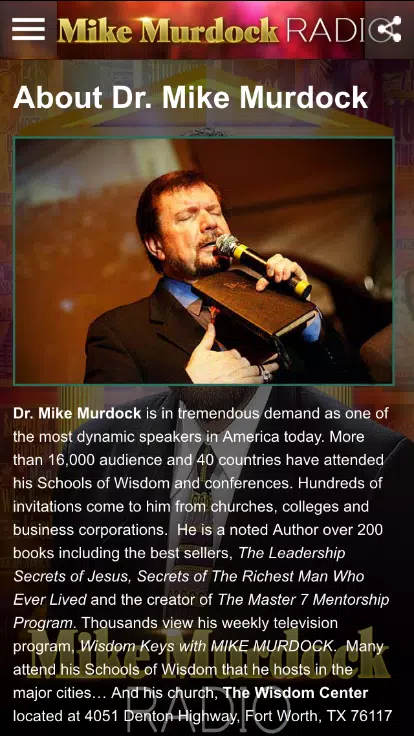
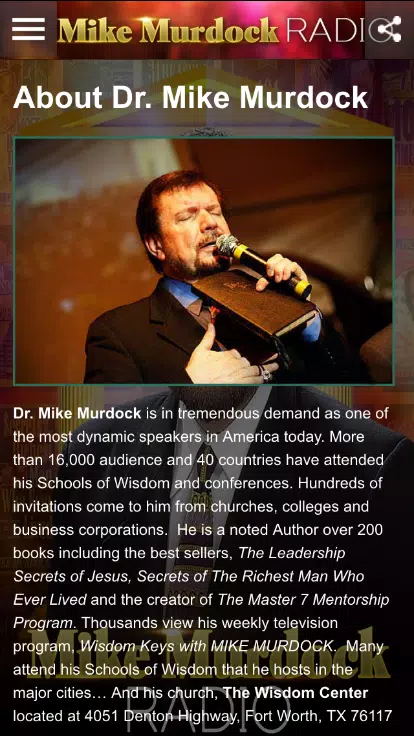
Mike Murdock Radio brings round-the-clock spiritual teaching and encouragement to your device, offering a nonstop stream of sermons, devotional talks and life-guidance rooted in Scripture. Mike Murdock Radio is built for listeners who want clear, practical insight into identity, purpose and everyday faith—whether you’re commuting, doing chores or carving out quiet time for reflection.
Key features and listening experience
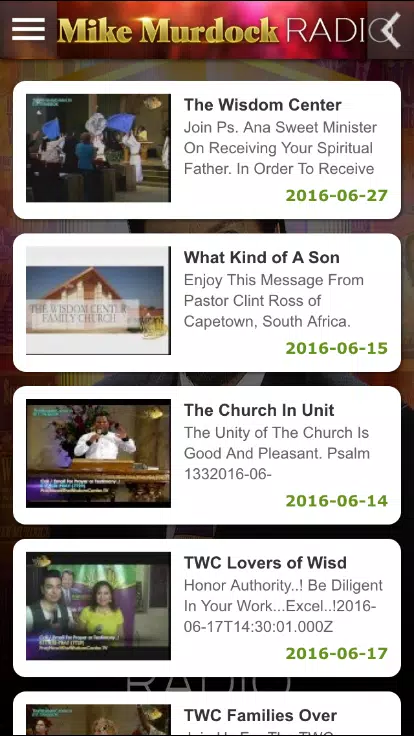
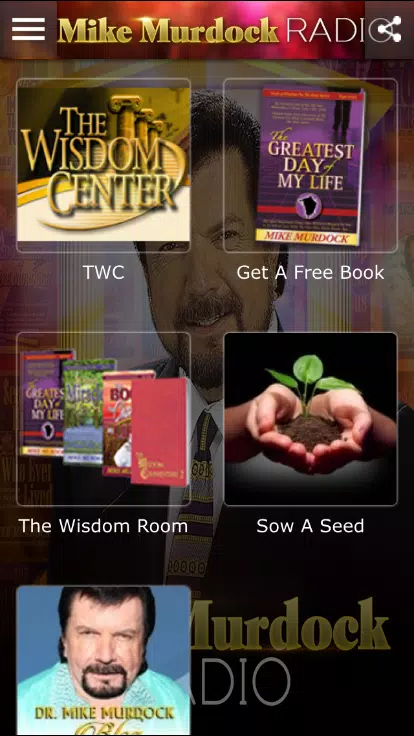
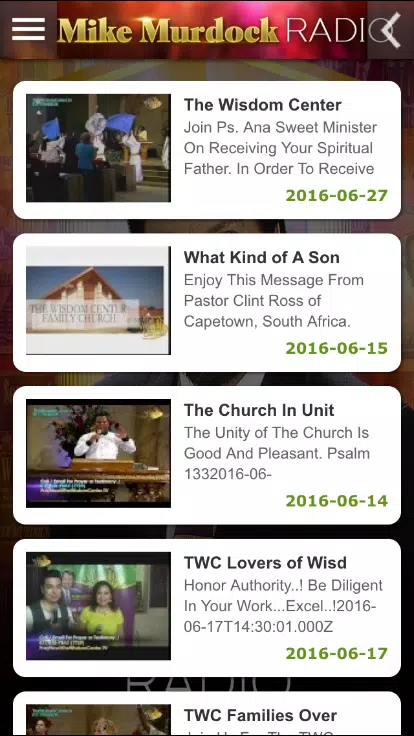
At its core the app provides continuous streaming so you always have access to fresh content. The programming is organized into curated episodes and themed blocks that mix short teachings and longer sermons, making it easy to pick material that fits your schedule. Standard playback controls let you play, pause, seek and skip between segments, and a program guide shows what’s playing now and what’s coming up next. Search and category filters help you find topics such as purpose, leadership, marriage, finance and spiritual formation without hunting through long lists.
Controls, navigation and user interaction
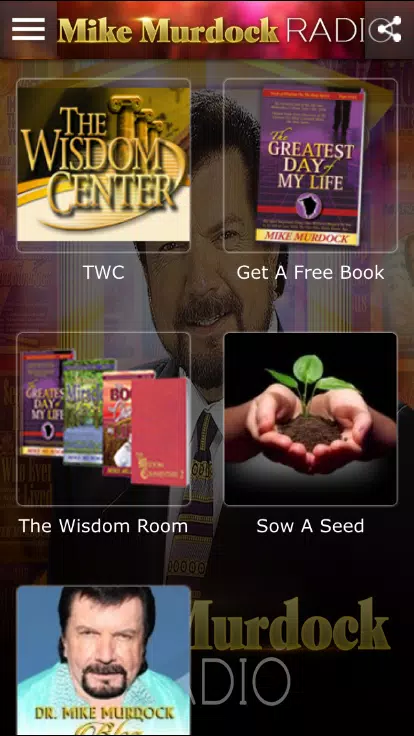
The interface emphasizes straightforward interaction: large touch targets for play/pause, a timeline for quick rewinding and fast-forwarding, and simple on-screen buttons for bookmarking or marking favorites. Navigation focuses on content rather than complex menus, with quick access to recent broadcasts and curated series. Sharing uses the device’s native share options so you can send episode links to friends or church groups. The app also highlights suggested sequences of talks if you prefer to follow a particular teaching track over several sessions.
Content structure and progression
Teachings are presented in series and thematic collections to support a clear progression through topics. A multi-part series lets you follow a subject step by step—from foundational concepts through application—so listening can feel like a guided study rather than a set of disconnected talks. This structure supports intentional growth: you can work through identity, purpose or leadership tracks in order, pause and return where you left off, and re-listen to key messages to reinforce understanding.
Visual design, customization and accessibility
The app’s visual style is clean and easy to read, using clear typography and high-contrast elements to reduce visual clutter. Theme options such as light and dark modes help keep the screen comfortable in different lighting conditions. Accessibility considerations include support for larger text sizes and compatibility with screen readers, making content more accessible for listeners with varying needs. Playback controls and program information are presented in a predictable layout to minimize the learning curve for new users.
Replay value and routine integration
Many messages are designed for repeated listening: short, practical segments for daily encouragement and longer teachings for deeper study. Because the content addresses life stages and ongoing spiritual assignments, episodes have natural replay value—listeners often revisit talks when facing similar challenges. The app is suitable for integrating into daily routines like commuting, exercise or household tasks, and the continuous stream means you can tune in at any time without needing to search for something new.
Connectivity, limits and expectations
Mike Murdock Radio is primarily a streaming service and relies on an internet connection for continuous playback; this keeps the programming fresh and allows for uninterrupted round-the-clock scheduling. Users should expect that an active Wi‑Fi or mobile data connection is required for live streaming; offline download is not offered in the core streaming model. Because the app focuses on the teaching of Mike Murdock, listeners seeking a wide range of denominational perspectives may find the selection focused rather than broad.
Community, privacy and suitability
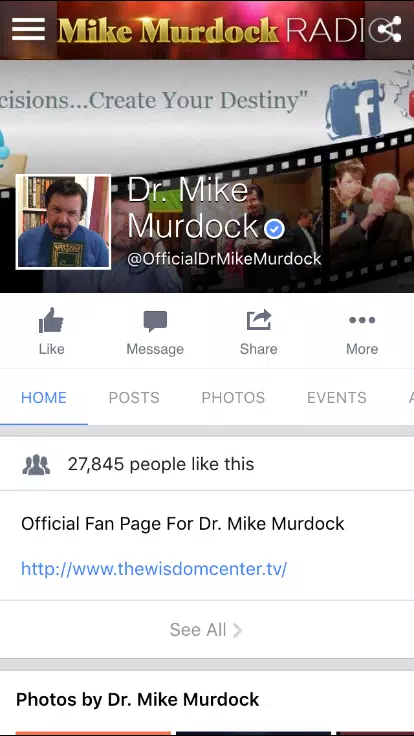
The app aims to foster community by making it simple to share messages and encourage fellowship through discussion points included with some episodes. It complements personal study and local church activities rather than replacing them. Those considering the app should know that programming is scripture-centered and geared toward practical application, and users looking for structured academic courses or multi-perspective debates may want to supplement this listening with additional study resources.
Summary
Mike Murdock Radio provides a reliable, scripture-rooted stream of teachings organized for daily use, personal growth and repeat listening. With straightforward controls, clear navigation and themed series to support progression, the app serves as a steady companion for listeners seeking encouragement and purpose-driven content throughout the day.
Information
Other Games by the Same




User Comments

FleetDocs is a mobile document management app that helps trucking fleets capture, submit, and organize paperwork using a smartphone camera. FleetDocs puts common driver tasks — photographing bills of lading, scanning receipts, combining multiple pages and sending them to an administrator — into a simple, repeatable workflow designed for fast processing and less paper handling.

InterForum is the official mobile app for attendees of InterForum conferences, designed to simplify planning, participation, and networking at live and virtual events. It centralizes agendas, official programs and session details so users can browse schedules, track updates, and build a personalized timetable that fits their interests. The app also supports live interaction with speakers, real-time polls, and in-app messaging to help attendees stay informed and connected. If you attend InterForum events regularly or are a first-time participant, this app streamlines event logistics and boosts opportunities to learn, ask questions, and meet other professionals.

Visit UIC is a compact guide to the University of Illinois Chicago's annual Open House, offering a clear overview of the September 16 event and why it matters for prospective students, families, and community visitors. The app summarizes what to expect—over 100 sessions, faculty talks, lab and studio demonstrations, hands-on activities on the quad, and practical sessions on admissions and financial aid—so you can quickly see whether UIC's academic programs, facilities, and urban campus culture match your interests before attending in person.

msgKarriere is a mobile career companion designed to help candidates and employees discover job opportunities, follow industry trends, and manage professional development from any location. In the first moments after opening msgKarriere you can search curated listings, read firsthand employee 'Job Stories', and start an application with a streamlined workflow that reduces friction between finding a role and applying. The app centralizes company profiles, event details, and project summaries in a compact, user-focused layout so users can make informed choices about roles and workplace culture on the go.

Dhaka Share Bazar puts Bangladesh's stock market into a compact, mobile-friendly interface so you can check live quotes, indices and company information on the go. Dhaka Share Bazar is designed for anyone who needs concise market reference — from experienced traders who review intraday moves to investors and students who study company filings and sector trends. The app focuses on delivering exchange-sourced data in a clear layout that reduces time spent navigating multiple websites and gives a single place to consult prices, charts and corporate summaries.

政府職缺快找 is a streamlined app that helps users discover and manage government job vacancies in one place. The app aggregates the latest public-sector openings, lets you filter searches, save favorites, and view full job details so you can prepare applications with fewer steps. Job seekers, career changers, and recent graduates will appreciate the ability to create tailored search conditions and receive deadline reminders via calendar sync. If you want a single dashboard for monitoring official vacancy announcements and organizing potential applications, 政府職缺快找 offers the basic tools to simplify the process.