
 X
X
 facebook
 WhatsApp
 Email
Email
Introduction
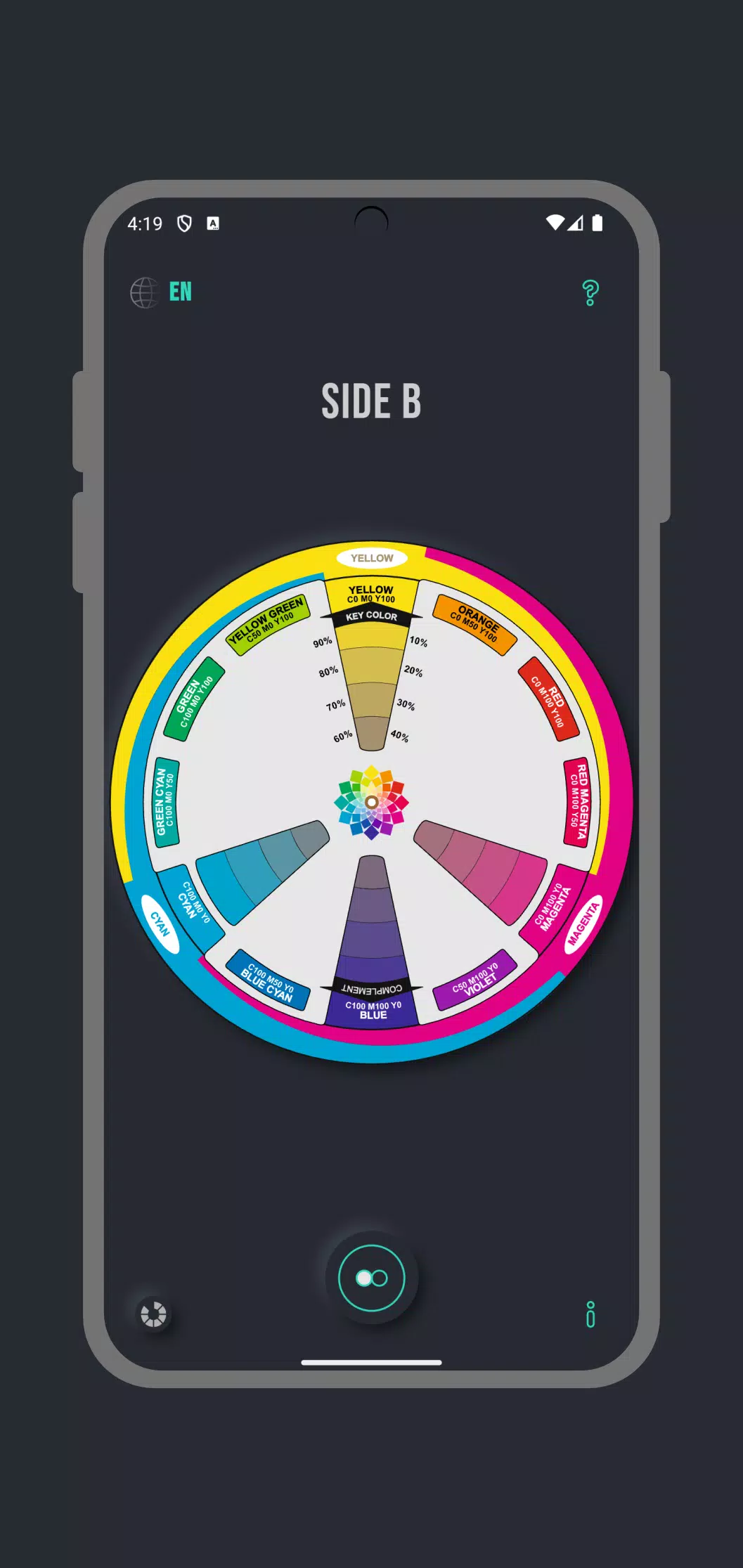
CMY Color Wheel is a focused color-mixing utility that helps artists, designers, students and hobbyists visualize how cyan, magenta and yellow pigments combine and interact. The app explains pigment blending and shows common harmony systems—complements, split complements, tetrads and analogous palettes—so users can plan color choices with confidence. It also demonstrates color contrasts such as complementary pairs, tints, tones and shades, making it a practical learning aid for studio mixing or classroom study. If you need a straightforward reference to understand pigment relationships and basic color theory, this tool is worth trying.
Key Features
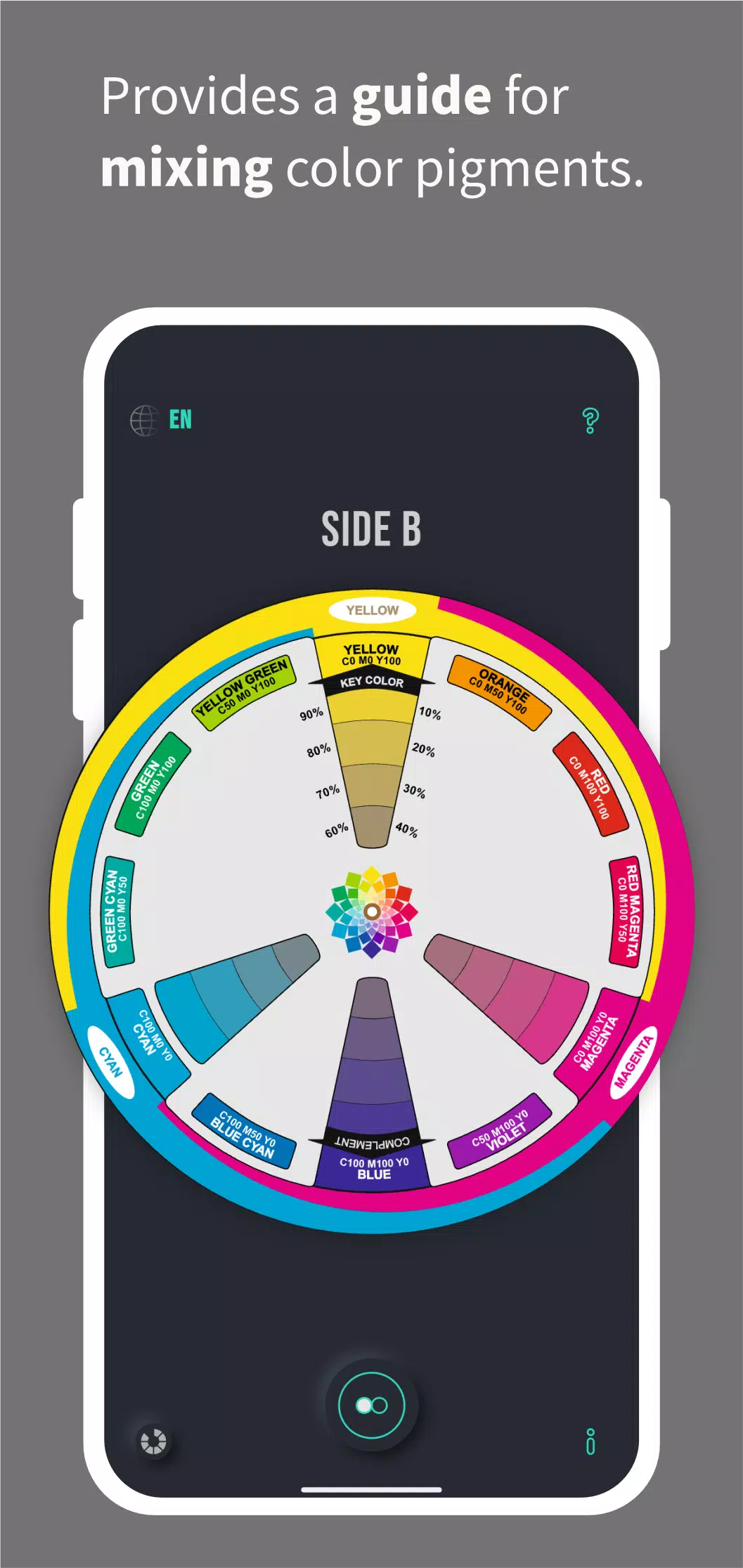
⭐ CMY Color Wheel provides a clear guide for mixing pigment colors using cyan, magenta and yellow as primaries.
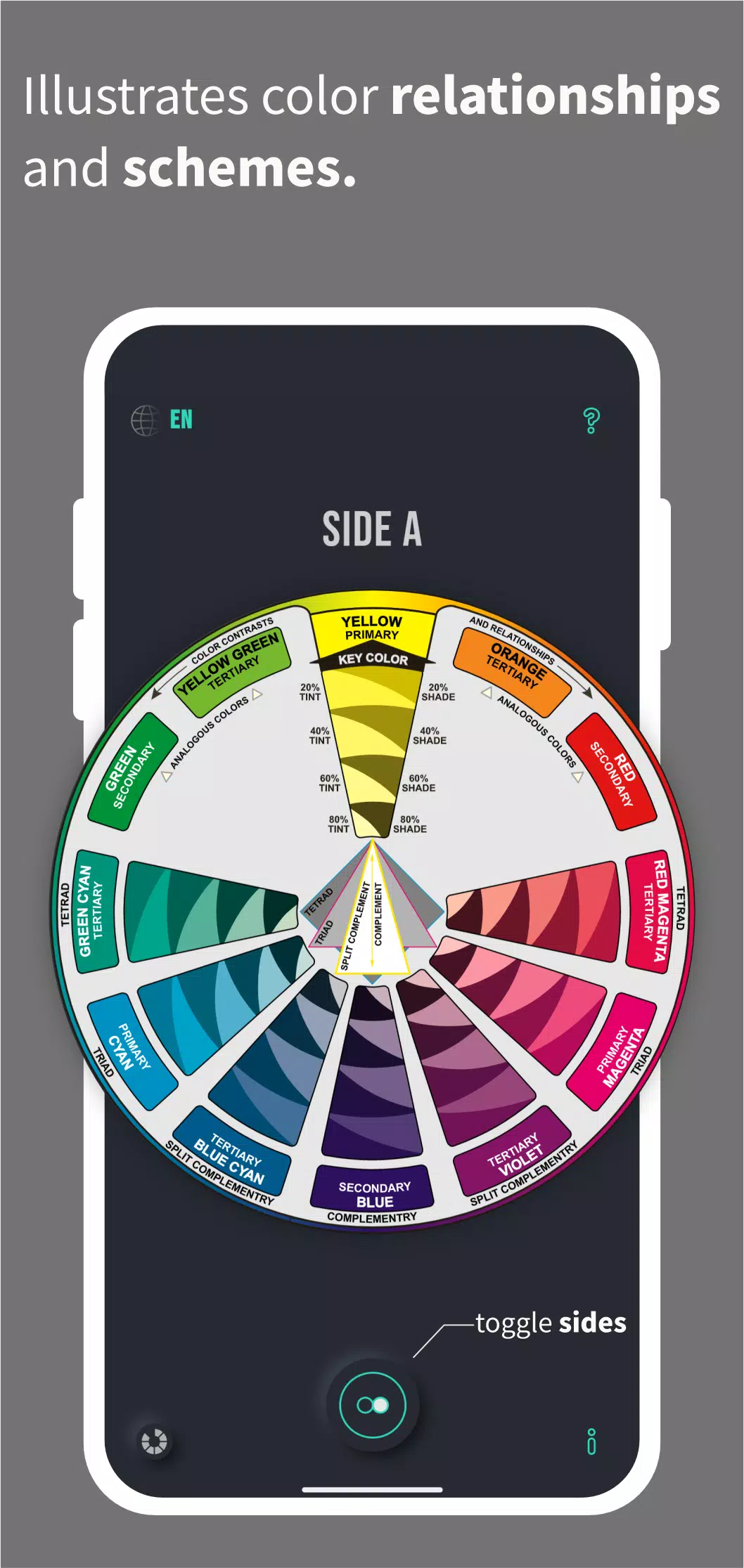
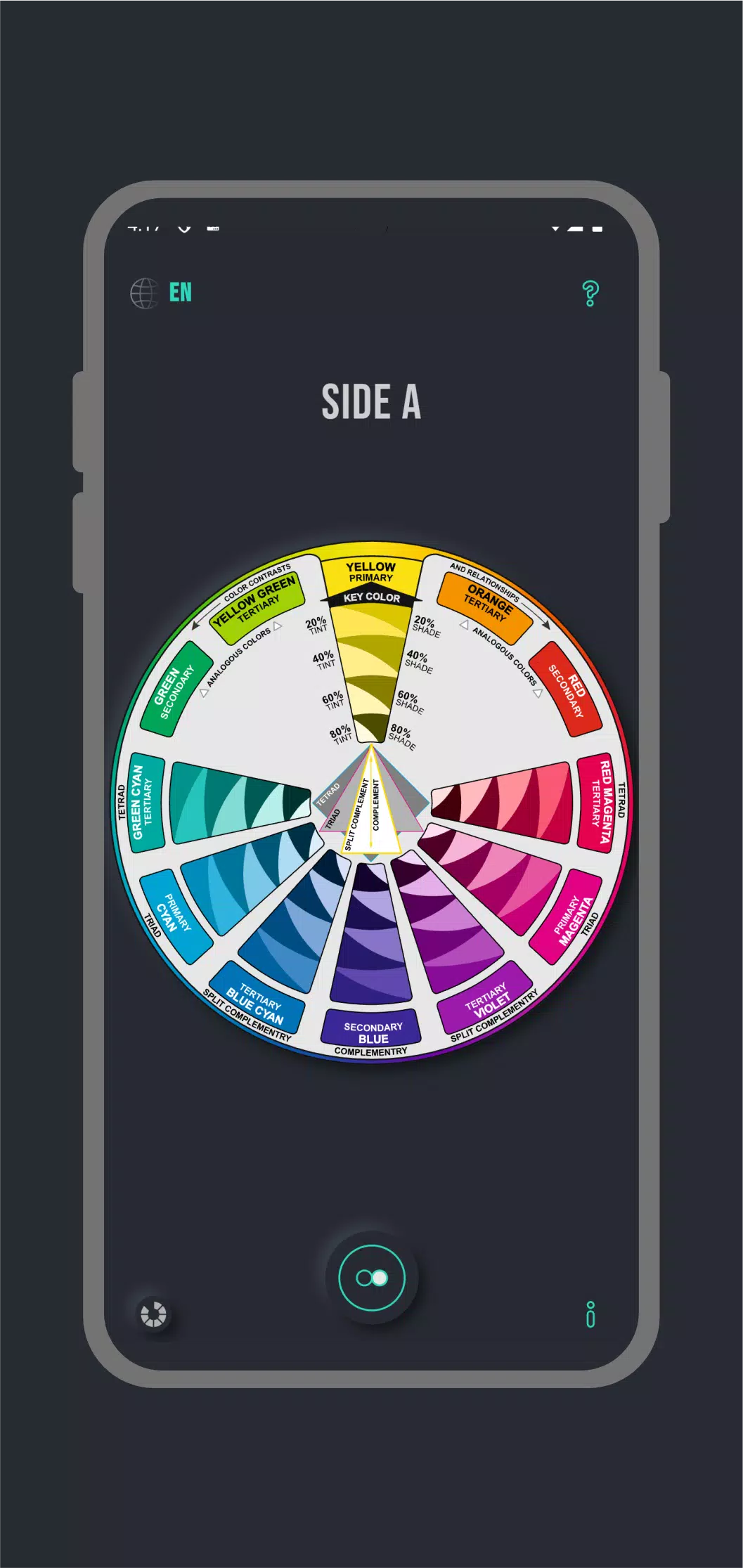
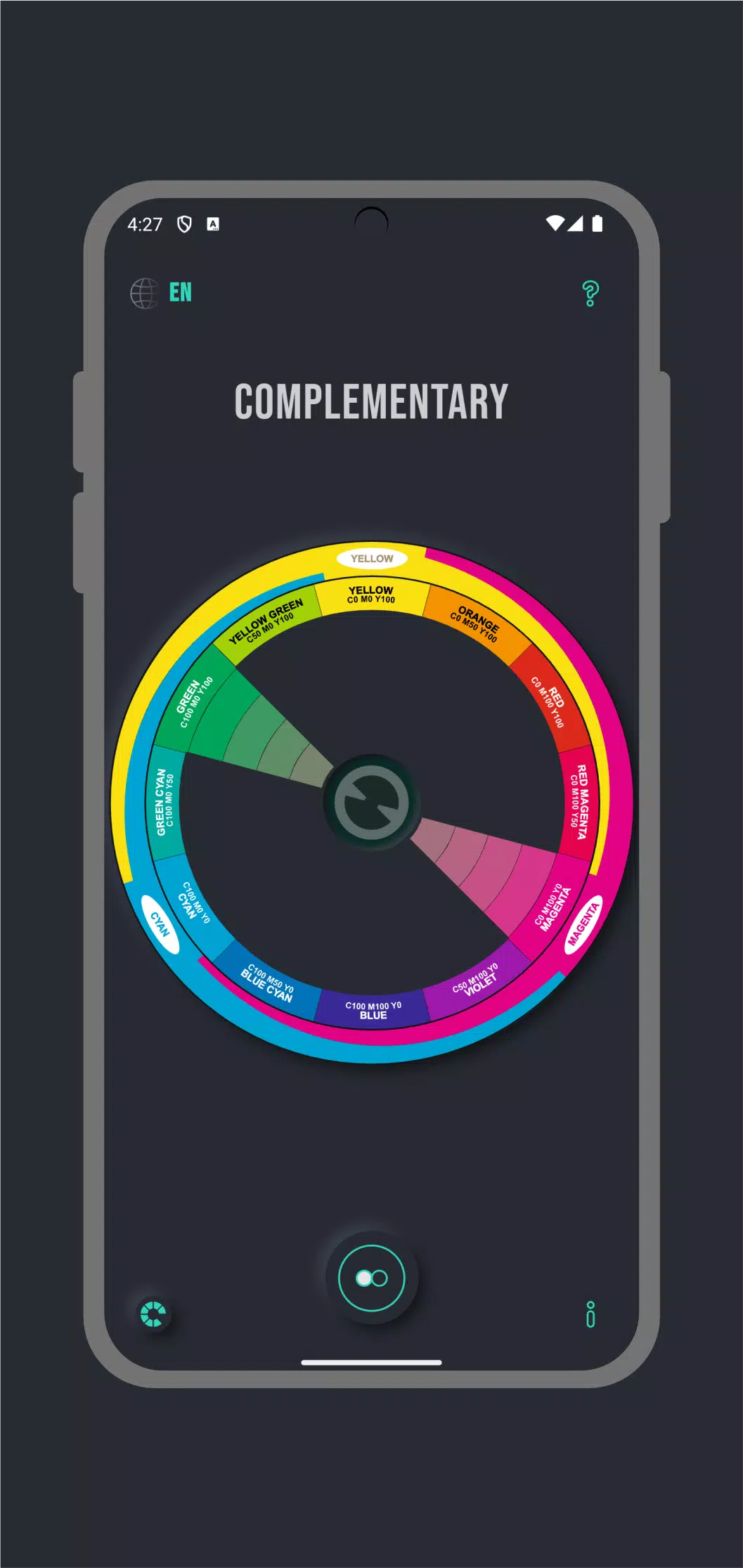
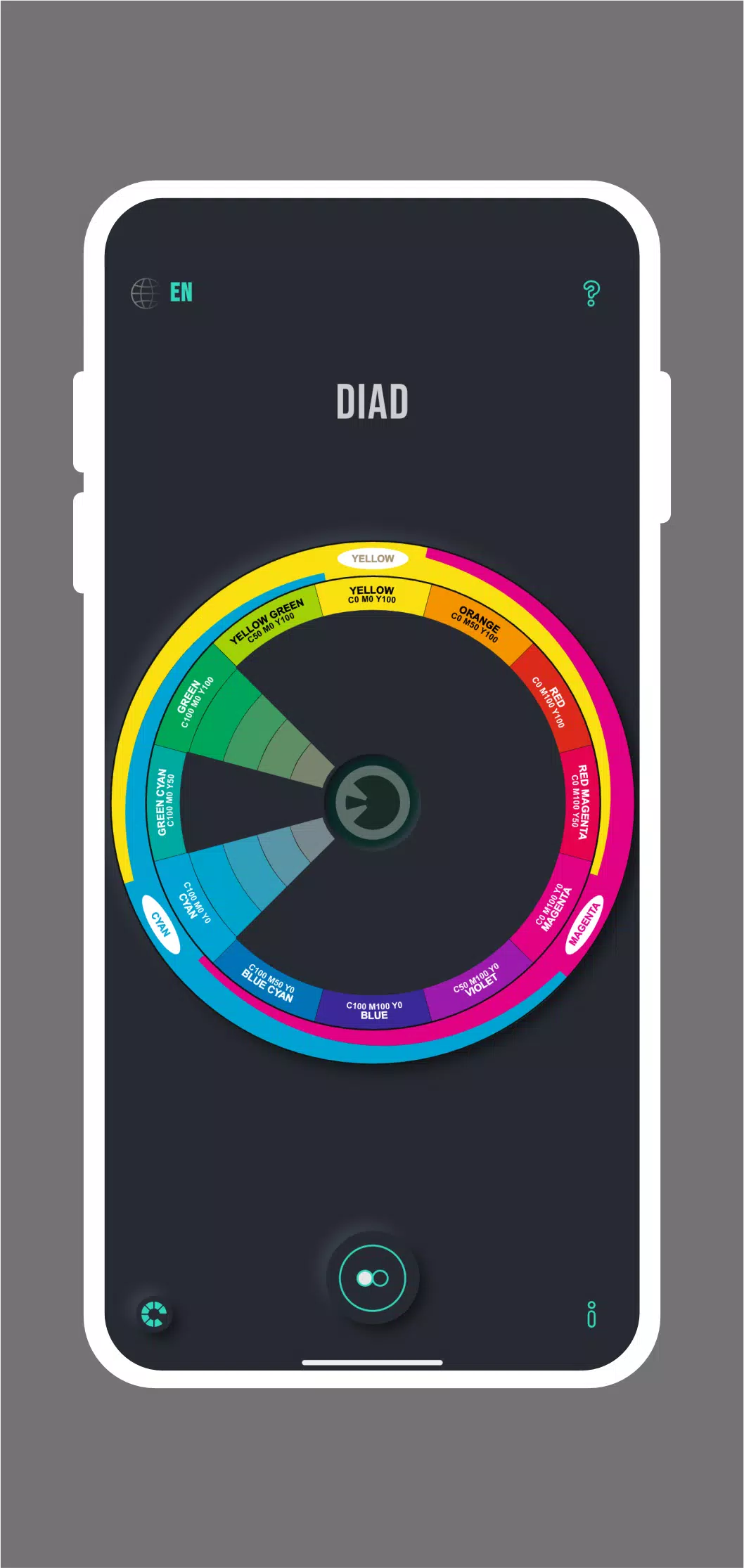
⭐ Illustrates color relationships and schemes: complements, split complements, tetrads and analogous colors.
⭐ Demonstrates color contrasts including complementary colors, tints, tones and shades.
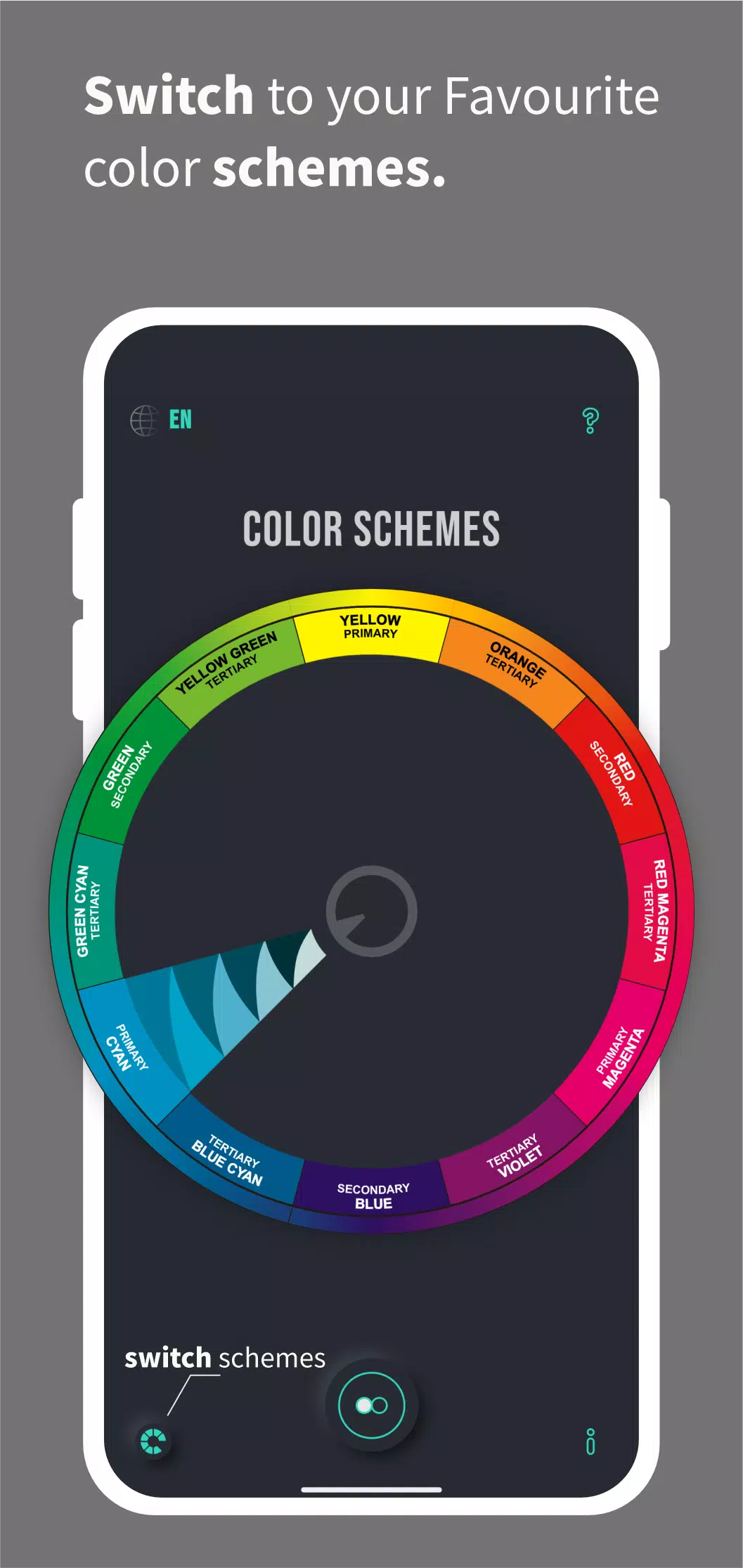
⭐ Lets you switch between different color schemes to compare harmonies and contrasts.
⭐ Includes multi-language support: English, Español, Français, Italiano, Deutsch, Português, Русский and Arabic.
Advantages
✅ CMY Color Wheel makes color theory more accessible by visualizing pigment mixing rather than abstract values.
✅ Useful for artists, designers, artisans and students who work with physical media and paint.
✅ Compact reference that highlights both harmony systems and contrast types in one place.
✅ Multilingual interface lowers the barrier for non-English users to learn color relationships.
Disadvantages
❎ Focused on CMY pigment mixing, so users who need detailed RGB or HEX digital color workflows may prefer a different tool.
❎ Oriented as an educational and reference wheel rather than a comprehensive color-management or printing workflow solution.
Information
 Google Play
Other Games by the Same mochaseeds
User Comments
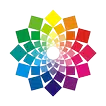
CMY Color Wheel is a focused color-mixing utility that helps artists, designers, students and hobbyists visualize how cyan, magenta and yellow pigments combine and interact. The app explains pigment blending and shows common harmony systems—complements, split complements, tetrads and analogous palettes—so users can plan color choices with confidence. It also demonstrates color contrasts such as complementary pairs, tints, tones and shades, making it a practical learning aid for studio mixing or classroom study. If you need a straightforward reference to understand pigment relationships and basic color theory, this tool is worth trying.
Andalusi is a photo design app built around Arabic fonts, calligraphy and a wide set of templates and AI-assisted tools that make producing polished visuals fast and accessible. Whether you need an invitation, a custom logo, social media artwork or printable cards, Andalusi bundles thousands of editable templates with advanced editing utilities so creators—from hobbyists to small business owners—can move from idea to finished asset without switching tools. The app’s combination of an enormous image library, Photoshop-style layer control and native support for transparent PNGs helps projects look professional while keeping the workflow straightforward.
Mehndi Designs 2024 brings a curated collection of contemporary and traditional henna patterns straight to your device, helping users find inspiration for weddings, festivals, or everyday style. The app focuses on clear, high-resolution designs and step-by-step layouts so anyone — from beginners to experienced artists — can recreate looks with confidence. Because it works online, Mehndi Designs 2024 keeps its gallery fresh with the latest trends and bridal styles, making it a handy reference when planning a ceremony or practicing new motifs at home. It's a simple, visual tool for exploring modern mehndi art.

Unleash your creativity like never before with Genius Art: Image AI Generator. Whether you're a seasoned artist or just starting out, this app offers a range of powerful AI tools to transform your photos and ideas into stunning creations. Enhance image quality, remove unwanted objects or backgrounds, and generate unique art with ease—all in one place. With a user-friendly interface and professional results, this app caters to all your creative needs. Save time and effort by letting AI handle the hard work, while you focus on bringing your ideas to life. Download now and watch your imagination come to life!

خلفيات النصر السعودي is a fantastic collection of wallpapers dedicated to the fans of Al-Nassr FC, one of Saudi Arabia's most popular and successful football clubs. Whether you’re a long-time supporter or new to the team, this collection offers stunning images of the club’s players, logo, and memorable moments, all ready to personalize your phone or computer. With high-quality, vibrant visuals, these wallpapers bring the excitement and pride of Al-Nassr to your device, allowing fans to show their support wherever they go.
Drawing Grid For Artist is the ultimate grid drawing tool for artists, offering a wide range of features to assist with your artwork. With the ability to overlay a customizable grid on top of any image, you can easily sketch or paint with precision using your preferred art software. From adjusting image settings like brightness and contrast to comparing your drawing in real-time with the reference picture, this app has everything you need to streamline your creative process. Plus, with a user-friendly interface and no pesky advertisements, Drawing Grid For Artist is the go-to solution for all your gridding needs. Say goodbye to manual measurements and hello to effortless drawing with this innovative app.