

 X
X
 facebook
 WhatsApp
 Email
Email
Introduction
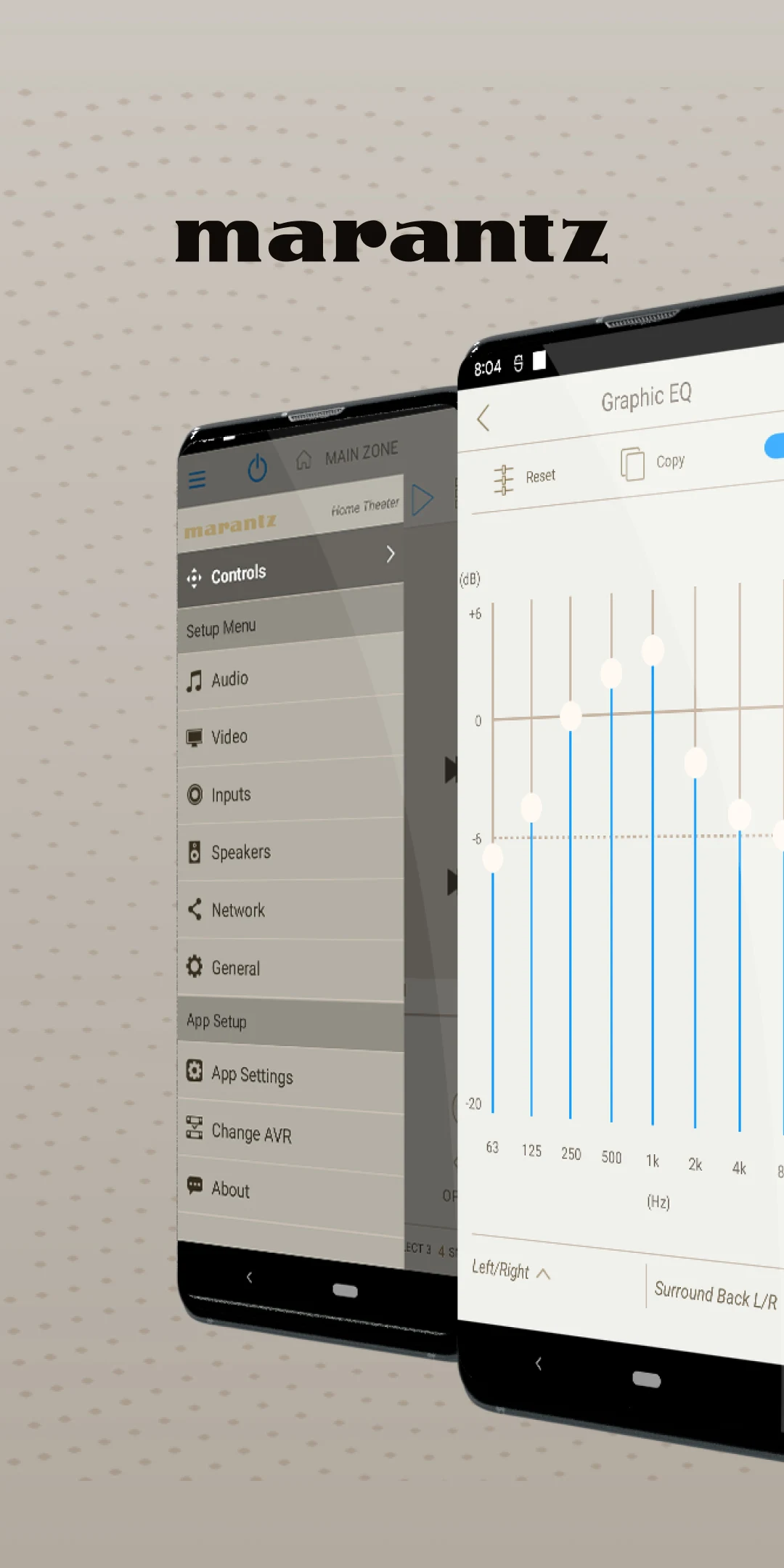
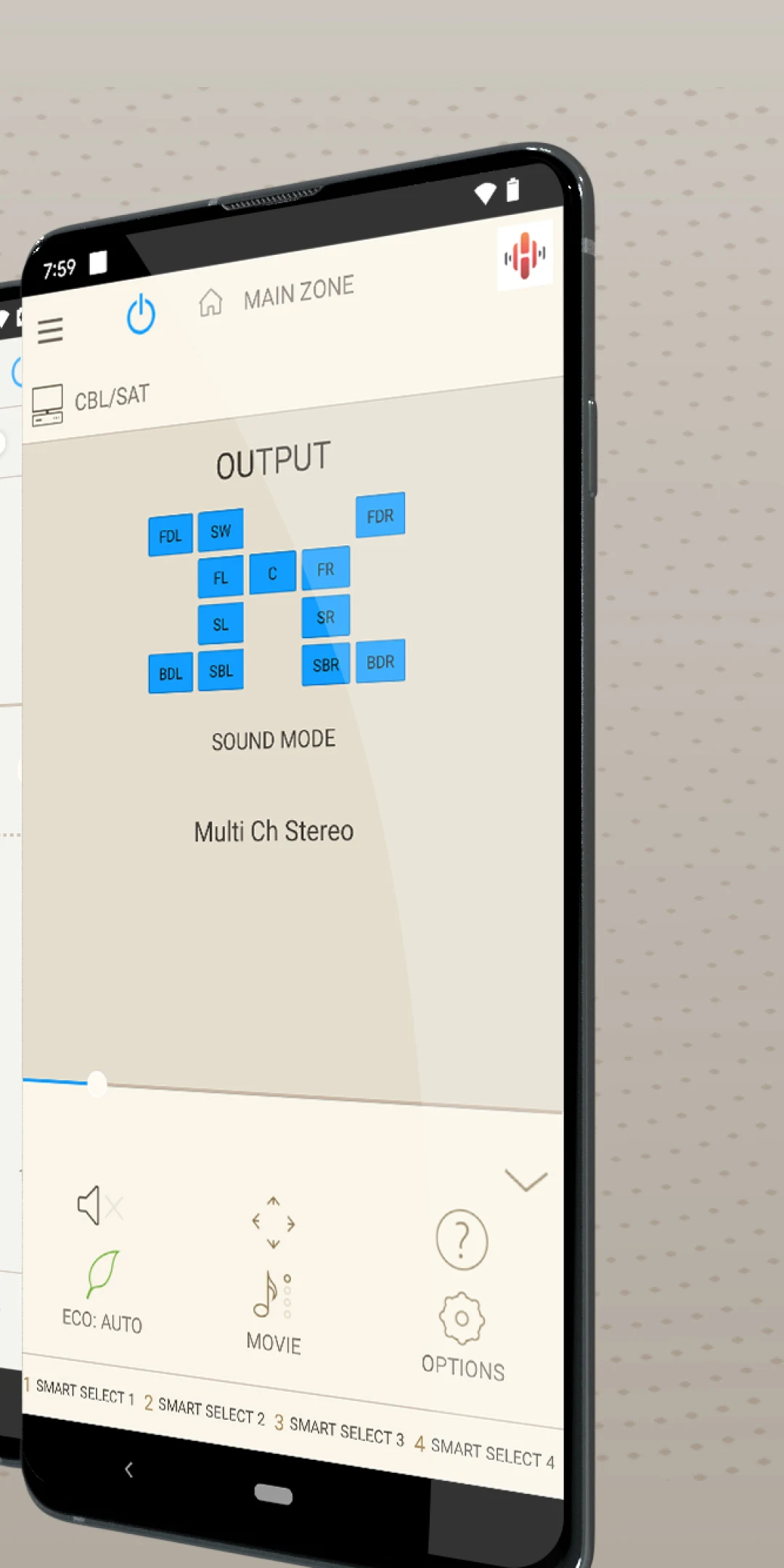
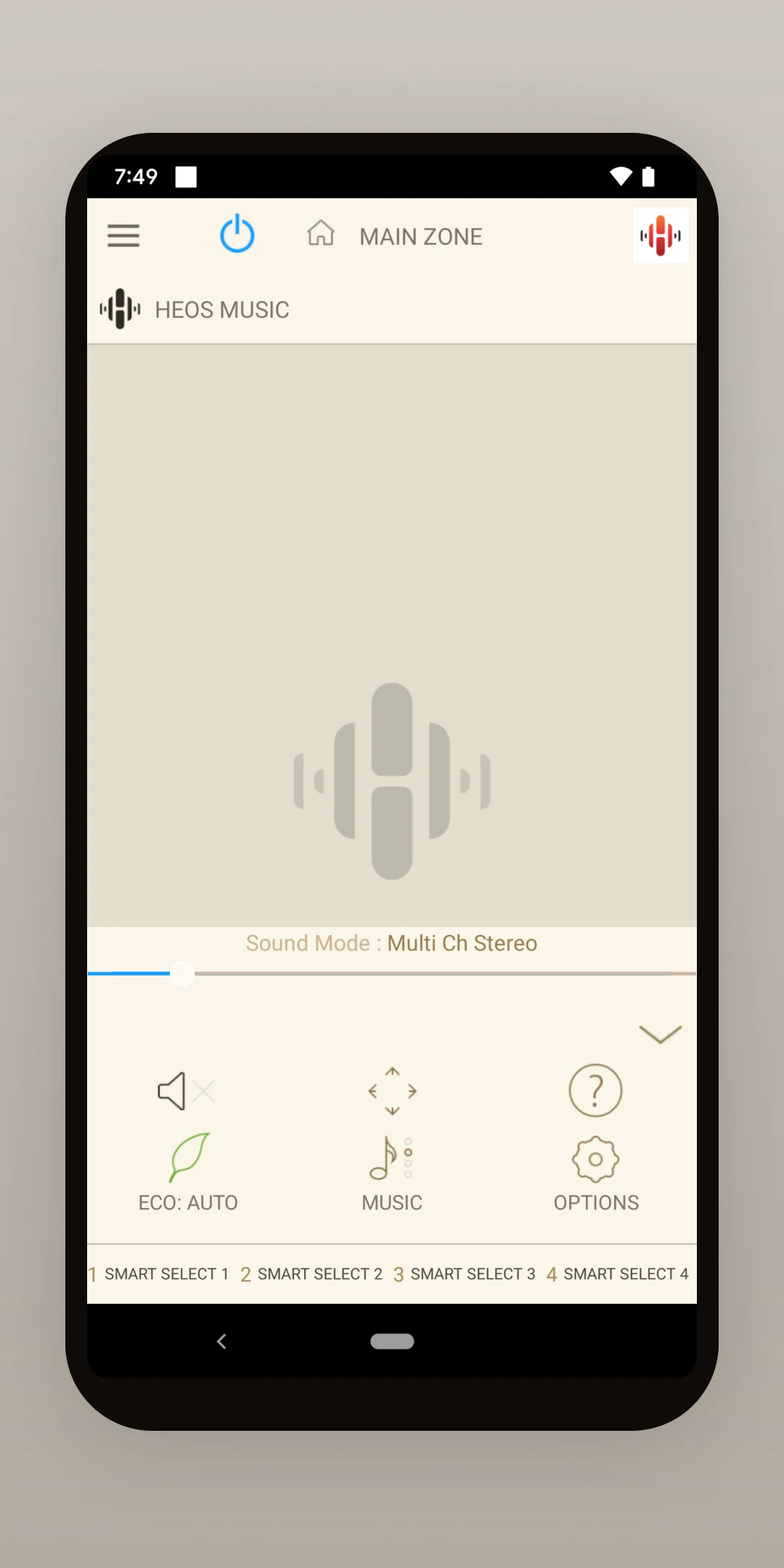
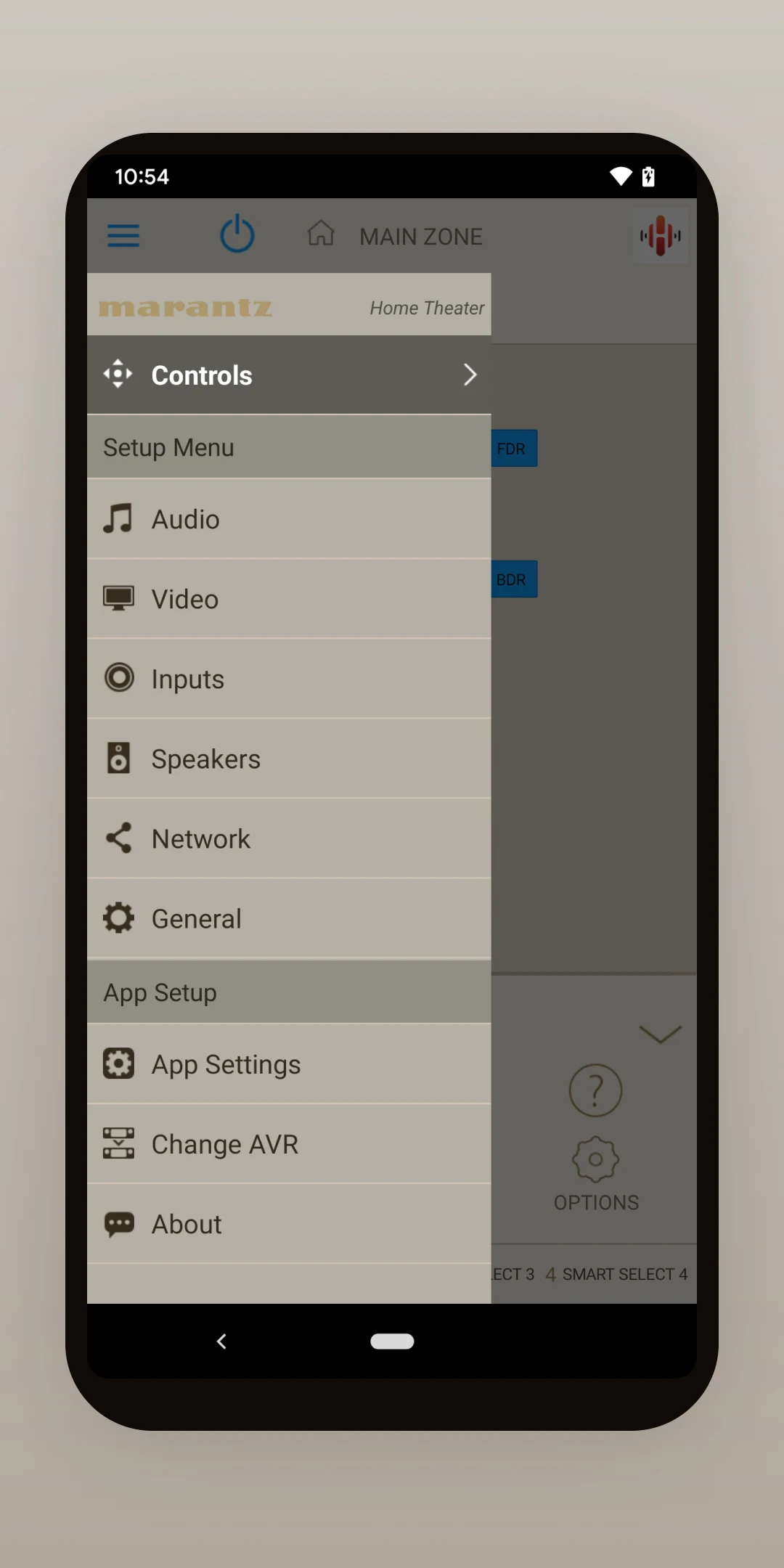
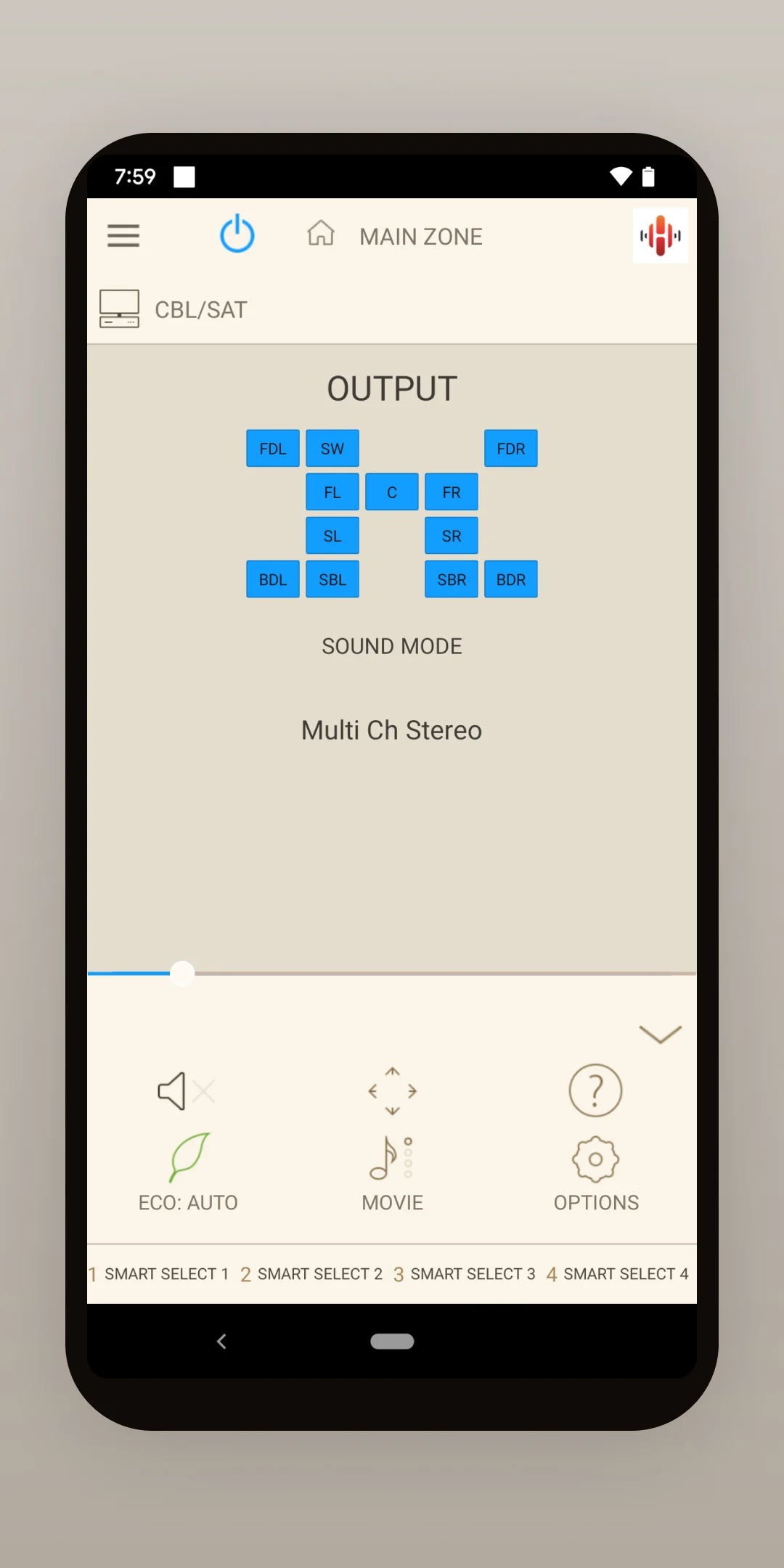
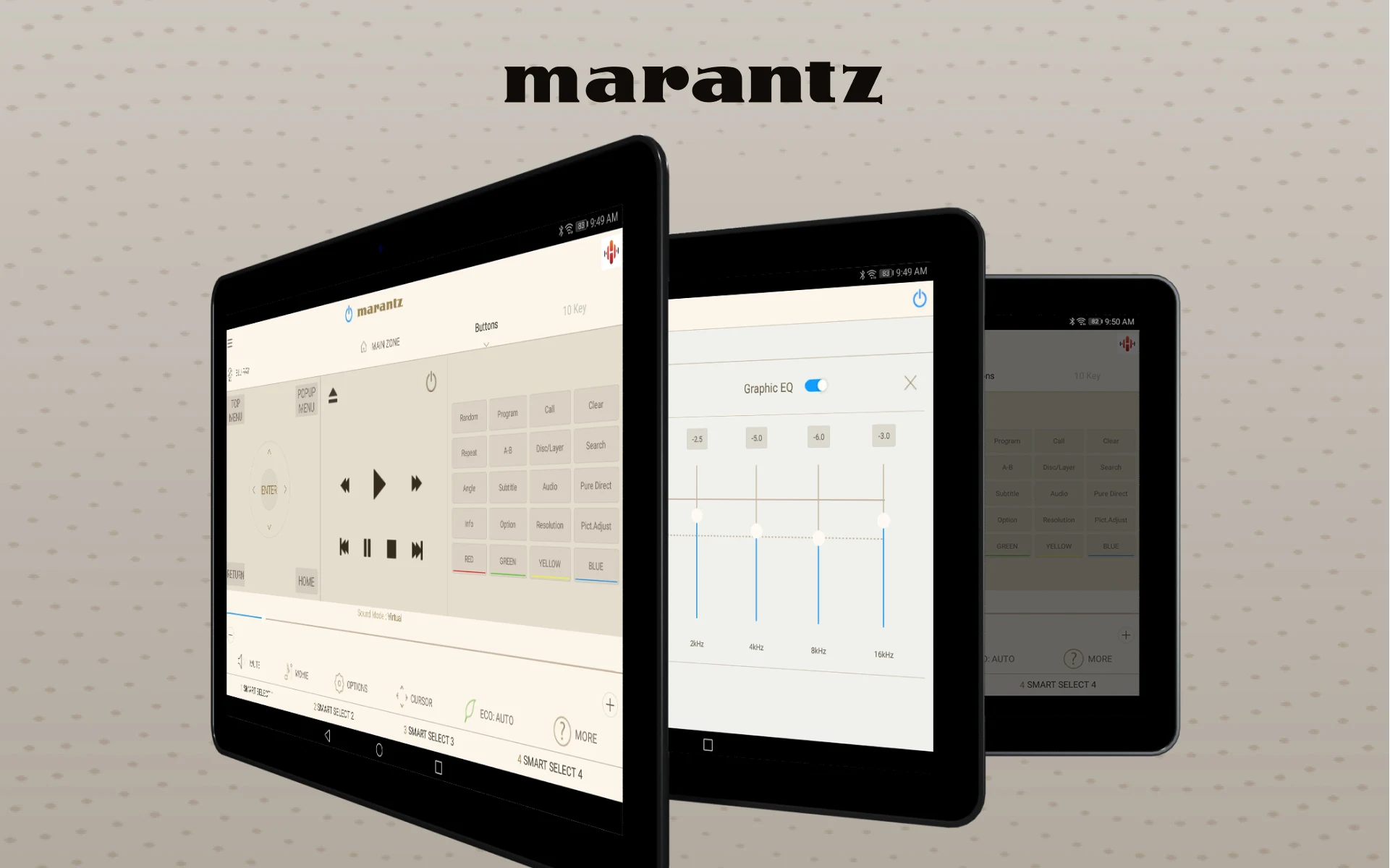
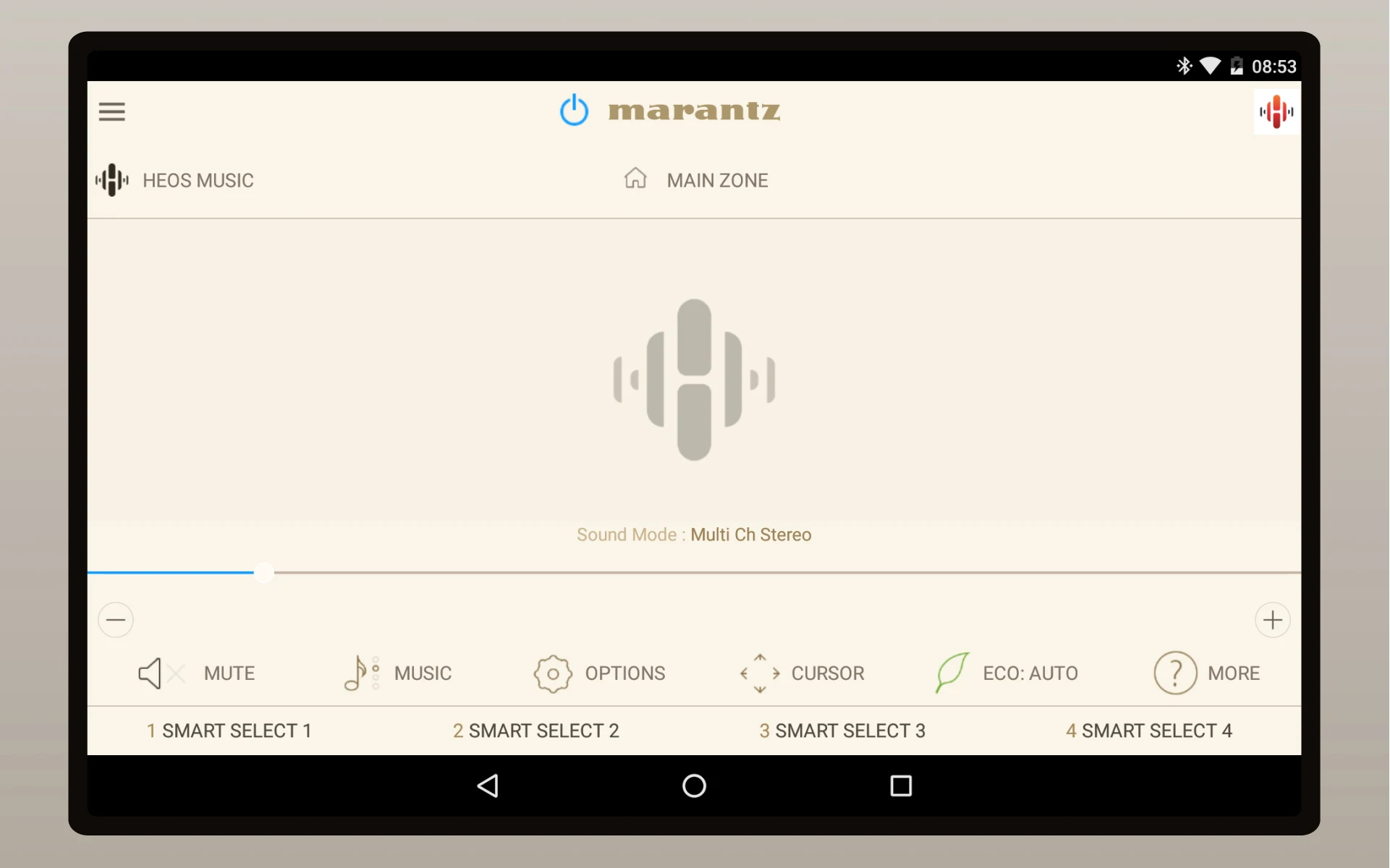
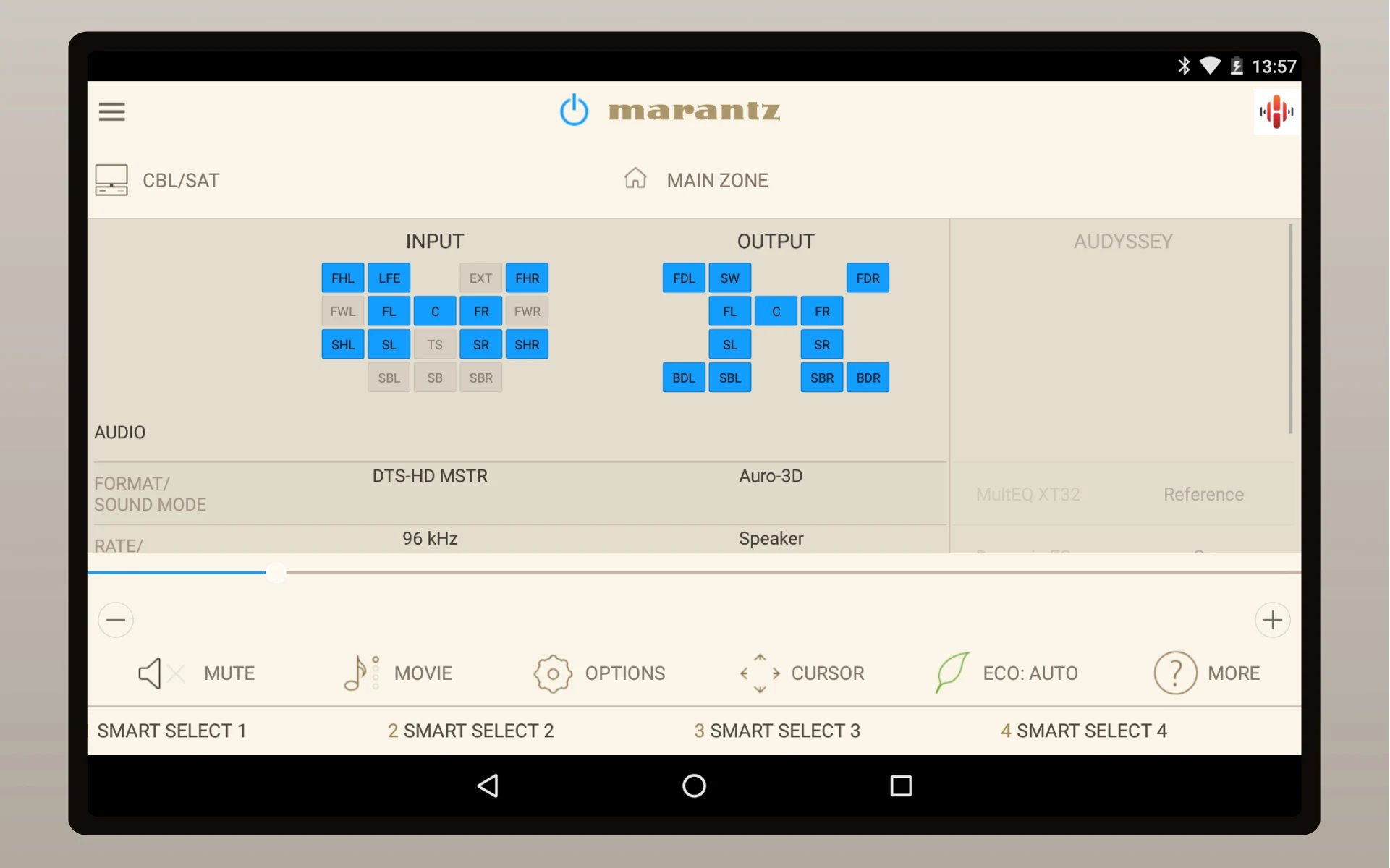
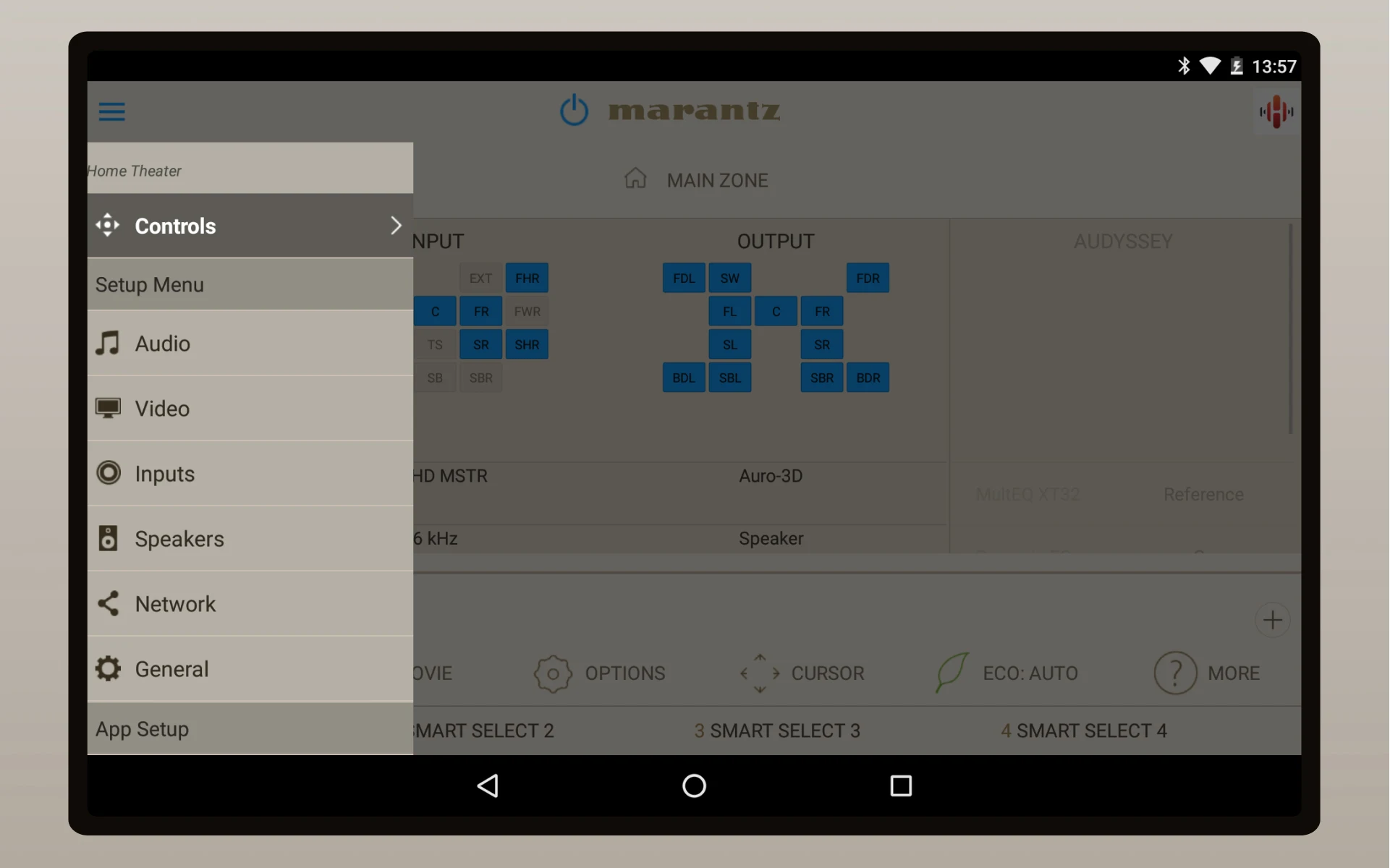
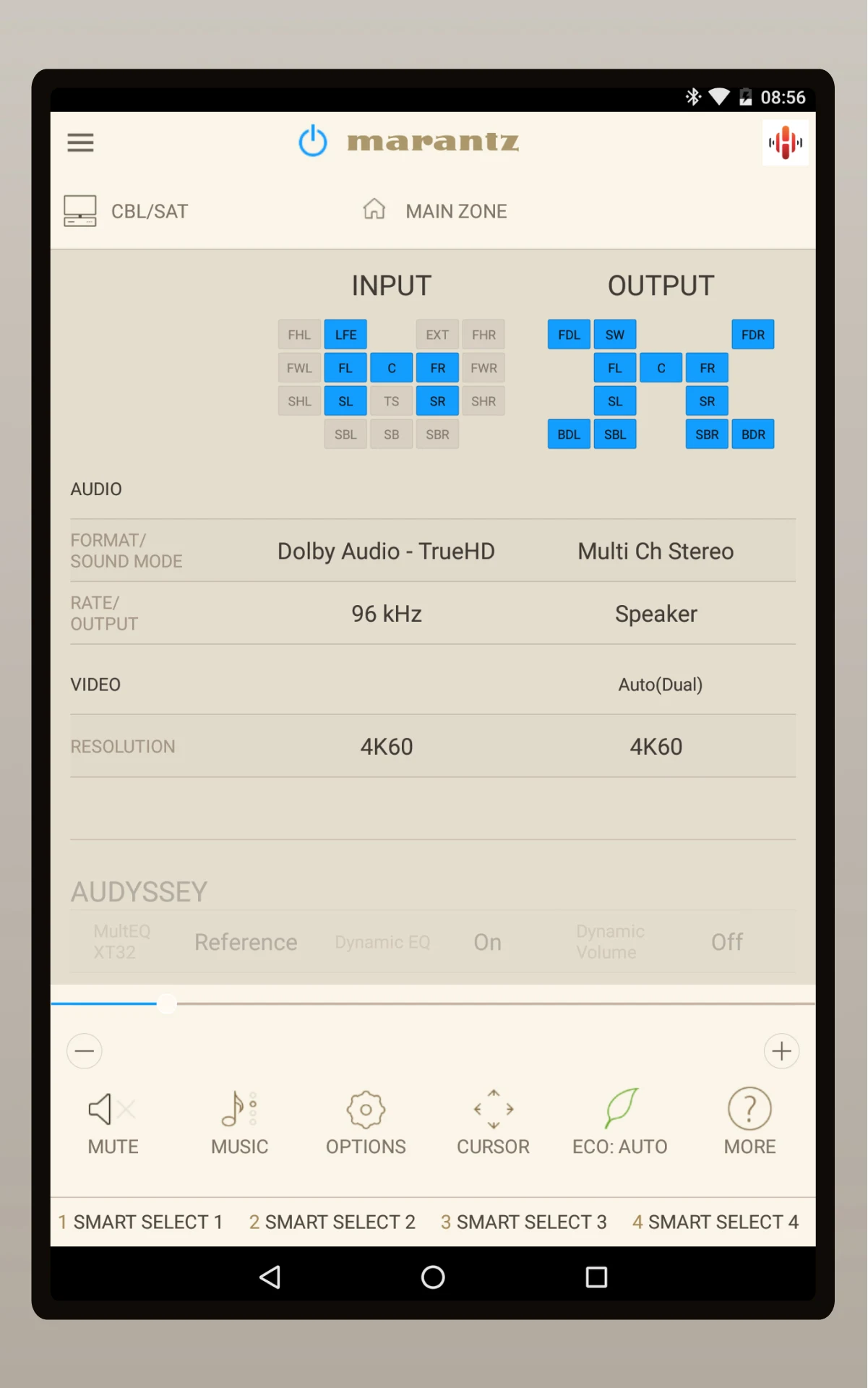
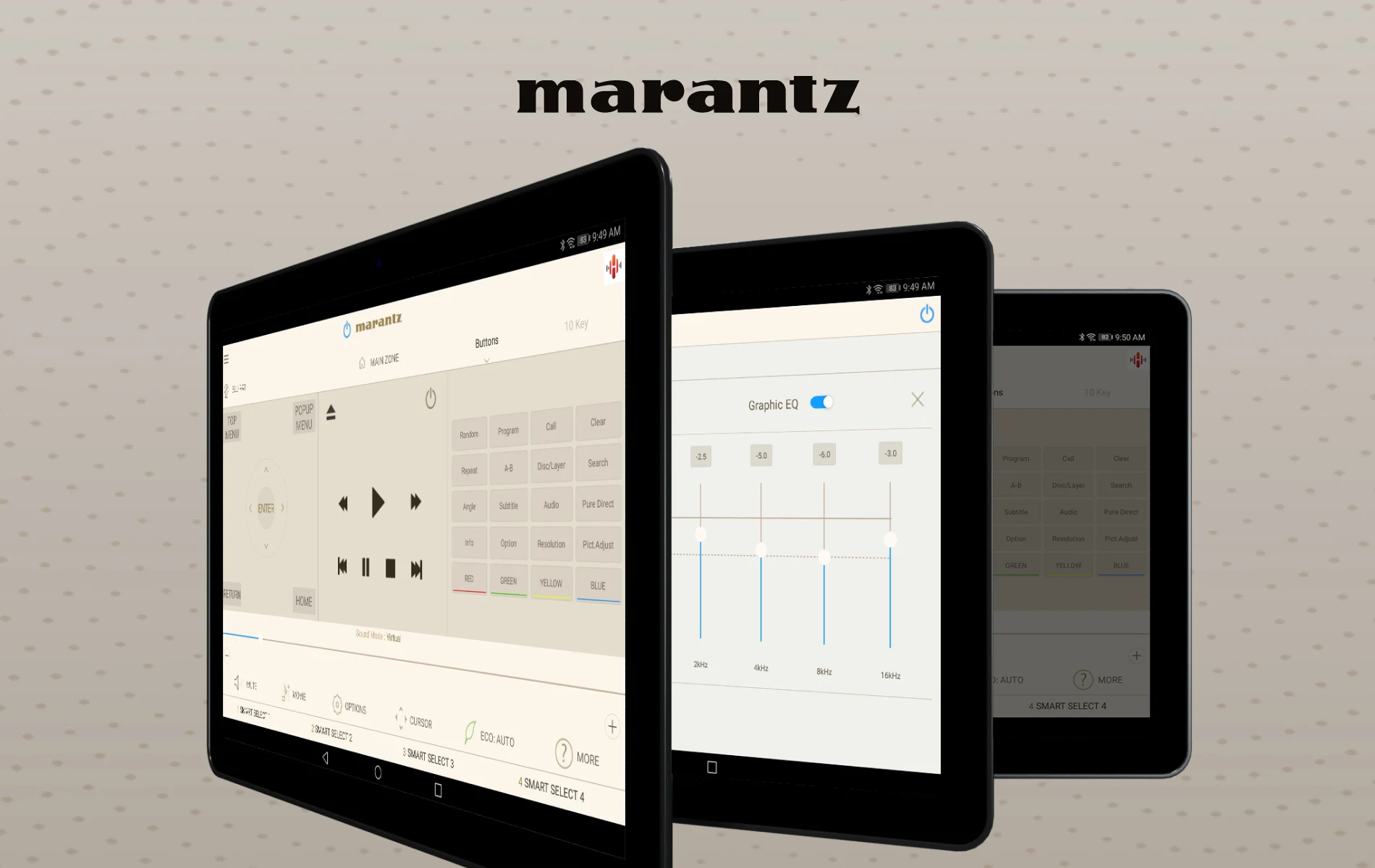
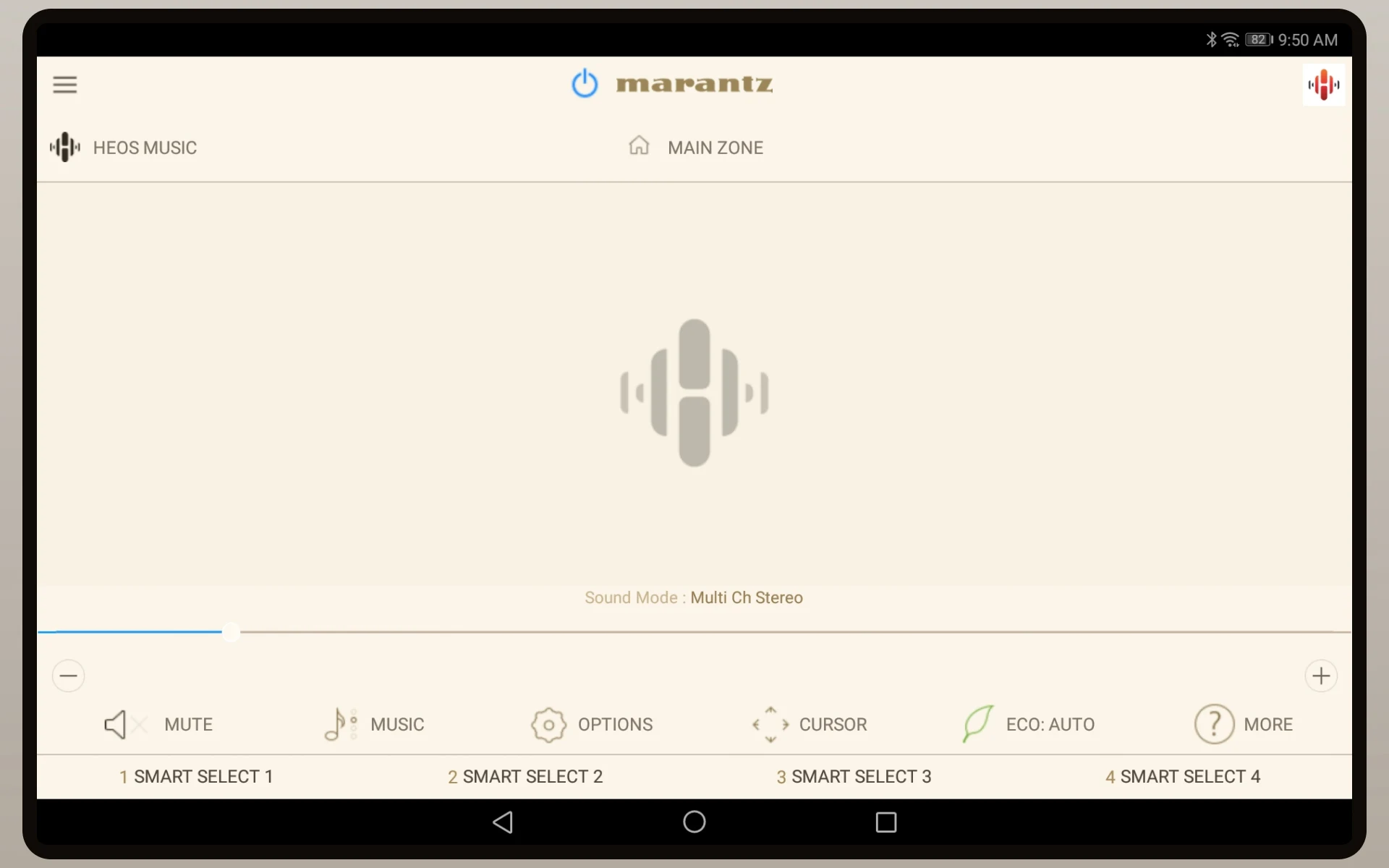
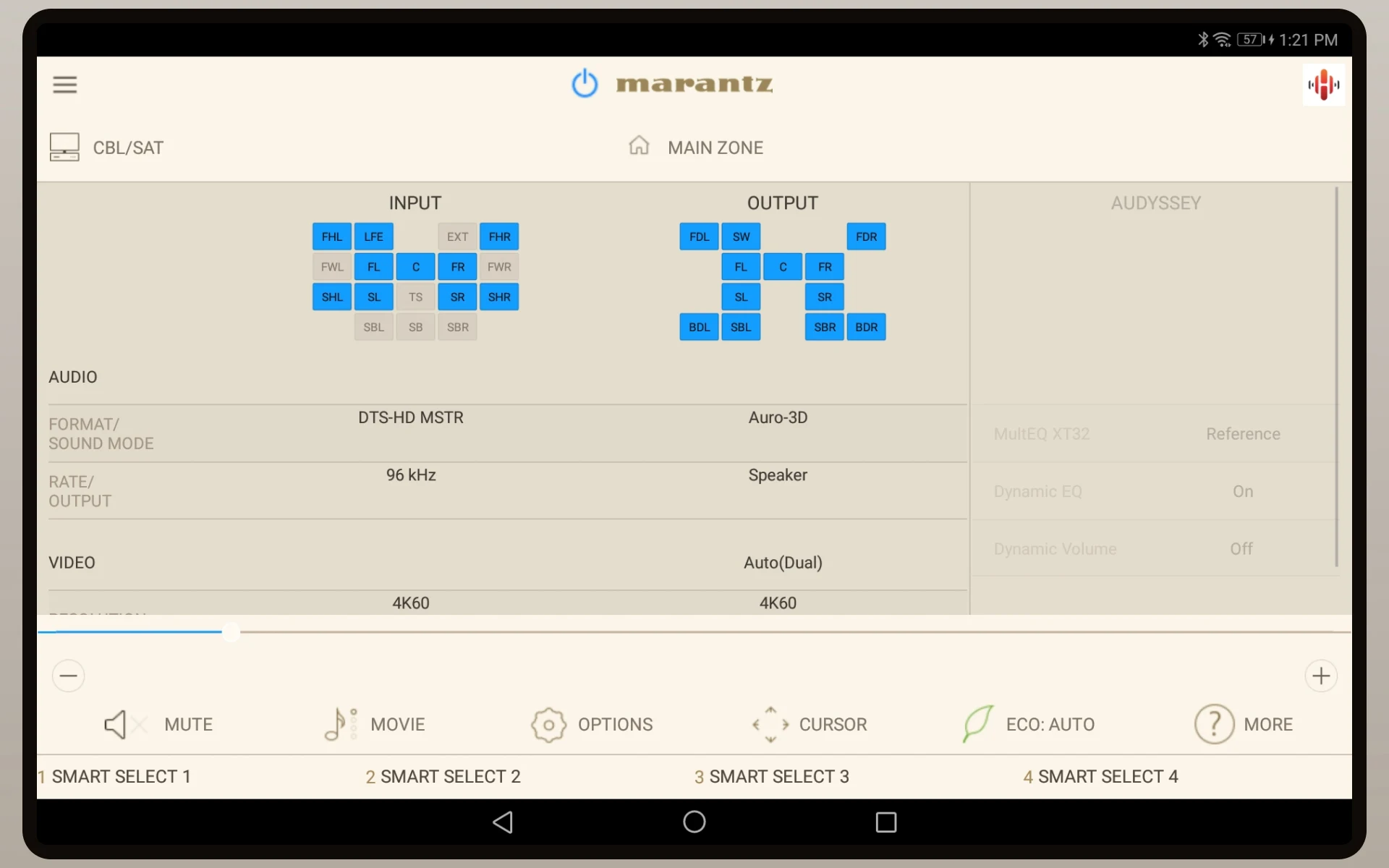
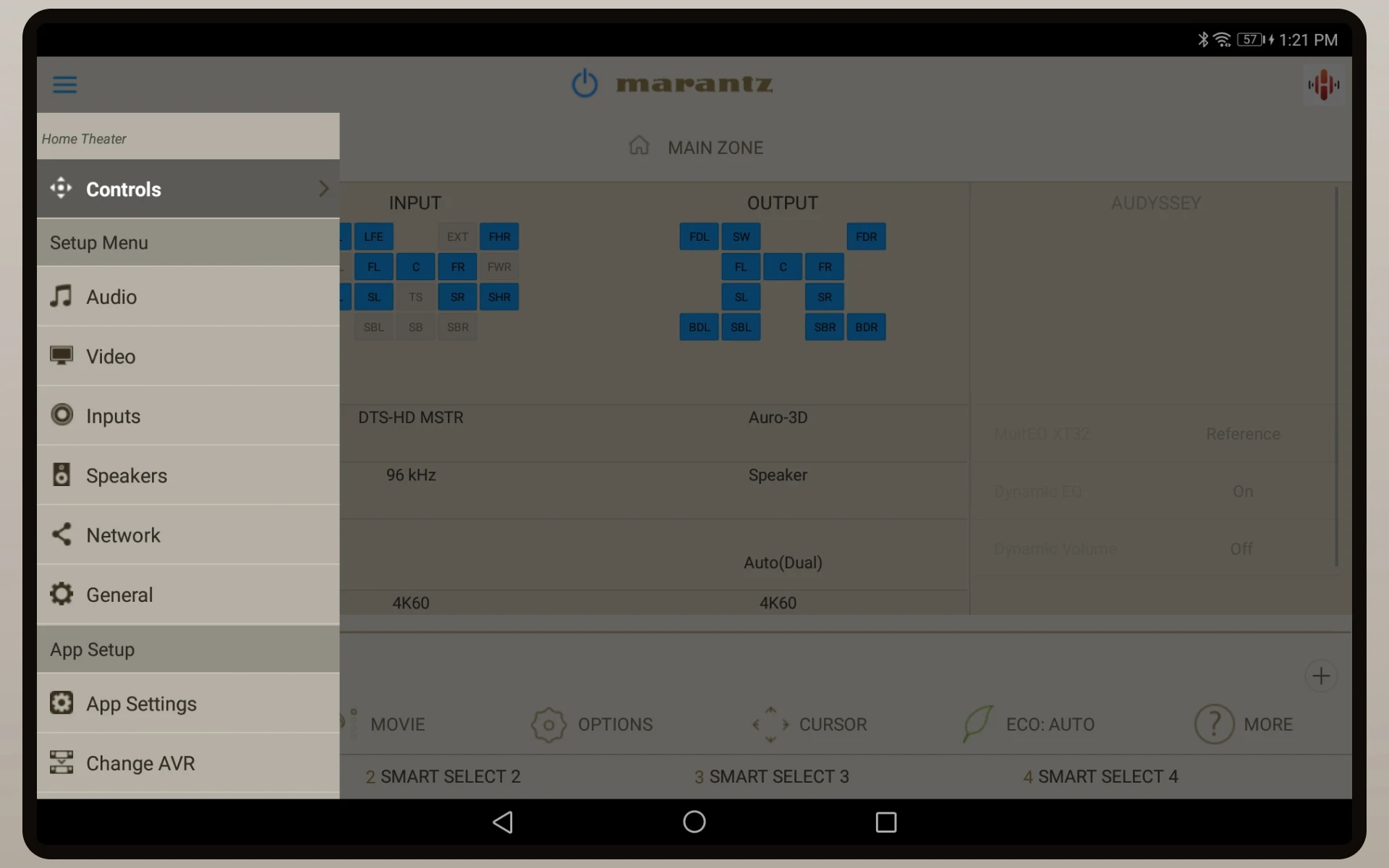
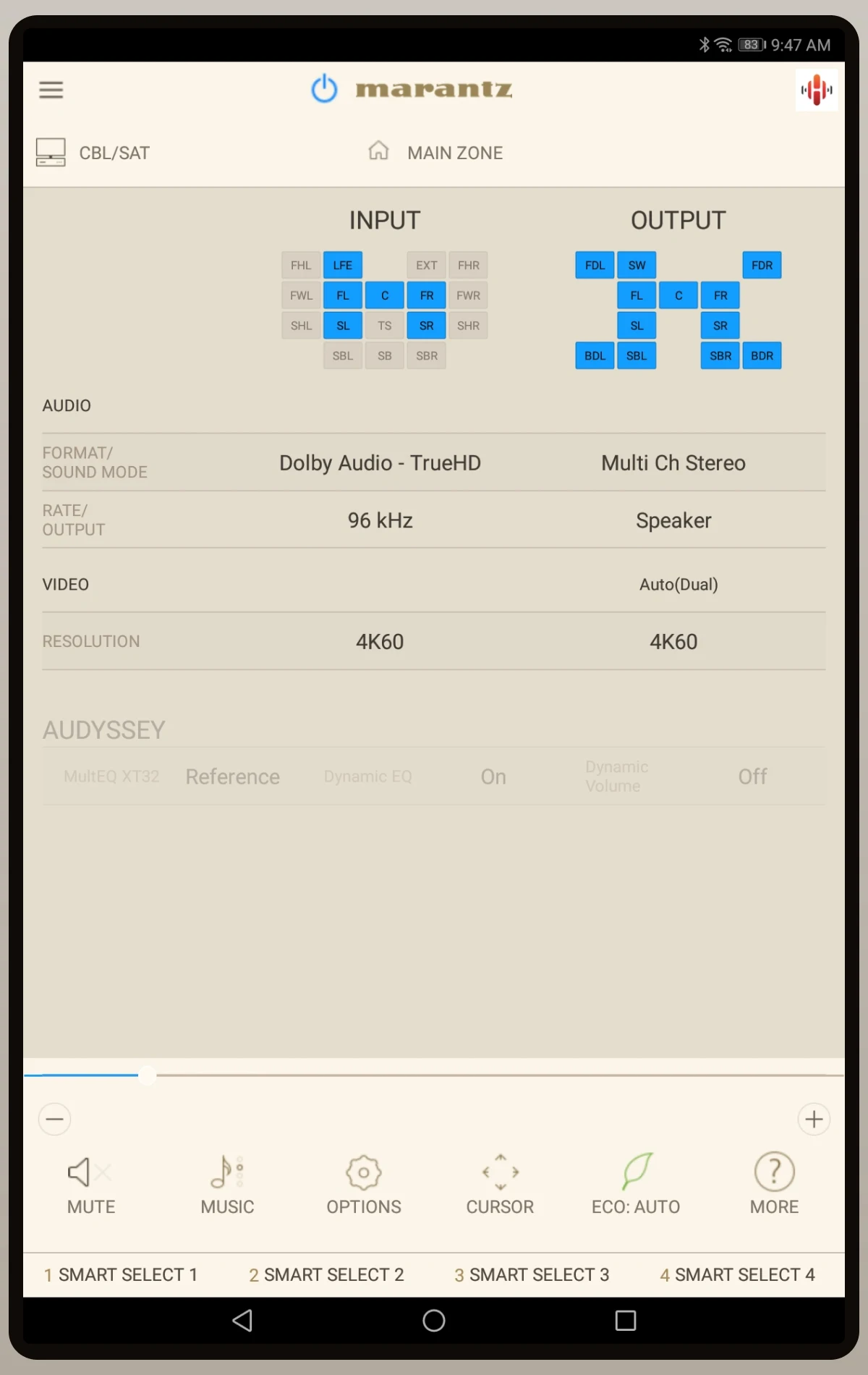
Elevate your home entertainment experience with the Marantz AVR Remote app, exclusively designed for Android devices. Seamlessly control your Marantz network AV Receiver with ease, managing essential functions like power, volume, inputs, and settings. Enjoy quick access to Smart Select and Surround Modes, enhancing your audio experience. Plus, with networking capabilities and HEOS integration, browsing and managing HEOS-enabled devices is a breeze. The app features appealing graphics, an intuitive interface, and multi-language support, ensuring a user-friendly experience. Upgrade to the Marantz AVR Remote app and take full control of your Marantz device for the ultimate entertainment experience.
Features of Marantz AVR Remote:
Quick switching to HEOS app for network browsing and management of HEOS-enabled devices
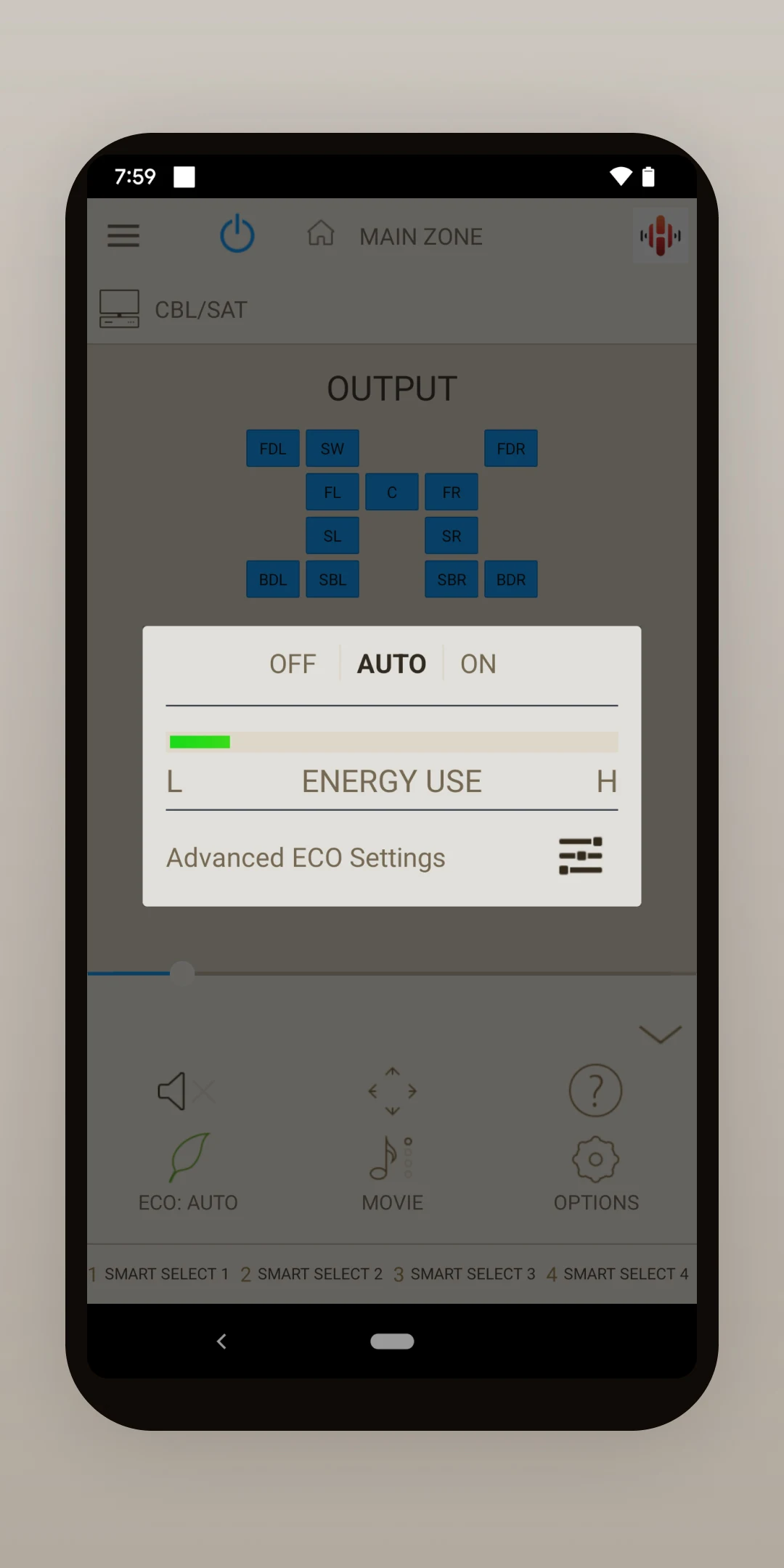
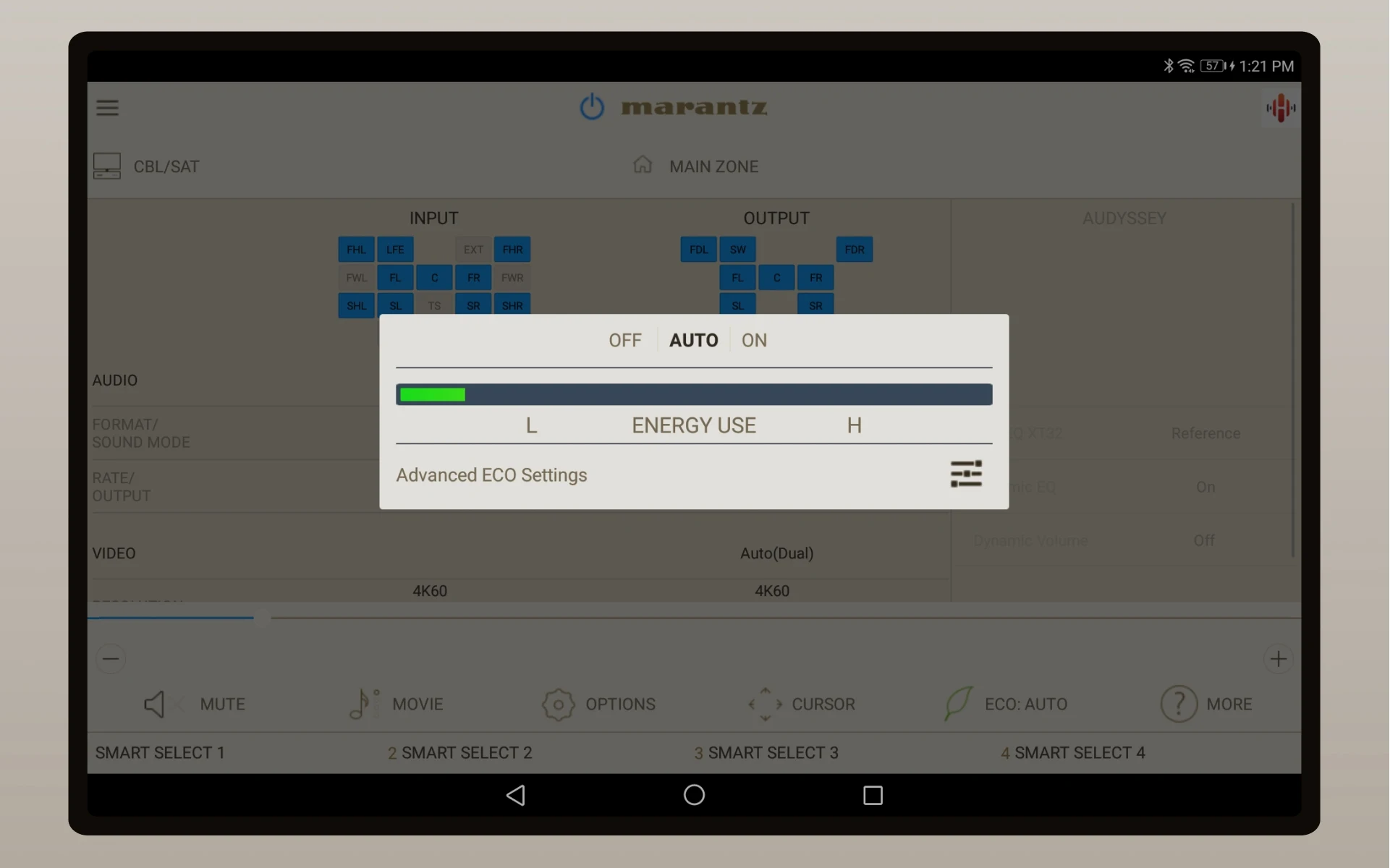
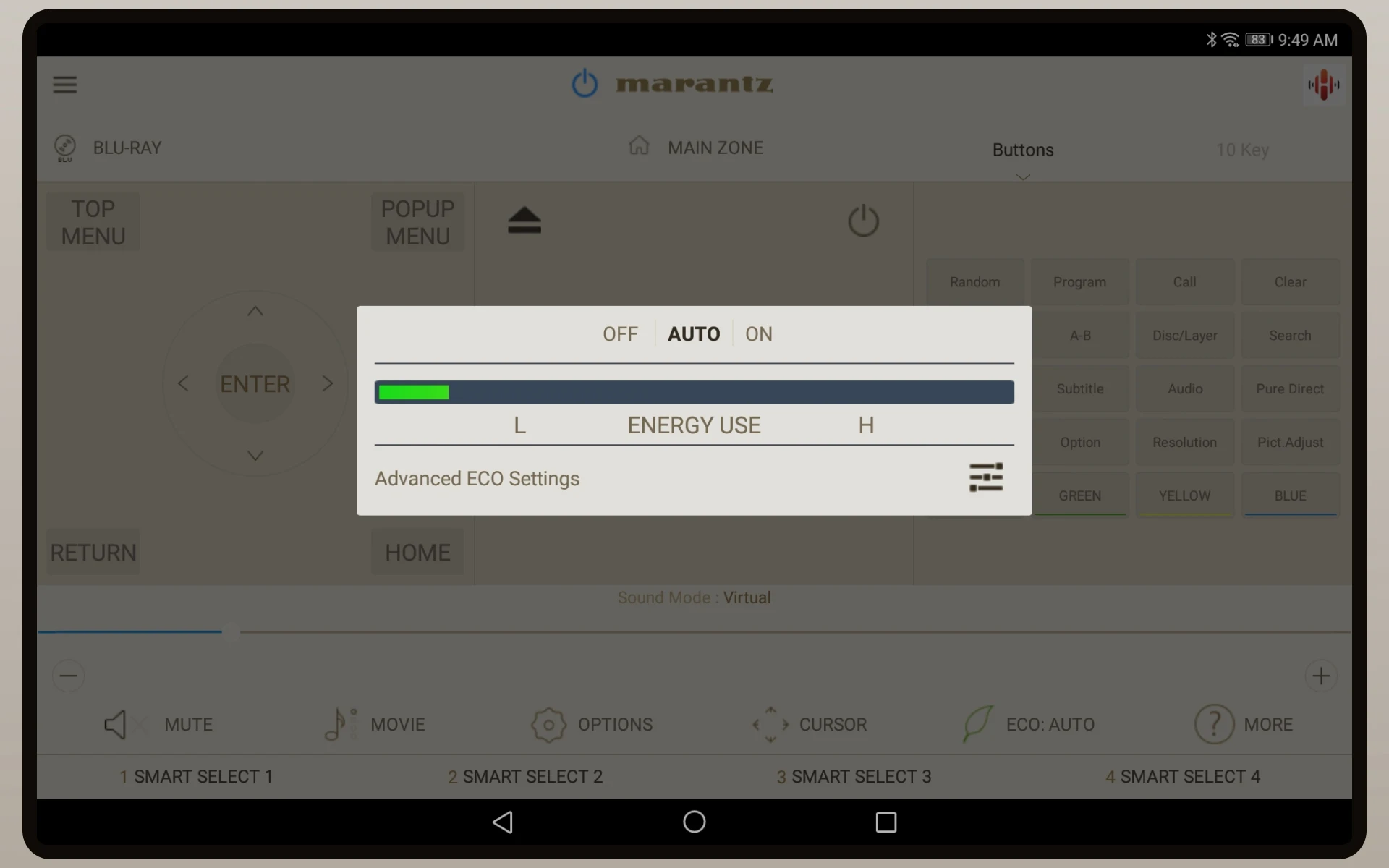
ECO Mode settings
Additional Features of Marantz AVR Remote:
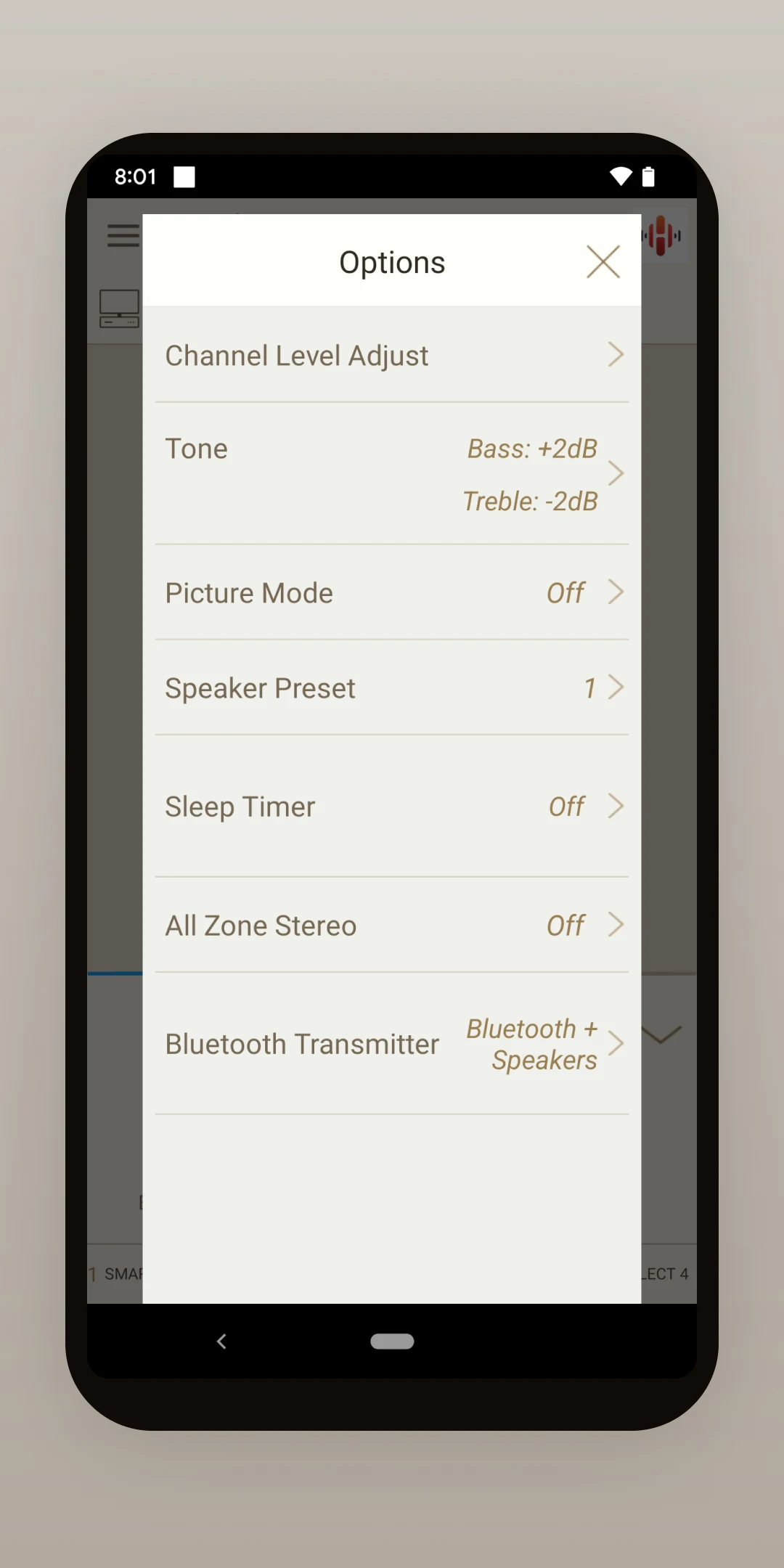
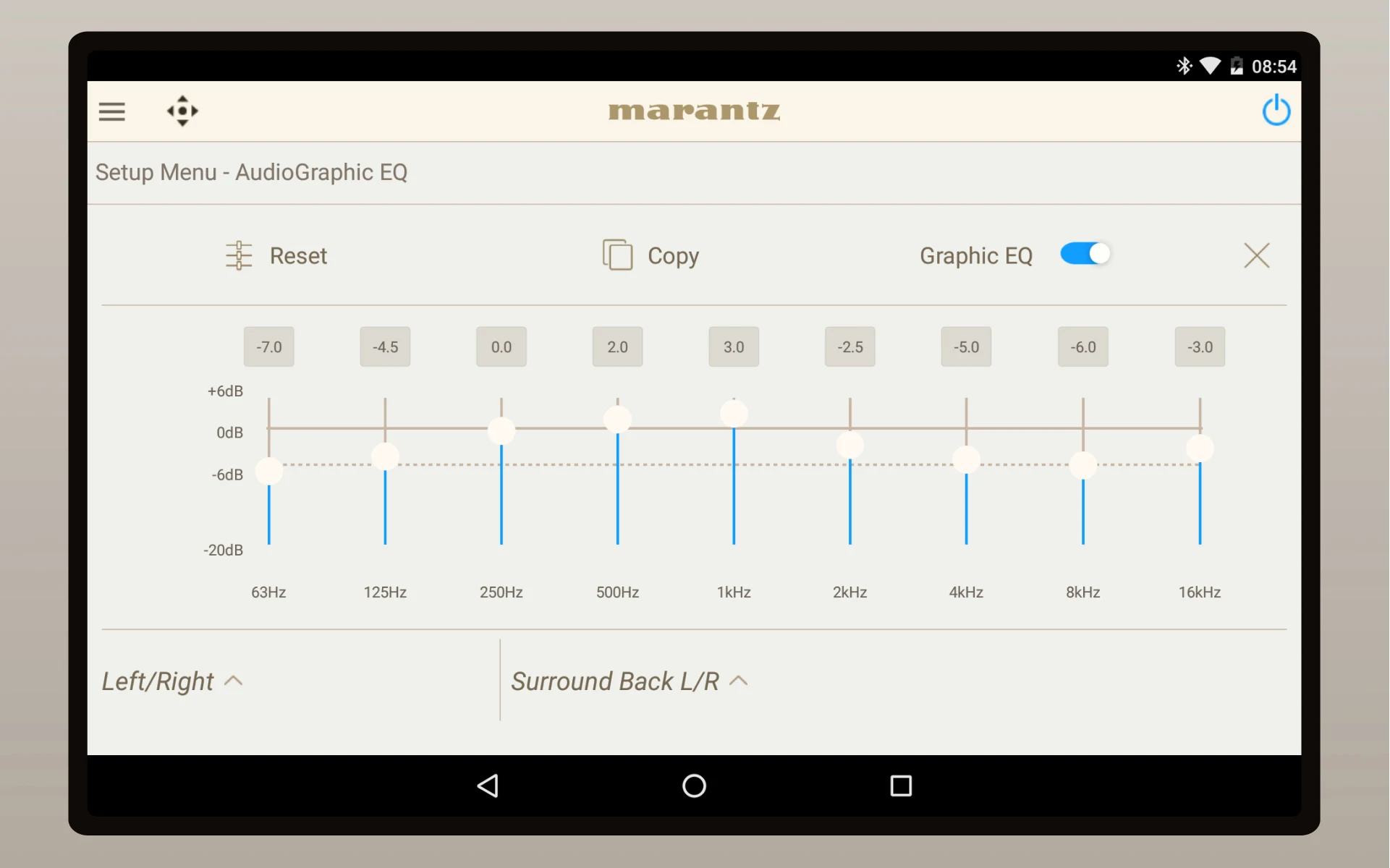
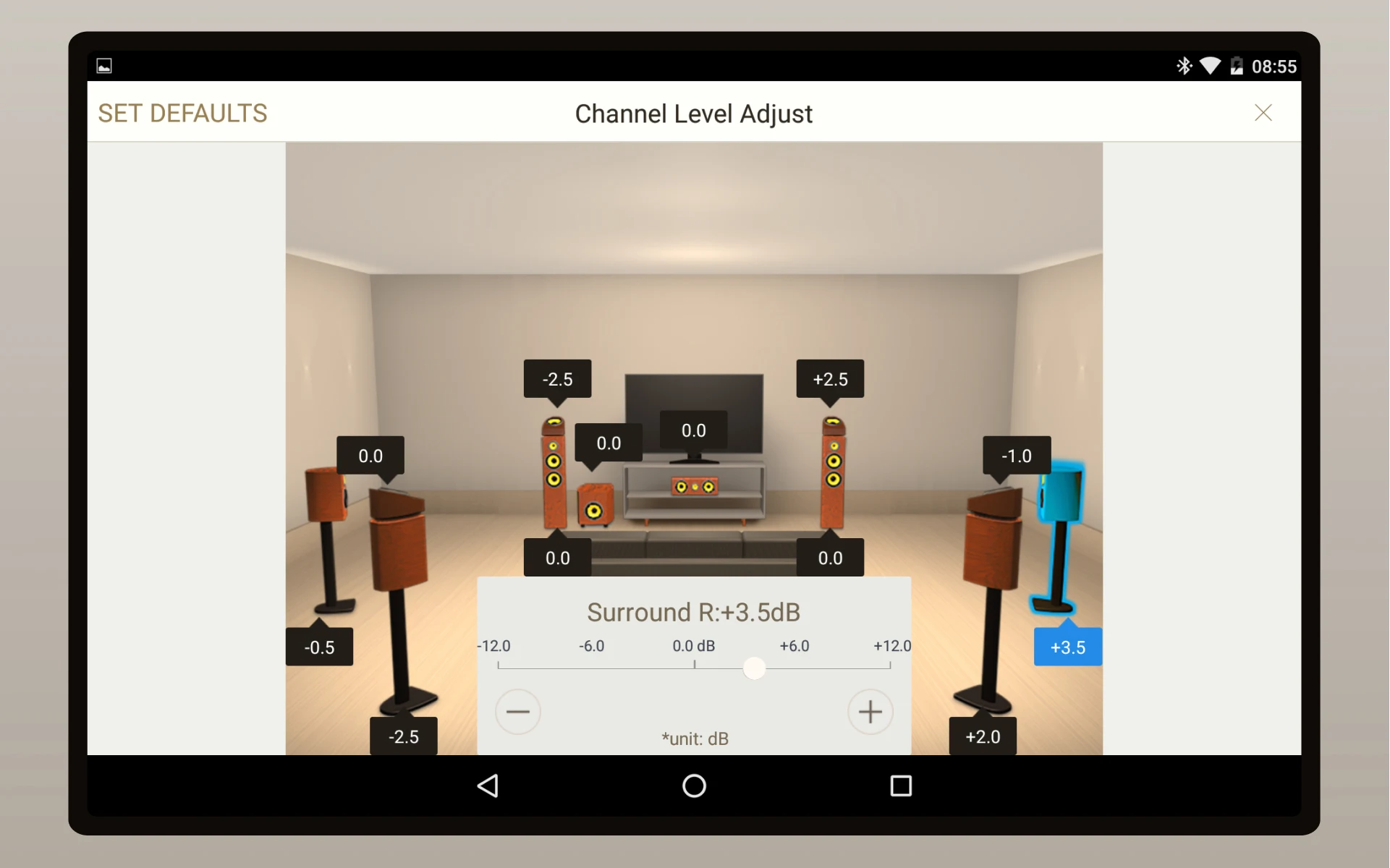
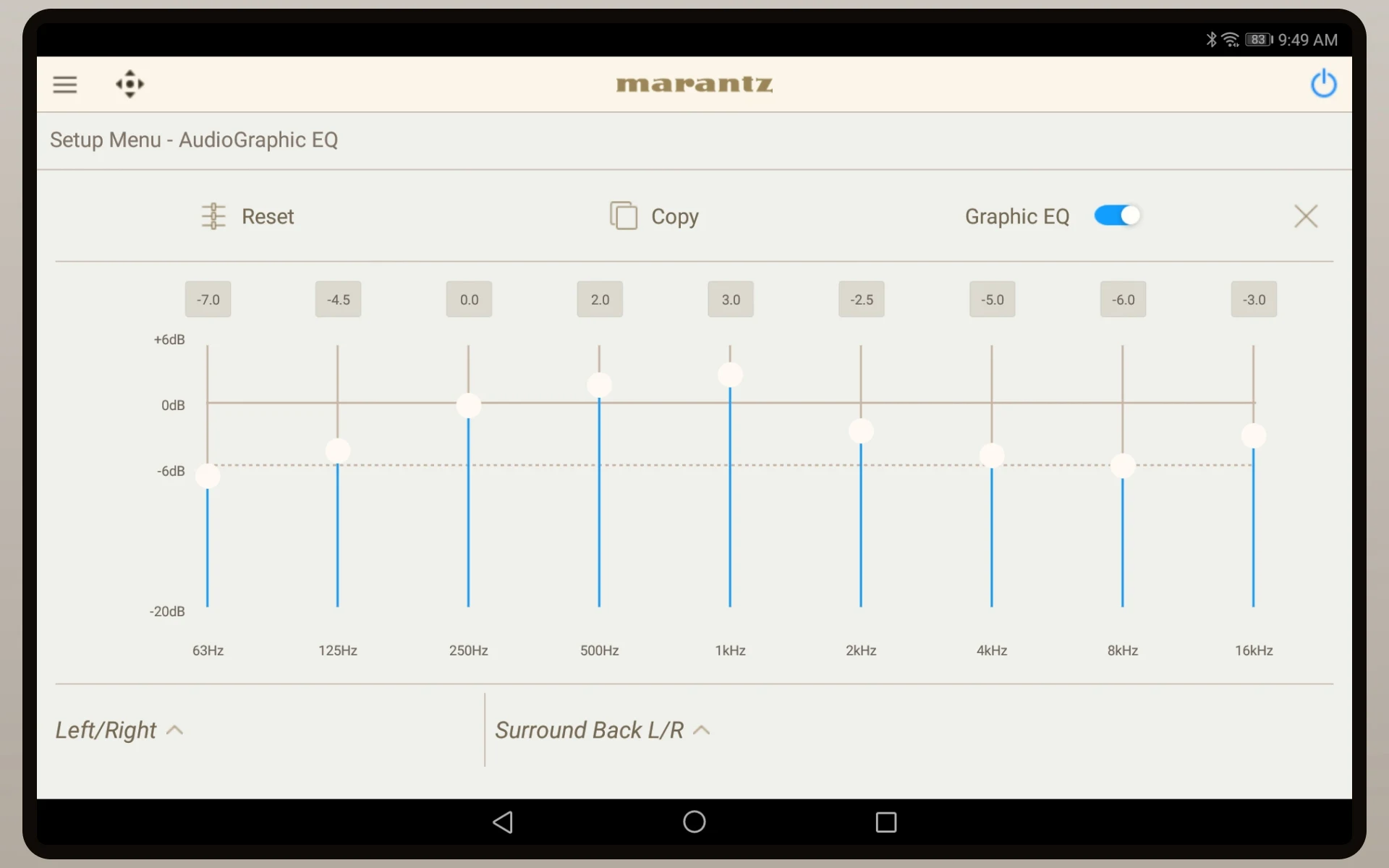
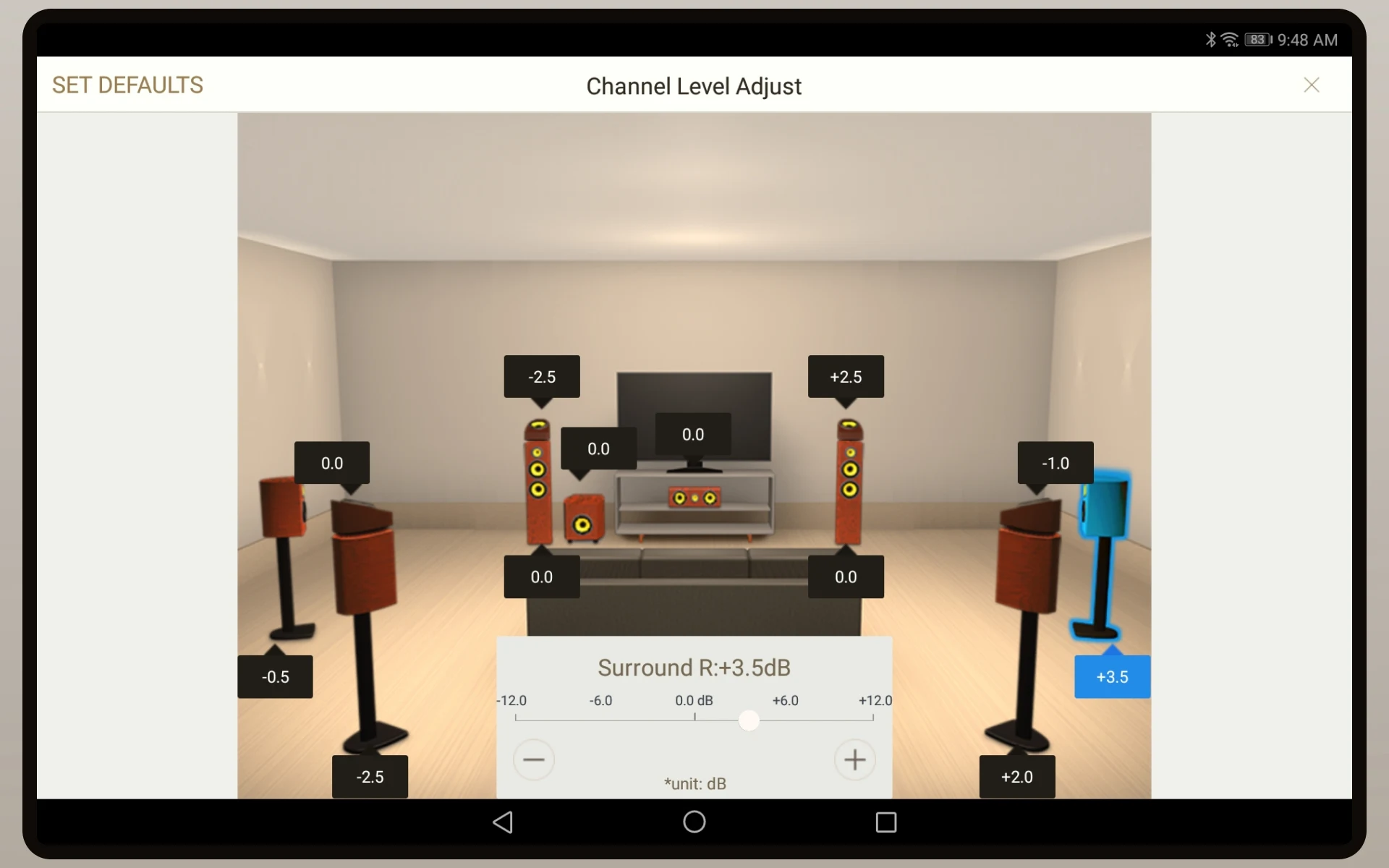
Various option settings (Sleep Tone, Channel Level, etc.) and selected setup features
Control of Marantz CD when connected to a Marantz CD Player via remote cable
Access to user manuals
Multi-language support
Conclusion:
In conclusion, the Marantz AVR Remote app offers a wide range of features to enhance your home entertainment experience with Marantz network AV Receivers. With its intuitive user interface and appealing graphics, managing your AVR has never been easier. Download the app now to take control of your Marantz device and elevate your audio experience.
Information
 Google Play

The Remote App Tool collection includes many Android apps that allow remote control. With the growing number of smart devices, it's easy to misplace remotes. These apps solve that problem, offering a convenient, free way to control your devices. They provide great convenience for your daily life!






User Comments

YouTibe Boost is a music-focused player and discovery tool that streamlines how you watch, listen to and support video-based music content. The app places trending tracks, artist channels and lesser-known finds into a single, music-first interface so listeners can build playlists, enjoy sustained listening sessions and interact with creators through a simple loyalty system. YouTibe Boost keeps distractions to a minimum so the listening experience feels closer to a dedicated music app than a general video platform.

Lord Muruga Mantra is a meditation and devotional app that helps devotees connect with Lord Muruga through daily chanting, prayer and guided listening. The app delivers high-quality audio recordings, temple bell and shankh sounds, and gentle visuals to create a peaceful atmosphere for morning prayers or evening meditation sessions. Users who want a simple, focused way to maintain a regular mantra practice will appreciate the clean interface and playback controls that make listening easy. Lord Muruga Mantra is designed as a spiritual companion to enhance concentration, invite calm, and bring a sense of devotion into everyday routines.

Mp3 Music Download is a lightweight, user-friendly tool that helps music lovers search, preview, stream and save tracks from the web. The app works as a music search engine so you can look up songs by title, artist or keyword, preview results before saving, and manage downloads right from the interface. Users can play songs, download files for offline listening, set downloaded tracks as ringtones and share music directly. With a built-in player and simple download management, Mp3 Music Download offers quick access to online audio and easy control over your personal collection.

Radio FM Tunisie brings Tunisian FM radio stations to your device, allowing live streaming of local music, news and talk shows on the go. The app provides quick access to a variety of regional broadcasters so listeners can follow local programming, discover music, or keep up with current events. Whether you're living in Tunisia, traveling, or part of the diaspora, Radio FM Tunisie makes it simple to tune into familiar stations and save favorites for fast access. Its straightforward interface helps even casual listeners start playback quickly and manage presets for repeated use.

JookBX puts you in control of the soundtrack at restaurants, pubs, gyms and other public hangouts by letting guests browse a venue's catalog, see what’s playing now and add tracks to the active queue. The app is built around quick, familiar controls so you can search, preview and queue songs without interrupting a night out; look for the JookBX sign at participating locations to connect and start contributing to a shared playlist. For regular visitors and venue managers alike, JookBX offers a simple way to shape atmosphere, share musical tastes and discover how small changes in the playlist can alter an outing.

Radyo Delisi is a versatile radio app that brings more than 1,000 live radio stations into a single, easy-to-use interface, making it ideal for listeners who want music, news, or talk on the go. The app organizes stations into genres like Arabesque, classical, sports and more, and lets you search for a specific channel, add favorites, and switch between stations quickly. With free, uninterrupted streaming and a curated list of popular broadcasters, Radyo Delisi helps you discover new channels and keep familiar ones close at hand whether you’re commuting, working, or relaxing at home.