

 X
X
 facebook
 WhatsApp
 Email
Email
Introduction
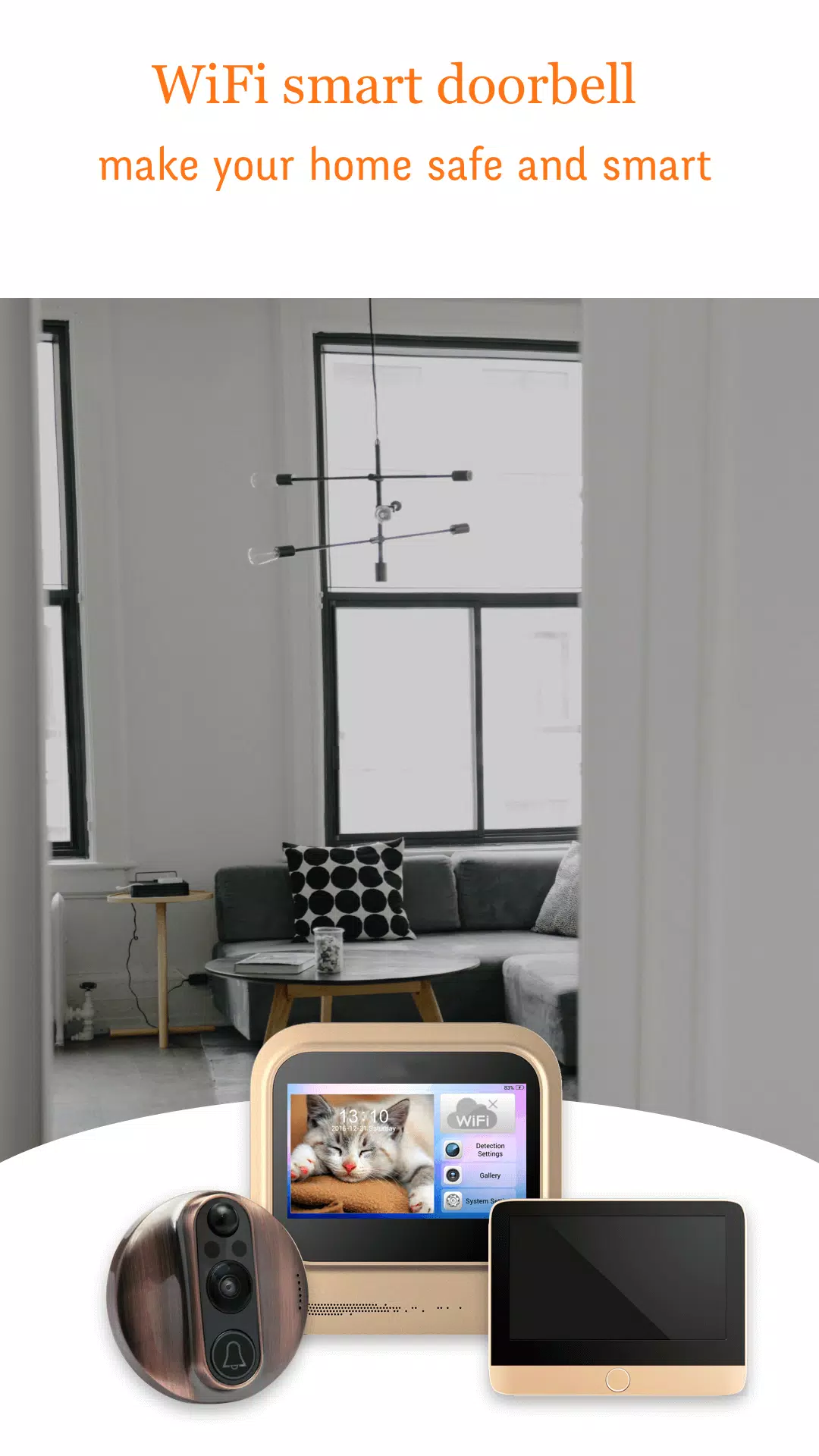
V-Doorbell turns your smartphone into a responsive remote viewer and communication hub for compatible Wi‑Fi smart door viewers, letting you see, hear and speak to visitors from virtually anywhere with an internet connection. The app places live video and two‑way audio into a phone‑first interface so you can respond to deliveries, screen unexpected guests or quickly check activity while you’re away. Built to be straightforward, V-Doorbell focuses on dependable streaming, clear alerts and an event history that helps you manage entry‑point activity without a steep learning curve.
Key Features
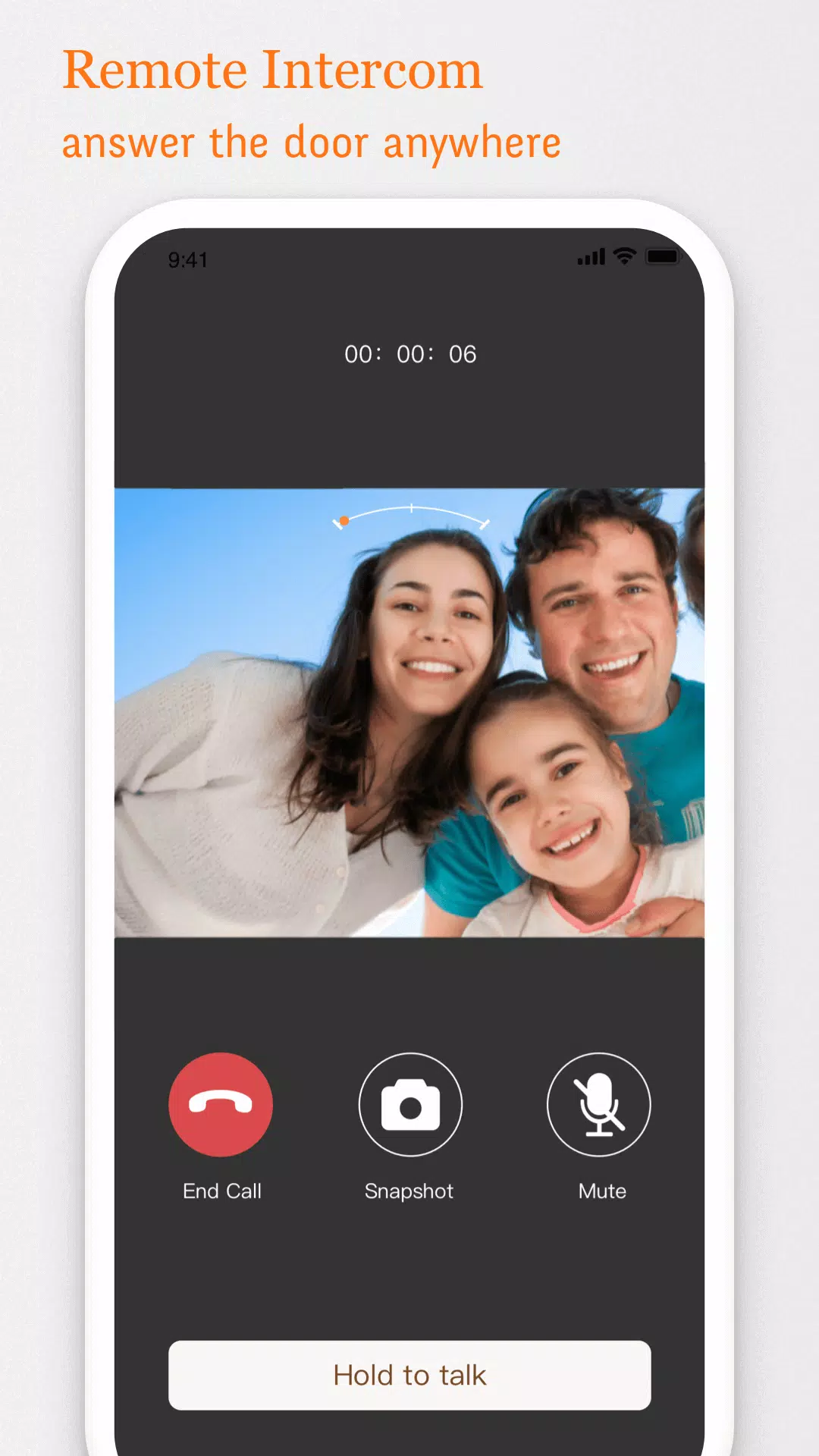
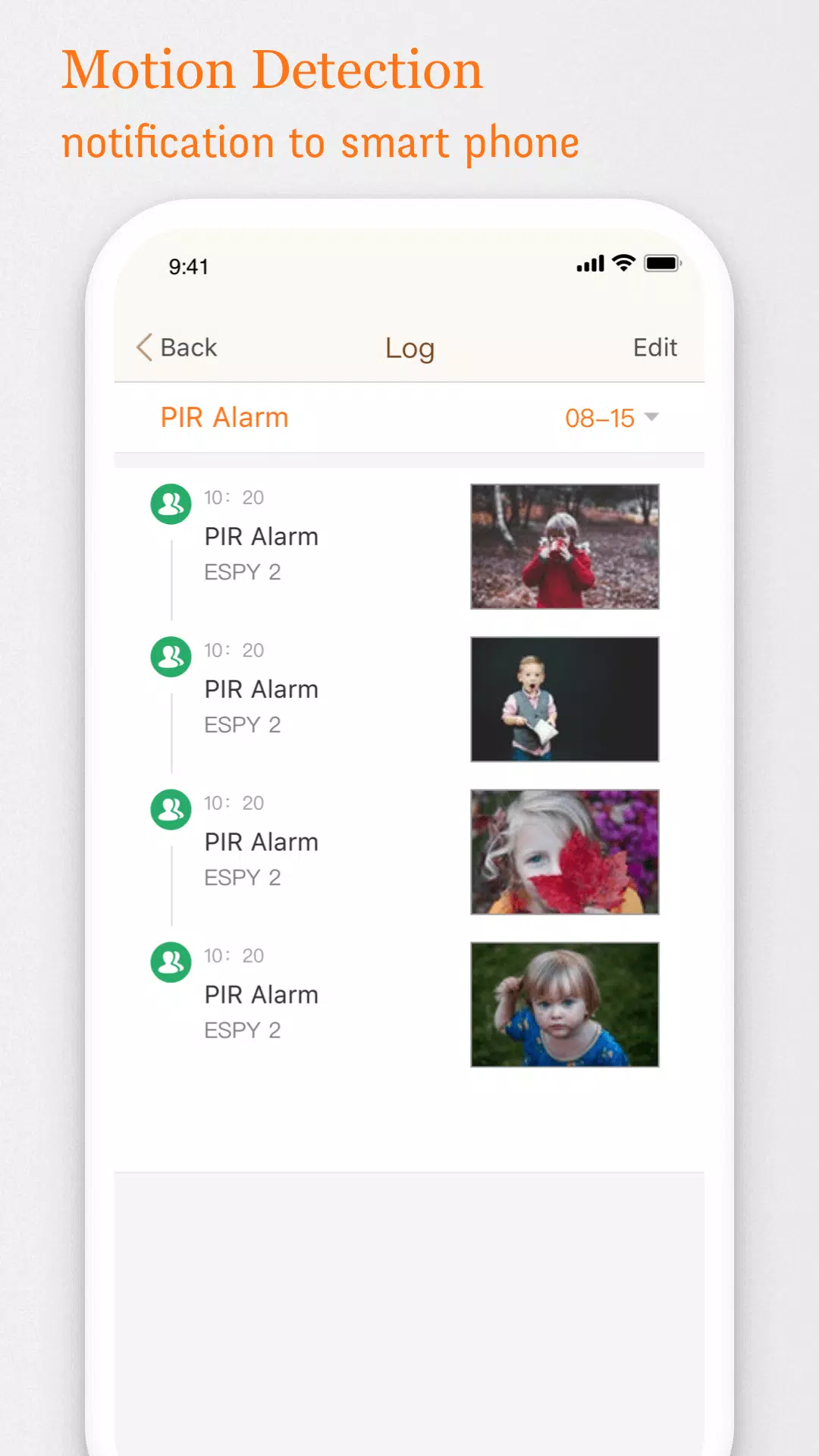
The core experience centers on adaptive real‑time video and low‑latency audio that responds to changing network conditions. Motion and person detection provide intelligent approach alerts while sensitivity and notification zones can be adjusted to reduce false positives. Two‑way talkback supports both hands‑free and push‑to‑talk interactions on compatible viewers so short exchanges are simple and private. An indexed event log captures alert thumbnails and timestamps for quick review, and per‑device notification controls let you prioritize which alerts reach which household members or second devices.
Controls and Setup
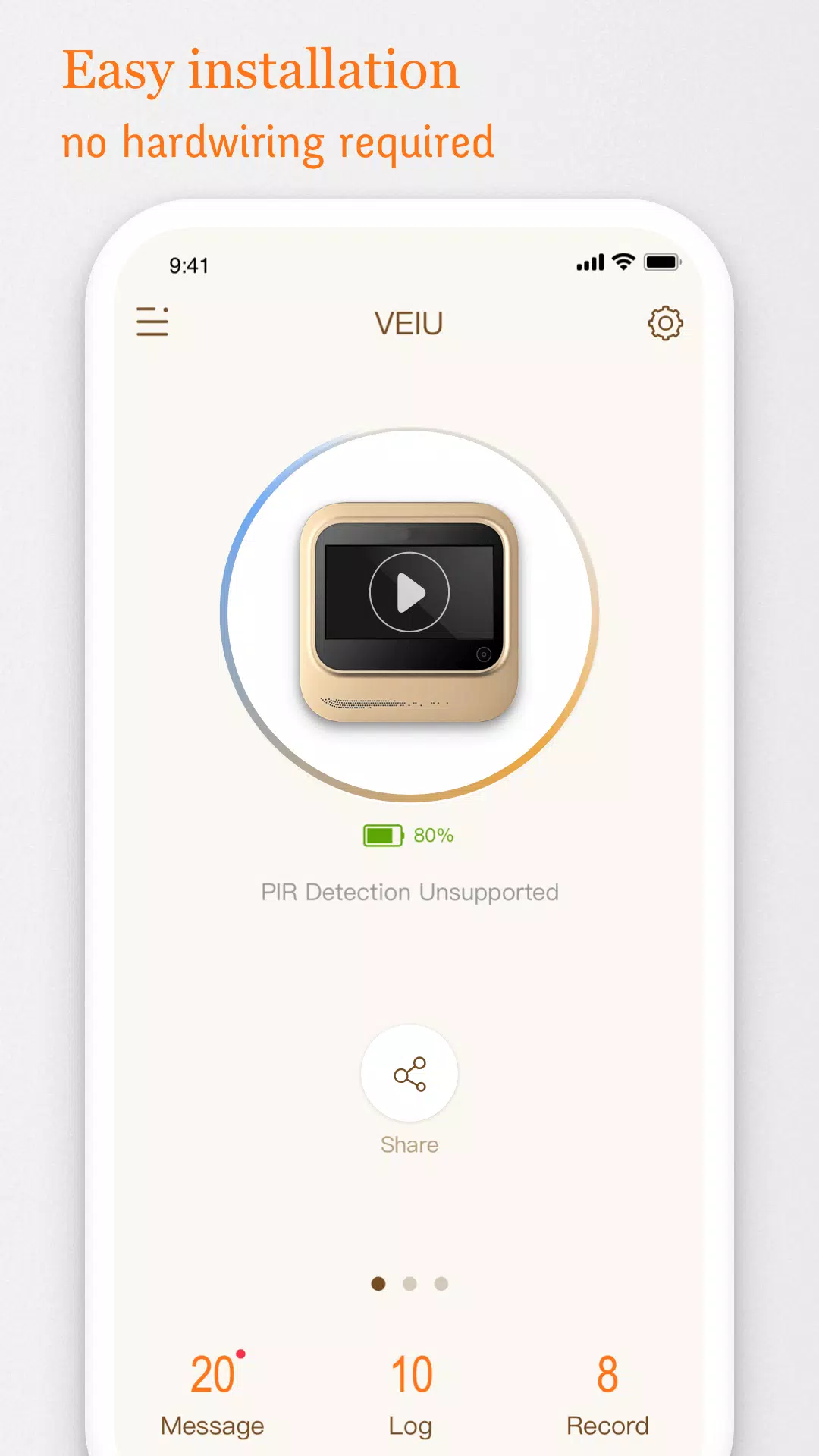
Pairing your mobile device to a supported door viewer is handled through guided on‑screen prompts that walk you through local network setup and account linking where required. Primary actions are intentionally simple: tap the live tile to open the feed, press and hold to speak, and use on‑screen sliders or menus to adjust volume, brightness and streaming quality. Notification scheduling allows you to define quiet hours, create day/night rules and set which users receive push alerts. For users who prefer minimal configuration, an automatic mode applies sensible defaults while leaving the option to refine settings later.
Progression and Customization
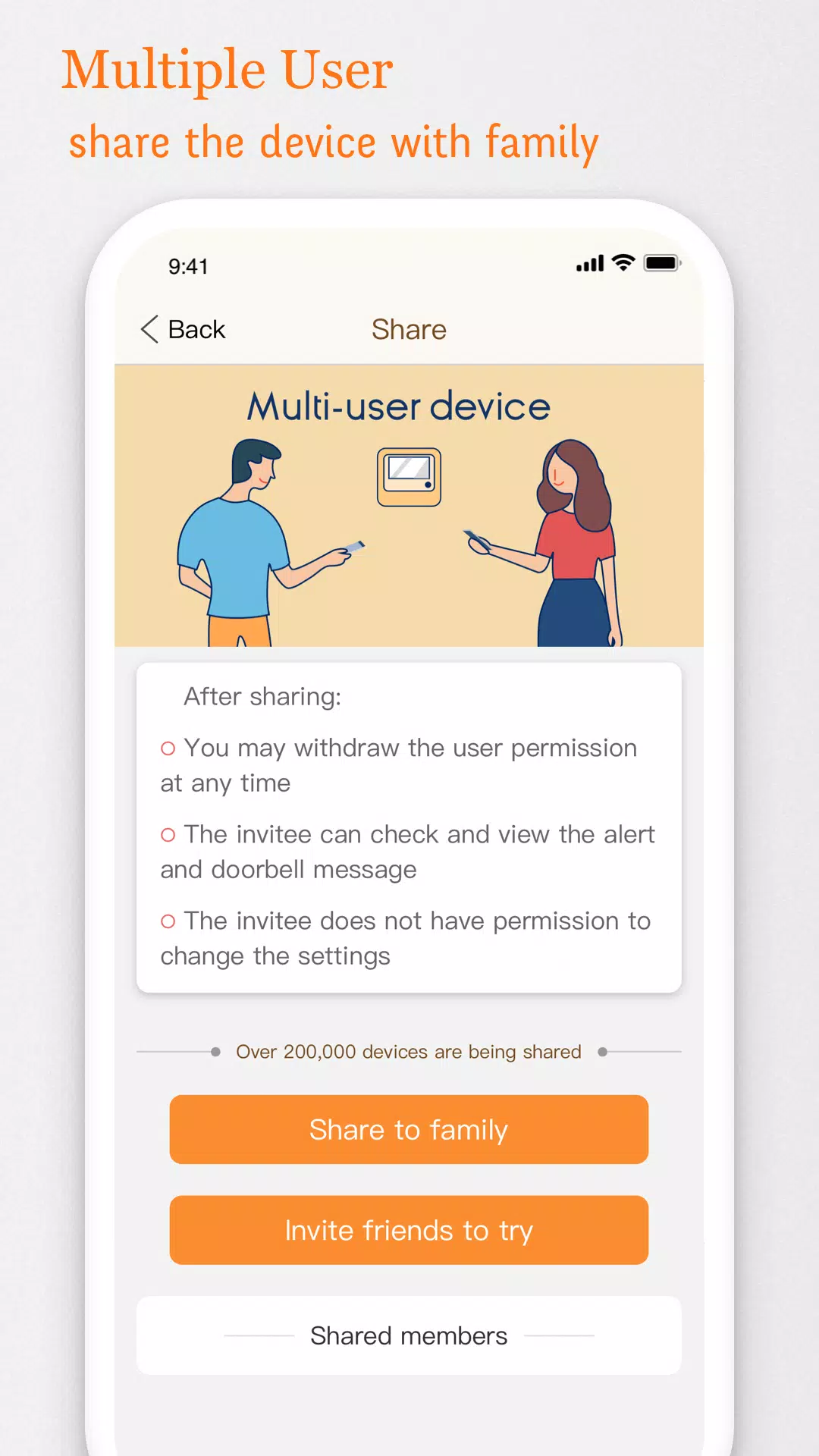
Instead of a game‑style progression system, V-Doorbell evolves through personalization and continued use. As you tailor motion sensitivity, camera framing and alert rules, the app aligns more closely with your household routines. Multiple user profiles and permission tiers make it easy to give family members or staff different levels of access to live views and recorded events. You can save camera views, alert presets and notification schedules so the app behaves differently for daytime deliveries, night monitoring or vacation periods — small adjustments that increase long‑term usefulness and reduce repetitive manual changes.
Visual Style and Streaming
The interface prioritizes clarity: live feeds display at the highest resolution supported by your door viewer and mobile link, while adaptive bitrate reduces resolution to preserve smooth playback on weaker connections. On‑screen overlays include date/time stamps, event indicators and quick access to recent clips without obscuring essential controls. When compatible cameras offer infrared or low‑light imaging, those streams appear seamlessly within the same view; otherwise the app’s bitrate and exposure controls help maintain visibility without unnecessary clutter.
Event Review, Storage and Replay Value
The searchable event log is the app’s replay center, letting you filter alerts by type, time or tags and jump directly to full clips or live view. Each entry displays a thumbnail and timestamp so you can triage missed visits quickly. Storage behavior reflects the capabilities of your door viewer: many cameras provide locally stored snapshots or clips that V‑Doorbell indexes, and some systems may offer cloud retention through the camera vendor. Tagging and saving important events improves replay value for later reference, and configurable retention policies help balance storage use with the need to preserve key footage.
Accessibility, Offline Behavior and Reliability
V-Doorbell is designed with accessible controls and clear labels so users of varying abilities can interact reliably. Large touch targets, readable fonts and straightforward navigation reduce friction during live monitoring. When your phone is on the same local network as the door viewer, live video is often available even if the wider internet is down; remote access and push notifications, however, require an active internet connection. The app provides guidance about battery optimization and background‑data settings to help ensure timely alerts while managing power consumption.
Security and Privacy
Privacy and security are presented as user‑controlled settings rather than hidden defaults: the app requests only permissions necessary for operation, and account or device‑level controls let you define who can view feeds or receive alerts. Network communications rely on the protection offered by your camera and router; follow vendor guidance for strong passwords, firmware updates and router security. If you need stricter access limits, the permission menus make it straightforward to restrict remote viewing and to assign view or admin roles per user.
V-Doorbell is a practical option for homeowners and small businesses who want clearer visibility at entry points without complex workflows. With adaptable streaming, customizable notifications and a searchable event history, the app helps you manage doorstep interactions with greater clarity and control while keeping configuration and daily use approachable.
Information

The Remote App Tool collection includes many Android apps that allow remote control. With the growing number of smart devices, it's easy to misplace remotes. These apps solve that problem, offering a convenient, free way to control your devices. They provide great convenience for your daily life!







What would it be like to download video software for free? In this collection, you can find various video software that interests you, whether it’s video players or video editors—everything you need is here. All of it is provided for free, allowing you to download with ease and without any worries.




User Comments
DIY Wood Home Furniture is a mobile app that brings woodworking ideas, plans and practical guidance into one place for hobbyists and experienced makers alike. The app offers step-by-step instructions, material recommendations and design tips to help you build functional indoor and outdoor pieces—from shelves and tables to patio benches and pergolas—whether you're starting a simple project or tackling a more advanced build. Users will appreciate clear project breakdowns, sustainable options like reclaimed wood guidance, and child-friendly projects that teach basic skills, making DIY Wood Home Furniture a useful companion for creative, hands-on home improvements.
quem ME atende is a practical search and contact app designed to help homeowners, landlords and small businesses locate professionals, products, and services for construction, renovation, and decoration projects. From planning a single-room refresh to managing a full property renovation, quem ME atende puts local and regional companies within easy reach by combining searchable categories, location-aware results, and clear company listings so you can compare options and make contact without sorting through irrelevant entries.
زومیلا مشاوران is a real estate management app designed for agencies and consultants who need a central, practical tool to organize property listings, manage documentation, and publish assets to an online network. The first paragraph of any listing workflow in زومیلا مشاوران leads you into a straightforward process for adding property details, attaching photos and documents, and selecting publication options; that clarity is helpful whether you are an individual agent or a brokerage administrator. This introduction explains how the app structures work, what to expect from daily use, and where it may fit into your existing operations.

HomeCity is a Bolivian real estate app and web platform that helps people search, publish and manage property listings across the country. The app simplifies buying, renting and anticretico (mortgage-style) transactions by putting filters for property type, location and price at your fingertips, so you can find relevant options in minutes. Users who want a faster, more transparent way to connect with buyers or sellers will appreciate HomeCity’s user-friendly interface, quick publishing tools and continuous updates designed to streamline the entire process from listing to agreement.

LightShop is a streamlined mobile app that helps sellers and real estate agents order professional marketing services for property listings. LightShop centralizes photoshoots, measured floorplans and immersive virtual tours into a simple booking flow so you can schedule sessions, select package options and complete secure credit card payment without juggling multiple vendors. The app connects listing owners with experienced marketing professionals and organizes deliverables to improve listing visibility and shorten the time needed to prepare a property for market.

Calcular Comissão Imobiliária is a compact utility that calculates the commission owed to a real estate agent based on a property's sale price, making it easy for sellers and brokers to estimate fees at a glance. The app computes typical commission amounts—commonly between 6% and 8%—so users can budget, negotiate, or present transparent figures to clients without manual calculations. Its single-purpose design removes unnecessary complexity and delivers fast, reliable results through an intuitive interface suitable for both first-time sellers and experienced professionals seeking a quick commission reference.