
 X
 facebook
 WhatsApp
 Email


Introduction
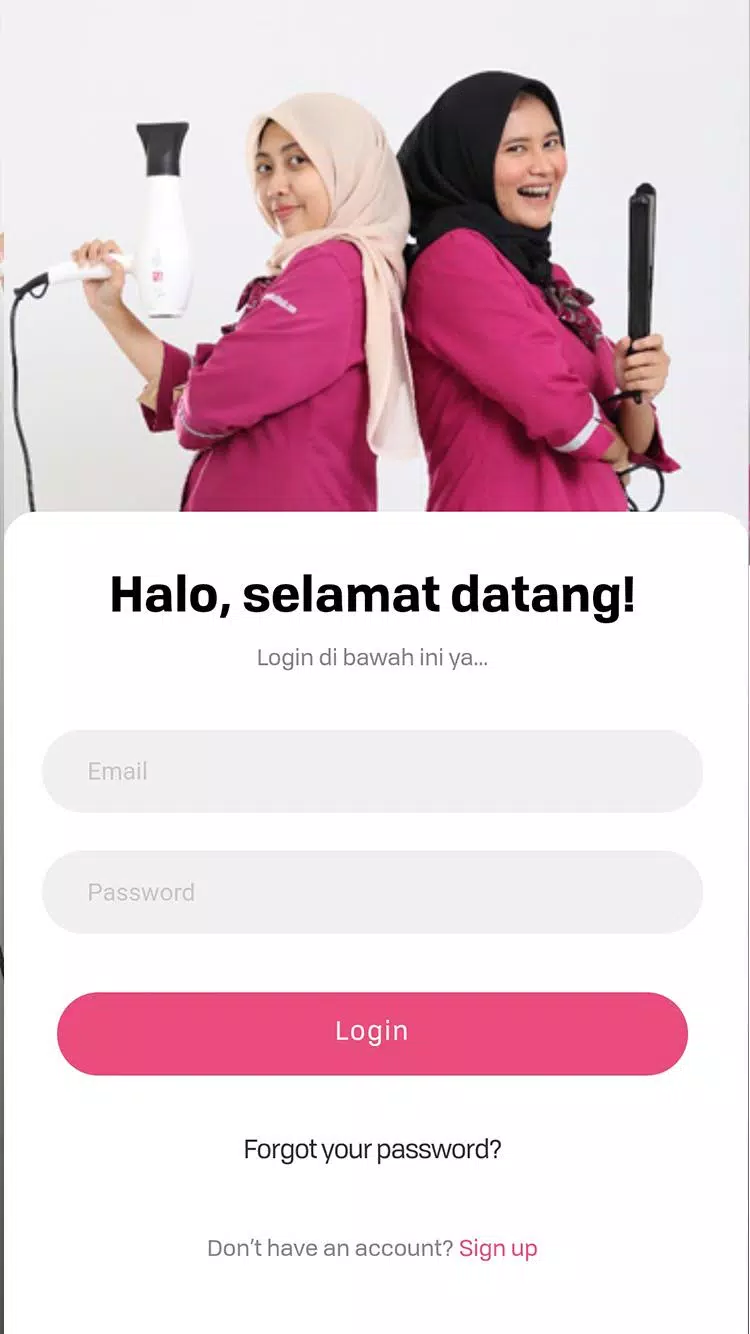
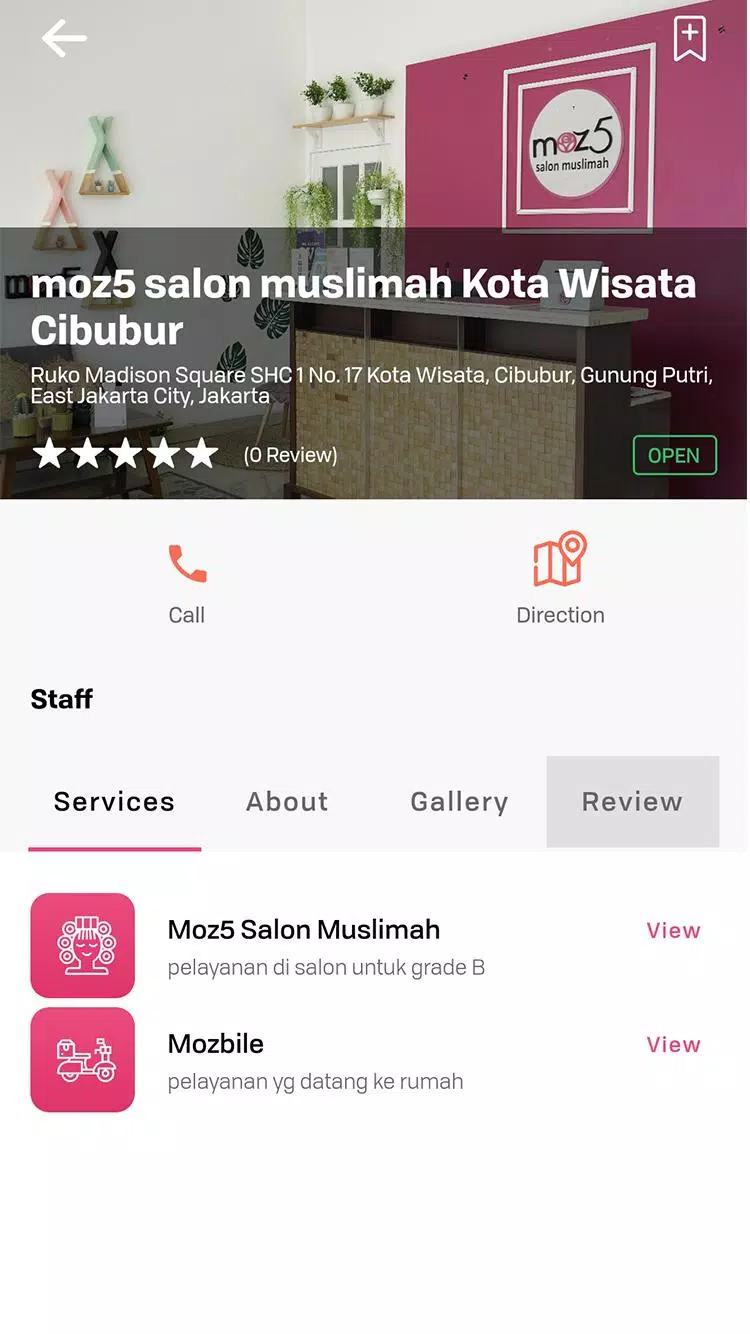
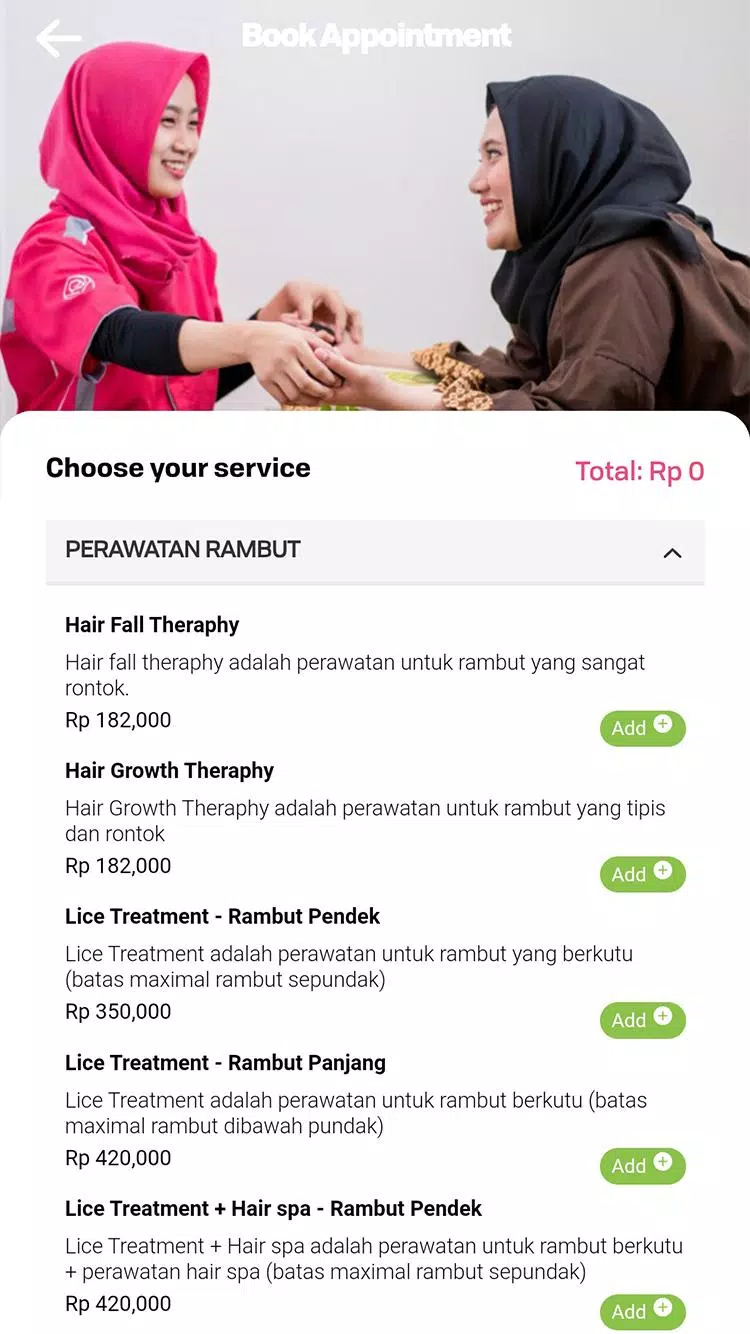
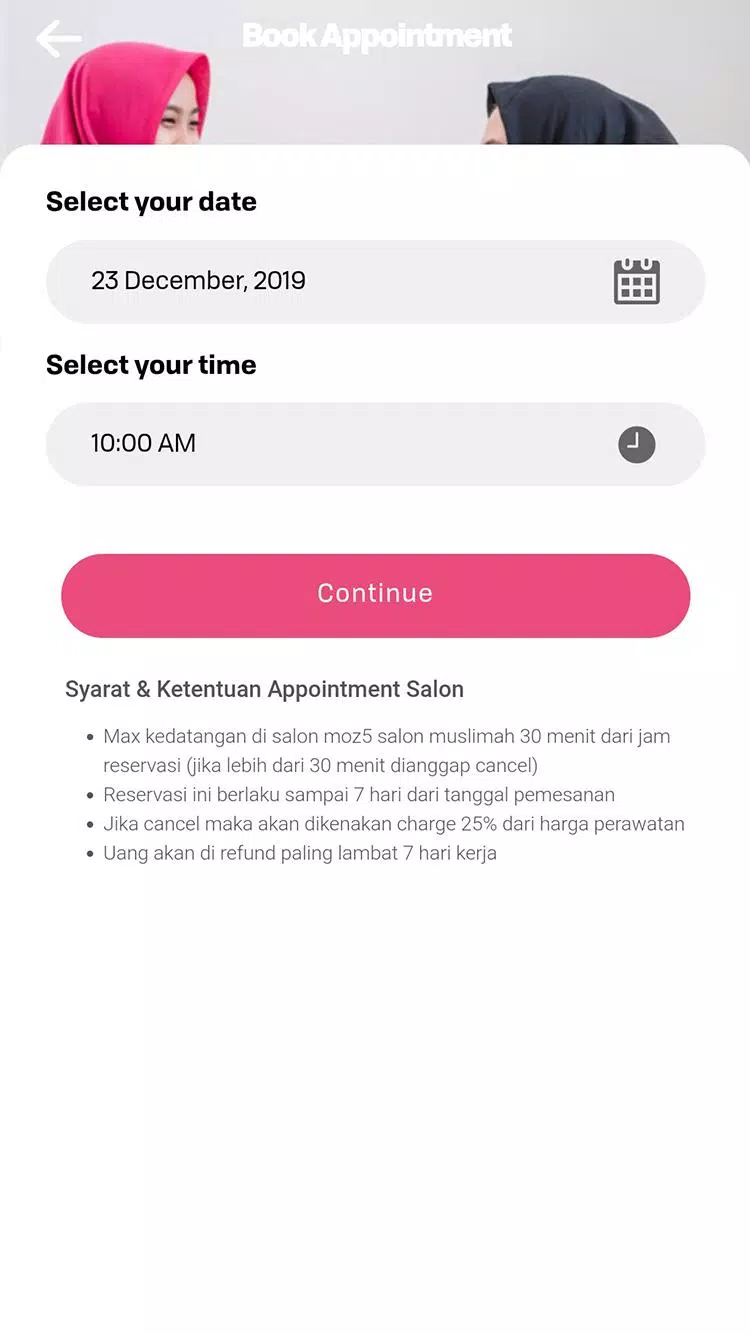
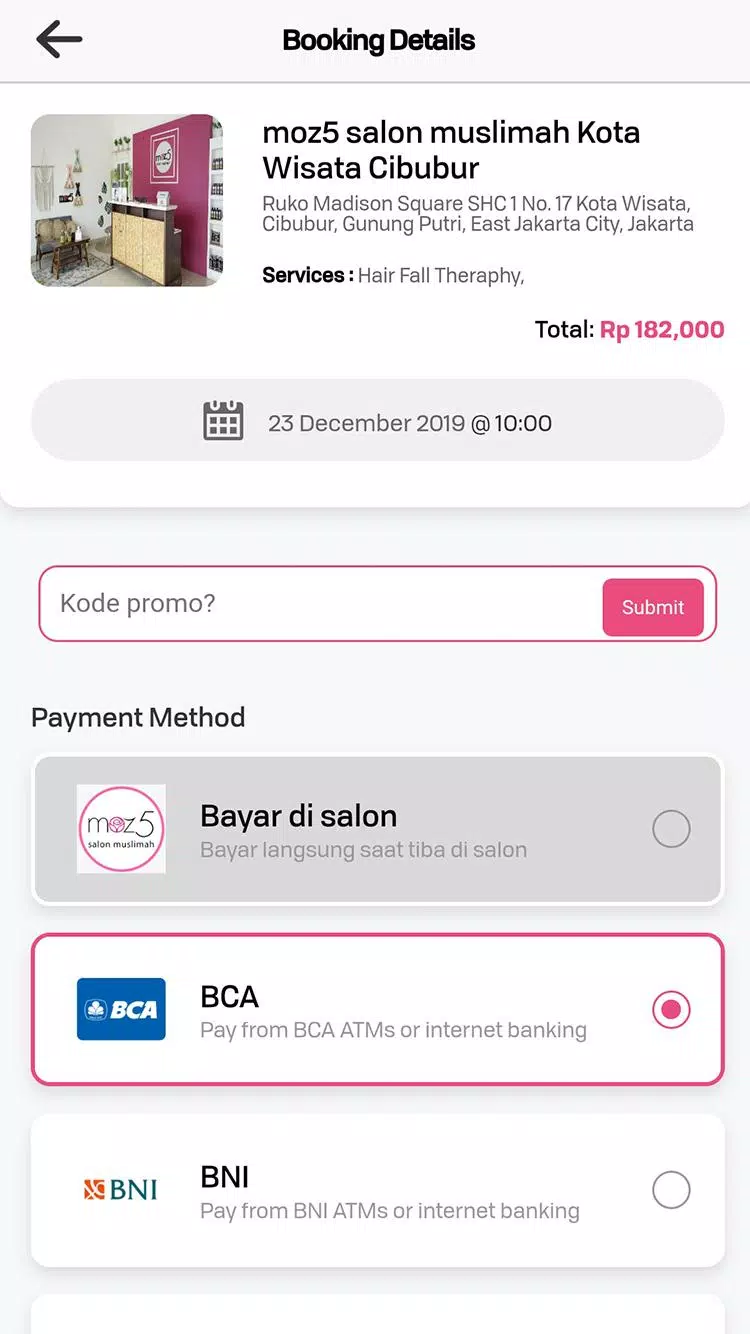
moz5 Apps is a compact Android utility suite designed to simplify daily tasks and streamline app management on mobile devices. It bundles a selection of practical tools into a lightweight package, focusing on speed, clarity, and compatibility for users who want straightforward functionality without unnecessary complexity.
What moz5 Apps Offers
At its core, moz5 Apps collects essential utilities into one accessible location. Instead of juggling multiple downloads, users get a consolidated set of functions that cover common needs such as file handling, system optimization, and quick access to device information. The collection emphasizes utility over novelty, prioritizing reliable tools that work across a wide range of Android versions.
User Interface and Navigation
The interface in moz5 Apps favors simplicity. Menus are clearly labeled and icons are easy to scan, making it simple to find the tool you need. Navigation follows a straightforward pattern: a main dashboard presents the most-used utilities, while secondary features reside in a categorized list for quick discovery. Transitions are minimal, which reduces battery drain and keeps interactions snappy.
Key Tools and Features
moz5 Apps provides a curated toolkit aimed at everyday maintenance and convenience. Highlights include:
- File Manager – browse, move, copy, and organize files without cluttered options.
- Storage Analyzer – quickly identify large folders and unused files to free up space.
- System Info – view CPU, memory, and battery statistics in a compact summary.
- App Manager – uninstall or backup applications and review permissions at a glance.
- Quick Tools – shortcuts for toggles like Wi-Fi, Bluetooth, and screen brightness.
Each feature is implemented with practicality in mind, so users can complete tasks with minimal steps. The tools avoid deep technical jargon, making them accessible to a broad audience while still offering enough detail for power users.
Workflow and Practical Use
moz5 Apps aims to integrate into daily routines rather than overhaul them. For example, a user running low on storage can run the Storage Analyzer, clear cache files, and use the App Manager to uninstall seldom-used apps — all within a few taps. Professionals who handle media can move files between folders and inspect file sizes quickly, while casual users benefit from battery and performance readouts to monitor device health.
Customization and Settings
While moz5 Apps does not overload the user with customization, it provides sensible options to tailor the experience. Settings let you choose default actions, set themes for better readability, and adjust update preferences to minimize background activity. These choices keep the app lightweight, while still allowing users to personalize common behaviors.
Performance and Compatibility
Performance is a central consideration for moz5 Apps. The package is optimized for low memory usage and fast load times, which helps it run smoothly on older and budget devices as well as newer phones. Compatibility targets a broad range of Android releases, and the developers focus on stable behavior rather than bundling experimental features that could lead to crashes or excessive resource use.
Security and Privacy Considerations
The app limits permissions to what is necessary for each tool, and transparent descriptions explain why access is requested. Backup and file operations remain local by default, reducing the need to transfer sensitive data to third-party services. Users can review permission settings through the App Manager and revoke access if desired.
Getting Started
Begin by installing moz5 Apps and granting only the permissions required for the tools you plan to use. Spend a few minutes exploring the dashboard and the Storage Analyzer to get a feel for what takes up space on your device. Use the App Manager to tidy up unused applications and set your preferred toggles in Quick Tools for faster control.
Tips for Best Results
- Run the Storage Analyzer periodically to maintain free space.
- Use the App Manager to back up important apps before making changes.
- Enable minimal notifications to keep background activity low.
- Check system info after installing heavy apps to monitor performance impact.
moz5 Apps is suitable for users who value clear, dependable utility tools packaged in a small download. It offers a no-frills approach to device maintenance and everyday tasks, making common Android management tasks faster and easier to complete.
Information
User Comments

entascan is a compact skin-care companion that combines a handheld moisture meter with a smartphone app to turn hydration readings into clear, practical guidance. Designed for people who want to monitor skin moisture without clinical equipment, entascan connects to your device via Bluetooth to record measurements, generate readable reports, and offer personalized recommendations you can apply in daily routines at home, in the office, or while traveling.

moz5 Apps is a compact Android utility suite designed to simplify daily tasks and streamline app management on mobile devices. It bundles a selection of practical tools into a lightweight package, focusing on speed, clarity, and compatibility for users who want straightforward functionality without unnecessary complexity.

C.Kamura is the official mobile app from renowned Brazilian stylist Celso Kamura that brings salon booking, service details and client management directly to your phone. Designed for clients who want straightforward scheduling and access to Kamura’s salons in São Paulo, Campinas and Rio de Janeiro, the app lets users book appointments, receive reminders, view service history and unlock app-only offers. Whether you seek routine maintenance or a bold new look guided by an experienced team, C.Kamura simplifies appointment management and feedback while preserving the creative standards associated with his salons and fashion collaborations.
Are you in need of some self-care and pampering? Look no further than BEWA, the ultimate platform for all things beauty and wellness. With BEWA, you can easily book appointments at barbers, hair stylists, wellness centers, spas, and beauty professionals in your area, all from the convenience of your smartphone. Say goodbye to the hassle of calling around for availability and let BEWA take care of it all for you. Discover new professionals, manage your appointments, and start your journey to wellness today by downloading the app. Treat yourself to some much-needed relaxation and rejuvenation with BEWA.

Hair Fall Home Remedies helps users address hair loss with a practical, natural toolkit that fits into daily routines. The app compiles easy-to-follow home treatments using common ingredients and delivers clear, step-by-step instructions so non-experts can try remedies at home. Designed for both men and women, it emphasizes simple guidance, personalized tips based on hair type, and an uncluttered interface that makes finding suitable solutions quick and straightforward. If you prefer affordable, do-it-yourself alternatives to salon appointments and complex products, Hair Fall Home Remedies provides a convenient reference to explore options that may support healthier, fuller-looking hair over time.

Skin Expert: all about aesthet is an innovative application that connects cosmetologists, dermatologists and patients through secure chat and video consultations while helping clinics and practitioners manage daily workflows. The app centralizes doctor and clinic profiles, services and pricing so patients can compare options and access exclusive offers, and it gives professionals tools to build patient dossiers, store treatment photos and plan courses of care. For clinics, the platform helps automate routine tasks and improve resource allocation to deliver more personalized care. Users who want streamlined communication and consolidated practice management will find this app useful.