
 X
 facebook
 WhatsApp
 Email

Introduction
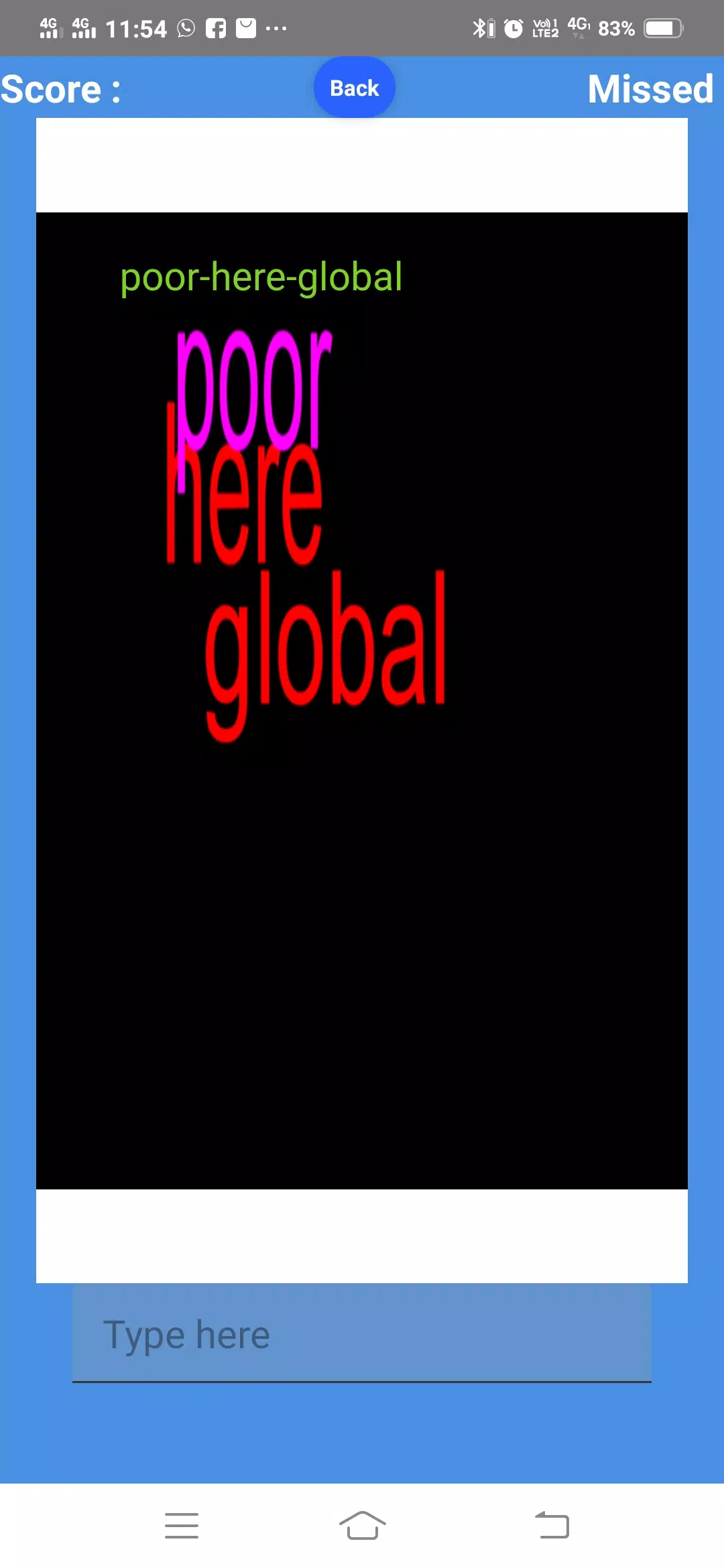
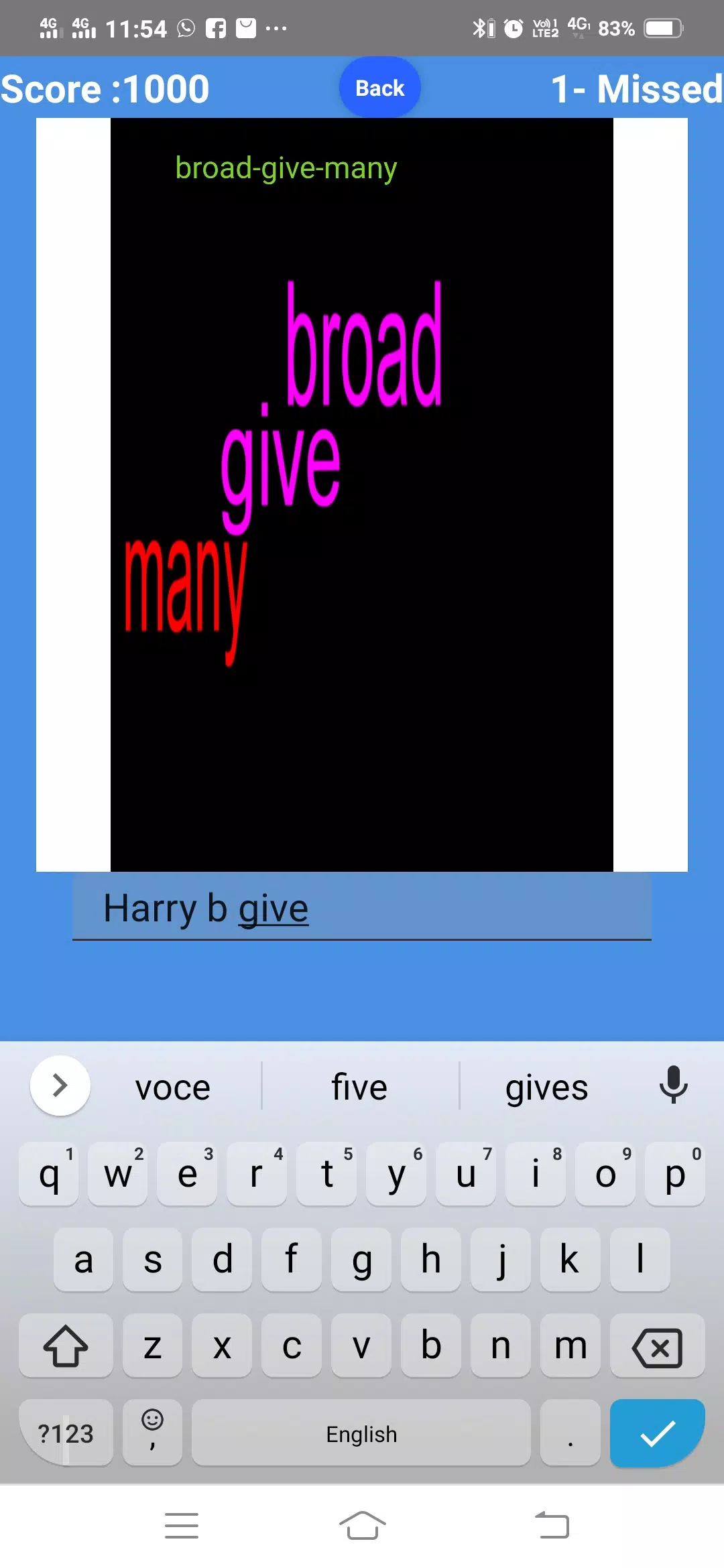
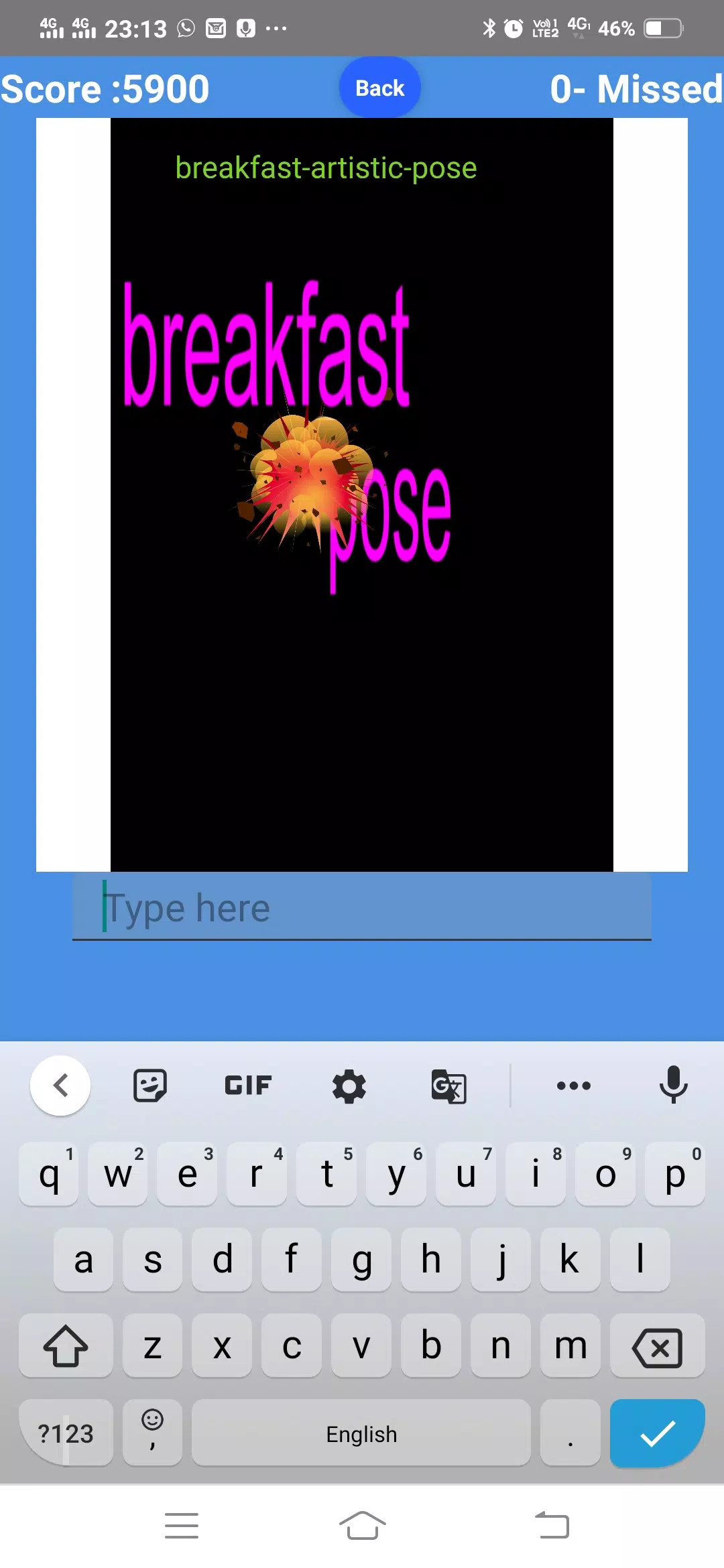
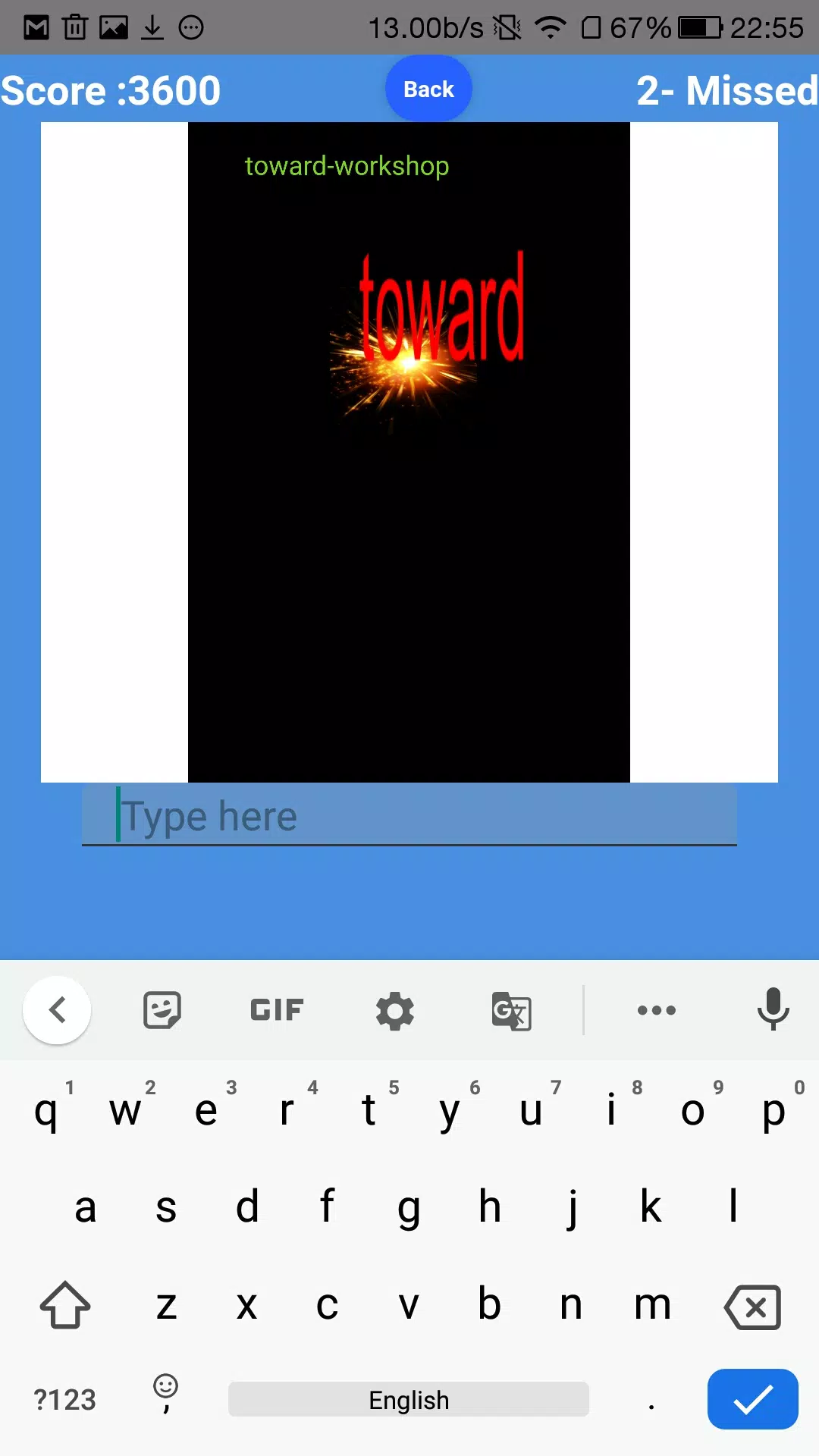
Glider Typing is an interactive practice app designed to teach and sharpen glide (swipe) typing through short, focused exercises and clear, immediate feedback. Glider Typing places words on the screen and asks you to trace them across an on-screen keyboard: successful swipes score points, missed words stack toward a session end, and quick restarts make it easy to jump back into practice without friction. This introduction explains what to expect from the app, how the training is structured, and how simple controls and progression help turn swipe input into a reliable daily skill.
Key Features
The core training mode centers on repeatable swipe drills that emphasize speed and accuracy rather than long sessions. Each drill presents a continuous stream of words; you glide your finger from letter to letter and release to submit a word. The app scores each correct entry, typically awarding more points for longer words and sequences so that your improvement is reflected by both raw speed and the ability to form complex swipes.
Glider Typing integrates prediction and tap-to-select suggestions to support learners. If the app’s suggestion matches your intended word, a simple tap accepts it and keeps the rhythm moving, which helps beginners maintain momentum while still learning correct swipe shapes. These suggestions are designed to be unobtrusive and to accelerate input when needed, rather than replacing swipe practice entirely.
Sessions are paced with a challenge mechanic: missed words accumulate at the bottom of the screen and if five words reach that line the current session ends. This creates short, motivating intervals of practice where recovery and consistency matter. An instant restart button appears immediately, allowing you to reattempt the same drill or switch to a different difficulty without waiting through menus.
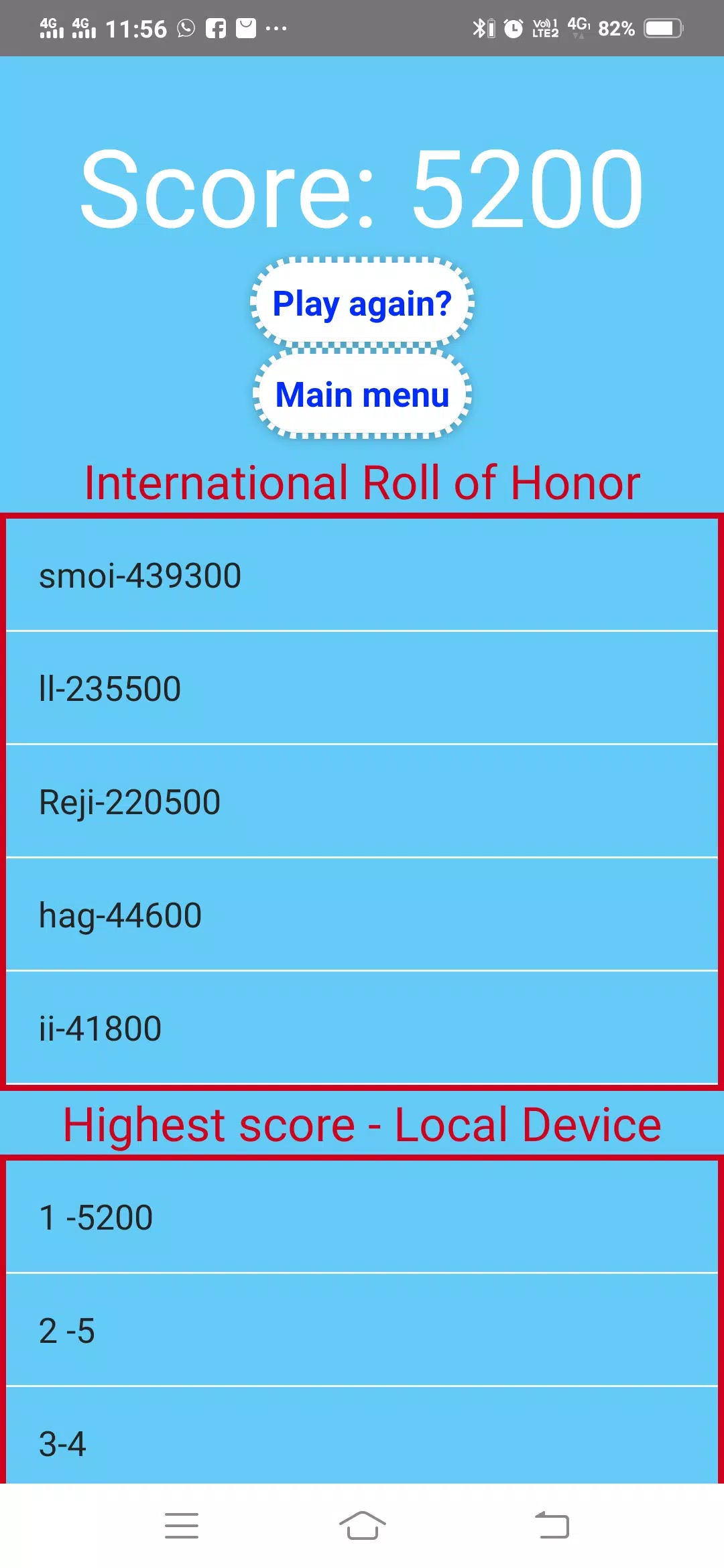
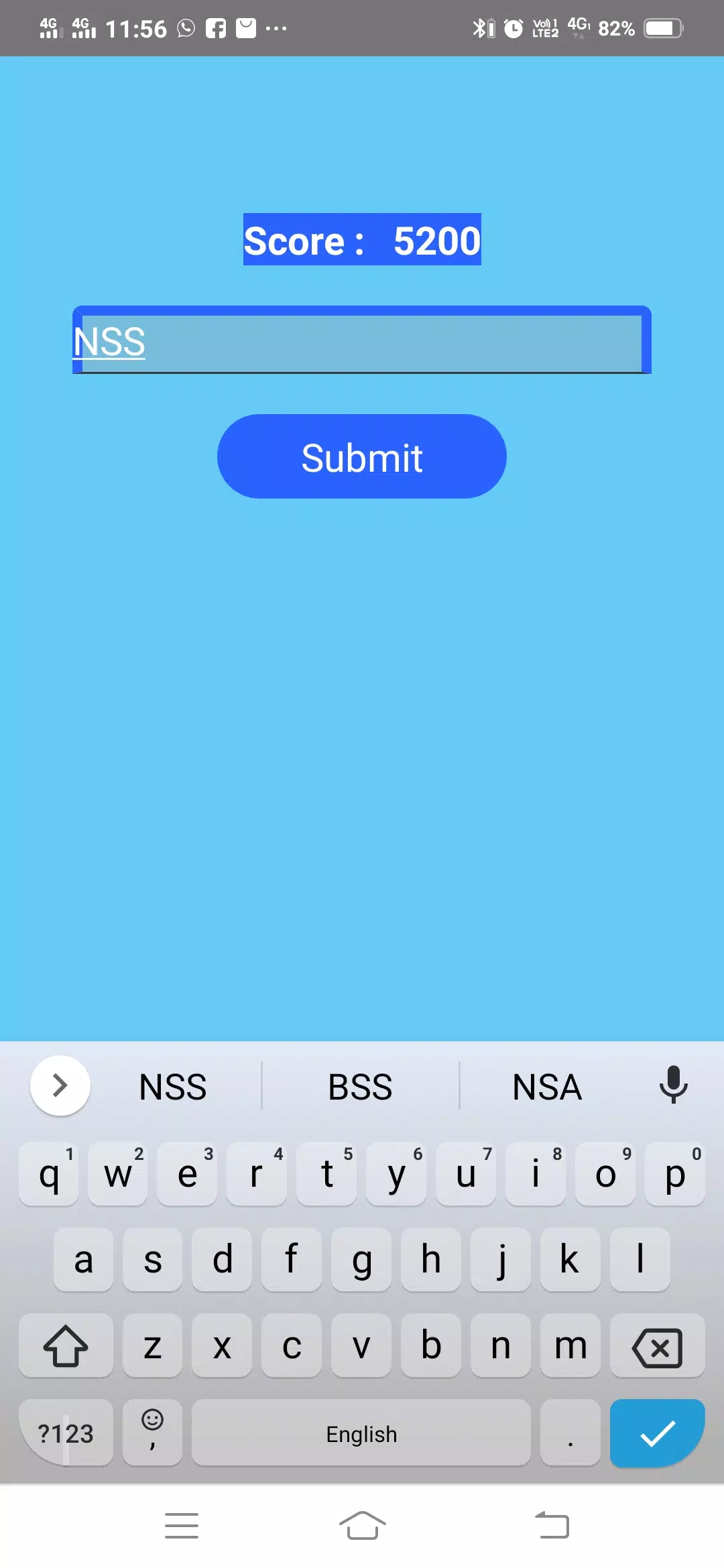
Progress and achievement are tracked locally so you can see immediate improvement on your own device. For users who choose to sync, a cloud "Roll of Honor" preserves select high scores and lets you compare performance across devices. The cloud option is optional and designed to complement the offline practice experience rather than to require a persistent connection.
How It Works
Gameplay focuses on simple, repeatable mechanics that are easy to learn but offer depth as you progress. Words are chosen from common vocabulary lists and are presented in varying lengths and rhythms to simulate real-world typing. Controls rely on standard touch gestures: press and hold, drag across keys to form words, lift to submit, and tap suggestions to accept predicted words. These controls are consistent across modes so muscle memory transfers between drills.
The progression system is gradual and measurable. New drills introduce longer words, tighter time windows, or denser streams of targets to increase difficulty. Your score accumulates session by session and milestone markers indicate when you unlock the next level of challenge. This structure provides a clear pathway from beginner-friendly prompts to faster, more complex swipe requirements without overwhelming new users.
Visually, Glider Typing uses a clean, high-contrast keyboard and readable word tiles to reduce visual clutter and keep attention on hand movement and rhythm. Animations are purposeful and minimal: swipes leave a subtle trail, scoring feedback appears briefly, and missed words slide downward in a way that communicates urgency without distraction. Color and font choices emphasize readability for a wide range of devices and lighting conditions.
Customization options let you tailor practice to personal needs. You can adjust word frequency to focus on commonly used language, change the keyboard layout to match regional preferences, and toggle suggestion behavior to favor either full swipe practice or assisted input. These settings help keep sessions relevant and prevent repetition fatigue.
Replay value comes from short, replayable sessions and a variety of challenge systems: timed drills, endurance streams, and accuracy-focused exercises encourage different skill sets. Because runs are brief, the app is well suited to micro-practice during short breaks, while the combination of local stats and optional cloud sync supplies both personal tracking and broader comparison over time.
Accessibility and usability are part of the design. Touch targets are sized to accommodate larger fingertips, contrast modes support visibility needs, and text-to-speech cues can be enabled for additional guidance. The app runs offline for most practice features, preserving privacy and ensuring you can train without a network connection; sync is only used when you explicitly opt in to the cloud Roll of Honor.
For newcomers, tips and short tutorials introduce swipe paths, common error patterns, and pacing strategies so that the learning curve feels manageable. Intermediate users will find structured progression and scoring mechanics that reward refinement and consistency. Overall, Glider Typing offers a practical, accessible way to build reliable glide-typing skills with clear controls, meaningful progression, and flexible practice modes that suit different users and devices.
Information
User Comments

Lotus Chess is an opening-focused chess trainer that uses machine learning to analyze your games and deliver short, targeted practice designed to improve your results from move one. Lotus Chess studies recurring patterns in how you respond to common opening choices, then creates daily exercises that reinforce practical ideas and reactions rather than rote memorization.
AYT Coğrafya is a focused study application created to help Turkish high-school students prepare for the AYT Geography exam by combining clear lessons, visual material and practice tests into a single, mobile-friendly tool. AYT Coğrafya places curriculum-aligned topics into concise, step-by-step modules so learners can study in short sessions or longer blocks depending on their schedule, track improvements over time and concentrate revision on the areas that need the most attention.

Plantale blends casual farming simulation with light puzzle mechanics to create a relaxed yet strategic experience. In Plantale you cultivate a variety of hybrid plants, manage limited space, and solve seasonal challenges while unlocking new seeds and tools. Its approachable systems make it easy to enjoy short sessions or longer campaigns.

Finlit.uz is a mobile application that gathers the educational content and interactive services of the Central Bank of the Republic of Uzbekistan’s financial literacy website into a single, easy-to-use platform. It delivers articles, videos, practical tools and structured training designed for schoolchildren, students, entrepreneurs and retirees who want to improve their personal finance skills. Available in three language versions—Uzbek (Cyrillic and Latin) and Russian—the app covers budgeting, loans, deposits, financial markets and currency regulation, and includes calculators, assessments and a personal results journal to track learning progress.

PRESIDENT OF THE PHILIPPINES is an educational trivia app that helps users learn about the country's presidents and vice presidents through carefully written questions and chronological coverage. It tests your recall of the 17 presidents of the Philippines, from the current officeholder back to the earliest leaders, and highlights key events, policies, and milestones from each administration. Users may want it as a compact reference and study aid to refresh historical facts, understand political transitions, and explore how different presidencies shaped national policy. The interface focuses on quizzes and informative prompts to make review efficient and engaging.
PIANO FARM is an educational music app that helps children explore piano basics through a bright, playful interface. It combines interactive instrument sounds, simple visual theory and three learning modes to keep lessons engaging and accessible for young learners. Parents and educators may want it because it turns abstract concepts into tangible actions—using color-coded notes, familiar animal sounds and an easy keyboard layout—so beginners can practice listening, hand coordination and note recognition without pressure. The app is designed as a learning tool rather than a game, suitable for early music education and casual practice sessions.