

 X
X
 facebook
 WhatsApp
 Email
Email


Introduction
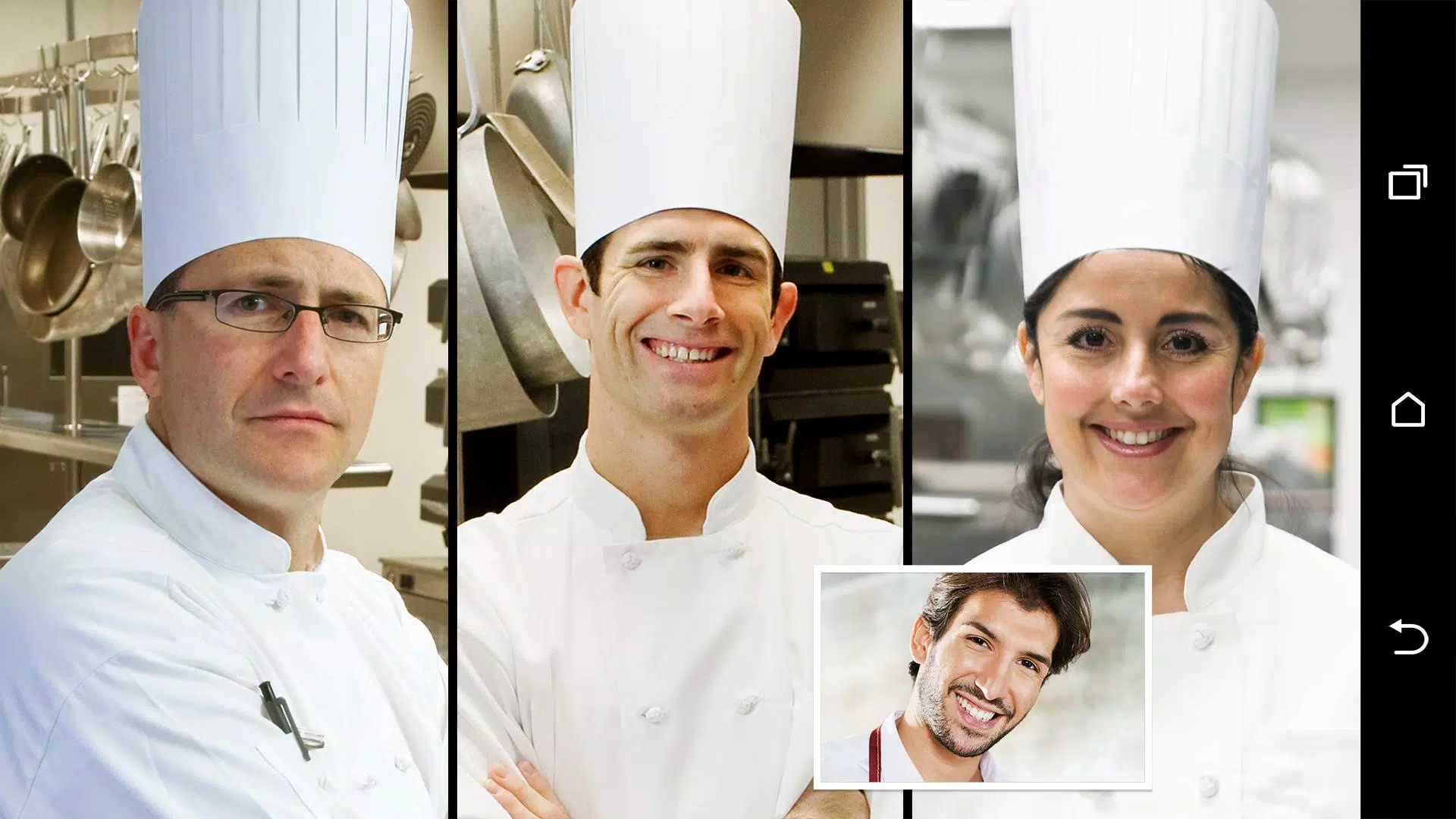
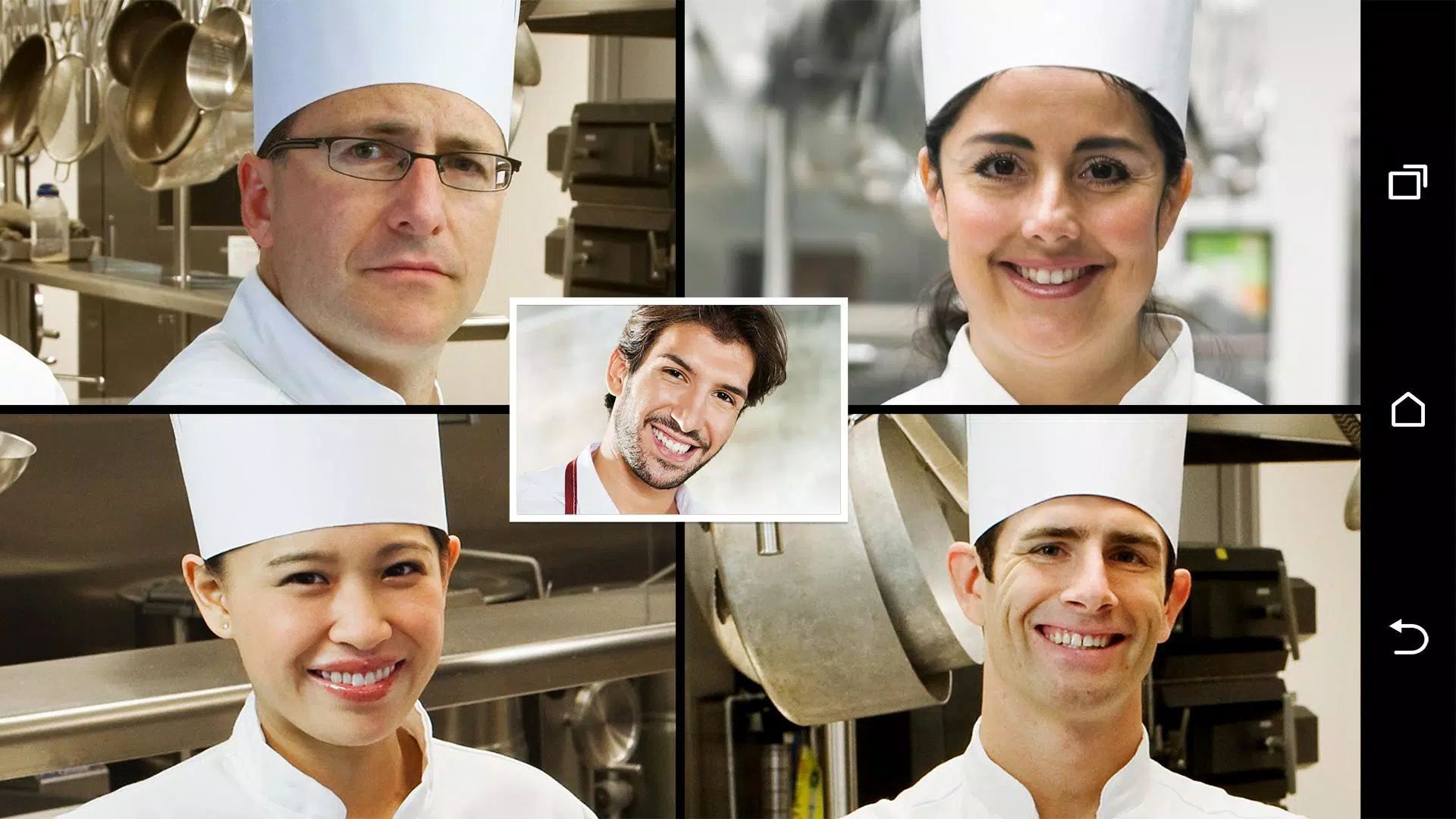
HTC Video Chat Enhance brings smarter framing and collaboration tools to your regular video calls. HTC Video Chat Enhance centers your face as you move, enables straightforward screen sharing, and adds a live annotation canvas so you can mark up documents or point to details in real time without leaving your preferred calling app. Designed to augment rather than replace existing video services, this app focuses on improving clarity and interaction for teaching, presenting, and everyday conversations.
Key features explained
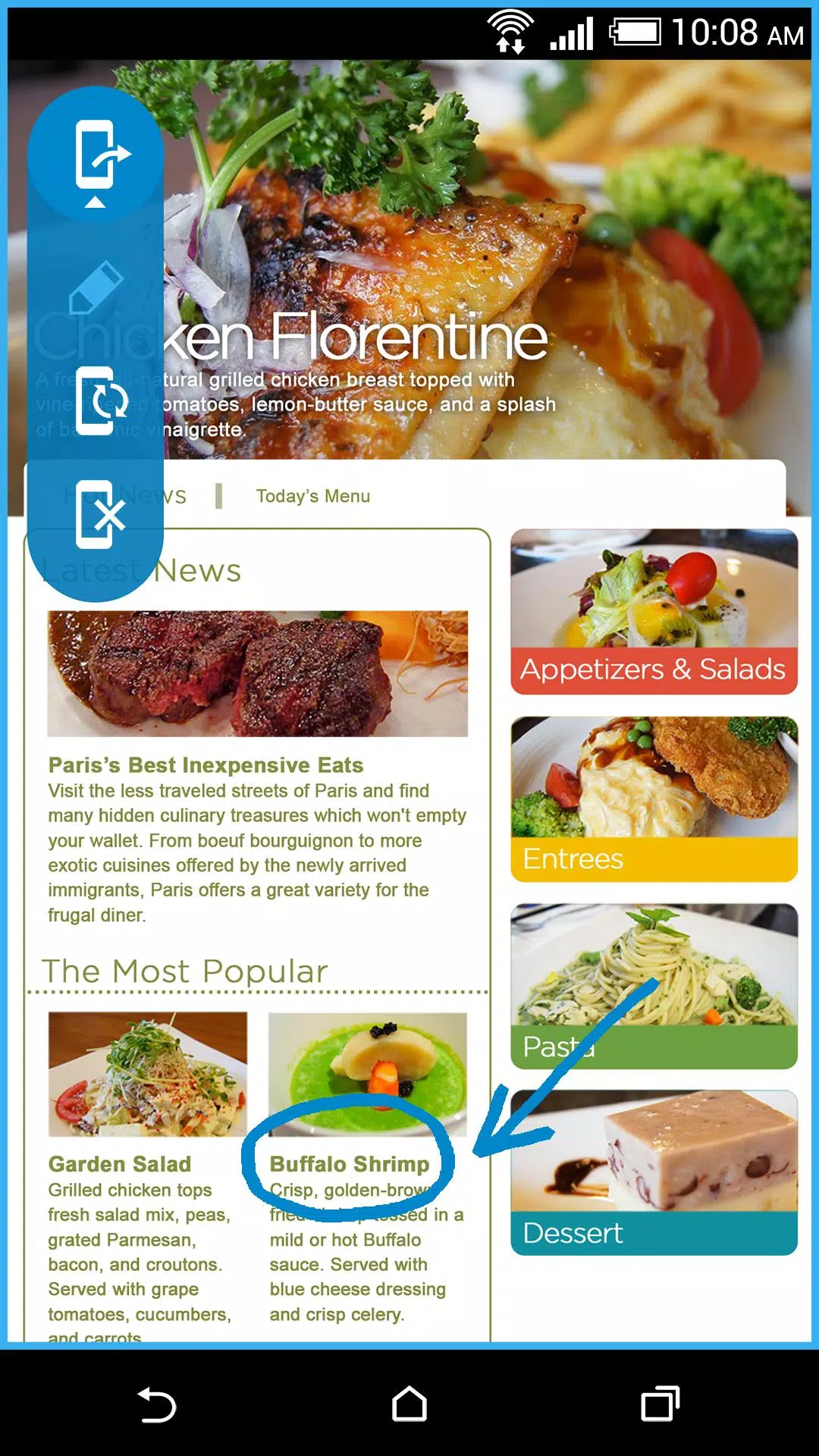
The face tracking system in HTC Video Chat Enhance uses device camera input to keep the speaker framed naturally; rather than forcing a fixed crop it subtly adjusts pan and zoom so your eyes remain in frame even when you move around. The tracking sensitivity and stabilization can be tuned in settings to match fast-paced movement or a more static setup. Screen sharing broadcasts a selected app window or your entire display to other participants; the sharing session includes a real-time annotation layer so everyone seeing your screen can follow highlights and drawings as you explain content.
Controls and customization
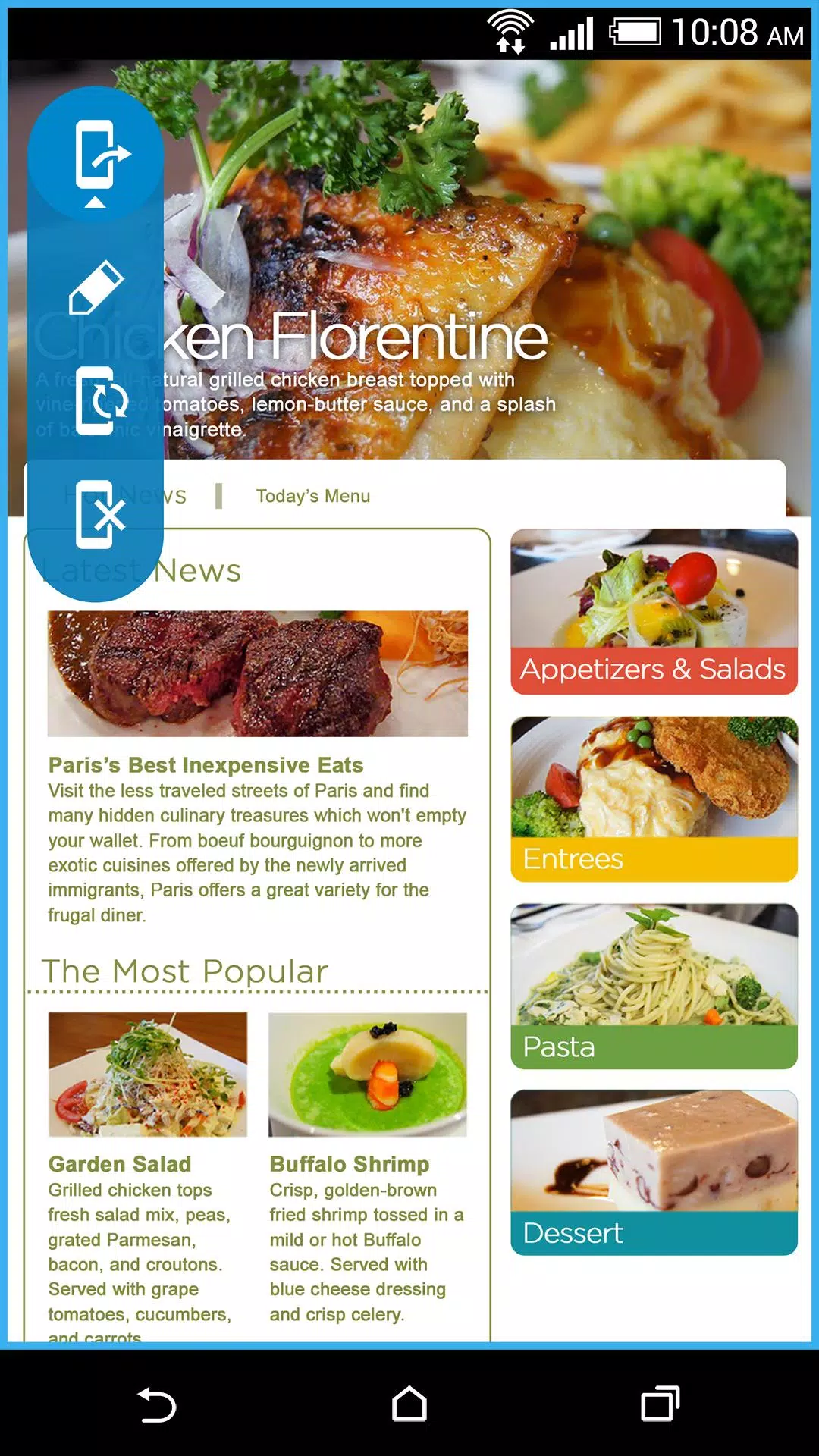
Controls are intentionally simple: a compact overlay provides quick access to start/stop face tracking, begin a screen share, or open the annotation tools. For precision you can switch to manual framing, set margins, and save camera presets for common setups like seated interviews or standing demonstrations. Annotation options include pen size, color choices, an eraser, and a temporary pointer mode; annotations can be cleared or saved as an image to your device for later reference. Profiles let you store preferred combinations of tracking, camera crop, and annotation defaults so you can switch between modes with a single tap.
User experience and accessibility
The interface for HTC Video Chat Enhance is lightweight and focused on clarity: large icons, readable labels, and a low-profile overlay that avoids covering important video content. Accessibility considerations include adjustable contrast for the overlay, support for system font scaling, and compatibility with Android accessibility services. The app is designed so users with mobility or vision limitations can operate core features from a few simple gestures or through mapped hardware buttons when available.
Visual style and performance
Visual adjustments are subtle and professional to preserve the natural look of your video feed. Face tracking uses smooth easing to avoid abrupt jumps, and annotation strokes are rendered with anti-aliasing so marks appear crisp on both phone and larger displays. Performance has been optimized to minimize CPU and battery impact: most processing occurs locally on the device and the app adapts quality settings on low-end hardware to maintain a responsive experience.
Compatibility, setup and offline behavior
HTC Video Chat Enhance integrates with many popular video calling apps by presenting a virtual camera input and an overlay that the host can enable before or during a call. Installation requires only standard camera and screen-capture permissions; no cloud processing is required for core features, so live video and annotations remain on your device unless you explicitly share saved images. Some older devices or certain calling platforms may not support virtual camera inputs; the app includes a compatibility test and tips to help you enable the needed system settings.
Use cases, workflow and replay value
For educators the app provides a way to keep students focused on the instructor while switching between face and content; for presenters it streamlines walkthroughs of slides, mockups, or code by combining screen sharing with live annotations. Families and hobby groups benefit from the improved eye contact and the ability to highlight shared photos or documents. The ability to save annotated screenshots and camera presets increases the app’s replay value: recurring presenters can refine layouts and reuse successful setups across sessions.
Tips, limitations and troubleshooting
To get the best results, place your device at eye level, use even lighting, and allow a few seconds for the tracker to stabilize after rapid movement. If face tracking or screen capture is limited on your device, try lowering tracking sensitivity or reducing resolution in the app settings. The main limitations are platform compatibility and reduced feature performance on older hardware; these are noted in the app’s compatibility tester and help pages. For persistent issues consult the in-app help or contact support via the provided channels.
Information
What would it be like to download video software for free? In this collection, you can find various video software that interests you, whether it’s video players or video editors—everything you need is here. All of it is provided for free, allowing you to download with ease and without any worries.




User Comments

Forum Joomla!FR brings the Francophone Joomla community to your phone and tablet, offering fast access to the official French Joomla forum and community resources so you can read, reply and stay informed from anywhere. Forum Joomla!FR centralizes discussions, AFUJ announcements and practical resources in a responsive interface designed to work smoothly on both smartphones and larger screens, helping developers, site maintainers and newcomers keep up with topics and collaborate in French.

Space messenger is a compact messaging application aimed at everyday communication, letting users exchange text and media, organize conversations, and manage contacts in a straightforward interface. It is useful for people who want a simple, efficient way to keep in touch without complex setup; the app's design focuses on clear message threads and quick sharing. Space messenger suits users who prefer a lightweight messaging tool for personal or small-team conversations and who value a no-frills approach to sending messages and viewing chat history.

VSN is a utility and mobile recharge app that lets users pay bills and send IMPS transfers quickly and securely. Designed for people who want to simplify routine payments, VSN combines bill reminders, transaction history, and secure online payments in a single, easy-to-use interface. The app is useful for individuals and small businesses that need a dependable way to manage mobile recharges, electricity, water, and other utility bills without juggling multiple providers. With clear workflows and built-in safeguards, VSN reduces the time spent on payments and helps avoid missed dues.

APP Técnicos is a specialized mobile app designed for technicians who maintain Tennant cleaning equipment, providing a compact, field-ready tool to receive, manage and document service work orders. The app delivers detailed job information—model, serial number, reported faults—so technicians can diagnose and resolve issues quickly. Technicians can update job status in real time, attach photos and notes, and keep a complete service log. Secure, credential-based access ensures only authorized personnel use the system, while offline mode lets teams continue work without connectivity and sync changes when a connection returns.

Kemendesa Corner is a centralized communication and resource app designed to help employees of the Ministry of Desa, Pembangunan Daerah Tertinggal, and Transmigration stay informed and work more efficiently. The application gathers reference materials, news updates, discussion spaces and direct consultation tools into a single interface so staff can quickly find documents, follow program developments and coordinate activities across village development, Bumdes initiatives and transmigration programs. Users who need a reliable internal hub for sharing policy updates, accessing training videos and resolving questions will appreciate how Kemendesa Corner reduces fragmentation and speeds everyday collaboration.

ChubbSurvey is a mobile application built to help officers and staff manage accident investigations and claims more efficiently. The app centralizes scene logging, evidence capture and reporting so teams can record photos, audio notes, descriptive damage assessments and GPS coordinates directly from the field. Organizations choose ChubbSurvey to reduce paperwork, keep stakeholders informed with automated alerts and ensure consistent, professional documentation that speeds up claim processing. Designed for both on-site and remote use, it helps surveyors and insured companies locate incidents precisely and maintain organized exploration records from first assessment through final reporting.