

 X
 facebook
 WhatsApp
 Email
Introduction
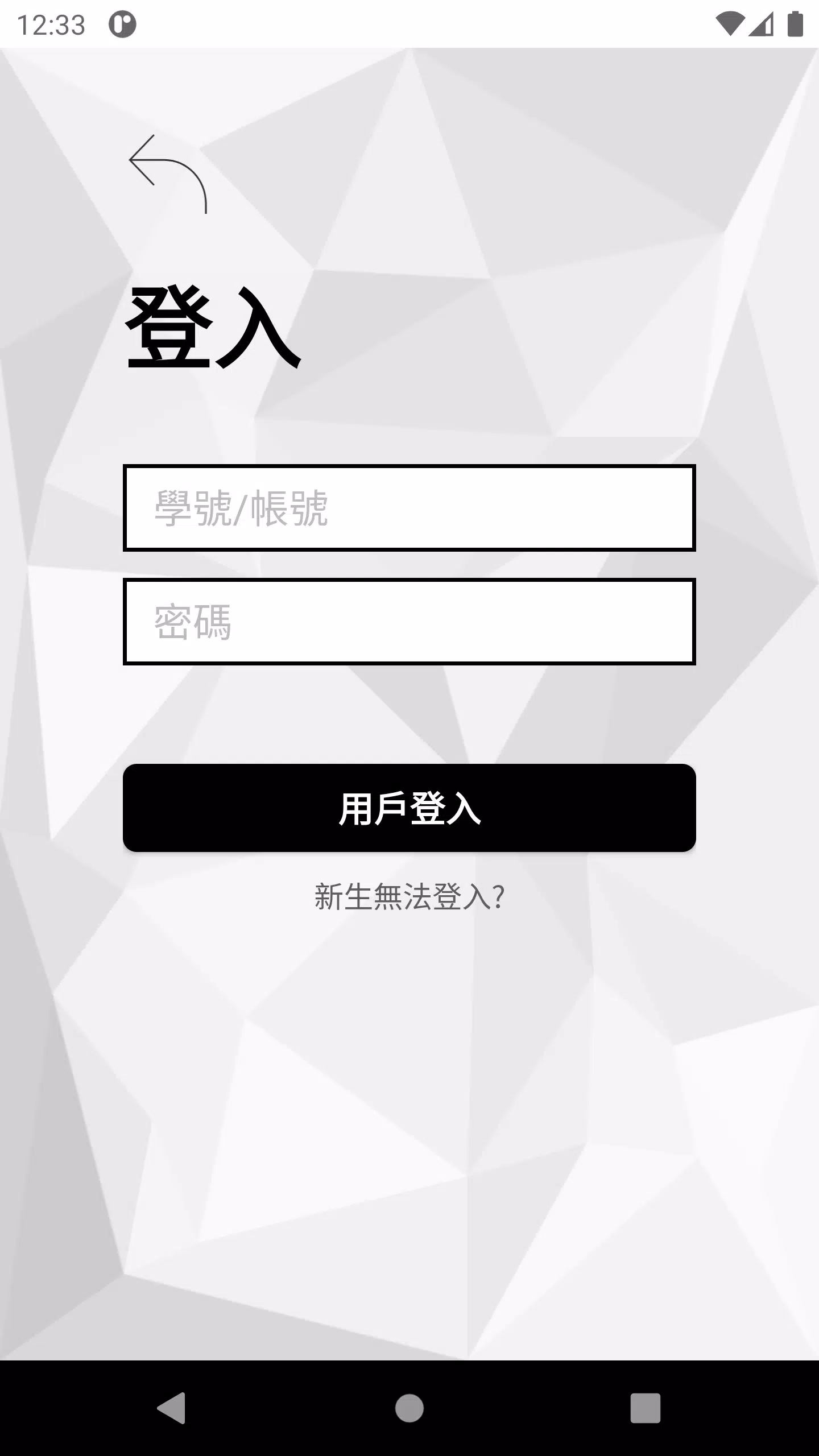
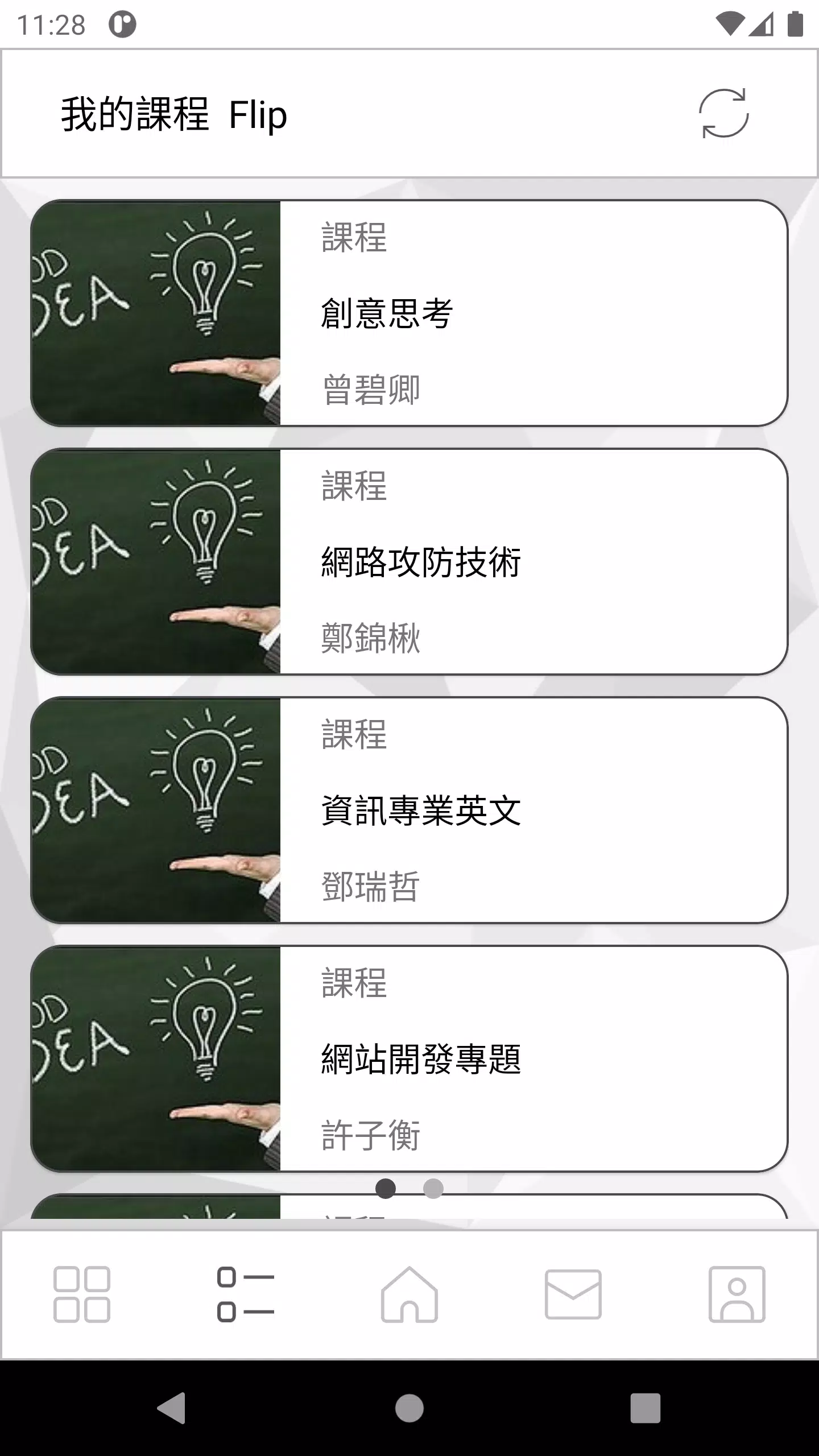
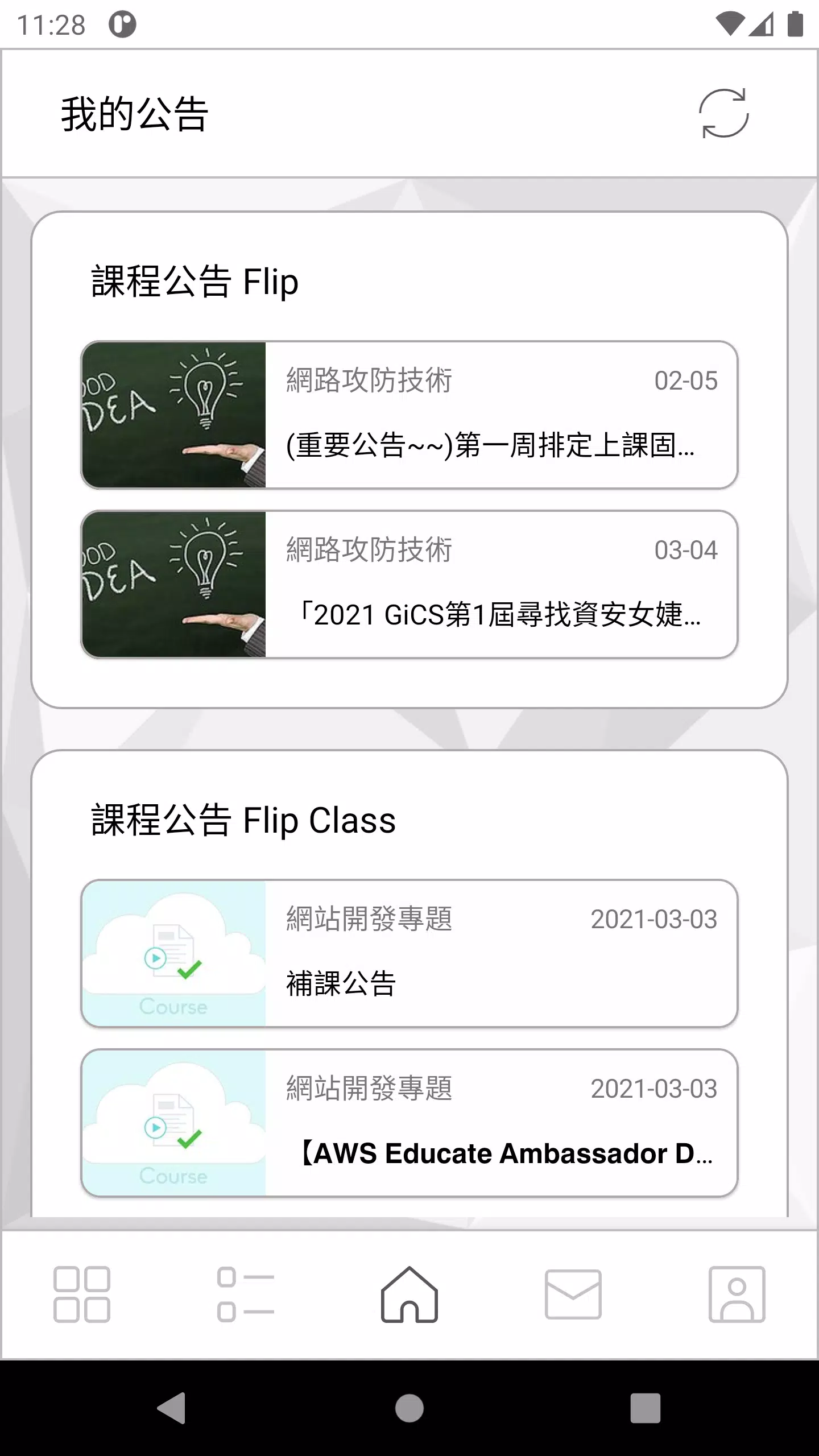
STUST 南臺學生助理 is a mobile assistant built for students and staff who need a single, reliable place to view course schedules, class details, assignment timelines and campus announcements. The app connects with institutional systems and learning platforms so users can open personalized timetables, check course pages on FLIP/FLIP CLASS, and read official notices without switching between multiple sites. Sign-in requires university-issued credentials to protect personal academic information, and this release is being distributed to gather testing feedback and improve stability before broader distribution.
Integrated dashboard and practical features
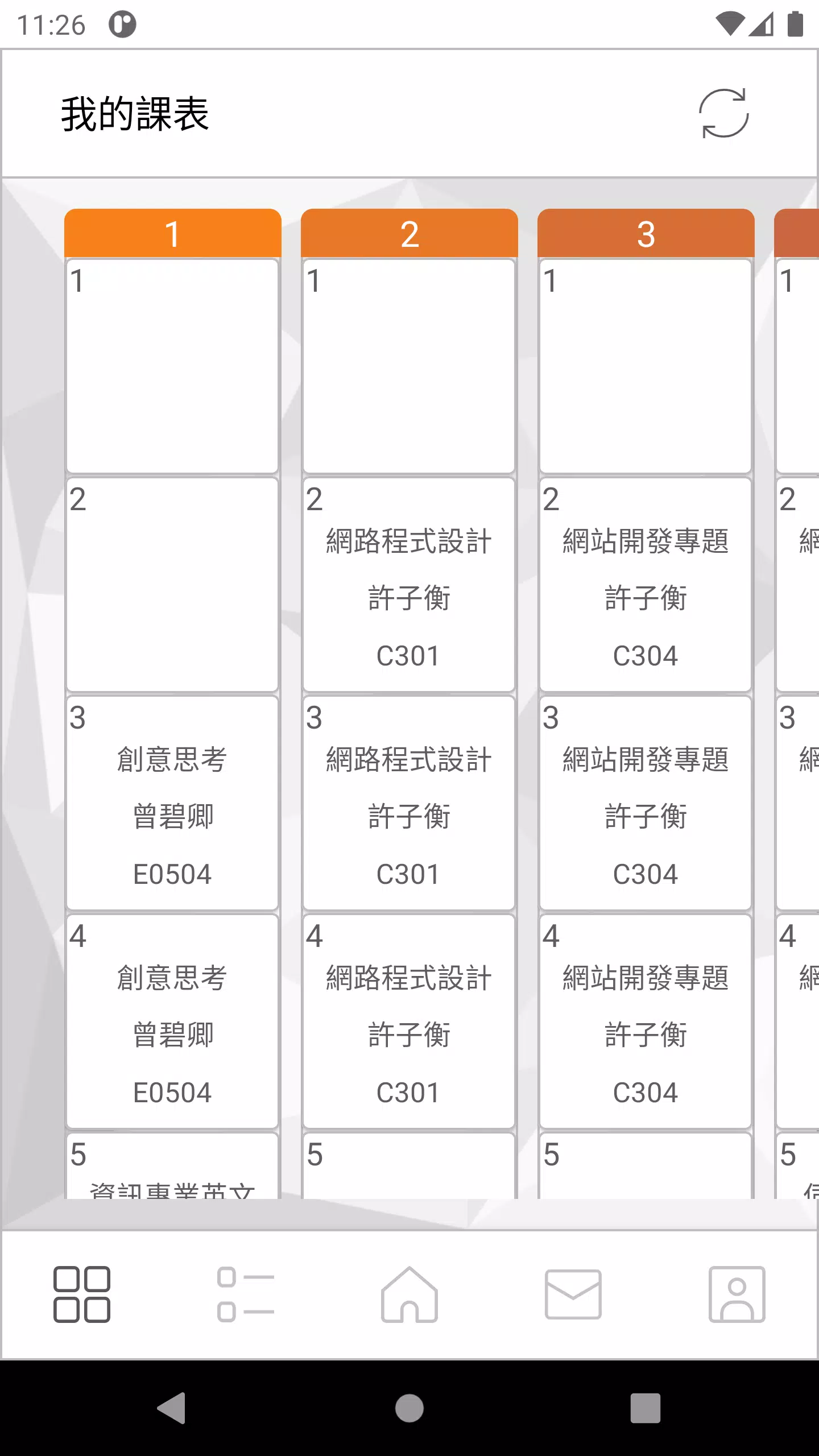
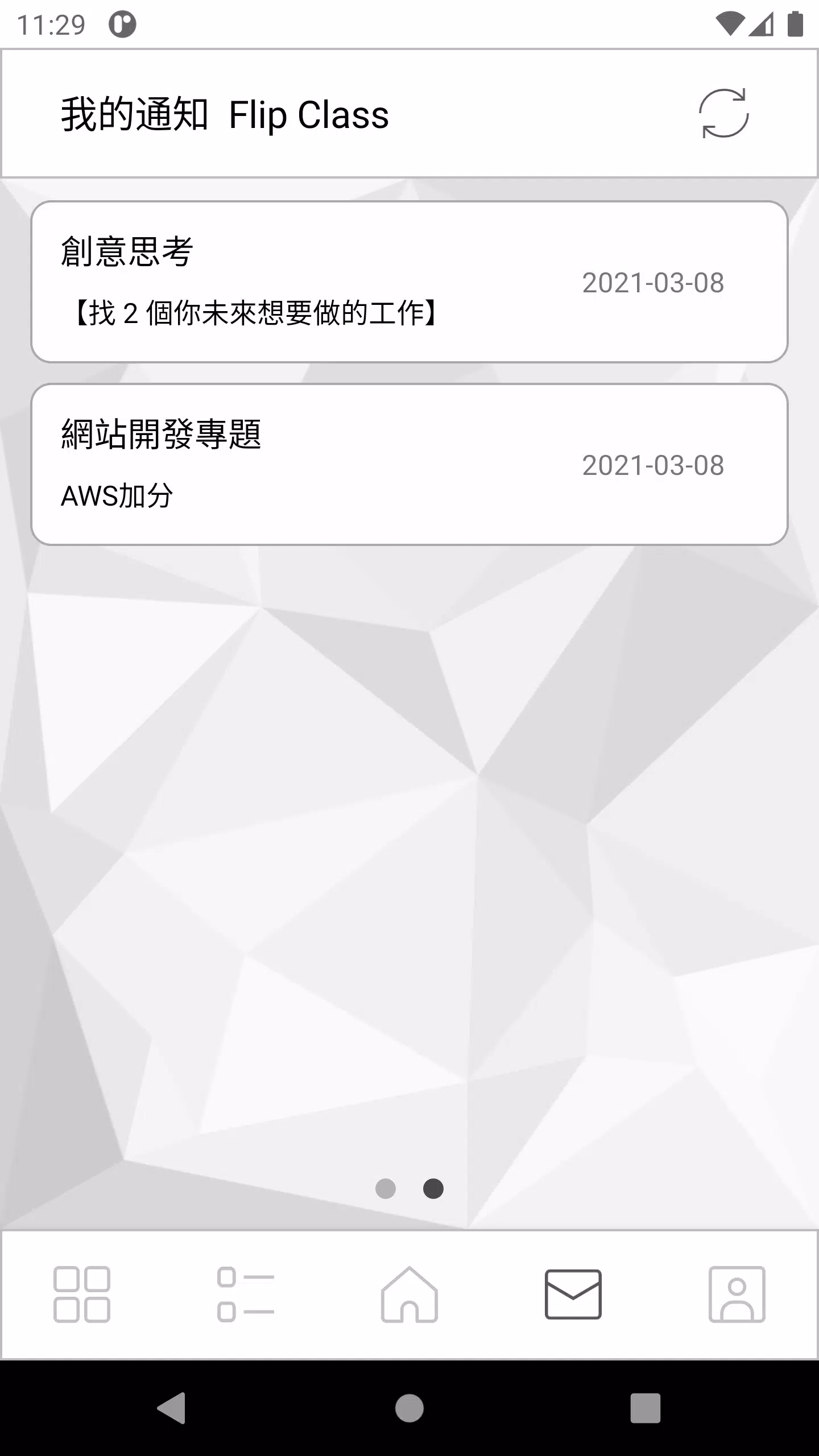
The dashboard brings together your current week’s timetable, upcoming deadlines and recent announcements in context so you can assess priorities at a glance. Each course card expands to reveal meeting locations, session times and syllabus highlights. Linked resources from FLIP/FLIP CLASS are surfaced where available, and assignment entries display submission dates, status markers and short descriptions to help you plan work. Notification controls follow university preferences and can be adjusted per course to reduce noise while ensuring important alerts reach you.
Controls and touch interactions
Controls are designed for quick, one-handed use on modern Android devices: primary actions are accessible with a single tap and secondary details appear in expandable panels. A persistent top bar provides fast access to the current week and a search field lets users jump to courses, instructors or announcements by keyword. The calendar supports pinch-to-zoom to change the visible time range and long-press gestures create personal reminders tied to a course entry. These interactions emphasize speed and minimal navigation so you can update or check information between classes.
Progress tracking and academic workflow
Rather than importing grades, the app focuses on schedule and task management: it summarizes active courses, upcoming assessment windows and assignment completion rates based on due dates and user-marked status. Over time the interface highlights recurring deadline patterns and identifies busier weeks so students can allocate study time proactively. Progress indicators and simple completion toggles make it easy to track what you have done and what still requires attention throughout a semester.
Structure, visual design and clarity
Design choices prioritize legibility and quick comprehension: high-contrast text, consistent typography and a restrained color palette that differentiates course types and announcement priority. Information is organized by semester, course code and section so you can move between levels of detail — from an overview of your term to a single session’s location and instructor contact. Visual cues indicate live or canceled classes, and quick links to campus maps appear when location data is available.
Customization and daily usefulness
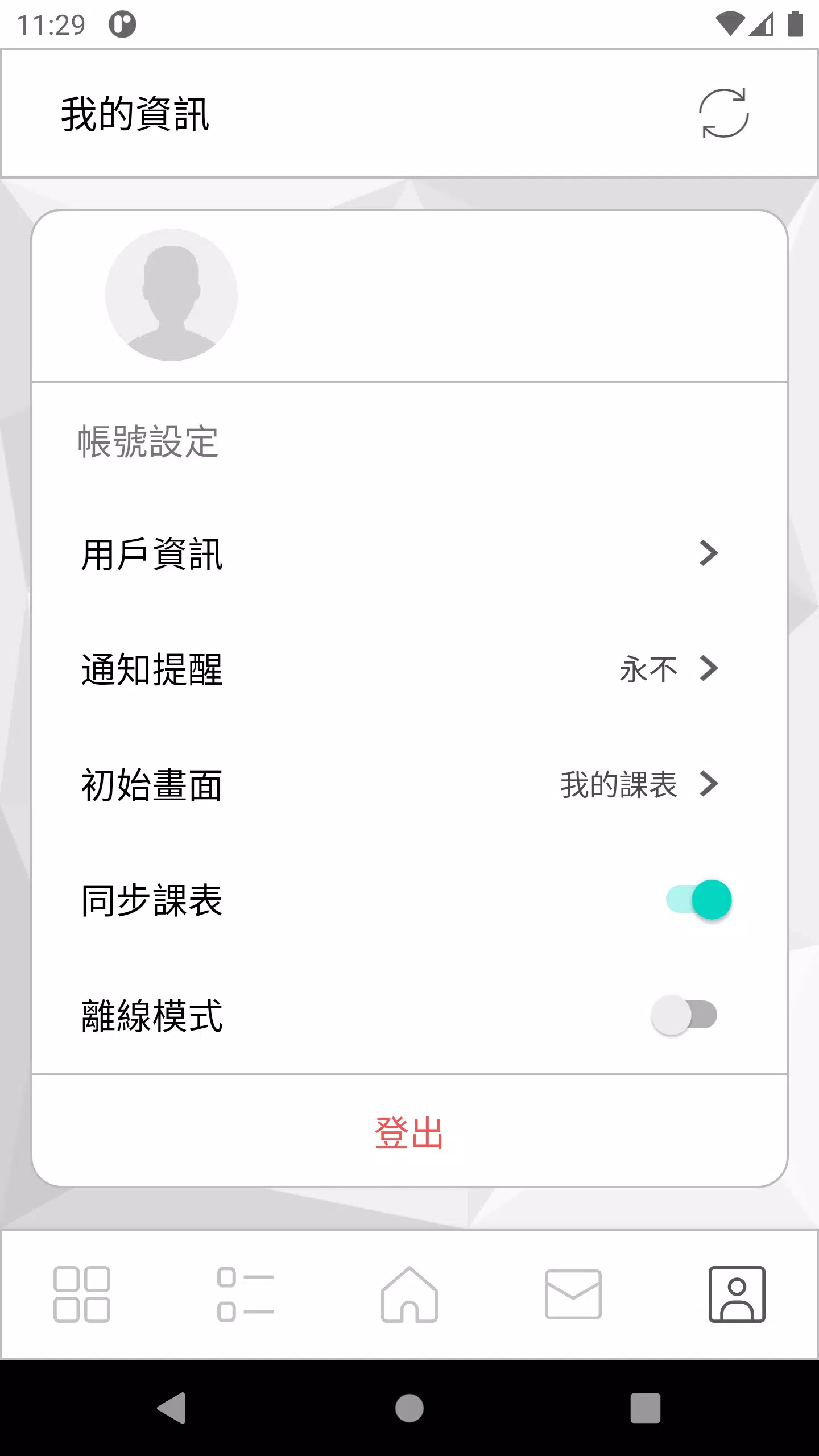
Users can tailor how information appears on the home dashboard, selecting which courses generate push notifications, setting quiet hours and choosing the amount of detail shown. Custom filters create focused study views that hide outdated announcements or past terms. Because the app consolidates multiple campus tools into one access point, many users incorporate it into daily routines to check updated schedules and upcoming assignments rather than treating it as a one-off utility.
User experience, accessibility and offline support
Accessibility is considered through readable font sizes, clear focus states and compatibility with Android accessibility services. The layout adapts to different screen sizes and provides alternative text for important icons. For limited connectivity, recent schedules and announcements are cached so users can read course pages and reminders offline; queued changes sync automatically once a network is available. These measures aim to keep the student experience consistent across campus locations and commutes.
Reliability, security and testing cadence
Secure sign-in using university credentials ensures academic data is available only to authorized accounts and aligns with campus authentication policies. This testing release emphasizes frequent updates driven by student feedback to improve synchronization with campus services and refine integrations with FLIP/FLIP CLASS. Testers may encounter occasional bugs or incomplete integrations as the development team iterates on stability and feature parity with institutional systems.
Open development and how to contribute
The project is maintained as an open-source initiative and STUST 南臺學生助理’s source code is available for review and collaboration, encouraging peers to propose improvements, report issues and participate in feature design. Contributors are asked to follow repository guidelines and coordinate changes that respect privacy and authentication requirements. Community involvement helps the app evolve based on real classroom needs rather than assumptions.
Limitations and feedback channels
Access to the app requires university-issued credentials, so only enrolled students and staff can use all features and some campus services may remain restricted until integrations are finalized. Users should expect regular updates during the testing period and are encouraged to submit feedback through the in-app reporting tools so the team can prioritize fixes and enhancements. Continued student input will guide the roadmap to make STUST 南臺學生助理 a dependable everyday academic tool.
Information
User Comments

Lotus Chess is an opening-focused chess trainer that uses machine learning to analyze your games and deliver short, targeted practice designed to improve your results from move one. Lotus Chess studies recurring patterns in how you respond to common opening choices, then creates daily exercises that reinforce practical ideas and reactions rather than rote memorization.
AYT Coğrafya is a focused study application created to help Turkish high-school students prepare for the AYT Geography exam by combining clear lessons, visual material and practice tests into a single, mobile-friendly tool. AYT Coğrafya places curriculum-aligned topics into concise, step-by-step modules so learners can study in short sessions or longer blocks depending on their schedule, track improvements over time and concentrate revision on the areas that need the most attention.

Plantale blends casual farming simulation with light puzzle mechanics to create a relaxed yet strategic experience. In Plantale you cultivate a variety of hybrid plants, manage limited space, and solve seasonal challenges while unlocking new seeds and tools. Its approachable systems make it easy to enjoy short sessions or longer campaigns.

Finlit.uz is a mobile application that gathers the educational content and interactive services of the Central Bank of the Republic of Uzbekistan’s financial literacy website into a single, easy-to-use platform. It delivers articles, videos, practical tools and structured training designed for schoolchildren, students, entrepreneurs and retirees who want to improve their personal finance skills. Available in three language versions—Uzbek (Cyrillic and Latin) and Russian—the app covers budgeting, loans, deposits, financial markets and currency regulation, and includes calculators, assessments and a personal results journal to track learning progress.

PRESIDENT OF THE PHILIPPINES is an educational trivia app that helps users learn about the country's presidents and vice presidents through carefully written questions and chronological coverage. It tests your recall of the 17 presidents of the Philippines, from the current officeholder back to the earliest leaders, and highlights key events, policies, and milestones from each administration. Users may want it as a compact reference and study aid to refresh historical facts, understand political transitions, and explore how different presidencies shaped national policy. The interface focuses on quizzes and informative prompts to make review efficient and engaging.

PIANO FARM is an educational music app that helps children explore piano basics through a bright, playful interface. It combines interactive instrument sounds, simple visual theory and three learning modes to keep lessons engaging and accessible for young learners. Parents and educators may want it because it turns abstract concepts into tangible actions—using color-coded notes, familiar animal sounds and an easy keyboard layout—so beginners can practice listening, hand coordination and note recognition without pressure. The app is designed as a learning tool rather than a game, suitable for early music education and casual practice sessions.