
 X
X
 facebook
 WhatsApp
 Email
Email
Introduction
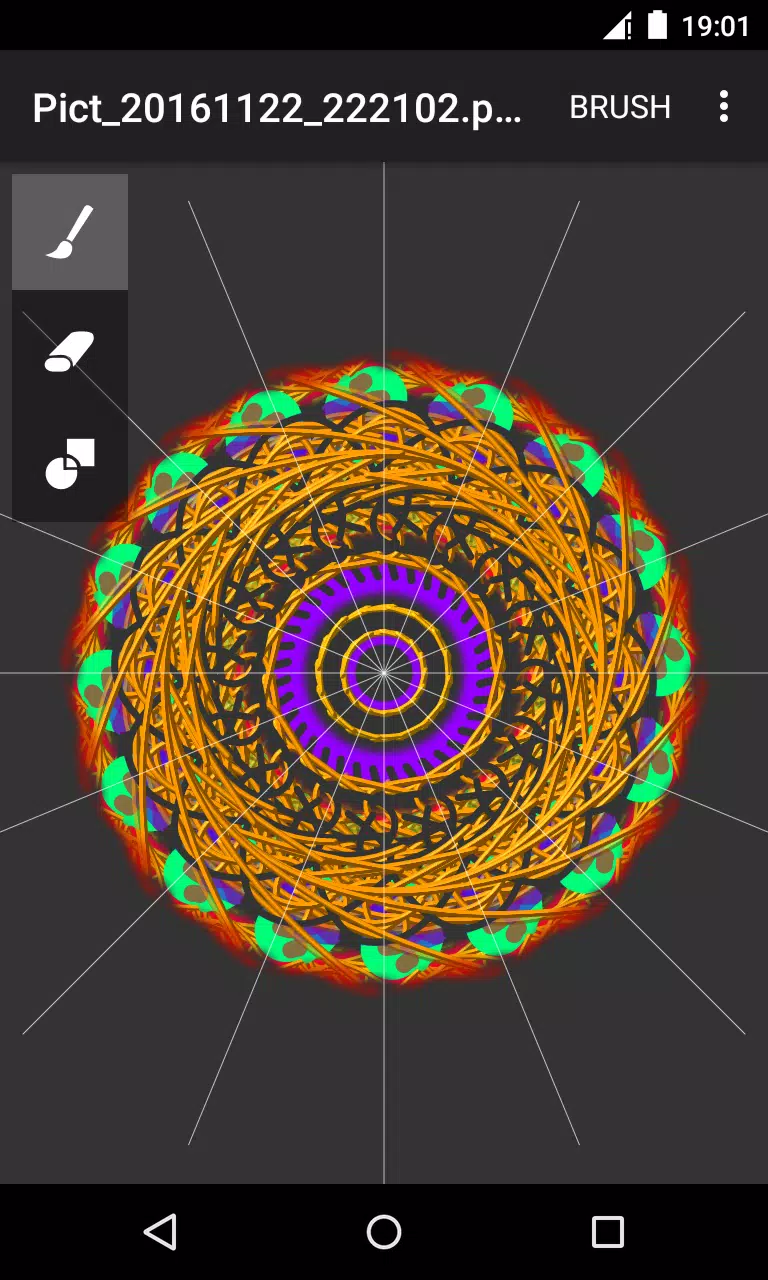
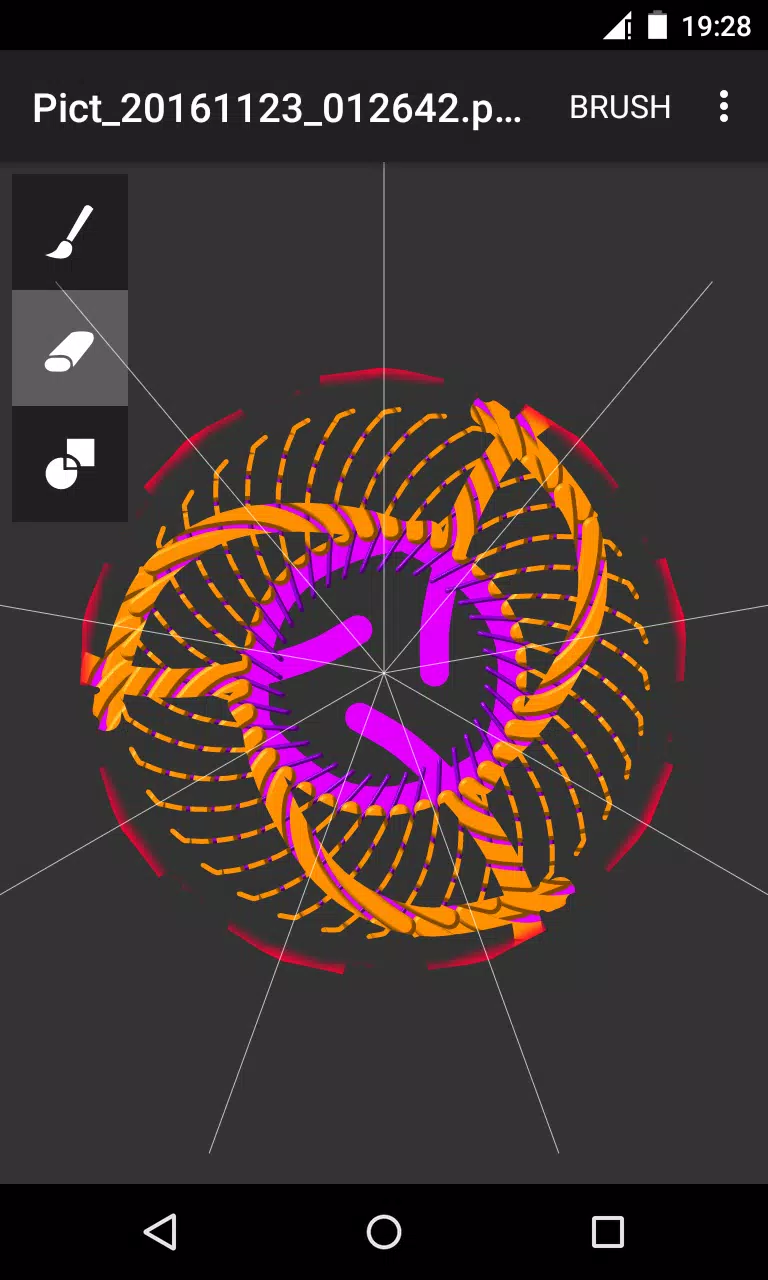
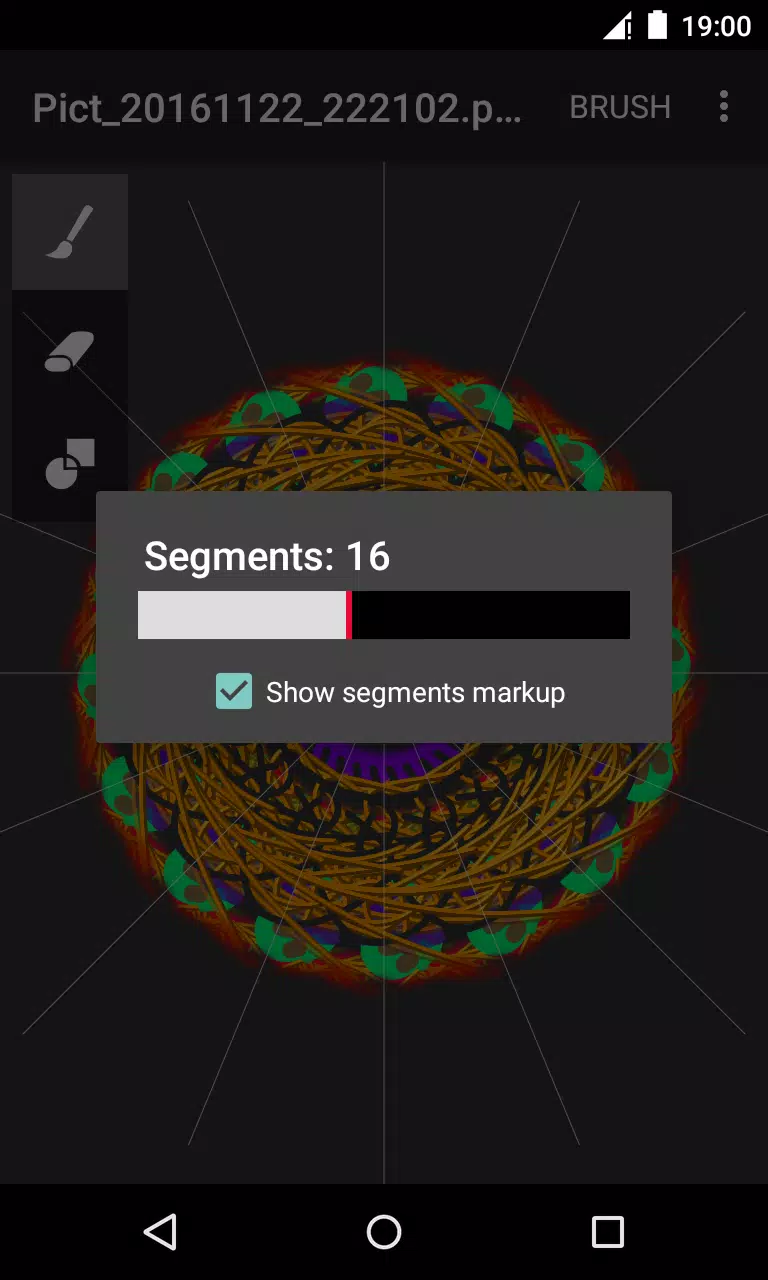
Circle Painter is a focused drawing app built for creating symmetrical circular artwork, from quick doodles to detailed mandala-style illustrations. In Circle Painter every stroke is reflected across a configurable number of radial segments so a single motion produces complex, balanced patterns; the interface keeps the canvas visible and uncluttered so you can concentrate on composition rather than menus.
Key features and mechanics
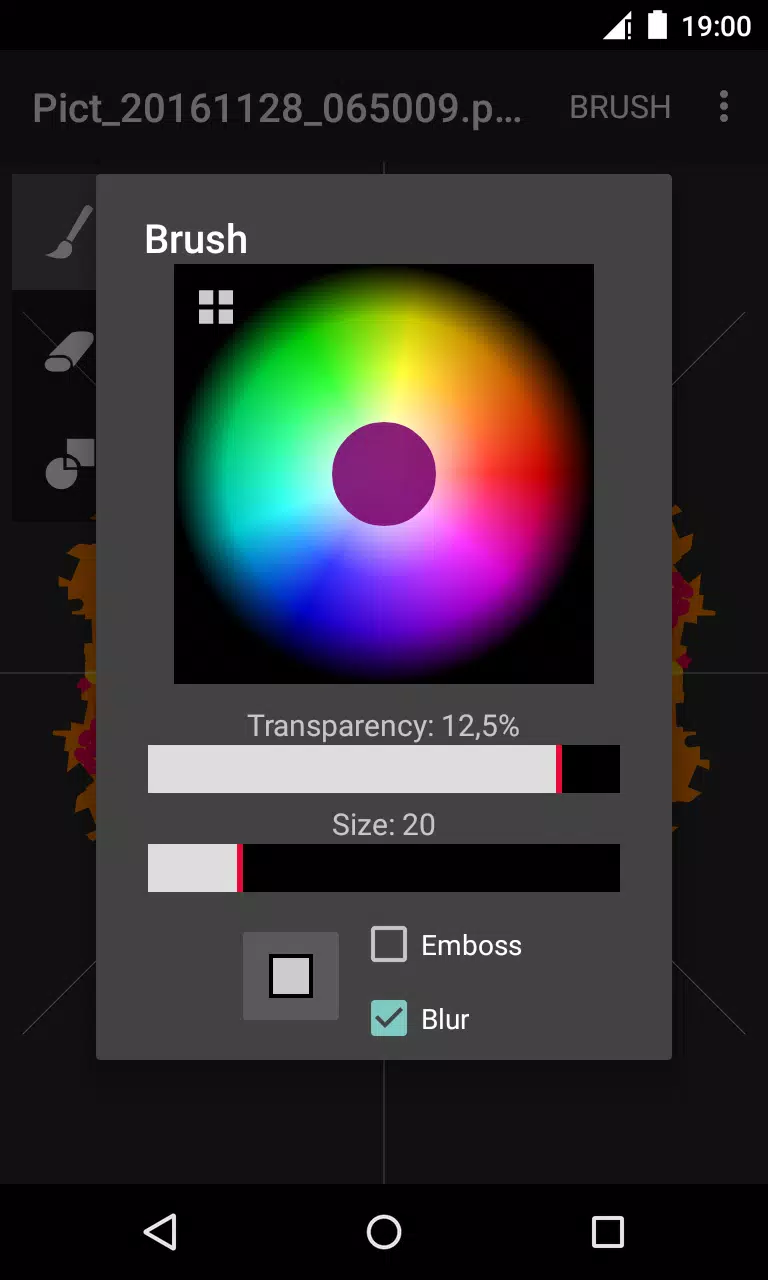
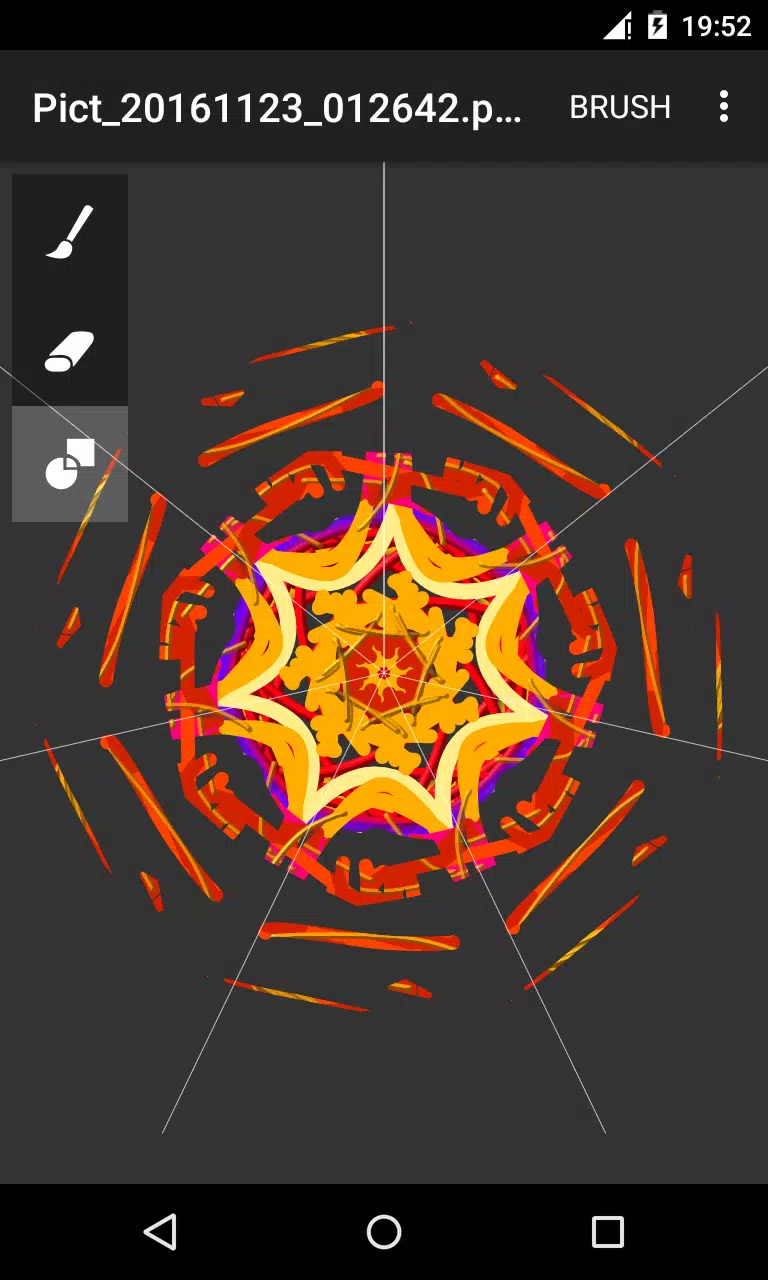
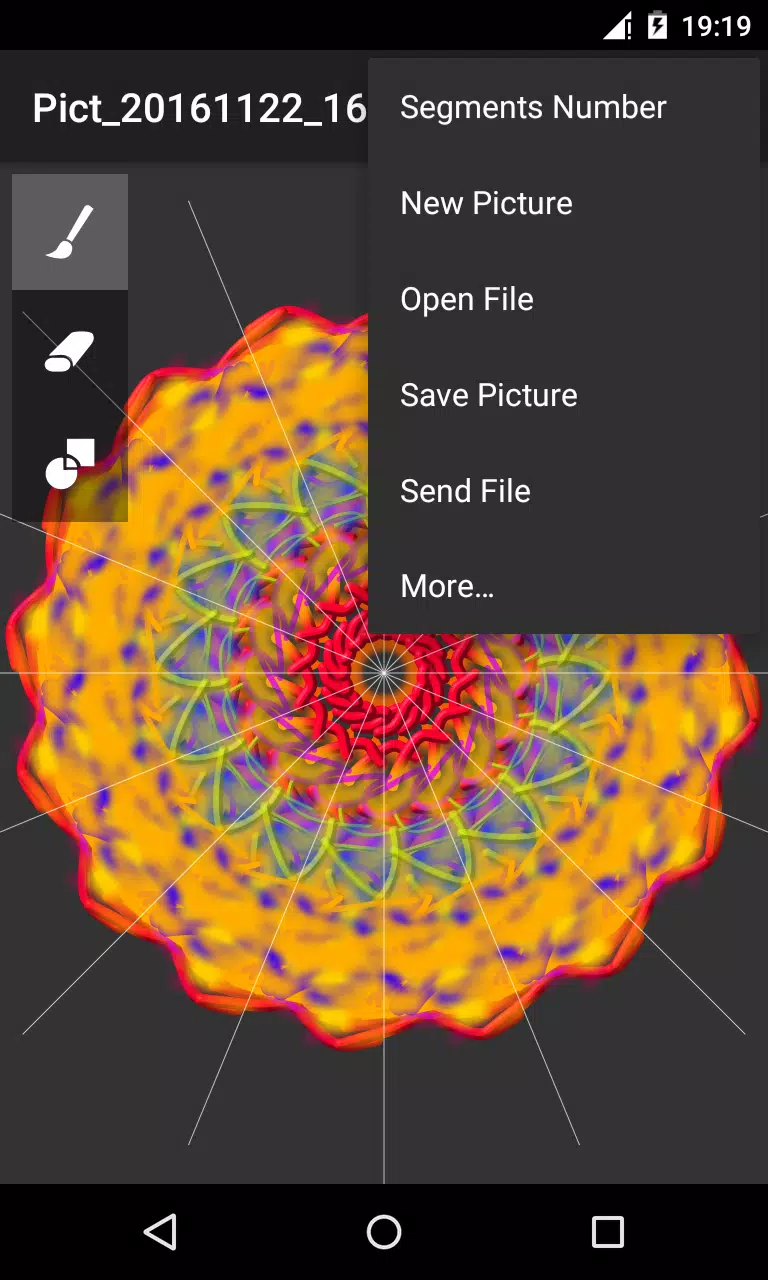
The core mechanic mirrors brush input across multiple circular segments, and you can adjust the segment count and symmetry angle to explore everything from simple rosettes to dense radial mosaics. Brushes expose straightforward controls for color, transparency and size plus texture options like embossing and blur that add depth and soft edges. There are three primary tools — a standard brush for drawing, an eraser for corrections, and a paint-overlay mode for blending and layered effects — and tapping a tool twice opens a dialog to fine-tune behavior without leaving the canvas. This setup encourages experimentation: change the segment count mid-drawing, tweak brush softness, and immediately see how small edits affect the whole piece.
Controls and workflow
Circle Painter focuses on touch-driven, direct manipulation of the canvas. Standard gestures like pinch-to-zoom and two-finger pan help you position details precisely, and pressure-sensitivity adjustments or slider-based stroke smoothing let you control line weight when a device supports those inputs. The UI groups essential controls next to the workspace so switching between brush, eraser and overlay is quick; the double-tap settings dialog provides access to finer adjustments such as step angles, symmetry center, and stroke smoothing without interrupting flow. The app is intentionally designed as a single-session creative tool: open a new canvas, pick symmetry and brushes, and iterate freely until you export.
Customization and visual style
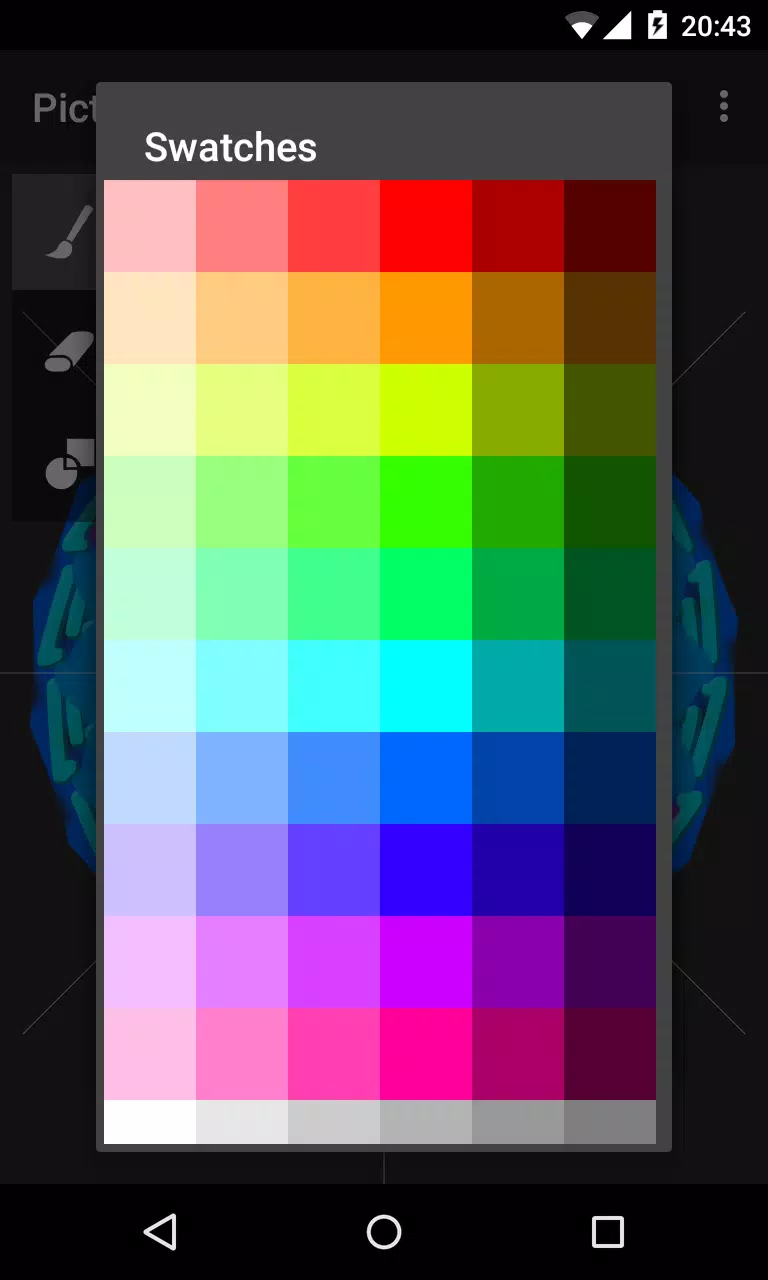
Visual customization is a central part of the experience. In addition to standard color selection and opacity control, combinations of embossing and blur simulate raised lines and soft fills that work well for ornamental and decorative styles. Color blending in paint-overlay mode produces subtle overlays rather than harsh compositing, which helps when building layered radial textures. Because the mirror system applies edits around the circle, small motif adjustments quickly evolve into complex, cohesive designs — ideal for illustrators designing icons, backgrounds, textile motifs, or meditative mandalas.
Export, storage and offline use
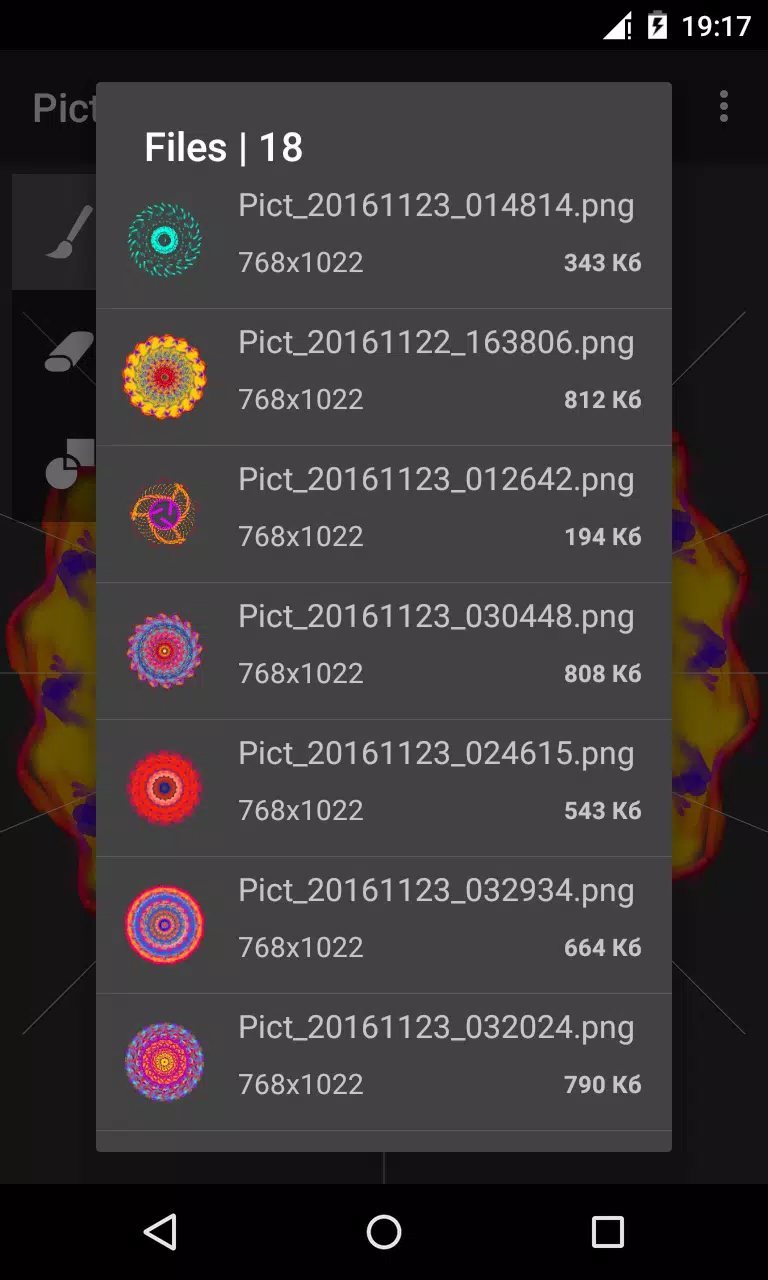
Finished compositions export as high-quality PNG files that preserve transparency and fine detail; by default images are saved to the /sdcard/Circle Pictures folder on primary external storage so they are easy to find and back up. Sharing is handled locally through the platform share sheet so you can send images to other apps or services without creating an account. Circle Painter works fully offline, letting you draw and save images without a network connection, which makes it convenient for travel, workshops and settings where connectivity is limited.
User experience, accessibility and learning
The interface balances accessibility with control: labels and large touch targets reduce friction for new users, and adjustable UI scale and canvas zoom make it comfortable to work on small or large screens. Built-in hints and example templates help beginners understand symmetry settings and brush combinations, while the fine-tune dialogs supply more precise adjustments for experienced illustrators. The app avoids a steep learning curve by keeping core tools visible and limiting complexity to a few well-documented options.
Replay value and use cases
Circle Painter encourages repeated use because each session produces new visual variations; changing the segment count, brush textures or color palette yields entirely different outcomes from the same basic strokes. The app is useful for hobbyists exploring decorative art, teachers demonstrating radial symmetry, designers prototyping patterns, and professionals creating standalone assets. While it is focused on circular symmetry rather than general-purpose painting, that focus makes Circle Painter a fast, reliable way to create polished radial compositions with minimal setup.
Information
 Google Play
User Comments
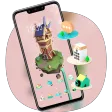
Magic town theme for galaxy m3 transforms your Android home screen with a curated collection of vibrant wallpapers, matching icon packs and integrated widgets designed to give your device a fresh, personalized look. Within moments you can apply a full visual package or mix and match individual elements: high-resolution backgrounds, alternate icon styles and a real-time clock and date widget all work together to create a consistent appearance. The theme is built for straightforward use, with simple controls that let both beginners and experienced customizers change colors, icon sizes and layout options without needing technical steps.

Tattoo Designs is an app for discovering and organizing tattoo artwork, helping users explore ideas and plan body art. It offers a central visual library so you can browse a wide variety of styles, compare concepts and save promising designs for later review. Whether preparing for a first tattoo or refining a larger piece, Tattoo Designs works as a reference and simple sketchboard to shortlist options and test visual balance. The layout emphasizes fast image browsing, easy organization and straightforward sharing so inspiration stays accessible while you discuss ideas with an artist.

Sticker Universe is a sticker library app that brings a huge collection of expressive images and designs into your messaging, so you can add humor, emotion, and personality to conversations quickly and visually. This tool organizes stickers across themes—cute animals, witty memes, and custom artwork—so sharing the right reaction is fast and fun. Users will appreciate fresh content pushed regularly, including seasonal packs and pop-culture releases, making it easy to keep messages current and engaging. If you want a simple way to enrich chats and stand out in everyday conversations, Sticker Universe delivers a broad, curated sticker experience.
Circle Painter is a focused drawing app built for creating symmetrical circular artwork, from quick doodles to detailed mandala-style illustrations. In Circle Painter every stroke is reflected across a configurable number of radial segments so a single motion produces complex, balanced patterns; the interface keeps the canvas visible and uncluttered so you can concentrate on composition rather than menus.
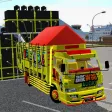
Mod Bussid DJ Truck Simulator is a compact, curated mod library and installer for Bus Simulator Indonesia players who want to add DJ-style trucks, pickup variants, and dedicated sound packs quickly and without manual extraction. The app focuses on practical compatibility and ease of use: thumbnails and preview audio let you evaluate mods before installation, a small download footprint keeps the app friendly to low-storage phones, and clear version tags reduce guesswork when matching mods to your map or simulator build.

AI Image Generator - AI Avatar is a powerful creative app that converts simple text prompts and photos into original images and personalized avatars, perfect for artists, content creators, and anyone who wants a distinctive digital presence. The app produces visuals in a wide variety of styles—from stylized manga and painted illustrations to photorealistic renders—so you can quickly prototype concepts, create profile pictures, or generate artwork for social posts and projects. Its interface is approachable for beginners while offering deeper controls for users who want to refine details and guide the AI’s output.