
 X
X
 facebook
 WhatsApp
 Email
Email
Introduction
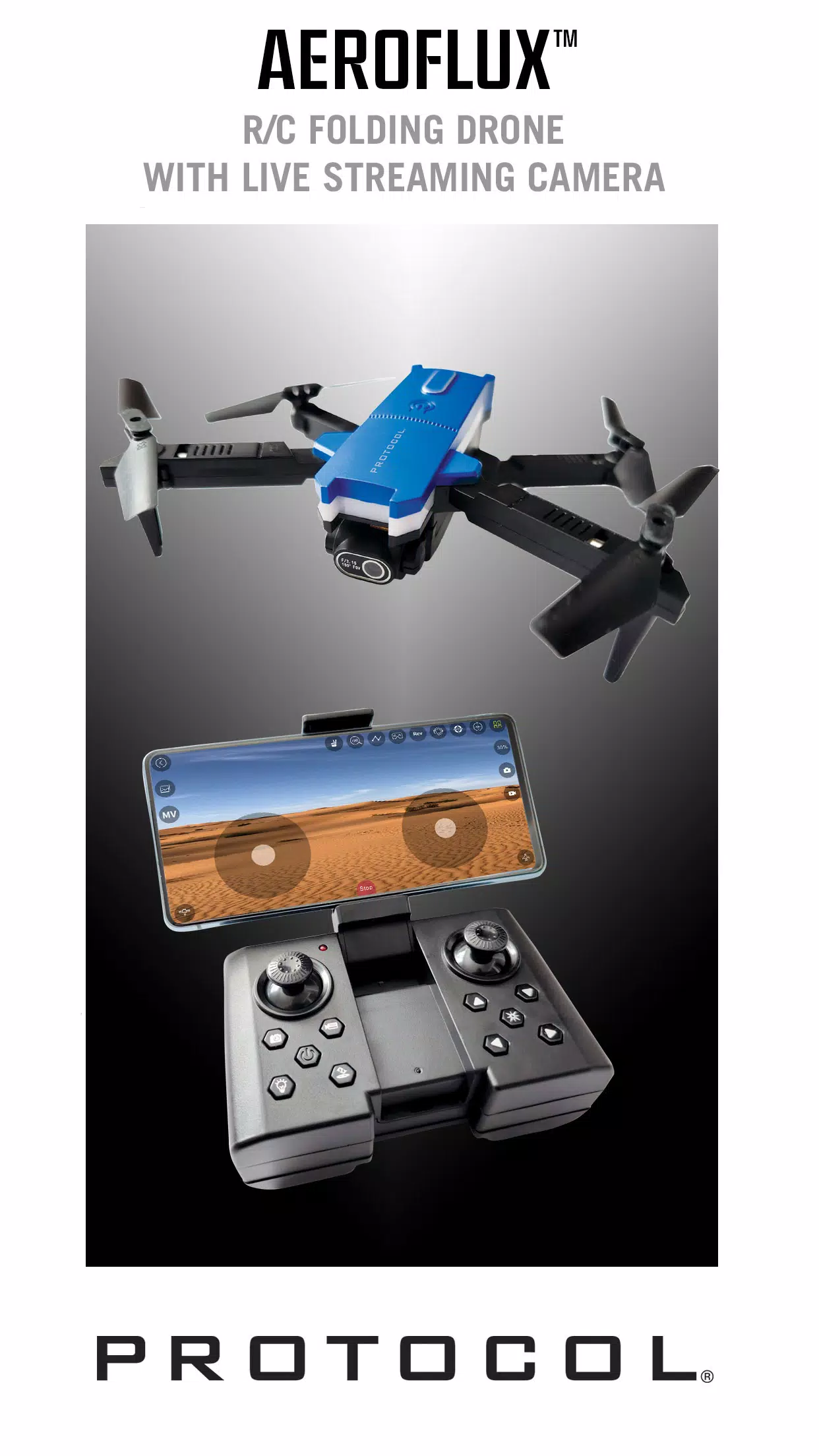
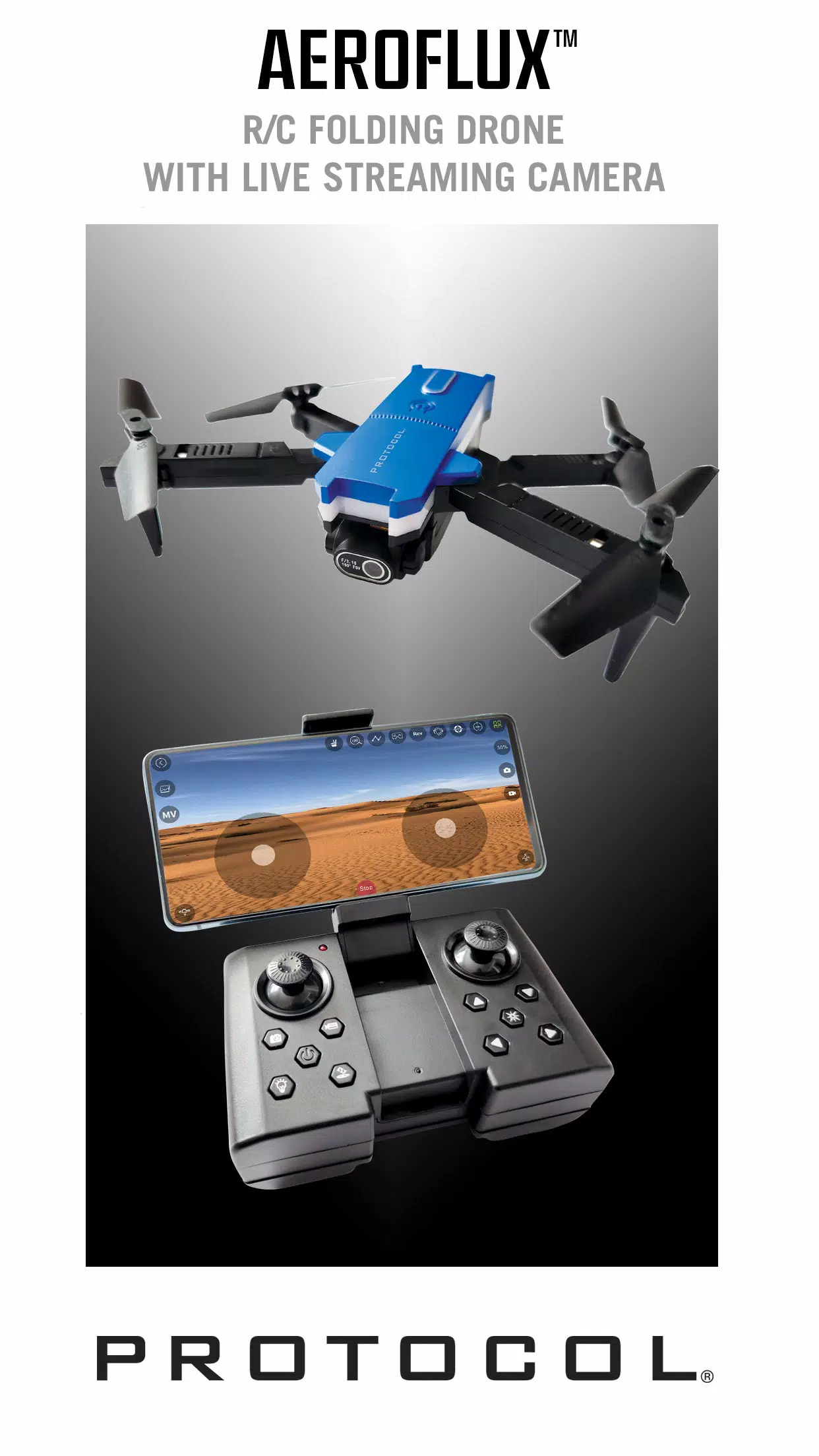
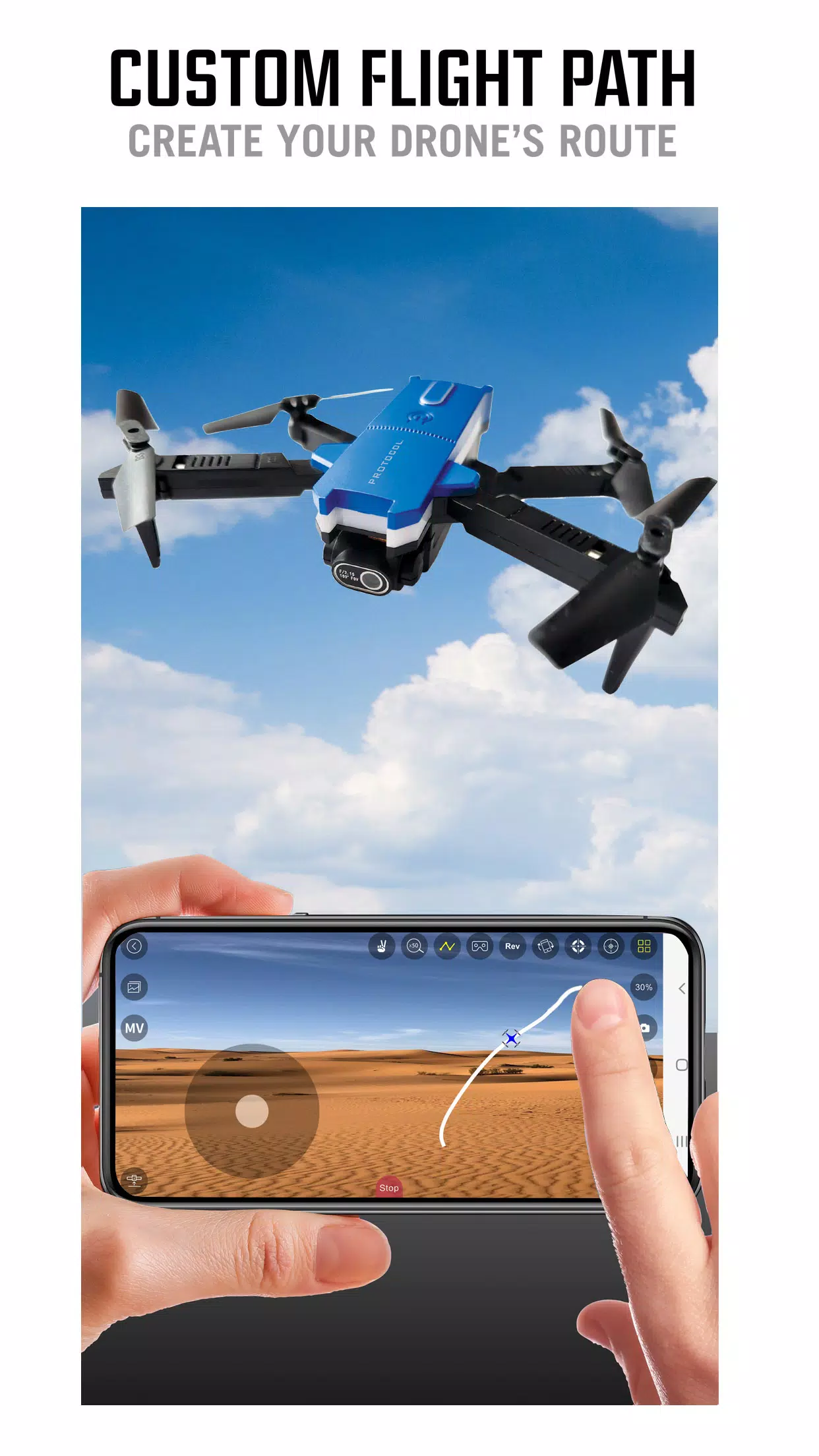
Protocol AeroFlux is a mobile companion app that connects your smartphone or tablet directly to an AeroFlux RC drone over the drone's built-in Wi‑Fi, providing real-time flight control and live camera access without extra hardware. Designed for pilots at every level, Protocol AeroFlux puts core flight controls, camera framing, and media management into a streamlined interface so you can focus on flying, practicing maneuvers, or capturing aerial imagery. The app maintains a low-latency link to the drone for responsive stick inputs and smooth live video monitoring, while storing recorded photos and video locally on your device for immediate review.
Key Features
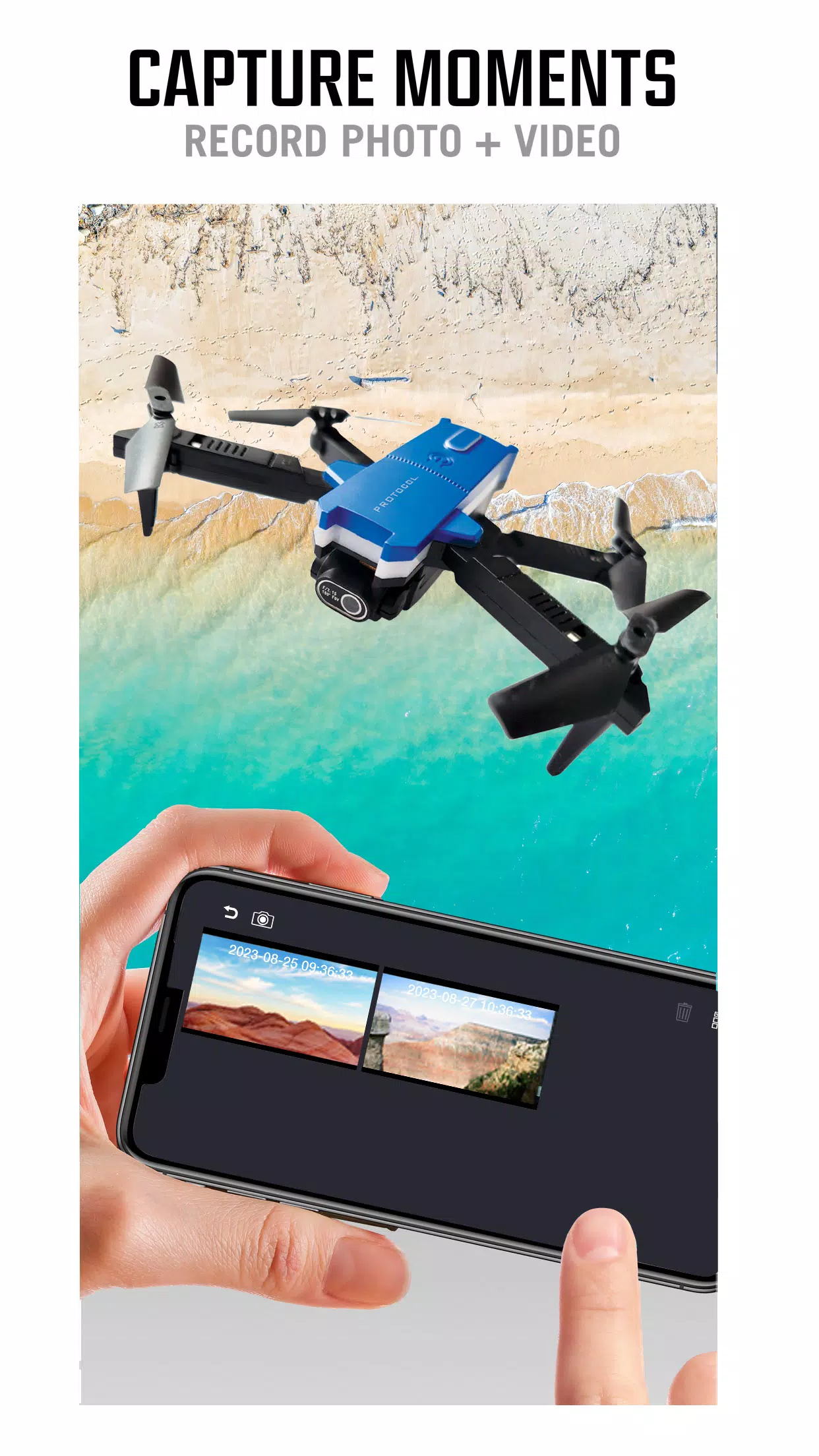
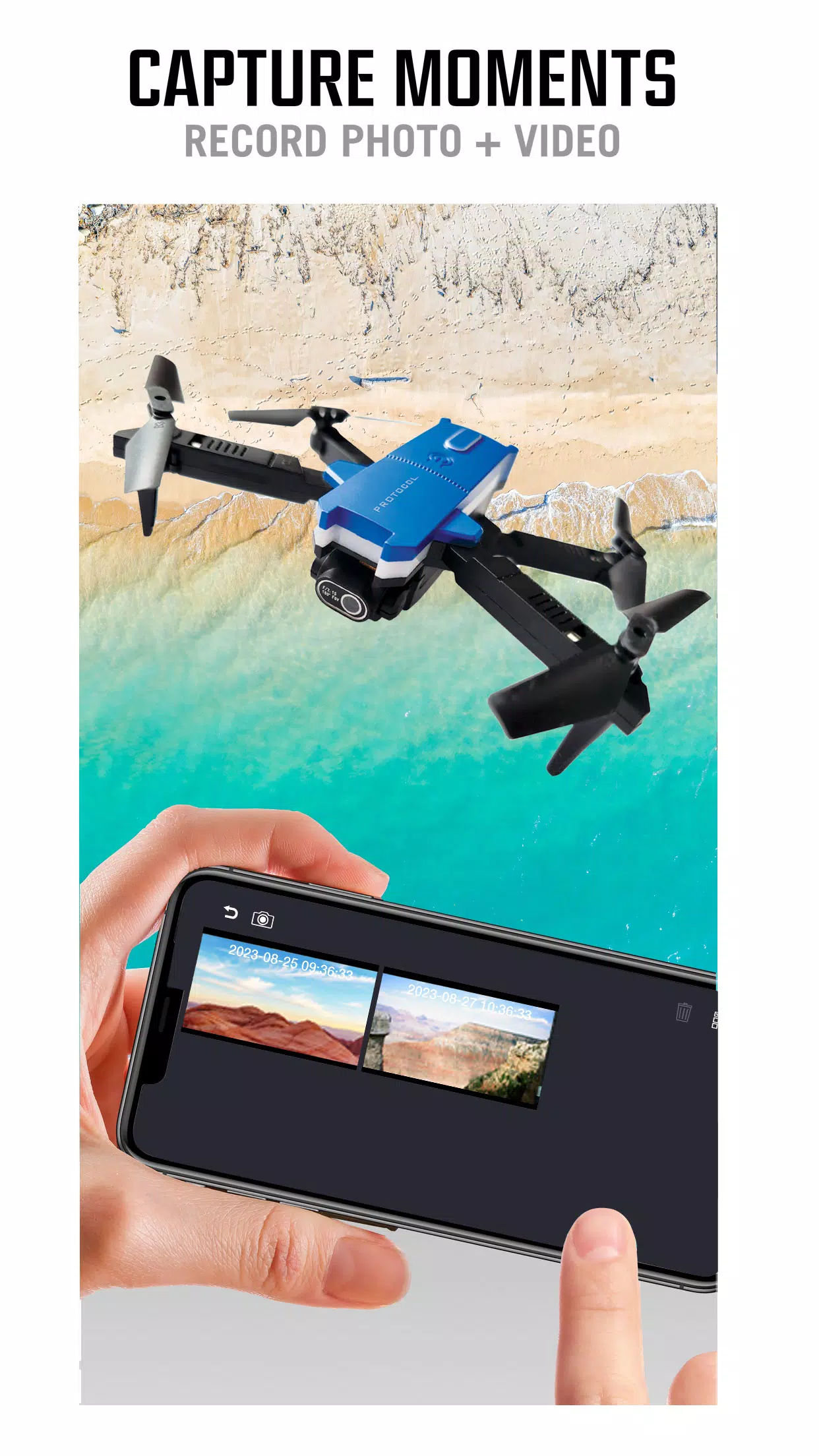
Protocol AeroFlux offers low-latency direct connection to your AeroFlux drone using its on-board Wi‑Fi, live video streaming from the drone camera for accurate framing and situational awareness, and high-definition recording to save footage locally. Flight controls include adjustable sensitivity and flight-mode selection appropriate for beginners through advanced pilots. The app also provides an in-app media browser to preview, trim basic clips, and organize photos and videos taken during your flights. All of these features are built to work without cellular data or cloud sign-in, so most core functions operate entirely offline while you are in the field.
How It Works
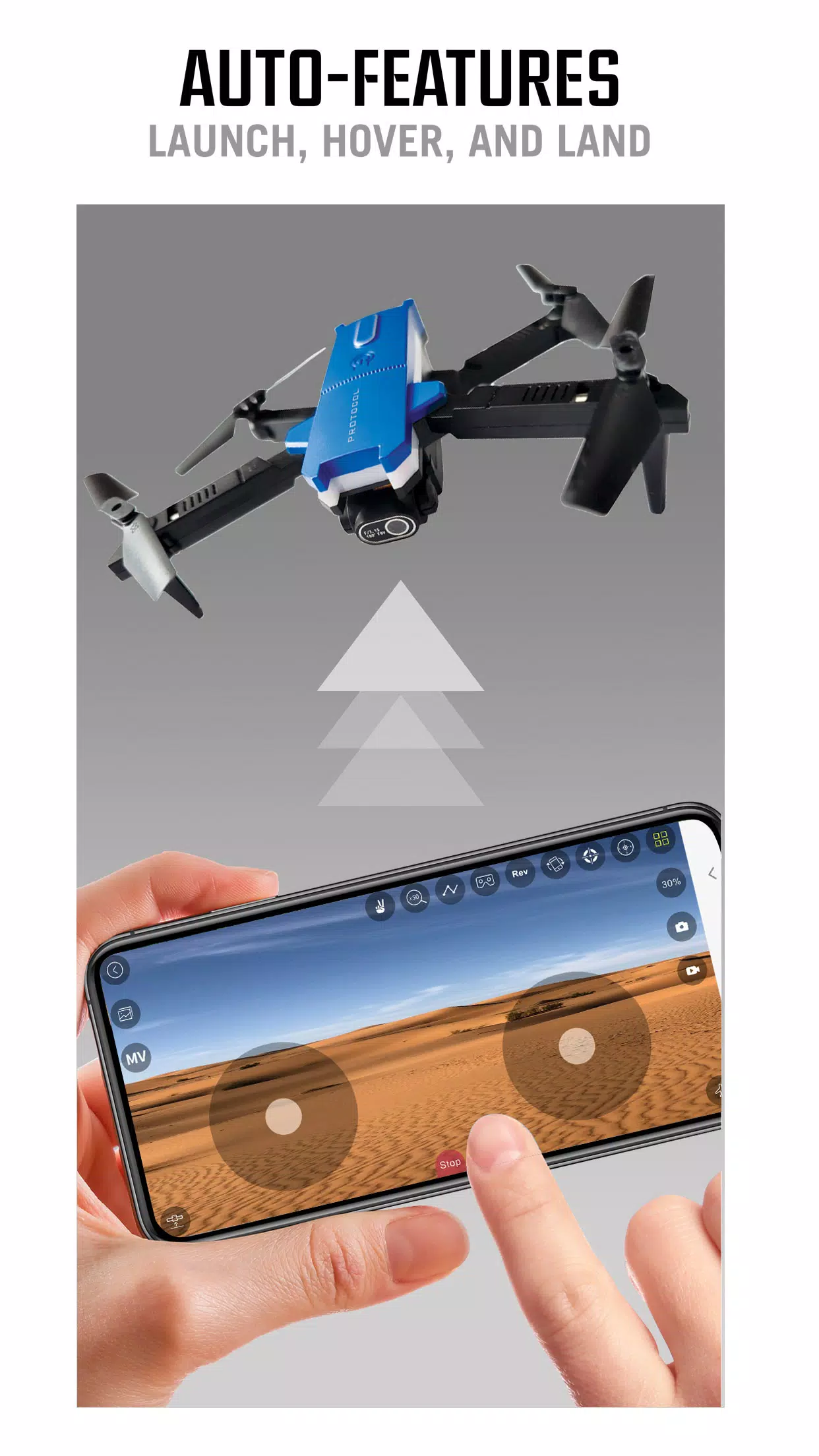
After pairing your device to the drone's Wi‑Fi network, Protocol AeroFlux shows a responsive live feed and overlayed telemetry such as altitude, battery status, and signal strength. The interface combines a virtual control pad with optional tilt-based steering, allowing you to choose the input method that best fits your device and flying style. The live preview supports framing guides and exposure controls so you can adjust camera parameters before recording. Video and photo files are saved to the device storage as soon as a capture completes, avoiding unnecessary delays in reviewing your shots.
Controls and Customization
Control customization is central to user comfort: you can fine-tune joystick sensitivity, invert axes, and set dead zones for more forgiving flight handling. Protocol AeroFlux includes alternative control modes and a practice mode that scales down maximum velocity to make learning safer. Camera options let you change resolution settings, capture intervals for time-lapse, and basic exposure adjustments. Layout preferences are saved per device so repeated flights maintain the same control feel. These personalization options help both new pilots gain confidence and experienced users optimize responsiveness for advanced maneuvers.
Progression, Training, and Challenge Systems
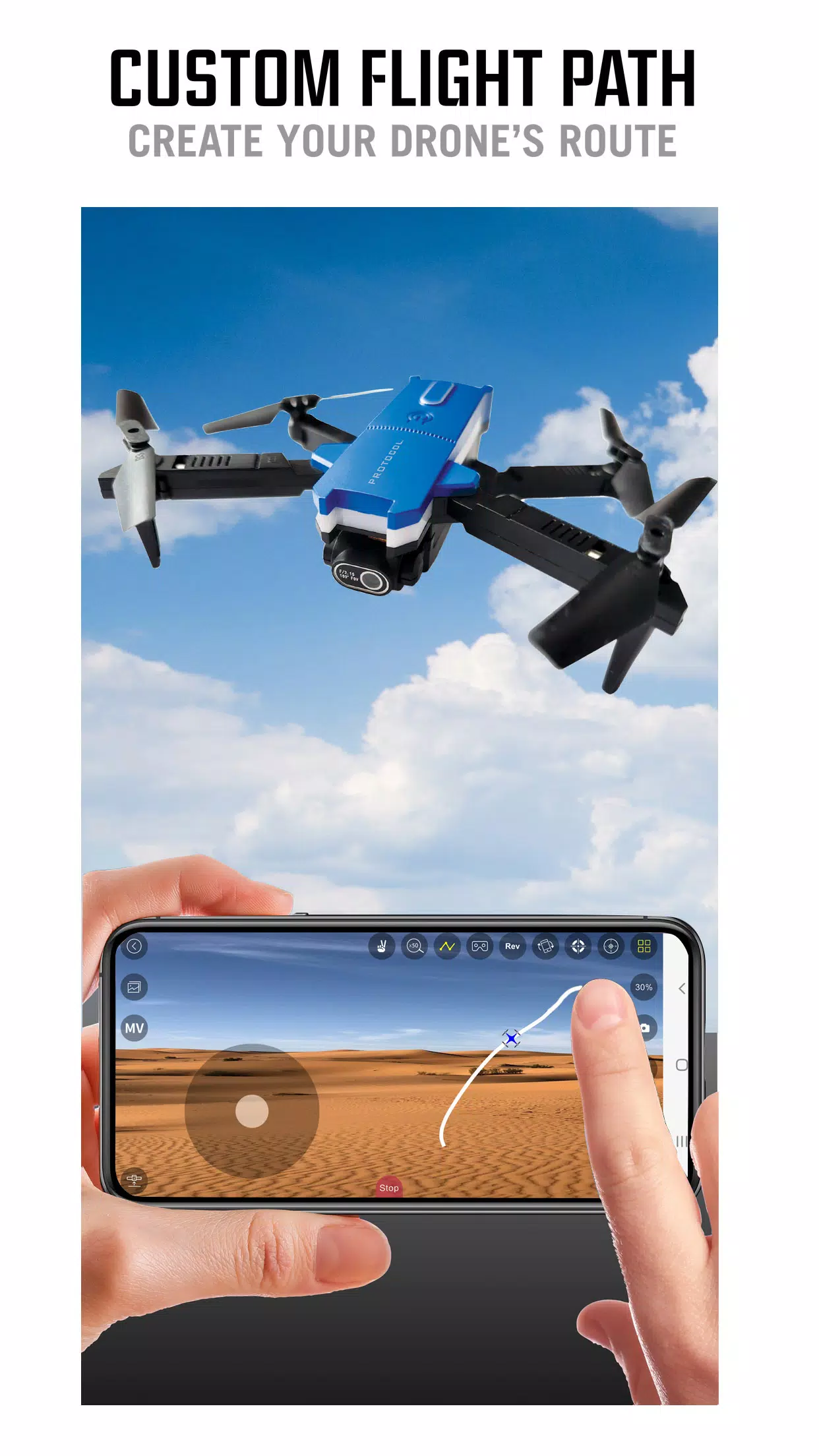
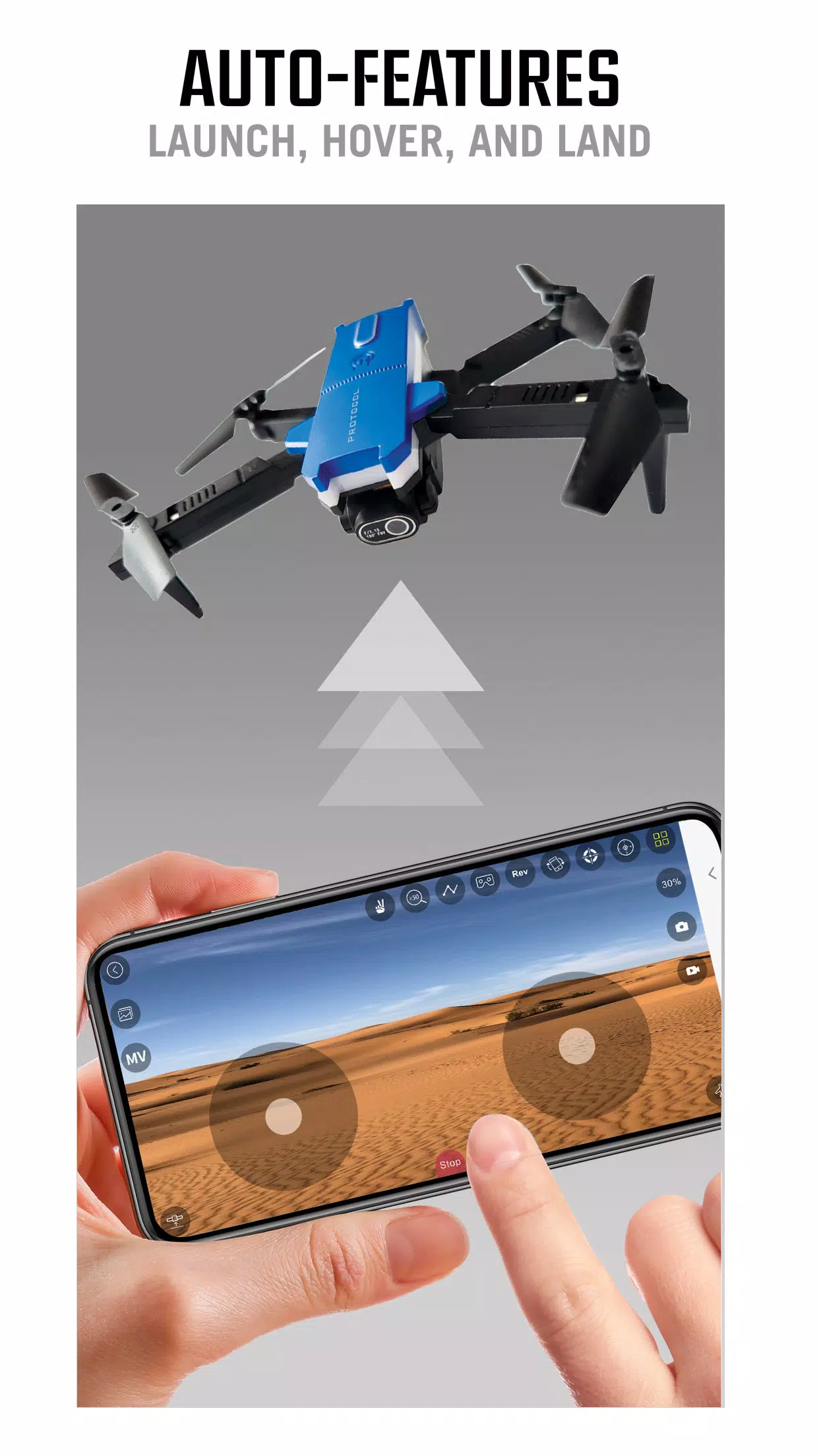
To support skill development, Protocol AeroFlux contains a progression-friendly training section with guided drills and configurable challenge tasks you can perform locally. Practice routines cover takeoff and landing, stable hovering, waypoint-style piloting (manual lines and patterns), and precision photography drills that encourage consistent framing and smooth flight paths. Each session records a short flight log with basic performance metrics—time aloft, stability measures, and battery usage—so you can track improvement over repeated attempts without relying on external servers.
Visual Style and Level Structure
The app uses a clear, minimalist visual style focused on readability in outdoor lighting. Large telemetry readouts and high-contrast controls reduce distraction while flying. Instead of a traditional game level structure, Protocol AeroFlux organizes flight activities into modes—Free Fly, Training, and Media Review—so pilots can quickly switch contexts depending on their objectives. Training modes include adjustable difficulty settings to simulate wind or signal variability, offering a structured way to increase challenge.
Customization and Replay Value
Customization extends beyond controls: save camera presets for different shooting scenarios, store preferred control layouts, and maintain a gallery of favorite clips. The replay value comes from practicing increasingly difficult maneuvers, experimenting with composition for aerial photography, and refining setup presets for different environments. Because media is stored locally, pilots can build a personal library of flight clips and photos to review and improve technique over time.
Accessibility, Offline Use, and Limitations
Protocol AeroFlux includes accessibility-friendly options such as larger control elements, alternative input schemes, and simplified telemetry displays for users who prefer reduced on-screen complexity. The app is designed to work offline: once paired with the drone's Wi‑Fi, the majority of features—control, live view, recording, and local media management—remain available without internet access. Note that the app requires an AeroFlux RC drone and relies on the drone's Wi‑Fi range; it cannot operate other manufacturers' hardware, and connection stability and maximum flight distance depend on the drone's radio and environmental conditions.
If you use Protocol AeroFlux as a flight companion, you get a focused toolset for flying, training, and capturing aerial media that balances simplicity for newcomers with depth for experienced pilots. The app's local-first design and customizable controls help make every flight session productive, whether you are learning basic stick work or fine-tuning shots for aerial photography.
Information
What would it be like to download video software for free? In this collection, you can find various video software that interests you, whether it’s video players or video editors—everything you need is here. All of it is provided for free, allowing you to download with ease and without any worries.





User Comments

My Abilities Centre is a versatile mobile app that combines scheduling, contactless check-ins, notifications and fitness tracking into a single, easy-to-use interface for people who want to manage daily activities and stay informed without juggling multiple services.
My Drama is an app that delivers original short dramas and micro-films designed for busy viewers who want a rich storytelling experience in short bursts. Each story runs roughly a minute, making this a great choice for commutes, coffee breaks, or relaxed moments at home or while dining. The collection highlights high-definition productions adapted from novels and is updated regularly, giving users fresh, polished content on every visit. With a mix of contemporary and legendary themes, My Drama provides an easy way to enjoy complete, satisfying narratives without a long time commitment.

RADIOS GUIDE WORLD is a user-friendly radio directory that lets listeners and broadcasters find and stream stations from across the globe. The app collects local and international channels in a searchable, easy-to-navigate interface so you can discover music, news and talk shows from many countries. Broadcasters can publish their station for free through the app's distribution system, reaching a wider audience without heavy technical setup. With broad format and protocol support the app aims to deliver reliable playback on a variety of devices, making RADIOS GUIDE WORLD a practical choice for casual listeners and station owners alike.

Avatar creator is a flexible avatar design tool that lets you build a personalized digital identity with full control over appearance, clothing, and accessories. Use Avatar creator to design a fun or professional representation of yourself from scratch, adjusting hairstyles, eye color, facial features and outfits to match your personal style. The app also makes it easy to share creations with friends or display them inside the app, and it supports ordering custom products featuring your avatar so you can turn digital designs into real-world items like T-shirts, phone cases, or posters.

Anime Browser puts a fast, clean interface on top of a popular tracking service so you can manage your anime and manga collections without opening a web browser. Anime Browser helps fans keep episode and chapter counts accurate, update statuses and ratings, and take personal notes from a mobile-friendly layout that supports light and dark themes. The app is built for quick list editing and discovery: you can jump between seasonal charts, your personal library, and newly added titles in just a few taps.

Melody Wallpaper brings the charming world of My Melody to your phone or tablet with a curated library of more than 150 wallpapers, images and animated GIFs designed for easy preview and application. Melody Wallpaper places high-resolution static art and animated backgrounds in one simple interface so fans can personalize home screens and lock screens with pastel, kawaii and character-pairing designs that work across different device sizes. The app makes it straightforward to browse themed collections, preview how an image will look on a device, and apply or save artwork without a steep learning curve.
