

 X
X
 facebook
 WhatsApp
 Email
Email
Introduction
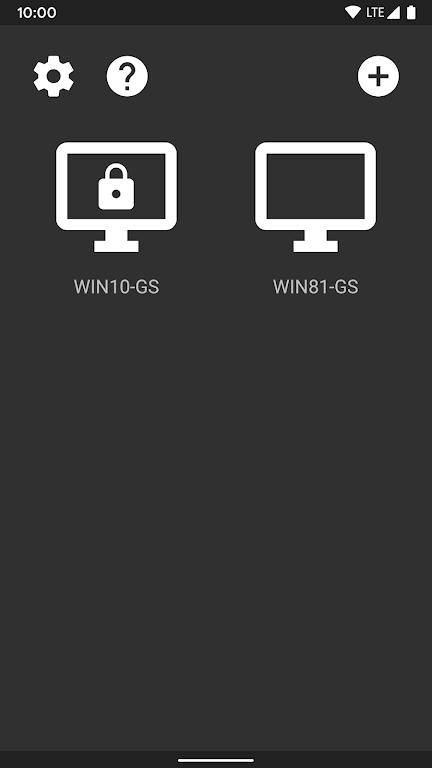
Moonlight is a lightweight, open-source streaming client that lets you play PC games, run desktop applications, or mirror your full PC screen on an Android device while sending keyboard, mouse, and controller input back to the host. Moonlight is designed to deliver low-latency performance at high resolutions and refresh rates, supporting surround sound and modern codecs, and it runs without ads or locked features so you can focus on a flexible streaming experience. Whether you want to move a demanding title from your desktop to a tablet, access productivity apps remotely, or use a controller away from your desk, this app provides a capable bridge between your PC and Android device.
Key features and how they help
The client supports streaming of games, programs, or an entire desktop with configurable resolution and frame-rate targets so you can prioritize image quality or responsiveness depending on your network and hardware. It decodes H.264 and HEVC streams and can receive AV1-encoded streams when both the host software and GPU support that codec; this gives you options for efficiency and quality on modern systems. Moonlight also carries multi-channel audio including 7.1 surround when available on the host, which preserves immersive sound for games and media. Local co-op is possible with many connected controllers, and the app forwards mouse, keyboard, stylus, and gamepad input to the host for full remote control.
Controls and user input
Input fidelity is a central focus: mouse movement and clicks, keyboard presses, and controller buttons are transmitted to the PC so you can play competitive or precision-focused titles from a handheld device. The client accepts input from PS and Xbox controllers that Android recognizes and supports force feedback and motion sensors on newer Android releases when the host and hardware allow it. Touch and stylus interactions are transmitted as pointer events so desktop programs that depend on a cursor or fine input remain usable, and many users find the combination of hardware controllers and precise touch input a practical way to play or work remotely.
Performance and visual style
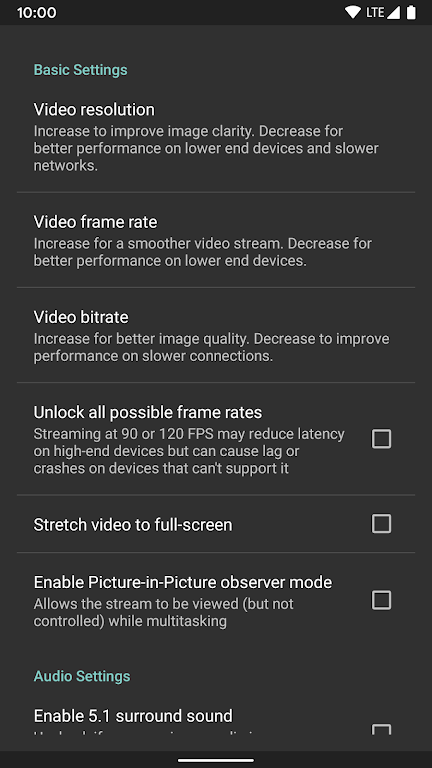
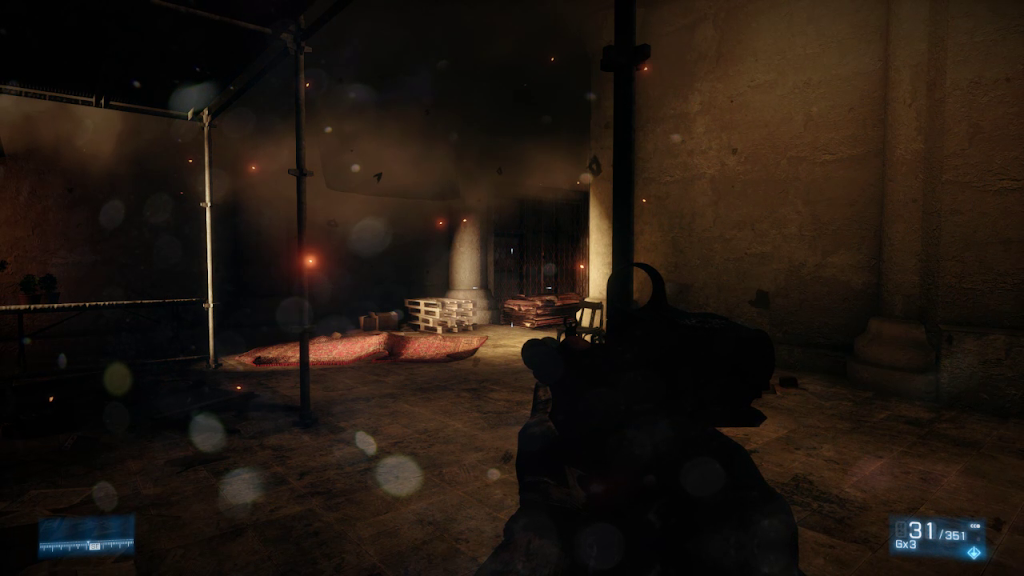
Moonlight aims to preserve the visual character of PC titles by supporting very high resolutions and frame rates when the host and network permit, including up to 4K at 120 frames per second under ideal conditions. HDR streaming is supported but requires an HDR-capable client display and host encoder that can write HDR metadata, so visual fidelity can vary by device. Because streaming quality depends on the encoding and network path, the app provides settings to tune bit rate, resolution, and frame pacing so you can find an acceptable balance between image quality and latency. These options let you maintain smooth motion on fast-paced games or prioritize clarity for single-player experiences.
Setup, compatibility, and recommended network tips
To stream, the host PC must run compatible server software; when that software is active and configured, Moonlight will discover and pair with the host over a local network and can also connect over the internet when the host is reachable. For the best results use a wired Ethernet connection on the host or a 5 GHz Wi-Fi link on both ends, minimize background uploads and downloads, and keep GPU drivers and the host server software up to date. If you encounter input lag or stuttering, lowering the target resolution or bit rate and testing a different transport mode usually improves responsiveness. The app works across a wide range of Android devices and scales its features with client hardware capabilities.
Use cases, replay value, and customization
Moonlight is useful for players who want to continue single-player campaigns away from their desk, for couch co-op sessions using a tablet as a shared screen, and for professionals who need to access desktop-only tools from another room or while traveling. Customization focuses on performance and control rather than cosmetic skins: you can tailor resolution, frame rate, and input mappings to suit different games and applications. Because it streams your actual PC installation, replay value comes from the breadth of titles and programs you already own rather than built-in progress systems; each new game or productivity workflow you try can change how you use the client.
Limitations and troubleshooting to expect
Streaming quality is inherently dependent on the host GPU, encoding settings, and your network. HDR requires an HDR10-capable client, a host encoder that supports HEVC Main 10, and an HDR-capable game, so not all setups will show true HDR. Certain advanced capabilities such as AV1 decoding or higher controller counts are gated by specific host software and compatible GPUs, which means functionality can vary from one system to another. If you rely on low latency for competitive play, test and tune settings on your home network before using remote connections over the internet.
Accessibility, privacy, and open-source benefits
Moonlight benefits from an open-source codebase that allows community review and contribution and avoids subscription walls or advertisements; this transparency can make it easier to assess privacy implications and keep the client lean. Accessibility is supported through broad input compatibility so users who need physical controllers, styluses, or keyboard navigation can adapt their setup. Because streaming requires a live host, the client has limited offline functionality: local settings and logs can be viewed without a connection, but the core streaming experience requires an active PC host and network connectivity.
Information
 Google Play

The Remote App Tool collection includes many Android apps that allow remote control. With the growing number of smart devices, it's easy to misplace remotes. These apps solve that problem, offering a convenient, free way to control your devices. They provide great convenience for your daily life!






User Comments

My Abilities Centre is a versatile mobile app that combines scheduling, contactless check-ins, notifications and fitness tracking into a single, easy-to-use interface for people who want to manage daily activities and stay informed without juggling multiple services.

My Drama is an app that delivers original short dramas and micro-films designed for busy viewers who want a rich storytelling experience in short bursts. Each story runs roughly a minute, making this a great choice for commutes, coffee breaks, or relaxed moments at home or while dining. The collection highlights high-definition productions adapted from novels and is updated regularly, giving users fresh, polished content on every visit. With a mix of contemporary and legendary themes, My Drama provides an easy way to enjoy complete, satisfying narratives without a long time commitment.

RADIOS GUIDE WORLD is a user-friendly radio directory that lets listeners and broadcasters find and stream stations from across the globe. The app collects local and international channels in a searchable, easy-to-navigate interface so you can discover music, news and talk shows from many countries. Broadcasters can publish their station for free through the app's distribution system, reaching a wider audience without heavy technical setup. With broad format and protocol support the app aims to deliver reliable playback on a variety of devices, making RADIOS GUIDE WORLD a practical choice for casual listeners and station owners alike.

Avatar creator is a flexible avatar design tool that lets you build a personalized digital identity with full control over appearance, clothing, and accessories. Use Avatar creator to design a fun or professional representation of yourself from scratch, adjusting hairstyles, eye color, facial features and outfits to match your personal style. The app also makes it easy to share creations with friends or display them inside the app, and it supports ordering custom products featuring your avatar so you can turn digital designs into real-world items like T-shirts, phone cases, or posters.

Anime Browser puts a fast, clean interface on top of a popular tracking service so you can manage your anime and manga collections without opening a web browser. Anime Browser helps fans keep episode and chapter counts accurate, update statuses and ratings, and take personal notes from a mobile-friendly layout that supports light and dark themes. The app is built for quick list editing and discovery: you can jump between seasonal charts, your personal library, and newly added titles in just a few taps.

Melody Wallpaper brings the charming world of My Melody to your phone or tablet with a curated library of more than 150 wallpapers, images and animated GIFs designed for easy preview and application. Melody Wallpaper places high-resolution static art and animated backgrounds in one simple interface so fans can personalize home screens and lock screens with pastel, kawaii and character-pairing designs that work across different device sizes. The app makes it straightforward to browse themed collections, preview how an image will look on a device, and apply or save artwork without a steep learning curve.
