
 X
X
 facebook
 WhatsApp
 Email
Email
Introduction
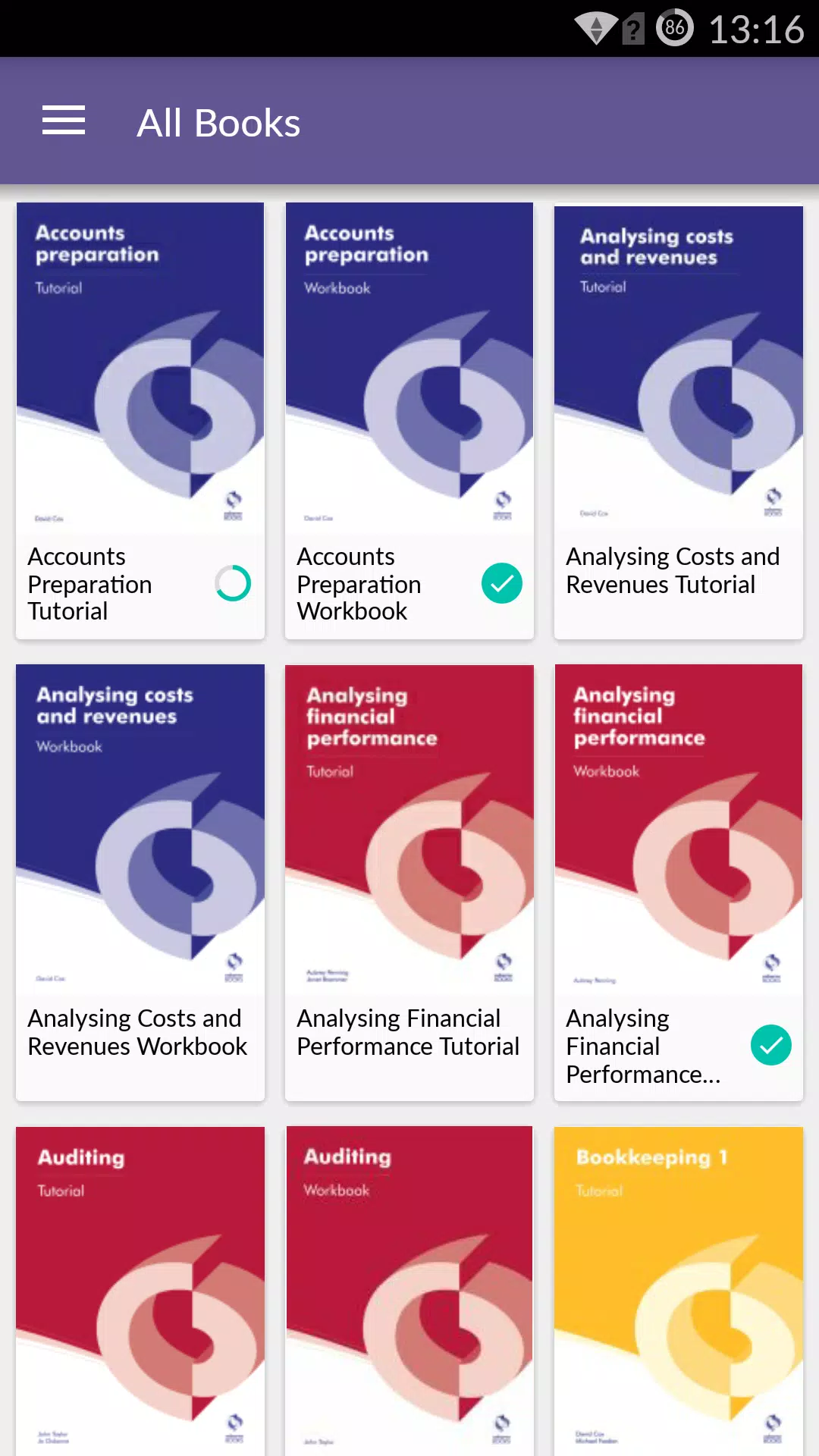
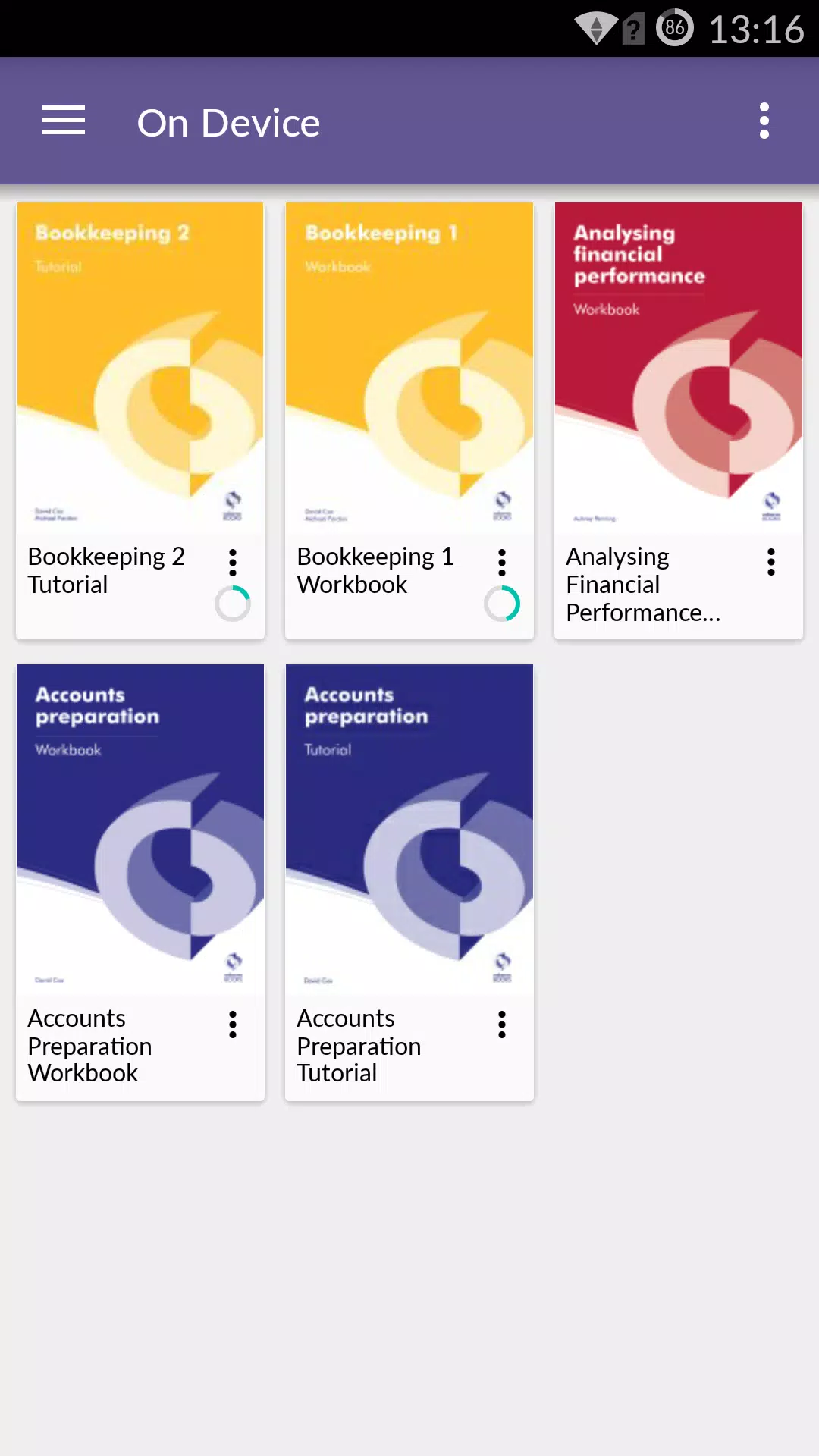
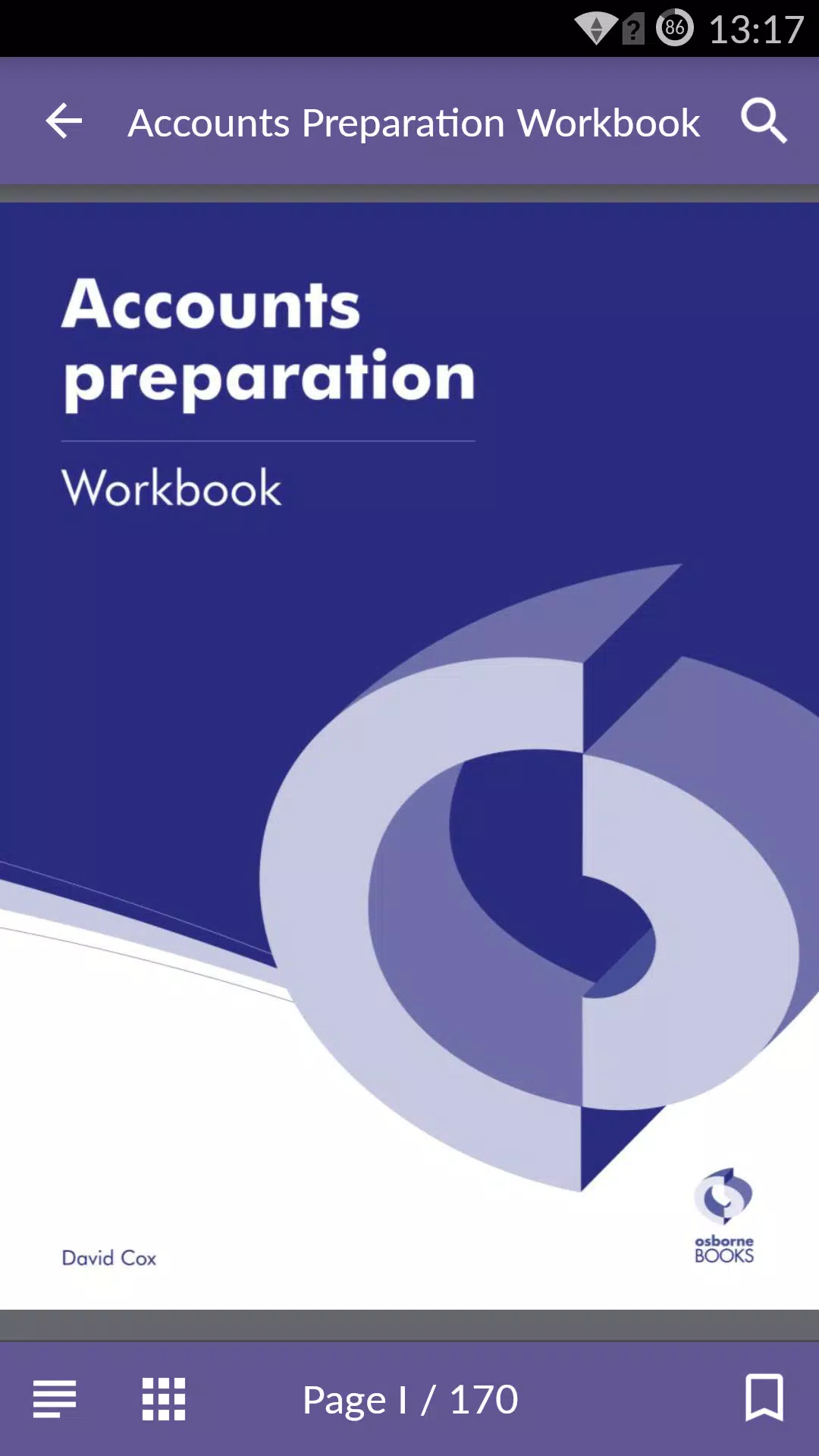
Osborne Books is a purpose-built mobile reader that places accounting textbooks and companion ebooks designed for AAT and related qualifications into a single app. Osborne Books lets students and tutors access purchased titles through secure Student Zone and Tutor Zone accounts, read titles online or download them for offline study, and carry structured revision materials on a phone or tablet for focused sessions between classes.
Key Features
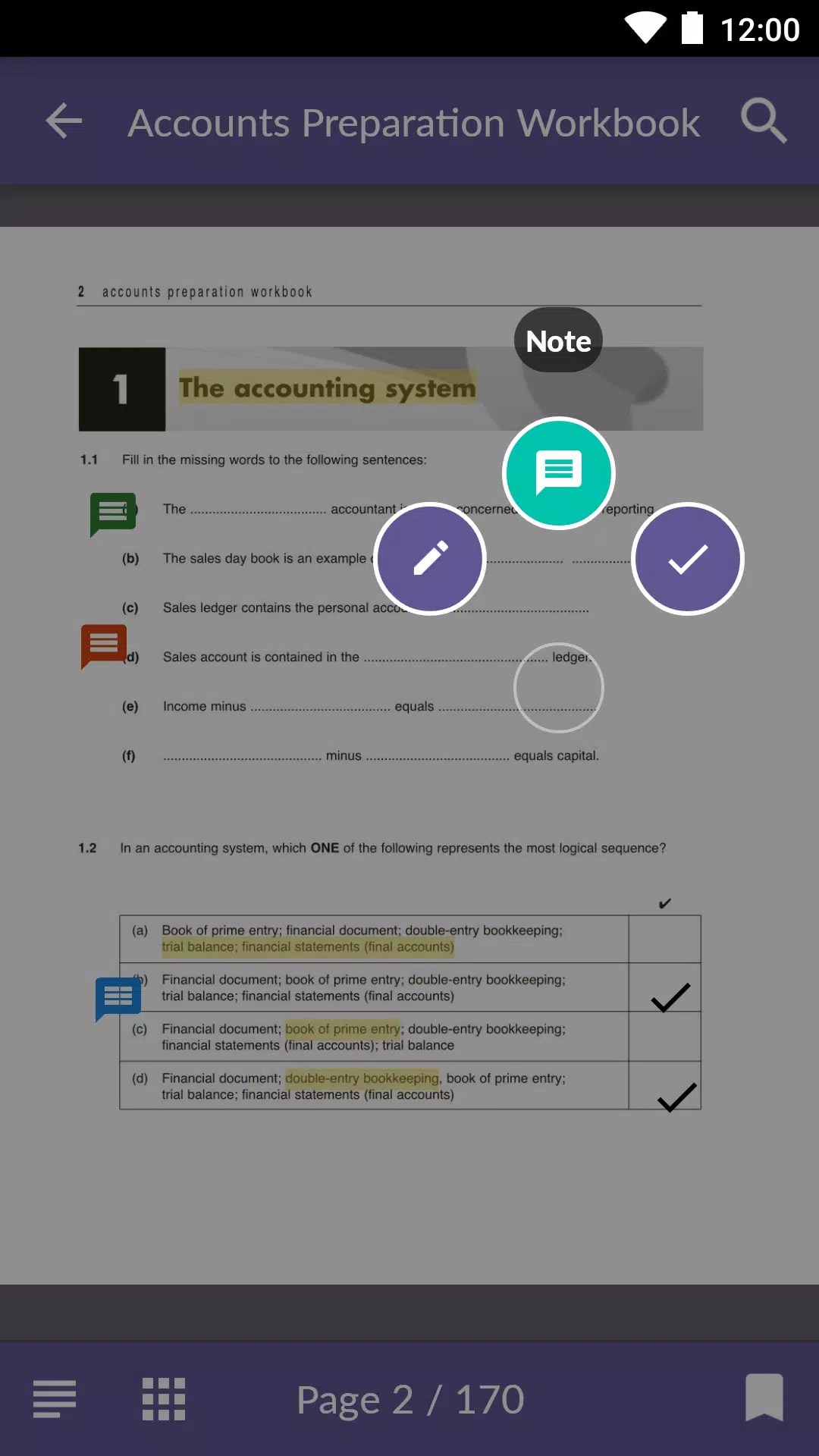
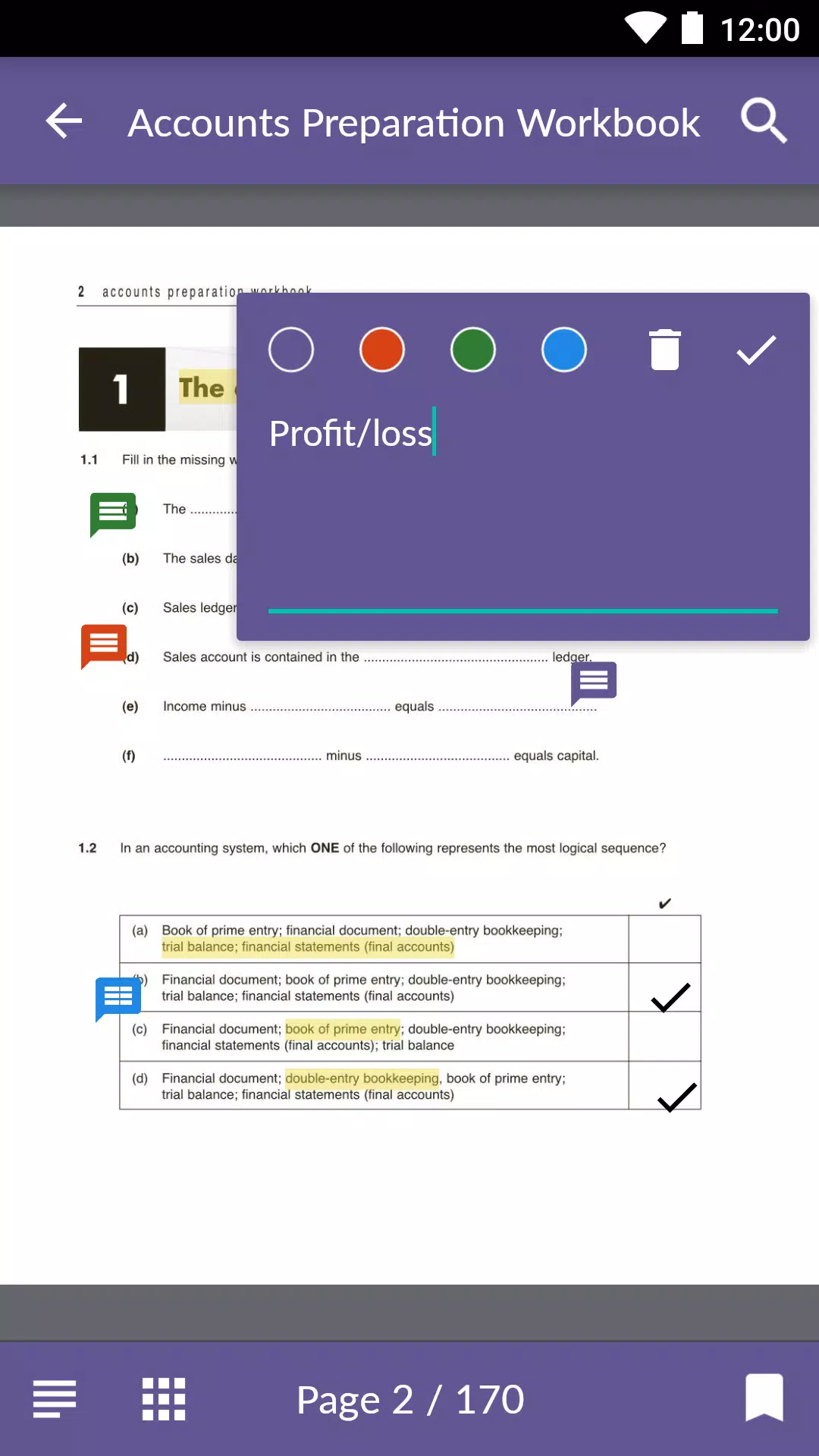
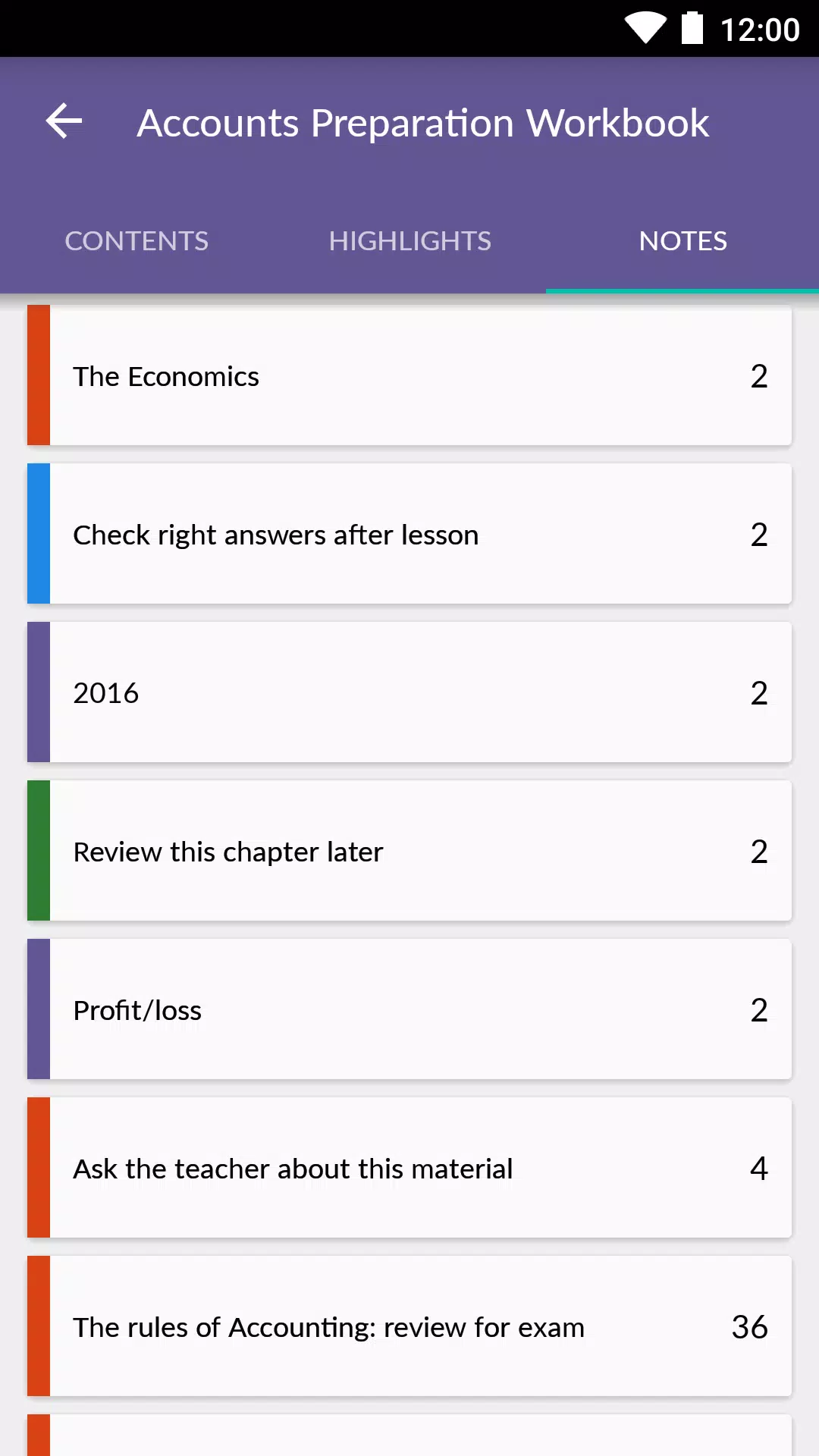
The app supports full ebook reading with a clear chapter and section structure so you can move quickly between syllabus topics. Annotations are flexible: create color-coded notes and highlights to tag principles, definitions and worked examples. Use checkmarks and bookmarks to record answers to practice questions or to flag pages for later review. Automatic cloud sync keeps your annotations and reading position updated across devices so progress follows you whether you switch from tablet to phone or pick up where you left off in a different location.
Reading experience and controls
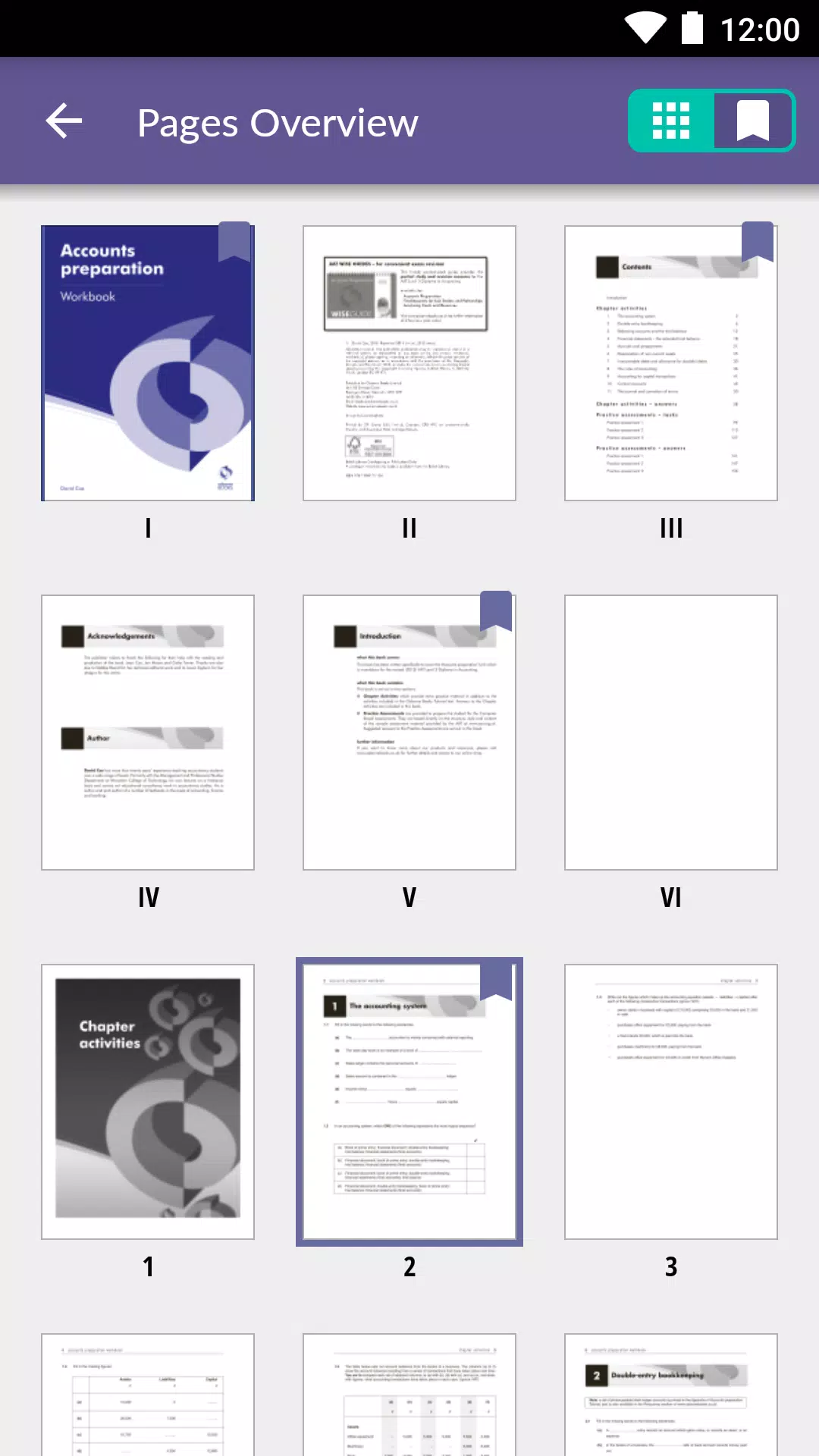
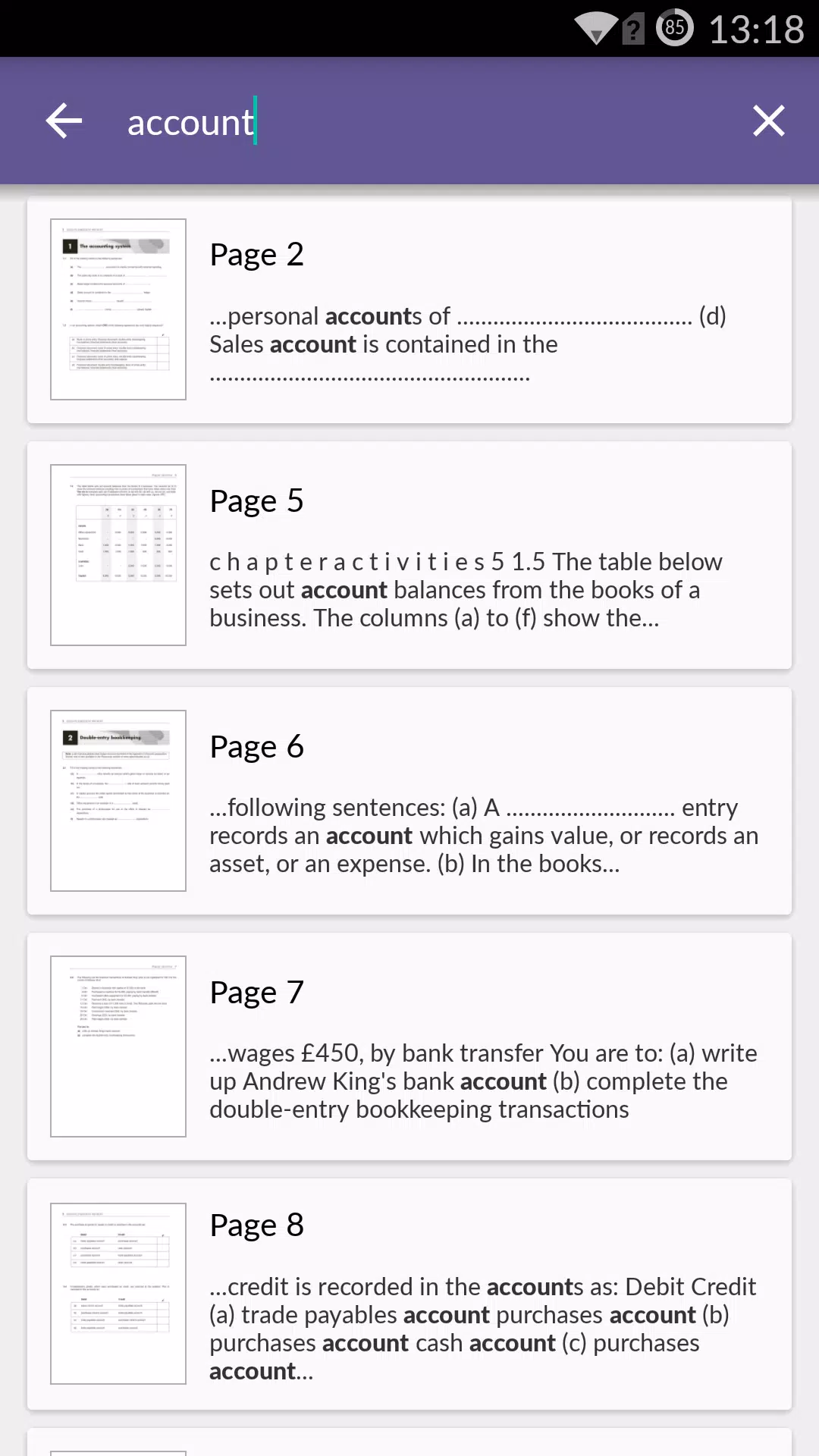
Navigation emphasizes study efficiency: a persistent table of contents helps you jump between units, while taps and simple gestures turn pages and open context menus for note-taking. The app displays content in a straightforward, uncluttered layout optimised for technical material: numbered examples, tables and exercise blocks are kept readable to reduce distraction when revising. Controls are designed to be intuitive for students who need quick access to practice sections during revision sessions or tutorials.
Progression and study tracking
Osborne Books keeps a practical record of your study progress. Reading position, marked practice answers and bookmarks provide a lightweight progression system that helps you map what you have covered and what requires further work. Tutors can use Tutor Zone access to prepare students and track material coverage at a course level where permitted by your centre. The app is structured to support iterative study cycles: read, annotate, practise, then revisit highlighted areas before exams.
Practice and challenge systems
Practice questions and answer checkmarks are integrated with the text so you can mark completed items as you work through exercises. This simple challenge system is suitable for exam preparation because it allows you to see which questions need repeating and which topics you have already consolidated. The approach encourages active learning without introducing competitive or ranking elements; focus remains on mastery of the syllabus material.
Layout, customization and visual style
The visual design is utilitarian and study-focused: clear typography, consistent heading styles and controlled spacing make dense accounting content easier to scan. Annotation tools include multiple highlight and note colours so you can develop a personal revision code for concepts, formulas and worked examples. Page view options and contrast choices are provided to support longer study sessions and help maintain focus on tables and figures important in accounting textbooks.
Level structure and replay value
Content within Osborne Books follows the natural structure of accounting courses: chapters, units and practice sections are arranged so you may treat each chapter as a study level. Replay value comes from repeated review cycles, the ability to retake practice exercises and to revisit annotated examples. Because the app combines text with persistent notes and bookmarks, repeated passes through material become more efficient and targeted over time.
Offline play and synchronization
Offline access is a core feature for students who need to study without constant internet. Downloaded titles remain available for reading and annotation when you are offline; annotations and bookmarks made offline are queued and synced to the cloud when a connection is restored. This ensures you do not lose progress and that your study record remains consistent across devices without manual file transfers.
Accessibility and user experience
The app aims for accessibility through readable fonts, clear contrast and consistent layout to help users with extended study periods. Keyboard navigation and simple touch controls make it straightforward to move through chapters, and the annotation workflow is designed to minimise interruption to reading. Customer support via Osborne Books assists with account setup, access rights for Student Zone and Tutor Zone accounts, and troubleshooting so that students and tutors spend less time on configuration and more on study.
Development team and support
The app is published and maintained by Osborne Books, a specialist publisher of accounting textbooks and companion ebooks for AAT and related courses. The team provides technical updates, account support and content delivery to ensure institutions and individual customers can access purchased materials securely and reliably. If you are using Osborne Books through a training centre, Tutor Zone access may be subject to centre eligibility and proof of purchase as part of standard access control.
Information
User Comments

Jojo Chess School is a comprehensive training app that helps beginners and experienced players sharpen chess skills through structured, interactive lessons. The app organizes hundreds of activities—explanations, capture drills, tactical puzzles, multiple-choice quizzes and practice positions against an AI—so users can learn concepts, rehearse piece movements and test understanding in short, focused sessions. Whether you want to build a solid opening foundation, improve tactical vision or rehearse essential endgame positions, Jojo Chess School provides guided practice and instant feedback to make steady improvement more manageable and engaging.

Osborne Books is a purpose-built mobile reader that places accounting textbooks and companion ebooks designed for AAT and related qualifications into a single app. Osborne Books lets students and tutors access purchased titles through secure Student Zone and Tutor Zone accounts, read titles online or download them for offline study, and carry structured revision materials on a phone or tablet for focused sessions between classes.

Class - 2 Nepali Teacher Guide brings the full Class 2 Nepali teacher guide into a compact mobile format, giving educators quick access to curriculum content, lesson outlines, and pedagogy notes wherever they work. The app displays the official teacher guide as a navigable PDF so readers experience the same structure and pagination as the printed edition while benefiting from mobile-friendly controls and a lightweight interface designed for fast reference. Teachers who need to plan lessons between classes, check objectives during instruction, or review assessment pointers can rely on Class - 2 Nepali Teacher Guide as a practical companion without carrying extra materials.

AiEnglish brings a fresh, technology-driven way to learn English by combining live lessons from Australian studios with classroom sessions in China, giving students real-time interaction with native speakers. The app uses a "Studio to Classroom" co-teaching model so learners get authentic pronunciation, cultural context, and teacher-led instruction that closely resembles in-person classes. Students looking for immersive speaking and listening practice will appreciate AiEnglish’s emphasis on high-quality audio-visual delivery, low latency, and professional lesson settings that make remote learning feel natural whether at home or in school.

Liceo Fray Amadeo is a school information app built for students, parents and staff of the Educational Center in El Progreso, Jutiapa that brings schedules, grades, assignments and official notices together in one easy-to-use place. The first paragraph gives you a clear sense of purpose: Liceo Fray Amadeo consolidates timetables, classroom resources and announcements so families remain informed and teachers can share updates without duplication. The interface is intentionally simple and multilingual, so checking upcoming exams, reviewing class materials and receiving timely notifications is straightforward for all members of the school community.

Geology Dictionary Offline is a compact, searchable offline reference that brings thousands of geological terms to your device, making it ideal for students, educators and anyone curious about Earth's materials and processes. The app provides clear, concise definitions and quick search tools so you can look up mineral names, rock types, processes, and basic geoscience concepts without an internet connection. Geology Dictionary Offline is useful for exam revision, fieldwork preparation, or casual learning because it combines easy navigation, alphabetical organization and memory-friendly explanations into a free, lightweight study aid.