
 X
 facebook
 WhatsApp
 Email
Introduction
IseeU turns your smartphone into a practical family safety and device‑locating tool so you can see where loved ones are in real time and find a misplaced phone quickly. Designed for everyday coordination rather than constant monitoring, IseeU combines continuous location updates with easy profile management and configurable alerts so families can plan meetups, check on children after school, or keep an eye on elderly relatives without repeated calls. The app also includes one‑tap communication shortcuts and direct links to your preferred navigation app to make giving or following directions fast and intuitive.
Key features and in‑app controls
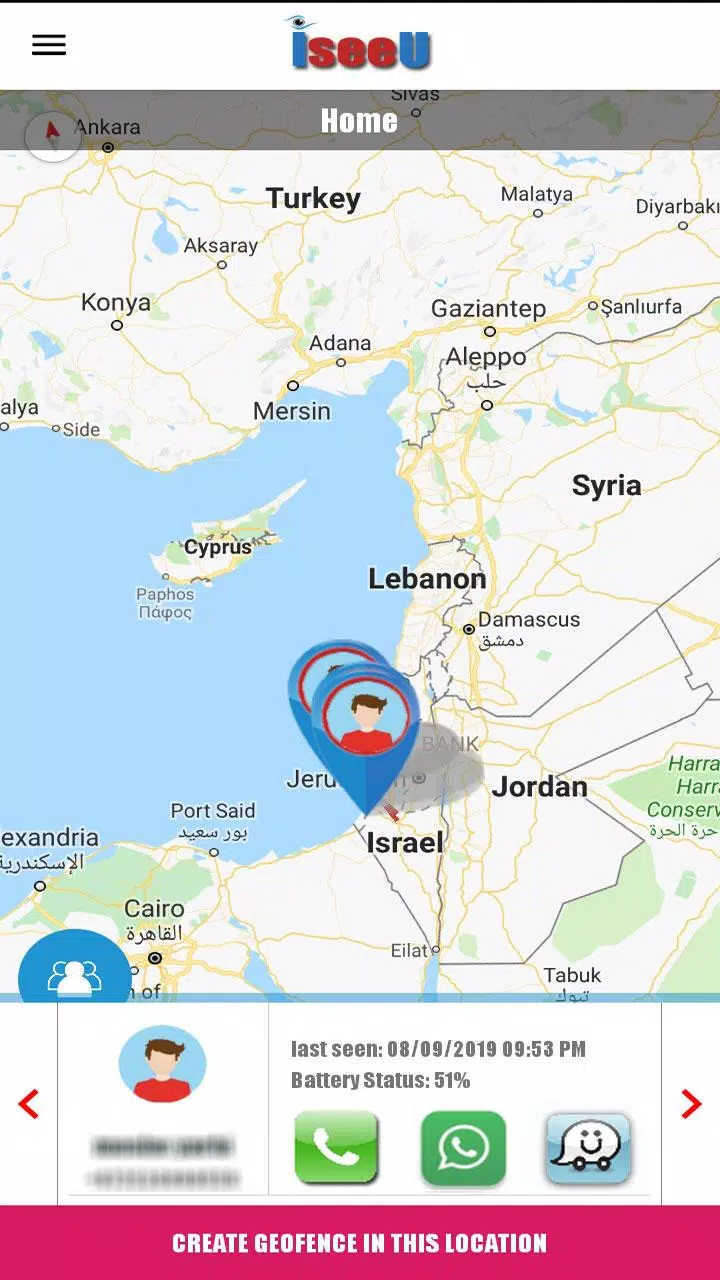
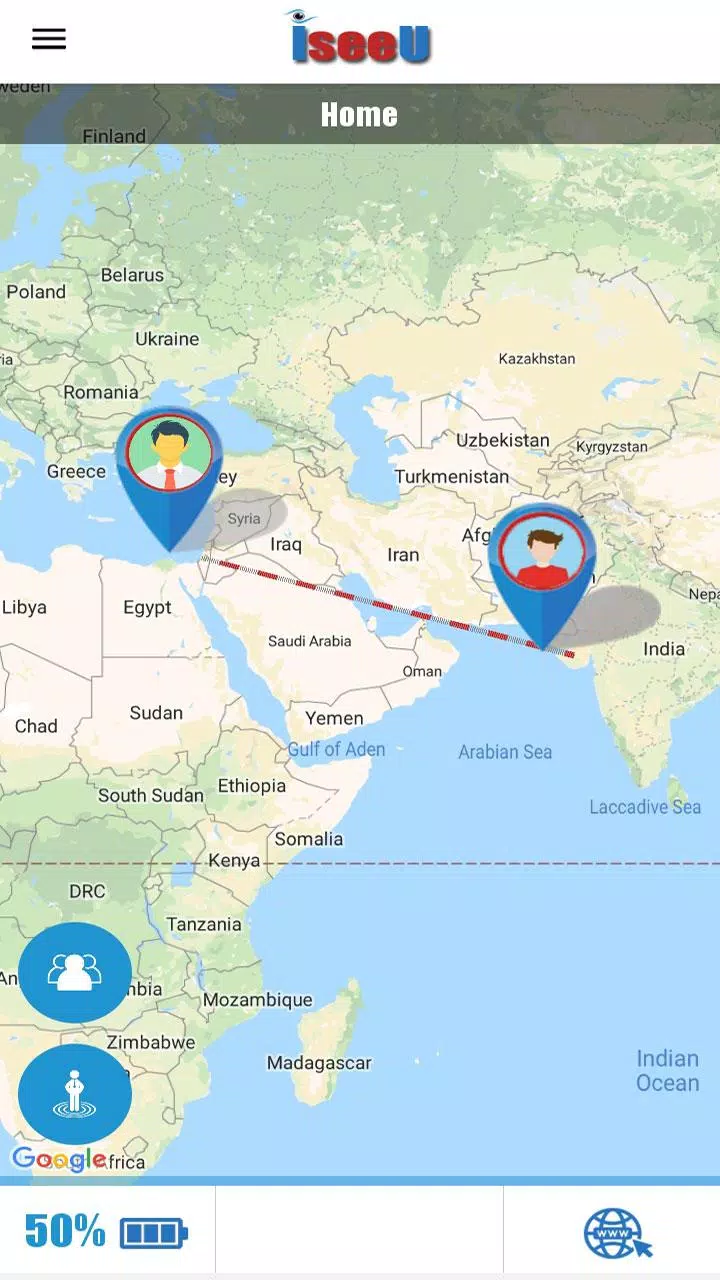
The main features center on timely information and simple controls: frequent, real‑time location updates with clear timestamps and battery indicators; geofencing with arrival/departure notifications; a device locator that shows last seen location when a phone is offline; and configurable notification sounds and custom icons so you can identify transport mode or people at a glance. Controls are intentionally straightforward — tap a profile to open contact shortcuts, swipe or press to set up a geofence, and use clear toggles to share or pause location. IseeU’s map view keeps primary actions reachable and reduces the number of steps needed to call, message, or navigate to someone’s position.
How it works and onboarding progression
Onboarding is designed as a short progression so new users move from installation to useful tracking in a few guided steps: grant necessary permissions, create or join profiles, choose notification preferences, and test the device locator. Each step is explained with concise prompts and examples so users understand why permissions are requested and how they affect accuracy and battery life. The app stores a short activity timeline so you can review recent movements and events; this progression of setup and incremental customization helps the app become more valuable as you add family members and tailor alerts to routine locations like school or work.
Customization, visual style and accessibility
The visual style favors clarity over clutter: high‑contrast map pins, readable typography, and a minimal toolbar that keeps most of the map visible. Customization options include alert tones, geofence radii, and icon sets for transport modes or frequently visited places, which helps users personalize notifications without deep menus. Accessibility is considered through large touch targets, adjustable font scaling, and clear color contrast for important status indicators so adults of varying technical skills can set up profiles and respond to notifications with confidence.
Usability, offline behavior and replay value
IseeU is built for regular, practical use rather than one‑time novelty: it’s useful for daily commutes, event meetups, coordinating childcare, or locating a lost device. When connectivity is interrupted the app provides last‑seen timestamps and cached location markers so you still have useful context, though live tracking and timely alerts require network and GPS. Because the app supports multiple profiles and flexible geofencing, users often return to adjust zones, update notification preferences, or check device battery status, which creates genuine replay value as routines evolve.
Challenges, tips and limitations
There are tradeoffs to consider: continuous location updates can increase battery consumption on tracked devices, and GPS accuracy or timely alerts depend on signal strength and network availability. To reduce battery drain users can lengthen update intervals for less critical profiles, restrict background activity per device, or rely on geofence alerts rather than continuous tracking. The app also requires certain permissions to function correctly; the onboarding process explains these so users can make informed choices about privacy and performance.
Privacy, data protection and practical considerations
Privacy and data protection are presented clearly within the app, with options to control who sees location data, how long activity logs are retained, and when sharing is paused. IseeU adheres to recognized standards for handling personal information and gives administrators straightforward tools to remove or edit profiles if family needs change. While no location app can overcome missing GPS or a powered‑off device, the combination of battery indicators, last‑seen timestamps and direct communication shortcuts helps families respond quickly and confidently when situations arise.
Information
 Google Play
User Comments

IseeU turns your smartphone into a practical family safety and device‑locating tool so you can see where loved ones are in real time and find a misplaced phone quickly. Designed for everyday coordination rather than constant monitoring, IseeU combines continuous location updates with easy profile management and configurable alerts so families can plan meetups, check on children after school, or keep an eye on elderly relatives without repeated calls. The app also includes one‑tap communication shortcuts and direct links to your preferred navigation app to make giving or following directions fast and intuitive.

71 MOB - Motorista is a practical transport app that makes requesting a ride fast, safe and transparent. The service lets you book a car with a few taps, check the estimated fare before you confirm and see detailed driver information while they approach. It’s a good choice if you want predictable pricing, accredited drivers and the ability to contact your driver instantly. The app includes real‑time tracking, rating after each trip, and round‑the‑clock support, so commuters and occasional travelers alike can rely on comfortable, air‑conditioned vehicles and straightforward, easy-to-use functionality.

Waldbrand Brandenburg is a practical mapping and field-reference application created for firefighters and emergency teams operating in the Brandenburg region; it places offline maps, GPS localization and a focused dataset of water supply points into the hands of crews when mobile coverage is unreliable and decisions must be made quickly. The app bundles reliable map rendering with a simple search interface so responders can locate the nearest withdrawal sites, view relevant access notes and plan routes even in low-connectivity situations.

Mappe catasto e ziopino brings Italy's cadastral maps and an AI-powered consultant to your device, giving professionals and property owners access to updated land registry data, parcel searches and measurement tools in the field or at the office. The app pairs an intuitive map navigator with official cadastral information, graphical area calculations, distance measurement and live geolocation so you can identify parcels as you move. It also embeds the AI character Ziopino to answer questions on land and buildings registers, reconfinements and drone topography, helping users interpret regulations and speed up on-site decisions.

EBR CAR Passageiro is a compact Android utility designed to simplify passenger travel management, booking and trip tracking. The app centralizes ride requests, live driver status, and fare details into a clear interface that fits commuters who need fast access to transport information on the go. For daily riders and occasional travelers alike, EBR CAR Passageiro focuses on predictable flows so you can request, confirm and ride with minimal friction.

トイレール ~東京メトロの駅内トイレ情報アプリ~ is a compact, location-focused utility that maps Tokyo Metro station restrooms and provides real-time accessibility details, amenities, and directions. Designed for commuters and visitors, the app helps you find clean, wheelchair-accessible, and baby-friendly toilets quickly, saving time during travel across the metro network.