
 X
X
 facebook
 WhatsApp
 Email
Email
Introduction
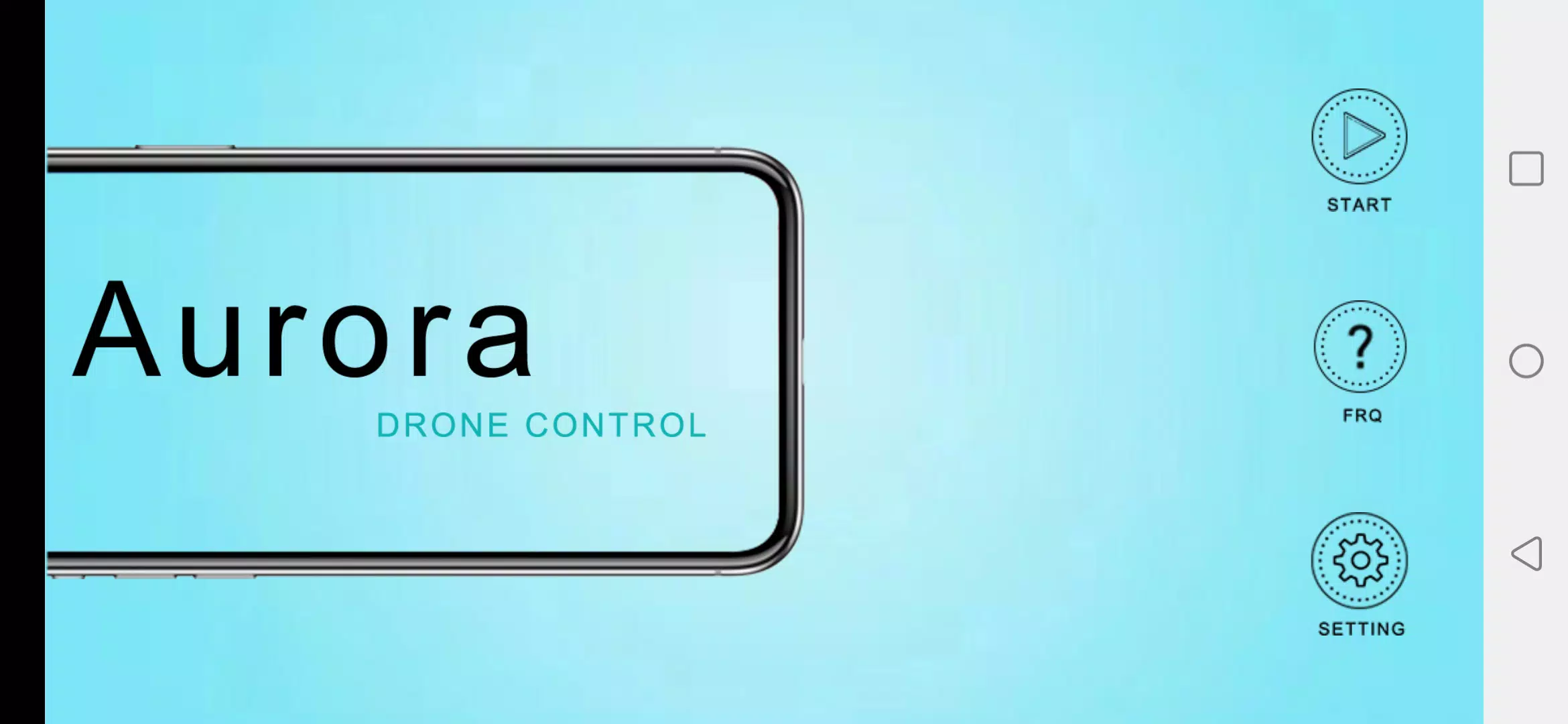
Aurora FPV is an Android application designed to put real-time first-person view piloting into the palm of your hand. With WiFi control for 4-axis aircraft and low-latency video streamed to your phone, Aurora FPV targets hobbyists, content creators and newcomers who want a simple, mobile-first way to fly, film and save aerial footage. The app pairs an intuitive touchscreen interface with responsive flight inputs so beginners can learn core maneuvers quickly while experienced pilots can dial in sensitivity and responsiveness for more controlled flights.
Flight controls and core mechanics
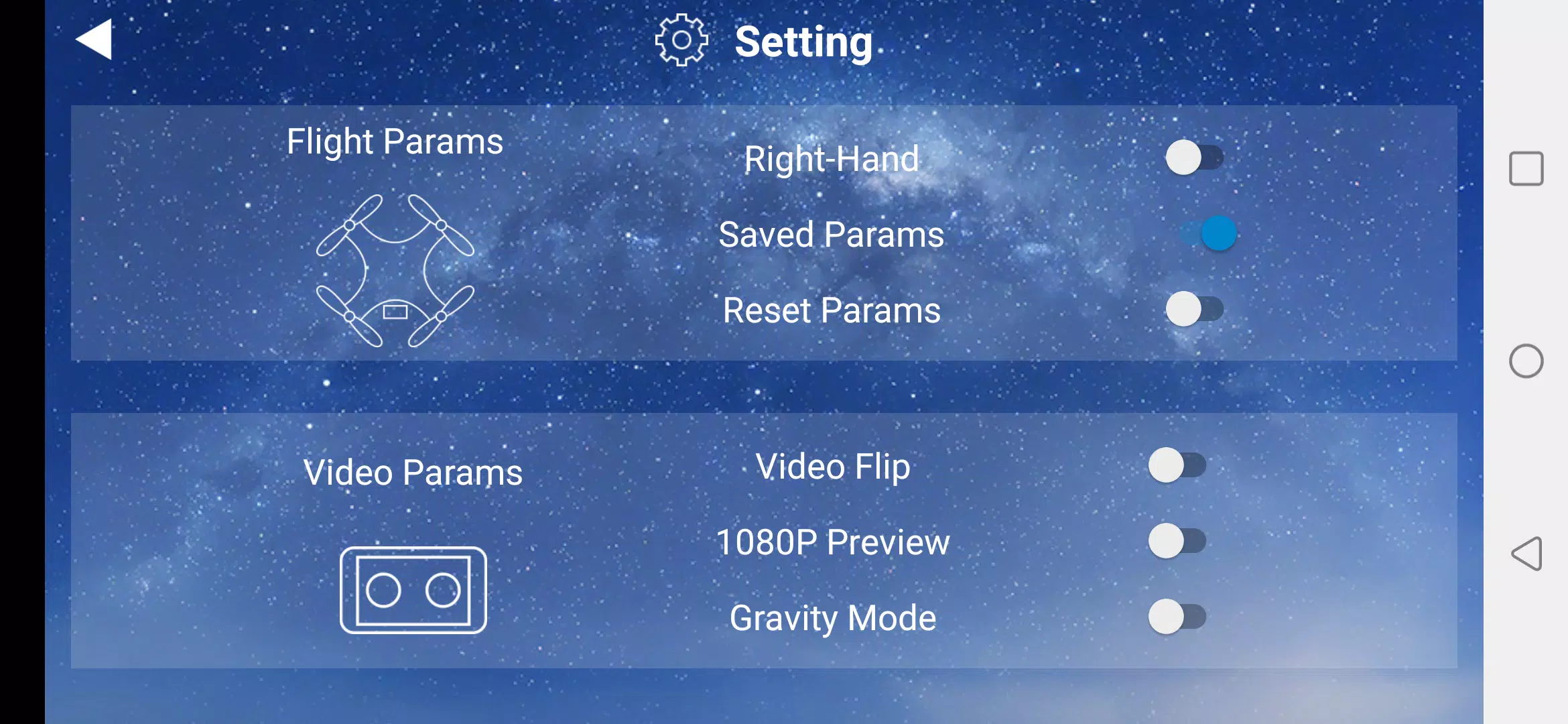
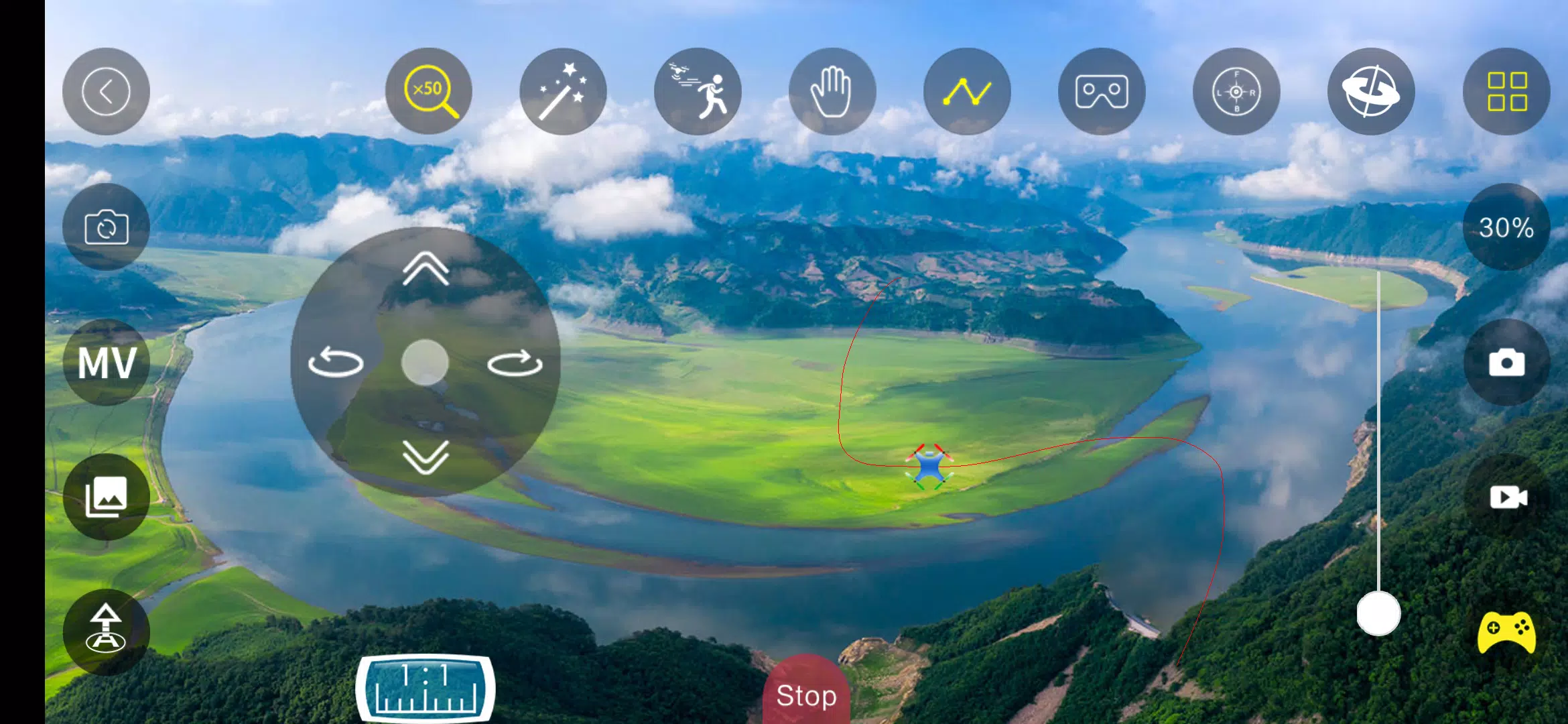
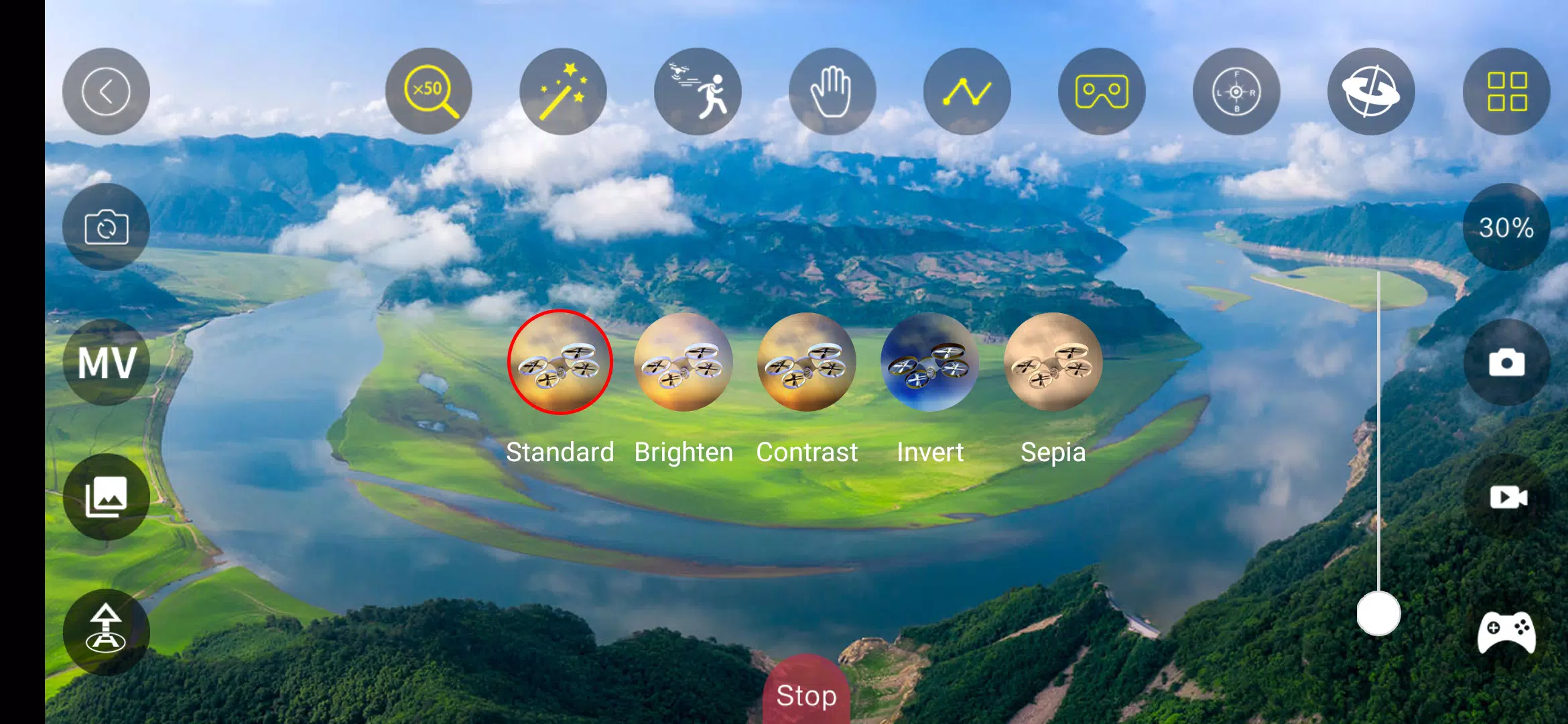
The core of Aurora FPV is its control scheme: touch-based sticks, optional tilt or virtual joystick layouts, and on-screen telemetry that keep you aware of signal strength and flight status. Controls are designed to be adjustable so you can change stick sensitivity, dead zones and rate curves to match your flying style. The app emphasizes minimal input lag for smooth camera pans and stable hover behavior, and includes calibration tools for aligning device sensors with aircraft controls to ensure consistent responses across sessions.
Progression, practice and learning
Aurora FPV supports gradual progression without unnecessary complexity: start in conservative control settings and increase responsiveness as you gain confidence. The app encourages deliberate practice by letting you record short practice flights and review the footage to identify inputs to refine. Built-in guidance and context-sensitive tips help with basic maneuvers and setup, and adjustable control presets let you save preferred configurations as your skills advance. These elements combine to create a practical learning path from basic takeoff to more advanced manual control.
Camera, media capture and replay value
Live FPV streaming to your Android device is paired with on-device photo capture and video recording so every flight can be archived and reviewed. Aurora FPV saves media directly to local storage where you can playback footage offline, trim clips with basic timestamps, and manage recordings by date or flight session. The ability to instantly record interesting shots, then watch and analyze them on the same device, increases replay value and supports iterative improvement for both piloting technique and content creation.
Customization, visual style and usability
The app’s interface keeps essential information visible while remaining uncluttered: camera feed, telemetry readouts and touch controls are arranged to maximize viewing area for the FPV stream. Visual elements such as HUD contrast, icon size and control layouts can be adjusted to suit lighting conditions and user preference, improving accessibility for a wide range of users. This flexibility helps Aurora FPV remain usable whether you prefer a minimalist view for filming or a data-rich screen for precision flying.
Compatibility, performance and offline capabilities
Aurora FPV is built to work with many 4-axis aircraft models that communicate over WiFi, and it includes performance optimizations for a variety of Android handsets to keep control responsiveness and video smooth. While live streaming requires an active WiFi link to the aircraft, recorded media and saved settings remain available offline so you can review footage, adjust control presets, and prepare for future flights even without network access. Performance may vary by aircraft firmware and phone hardware, so brief pre-flight checks are recommended.
Challenges, limitations and practical tips
Because Aurora FPV relies on a WiFi connection to the aircraft, range and video quality depend on link strength and environmental conditions; buildings, interference and battery state can affect the experience. The app is focused on 4-axis aircraft and may not support nonstandard configurations without compatible control protocols. To reduce surprises, test new aircraft models in a safe open area, keep your Android software current, and use the app’s calibration and sensitivity settings to match the aircraft’s behavior. These practical steps will help you get the most from Aurora FPV while understanding its operational limits.
Information
 Google Play
What would it be like to download video software for free? In this collection, you can find various video software that interests you, whether it’s video players or video editors—everything you need is here. All of it is provided for free, allowing you to download with ease and without any worries.





User Comments

My Abilities Centre is a versatile mobile app that combines scheduling, contactless check-ins, notifications and fitness tracking into a single, easy-to-use interface for people who want to manage daily activities and stay informed without juggling multiple services.

My Drama is an app that delivers original short dramas and micro-films designed for busy viewers who want a rich storytelling experience in short bursts. Each story runs roughly a minute, making this a great choice for commutes, coffee breaks, or relaxed moments at home or while dining. The collection highlights high-definition productions adapted from novels and is updated regularly, giving users fresh, polished content on every visit. With a mix of contemporary and legendary themes, My Drama provides an easy way to enjoy complete, satisfying narratives without a long time commitment.

RADIOS GUIDE WORLD is a user-friendly radio directory that lets listeners and broadcasters find and stream stations from across the globe. The app collects local and international channels in a searchable, easy-to-navigate interface so you can discover music, news and talk shows from many countries. Broadcasters can publish their station for free through the app's distribution system, reaching a wider audience without heavy technical setup. With broad format and protocol support the app aims to deliver reliable playback on a variety of devices, making RADIOS GUIDE WORLD a practical choice for casual listeners and station owners alike.

Avatar creator is a flexible avatar design tool that lets you build a personalized digital identity with full control over appearance, clothing, and accessories. Use Avatar creator to design a fun or professional representation of yourself from scratch, adjusting hairstyles, eye color, facial features and outfits to match your personal style. The app also makes it easy to share creations with friends or display them inside the app, and it supports ordering custom products featuring your avatar so you can turn digital designs into real-world items like T-shirts, phone cases, or posters.

Anime Browser puts a fast, clean interface on top of a popular tracking service so you can manage your anime and manga collections without opening a web browser. Anime Browser helps fans keep episode and chapter counts accurate, update statuses and ratings, and take personal notes from a mobile-friendly layout that supports light and dark themes. The app is built for quick list editing and discovery: you can jump between seasonal charts, your personal library, and newly added titles in just a few taps.

Melody Wallpaper brings the charming world of My Melody to your phone or tablet with a curated library of more than 150 wallpapers, images and animated GIFs designed for easy preview and application. Melody Wallpaper places high-resolution static art and animated backgrounds in one simple interface so fans can personalize home screens and lock screens with pastel, kawaii and character-pairing designs that work across different device sizes. The app makes it straightforward to browse themed collections, preview how an image will look on a device, and apply or save artwork without a steep learning curve.
