
 X
X
 facebook
 WhatsApp
 Email
Email
Introduction
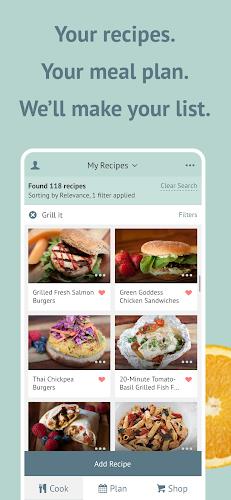
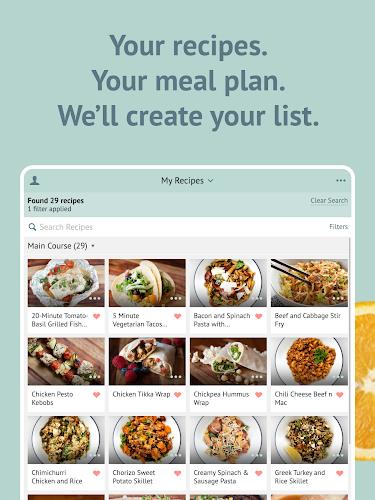
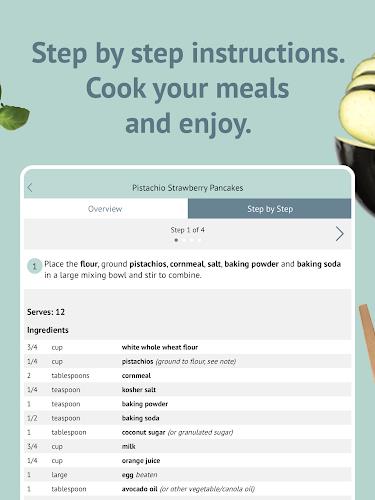
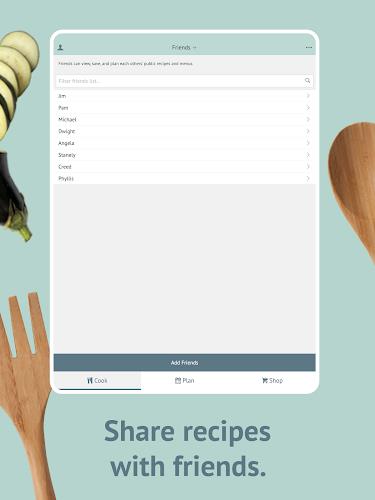
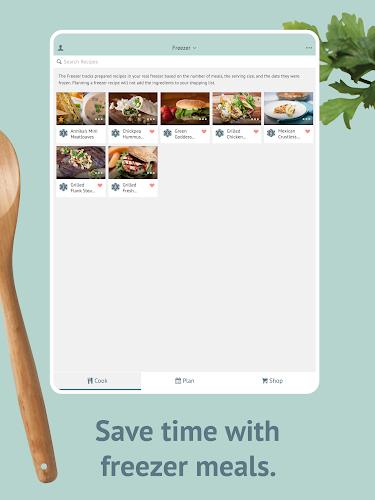
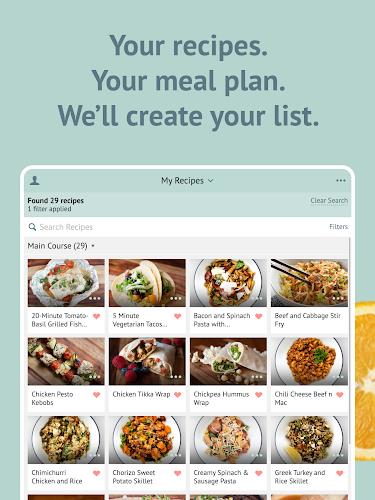
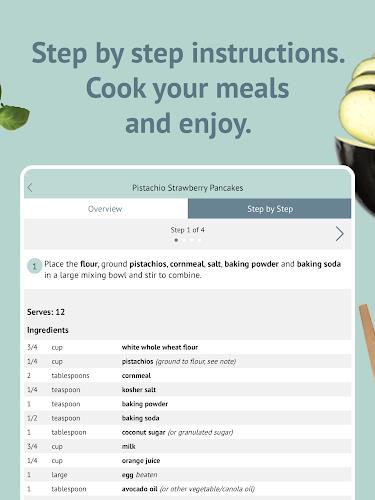
Plan to Eat: Meal Planner helps you organize recipes, plan weekly menus, and create grocery lists from planned meals. Plan to Eat: Meal Planner keeps your recipe collection, meal calendar, and shopping lists in one place for easy access on any device.
How it works
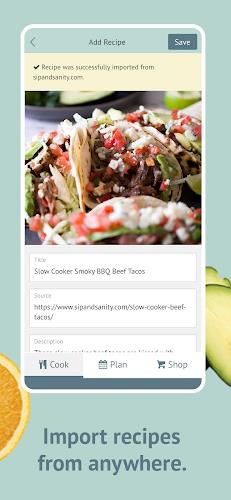
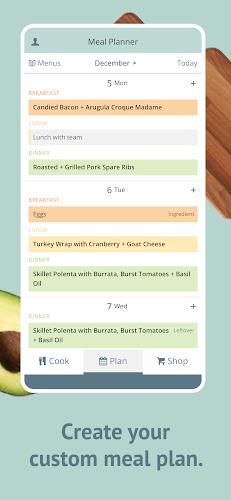
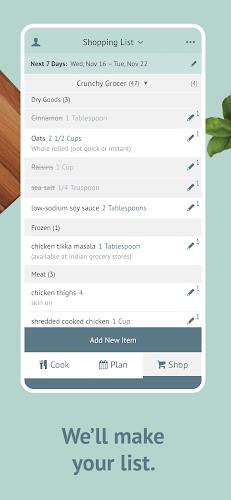
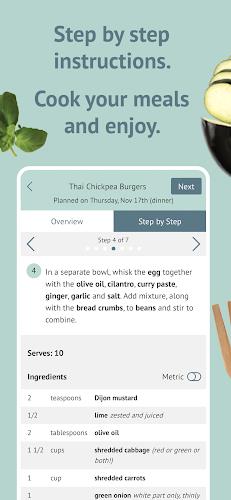
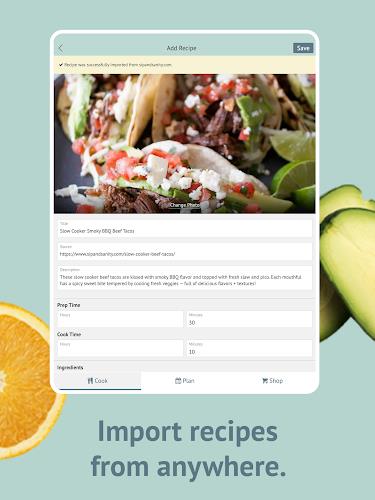
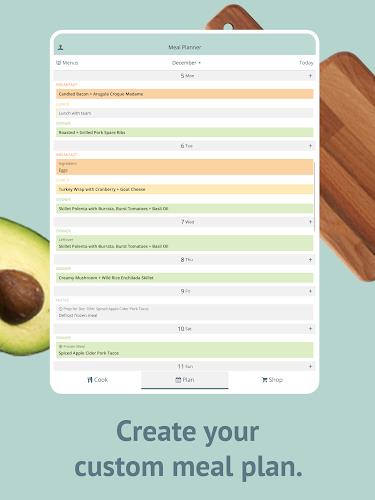
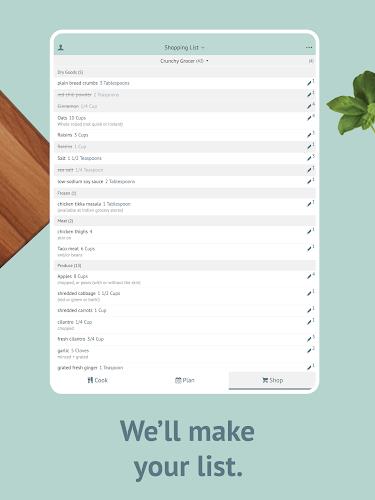
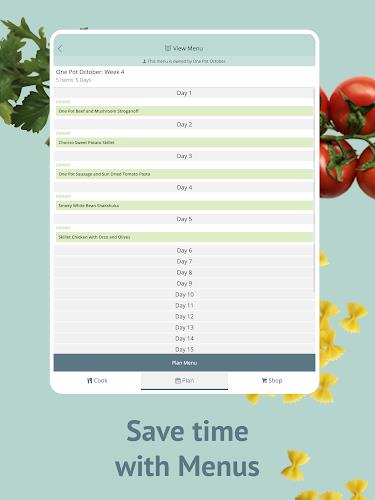
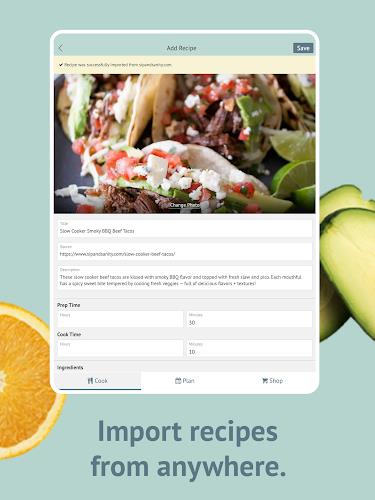
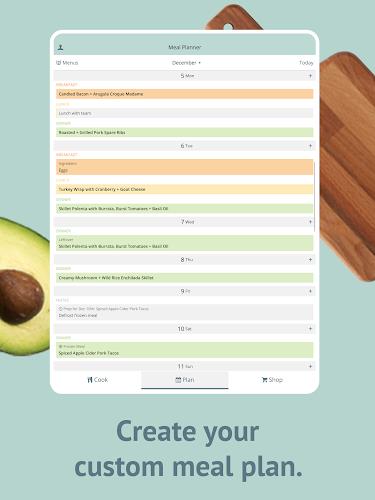
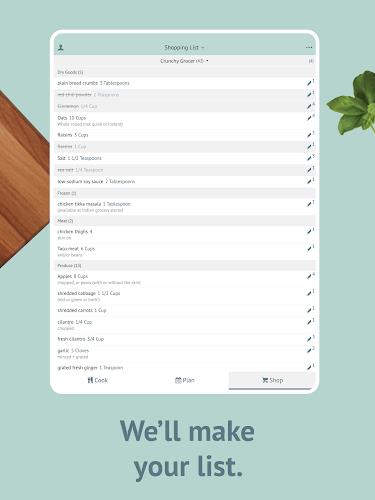
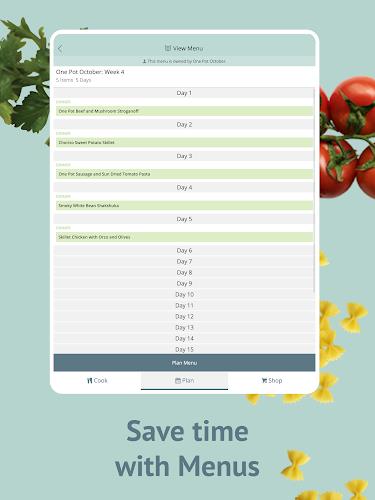
With Plan to Eat: Meal Planner you can import recipes or add them manually, place meals on a weekly calendar, adjust servings to scale ingredients, and generate a consolidated shopping list organized by category.
Key features
- Import recipes from websites or enter your own recipes and notes
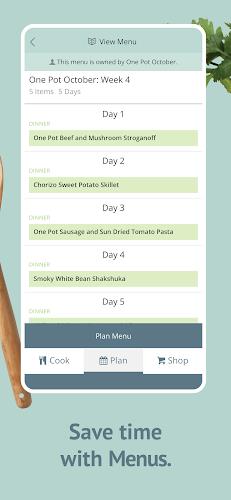
- Drag-and-drop meal planning on a calendar for days and weeks
- Automatic grocery list generation based on planned meals with ingredient scaling
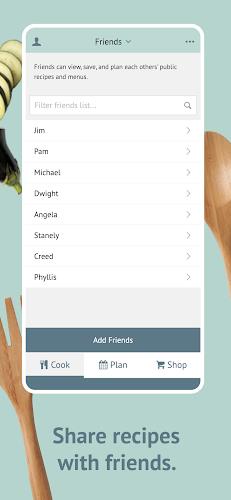
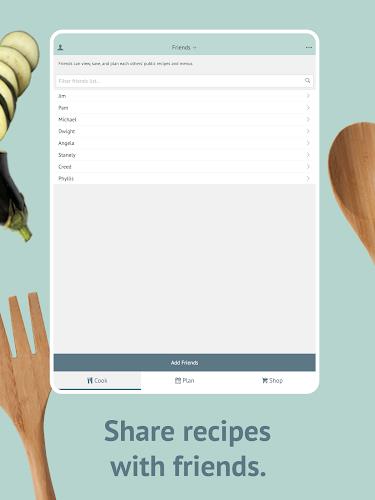
- Share or export shopping lists to simplify shopping
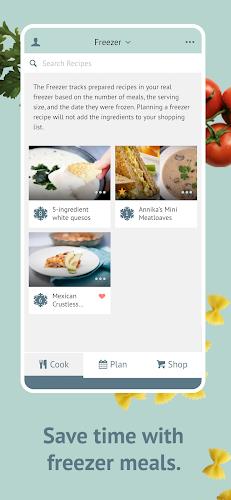
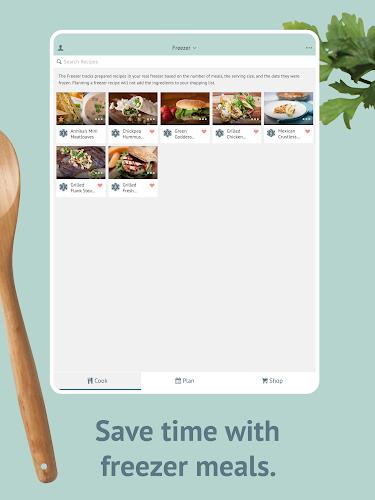
- Save favorite recipes and organize them with tags or categories
Plan to Eat: Meal Planner is designed to simplify meal prep and shopping so you spend less time organizing and more time cooking.
Information
 Google Play
Other Games by the Same


User Comments

Plan to Eat: Meal Planner helps you organize recipes, plan weekly menus, and create grocery lists from planned meals. Plan to Eat: Meal Planner keeps your recipe collection, meal calendar, and shopping lists in one place for easy access on any device.

PANDORIANS is a dedicated application for attendees of the Pandoria Event that brings core event information and attendee services into one convenient place. The app is designed to help participants stay organized and informed during the event, offering quick access to schedules, announcements, and essential resources so attendees can focus on sessions and networking rather than logistics. PANDORIANS makes it easier to find timely updates and keep important details at your fingertips while on-site, which is why event participants may want to download it before arriving at the Pandoria Event.

Rubetek Home turns your house into a manageable smart home, letting you monitor, control and automate connected devices from a single mobile app. With Rubetek Home you can watch live camera streams, receive instant alerts for doors, windows, smoke or gas events, and operate relays, outlets and appliances remotely. The app centralizes sensors, thermostats, lighting and security equipment so you can create schedules and scenarios, grant guest access and save energy by tracking consumption. It’s useful for families and frequent travelers who want real-time awareness, remote visitor interaction and simple automation without juggling multiple vendor apps.
Ai Toonify is a mobile cartoon photo editor that turns selfies and portraits into polished anime-style avatars using AI. The app guides you to upload or capture a photo and applies a 'toonify' process that emphasizes expressive eyes, stylized hair, and vibrant color palettes while keeping controls approachable for users without design experience.

TalkingParents is a co-parenting communication app that helps separated, divorced, or never-married parents manage conversations, schedules, shared expenses, and court-ready records in one secure place. The app captures timestamped, unalterable messages and enables recorded phone and video calls without revealing personal numbers, so families can document interactions reliably. A shared calendar keeps custody arrangements and appointments coordinated, while payment tools make it simple to request and track expenses. With Free, Standard, and Premium plans available, TalkingParents is useful for both low-conflict and high-conflict situations where clear, verifiable communication matters for the children.
Kaspersky SafeKids with GPS helps parents monitor and protect children online and on the go by combining web and app filtering, screen time controls, activity reporting and a GPS child locator. You can see a child's location on a map, define safe zones and receive alerts when those zones are entered or exited. The app flags suspicious search queries, lets you manage installed apps and screen time schedules, and reports device battery level so you can avoid losing contact.
