

 X
X
 facebook
 WhatsApp
 Email
Email
Introduction
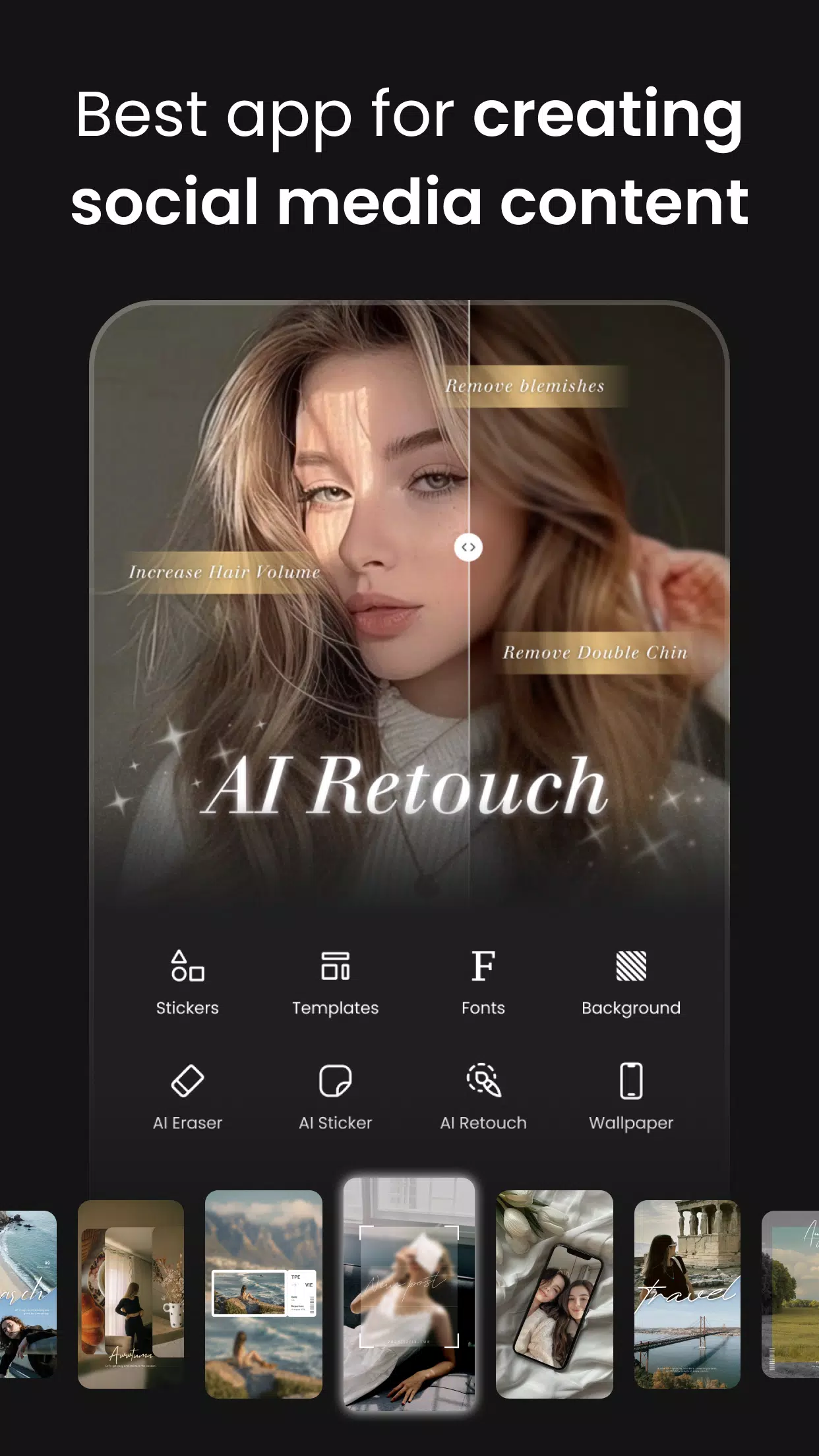
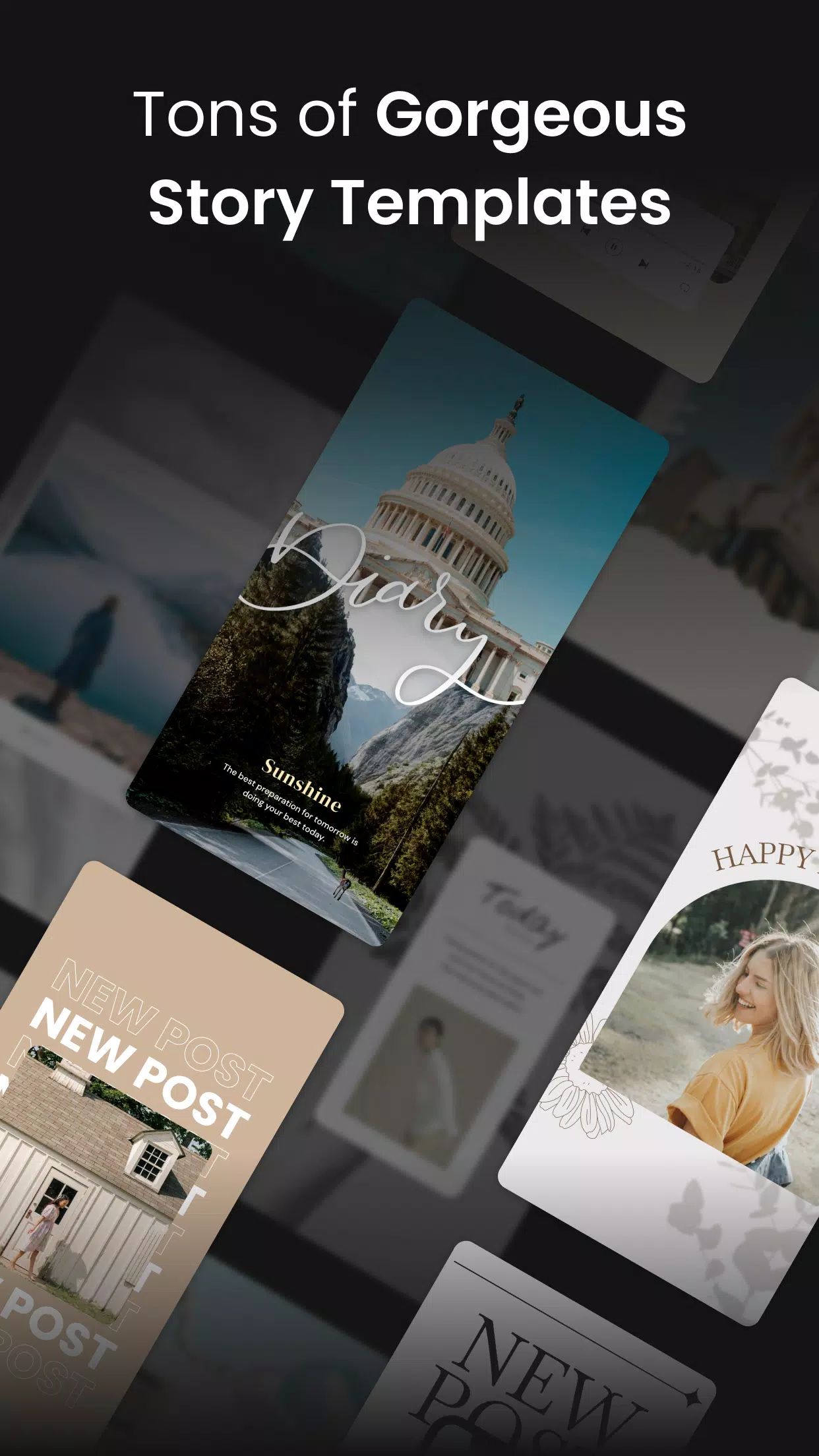
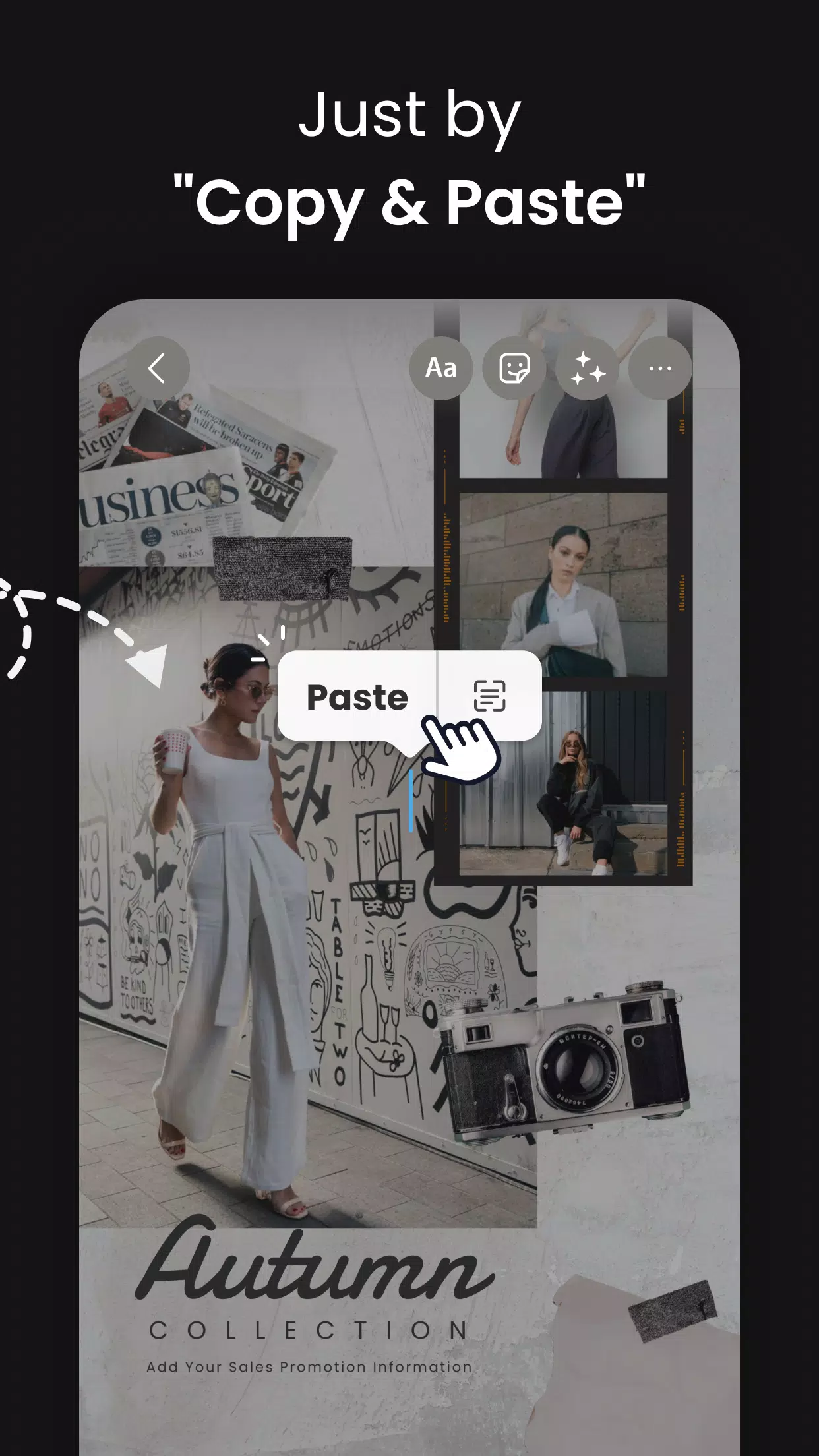
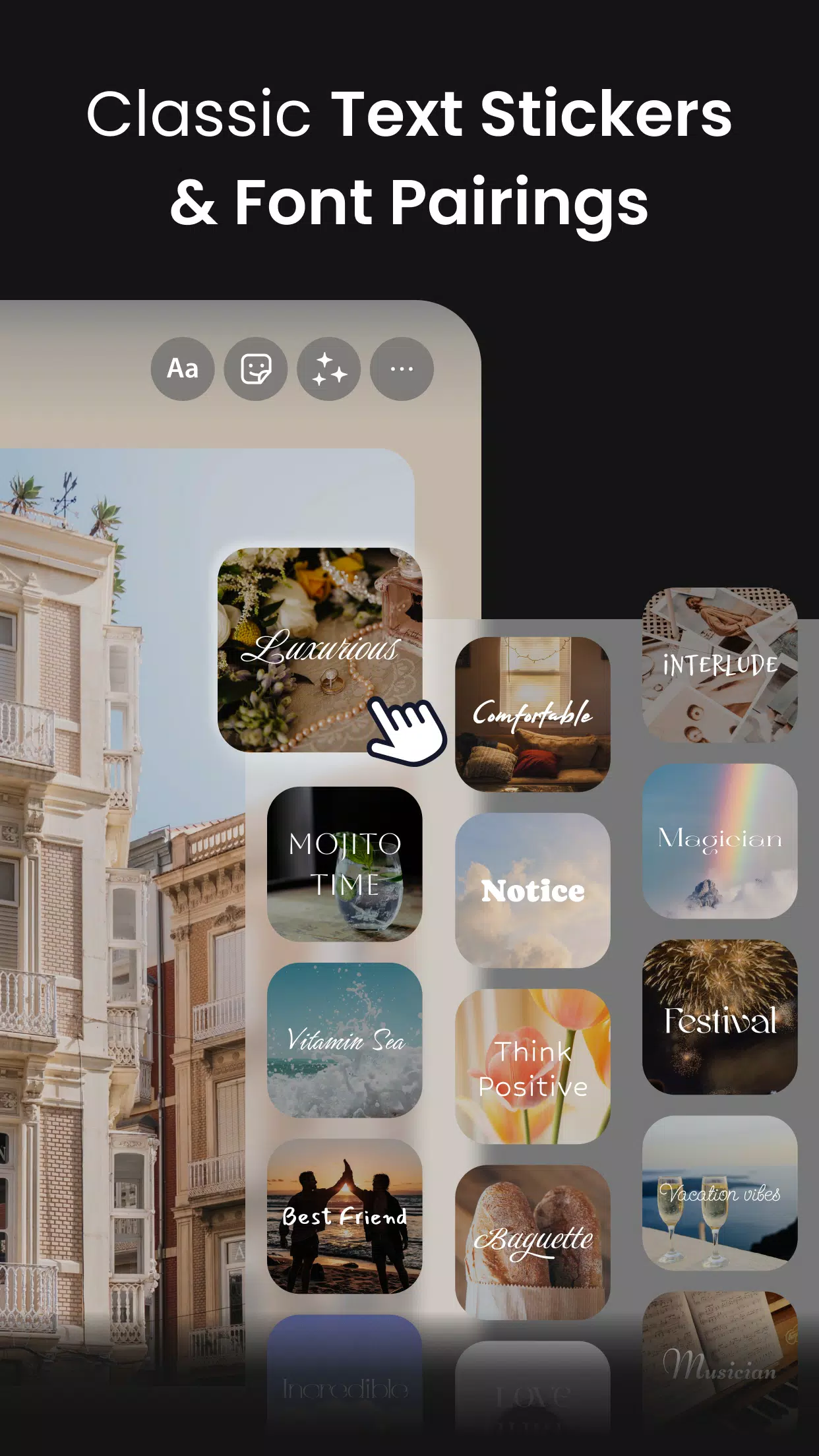
Vivisticker is a fun and creative app designed to bring your messages and photos to life with personalized stickers and animations. Whether you’re looking to add flair to your texts, social media posts, or photo galleries, Vivisticker offers a wide array of vibrant, customizable stickers to suit any occasion. The app is simple to use, allowing you to quickly create and share your own unique stickers or choose from a vast collection of pre-made designs. With its intuitive interface and endless creative possibilities, Vivisticker makes it easy to express yourself in a fun and colorful way.
Features of Vivisticker:
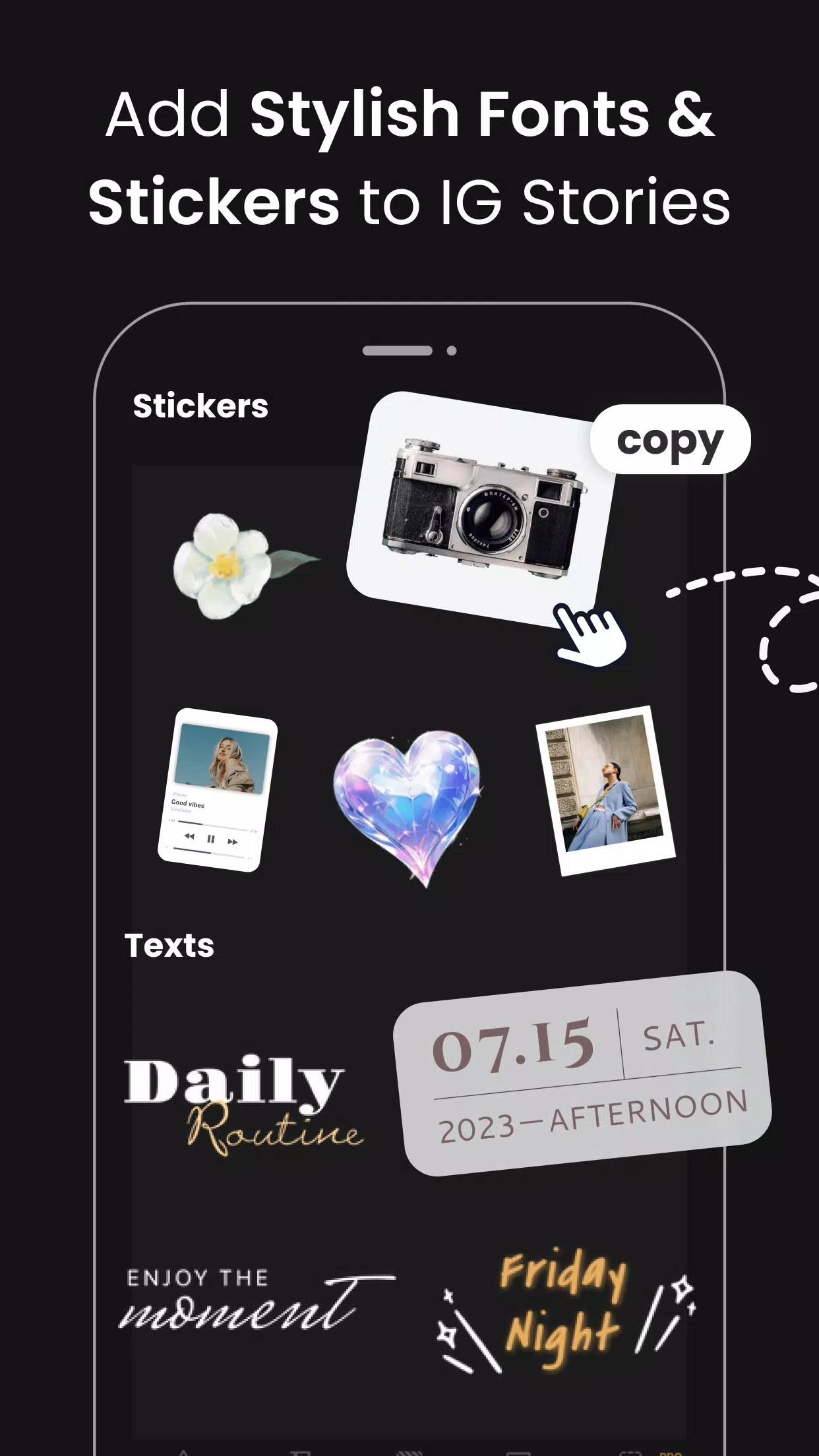
- Wide Variety of Stickers: Vivisticker offers an extensive library of stickers, from cute animals and emojis to themed designs for special occasions like birthdays and holidays.
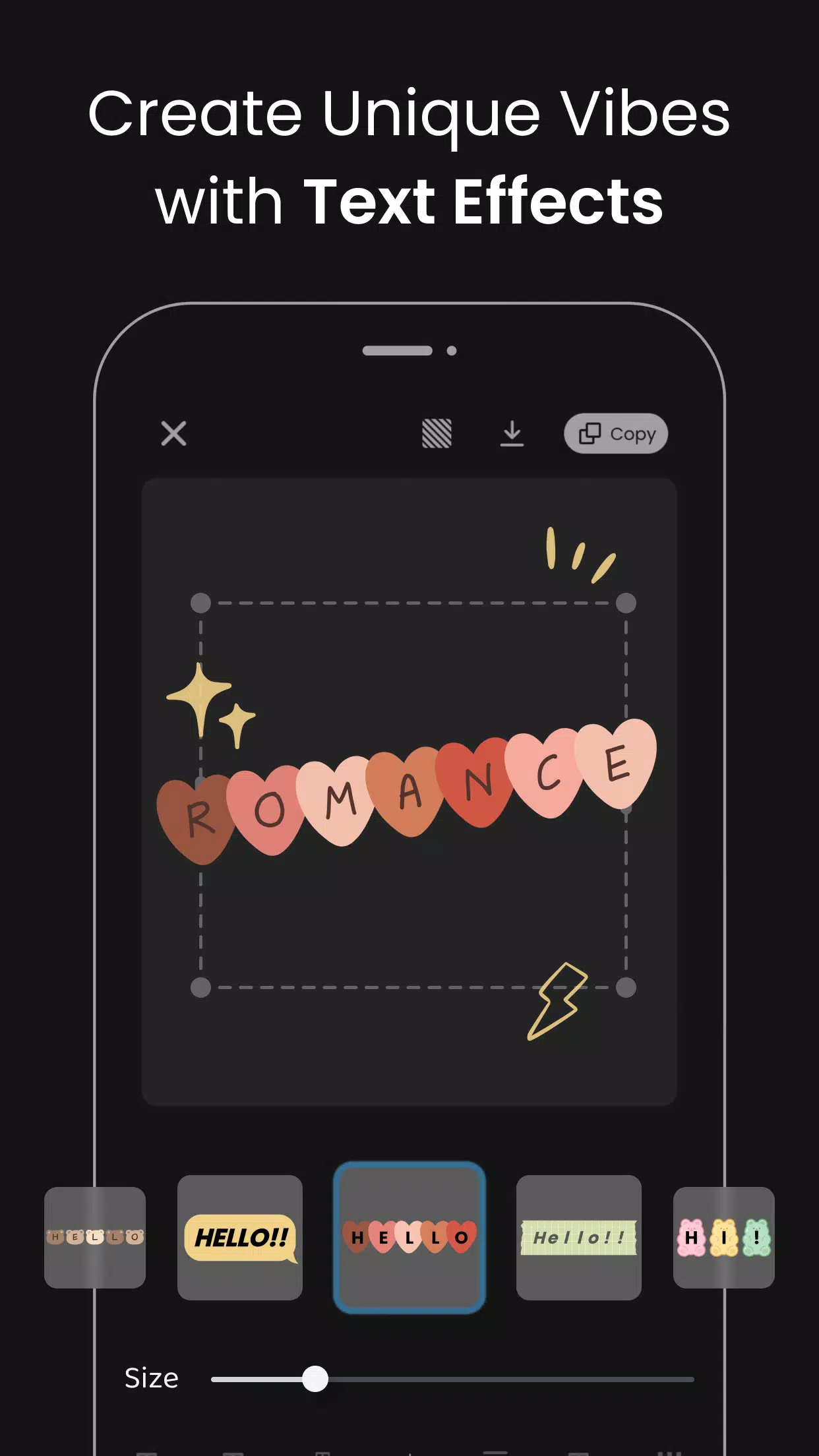
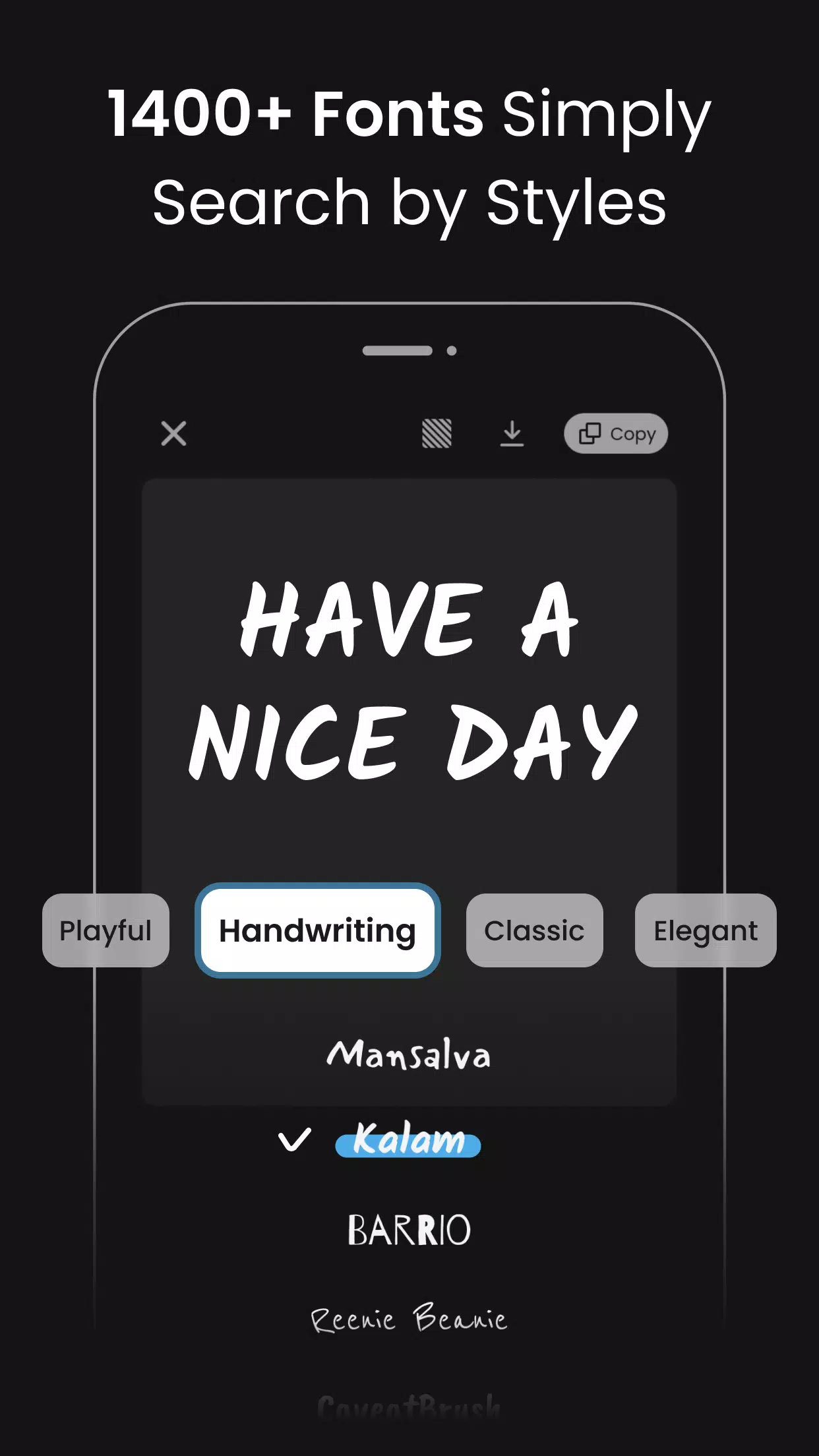
- Customizable Stickers: You can easily personalize stickers with your own text, images, or colors, allowing you to create one-of-a-kind designs that reflect your style.
- Animated Stickers: Take your creations a step further with animated stickers that add movement and life to your messages, photos, and social media content.
- Easy-to-Use Interface: The app’s intuitive design makes it simple to browse, create, and share your stickers without any complicated steps or learning curves.
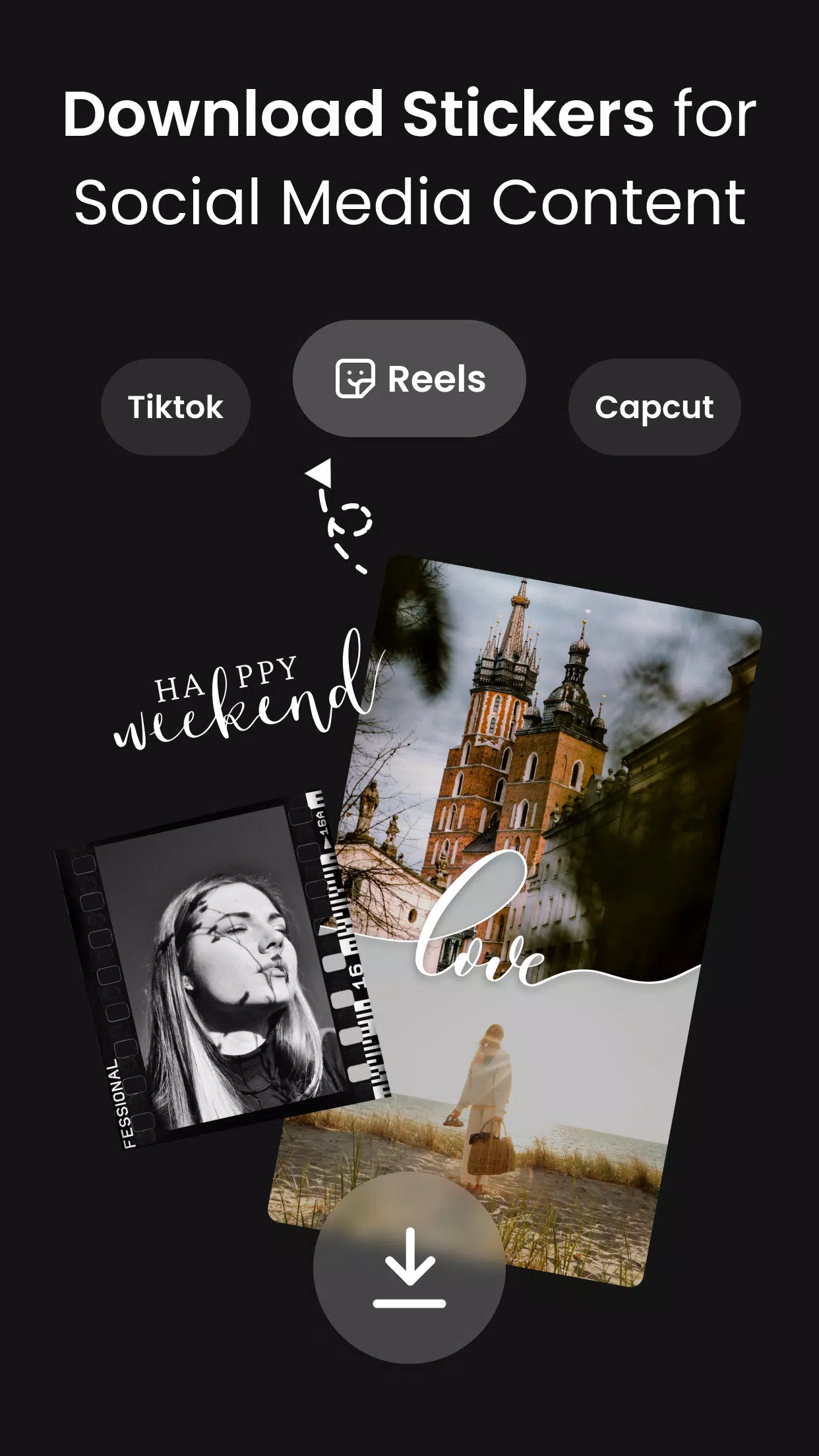
- Quick Sharing Options: Share your stickers directly on messaging apps, social media, or save them to your photo gallery for future use, making it easy to integrate into your daily communication.
Playing Tips for Vivisticker:
- Explore All Categories: Take time to browse through different sticker categories to find the perfect design for your message or image. You might discover new favorites you didn’t know you needed.
- Customize for Impact: Make your stickers stand out by personalizing them with text or unique colors that match your mood or the tone of your message.
- Use Animated Stickers Sparingly: While animated stickers are fun and eye-catching, use them wisely to avoid overwhelming your messages. A few well-placed animations can have a big impact.
- Save Your Creations: If you’ve designed a sticker you really love, save it to your gallery or create a collection for easy access next time you want to use it.
- Keep It Fun: Don’t be afraid to experiment with new sticker combinations and creative ideas. The app is all about expressing yourself, so let your imagination run wild.
Conclusion:
Vivisticker is a delightful and creative app that makes it easy to add a personal touch to your messages, photos, and social media posts. With its wide variety of customizable stickers, animations, and easy-to-use interface, it offers a fun way to express yourself and connect with others. Whether you’re sending a quick text, posting on social media, or just having fun with your photos, Vivisticker enhances your digital communication with a colorful and playful flair. If you love making your messages more fun and engaging, Vivisticker is definitely worth checking out.
Information
 Google Play
Social networking apps have become essential tools in everyday life, making communication with others more convenient. These apps allow you to easily stay in touch with old friends while also providing opportunities to meet new people, helping to expand your social network beyond its usual boundaries. This page features a handpicked selection of the best social apps, making it your go-to choice for mobile socializing!






User Comments
Magic town theme for galaxy m3 transforms your Android home screen with a curated collection of vibrant wallpapers, matching icon packs and integrated widgets designed to give your device a fresh, personalized look. Within moments you can apply a full visual package or mix and match individual elements: high-resolution backgrounds, alternate icon styles and a real-time clock and date widget all work together to create a consistent appearance. The theme is built for straightforward use, with simple controls that let both beginners and experienced customizers change colors, icon sizes and layout options without needing technical steps.
Tattoo Designs is an app for discovering and organizing tattoo artwork, helping users explore ideas and plan body art. It offers a central visual library so you can browse a wide variety of styles, compare concepts and save promising designs for later review. Whether preparing for a first tattoo or refining a larger piece, Tattoo Designs works as a reference and simple sketchboard to shortlist options and test visual balance. The layout emphasizes fast image browsing, easy organization and straightforward sharing so inspiration stays accessible while you discuss ideas with an artist.

Sticker Universe is a sticker library app that brings a huge collection of expressive images and designs into your messaging, so you can add humor, emotion, and personality to conversations quickly and visually. This tool organizes stickers across themes—cute animals, witty memes, and custom artwork—so sharing the right reaction is fast and fun. Users will appreciate fresh content pushed regularly, including seasonal packs and pop-culture releases, making it easy to keep messages current and engaging. If you want a simple way to enrich chats and stand out in everyday conversations, Sticker Universe delivers a broad, curated sticker experience.
Circle Painter is a focused drawing app built for creating symmetrical circular artwork, from quick doodles to detailed mandala-style illustrations. In Circle Painter every stroke is reflected across a configurable number of radial segments so a single motion produces complex, balanced patterns; the interface keeps the canvas visible and uncluttered so you can concentrate on composition rather than menus.
Mod Bussid DJ Truck Simulator is a compact, curated mod library and installer for Bus Simulator Indonesia players who want to add DJ-style trucks, pickup variants, and dedicated sound packs quickly and without manual extraction. The app focuses on practical compatibility and ease of use: thumbnails and preview audio let you evaluate mods before installation, a small download footprint keeps the app friendly to low-storage phones, and clear version tags reduce guesswork when matching mods to your map or simulator build.

AI Image Generator - AI Avatar is a powerful creative app that converts simple text prompts and photos into original images and personalized avatars, perfect for artists, content creators, and anyone who wants a distinctive digital presence. The app produces visuals in a wide variety of styles—from stylized manga and painted illustrations to photorealistic renders—so you can quickly prototype concepts, create profile pictures, or generate artwork for social posts and projects. Its interface is approachable for beginners while offering deeper controls for users who want to refine details and guide the AI’s output.