
 X
X
 facebook
 WhatsApp
 Email
Email
Introduction
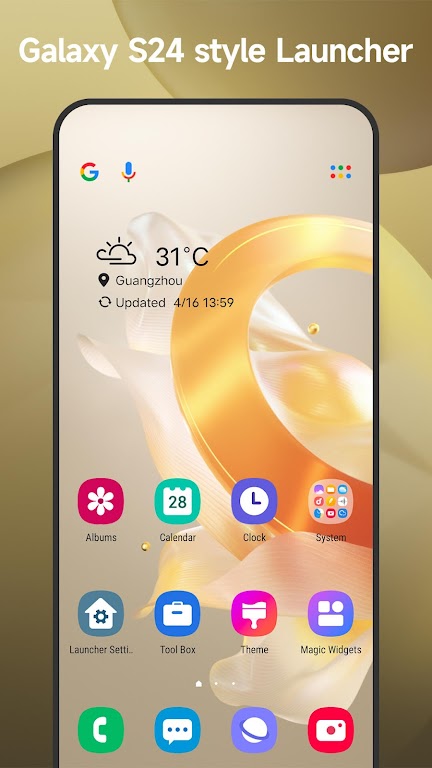
Cool S25 Launcher is an Android launcher created to give your phone a modern Galaxy-style appearance inspired by newer OneUI designs. It helps refresh the overall look of your device with a clean layout, smooth navigation, and flexible customization options, without requiring any hardware upgrade.
By focusing on visual polish and practical usability, Cool S25 Launcher allows users to personalize their home screen while maintaining a simple and comfortable daily experience.
Modern Galaxy-Style Interface
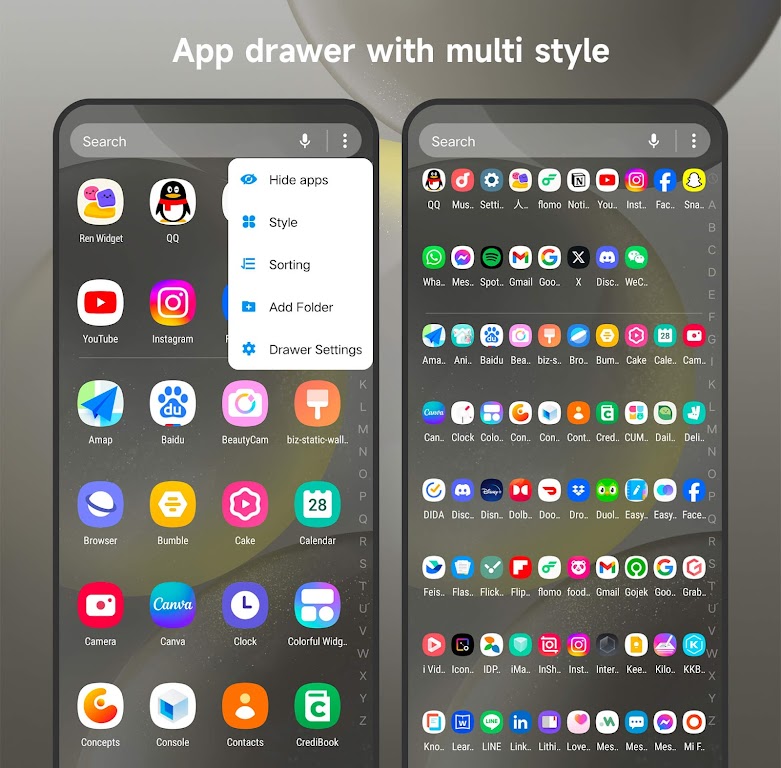
Cool S25 Launcher delivers a refined interface inspired by contemporary Galaxy design principles. Menus, icons, and layouts are designed to feel clean and well-organized, making everyday navigation more intuitive.
The interface balances aesthetics and functionality, suitable for long-term daily use.
Theme and Icon Pack Support
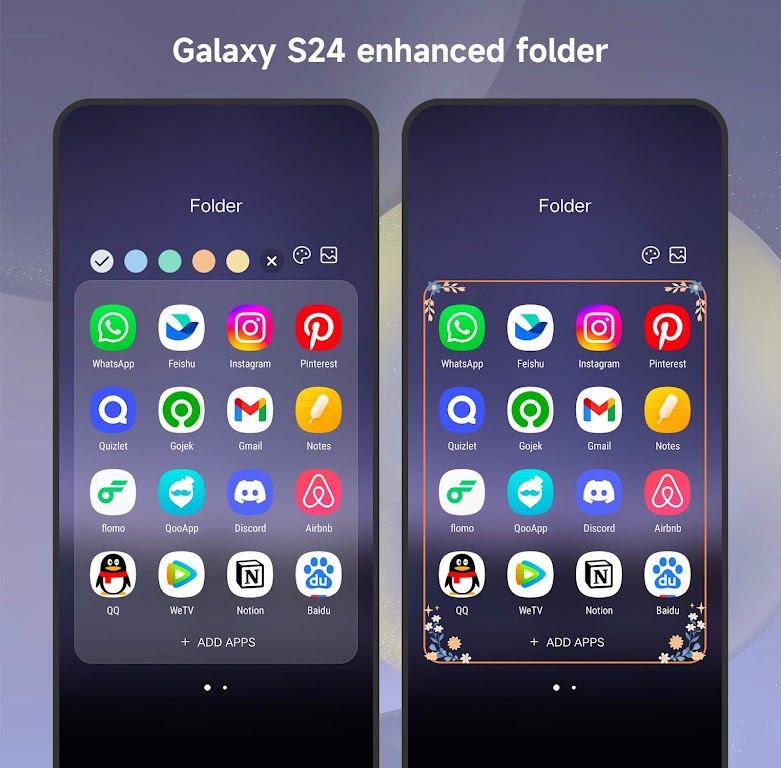
The launcher supports multiple themes and icon packs, allowing users to adjust colors, icon styles, and overall appearance. Third-party icon packs can also be applied for additional personalization.
This flexibility makes it easy to create a home screen that matches your personal taste.
Gesture Navigation
Cool S25 Launcher includes gesture controls that help users navigate their device more efficiently. Common actions can be performed through simple swipes and gestures.
Gesture navigation reduces clutter and improves overall ease of use.
Desktop and Home Screen Customization
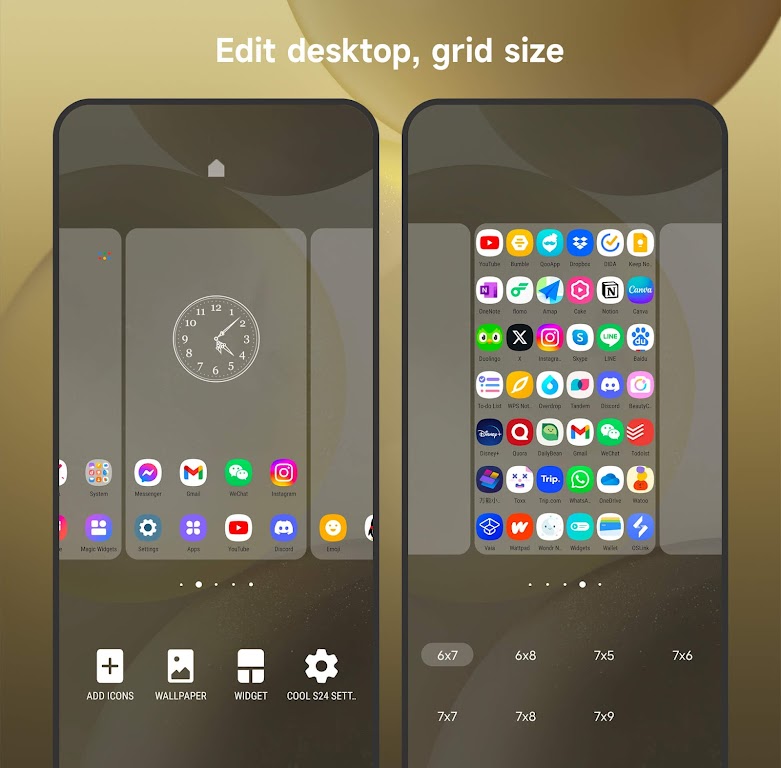
Users can customize grid size, app layout, and shortcuts to organize their home screen more effectively. These options help create a desktop-style experience that improves productivity.
The layout can be adjusted to suit both minimal and feature-rich setups.
Main Features
Galaxy-inspired modern interface design.
Support for themes and icon packs.
Gesture-based navigation controls.
Flexible home screen and desktop layout options.
Smooth performance on a wide range of Android devices.
Usage Tips
Try different themes and icon packs to find a visual style you enjoy.
Enable gesture controls to speed up navigation.
Adjust grid and layout settings to keep apps organized.
Customize the desktop layout to match your daily usage habits.
Final Thoughts
Cool S25 Launcher offers a practical way to refresh your Android device with a modern Galaxy-style interface. Its combination of customization options, gesture navigation, and clean design makes it suitable for users who want more control over their home screen.
If you are looking for a reliable launcher that focuses on both style and usability, Cool S25 Launcher provides a solid and customizable solution.
Information
 Google Play
Other Games by the Same Cool Launcher App Team

User Comments
Cool S25 Launcher is an Android launcher created to give your phone a modern Galaxy-style appearance inspired by newer OneUI designs. It helps refresh the overall look of your device with a clean layout, smooth navigation, and flexible customization options, without requiring any hardware upgrade.

Introducing Launcher OS Pro, the ultimate tool for optimizing your device's interface and unlocking its full potential. With a smarter interface design, users can easily add special widgets to their home screen and activate them with just a swipe. The Smart Lock Screen feature allows users to customize incoming calls and notifications, ensuring they never miss an important alert. With advanced device integration, users can access universal file search, voice-to-text AI, and custom wallpaper support, making their device truly personalized and efficient. Experience a seamless and efficient interface with Launcher OS Pro, the must-have application for maximizing your device's capabilities.

Glass Widgets is a set of basic home screen widgets that provide essential information while allowing you to enjoy your wallpaper. You can add multiple widgets showing time, weather, calendar, and news from RSS/Atom feeds or Google News in two sizes: 4x1 and 4x3. The widgets have a semi-transparent smoked glass look, with additional customization options in the paid version. To access the widgets, look in the widget-drawer, not the app-drawer. Changing widget settings is easy by tapping hotspots on the widget. Recent updates may have broken old widgets, requiring users to remove and add new ones. If you prefer the old version, 'Glass Widgets Classic' is available on the Play Store.

Looking to customize your phone with sleek and powerful supercars? Say hello to a new Supercar Wallpapers app that brings you the best collection of supercar wallpapers right at your fingertips. From classic muscle cars of the 1960s to modern hypercars of today, you'll find a wide range of high-performance vehicles to choose from. Whether you're a car enthusiast or simply appreciate the beauty of these exotic rides, this app has something for everyone. With stunning images and easy-to-use interface, you can easily set your favorite supercar as your phone's wallpaper with just a few taps. Upgrade your phone's look with Supercar Wallpapers today!
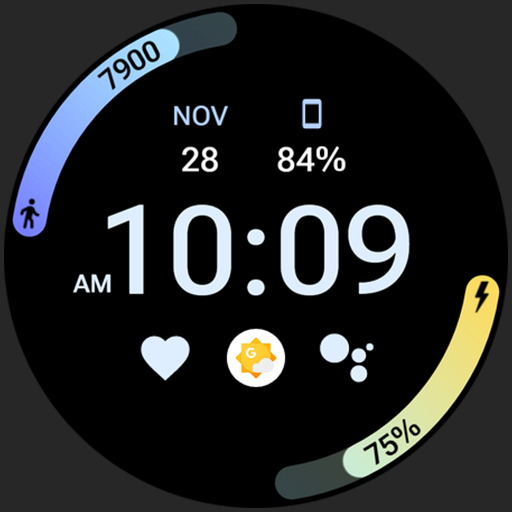
Experience the ultimate fusion of style, functionality, and battery efficiency with this masterfully optimized Athlete 2 Lite: Watch face. With its crisp, high-resolution visuals, customizable color selections, and innovative gradient progress bars for steps and battery life, this watch face offers both practicality and aesthetic appeal. The clever use of battery-efficient layers and PNGQuant optimization ensures optimal performance without draining your device's battery. The intuitive user configuration options allow for deep customization, while the innovative ambient mode adapts to different lighting conditions for a seamless experience. Say goodbye to frequent charging anxiety and elevate your Wear OS device with this essential watch face enhancement.
Homescreen: Wallpapers, AI art is a creative personalization app that helps you decorate your device with gorgeous wallpapers and AI‑generated artwork. With this app, you can explore a wide selection of high‑quality backgrounds, artistic designs, and custom visual themes that make your screen look stunning. Users can enjoy both curated collections and unique AI‑created images tailored to their preferences. The intuitive interface lets you browse, preview, and apply wallpapers in just a few taps. Whether you like minimalistic scenes or vibrant illustrations, this app brings fresh art to your home and lock screens. Download Homescreen: Wallpapers, AI art to transform the look of your device with beautiful visuals every day.