

 X
 facebook
 WhatsApp
 Email
Introduction
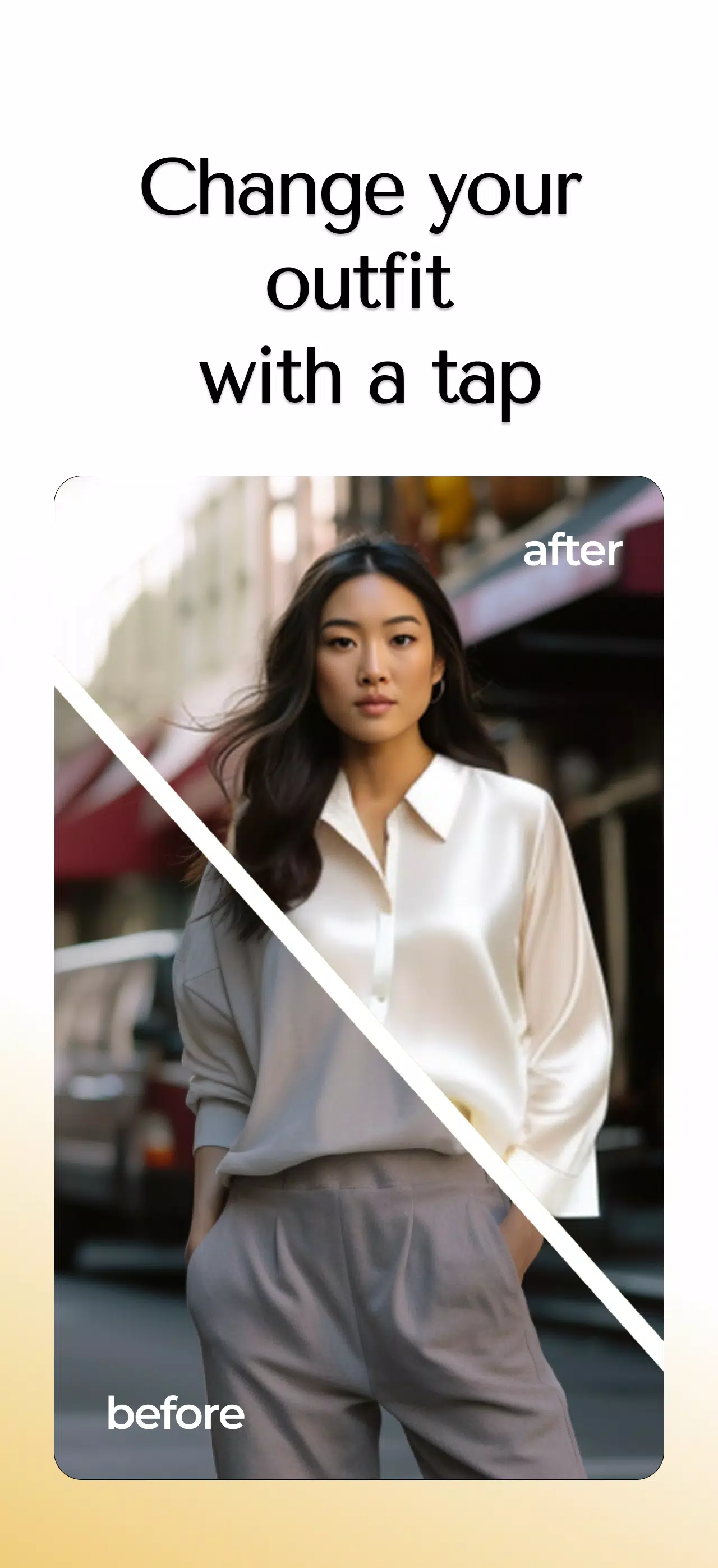
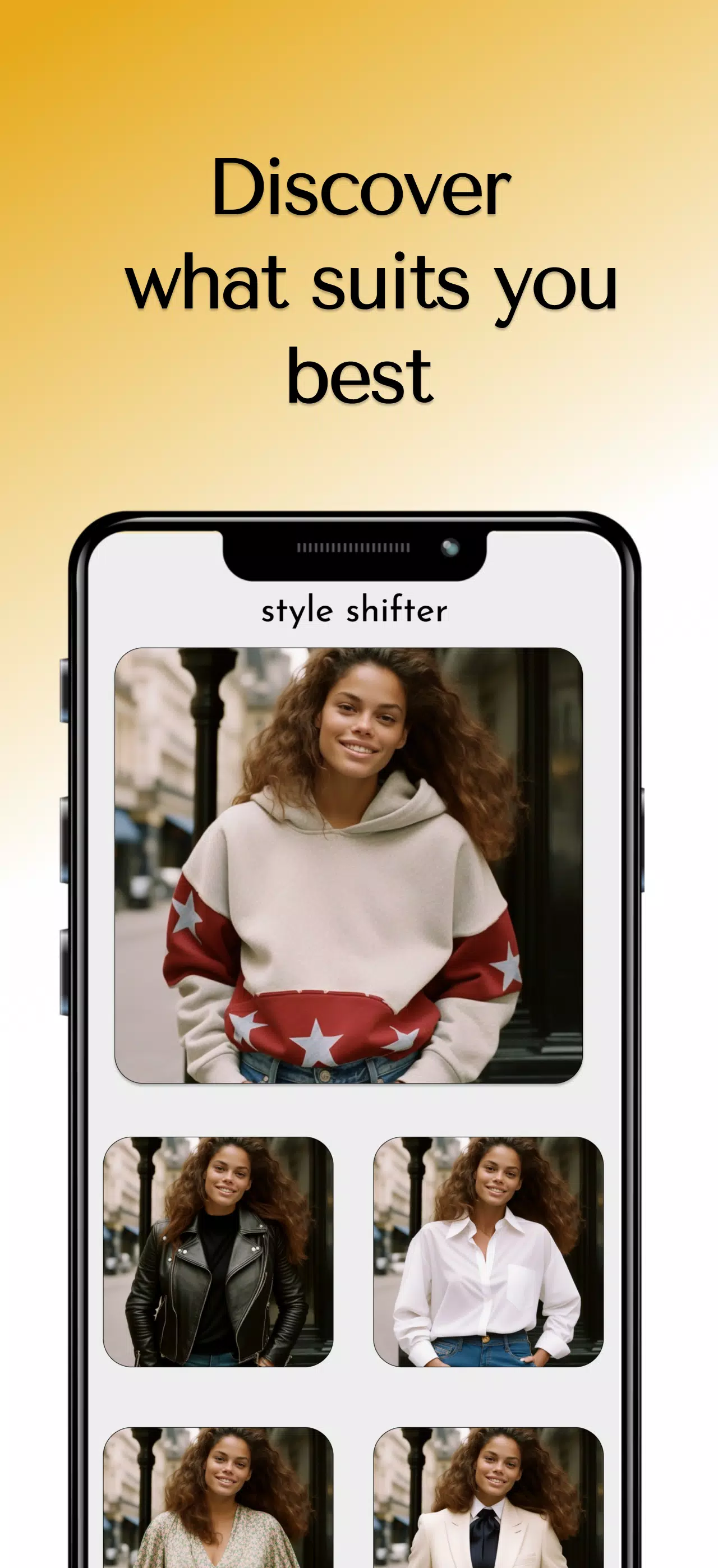
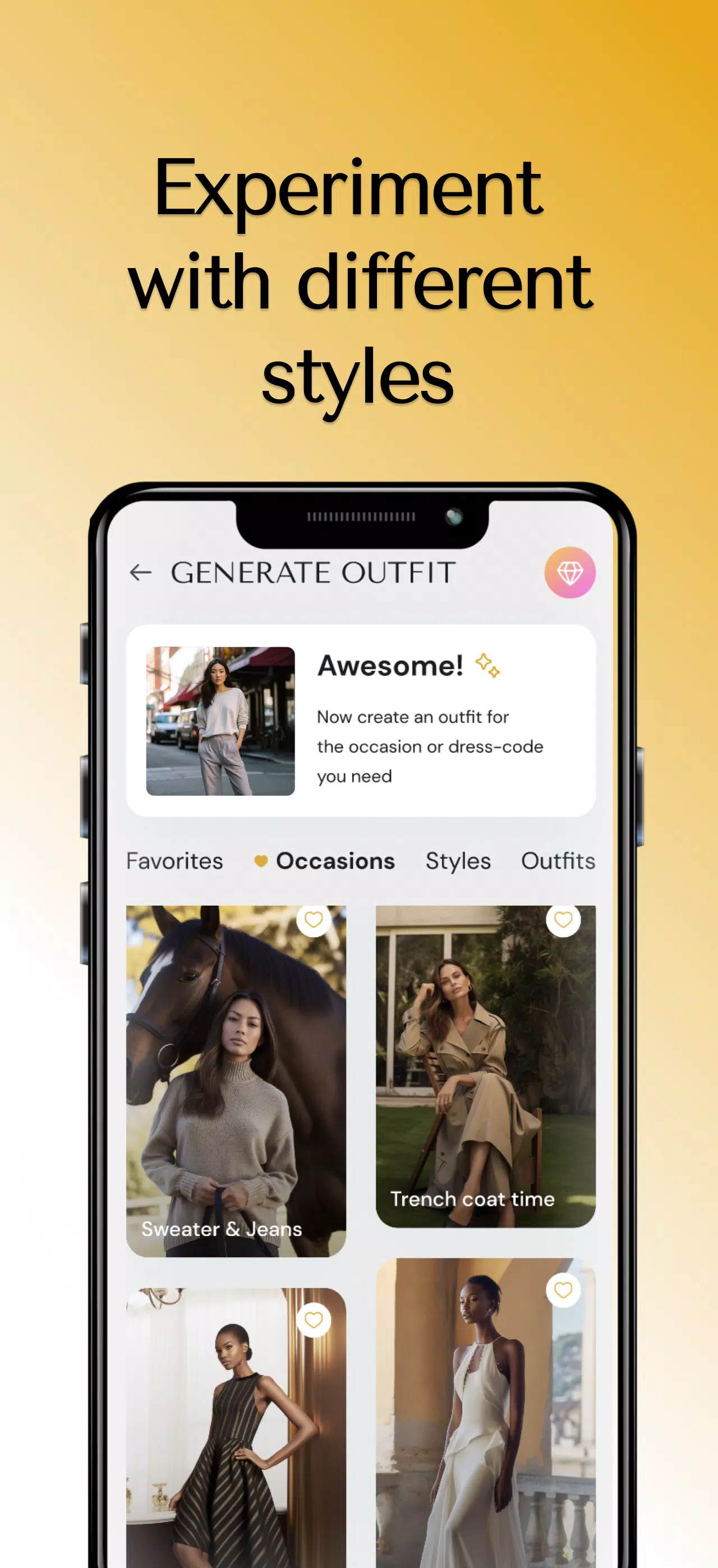
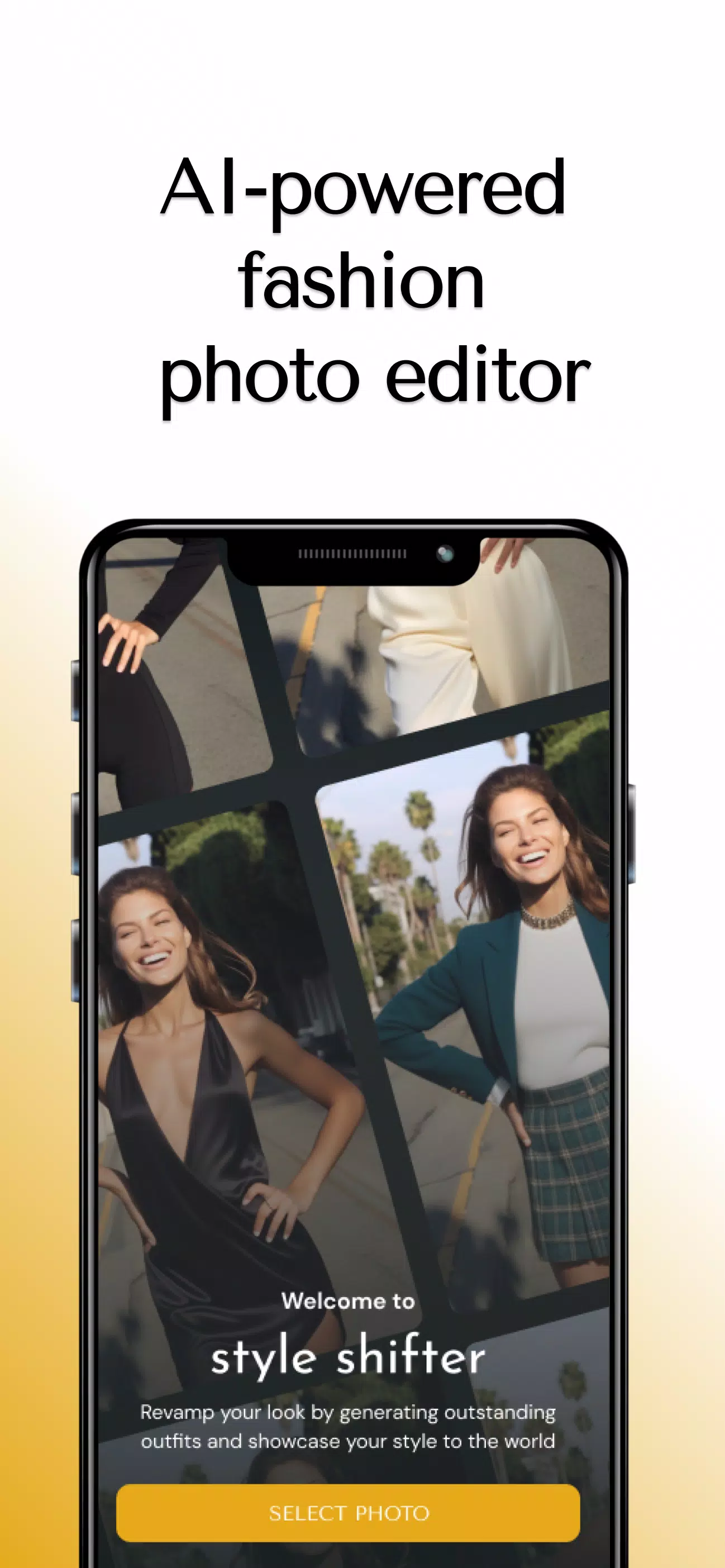
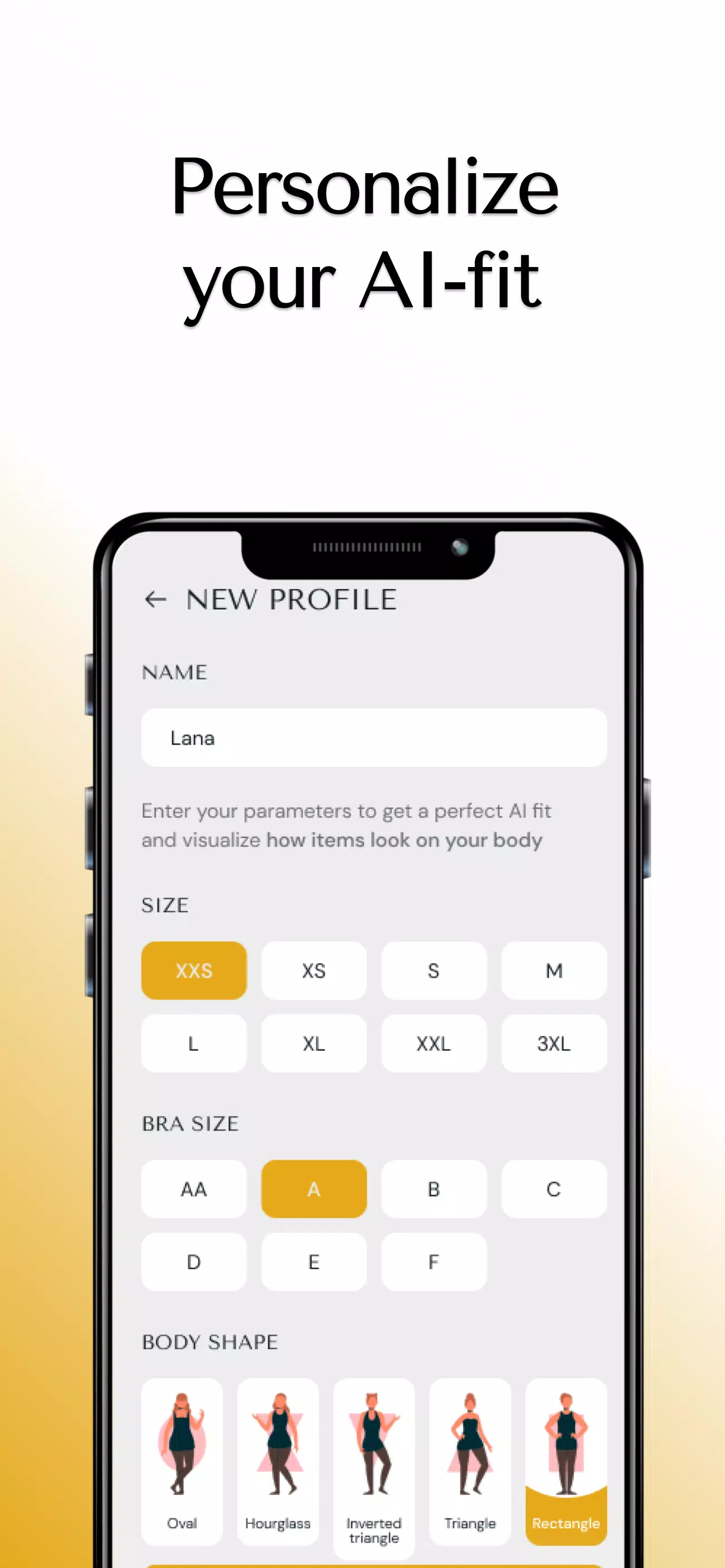
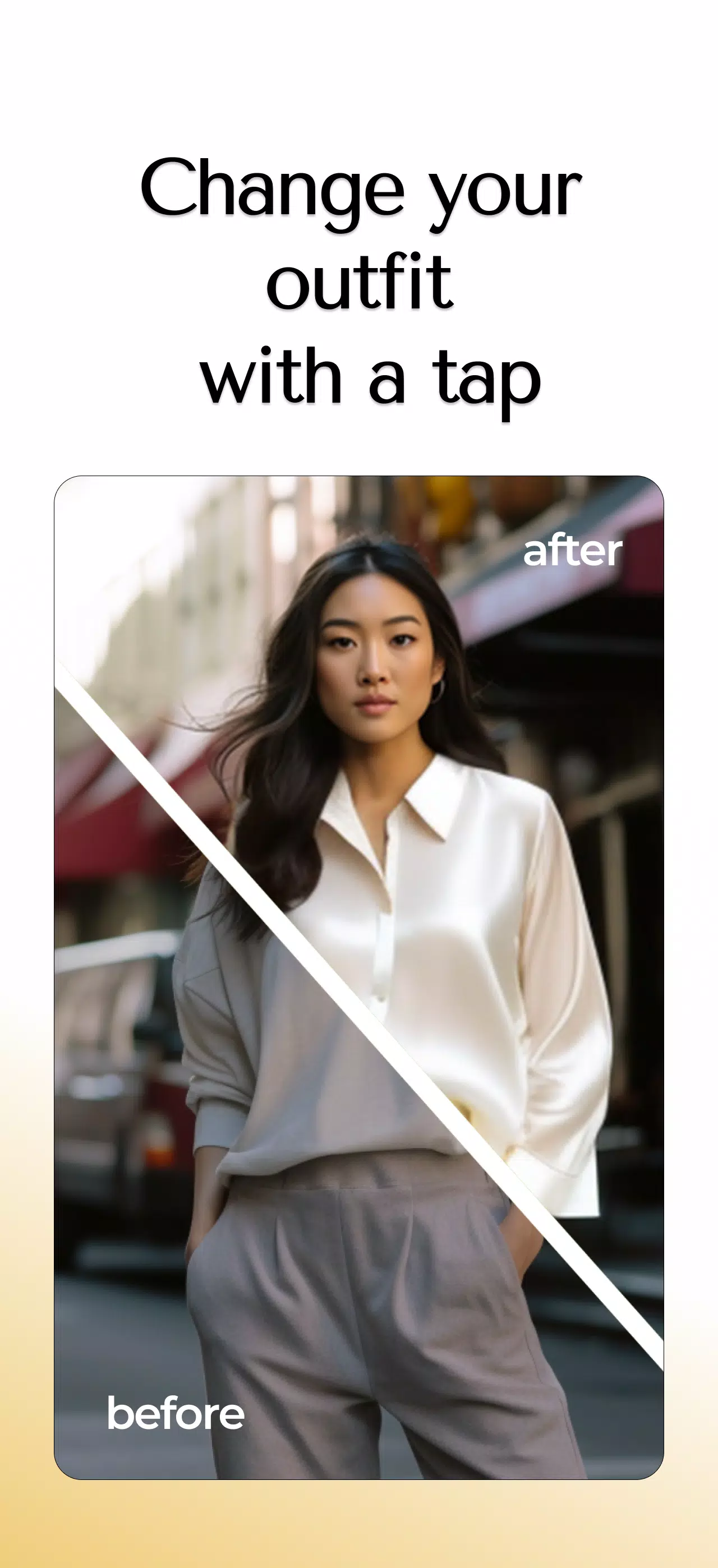
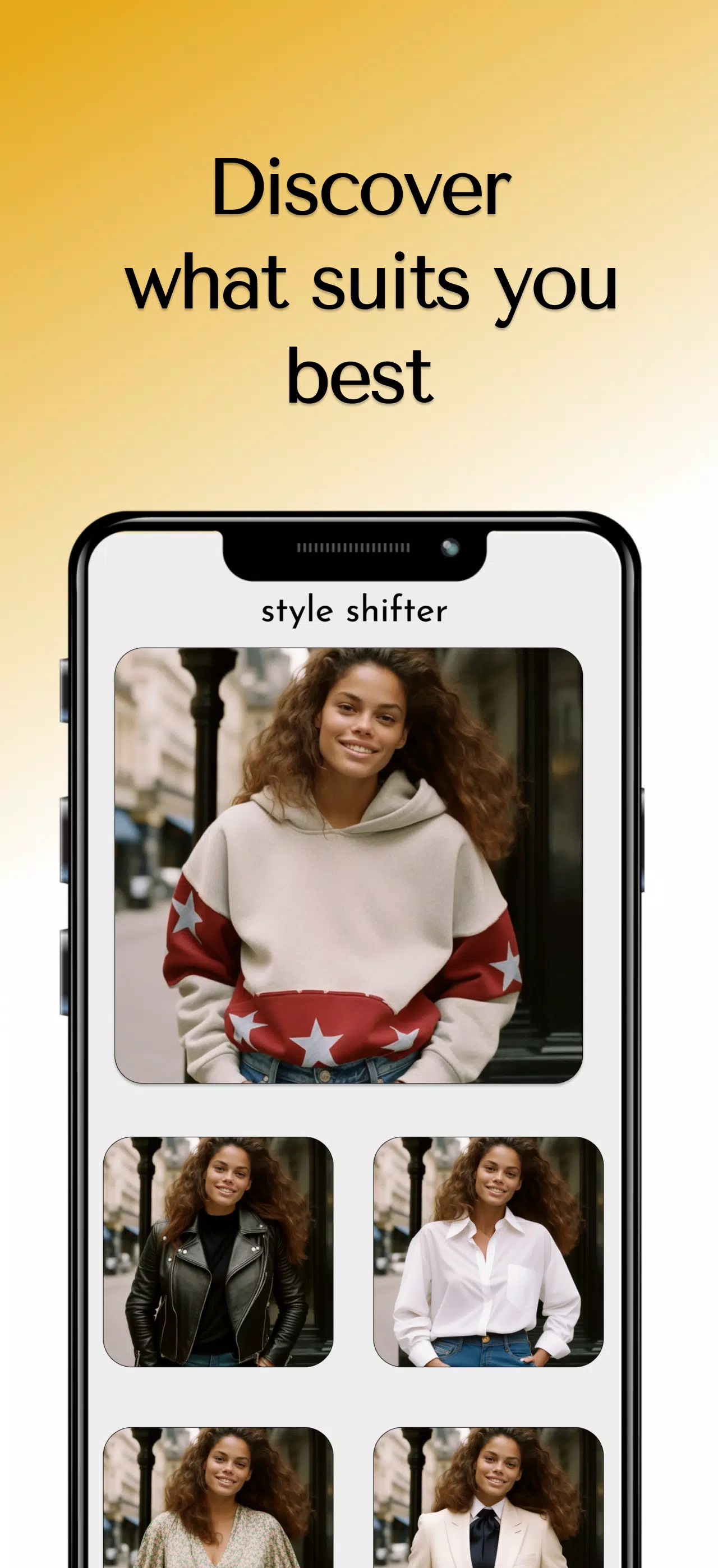
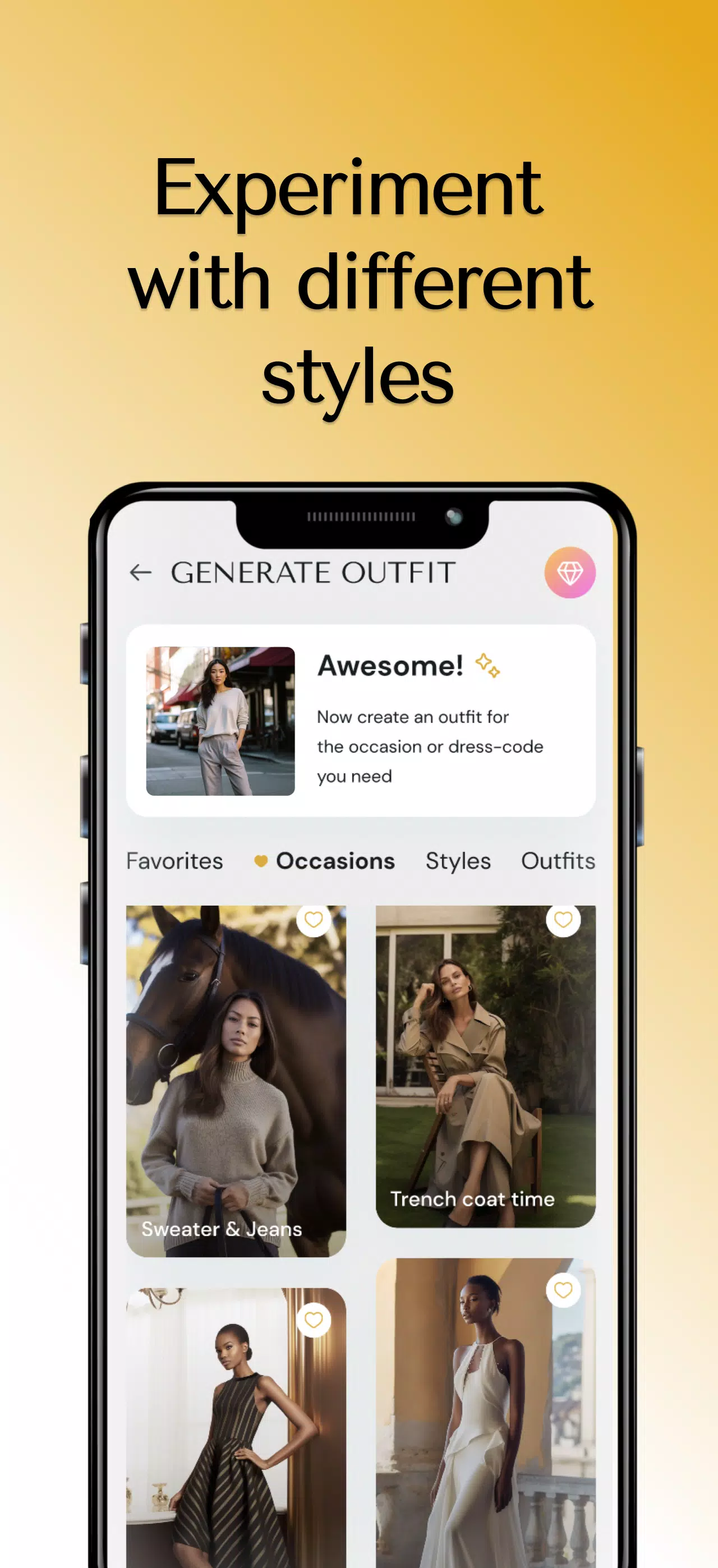
Style Shifter is a versatile Android app that transforms the look and feel of your device with themes, icon packs, wallpapers, and adaptive widgets. It combines a simple interface with deep customization controls so users can craft unique home screens, switch aesthetics quickly, and export or share personalized setups.
What Style Shifter Offers
At its core, Style Shifter is a personalization toolkit for Android users who want more control over visual elements without needing advanced technical skills. The app bundles curated theme templates, a catalog of high-resolution wallpapers, and support for third-party icon sets. It also includes layout presets and widget styling that adapt to different screen sizes and launcher apps.
Key Features
- Themes and Presets: Ready-made palettes and layout presets let you change the device mood with a single tap, from minimal monochrome to vibrant gradients.
- Icon Management: Apply icon packs or tweak individual app icons. The icon editor supports custom shapes, borders, and shadow effects.
- Wallpaper Engine: Auto-crop, parallax support, and scheduled wallpaper rotation keep your home screen fresh without manual work.
- Widget Styling: Customize clocks, weather modules, and music widgets with color overlays and transparent backgrounds.
- Export & Share: Save complete setups and share them with friends or across devices through lightweight configuration files.
How the App Works
Style Shifter organizes customization into steps so the process feels manageable. Select a theme or start from a blank canvas, then adjust icons, wallpapers, and widgets using intuitive sliders and toggles. Most changes apply instantly so you can preview results in real time. Advanced options allow for per-app overrides and fine-grained spacing adjustments for pixel-perfect layouts.
User Interface and Workflow
The interface emphasizes clarity: a persistent preview pane shows how the home screen will look, while side panels host tools and settings. Common tasks are available on a single screen, and contextual help appears inline to explain esoteric options. A built-in search helps locate styles, keywords, or shared presets quickly.
Performance and Compatibility
Designed to run smoothly on a wide range of Android devices, Style Shifter is optimized for low memory usage and responsive animations. The app supports popular launchers and includes compatibility checks to recommend the best installation method for your device. Background tasks like scheduled wallpaper changes are lightweight and respect battery-saving modes.
Saving, Syncing and Sharing
Profiles are a major time-saver: create multiple setups for work, leisure, or seasonal themes and switch between them instantly. Profiles can be backed up to cloud storage or exported as small files for sharing. When you import a shared profile, the app guides you through any missing asset replacements to ensure a faithful reproduction.
Practical Use Cases
Style Shifter is useful whether you want a clean, distraction-free environment for productivity, a visually rich setup for media consumption, or themed looks for special events. Designers and enthusiasts can use the app as a rapid prototyping tool to test color combinations and iconography directly on a device.
Getting Started
Begin by browsing the template gallery and applying a preset to see how elements interact. Experiment with the icon editor and try scheduled wallpapers to automate visual variety. If you prefer hands-on control, use the layout grid and spacing tools to fine-tune placement. Tutorials and sample profiles help accelerate the learning curve.
Tips for Best Results
- Match wallpaper contrast to your icon pack for readability.
- Use transparent widgets sparingly to avoid visual clutter.
- Test profiles on different screen sizes to confirm responsive behavior.
- Keep backups before making sweeping changes so you can revert quickly.
Style Shifter brings practical customization to everyday Android use with an emphasis on speed, compatibility, and creative freedom. Whether you want subtle refinements or a complete visual overhaul, the app provides tools to build, save, and share distinctive home screen experiences.
Information
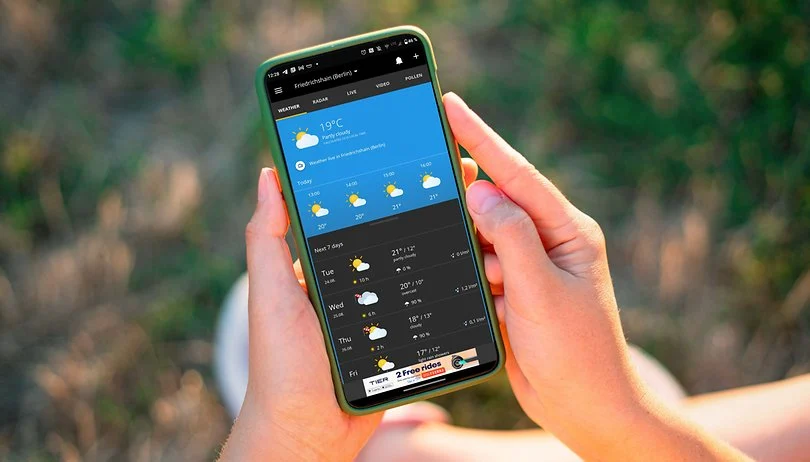
What are some reliable weather apps without ads? A great weather app not only helps you stay informed about daily weather conditions but also delivers accurate weather data. Some apps even come with smart voice alerts, ensuring you're always prepared when heading out. These weather apps are ad-free, with all forecasts and updates sourced from trusted meteorological organizations, providing you with the most precise information. If you're looking for such a tool, download and try one today!






User Comments

entascan is a compact skin-care companion that combines a handheld moisture meter with a smartphone app to turn hydration readings into clear, practical guidance. Designed for people who want to monitor skin moisture without clinical equipment, entascan connects to your device via Bluetooth to record measurements, generate readable reports, and offer personalized recommendations you can apply in daily routines at home, in the office, or while traveling.

moz5 Apps is a compact Android utility suite designed to simplify daily tasks and streamline app management on mobile devices. It bundles a selection of practical tools into a lightweight package, focusing on speed, clarity, and compatibility for users who want straightforward functionality without unnecessary complexity.

C.Kamura is the official mobile app from renowned Brazilian stylist Celso Kamura that brings salon booking, service details and client management directly to your phone. Designed for clients who want straightforward scheduling and access to Kamura’s salons in São Paulo, Campinas and Rio de Janeiro, the app lets users book appointments, receive reminders, view service history and unlock app-only offers. Whether you seek routine maintenance or a bold new look guided by an experienced team, C.Kamura simplifies appointment management and feedback while preserving the creative standards associated with his salons and fashion collaborations.

Are you in need of some self-care and pampering? Look no further than BEWA, the ultimate platform for all things beauty and wellness. With BEWA, you can easily book appointments at barbers, hair stylists, wellness centers, spas, and beauty professionals in your area, all from the convenience of your smartphone. Say goodbye to the hassle of calling around for availability and let BEWA take care of it all for you. Discover new professionals, manage your appointments, and start your journey to wellness today by downloading the app. Treat yourself to some much-needed relaxation and rejuvenation with BEWA.
Hair Fall Home Remedies helps users address hair loss with a practical, natural toolkit that fits into daily routines. The app compiles easy-to-follow home treatments using common ingredients and delivers clear, step-by-step instructions so non-experts can try remedies at home. Designed for both men and women, it emphasizes simple guidance, personalized tips based on hair type, and an uncluttered interface that makes finding suitable solutions quick and straightforward. If you prefer affordable, do-it-yourself alternatives to salon appointments and complex products, Hair Fall Home Remedies provides a convenient reference to explore options that may support healthier, fuller-looking hair over time.

Skin Expert: all about aesthet is an innovative application that connects cosmetologists, dermatologists and patients through secure chat and video consultations while helping clinics and practitioners manage daily workflows. The app centralizes doctor and clinic profiles, services and pricing so patients can compare options and access exclusive offers, and it gives professionals tools to build patient dossiers, store treatment photos and plan courses of care. For clinics, the platform helps automate routine tasks and improve resource allocation to deliver more personalized care. Users who want streamlined communication and consolidated practice management will find this app useful.