

 X
X
 facebook
 WhatsApp
 Email
Email
Introduction
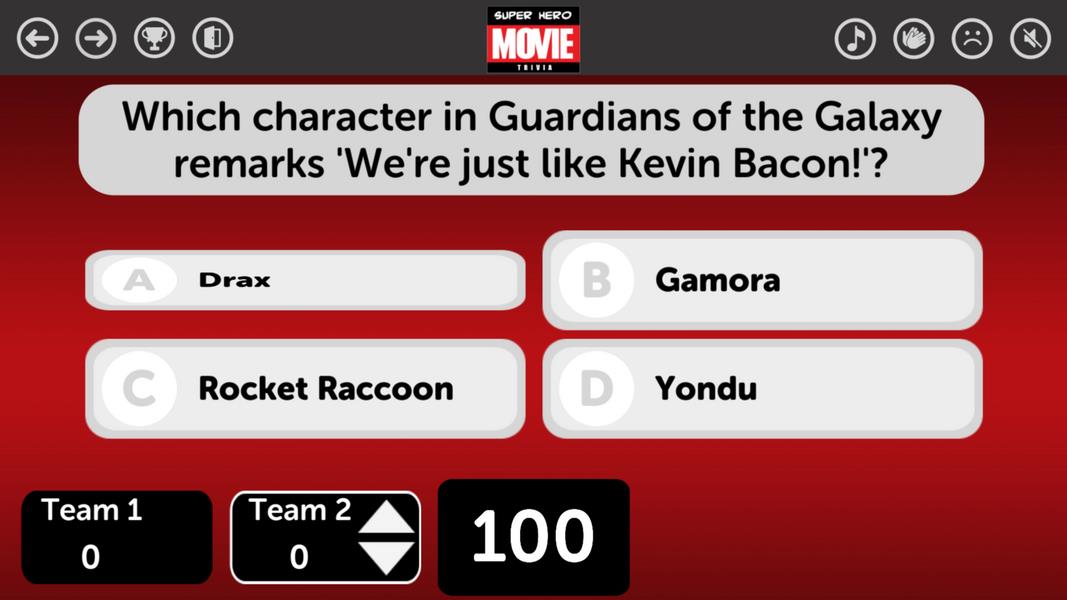
TriviaMaker is a versatile quiz and gameshow builder designed for teachers, presenters, and event hosts who want to create interactive trivia experiences quickly. The app places question categories, timers, scoring rules, images and video into a single editor so you can assemble a complete session and present it on a screen in minutes. TriviaMaker balances an approachable setup with options for professional presentation, letting you use templates for a fast start or customize every detail for a classroom review, corporate training exercise, or community trivia night.
Key Features
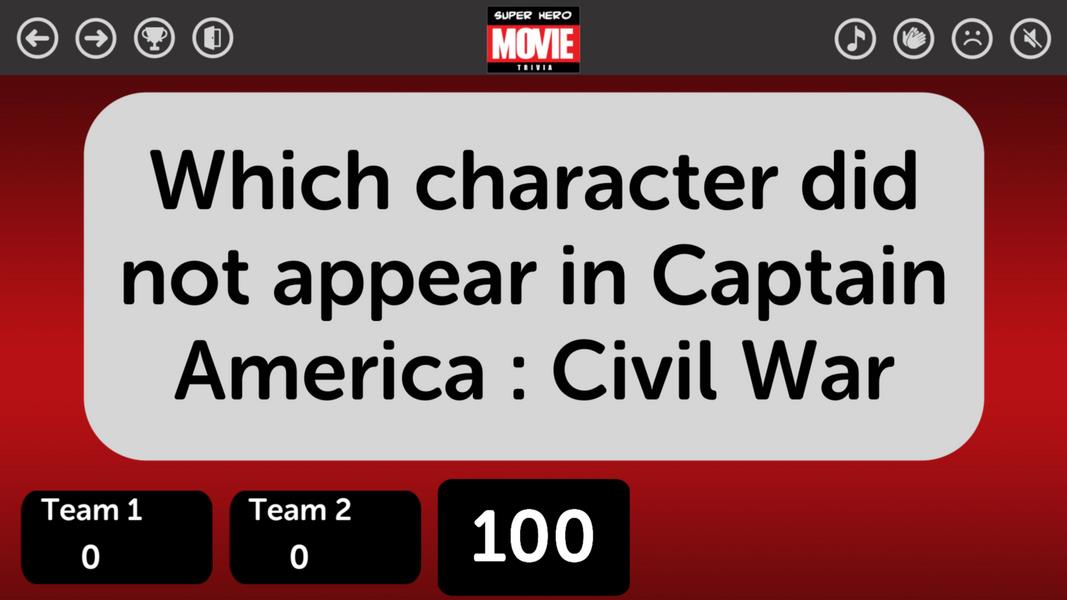
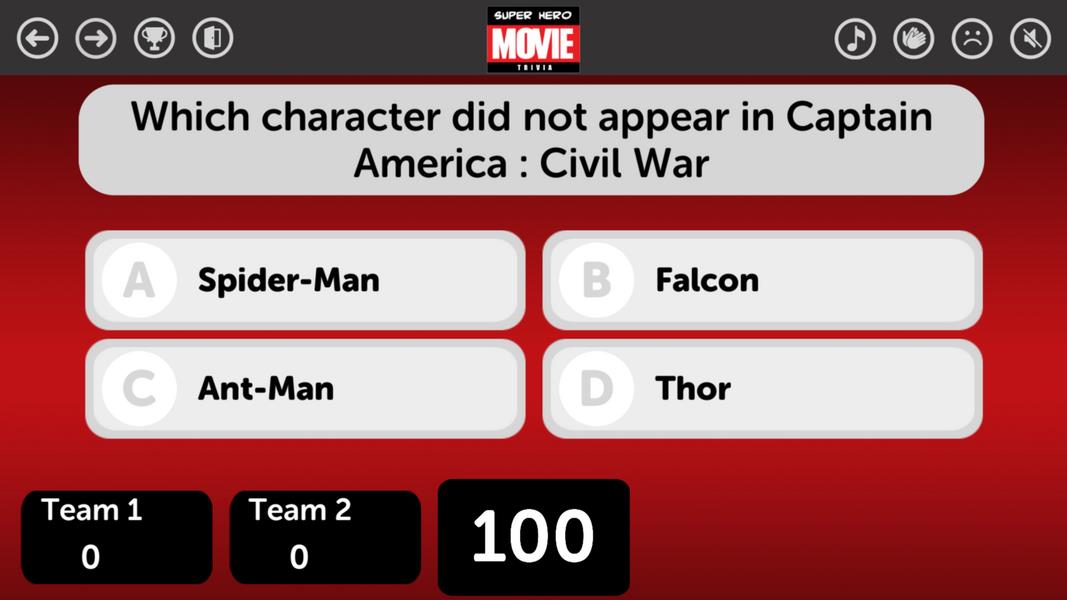
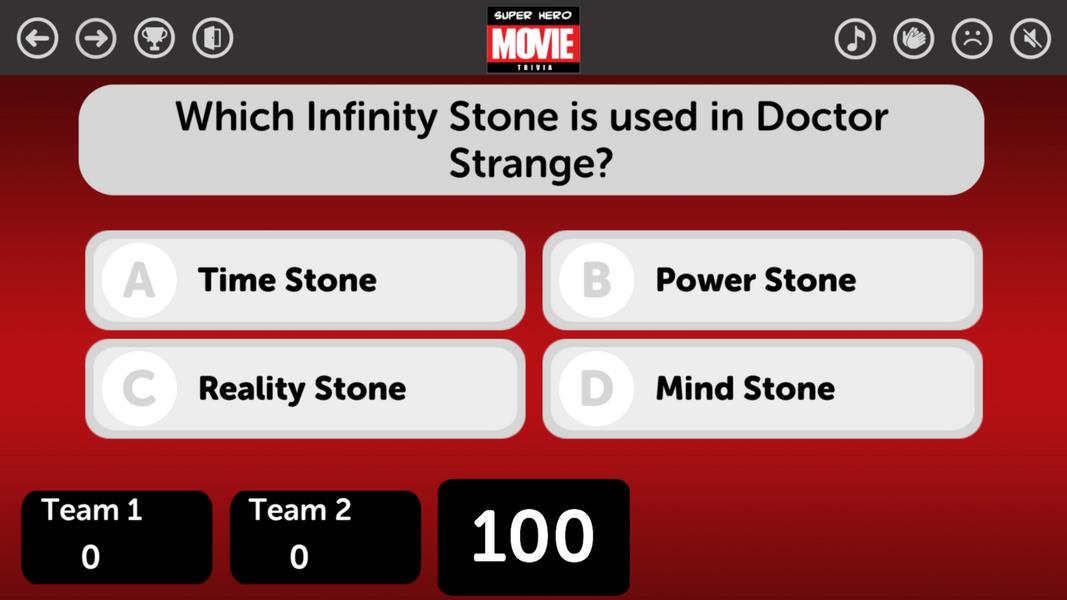
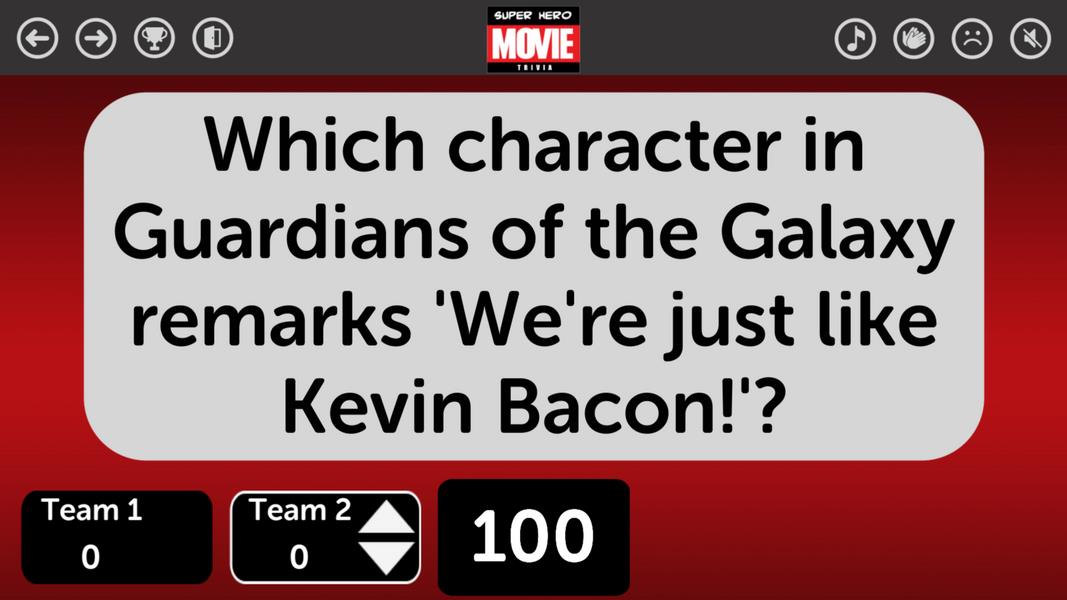
TriviaMaker provides three presentation styles—Grid, Feud, and Multiple-Choice—that change how content is revealed and how players or teams interact with the material. The editor supports categories, point values, timed challenges and multimedia attachments so questions can include images and short video clips. Cloud storage keeps your quizzes organized and available across devices, while printable answer keys and a built-in scoreboard make grading or live tracking straightforward. The app also includes polished animations and sounds that enhance audience engagement without requiring complex setup.
How It Works
Build a quiz by adding rounds and grouping questions into categories or themes. Each round can have its own time limit and scoring rules so a session can progress from easy warm-up rounds to timed high-pressure challenges. During presentation mode the app reveals content according to the chosen style: Grid shows multiple categories at once, Feud highlights competitive reveal mechanics, and Multiple-Choice presents single-question rounds with clear answer options and timers. The presenter controls scores live and can advance through rounds manually or set them to proceed automatically based on timers.
Controls and Editor
The editor is designed for touch and simple pointer input: add or edit questions with on-screen fields, set timers and point values, and rearrange the order of questions through straightforward editing controls. Copy and duplicate functions let you reuse question structures or whole rounds, saving setup time. During a presentation the host controls playback from the presenting device, advancing slides and triggering reveal animations without needing extra hardware when running on a single device.
Presentation and Display
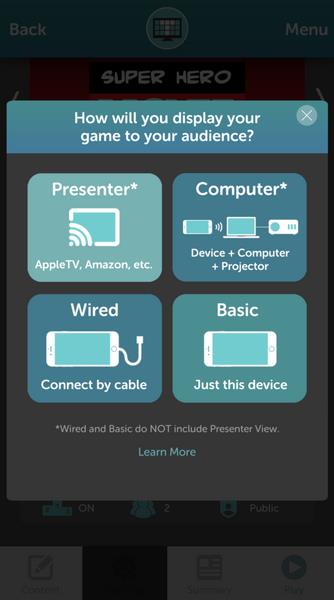
Present directly from a tablet or laptop to a projector or large screen using wired connections or standard display options supported by the device. The presenter view keeps notes private on the host device while the audience sees a clean, polished display. The built-in scoreboard tracks cumulative points and displays team or player scores prominently so audiences can follow progress at a glance. If you need to share a session with a co-host or collaborator, generated links and duplication features allow teammates to preview or copy a quiz for editing.
Customization and Visual Style
Visual themes and templates let you match the look of your quiz to a school, company, or event. Change colors, add logos and adjust fonts and background elements to improve legibility and brand consistency. Small styling choices—such as contrast options and size of question text—help tailor the on-screen experience for different venues and audience sizes. These customization options make it easy to produce a consistent visual identity across multiple sessions.
Progression, Scoring and Challenge Systems
Progression in TriviaMaker is driven by rounds and point accumulation rather than player-level mechanics. You can configure scoring per question, introduce bonus or penalty rules, and set question timers to increase difficulty. Rounds can be structured with escalating point values or varied formats to keep play dynamic. This system works well for classroom learning, where scores reflect mastery over a series of topics, and for social events that benefit from clear, cumulative scoring.
Replay Value and Sharing
The app encourages reuse by letting you duplicate quizzes, edit question banks and save multiple versions for seasonal or topical updates. Templates and reusable question groups reduce preparation time, so you can adapt the same core content for different audiences by changing difficulty, media, or timing. Sharing links and collaboration tools simplify handed-off editing and allow multiple instructors to maintain a common content library while avoiding accidental overwrites.
Accessibility and Offline Use
TriviaMaker is built with readability and straightforward navigation in mind: large text options, high-contrast themes and clear on-screen controls make sessions accessible for diverse audiences. Cloud syncing and cross-device presentation features require an account and internet access to sync across devices, but single-device creation and presentation work offline so you can run quizzes in venues without a network connection. If internet access is available, account-based syncing ensures your content is backed up and accessible from other devices when needed.
Suggested Uses
Use TriviaMaker for classroom reviews, team-building workshops, training refreshers, or community trivia nights. Its flexible presentation styles and editing workflow are suited to educational assessment, interactive meetings, and public events where a polished display and clear scoring keep participants engaged. With sensible defaults and deeper customization available, TriviaMaker fits both quick, last-minute sessions and carefully prepared interactive programs.
Information
 Google Play
Old Versions
Social networking apps have become essential tools in everyday life, making communication with others more convenient. These apps allow you to easily stay in touch with old friends while also providing opportunities to meet new people, helping to expand your social network beyond its usual boundaries. This page features a handpicked selection of the best social apps, making it your go-to choice for mobile socializing!






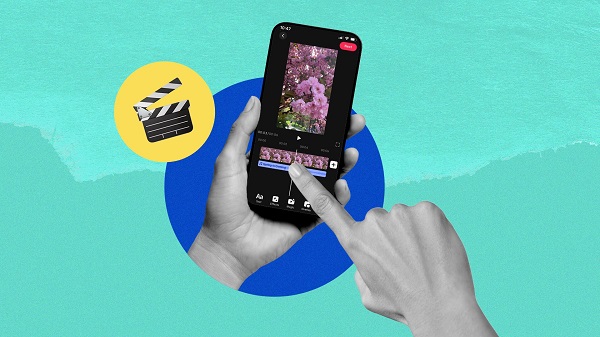
What would it be like to download video software for free? In this collection, you can find various video software that interests you, whether it’s video players or video editors—everything you need is here. All of it is provided for free, allowing you to download with ease and without any worries.





User Comments

BrandSafer2 is a mobile authentication app designed to help shoppers and brand teams verify product authenticity quickly using a smartphone camera. BrandSafer2 reads a visually distinctive Hybrid Tag engineered with special materials and printing techniques, runs anti-counterfeit checks, and returns clear pass/fail feedback so users can make informed decisions at the point of purchase. The app is intended for consumers, retailers, and brand partners who need an easy, reliable way to confirm provenance and report suspicious tags.

Anarkali Fashion Style is a focused visual reference that brings curated Anarkali suit designs to your device, presenting traditional and contemporary looks in a single, easy-to-browse gallery. Whether you are researching outfits for a wedding, planning a party look, or simply exploring everyday styles, Anarkali Fashion Style shows floor-length and mid-length silhouettes, embroidery techniques, color palettes, and accessory suggestions alongside clear photos and short descriptive notes. The app is designed to be a quick source of inspiration: high-resolution images, clean navigation, and a small set of organizational tools keep the focus on design details rather than shopping or booking services.

Marina Bay Sands Singapore puts the resort's promotions, dining and shopping information, and rewards program into a single mobile companion so guests and visitors can discover offers and manage benefits on the go. The app lets you browse the latest promotions, explore more than 170 luxury and premium boutiques, and find over 80 dining options and award-winning attractions, all from your phone. You may want this app if you frequent the property or plan a visit, because it simplifies tracking Sands Rewards Dollars, signing up for complimentary membership and redeeming perks such as parking instantly through the Sands Rewards e-Card.

CoVince is a software application that lets users join Metaverse Parks to experience shared virtual spaces and collaborate with others in real time. The app highlights collective experience, community growth, and cooperative activities that bring people together in park-like digital environments, making it useful for social meetups, team collaboration, and community building. CoVince focuses on connecting participants, facilitating shared sessions, and supporting ongoing interaction so groups can explore, collaborate and grow together within accessible virtual venues.

Living Spiritual Masters Daily is an app that delivers carefully selected daily quotes from contemporary spiritual teachers to inspire personal practice and reflection. It presents short teachings from living masters to remind users about surrender, self-realization and the power of direct guidance, while offering tools to weave those teachings into everyday routines. Users may download it to receive daily prompts, set alarms, choose background tunes, and keep favorite sayings for study or sharing. The design aims to be a gentle companion—helpful for anyone seeking daily spiritual focus without replacing personal mentorship.

e-Diyet Teknoloji Diyeti is a lightweight digital wellbeing app designed to help you take back control of everyday phone use by automatically tracking screen time, analyzing which apps occupy your attention, and sending gentle reminders when usage exceeds the limits you set. From the first run the app records app-by-app activity and produces readable summaries so you can quickly see where your minutes go; e-Diyet Teknoloji Diyeti is built to support gradual habit change rather than enforce harsh blocks.