

 X
X
 facebook
 WhatsApp
 Email
Email
Introduction
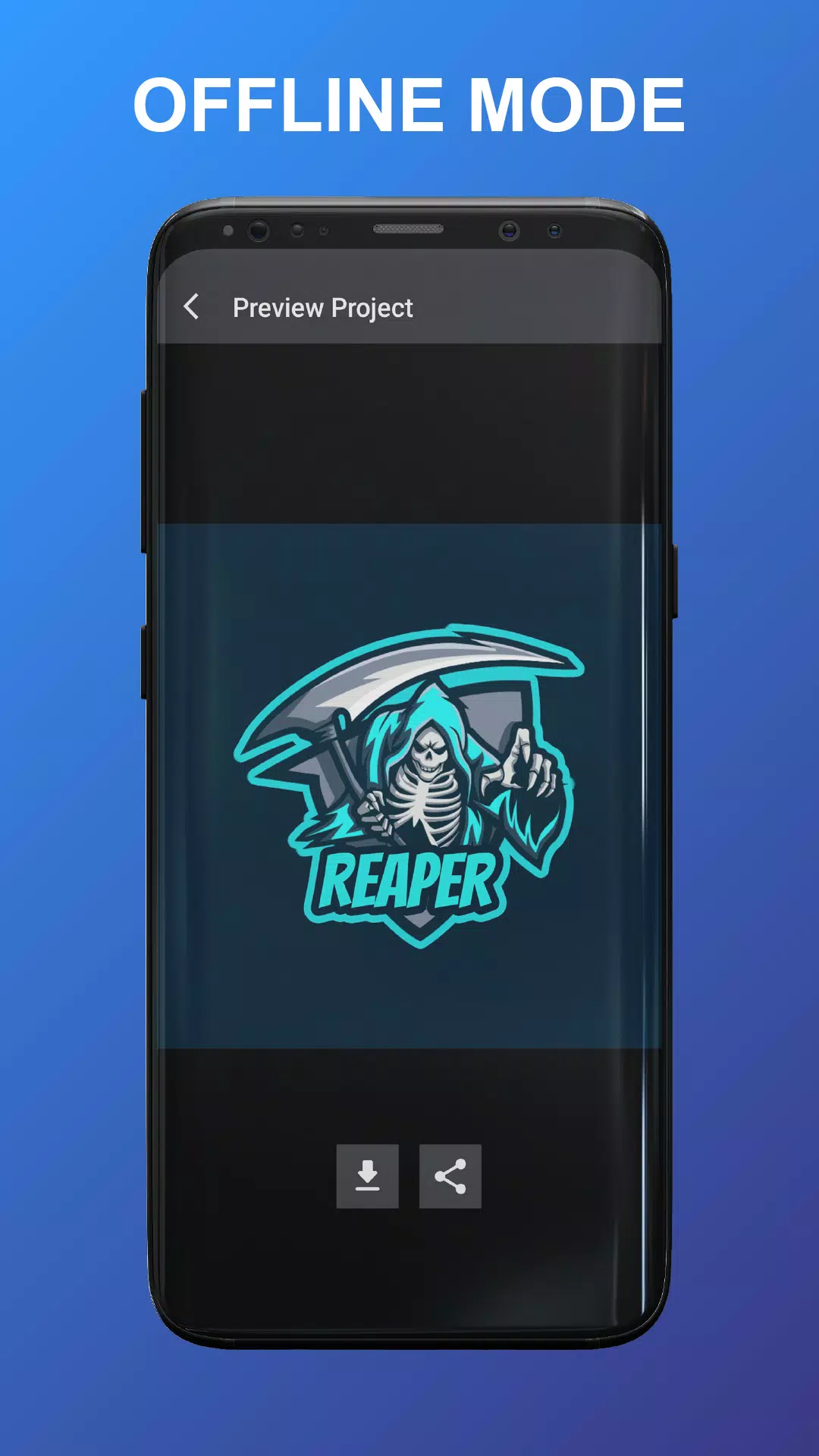
Esport Logo Maker Offline is a compact, privacy-focused design tool for gamers, streamers, and community organizers who need polished team badges, stream overlays, and social graphics without an internet connection. Esport Logo Maker Offline puts a large themed template library and a focused set of editing controls on your device, so you can create, iterate, and export finished logos wherever you are. The app is built for fast workflows: choose a template, customize text and colors, adjust composition, and save a high-resolution image for use on social channels or merchandise.
Key Features
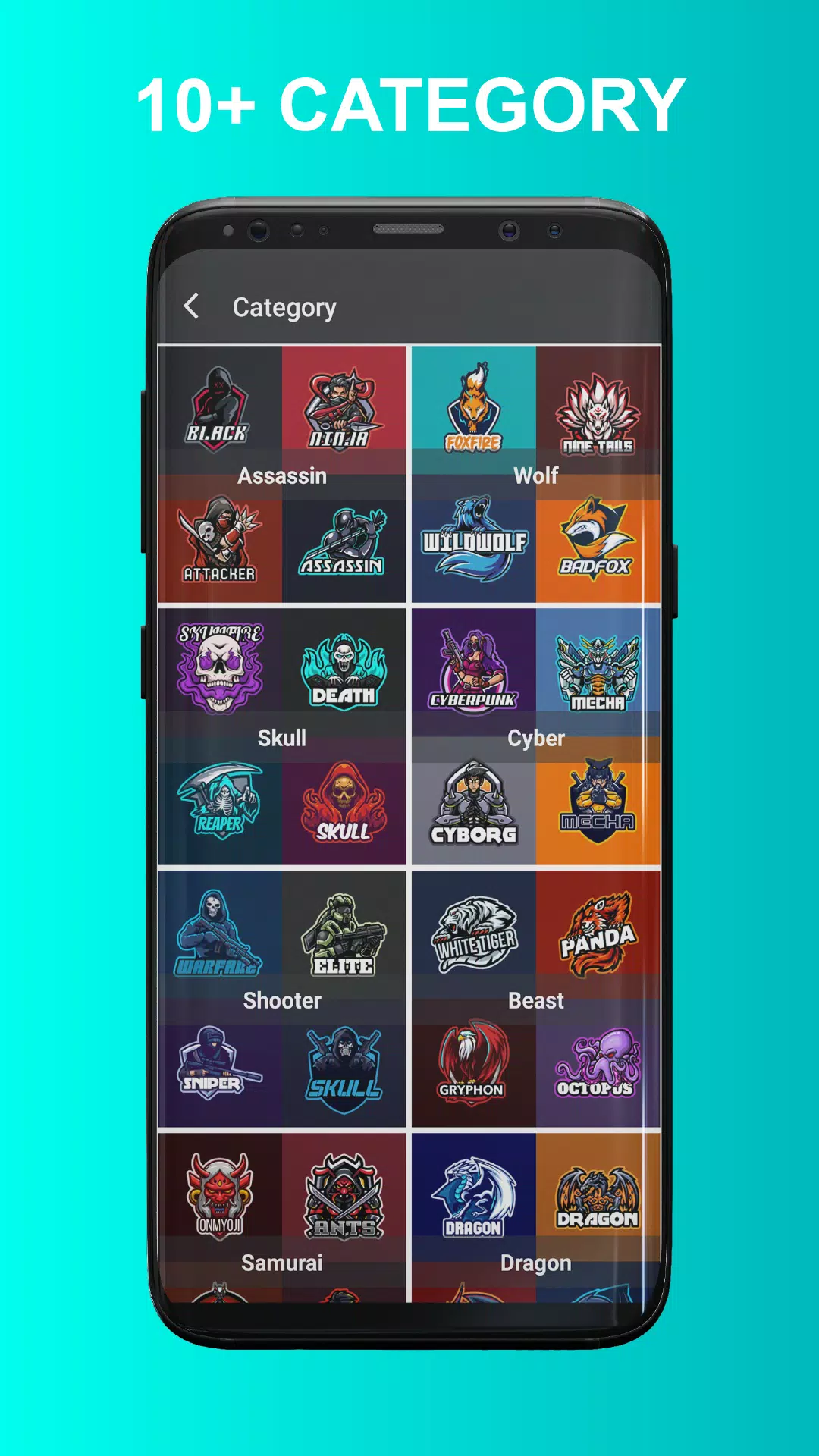
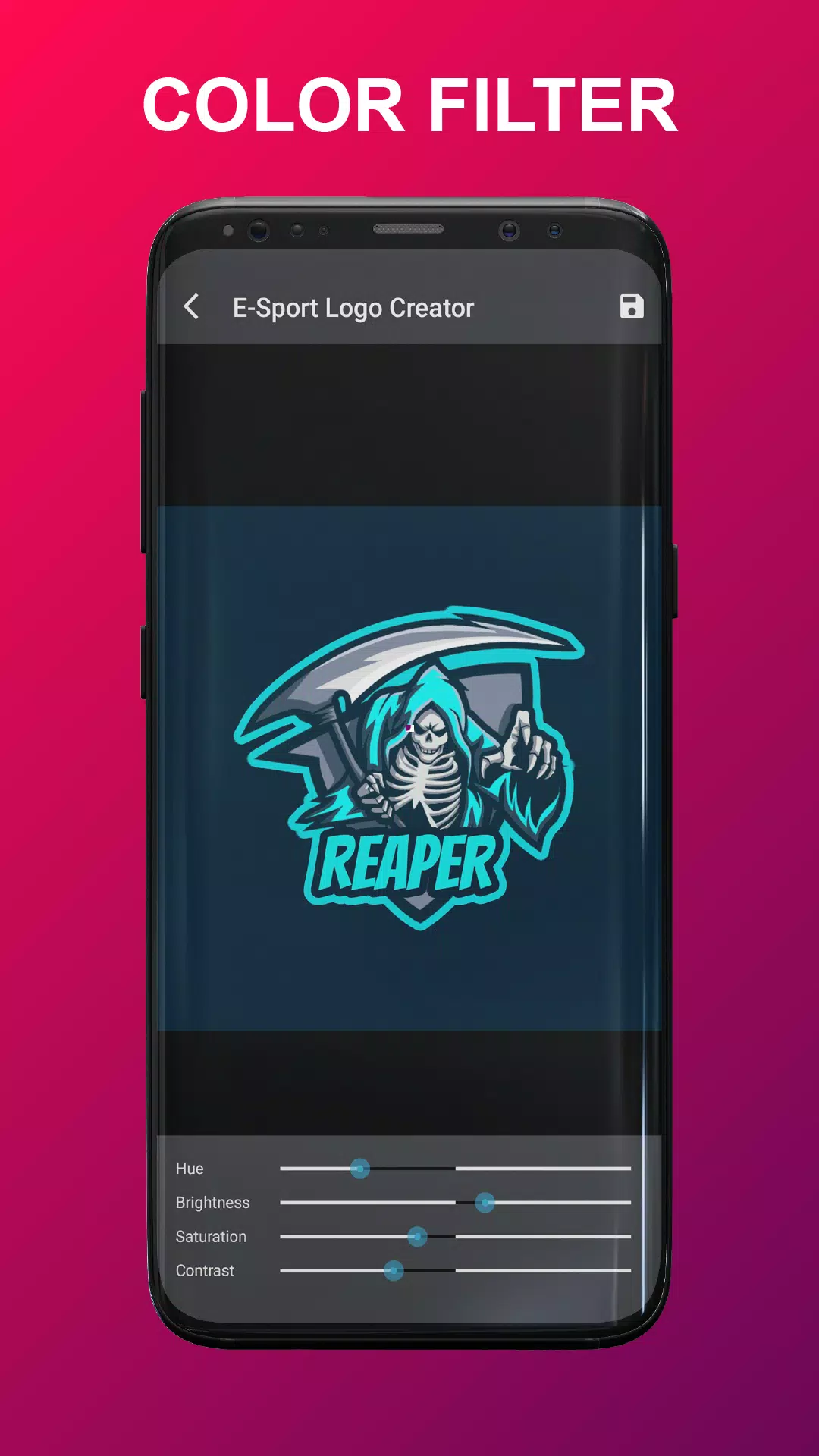
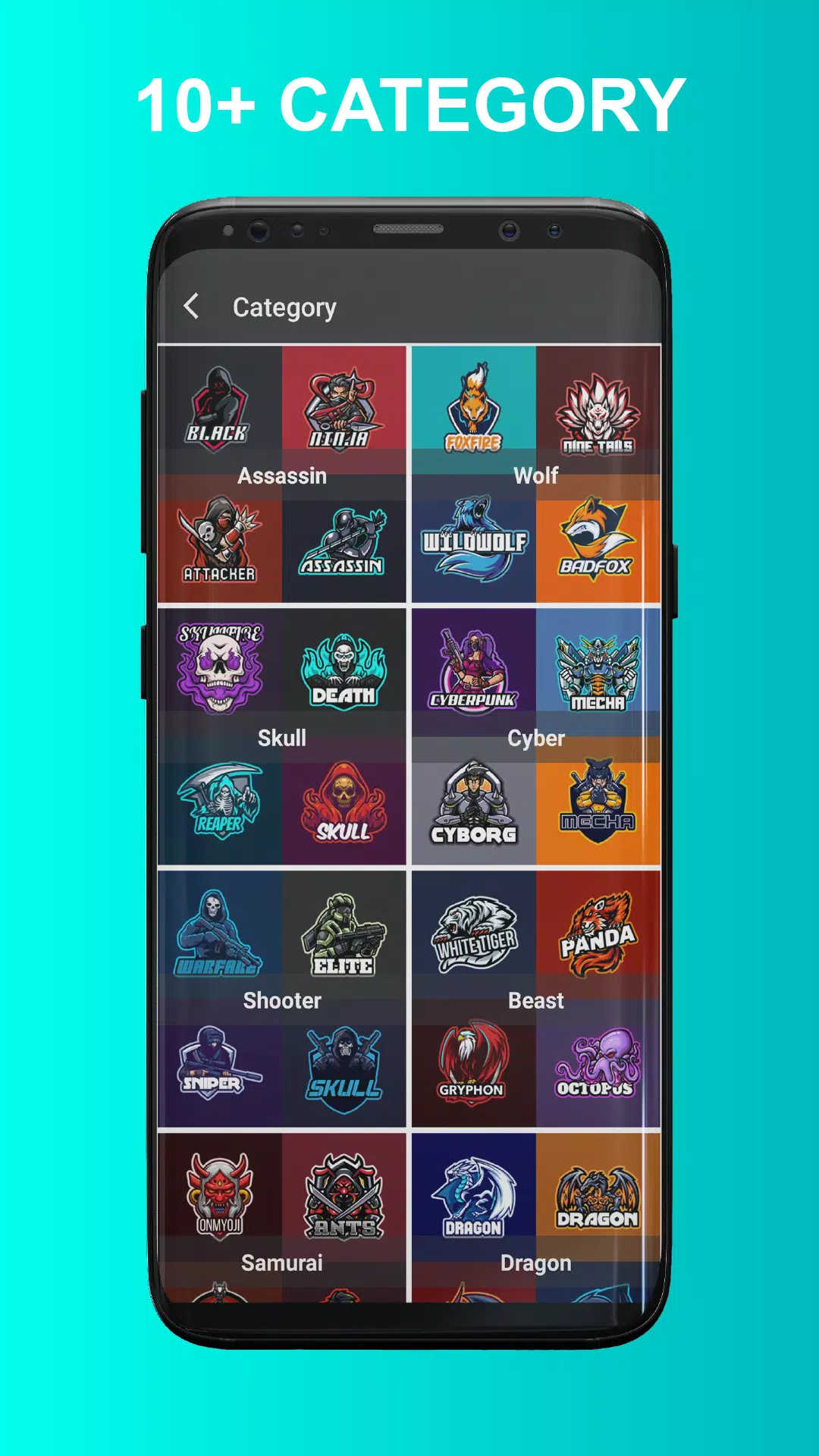
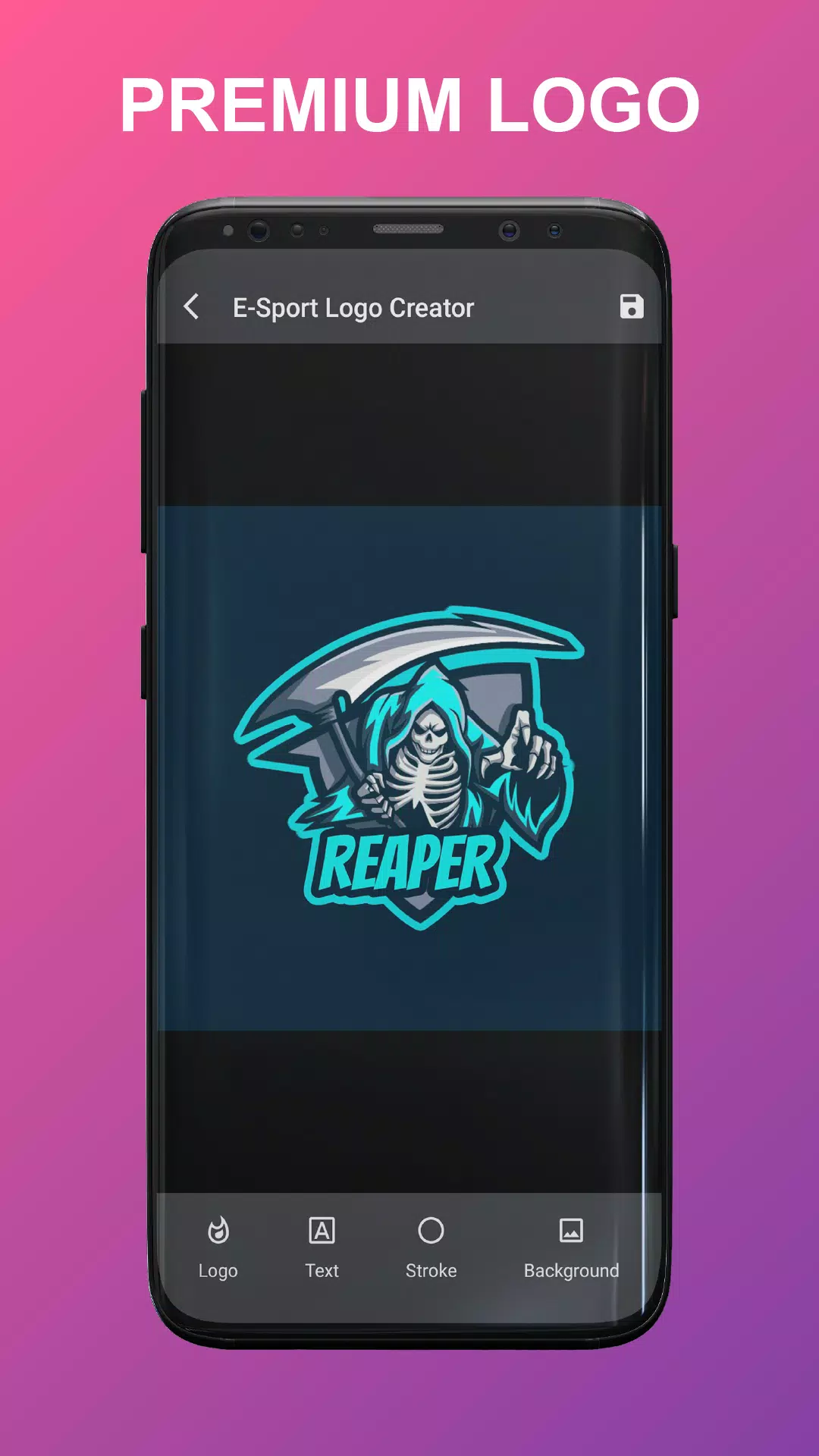
The app includes more than 160 premium logo templates across 16+ themed categories such as wolf, dragon, samurai, robot, and skull that reflect common esports and streaming aesthetics. A curated font collection of over 100 typefaces helps you match aggressive, modern, or clean branding styles. Color filters, stroke controls, gradient presets, and simple palette tools let you fine-tune the visual identity quickly without complex color theory knowledge. Built-in background options allow solid or transparent canvases so your logo works on overlays, thumbnails, or printed items.
How the workflow works
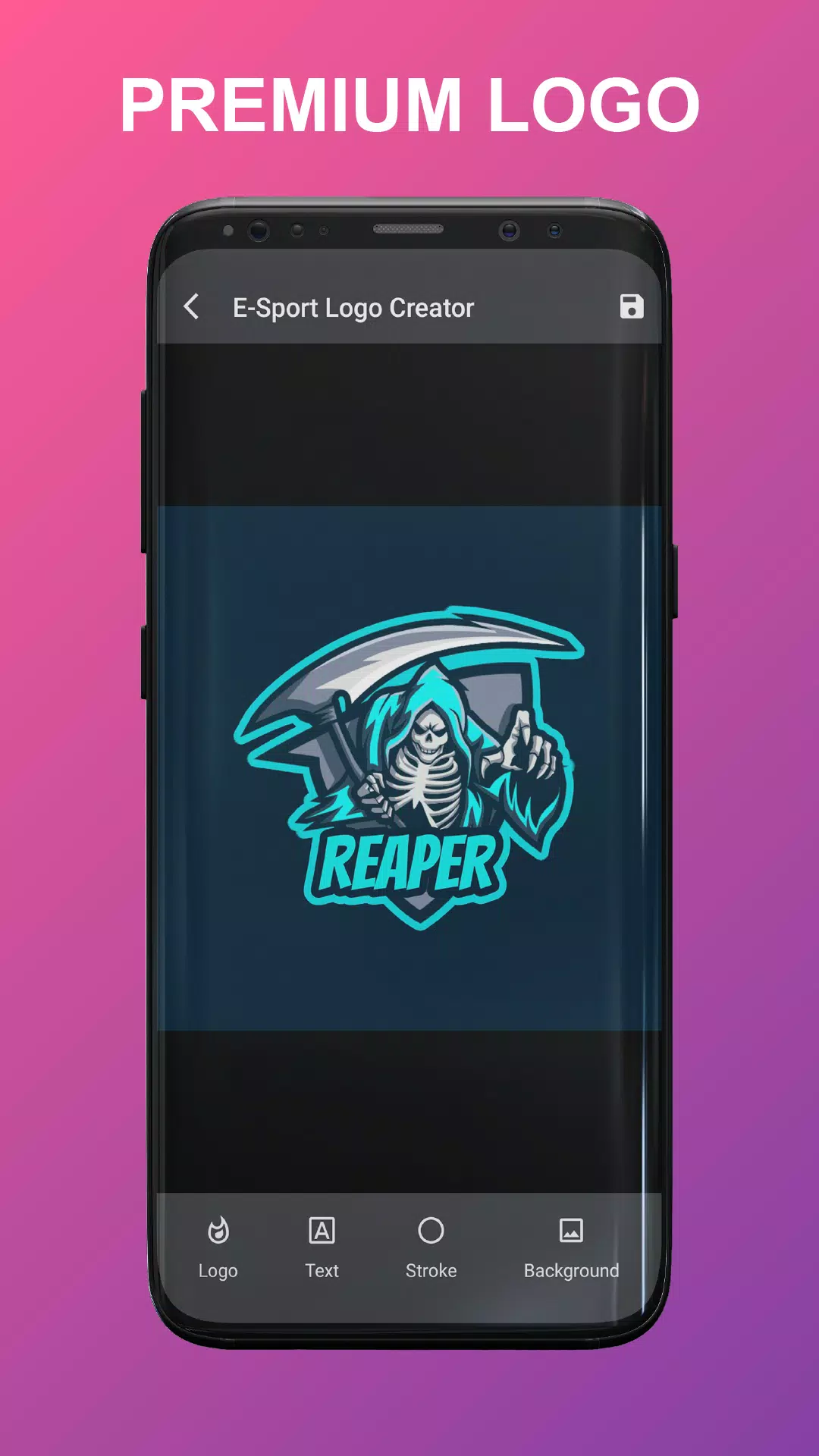
The workflow in Esport Logo Maker Offline follows a clear progression: start with a category, pick a template, edit layers, and export. Controls are intentionally streamlined to reduce friction — common actions like resizing, rotating, flipping, and aligning elements are available directly on the canvas. Each project can be saved locally so you can return to earlier versions, experiment with alternative palettes, or produce multiple variations for A/B testing on streams and social posts. There is no online dependency, so you retain full control over your files and edits.
Editing Controls and Mechanics
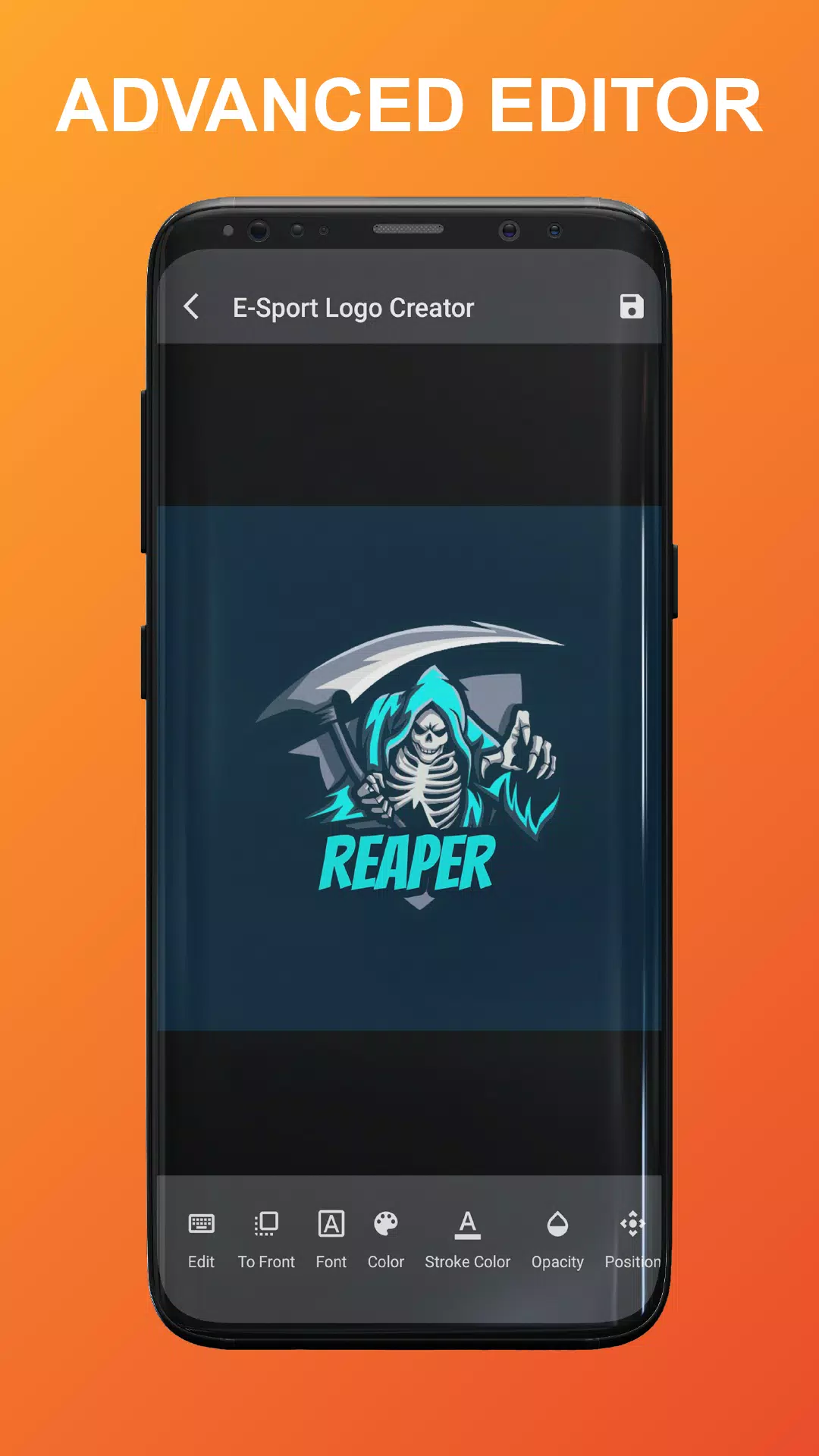
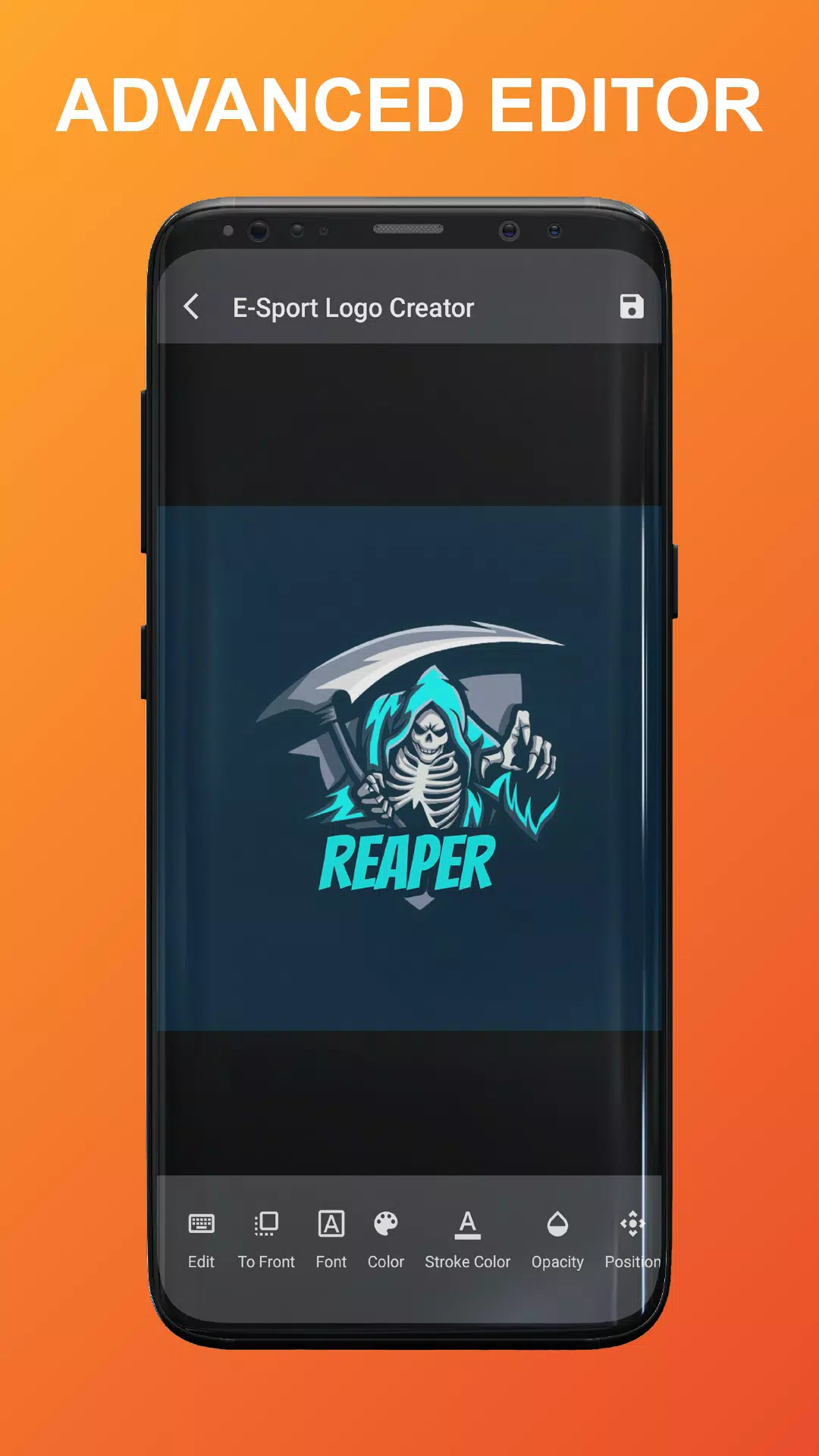
Editing is driven by touch-friendly mechanics: pinch-to-zoom for fine placement, drag gestures for repositioning assets, and slider-based controls for scale, letter spacing, and stroke thickness. Text editing supports quick renaming, font switching, and size adjustments, while alignment guides and snap-to-grid make it easier to keep compositions balanced. Layer order and element grouping help manage complex templates, and an undo/redo history lets you explore creative directions without losing earlier steps.
Customization and Visual Style
Templates are designed with a badge-first visual style commonly used in esports branding: bold outlines, compact iconography, and strong negative space for readability at small sizes. You can adapt each template’s style by mixing fonts, applying color filters, or swapping emblem elements. While the app emphasizes template-based design to speed up production, its controls are flexible enough to create distinct identities that stand apart from generic presets.
Progression, Replay Value, and Challenge
Progression in the app is user-driven rather than game-like: you improve by experimenting with composition, color contrast, and typography choices. The replay value comes from creating multiple variants for different contexts — for example, a full-color badge for banners and a simplified monochrome version for overlays. Design challenges are informal and personal; try refining a logo in under ten minutes, or develop a cohesive set of channel assets (logo, overlay, and profile image) across several sessions to build a consistent brand.
Export, Formats and Use Cases
Projects are exported as high-resolution PNG and JPG images suitable for stream overlays, social media, and print-on-demand merchandise. Transparent-background exports are supported for easy overlay placement in broadcasting software. Files are stored locally on your device so you can transfer them to a computer or upload them to a cloud service if you choose. The app focuses on straightforward image export rather than advanced vector workflows, so it complements rather than replaces professional design suites.
Accessibility and User Experience
Esport Logo Maker Offline prioritizes a clear, touch-optimized interface with readable labels, large toolbar icons, and scalable text fields to support users working on phones and tablets. Onboarding provides short tips for common tasks, and tooltips explain less obvious controls so beginners can get results quickly. Performance is tuned for offline reliability, keeping the interface responsive even on modest devices.
Privacy and Offline Reliability
All edits and saved projects remain on your device unless you choose to export and share them. The development team provides a straightforward privacy policy describing local storage usage and data handling. Because Esport Logo Maker Offline operates without an internet connection, you can design in secure environments or on the go without worrying about network availability.
Who should use it
This app is well suited to casual creators who need fast, attractive branding assets, team captains assembling a club identity, and streamers preparing overlays and thumbnails. Esport Logo Maker Offline is particularly useful when you want reliable offline access, simple but capable editing tools, and a library of templates that cover common esports motifs. It offers a practical balance between speed and control for most hobbyist and semi-professional needs.
Information
 Google Play
Social networking apps have become essential tools in everyday life, making communication with others more convenient. These apps allow you to easily stay in touch with old friends while also providing opportunities to meet new people, helping to expand your social network beyond its usual boundaries. This page features a handpicked selection of the best social apps, making it your go-to choice for mobile socializing!






User Comments
Magic town theme for galaxy m3 transforms your Android home screen with a curated collection of vibrant wallpapers, matching icon packs and integrated widgets designed to give your device a fresh, personalized look. Within moments you can apply a full visual package or mix and match individual elements: high-resolution backgrounds, alternate icon styles and a real-time clock and date widget all work together to create a consistent appearance. The theme is built for straightforward use, with simple controls that let both beginners and experienced customizers change colors, icon sizes and layout options without needing technical steps.
Tattoo Designs is an app for discovering and organizing tattoo artwork, helping users explore ideas and plan body art. It offers a central visual library so you can browse a wide variety of styles, compare concepts and save promising designs for later review. Whether preparing for a first tattoo or refining a larger piece, Tattoo Designs works as a reference and simple sketchboard to shortlist options and test visual balance. The layout emphasizes fast image browsing, easy organization and straightforward sharing so inspiration stays accessible while you discuss ideas with an artist.
Sticker Universe is a sticker library app that brings a huge collection of expressive images and designs into your messaging, so you can add humor, emotion, and personality to conversations quickly and visually. This tool organizes stickers across themes—cute animals, witty memes, and custom artwork—so sharing the right reaction is fast and fun. Users will appreciate fresh content pushed regularly, including seasonal packs and pop-culture releases, making it easy to keep messages current and engaging. If you want a simple way to enrich chats and stand out in everyday conversations, Sticker Universe delivers a broad, curated sticker experience.
Circle Painter is a focused drawing app built for creating symmetrical circular artwork, from quick doodles to detailed mandala-style illustrations. In Circle Painter every stroke is reflected across a configurable number of radial segments so a single motion produces complex, balanced patterns; the interface keeps the canvas visible and uncluttered so you can concentrate on composition rather than menus.
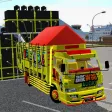
Mod Bussid DJ Truck Simulator is a compact, curated mod library and installer for Bus Simulator Indonesia players who want to add DJ-style trucks, pickup variants, and dedicated sound packs quickly and without manual extraction. The app focuses on practical compatibility and ease of use: thumbnails and preview audio let you evaluate mods before installation, a small download footprint keeps the app friendly to low-storage phones, and clear version tags reduce guesswork when matching mods to your map or simulator build.

AI Image Generator - AI Avatar is a powerful creative app that converts simple text prompts and photos into original images and personalized avatars, perfect for artists, content creators, and anyone who wants a distinctive digital presence. The app produces visuals in a wide variety of styles—from stylized manga and painted illustrations to photorealistic renders—so you can quickly prototype concepts, create profile pictures, or generate artwork for social posts and projects. Its interface is approachable for beginners while offering deeper controls for users who want to refine details and guide the AI’s output.