
 X
 facebook
 WhatsApp
 Email
Introduction
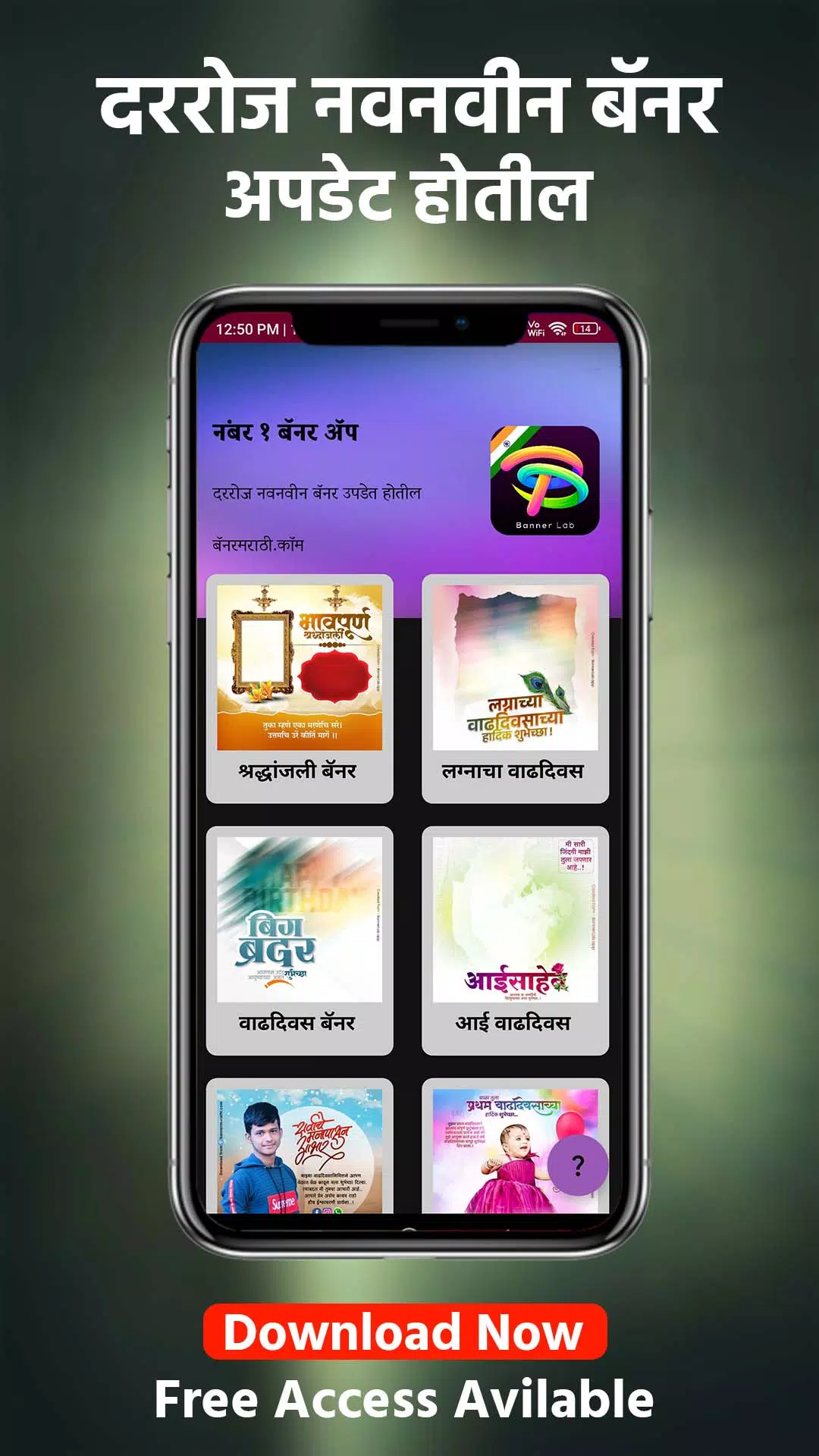
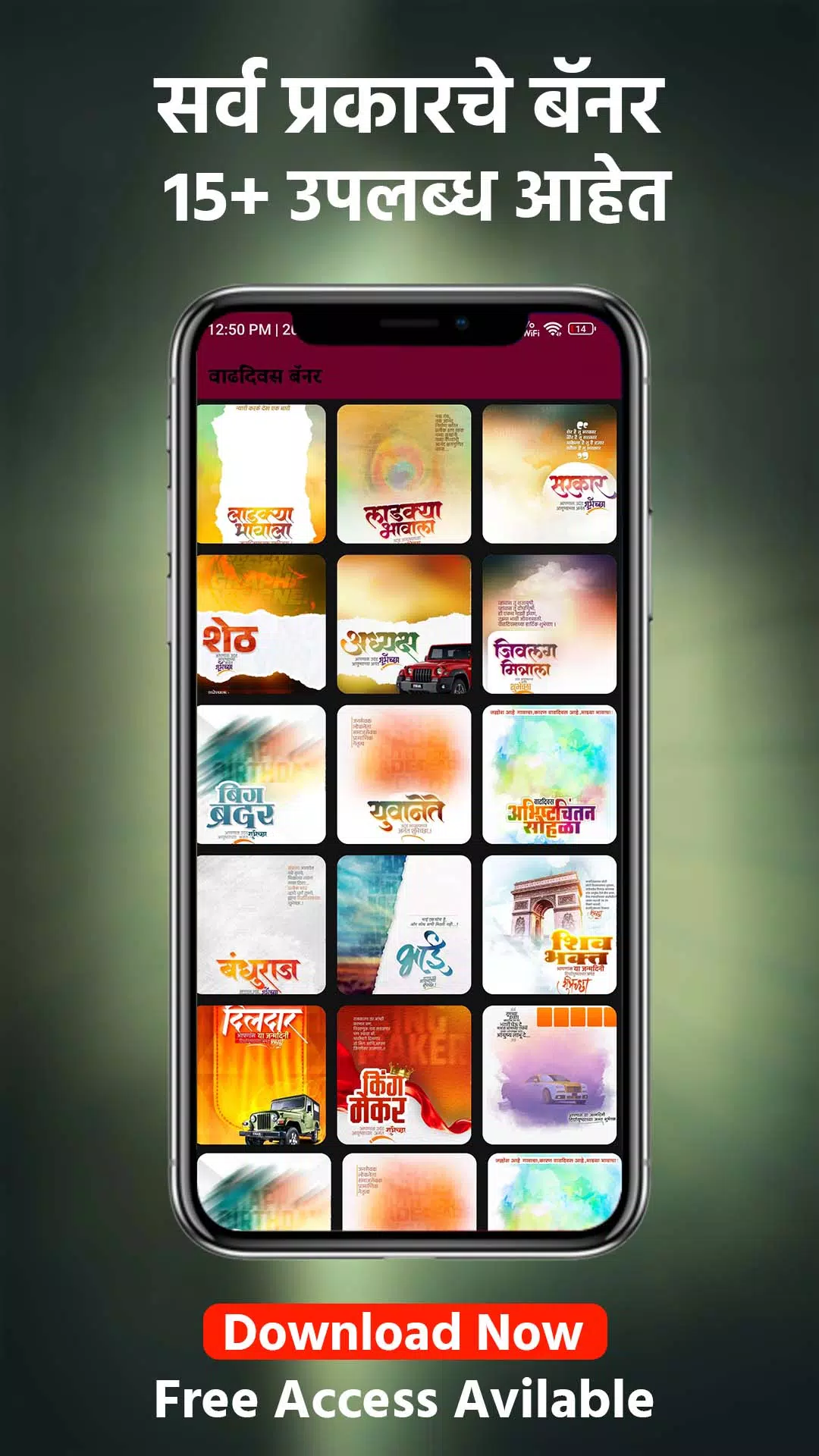
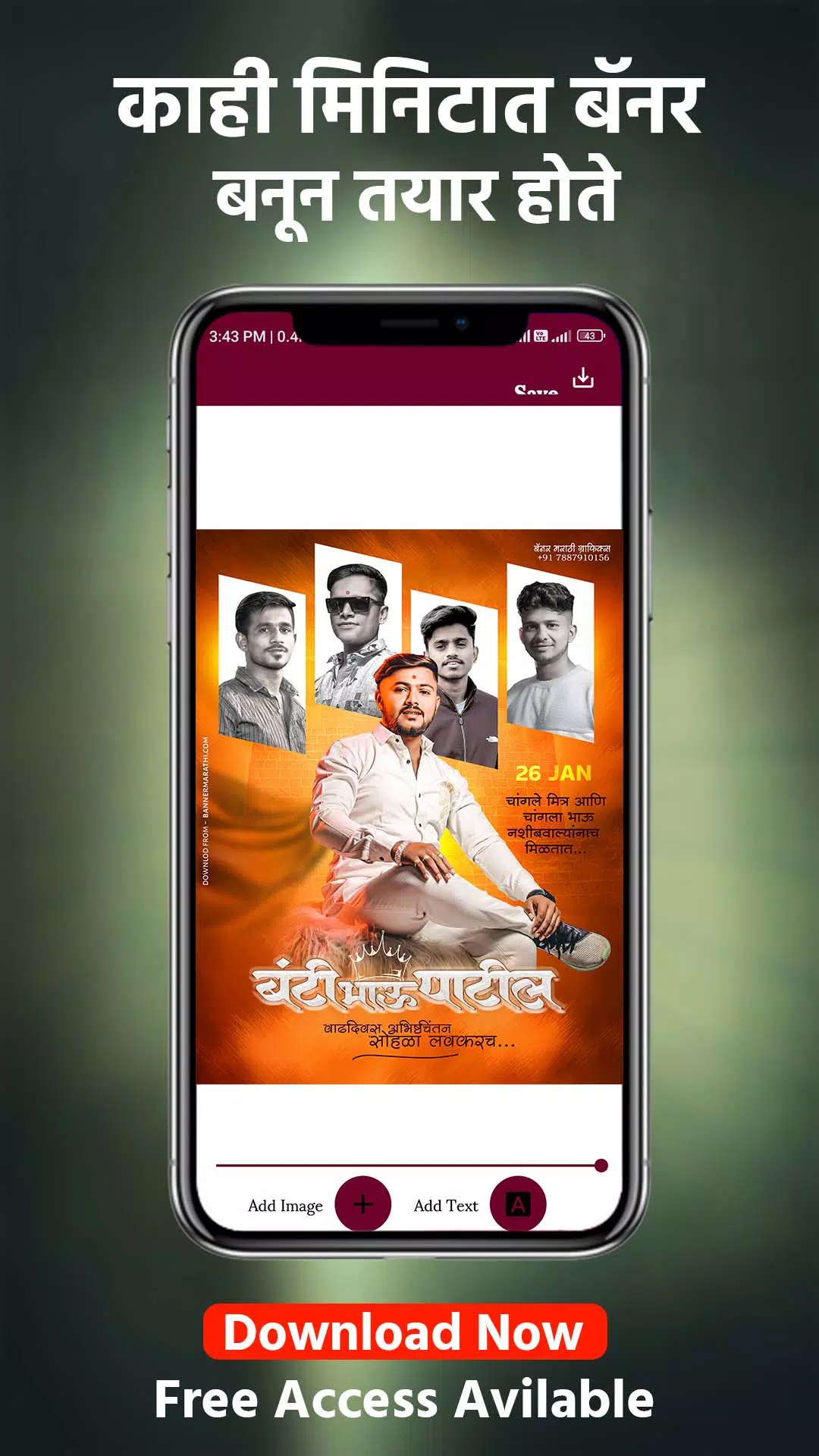
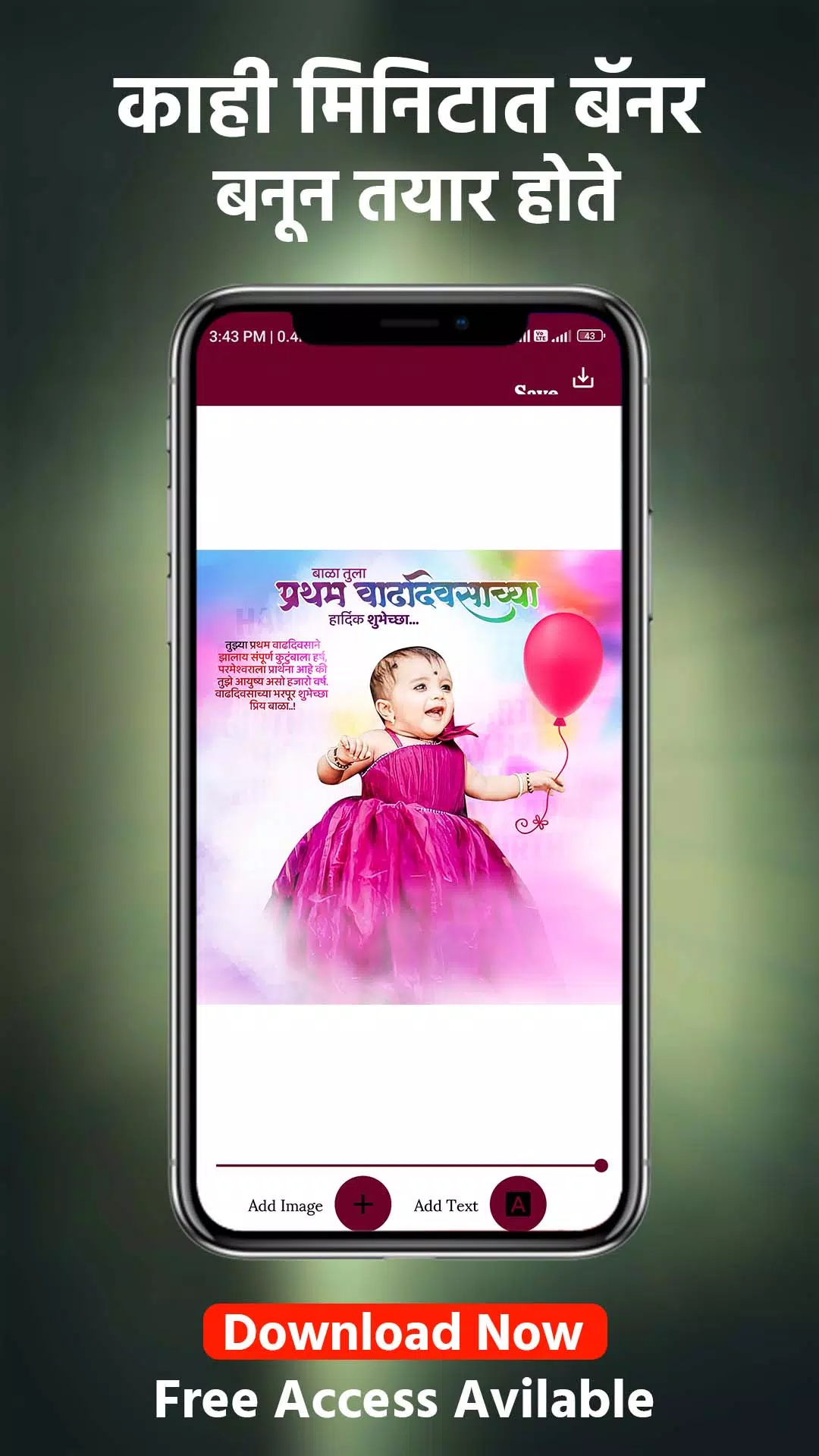
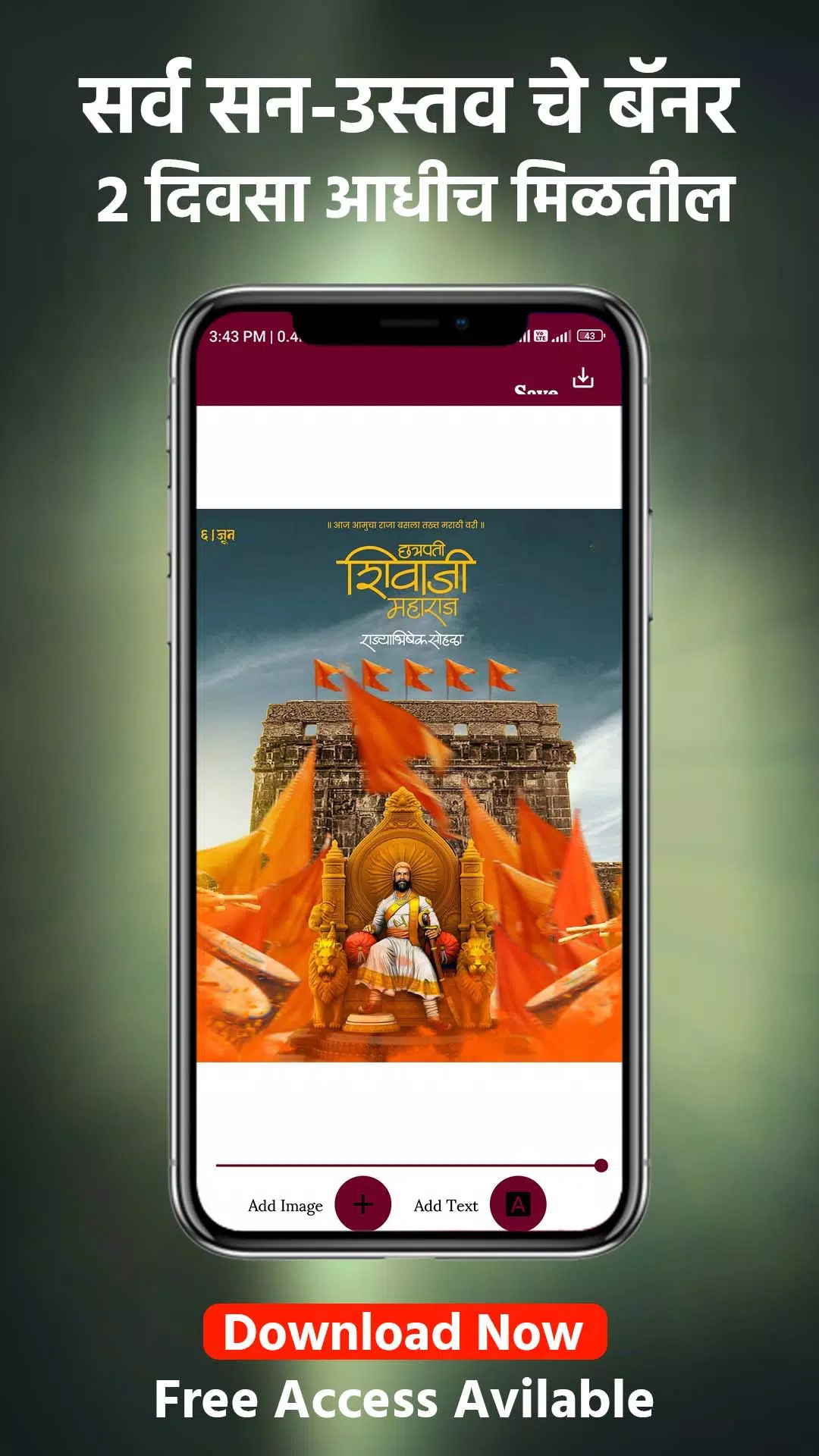
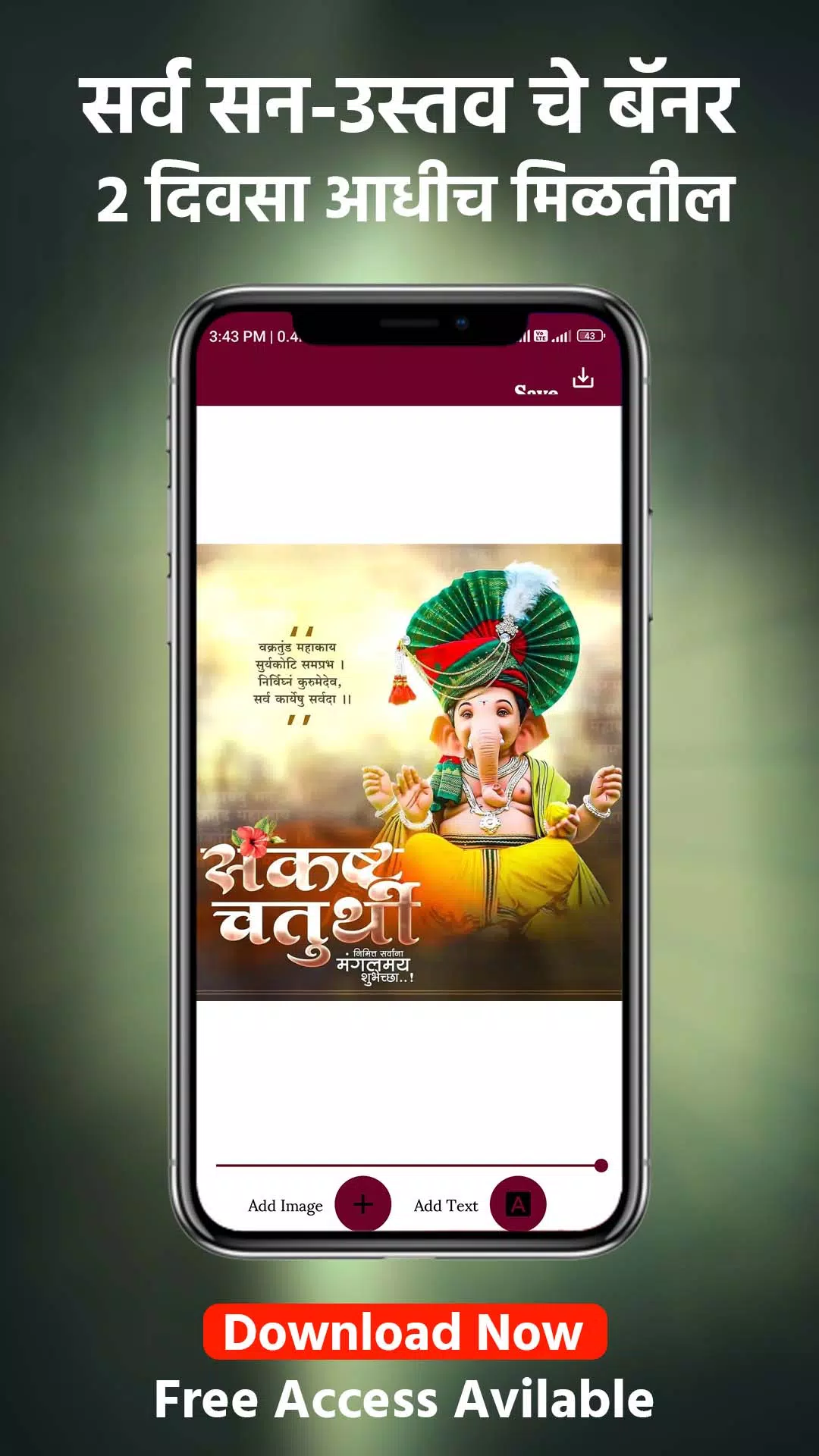
Banner Lab Marathi Banner App is a practical and approachable banner maker designed to help users create Marathi-language banners for birthdays, festivals, business promotions and personal greetings. The interface is kept simple so that people with no design background can open the app, choose a template, and begin editing immediately. Templates and background assets emphasize culturally appropriate motifs while controls remain familiar to anyone who has used a photo editor on Android.
Key features
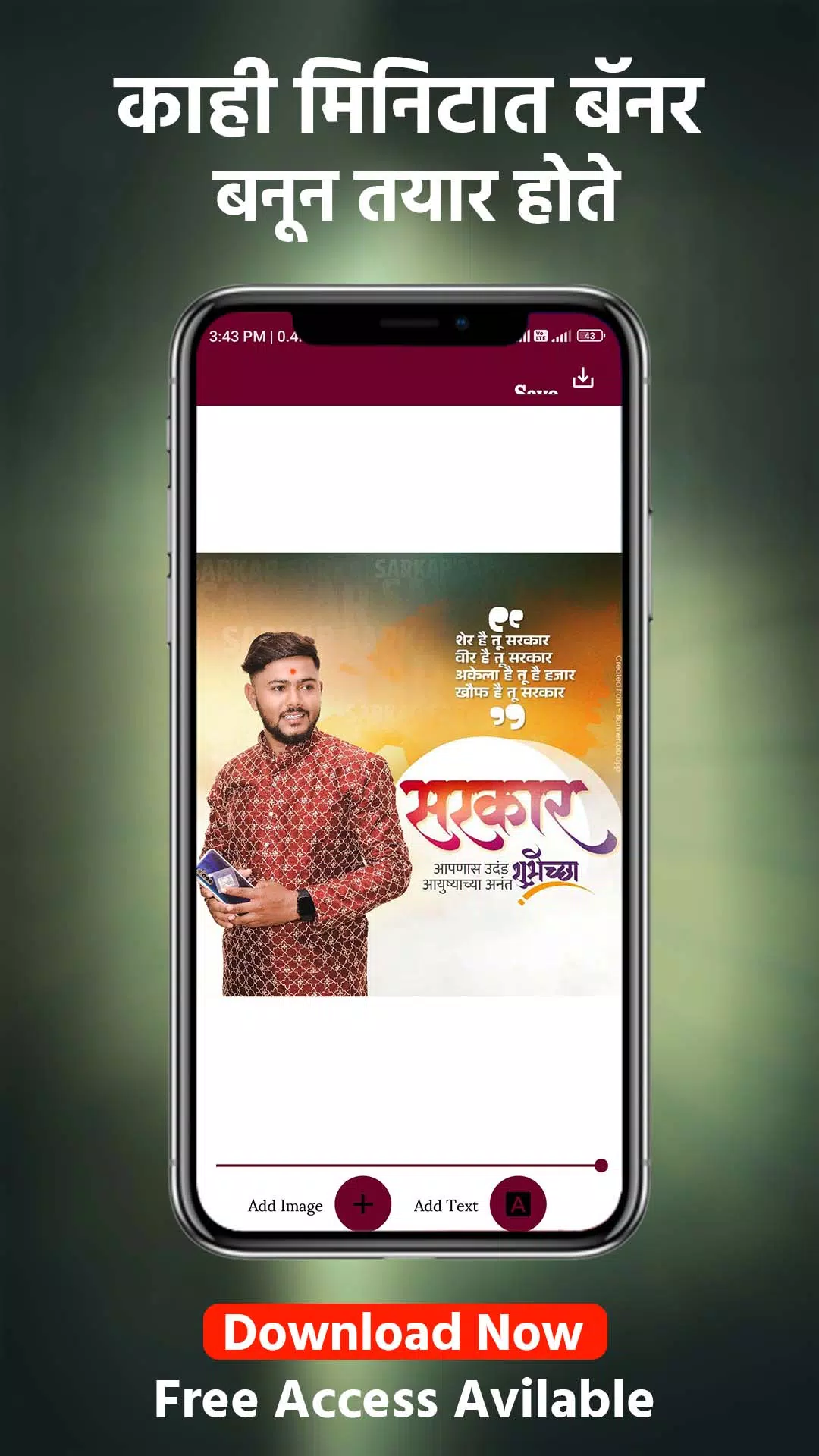
The app blends ready-made templates with flexible editing tools. You can edit text in Marathi with precise typographic controls, adjust font size, weight and line spacing, and place text freely using drag-and-drop. Backgrounds and graphical accents are selectable from curated packs and are fully customizable for color, opacity and scale. Advanced tools let you work with layers, align elements with snapping guides, and apply simple effects such as shadows and borders. Banner Lab Marathi Banner App includes export options that produce high-resolution (HD) images suitable for printing and digital sharing via your device's share menu.
How editing works and controls
Controls are gesture-driven and optimized for touch: tap to select, drag to move, pinch to scale, and rotate with two fingers. A clear toolbar provides access to text formatting, color pickers, and layer order. Undo and redo are available for quick corrections, and a project preview shows how the banner will look at different sizes. The workflow encourages step-by-step editing so you can lock backgrounds, edit text blocks independently, and duplicate elements for consistent layouts.
Customization, visual style and progression
Customisation goes beyond colors and fonts. You can save your own layouts as personal templates, maintain a gallery of drafts, and organize projects by event type. Visual styles range from clean, modern banners to more traditional Marathi designs suitable for ceremonies. As you reuse templates and refine designs, the app helps you progress through increasingly polished outputs by offering suggestions for alignment and hierarchy without forcing advanced settings on new users.
Level structure, challenge and replay value
Although not a game, the app encourages creative progression: beginner templates are simple to edit, while more complex layered templates provide a mild creative challenge for users who want refined results. This tiered approach gives replay value because you can revisit templates, try different color schemes and experiment with composition. Regularly updated template packs also keep design options fresh and inspire repeat use.
User experience, accessibility and offline use
The user experience emphasizes clarity and speed: large touch targets, readable labels, and immediate visual feedback. Accessibility features include adjustable interface scaling and support for larger type sizes within text boxes to assist users with visibility needs. The app is designed to work without a constant internet connection; core templates and exported files remain available offline so you can create and save projects wherever you are.
Export, sharing and compatibility
Export settings allow you to choose image resolution and file format appropriate for social sharing or printing. Saved banners can be exported to your device gallery, attached to messages via the Android share intent, or transferred to printing services you select. Compatibility is maintained across a wide range of Android devices and the development team provides periodic updates to improve performance and add new templates.
Practical tips and limitations
For best print results, build at the highest resolution offered and check color contrasts before exporting. While Banner Lab Marathi Banner App is free to use for many purposes, very large format commercial printing may still benefit from a professional designer’s input. New users may want to spend a few minutes exploring template complexity and the layer tools to get the most out of the app.
Version and maintenance
The app receives regular updates that add new templates, refine editing tools, and ensure compatibility with current Android releases. Feedback channels are provided so users can report device-specific issues or suggest template themes, helping the app evolve over time and stay useful for personal celebrations and small business needs.
Information
The Photo Editor app collection includes a wide range of apps for editing images. These apps can help you quickly modify photos, adjust tones, change backgrounds, and more. The edited images are high-quality and can be easily shared across various social media platforms. If you need to edit images, don't miss out on these apps!



Social networking apps have become essential tools in everyday life, making communication with others more convenient. These apps allow you to easily stay in touch with old friends while also providing opportunities to meet new people, helping to expand your social network beyond its usual boundaries. This page features a handpicked selection of the best social apps, making it your go-to choice for mobile socializing!





User Comments
Doodle Art is a compact design tool that helps you explore and choose tattoo ideas by collecting inspiration, templates and practical tips in one place. If you’re planning a new tattoo or researching styles, Doodle Art provides a user-friendly interface to browse downloadable templates, save reference images and sketch concepts you can bring to a studio. The app also explains how to use artist portfolios, prepare original artwork and adapt photographs so a tattooist can work from your files, including tips about transferring sketches to tattoo paper. It highlights placement, size and customization considerations so you can make a thoughtful decision before committing to ink.
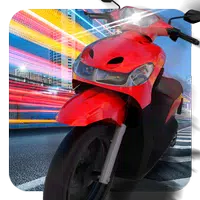
Introducing "Build The SPORTY Yamaha Mio Sporty," a revolutionary mobile application that allows users to design their very own Yamaha Mio Sporty in stunning 360 degree 3D. Select your desired model, customize it with various options, and witness your dream bike take shape right before your eyes. With an immersive and interactive user experience, this app caters to motorcycle enthusiasts who crave personalization and creativity when it comes to their two-wheeled machines. Download The Sporty now and unleash your inner designer to create the perfect Yamaha Mio Sporty that truly reflects your style and personality.
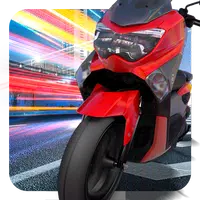
Design your dream Yamaha Nmax with The MAX in stunning 3D! With just a few taps, you can select your preferred model, add custom options, and then witness your unique creation come to life in full 360 degrees. From sleek colors to stylish accessories, the possibilities are endless in creating the perfect ride that fits your personal style. Whether you're a bike enthusiast or simply looking to build your perfect two-wheeled companion, this app offers an immersive and interactive experience that will leave you excited to hit the road with your personalized Yamaha Nmax.
DaFonts Lite brings a large, searchable font library to Android in a compact package, giving designers, content creators and casual users fast access to typefaces without installing bulky software. DaFonts Lite is written for people who want to experiment with typography on a phone or tablet: the app is small (around 3 MB), launches quickly, and focuses on browsing, previewing and downloading fonts so you can use them in presentations, social media graphics, or other creative projects. The interface emphasizes clear previews and short load times, making it easy to test dozens of styles in a single session.
Sung-jin Woo Live Wallpaper is a fan-made wallpaper app that lets Solo Leveling fans customize phones and tablets with high-quality images of the series’ protagonist. The app provides a large, carefully curated gallery of artworks and fan art so you can set dramatic home screens, lock screens, or contact photos with ease. It focuses on presentation and simplicity, offering HD to 4K images, a tidy interface, and straightforward controls for downloading and applying wallpapers. Fans who want frequent new artwork will appreciate the regular updates and notification alerts that bring fresh imagery to their collection.
Sky-Frame B2B is a cloud-focused productivity tool designed for companies that manage sales channels, inventory, and client relationships. The platform centralizes order processing, automates B2B workflows, and delivers realtime analytics so teams can reduce manual tasks, speed fulfillment, and maintain accurate commercial records across suppliers and customers.