

 X
X
 facebook
 WhatsApp
 Email
Email
Introduction
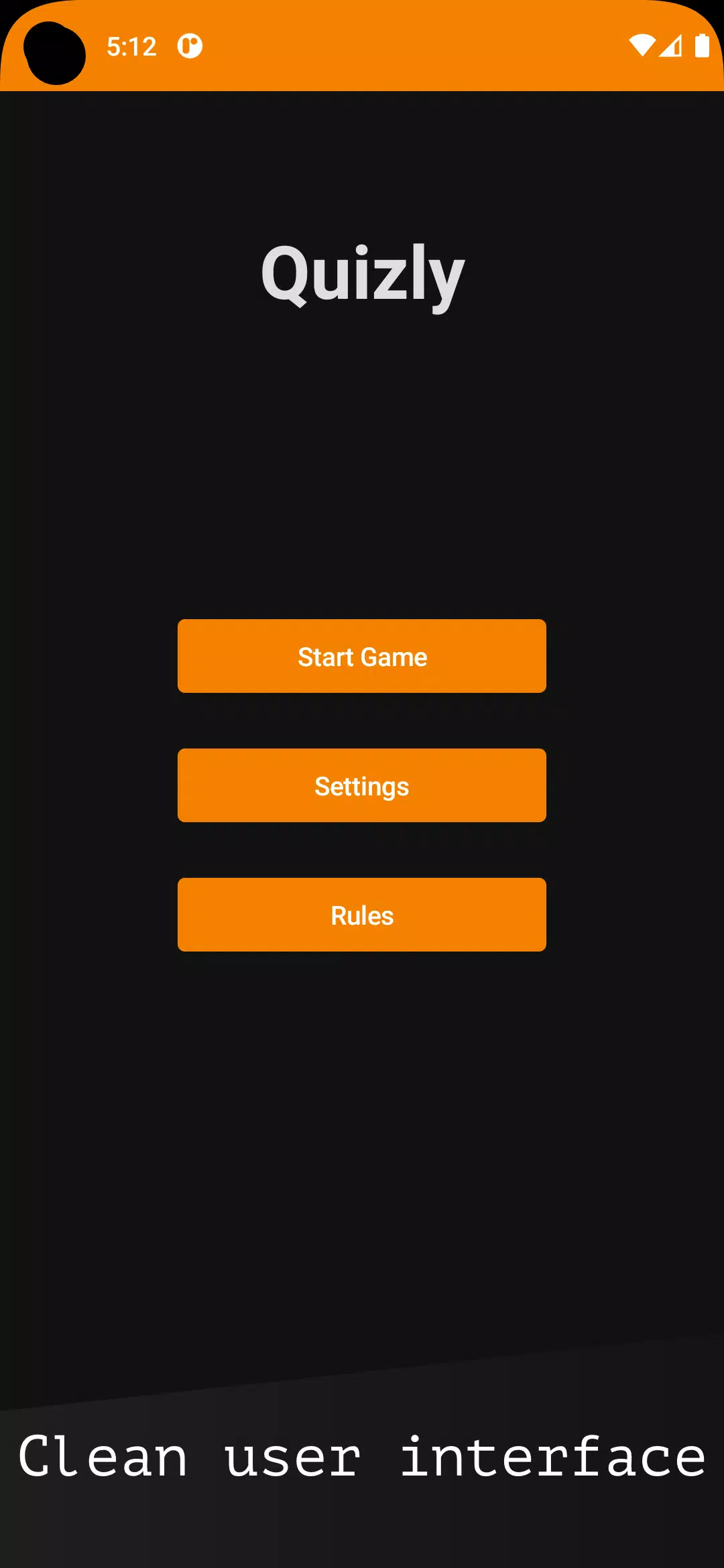
Quizly is a compact, travel-friendly quiz app built for people who want to sharpen general knowledge in short bursts. Quizly organizes hundreds of concise, carefully written questions across science, technology, mythology, geography, pop culture, politics and history so you can play a quick round between meetings or during a commute. The design prioritizes fast sessions and clear feedback, letting newcomers and trivia fans jump in without a long setup.
Key features and what you get
Quizly delivers a broad topic range with hundreds of bite-sized questions that introduce facts as you play rather than expecting prior study. Each question is paired with an immediate explanation when you answer, turning each round into a small learning moment. The app also includes topic filters so you can focus on particular subjects and a clean, user-focused interface that minimizes distractions during short sessions.
Gameplay and controls
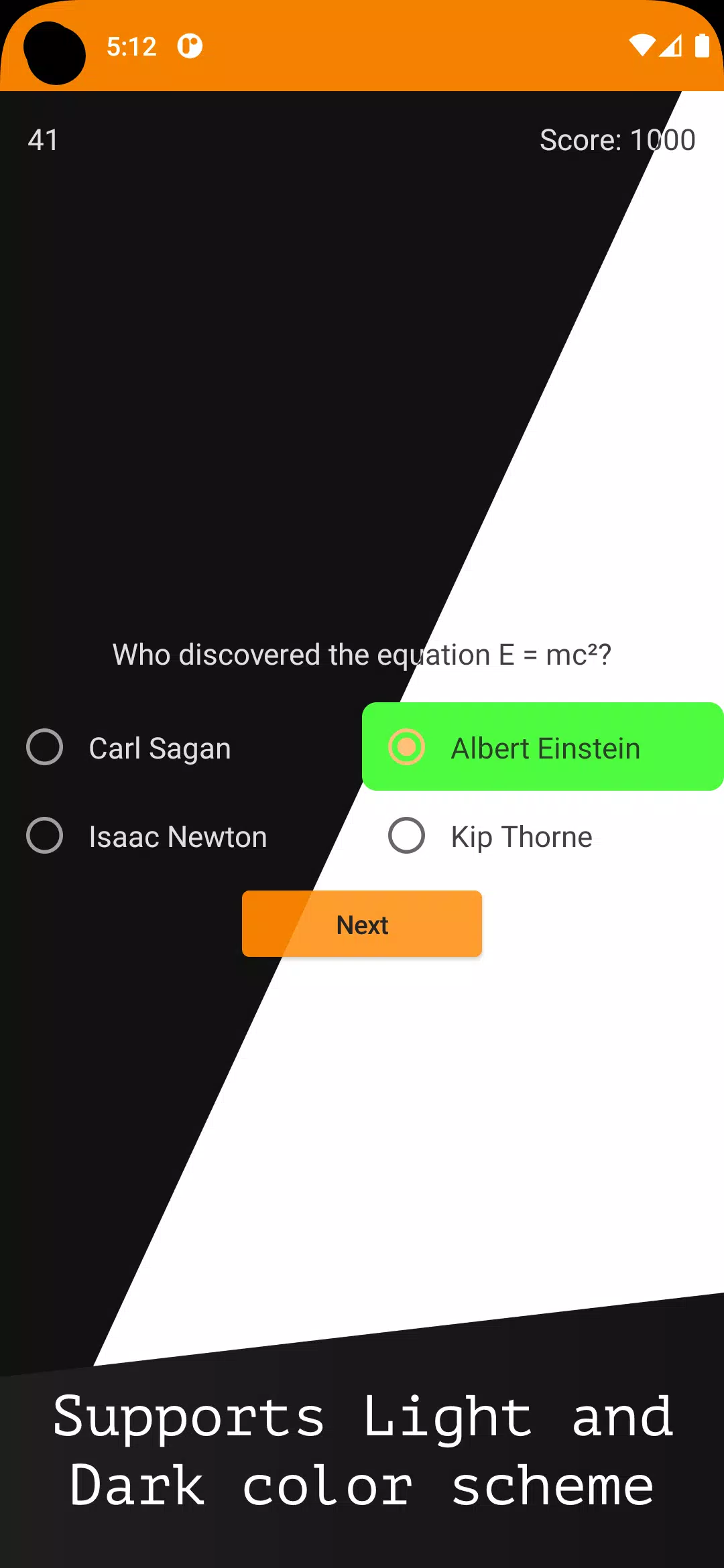
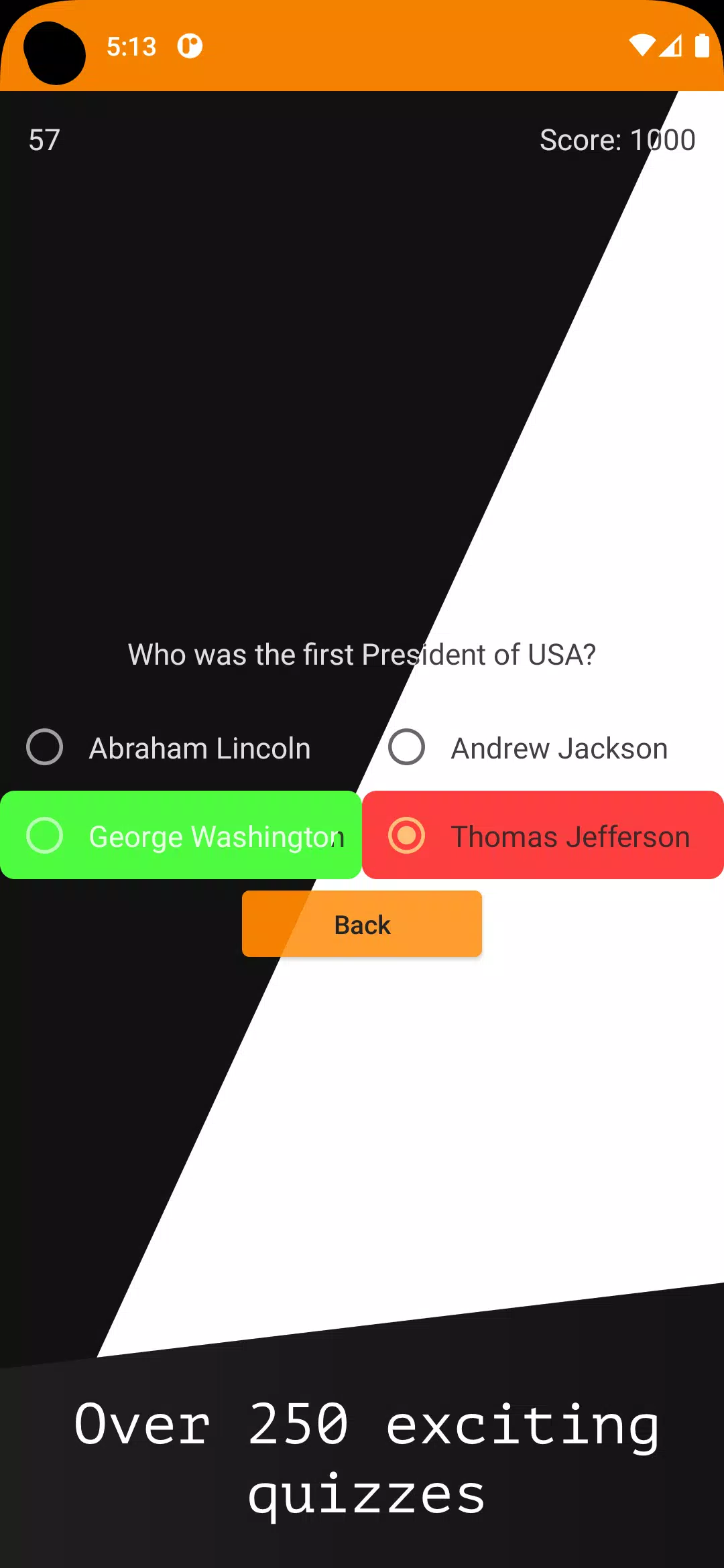
Gameplay in Quizly is straightforward: select a subject, start a round and answer multiple-choice questions presented one at a time. Controls are optimized for touch: tap to choose an answer, swipe to move to the next question, and use on-screen buttons for pausing or reviewing the last explanation. The pacing is adjustable so you can slow down when you want to read context or speed up for a rapid-fire training session. Input is intentionally simple to make the app accessible for all ages and device types.
Progression, scoring and customization
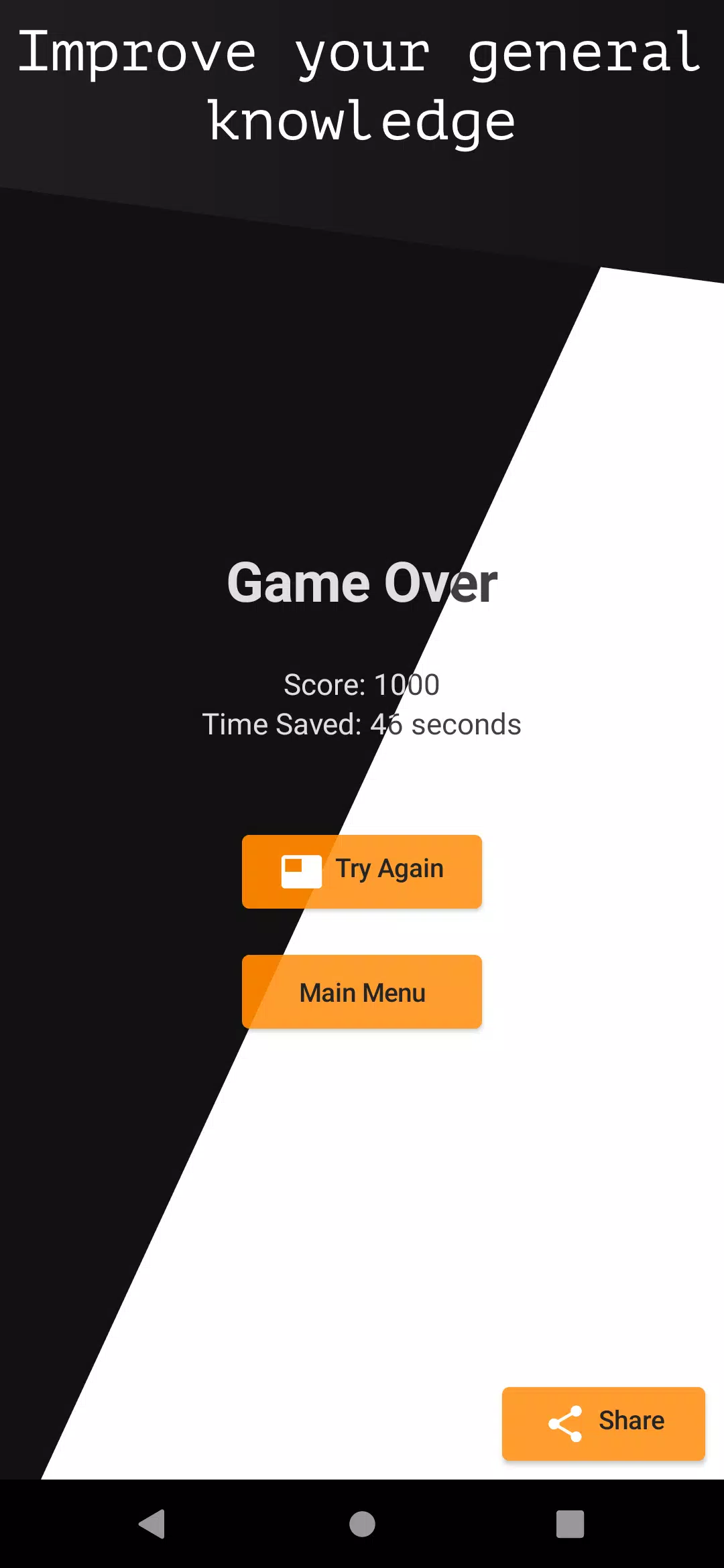
Progression is based on session performance and topic mastery rather than a single linear path. Quizly tracks which topics you practice and highlights areas where you miss questions most often, allowing gradual improvement through focused repetition. A basic scoring system rewards correct answers and shows accuracy percentages after each session. You can customize session length, question difficulty, and preferred subjects to tailor how you progress over days and weeks.
Level structure and replay value
Rounds in Quizly are intentionally short, typically five to ten questions, and are organized into thematic packs so you can choose single-topic practice or mixed-topic sets. This modular level structure supports high replay value: small updates to question pools and randomized question order keep rounds fresh, and the focus-on-mistakes feature presents previously missed items more frequently to reinforce learning. Because sessions are brief and varied, the app encourages frequent micro-sessions rather than occasional long study blocks.
Visual style and user experience
The visual style is minimal and readable, emphasizing typography and clear color cues for correct and incorrect answers. Cards and buttons have generous spacing for comfortable tapping, and explanations appear in an unobtrusive overlay so you can learn without losing momentum. The interface balances educational clarity with light entertainment: subtle animations reinforce feedback but do not distract from quick learning.
Accessibility and device support
Quizly is designed with accessibility in mind. Text sizes adapt to your system settings, high-contrast modes are supported, and touch targets meet recommended size guidelines to help users with motor challenges. The simple control scheme, combined with adjustable pacing and topic focus, makes the app usable by a wide audience, including younger learners and adults seeking casual knowledge building.
Social and challenge systems
The app includes a social challenge option that lets you invite friends to try the same question set for friendly comparison. Challenges are shared via standard device sharing methods or pass-and-play sessions, so you can challenge a friend in person or send them a link to a specific quiz pack. These social features are intended for light competition and motivation rather than formal matchmaking or global leaderboards.
Offline play, privacy and limitations
Quizly supports offline play for downloaded question packs so you can practice without a consistent connection; explanations and scoring are fully available when offline. The app avoids intrusive data collection and limits network usage to optional content updates and the social share mechanism. It is not designed to replace specialized study materials or in-depth courses; rather, Quizly is best used as a daily supplement to reinforce general knowledge and spark curiosity.
Why it fits into your routine
Because sessions are brief, customizable and focused on retention, Quizly fits naturally into spare moments throughout the day. The combination of clean design, adjustable difficulty and targeted repetition makes it easy to build a steady habit. If you want a lightweight, well-structured trivia app that emphasizes learning as you play, Quizly provides a practical balance of education and entertainment without requiring long study sessions.
Information
Social networking apps have become essential tools in everyday life, making communication with others more convenient. These apps allow you to easily stay in touch with old friends while also providing opportunities to meet new people, helping to expand your social network beyond its usual boundaries. This page features a handpicked selection of the best social apps, making it your go-to choice for mobile socializing!






User Comments

Jojo Chess School is a comprehensive training app that helps beginners and experienced players sharpen chess skills through structured, interactive lessons. The app organizes hundreds of activities—explanations, capture drills, tactical puzzles, multiple-choice quizzes and practice positions against an AI—so users can learn concepts, rehearse piece movements and test understanding in short, focused sessions. Whether you want to build a solid opening foundation, improve tactical vision or rehearse essential endgame positions, Jojo Chess School provides guided practice and instant feedback to make steady improvement more manageable and engaging.

Osborne Books is a purpose-built mobile reader that places accounting textbooks and companion ebooks designed for AAT and related qualifications into a single app. Osborne Books lets students and tutors access purchased titles through secure Student Zone and Tutor Zone accounts, read titles online or download them for offline study, and carry structured revision materials on a phone or tablet for focused sessions between classes.

Class - 2 Nepali Teacher Guide brings the full Class 2 Nepali teacher guide into a compact mobile format, giving educators quick access to curriculum content, lesson outlines, and pedagogy notes wherever they work. The app displays the official teacher guide as a navigable PDF so readers experience the same structure and pagination as the printed edition while benefiting from mobile-friendly controls and a lightweight interface designed for fast reference. Teachers who need to plan lessons between classes, check objectives during instruction, or review assessment pointers can rely on Class - 2 Nepali Teacher Guide as a practical companion without carrying extra materials.

AiEnglish brings a fresh, technology-driven way to learn English by combining live lessons from Australian studios with classroom sessions in China, giving students real-time interaction with native speakers. The app uses a "Studio to Classroom" co-teaching model so learners get authentic pronunciation, cultural context, and teacher-led instruction that closely resembles in-person classes. Students looking for immersive speaking and listening practice will appreciate AiEnglish’s emphasis on high-quality audio-visual delivery, low latency, and professional lesson settings that make remote learning feel natural whether at home or in school.

Liceo Fray Amadeo is a school information app built for students, parents and staff of the Educational Center in El Progreso, Jutiapa that brings schedules, grades, assignments and official notices together in one easy-to-use place. The first paragraph gives you a clear sense of purpose: Liceo Fray Amadeo consolidates timetables, classroom resources and announcements so families remain informed and teachers can share updates without duplication. The interface is intentionally simple and multilingual, so checking upcoming exams, reviewing class materials and receiving timely notifications is straightforward for all members of the school community.

Geology Dictionary Offline is a compact, searchable offline reference that brings thousands of geological terms to your device, making it ideal for students, educators and anyone curious about Earth's materials and processes. The app provides clear, concise definitions and quick search tools so you can look up mineral names, rock types, processes, and basic geoscience concepts without an internet connection. Geology Dictionary Offline is useful for exam revision, fieldwork preparation, or casual learning because it combines easy navigation, alphabetical organization and memory-friendly explanations into a free, lightweight study aid.