
 X
 facebook
 WhatsApp
 Email
Introduction
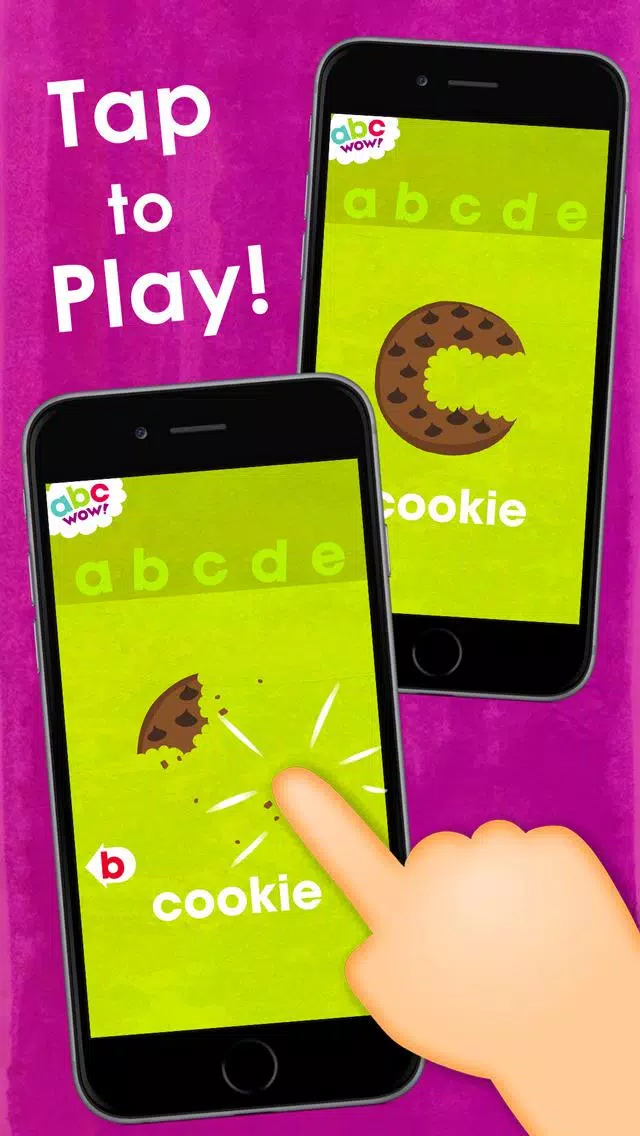
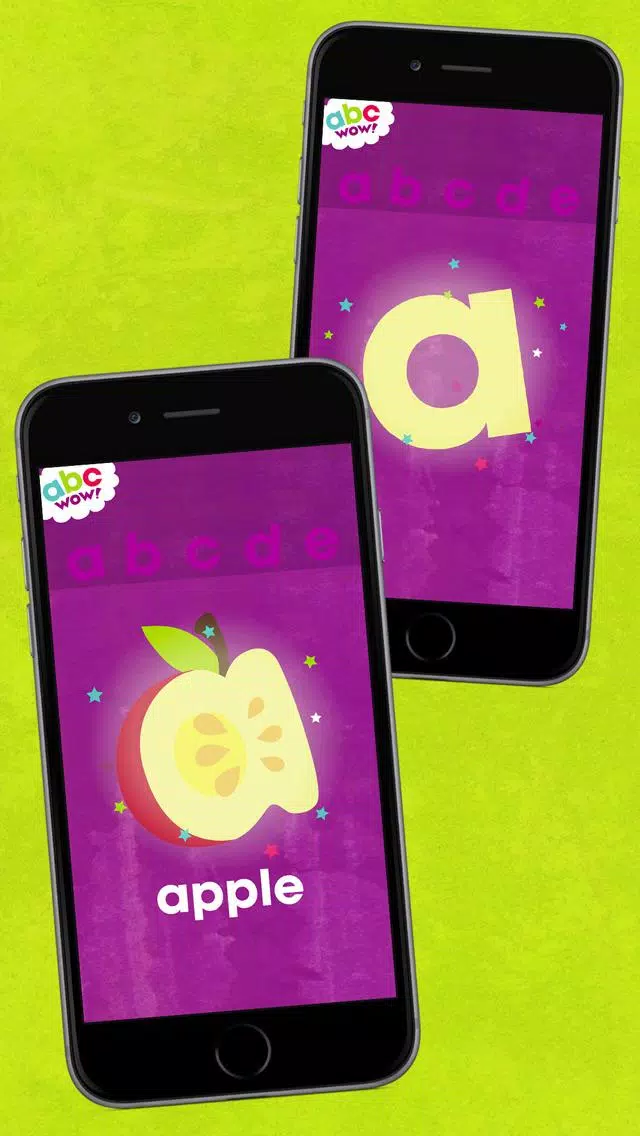
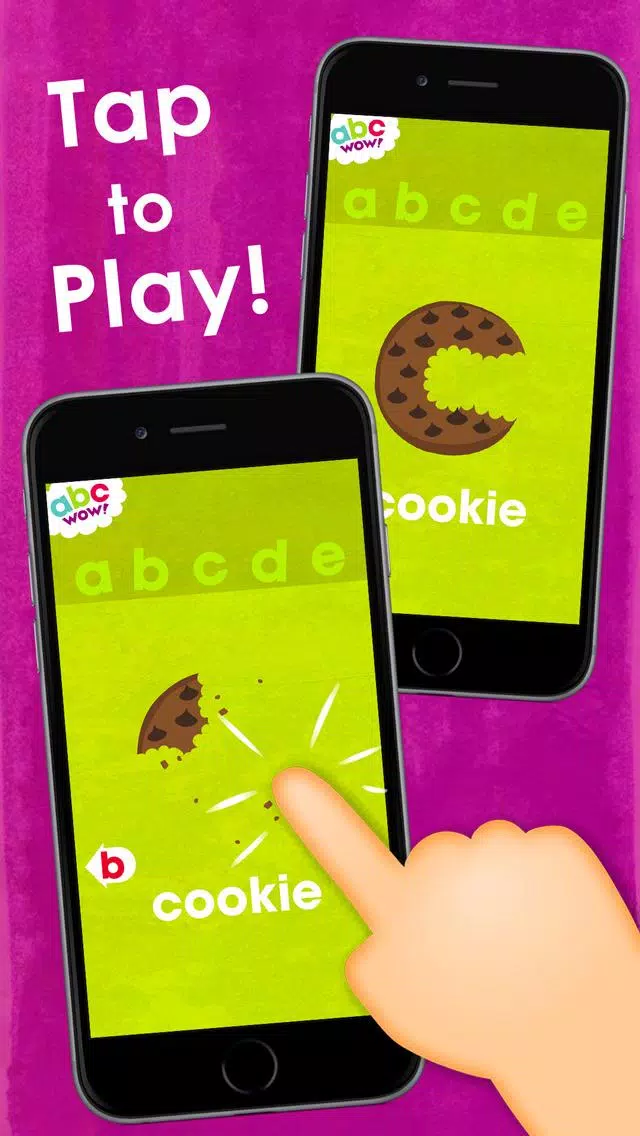
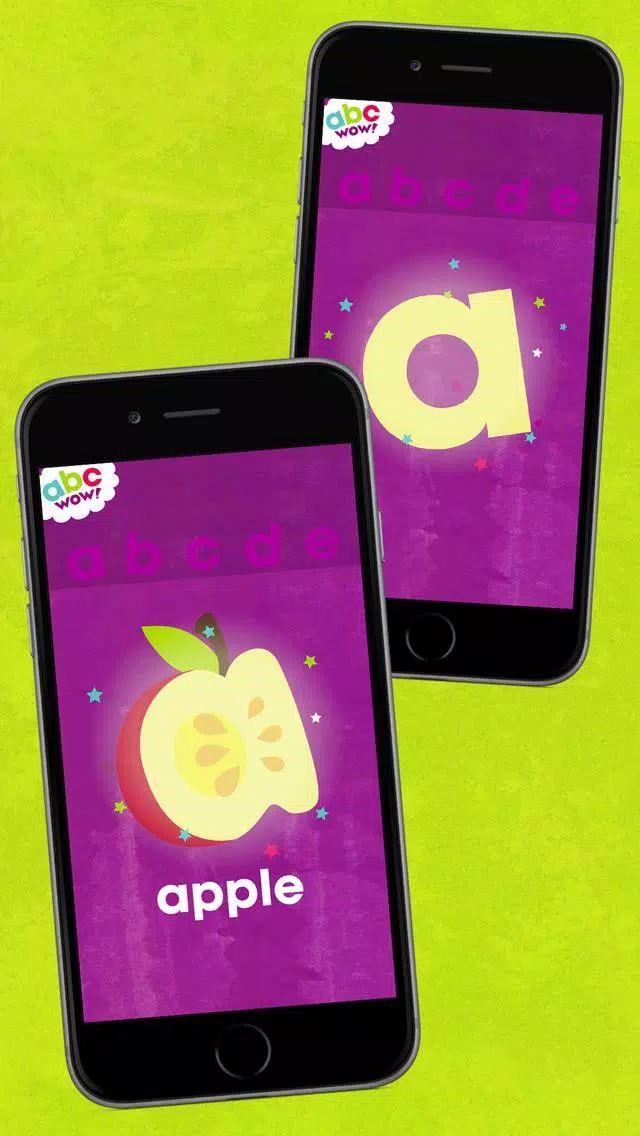
ABC learning for Kids is a colorful educational app designed to introduce young children to letters, sounds, and basic words through interactive activities and gentle rewards. The app mixes short lessons with playful exercises that reinforce phonics, tracing, and vocabulary in bite-sized sessions tailored for preschool-aged users.
Overview of the learning approach
ABC learning for Kids prioritizes early literacy with a calm, scaffolded approach. Lessons are grouped into small goals so children can succeed quickly and feel motivated. Rather than overwhelming users with long modules, the app focuses on repetition and multisensory cues—visuals, spoken prompts, and touch-driven interaction—to build foundational reading skills.
Core features parents will notice
- Phonics-focused activities: Short sound drills and letter-sound pairing help children decode simple words.
- Tracing and handwriting practice: Guided tracing exercises teach stroke order for each letter.
- Interactive vocabulary cards: Images and spoken words reinforce meaning and pronunciation.
- Progress tracking: A simple dashboard shows completed lessons and areas that need more practice.
- Child-safe environment: No ads or unexpected links to external sites, keeping sessions distraction-free.
How the lessons are structured
Each lesson in this app breaks down into three short phases: introduction, practice, and review. During introduction, the letter or sound is presented with clear audio examples. The practice phase uses games like matching, tracing, and sound identification to reinforce the concept. Finally, the review combines multiple items so the child demonstrates retention before unlocking the next set of lessons.
Interface and performance
The interface is designed for small hands. Large touch targets, bold typography, and high-contrast icons reduce frustration and accidental taps. Animations reward correct answers without being overly busy, and sound feedback is consistent. Performance is smooth on most devices; animations and audio load quickly, and the app uses minimal bandwidth so it works well offline after initial download.
Customization and settings
ABC learning for Kids lets caregivers adjust difficulty and session length. You can choose single-letter focus or skip ahead to short words. Some settings allow toggling between uppercase and lowercase, turning hints on or off, and selecting a quieter audio mode for shared spaces. These options make it straightforward to match lessons to a child’s current skill level.
User workflow and parental controls
Setting up the app takes under five minutes. Parents create a simple profile, choose an age range, and the app recommends a lesson path. The parental area stores progress reports and offers suggestions for when to repeat lessons or introduce new challenges. No account linking to social networks is required, and accounts are local by default for added privacy.
Tips to get the most value
- Start with two to three short sessions per week to build a routine without fatigue.
- Encourage the child to say letters and words aloud; speaking reinforces memory.
- Use the progress dashboard to identify weak spots and repeat those mini-lessons.
- Combine app time with physical activities, like writing letters on paper, to build fine motor skills.
Why families choose it
Families appreciate the app’s gentle pacing, clear audio cues, and practical progress tracking. ABC learning for Kids balances play and instruction so that young learners feel successful without pressure. The lack of intrusive advertising and an emphasis on privacy are additional reasons caregivers feel comfortable installing it on shared devices.
Getting started and compatibility
Installation is straightforward from the app store and requires minimal permissions. The app runs well on a wide range of Android devices and keeps downloadable content compact to conserve storage. For best results, update to the latest version when prompted and enable sound for phonics lessons.
As a focused early literacy tool, ABC learning for Kids works well as a daily supplement to hands-on reading practice. The app’s modular design, customizable settings, and child-friendly visuals make it a reliable choice for parents seeking structured, screen-based learning that complements traditional activities.
Information
Social networking apps have become essential tools in everyday life, making communication with others more convenient. These apps allow you to easily stay in touch with old friends while also providing opportunities to meet new people, helping to expand your social network beyond its usual boundaries. This page features a handpicked selection of the best social apps, making it your go-to choice for mobile socializing!





User Comments

Lotus Chess is an opening-focused chess trainer that uses machine learning to analyze your games and deliver short, targeted practice designed to improve your results from move one. Lotus Chess studies recurring patterns in how you respond to common opening choices, then creates daily exercises that reinforce practical ideas and reactions rather than rote memorization.
AYT Coğrafya is a focused study application created to help Turkish high-school students prepare for the AYT Geography exam by combining clear lessons, visual material and practice tests into a single, mobile-friendly tool. AYT Coğrafya places curriculum-aligned topics into concise, step-by-step modules so learners can study in short sessions or longer blocks depending on their schedule, track improvements over time and concentrate revision on the areas that need the most attention.

Plantale blends casual farming simulation with light puzzle mechanics to create a relaxed yet strategic experience. In Plantale you cultivate a variety of hybrid plants, manage limited space, and solve seasonal challenges while unlocking new seeds and tools. Its approachable systems make it easy to enjoy short sessions or longer campaigns.

Finlit.uz is a mobile application that gathers the educational content and interactive services of the Central Bank of the Republic of Uzbekistan’s financial literacy website into a single, easy-to-use platform. It delivers articles, videos, practical tools and structured training designed for schoolchildren, students, entrepreneurs and retirees who want to improve their personal finance skills. Available in three language versions—Uzbek (Cyrillic and Latin) and Russian—the app covers budgeting, loans, deposits, financial markets and currency regulation, and includes calculators, assessments and a personal results journal to track learning progress.

PRESIDENT OF THE PHILIPPINES is an educational trivia app that helps users learn about the country's presidents and vice presidents through carefully written questions and chronological coverage. It tests your recall of the 17 presidents of the Philippines, from the current officeholder back to the earliest leaders, and highlights key events, policies, and milestones from each administration. Users may want it as a compact reference and study aid to refresh historical facts, understand political transitions, and explore how different presidencies shaped national policy. The interface focuses on quizzes and informative prompts to make review efficient and engaging.

PIANO FARM is an educational music app that helps children explore piano basics through a bright, playful interface. It combines interactive instrument sounds, simple visual theory and three learning modes to keep lessons engaging and accessible for young learners. Parents and educators may want it because it turns abstract concepts into tangible actions—using color-coded notes, familiar animal sounds and an easy keyboard layout—so beginners can practice listening, hand coordination and note recognition without pressure. The app is designed as a learning tool rather than a game, suitable for early music education and casual practice sessions.