
 X
X
 facebook
 WhatsApp
 Email
Email
Introduction
Fruits and Vegetables for Kids is a compact, child-friendly flashcard app designed to introduce toddlers and preschoolers to everyday plant-based vocabulary using large photographic cards, clear spoken labels and simple interactions that parents, caregivers and early-years teachers can rely on.
Visual style and presentation
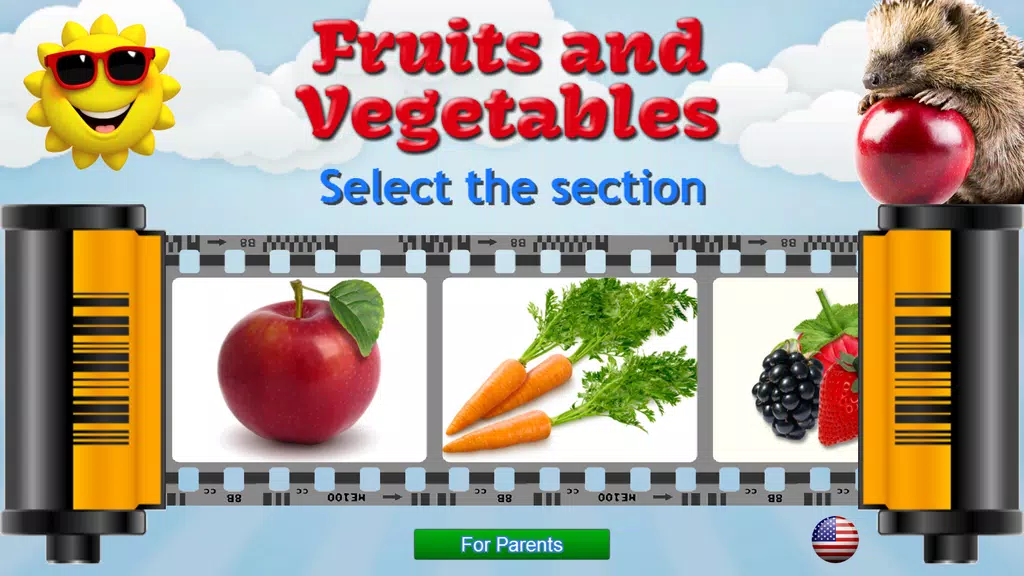
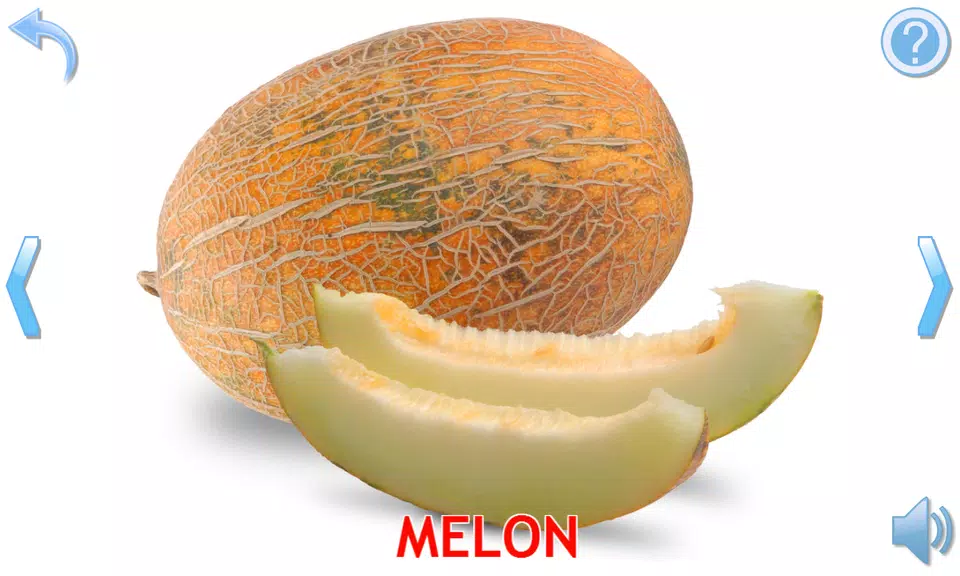
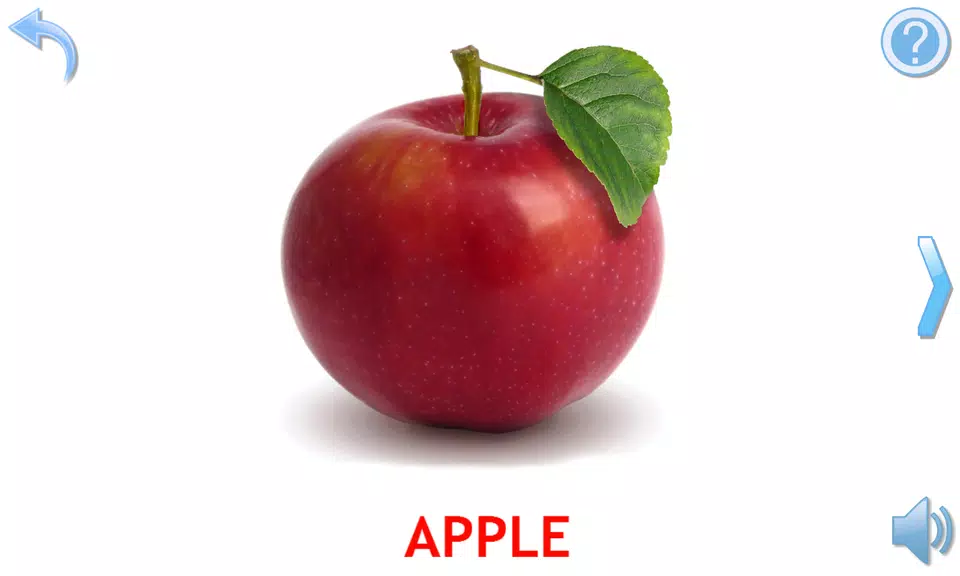
The app uses bright, realistic photos that fill the screen so each fruit or vegetable is instantly recognizable; backgrounds are intentionally plain and text labels are bold but optional to keep focus on the object. High-contrast images and uncluttered layouts reduce distraction and help young children concentrate on one item at a time. Photographs are cropped and scaled to emphasize distinctive shapes and colors, which supports quick visual identification and early word-picture association.
Controls and basic gameplay
Gameplay is intentionally simple: tap any card to hear its spoken name, swipe left or right to move through the set, and use a single, clearly labeled button to start an automatic slideshow that cycles each card with its audio. Touch targets are large and responsive so even small hands or users with limited fine-motor control can interact without frustration. The interface supports both very short exploration sessions and longer guided play with an adult, with immediate audio feedback on every interaction.
Progression and level structure
Content is organized into a main Fruits and Vegetables flashcard set and several demo packs that act like contained levels. Each pack—such as Berries, Flowers, Mushrooms or Seasons—behaves as an independent unit that can be explored alone or combined with the base set for broader practice. Progression is non-competitive and gentle: instead of scores or timers, the app encourages repeated exposure and steady recall through short quizzes and adaptive repetition.
Challenge and adaptive practice
After viewing cards the app offers a brief interactive quiz that prompts children to recall names with gentle questions and supportive cues. The quiz adapts naturally to each session by repeating items the child tapped less often and highlighting cards that haven’t been seen recently, creating practical spaced repetition that reinforces memory without pressure. Positive reinforcement—applause, floating balloons and encouraging phrases—reward correct responses while keeping the experience calm and motivating.
Customization and settings
Customization focuses on accessibility and ease of use. Multilingual audio lets caregivers switch between English, German, Russian and Ukrainian so older siblings or adults can practice vocabulary in different languages with the same visuals. Parents can toggle autoplay, adjust the interval between slides in slideshow mode, enable or disable on-screen text labels, and control volume from inside the app. These settings make it easy to adapt sessions to noisy environments, quiet story time, or focused language practice.
Replay value and learning rhythm
The app is built for repeated short sessions rather than long lessons, reflecting how young children learn best. The predictable interface and forgiving controls let children revisit favorite cards independently, which builds confidence and supports steady vocabulary growth. Demo packs offer thematic variety to keep interest high: rotating through a few focused packs provides both novelty and repetition, which together improve retention.
Accessibility and user experience
Accessibility is integral to the design: large buttons, clear slowly spoken audio, and minimal animations that avoid overstimulation. The layout works well for pre-literate users and children who need simplified touch targets. The app also avoids complex gesture combinations and supports basic assistive input, making it suitable for a range of developmental levels and special needs contexts.
Offline use and device compatibility
Fruits and Vegetables for Kids is compact to download and works offline once installed, so it’s convenient for travel, daycare settings or locations with intermittent Internet access. The small footprint keeps the app responsive on a wide range of devices and reduces storage impact for families and centers that manage multiple apps.
How to use in daily routines
The app fits easily into everyday moments: use it as a quick naming game at snack time, a visual cue during meal preparation, or a short group activity in preschool. Caregivers can combine visual exploration with tangible items—pointing to a real apple while viewing the photo—to deepen association. The familiar format and calm presentation make it a practical tool for vocabulary building and early language practice.
Fruits and Vegetables for Kids provides an approachable, well-paced introduction to common plant-based words with gentle progression, clear audio cues and flexible settings that adapt to family routines and diverse learning needs.
Information
 Google Play
User Comments

Fruits and Vegetables for Kids is a compact, child-friendly flashcard app designed to introduce toddlers and preschoolers to everyday plant-based vocabulary using large photographic cards, clear spoken labels and simple interactions that parents, caregivers and early-years teachers can rely on.

НейроЧат is a messenger built specifically to connect mothers with the platform's curators and specialists, providing a direct line for questions, feedback and guidance. The app streamlines communication between parents and the platform team so users can quickly reach the people responsible for advice and support. If you are a mother looking for a focused, parent-oriented communication tool, НейроЧат offers a purpose-driven space to interact with platform professionals without unrelated noise. Lightweight and straightforward, it is intended to make expert contact accessible on modern Android devices.

SyncParents is a shared baby-tracking app that keeps both caregivers in step by syncing logs in real time across devices. Designed for busy households, it records feedings (breast or bottle), diaper changes and daily routines so partners always know what happened and when. The app also provides a shared recipe library for baby-friendly meals, privacy controls that limit access to invited family members, and a 7-day free trial to explore full synchronization features. If you want to cut down on repeated questions and stay organized, SyncParents delivers a simple, focused tool for coordinated parenting.

Snoozzles: Sleep Trainer & Log helps parents guide their baby toward better sleep with gentle, structured methods and built-in tracking tools. The app combines a smart, adjustable timer for timed check-ins, three fading-based approaches (chair method, pick up/put down, bedtime fading), and detailed logs for sleep, feeds, diapers and growth so caregivers can spot patterns and measure progress. Families with more than one child can create separate profiles, view weekly charts, and receive reminders for active sessions. If you want a practical way to introduce consistent sleep routines while tracking care metrics, Snoozzles offers a clear, step-by-step toolkit.

My Bump: Pregnancy Tracker is a compact, private pregnancy companion that puts core information and calculations on your device without requiring an account or an internet connection. Enter the first day of your last period, set your average cycle length, and the app estimates your due date, shows the current pregnancy week and trimester, and delivers concise week-by-week guidance about fetal development and maternal changes. My Bump: Pregnancy Tracker is designed for people who prioritize privacy, simple navigation, and reliable, easy-to-read summaries rather than a crowded suite of online features.

Dancify is an organizational app built for dance parents and guardians who juggle competitions, recitals and rehearsals across a busy season. Dancify centralizes schedules, costume inventories, packing lists and contact details so you can see upcoming events at a glance and prepare what is needed for each performance without last‑minute panics. The app focuses on practical tools for real-life routines: calendar overviews, photo-tagged costume records and quick access to teacher and venue notes from your phone.