
 X
X
 facebook
 WhatsApp
 Email
Email
Introduction
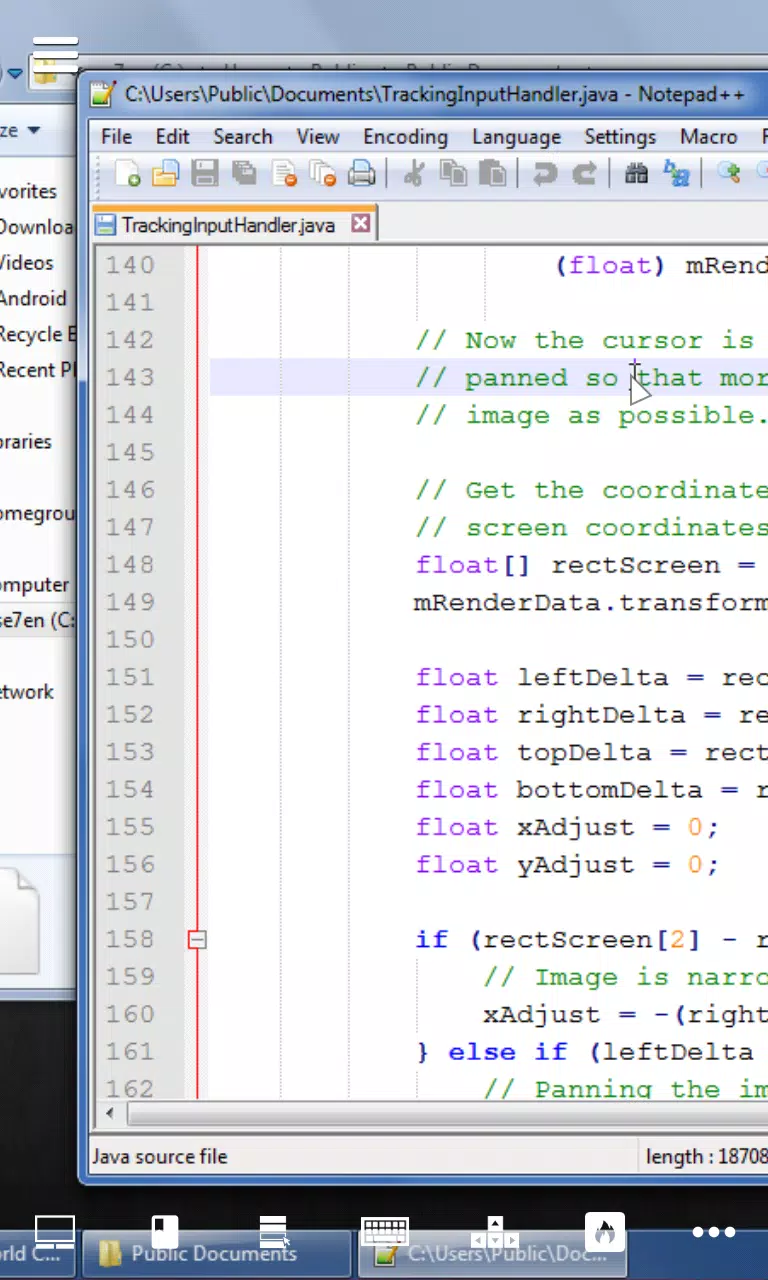
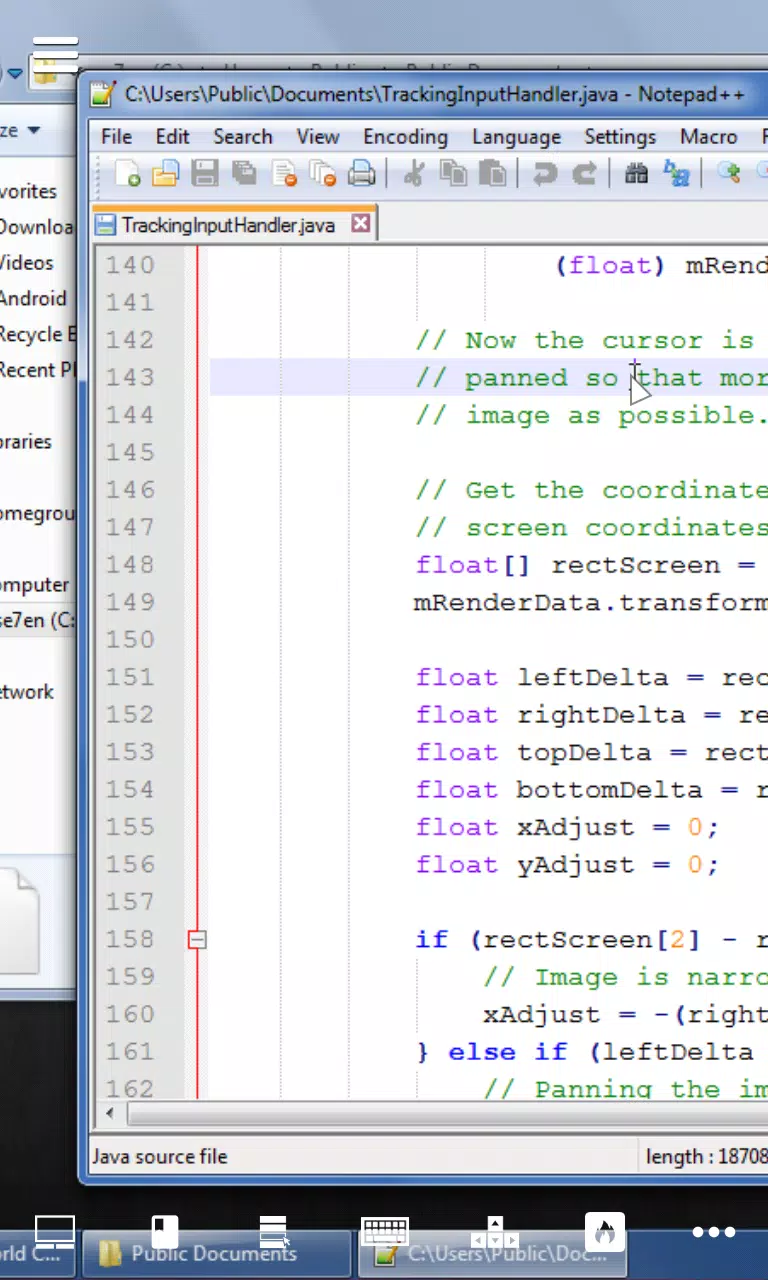
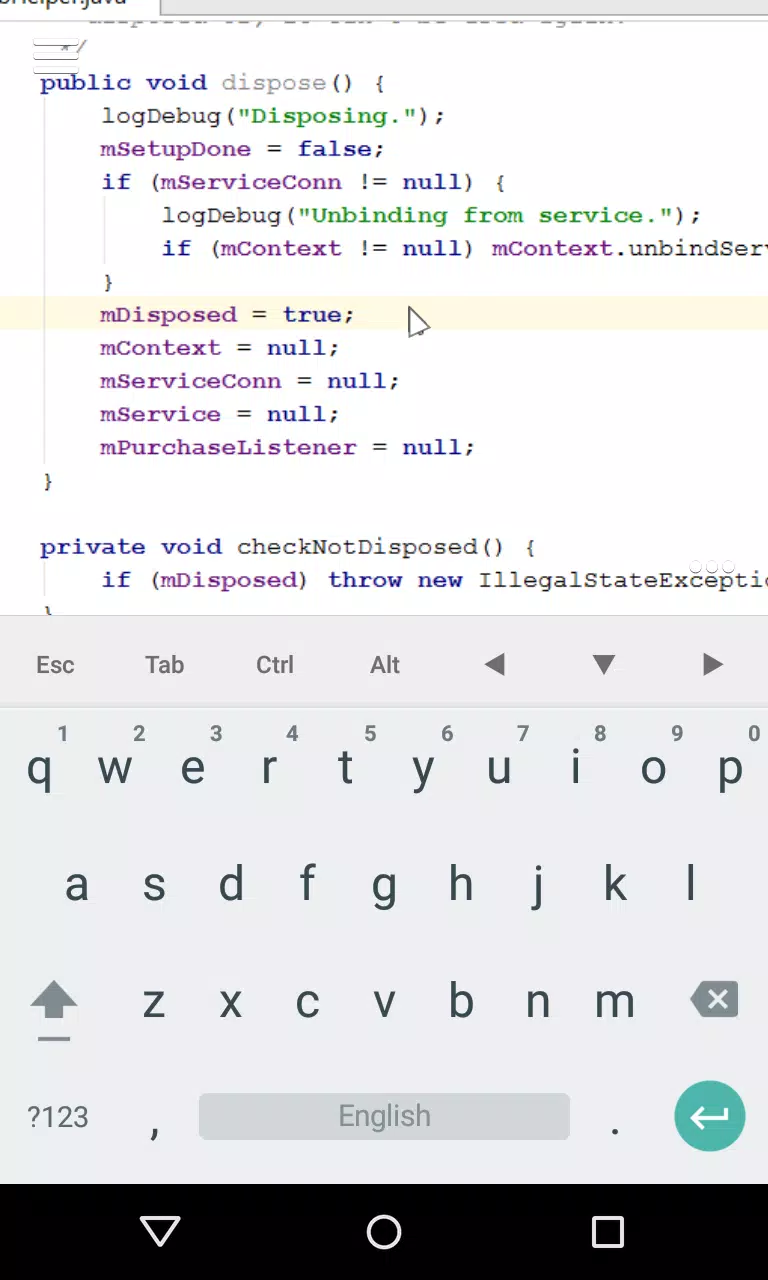
Desktop VNC Viewer brings your PC desktop to an Android device with a focus on legibility, low-latency control, and a touch-first interaction model that feels productive on phones and tablets. Desktop VNC Viewer mirrors a host screen over a local network so you can edit text, code, and manage files away from your workstation while keeping familiar desktop behaviors intact. The app emphasizes readable visuals and practical input tools — modifier keys, arrow controls, and customizable hotkeys — so routine desktop tasks translate cleanly to a mobile environment.
Key Features
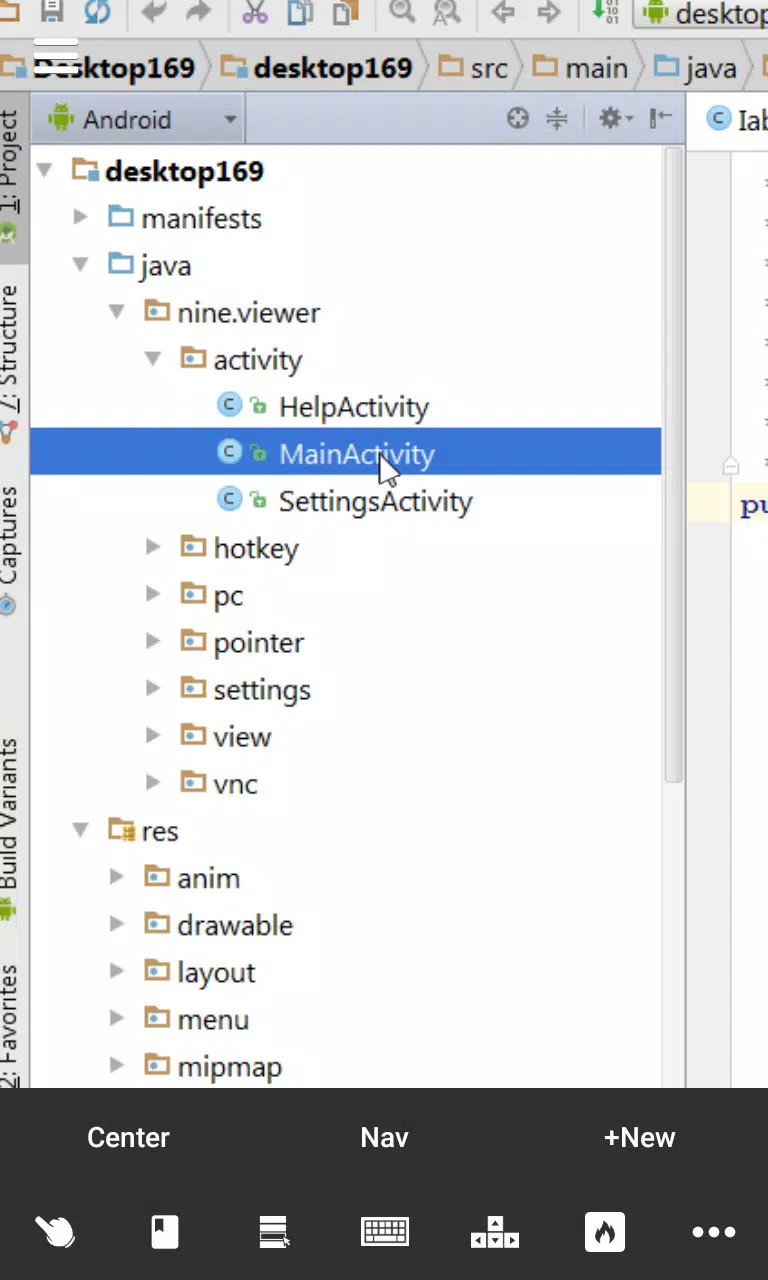
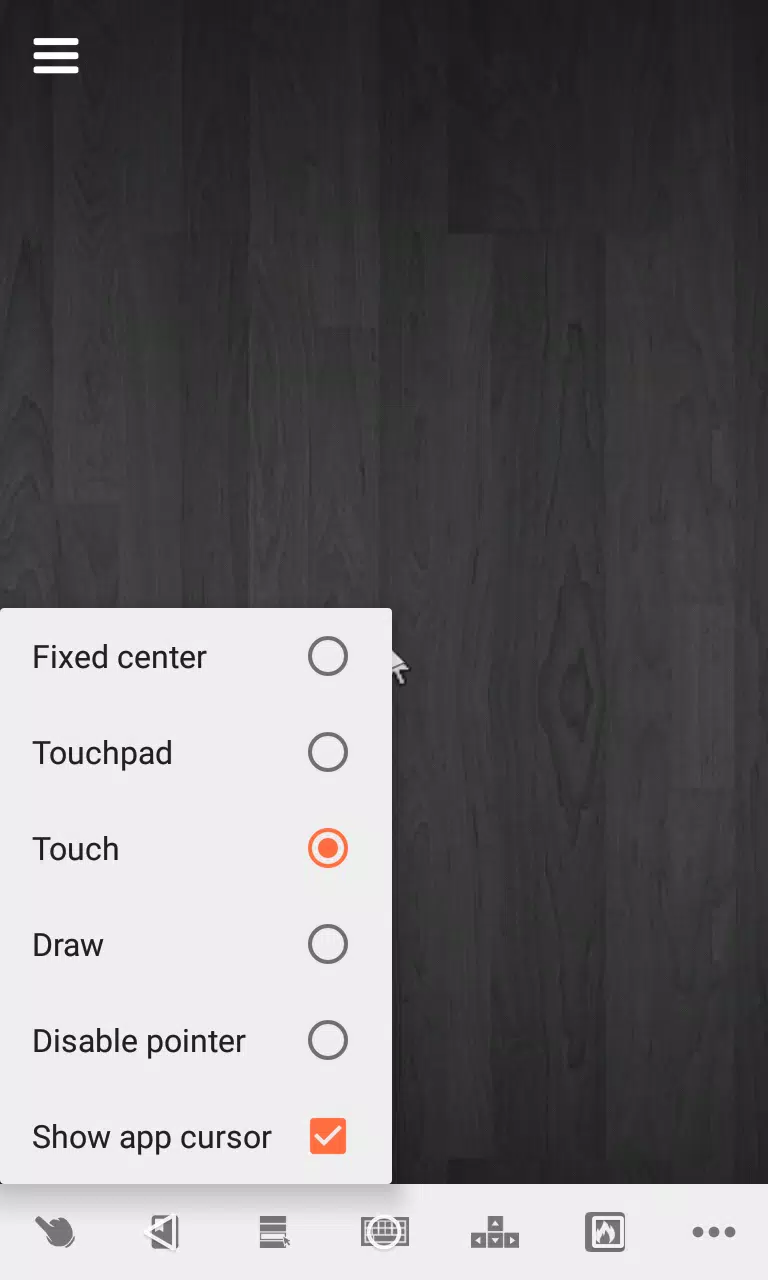
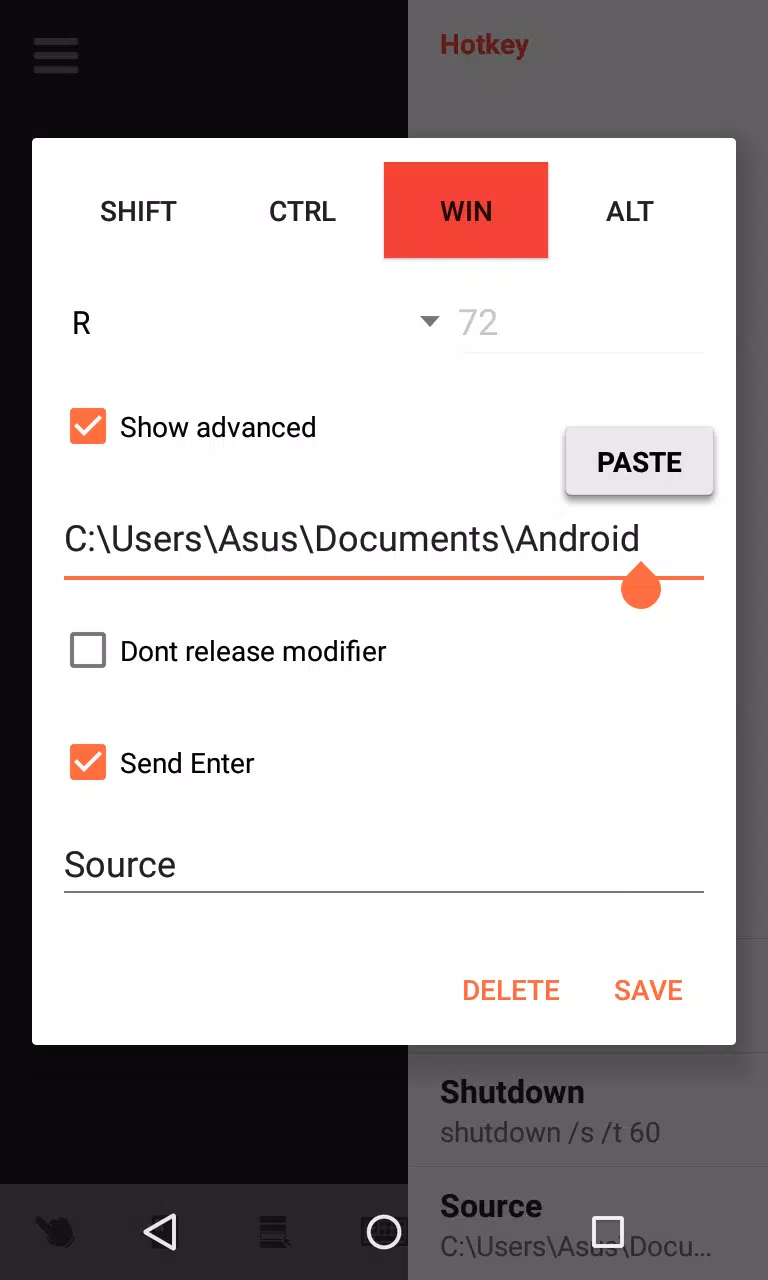
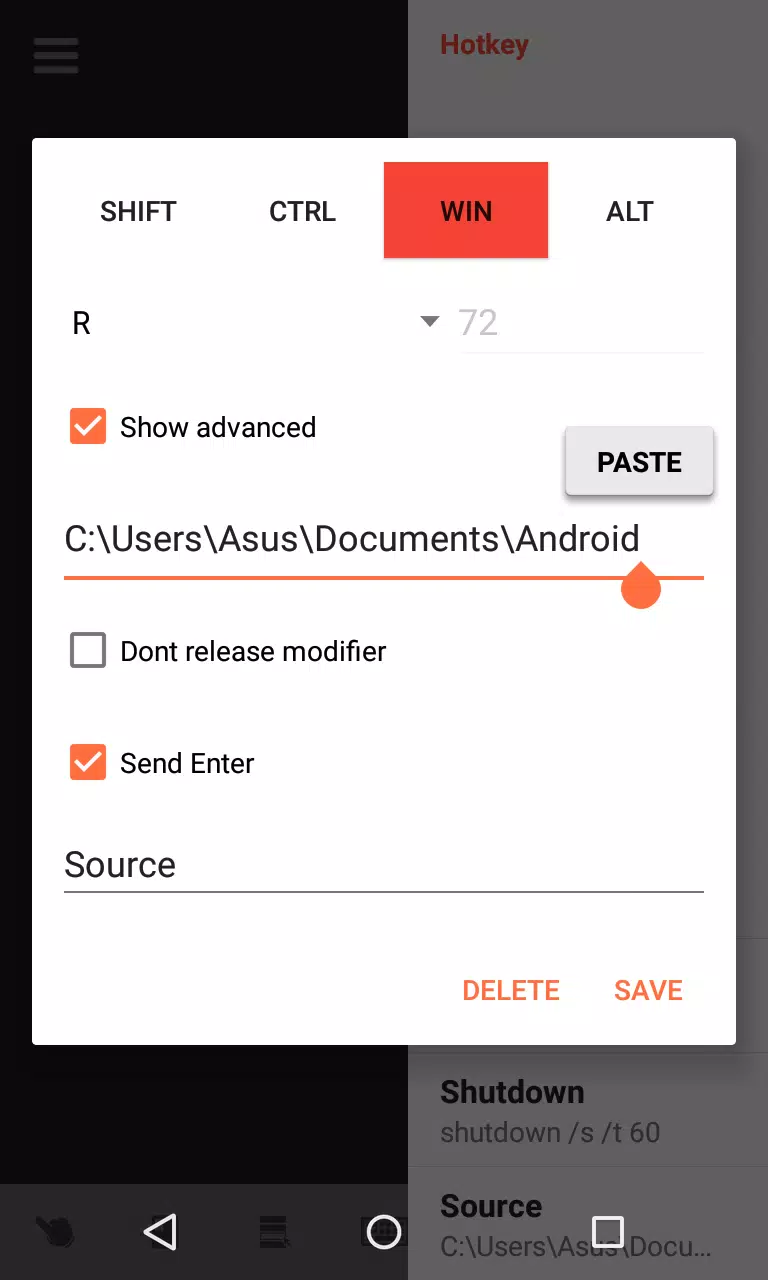
Desktop VNC Viewer supports full-screen mirroring that preserves layout and resolution so windows, IDEs, and documents remain usable on smaller displays. Multiple pointer control modes adapt to different tasks: coarse gesture navigation for scrolling and panning, a direct-touch mode that emulates a mouse pointer for general interaction, and a precision mode for selecting text or small UI elements. Screen tabs act like virtual workspaces or displays, letting you switch quickly between applications without hunting across a single condensed view. Built-in typing enhancements include a dedicated modifier row and arrow keys above the virtual keyboard, and you can map custom hotkeys to repetitive commands for faster workflows. Standard VNC compatibility means setup stays straightforward when connecting to common VNC servers.
Controls and Interaction
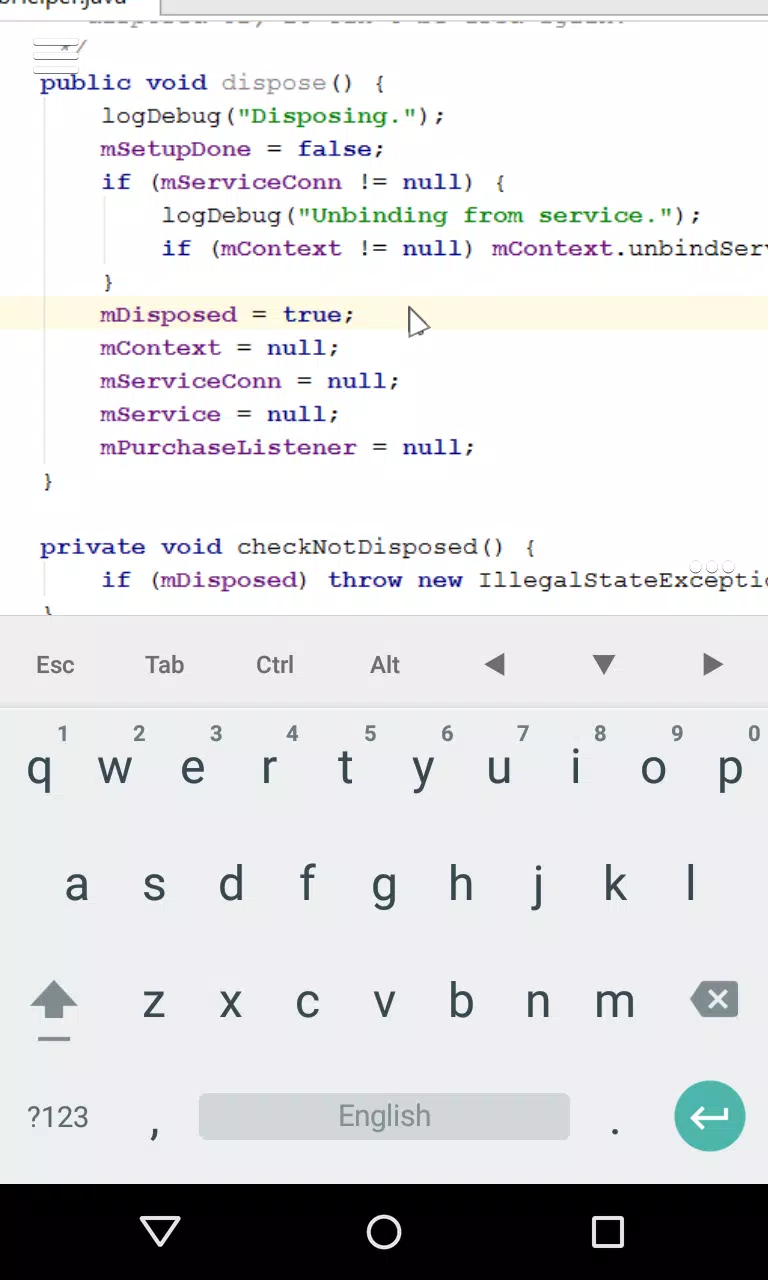
The app’s control model is designed to reduce the gap between touch input and mouse/keyboard expectations. Gestures handle multi-finger panning and zooming, while a toggleable direct-touch mode provides pointer feedback that behaves like a real mouse cursor. Precision mode refines pointer sensitivity and introduces fine-grain control useful when selecting code or small UI elements. The virtual keyboard exposes Ctrl, Alt, Shift, and arrow keys in a persistent row to make keyboard shortcuts and navigation accessible without an external keyboard. Sensitivity, palm rejection, and cursor timeout settings let you tailor how taps and swipes map to cursor movements, which shortens the learning curve as you move from desktop to touch control.
Setup and Compatibility
Getting started requires a standard VNC server on your host PC; the viewer connects using the server’s address and authentication credentials. Desktop VNC Viewer is optimized for use on the same local Wi-Fi network, which generally produces the best responsiveness because traffic is not routed through third-party cloud services. The app works with widely used VNC implementations, so you can keep existing server settings and secure connections with strong passwords and local network controls. Connection diagnostics and plain-language error messages help identify common issues such as incorrect addresses, blocked ports, or server-side authentication requirements so you can resolve setup problems quickly.
Performance and Network Considerations
Performance depends on network conditions and display settings. On a stable local Wi-Fi connection Desktop VNC Viewer is tuned for low latency so scrolling, typing, and window interactions feel responsive for editing and light development tasks. If bandwidth is limited you can improve responsiveness by reducing color depth or server-side resolution at the expense of visual fidelity. Because sessions run over the local network, the viewer supports offline operation relative to internet access — useful in air-gapped or private environments where routing through external services is undesirable. Expect reduced responsiveness over high-latency or congested networks, and plan for trade-offs between image quality and interactivity when optimizing for performance.
Customization, Accessibility and Workflow Progression
Customization options let you adapt the app to your device and accessibility needs: adjust pointer sensitivity, choose the preferred control mode, and define hotkeys that mirror your most-used shortcuts. Screen tabbing and window navigation reduce repetitive gestures when switching between applications, and accessibility-focused features — the modifier row and dedicated arrow keys — make text entry and cursor movement more accurate for longer sessions. The app encourages gradual workflow progression: start with basic mirroring, then enable precision controls and custom hotkeys as you become comfortable, which increases efficiency over time without forcing an abrupt change in how you work.
Use Cases, Visual Style and Limitations
Desktop VNC Viewer is suited to writers, developers, system administrators, and anyone who needs dependable remote access to desktop applications from a mobile device. Its visual style prioritizes readability and consistent scaling so code editors, spreadsheets, and GUI tools remain usable at smaller sizes. The main limitations are inherent to touch-based remote control: it requires a VNC server on the host and performs best on a stable local network, and some users may find that touch input never fully replaces the precision of a mouse and physical keyboard for detailed work. For many workflows, however, the convenience of direct on-device access outweighs these trade-offs and makes extending your desktop to a phone or tablet practical and productive.
Information
 Google Play

The Remote App Tool collection includes many Android apps that allow remote control. With the growing number of smart devices, it's easy to misplace remotes. These apps solve that problem, offering a convenient, free way to control your devices. They provide great convenience for your daily life!





User Comments

Forum Joomla!FR brings the Francophone Joomla community to your phone and tablet, offering fast access to the official French Joomla forum and community resources so you can read, reply and stay informed from anywhere. Forum Joomla!FR centralizes discussions, AFUJ announcements and practical resources in a responsive interface designed to work smoothly on both smartphones and larger screens, helping developers, site maintainers and newcomers keep up with topics and collaborate in French.

Space messenger is a compact messaging application aimed at everyday communication, letting users exchange text and media, organize conversations, and manage contacts in a straightforward interface. It is useful for people who want a simple, efficient way to keep in touch without complex setup; the app's design focuses on clear message threads and quick sharing. Space messenger suits users who prefer a lightweight messaging tool for personal or small-team conversations and who value a no-frills approach to sending messages and viewing chat history.
VSN is a utility and mobile recharge app that lets users pay bills and send IMPS transfers quickly and securely. Designed for people who want to simplify routine payments, VSN combines bill reminders, transaction history, and secure online payments in a single, easy-to-use interface. The app is useful for individuals and small businesses that need a dependable way to manage mobile recharges, electricity, water, and other utility bills without juggling multiple providers. With clear workflows and built-in safeguards, VSN reduces the time spent on payments and helps avoid missed dues.

APP Técnicos is a specialized mobile app designed for technicians who maintain Tennant cleaning equipment, providing a compact, field-ready tool to receive, manage and document service work orders. The app delivers detailed job information—model, serial number, reported faults—so technicians can diagnose and resolve issues quickly. Technicians can update job status in real time, attach photos and notes, and keep a complete service log. Secure, credential-based access ensures only authorized personnel use the system, while offline mode lets teams continue work without connectivity and sync changes when a connection returns.

Kemendesa Corner is a centralized communication and resource app designed to help employees of the Ministry of Desa, Pembangunan Daerah Tertinggal, and Transmigration stay informed and work more efficiently. The application gathers reference materials, news updates, discussion spaces and direct consultation tools into a single interface so staff can quickly find documents, follow program developments and coordinate activities across village development, Bumdes initiatives and transmigration programs. Users who need a reliable internal hub for sharing policy updates, accessing training videos and resolving questions will appreciate how Kemendesa Corner reduces fragmentation and speeds everyday collaboration.

ChubbSurvey is a mobile application built to help officers and staff manage accident investigations and claims more efficiently. The app centralizes scene logging, evidence capture and reporting so teams can record photos, audio notes, descriptive damage assessments and GPS coordinates directly from the field. Organizations choose ChubbSurvey to reduce paperwork, keep stakeholders informed with automated alerts and ensure consistent, professional documentation that speeds up claim processing. Designed for both on-site and remote use, it helps surveyors and insured companies locate incidents precisely and maintain organized exploration records from first assessment through final reporting.