
 X
 facebook
 WhatsApp
 Email

Introduction
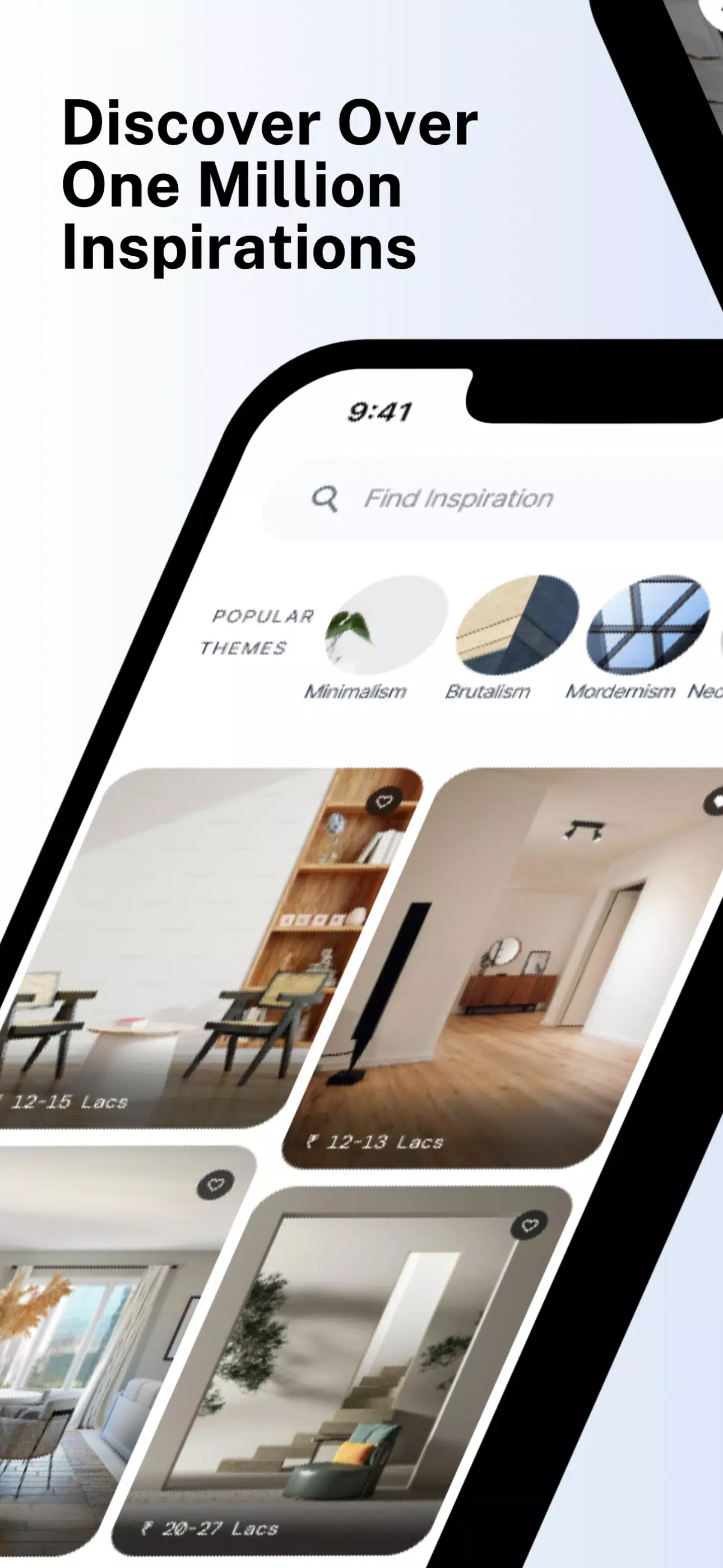
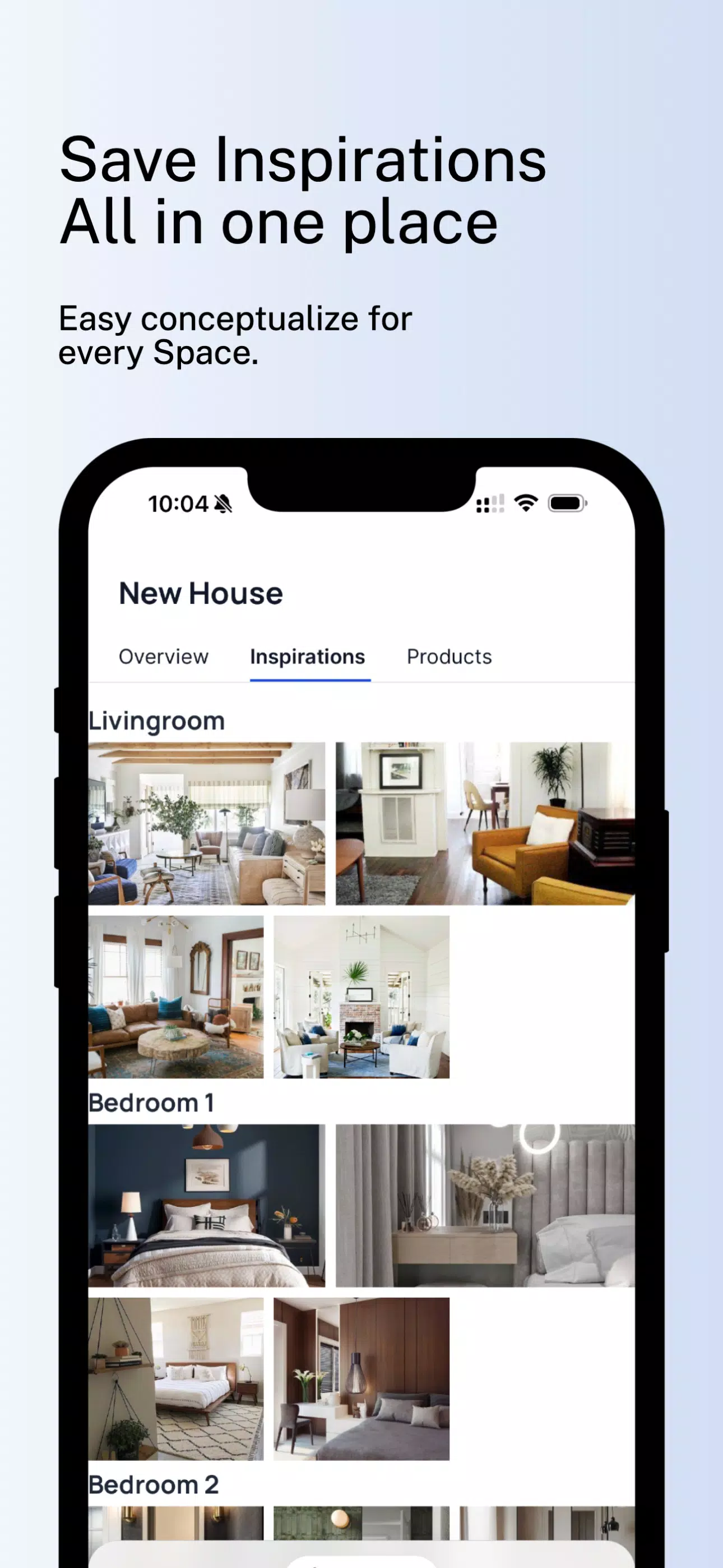
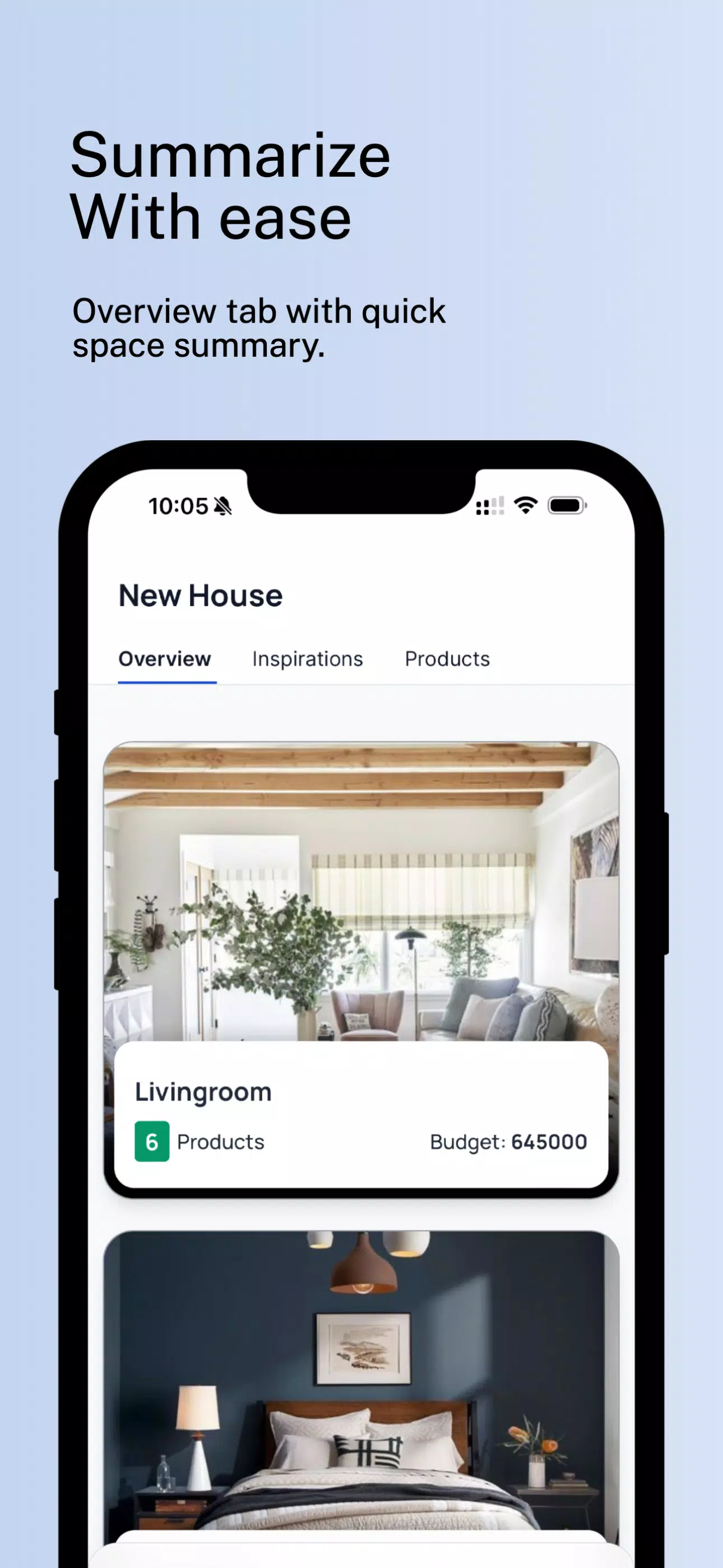
archstore: AI Interior Design is a mobile design assistant that transforms room photos into polished interior plans using artificial intelligence. It helps users visualize furniture layouts, materials, and color schemes quickly, offering editable 3D previews and shopping links for a streamlined home renovation or decorating workflow.
What the app does
archstore: AI Interior Design analyzes images and creates realistic room mockups, turning snapshots into editable layouts. The app extracts dimensions, recognizes existing elements such as windows and doors, and suggests furniture and finishes that suit both scale and style. It aims to remove guesswork from interior planning while keeping the creative process fast and approachable.
Core features and tools
- Automatic room detection — Capture a photo and let the AI identify walls, openings, and fixed features to generate a base plan.
- 3D visualization — Switch between 2D floor plans and immersive 3D views to check sightlines, scale, and lighting.
- Material and color library — Browse curated finishes, fabrics, and paint palettes to apply instantly to surfaces.
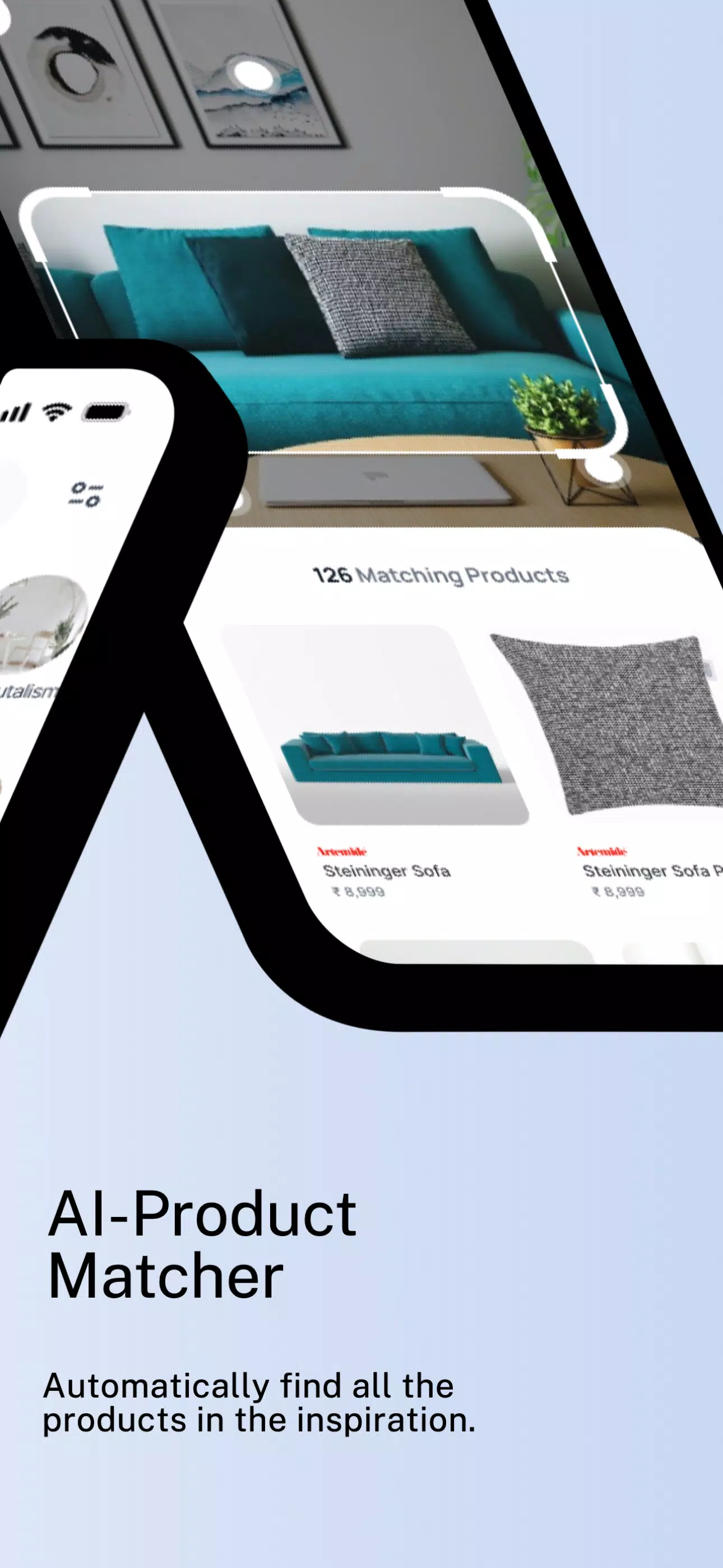
- Furniture suggestions — Receive layout recommendations and product matches with direct shopping links.
- AR preview — Overlay proposed furniture and decor in your room using augmented reality to confirm fit and style in real time.
- Export and share — Save high-resolution renderings, floor plans, and shopping lists for contractors or clients.
Workflow and user interface
The interface focuses on a clear, step-by-step workflow: capture, refine, and finalize. New users are guided through a streamlined onboarding that demonstrates how to take photos for accurate scanning and how to adjust dimensions manually. Tools are grouped by task—planning, styling, and sourcing—so navigating between layout edits and material swaps remains intuitive.
Customization and style control
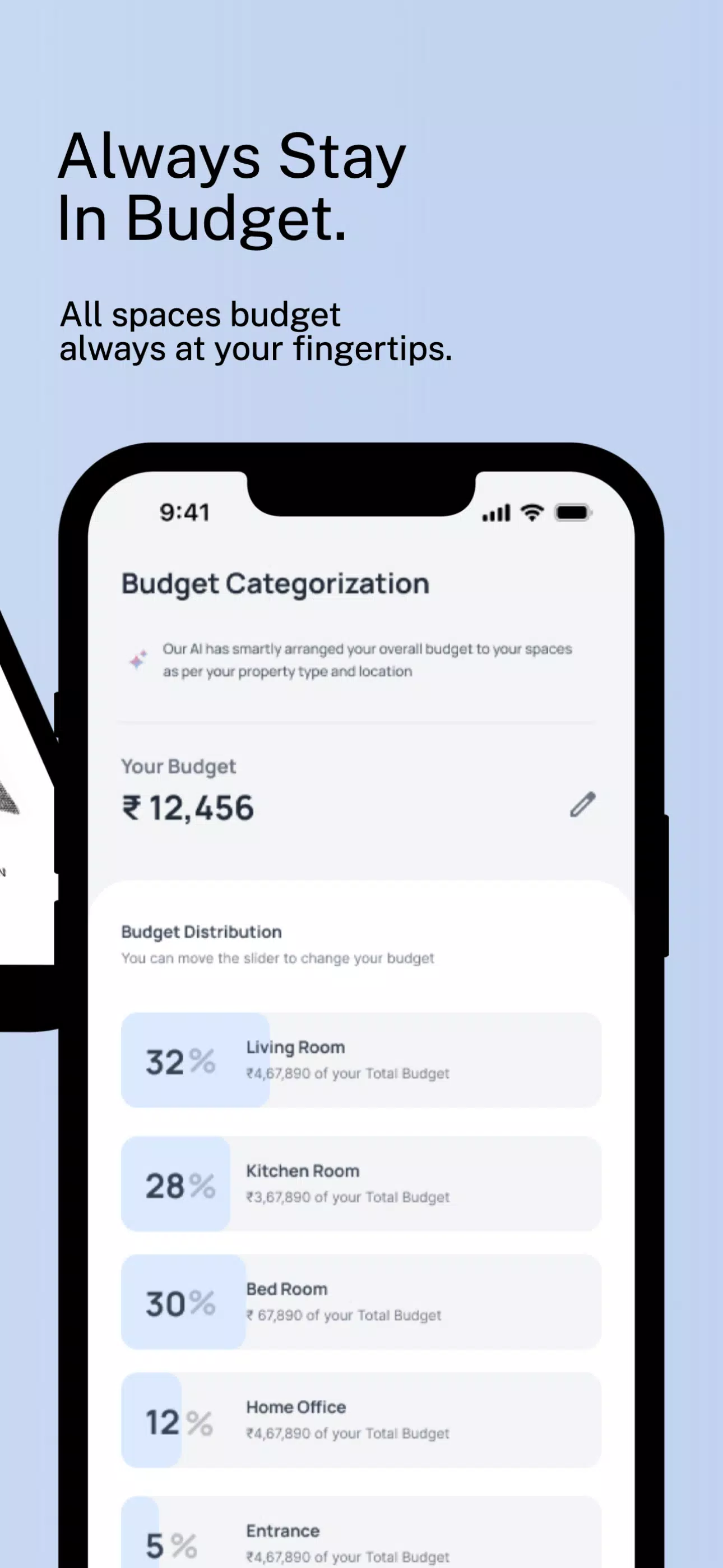
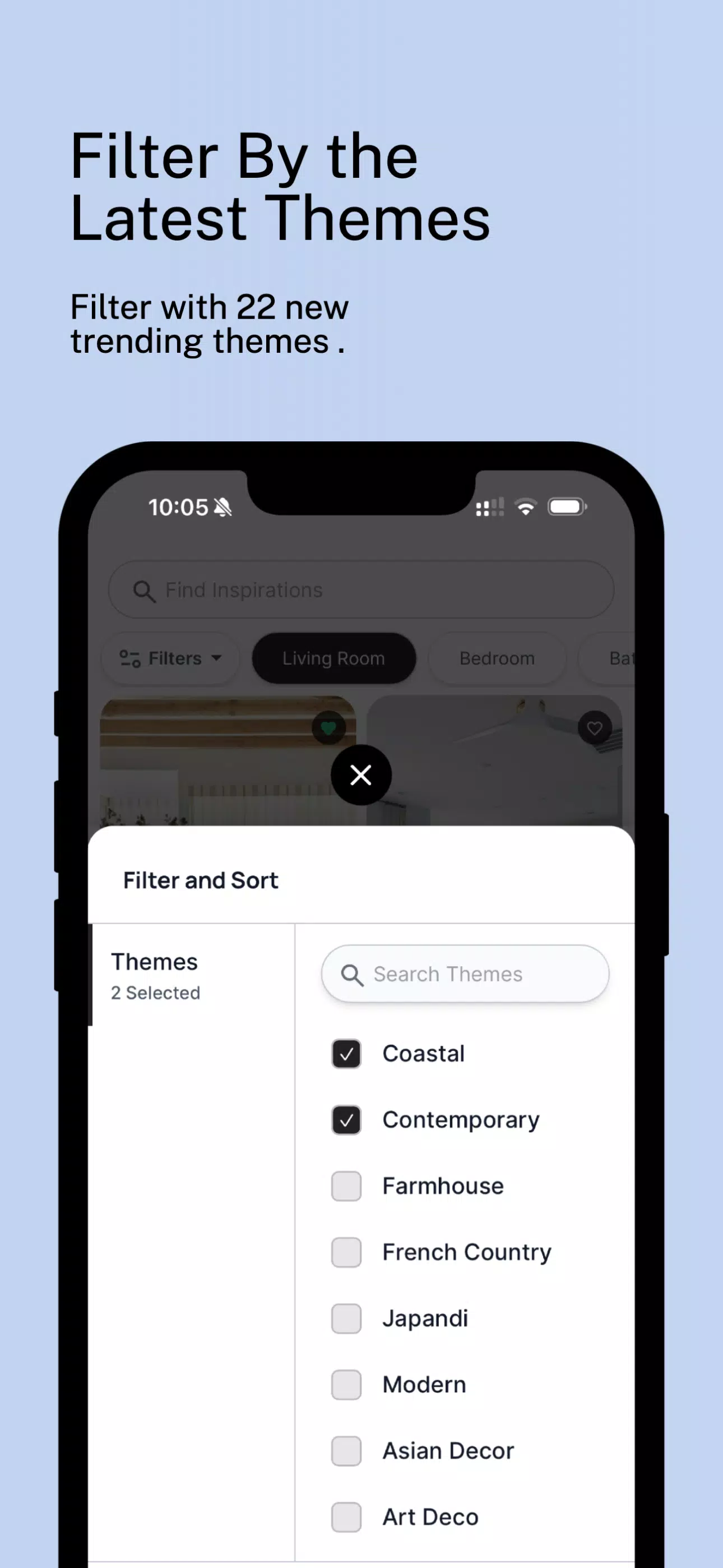
Users can tailor suggestions to specific tastes by selecting mood boards, preferred brands, and budget brackets. The app provides granular controls for scale, spacing, and alignment, while style filters let you try modern, Scandinavian, industrial, or classic looks with one tap. These controls ensure final proposals reflect personal taste rather than generic templates.
Practical uses for different users
Homeowners will find quick help visualizing renovations and testing paint or furniture before purchase. Interior designers can speed up client approvals by delivering clear 3D proposals and shopping lists. Real estate agents can stage rooms digitally to improve listings, and renovators can generate accurate measurements to reduce on-site surprises.
Performance and compatibility
archstore: AI Interior Design is optimized for modern Android devices, balancing image processing with battery efficiency. The app supports offline editing of projects you've already imported and performs heavy rendering using cloud-assisted algorithms when available, which helps on mid-range phones. File exports include standard image and CAD-compatible formats to integrate with other design tools.
Accuracy and AI behavior
The AI focuses on practical accuracy: it estimates dimensions based on visual cues and lets users refine those measurements manually. Material rendering emphasizes realistic textures and shadowing, but final product selection should consider physical samples for exact color and tactile matching. The app logs iterations so you can revisit earlier versions if you want to compare options.
Collaboration and sharing
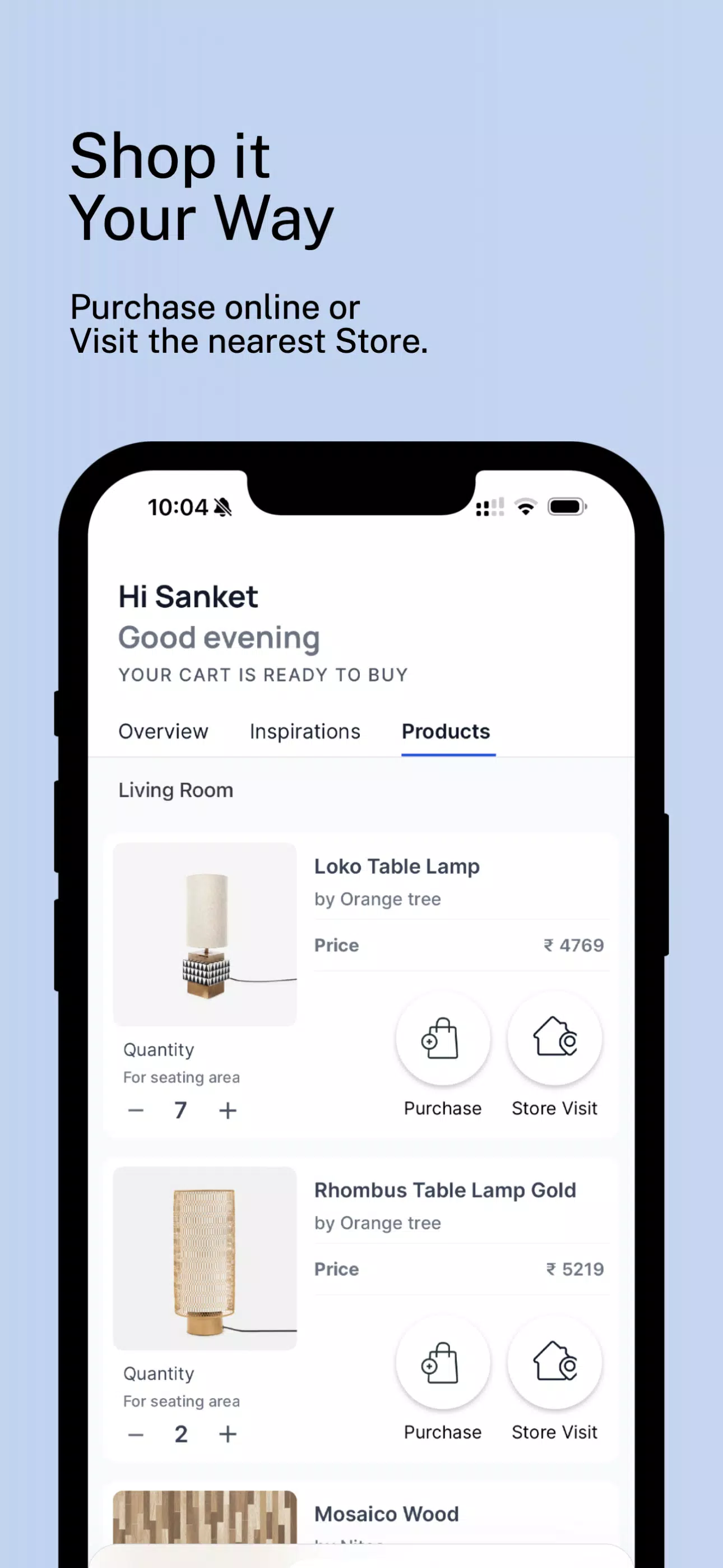
Projects are easy to share with collaborators via links, images, or downloadable PDFs. Designers can invite clients to view and comment directly in the app, speeding revisions and approvals. Exportable shopping lists include SKU links where available, making it simpler to transition from design to purchase.
Getting started quickly
To begin, create a project, take a few photos of the target room following on-screen tips, and let the AI generate a proposal. Use the 3D mode to fine-tune placements, apply finishes from the library, and test items in AR before finalizing. Regular updates add new materials and brand partnerships, expanding options for different budgets and styles.
Why choose this app
archstore: AI Interior Design combines automated layout intelligence with hands-on customization and shopping integration, making it a versatile tool for anyone planning interior changes. Its blend of visual accuracy, collaboration features, and export options positions it as a practical choice for both casual redecorators and professionals seeking a faster route from idea to installation.
Information
User Comments

archstore: AI Interior Design is a mobile design assistant that transforms room photos into polished interior plans using artificial intelligence. It helps users visualize furniture layouts, materials, and color schemes quickly, offering editable 3D previews and shopping links for a streamlined home renovation or decorating workflow.

Gates designs , Front gates is a design reference and idea tool that helps homeowners explore and select front gate styles to improve curb appeal and functionality. The app organizes curated collections of steel, iron and wooden gates, ranging from simple modern panels to ornate wrought-iron entries and space-saving sliding solutions. Users turn to it to compare materials, finishes and proportions, discover small steel gate options for narrow openings, and gather customization ideas before consulting builders or fabricators. Clear categories and visual examples make it easy to find a gate that matches a home's architecture and personal taste.

English is a mobile app designed to help learners build vocabulary, grammar, listening, and speaking skills through short lessons and interactive practice. It combines bite-sized exercises, speech recognition, and progress tracking to keep study sessions focused and productive for beginners and intermediate users aiming to improve everyday communication.

초록도시AR – 3D로 즐기는 식물 배치 미리보기, 초록도시AR – 3D로 즐기는 식물 배치 미리보기, 초록도시AR – 3D로 즐기는 식물 배치 미리보기 brings practical augmented reality plant styling to your phone and helps you preview real items in your own rooms before you buy. This editor introduction describes how the app helps you check scale, test pot and plant combinations, and save design ideas so you can make confident decorating choices without guessing how a plant will fit or look in a particular corner.

Consultar precios is a practical shopping utility that helps you track and compare product prices across stores and locations so you can make smarter buying decisions. The app focuses on clear, actionable data: build personal lists of frequently bought items, set target prices, and receive timely alerts when costs change. Consultar precios combines real-time market updates with community reports to reveal trends and local bargains without forcing you to visit every shop or sift through dozens of ads.

Desman is the official app for Desman smart door locks, designed to let you manage your lock directly from a smartphone. It delivers keyless, password-free access and aims to replace cumbersome traditional locks with a lighter, easier-to-install smart alternative. With the Desman app you can control your lock, monitor access, and simplify everyday entry without carrying keys or remembering codes. The app focuses on making life more comfortable by modernizing door access and providing a mobile interface for routine security tasks, so users can handle locks quickly and intuitively.