

 X
 facebook
 WhatsApp
 Email
Introduction
Home Security Camera - SeeCiTV is a compact, user-friendly mobile app that transforms your phone or IP camera into a remote surveillance system, enabling live viewing, motion alerts and cloud recording. It supports multi-camera setups and offers simple sharing, making home monitoring accessible for casual users and small businesses alike.
Overview of the app
SeeCiTV focuses on practical home and small office surveillance without overwhelming complexity. The app connects to standard RTSP/ONVIF cameras and many Wi‑Fi cameras, consolidating feeds into a clean dashboard. Users can watch live streams, rewind recorded clips and receive push notifications when activity is detected.
Core capabilities
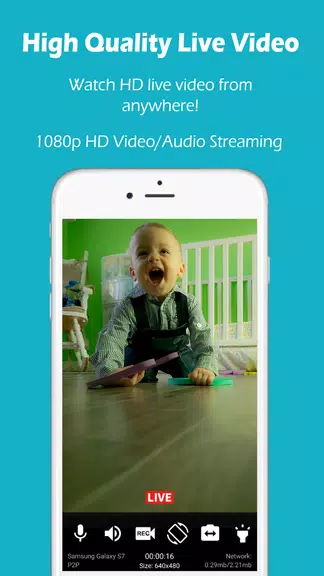
- Live streaming: Real-time viewing with adjustable quality for bandwidth management.
- Motion detection: Sensitivity controls and scheduled monitoring periods.
- Cloud and local storage: Options to save video to cloud accounts or to local microSD/phone storage.
- Multi-camera support: Group, name and switch between several cameras easily.
How it works in daily use
The workflow is straightforward: add a camera, give it a name and position, then define when and how you want alerts. Home Security Camera - SeeCiTV uses efficient codecs to limit data usage while preserving usable image quality. Notifications include short preview clips so you can decide whether to open the live feed or dismiss false triggers.
Integration and compatibility
The app supports a broad range of camera models and standard protocols, which reduces the need for expensive proprietary hardware. It can run on older phones repurposed as surveillance units, turning existing devices into motion-activated cameras that upload footage to a chosen destination.
Interface and performance
Design choices prioritize clarity: large thumbnails, timestamp overlays and color-coded status indicators help you scan multiple streams quickly. Playback controls include timeline scrubbing and quick jumps to motion events. Performance is balanced so the app remains responsive on mid-range devices while streaming at acceptable frame rates.
Customization options
- Adjust recording length for motion-triggered clips.
- Set quiet hours to suppress notifications during sleep.
- Define detection zones so only movement in important areas triggers alerts.
- Enable two-way audio on compatible cameras for live interaction.
Getting started: setup steps
Installation and initial configuration take only a few minutes. Download the app, create an account if you want cloud features, and use the automated camera discovery to add local devices. For manual setup, enter the camera’s IP and port, and choose the stream format. The app guides users through port mapping and Wi‑Fi linking if remote access is required.
Tips for reliable monitoring
- Place cameras with clear sightlines and avoid direct backlighting.
- Use a dedicated device for 24/7 recording to preserve your phone’s battery life.
- Lower video resolution at night or during off-hours to save bandwidth.
- Regularly check firmware updates for both the camera and the app to maintain security.
User experience highlights
Users appreciate the balance between simple setup and advanced controls. Home Security Camera - SeeCiTV provides a helpful onboarding flow and accessible settings for people who want straightforward protection, yet it also exposes advanced options for power users who want finer control over recording and retention policies.
Security and privacy considerations
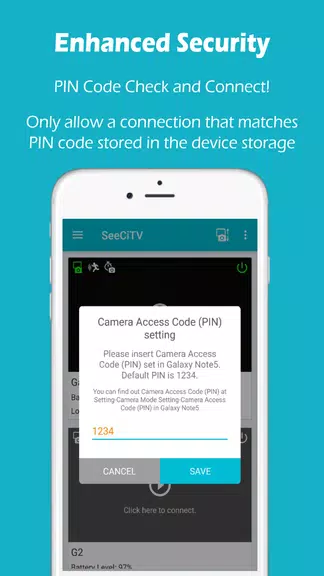
Encryption for account credentials and optional encrypted cloud storage are available. The app encourages strong passwords and offers local-only operation for users who prefer to avoid cloud services entirely. Reviewing privacy settings during setup helps you understand where recordings are stored and who can access them.
Who should try this app
This tool is suitable for homeowners, renters, small business operators and hobbyists repurposing old phones. If you need an adaptable monitoring system that scales from a single indoor camera to several outdoor units, Home Security Camera - SeeCiTV provides a practical, budget-conscious solution with enough features to grow as your needs evolve.
Final considerations
Before relying on any single system for critical security, pair this app with physical measures such as proper locks and lighting. When configured correctly, Home Security Camera - SeeCiTV offers a convenient, low-cost way to keep an eye on what matters most without a steep learning curve.
Information
 Google Play

The Remote App Tool collection includes many Android apps that allow remote control. With the growing number of smart devices, it's easy to misplace remotes. These apps solve that problem, offering a convenient, free way to control your devices. They provide great convenience for your daily life!






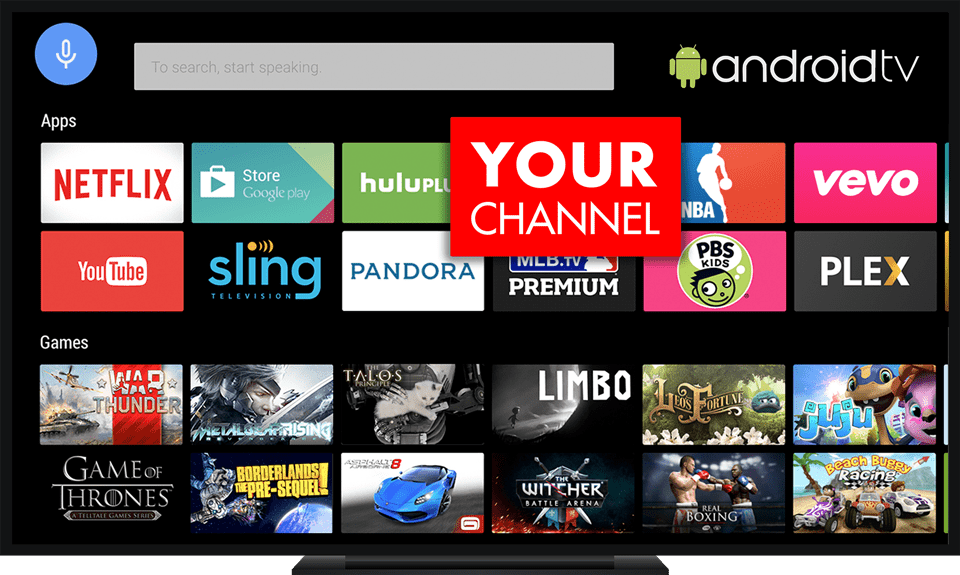
This collection of TV apps offers users several options for free streaming, featuring high-definition media players compatible with television. With these apps, you can easily watch your favorite shows without hassle. The platform boasts a vast library of video content, organized into clear categories for quick access. High-quality videos are just a click away, ensuring you never miss out on anything. If you're interested, download and start enjoying the experience today!






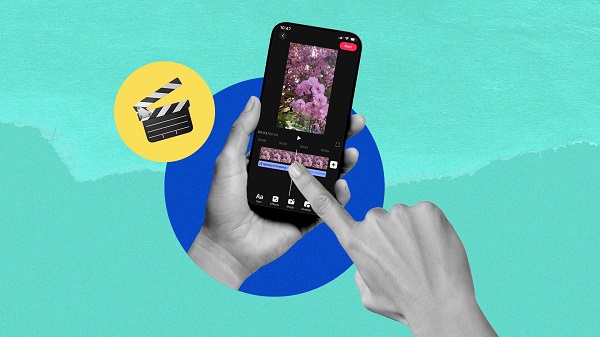
What would it be like to download video software for free? In this collection, you can find various video software that interests you, whether it’s video players or video editors—everything you need is here. All of it is provided for free, allowing you to download with ease and without any worries.





User Comments

archstore: AI Interior Design is a mobile design assistant that transforms room photos into polished interior plans using artificial intelligence. It helps users visualize furniture layouts, materials, and color schemes quickly, offering editable 3D previews and shopping links for a streamlined home renovation or decorating workflow.

Gates designs , Front gates is a design reference and idea tool that helps homeowners explore and select front gate styles to improve curb appeal and functionality. The app organizes curated collections of steel, iron and wooden gates, ranging from simple modern panels to ornate wrought-iron entries and space-saving sliding solutions. Users turn to it to compare materials, finishes and proportions, discover small steel gate options for narrow openings, and gather customization ideas before consulting builders or fabricators. Clear categories and visual examples make it easy to find a gate that matches a home's architecture and personal taste.

English is a mobile app designed to help learners build vocabulary, grammar, listening, and speaking skills through short lessons and interactive practice. It combines bite-sized exercises, speech recognition, and progress tracking to keep study sessions focused and productive for beginners and intermediate users aiming to improve everyday communication.

초록도시AR – 3D로 즐기는 식물 배치 미리보기, 초록도시AR – 3D로 즐기는 식물 배치 미리보기, 초록도시AR – 3D로 즐기는 식물 배치 미리보기 brings practical augmented reality plant styling to your phone and helps you preview real items in your own rooms before you buy. This editor introduction describes how the app helps you check scale, test pot and plant combinations, and save design ideas so you can make confident decorating choices without guessing how a plant will fit or look in a particular corner.

Consultar precios is a practical shopping utility that helps you track and compare product prices across stores and locations so you can make smarter buying decisions. The app focuses on clear, actionable data: build personal lists of frequently bought items, set target prices, and receive timely alerts when costs change. Consultar precios combines real-time market updates with community reports to reveal trends and local bargains without forcing you to visit every shop or sift through dozens of ads.

Desman is the official app for Desman smart door locks, designed to let you manage your lock directly from a smartphone. It delivers keyless, password-free access and aims to replace cumbersome traditional locks with a lighter, easier-to-install smart alternative. With the Desman app you can control your lock, monitor access, and simplify everyday entry without carrying keys or remembering codes. The app focuses on making life more comfortable by modernizing door access and providing a mobile interface for routine security tasks, so users can handle locks quickly and intuitively.