
 X
X
 facebook
 WhatsApp
 Email
Email
Introduction
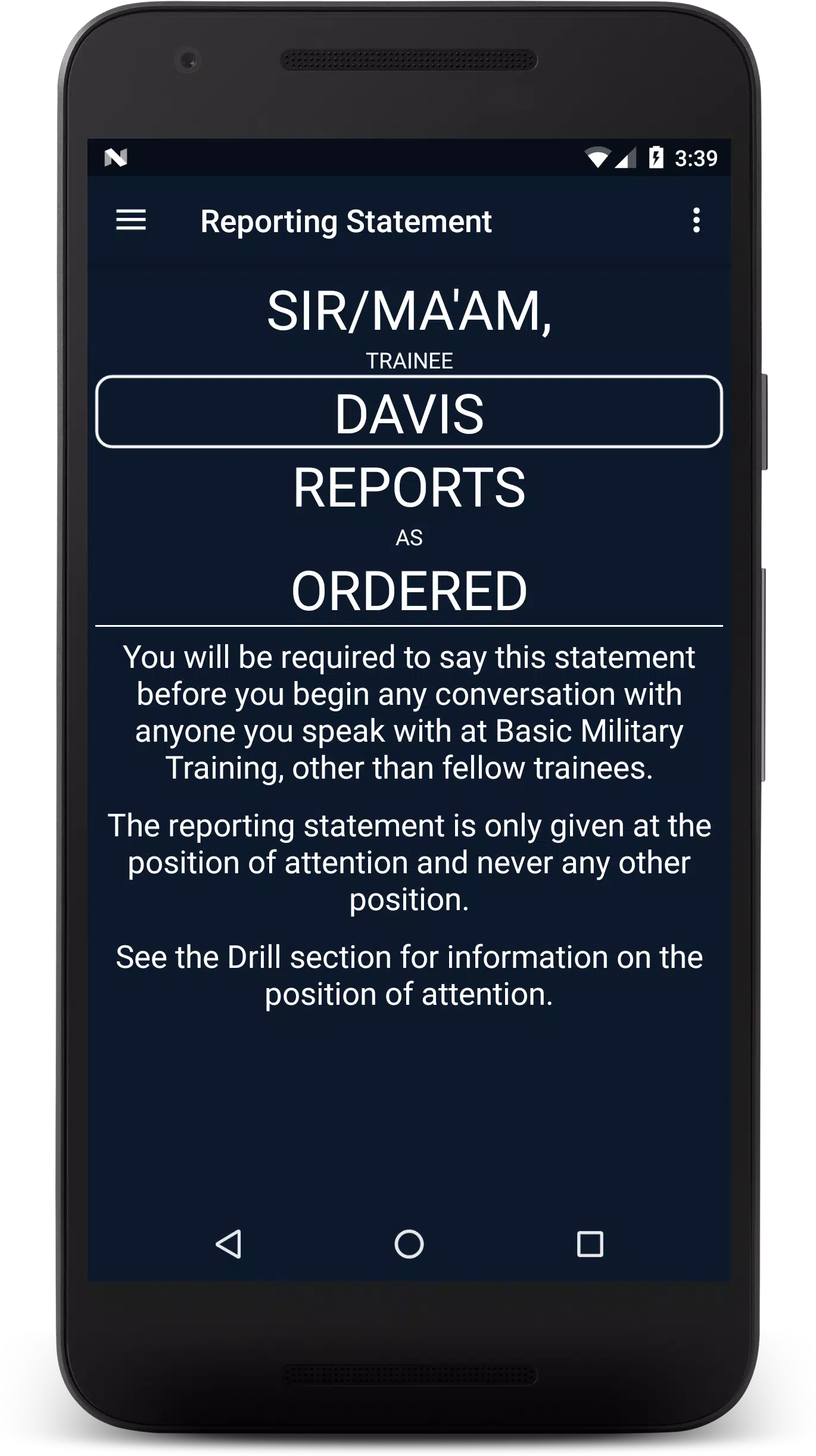
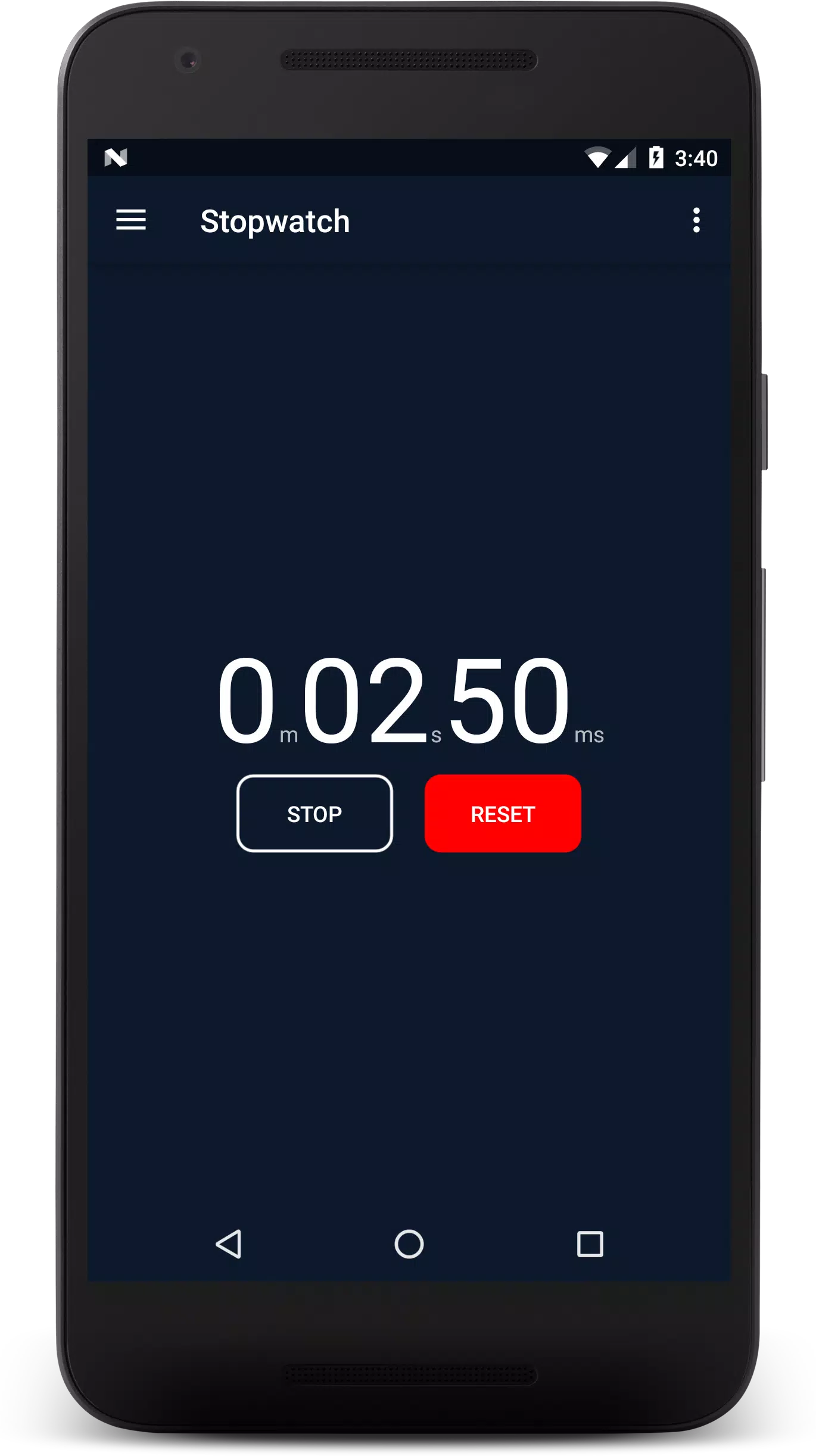
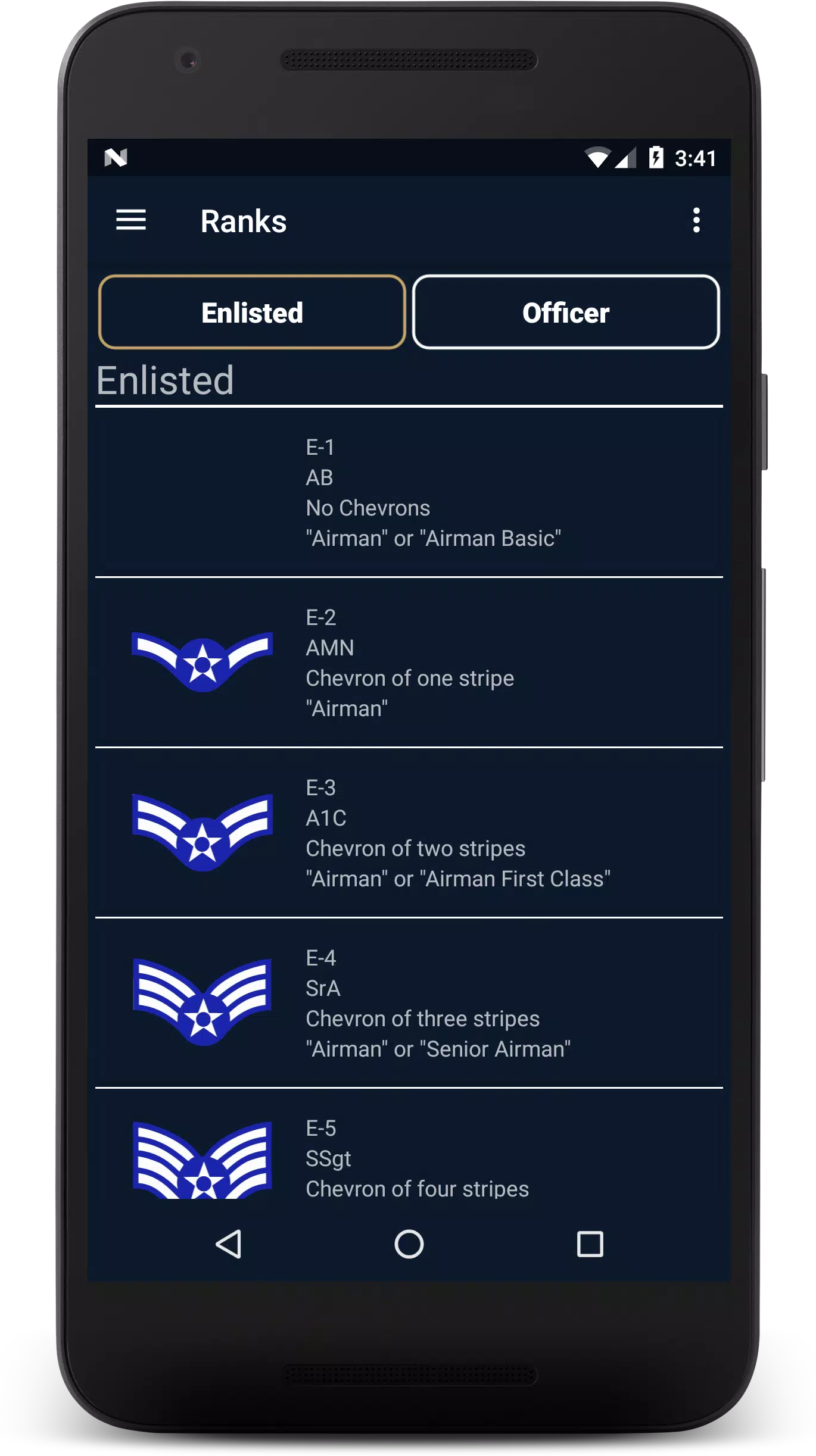
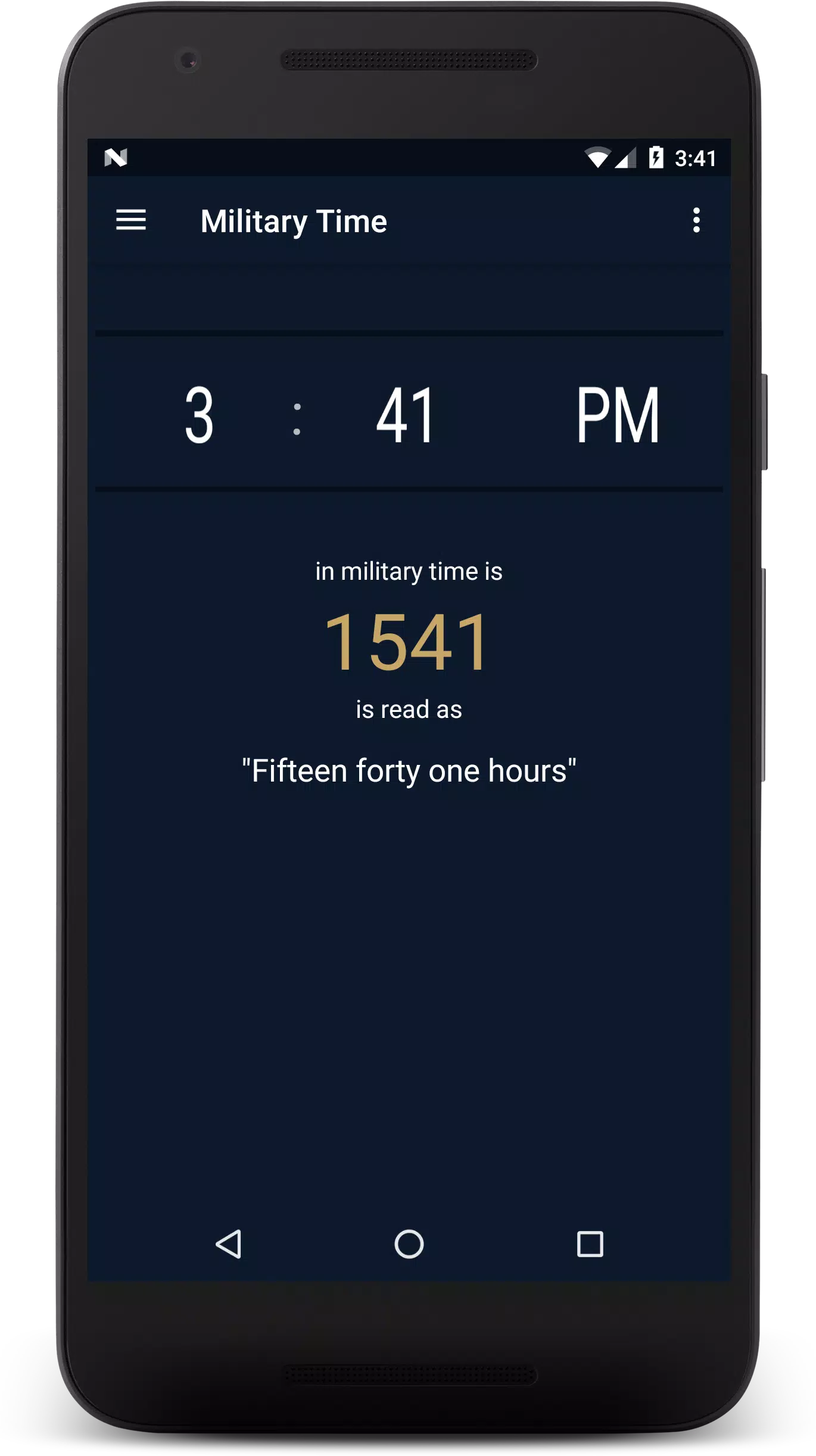
Delayed Entry Program is a mobile guide for aspiring United States Air Force recruits that consolidates the core pre-enlistment information into one portable app, combining reporting statements, drill commands, fitness guidance, packing checklists and interactive study tools so users can prepare efficiently before leaving for basic training.
What the app does
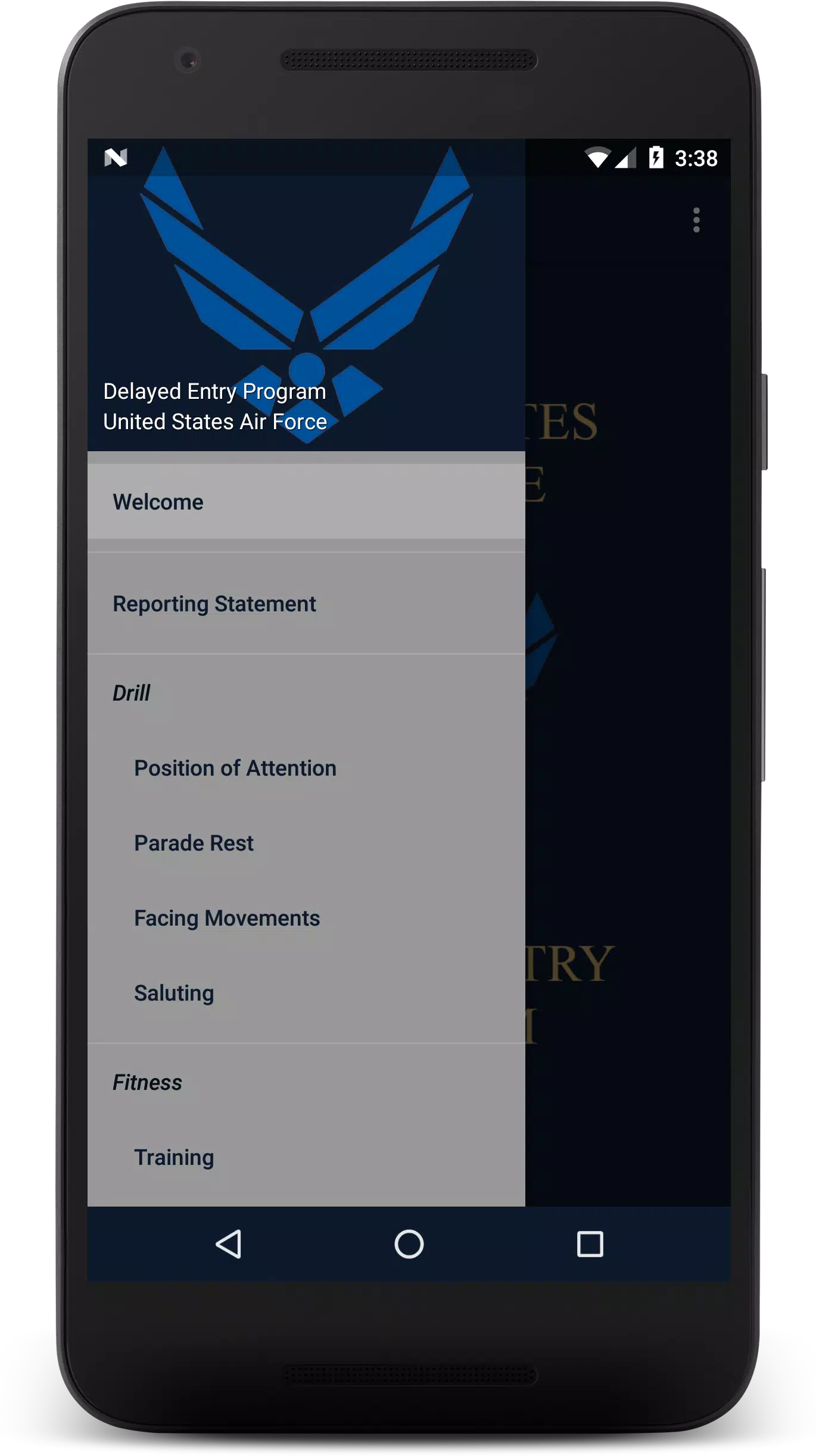
The Delayed Entry Program organizes official procedures and practical advice into sequential modules that reflect the typical pre-enlistment timeline. Each module focuses on a single topic—arrival paperwork and reporting statements, drill command basics, physical readiness, personal gear lists and links to official recruiting resources—so recruits can study in short, focused sessions and track which steps they have completed.
Interactive study mechanics and controls
Study mechanics are built around short, repeatable interactions suited for touch screens: flash cards use a tap to flip and a long-press to mark items for review; quizzes use multiple-choice and true/false formats with immediate, contextual feedback; simulated drill sequences present audio commands and require users to choose the correct response or practice the sequence at their own pace. Controls are simple and consistent—tap to select, swipe to navigate between cards or lessons, and hold to flag content for later review—so the app stays accessible during on-the-go study sessions.
Progression and challenge systems
Progression is tracked by module completion, knowledge streaks and mastery indicators. As users repeat quizzes and flash cards, the app adjusts question frequency to focus on weaker areas. Timed practice drills add a low-pressure challenge mode that records personal bests and completion times locally to encourage steady improvement. These progression signals help recruits see gains in knowledge and fitness readiness without introducing rankings or multiplayer competition.
Study structure and replay value
Content is arranged in bite-sized lessons with nested subtopics so learners can advance from basic reporting statement recognition to more detailed customs and courtesies. A question bank with randomized items and rotating flash card order increases replay value; repeating modules and taking variation drills helps users retain procedures and commands. Regularly updated content and curated links to official agency pages keep the study material accurate and relevant over multiple review cycles.
Customization and personalization
Users can create a personal profile that stores their target ship date, physical fitness goals and a customized packing checklist tailored to their situation. The app allows toggling of modules based on branch-specific needs, selecting preferred units of measurement for fitness tracking, and adjusting quiz difficulty. Personal flags and bookmarks let recruits revisit tricky items and build a study plan that matches their timeline and learning preferences.
Visual style and user experience
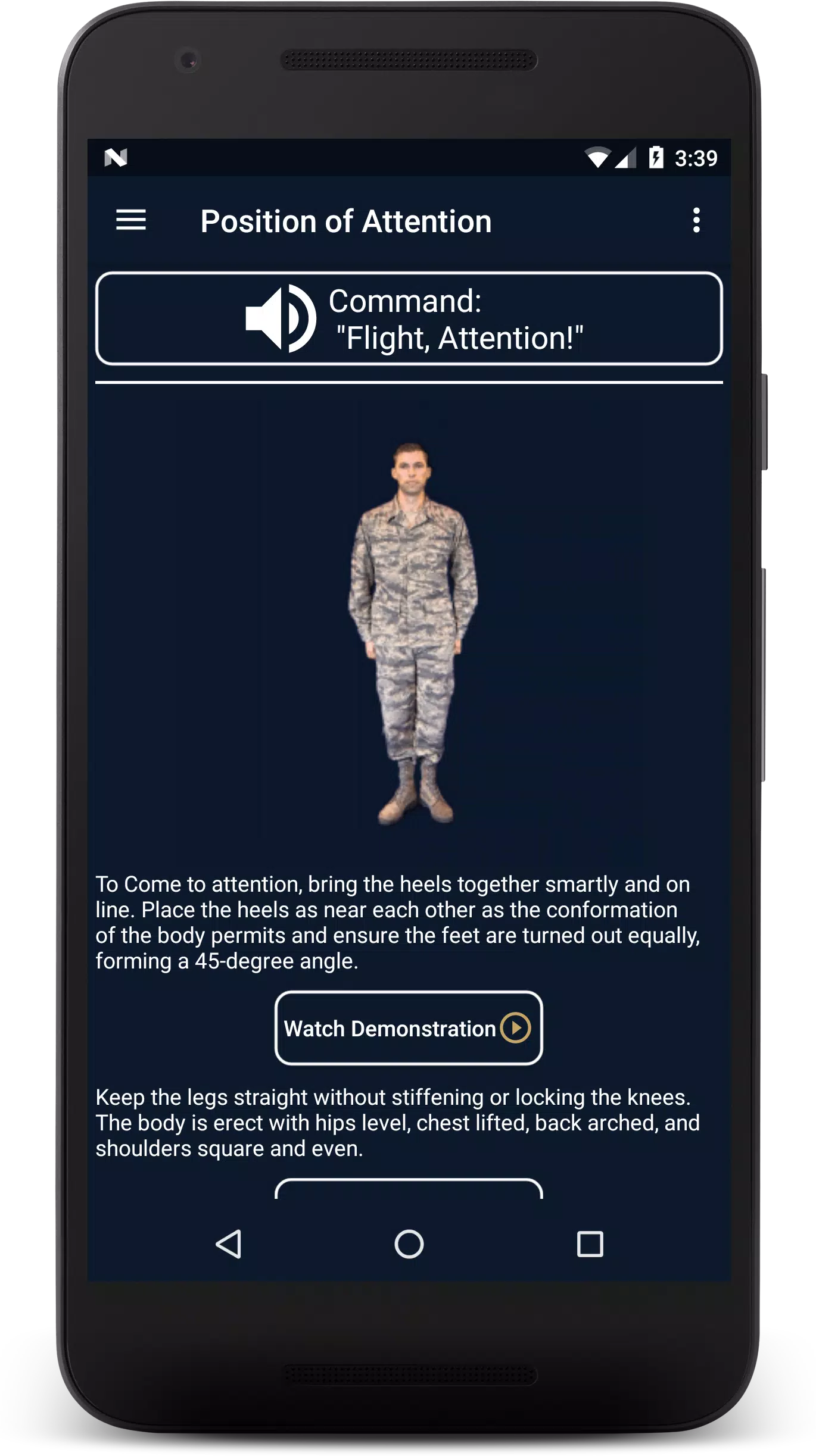
The interface uses a clean, utilitarian visual design with clear typography, high-contrast icons and simple navigation to reduce cognitive load during study. Visual cues and consistent layouts make it easy to scan checklists, read reporting instructions and complete quizzes quickly. Audio prompts for drill commands are recorded clearly and paired with on-screen text to support multimodal learning styles.
Accessibility and offline use
Accessibility features include adjustable font sizes, high-contrast themes and compatibility with screen readers to support a wide range of users. Key modules and essential checklists can be downloaded for offline use so recruits without continuous connectivity can still access packing lists, basic drill commands and fitness guidance while traveling or in remote locations.
Fitness guidance and practical prep
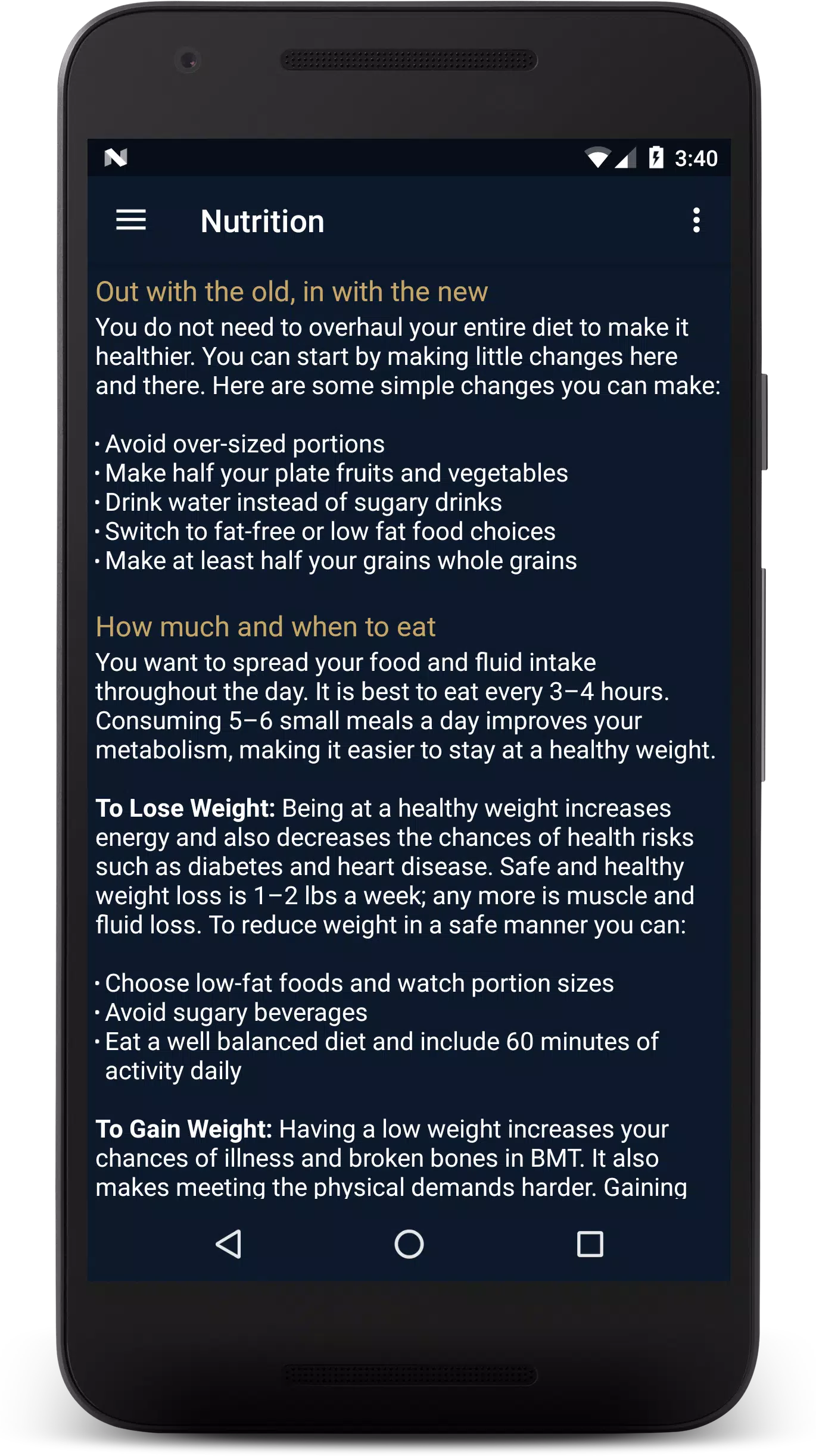
Fitness content outlines recommended exercises, nutrition basics and sample training schedules targeted to the physical demands of basic training rather than prescriptive medical advice. Packing checklists break down items into required, recommended and optional categories with brief explanations to help recruits prioritize and avoid last-minute oversights.
Limitations and recommended use
The app is tailored specifically for United States Air Force pre-enlistment preparation and does not replace official recruiter briefings or in-person orientations; it is intended as a convenient study and organization tool to complement official guidance. Curated links point to authoritative resources for final verification of procedures, policies and reporting requirements.
Who this is for
Delayed Entry Program is aimed at individuals preparing to ship to basic training who want a structured, portable way to learn reporting statements, drill commands, packing priorities and fitness basics. The app supports steady preparation through modular study, customizable checklists and offline access, making it a practical companion in the weeks and months before enlistment.
Information

The Remote App Tool collection includes many Android apps that allow remote control. With the growing number of smart devices, it's easy to misplace remotes. These apps solve that problem, offering a convenient, free way to control your devices. They provide great convenience for your daily life!






User Comments

Tafsir Al Tanwir is a mobile application that brings the classical exegesis of the Holy Quran into an accessible, modern interface, helping users read, search and understand Quranic verses with ease. The app combines a respected tafsir text with practical tools—chapter index, search, favorites and sharing—so readers can locate explanations quickly and build a personal collection of meaningful passages. Whether you are studying, teaching, or simply deepening your faith, Tafsir Al Tanwir makes interpretation approachable with adjustable fonts, saved reading position and straightforward navigation that suits both newcomers and long-time students of the Quran.

Delayed Entry Program is a mobile guide for aspiring United States Air Force recruits that consolidates the core pre-enlistment information into one portable app, combining reporting statements, drill commands, fitness guidance, packing checklists and interactive study tools so users can prepare efficiently before leaving for basic training.

Inspanet is a lightweight reading app that puts classic books and short stories at your fingertips; from Charles Dickens and Jane Austen to Mark Twain and other public-domain authors, Inspanet organizes a broad library for calm, distraction-free reading without subscriptions or paywalls. The app runs as a single, compact reader so you do not need an external e‑reader, and it remembers where you left off while offering a place for readers to leave comments on each story. This introduction explains how the app is structured, what to expect while using it, and practical details about controls, personalization, offline use and accessibility.

Communicate With Computer 4 puts natural language control, automation and cross-device integration in a single app, letting you control a PC or mobile device, automate repetitive tasks and simplify workflows without memorizing shortcuts. Using advanced algorithms and natural language processing, Communicate With Computer 4 accepts spoken or typed commands in plain English and other supported languages and executes actions across Windows, macOS, Linux and mobile platforms. Users who want to speed up daily tasks, set up automatic file handling or build custom workflows will find its dashboard, profiles and scripting tools especially useful.

Mzantsi Job Interview Companion is a practical mobile resource tailored for South African job seekers who want a single app to combine vacancy alerts, interview practice and locally relevant context. The app bundles a live jobs feed, bite-sized CV and interview guidance, and concise political and economic briefs that help users interpret how local trends influence hiring. Designed for straightforward use, Mzantsi Job Interview Companion keeps essential tools within a few taps so you can prepare on the commute, between meetings or when you have a spare half hour.

History of Angola is a mobile reference app that guides readers through Angola's complex past with clear narratives, historical images, and chronological timelines. Built for both Angolan citizens and global history enthusiasts, the app summarizes key eras—from pre-colonial kingdoms and Portuguese contact through the transatlantic slave trade, abolition, and the independence struggles of the 20th century—into an approachable, image-rich format. Useful tools such as bookmarking, zoom controls, and background customization improve readability, while an emphasis on efficient performance helps conserve battery. Users seeking a compact, well-organized overview of Angolan history will find this app practical for learning and sharing insights.