
 X
 facebook
 WhatsApp
 Email
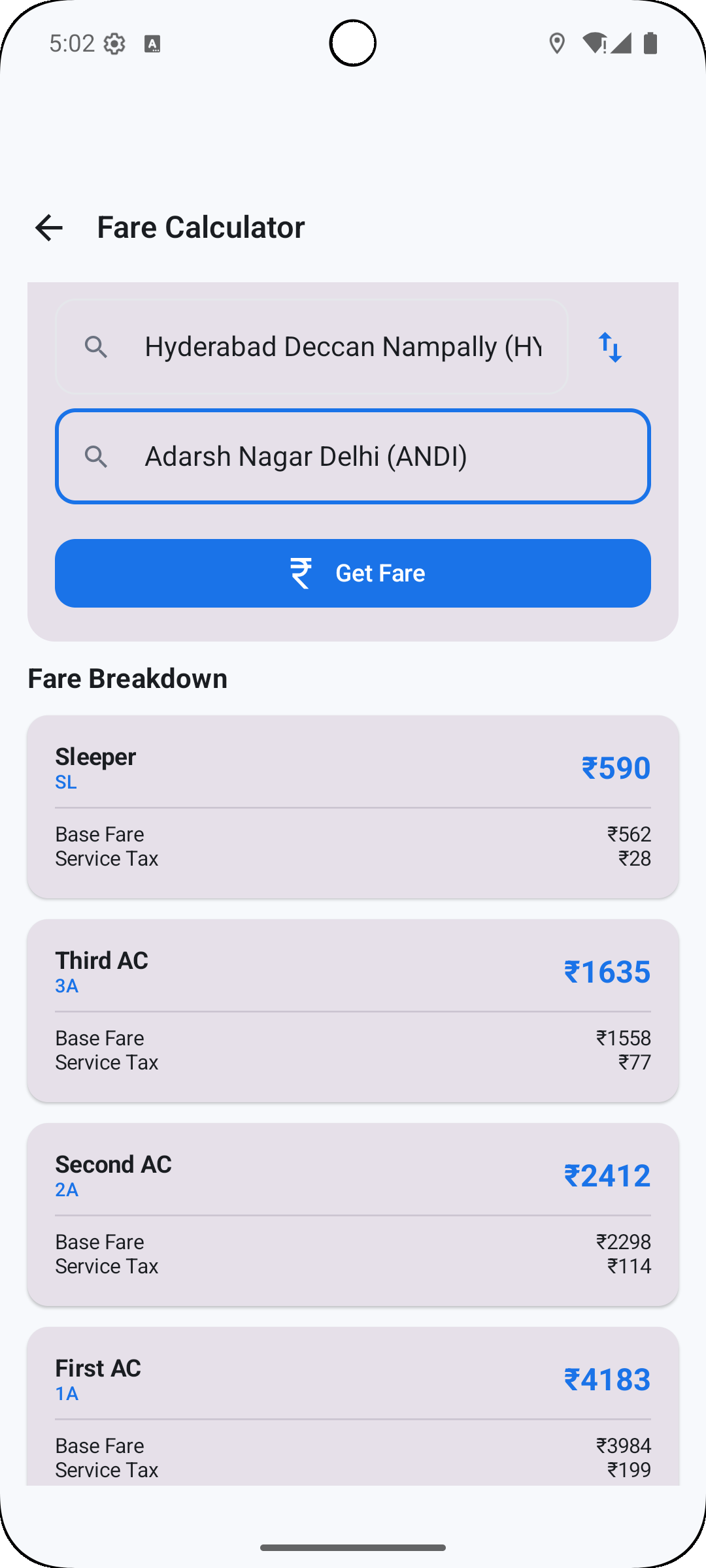
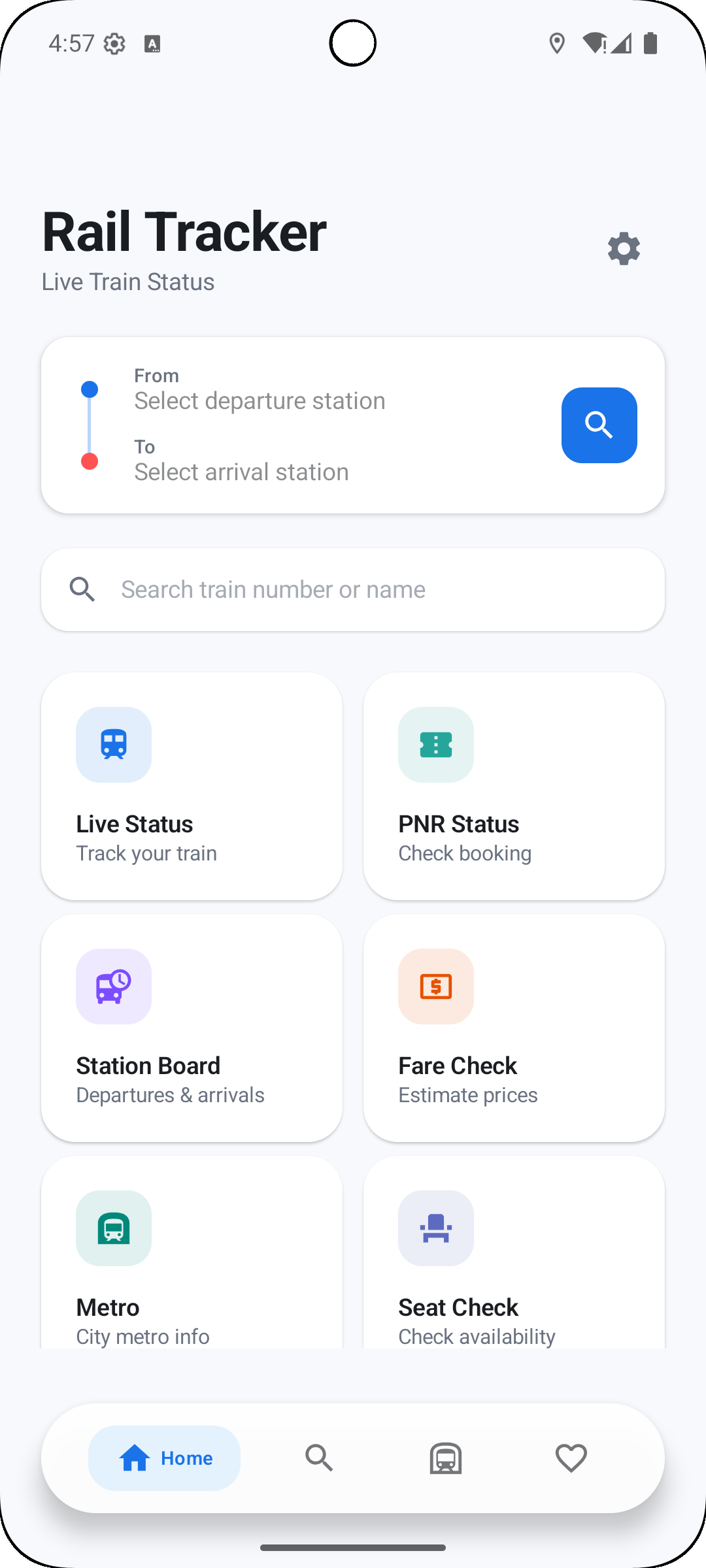
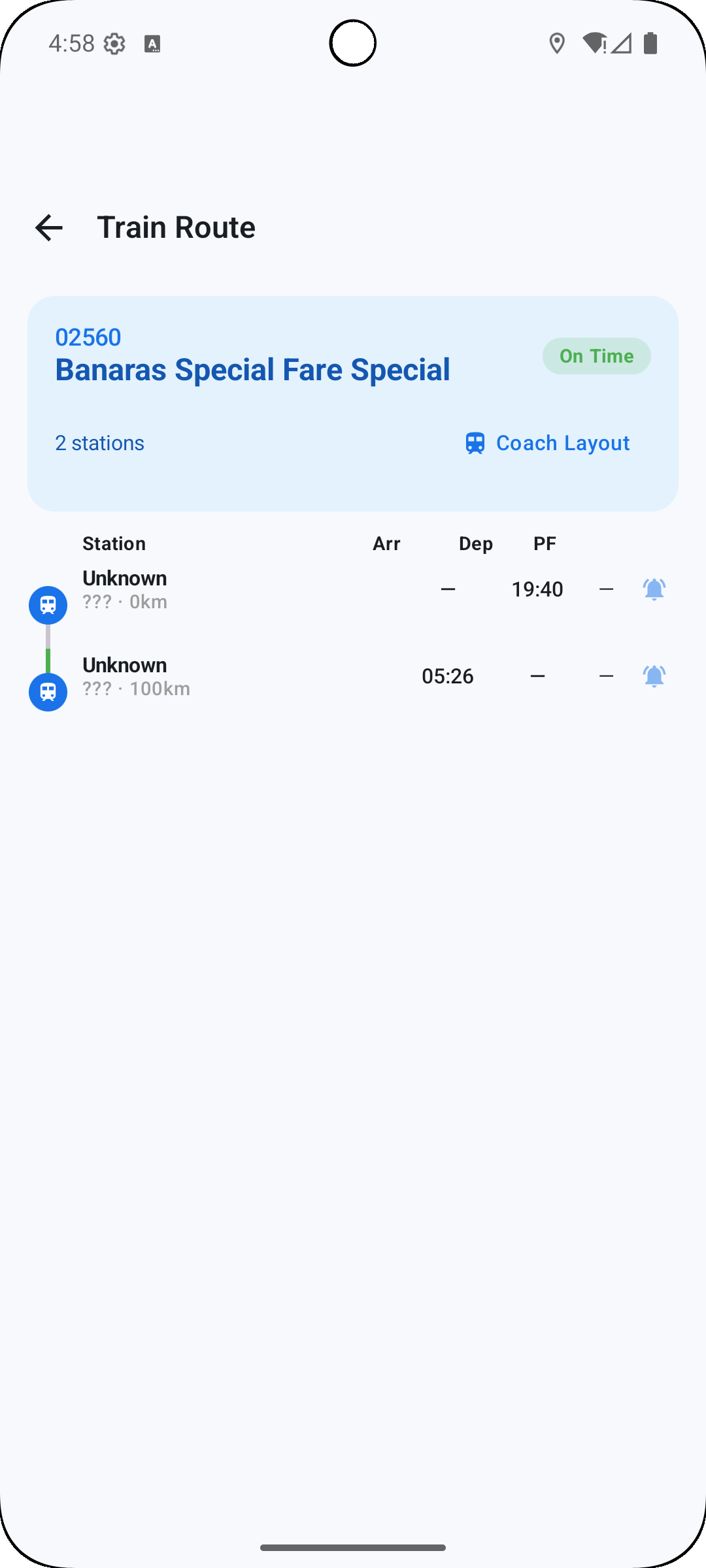
Introduction
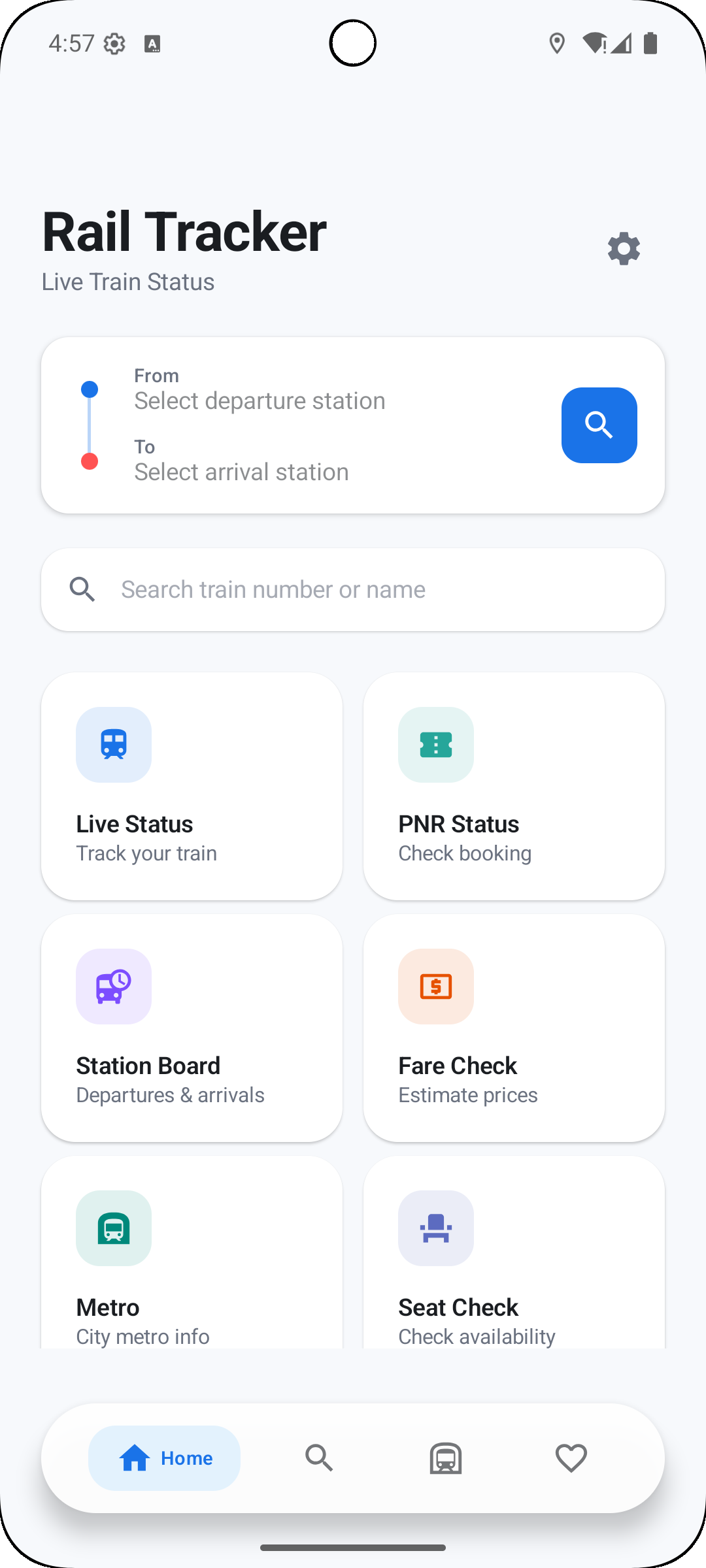
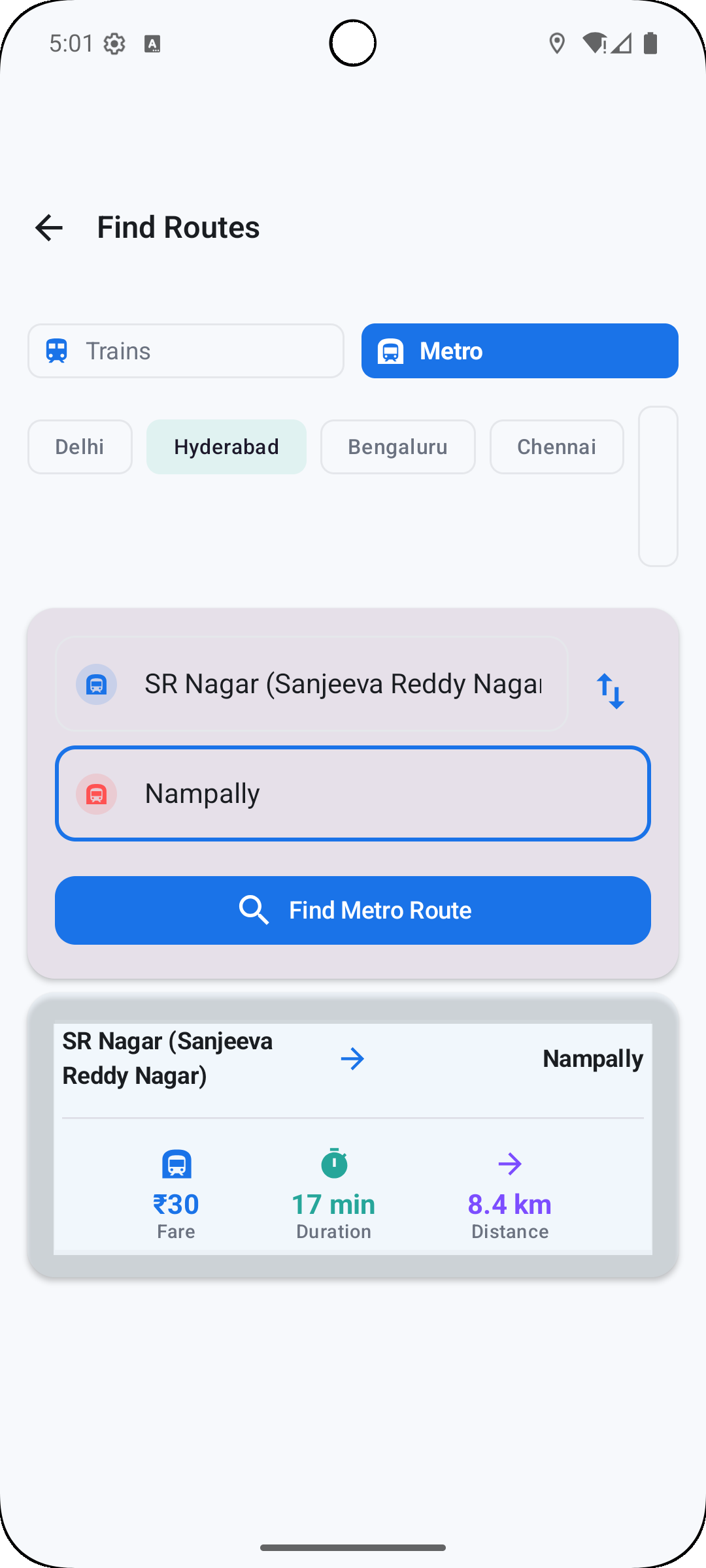
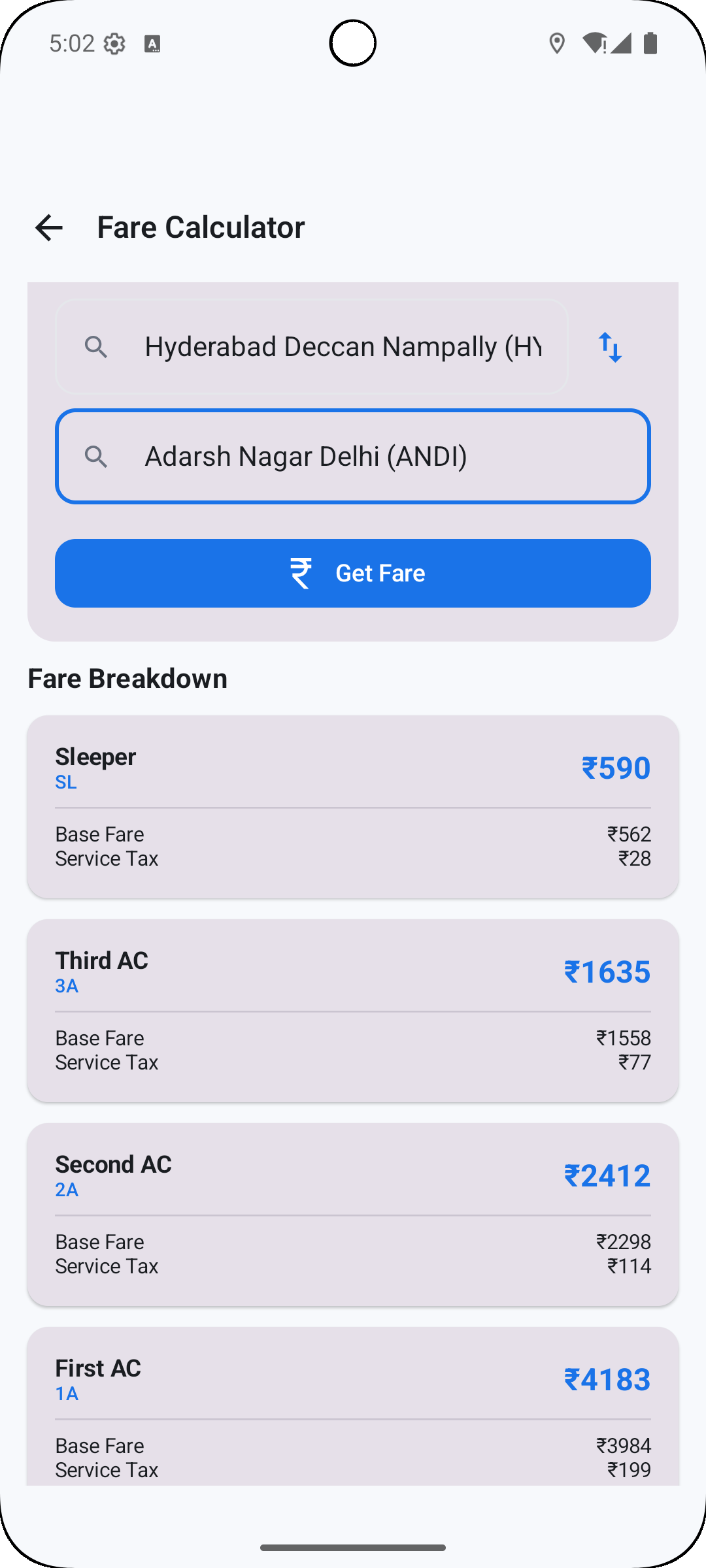
Rail Tracker is a modern Android utility that helps commuters, rail enthusiasts, and logistics pros monitor train movements and schedules in real time. It consolidates live locations, delay alerts, and timetable adjustments into a single interface, making journey planning and fleet oversight simpler and faster.
What Rail Tracker Does
Rail Tracker pulls together multiple data sources to present up-to-date information about trains, stations, and routes. The app is designed for everyday travelers who need reliable arrival predictions as well as professionals who require an overview of a rail network’s dynamic state. It prioritizes clarity: maps, lists, and notifications are tuned to reduce noise and highlight what matters.
Core Capabilities
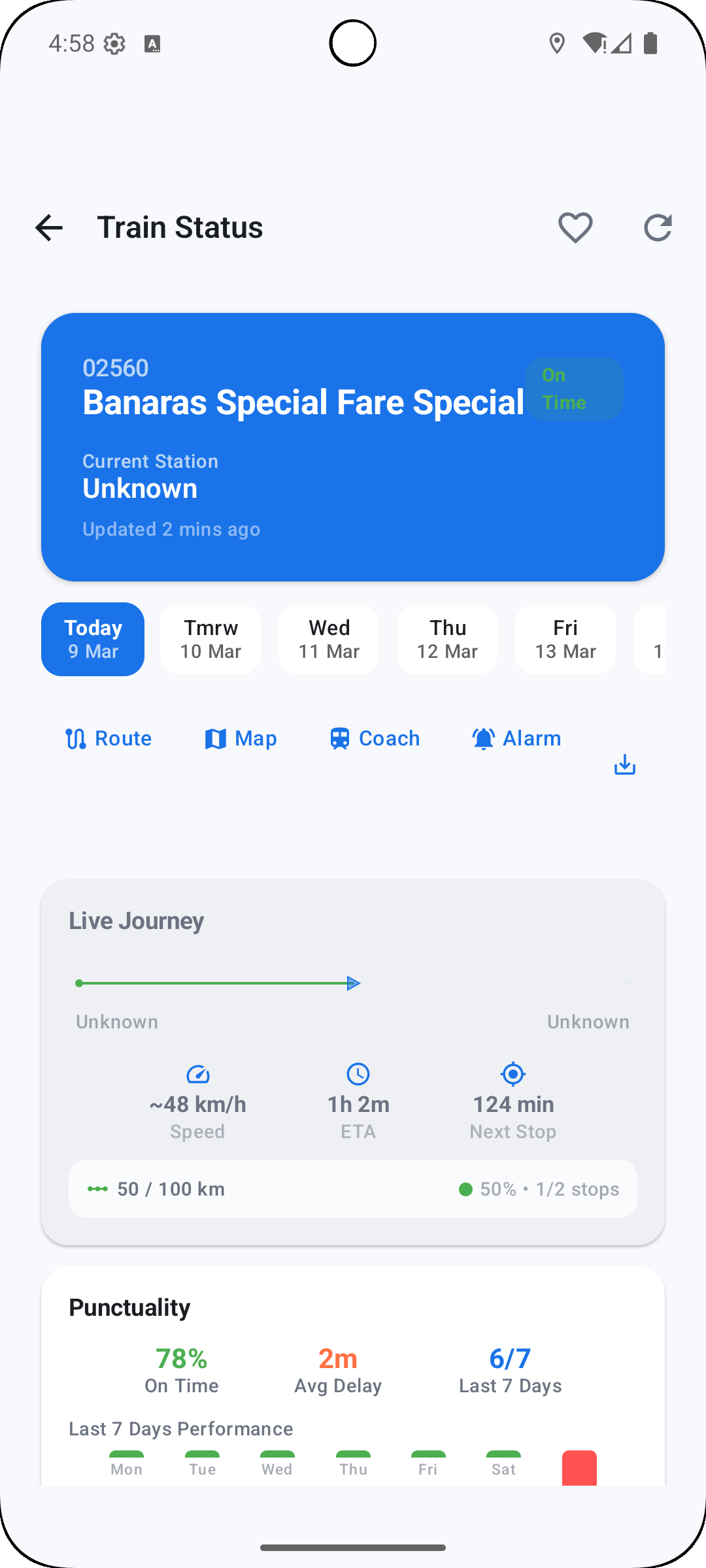
- Live position tracking — See where a train currently is along its route, updated frequently for accurate situational awareness.
- Real-time delays and alerts — Receive push notifications for disruptions, platform changes, and major service updates.
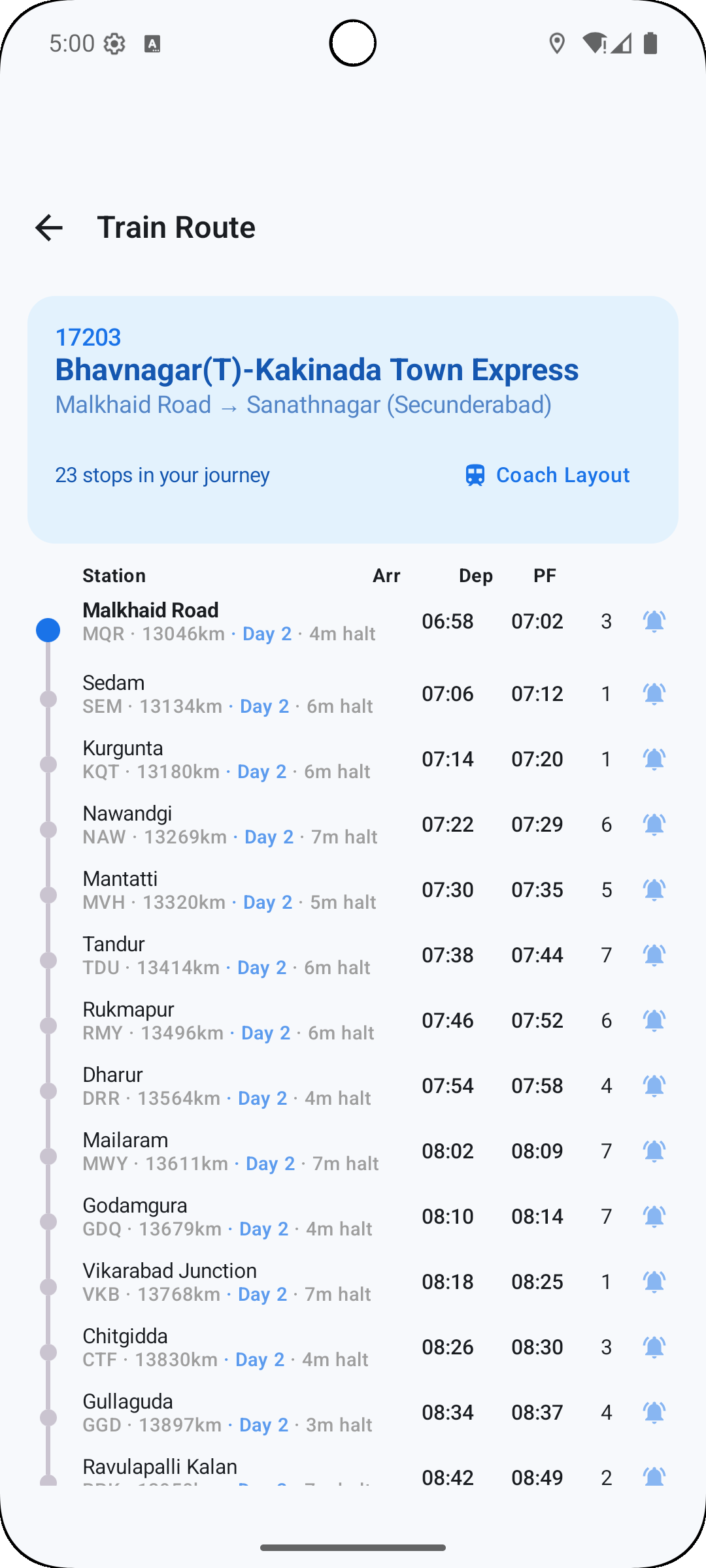
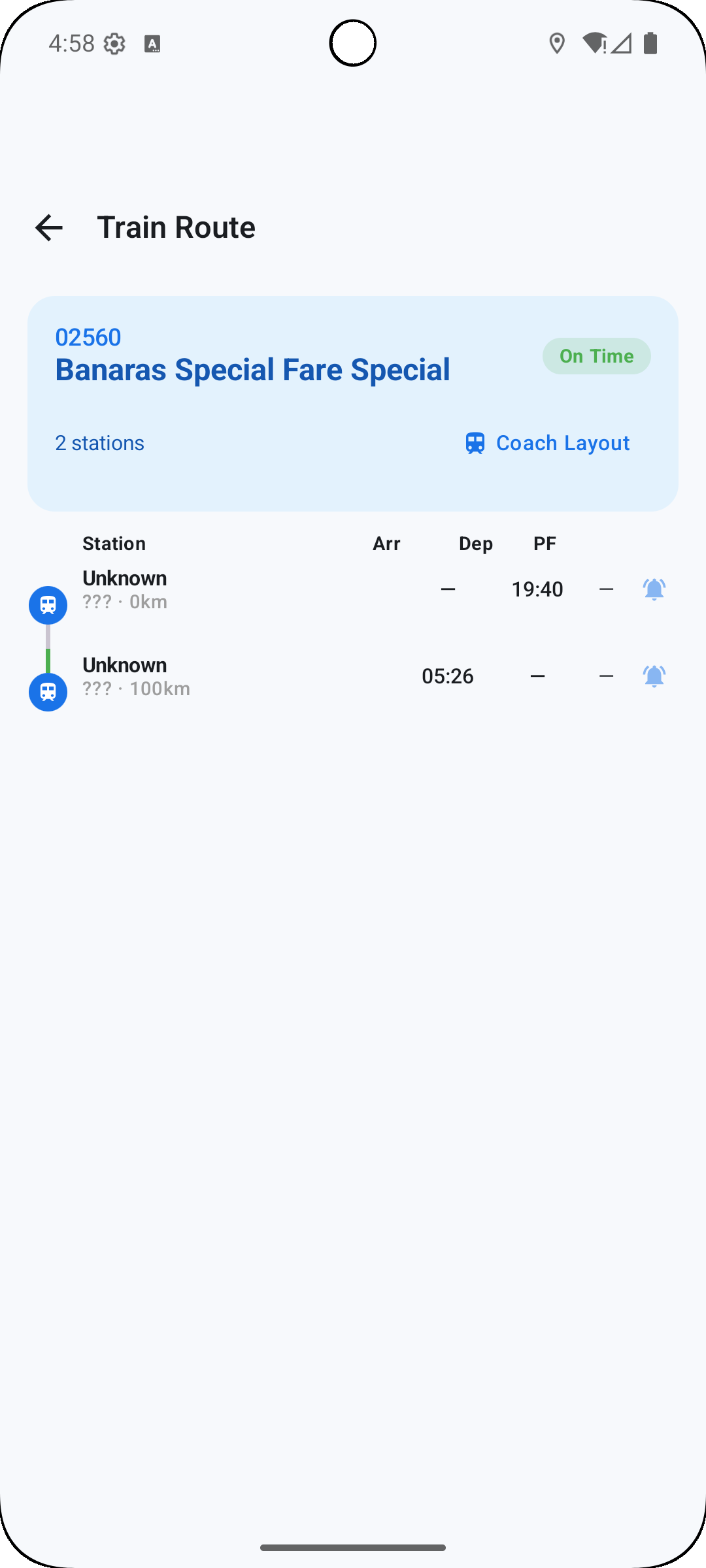
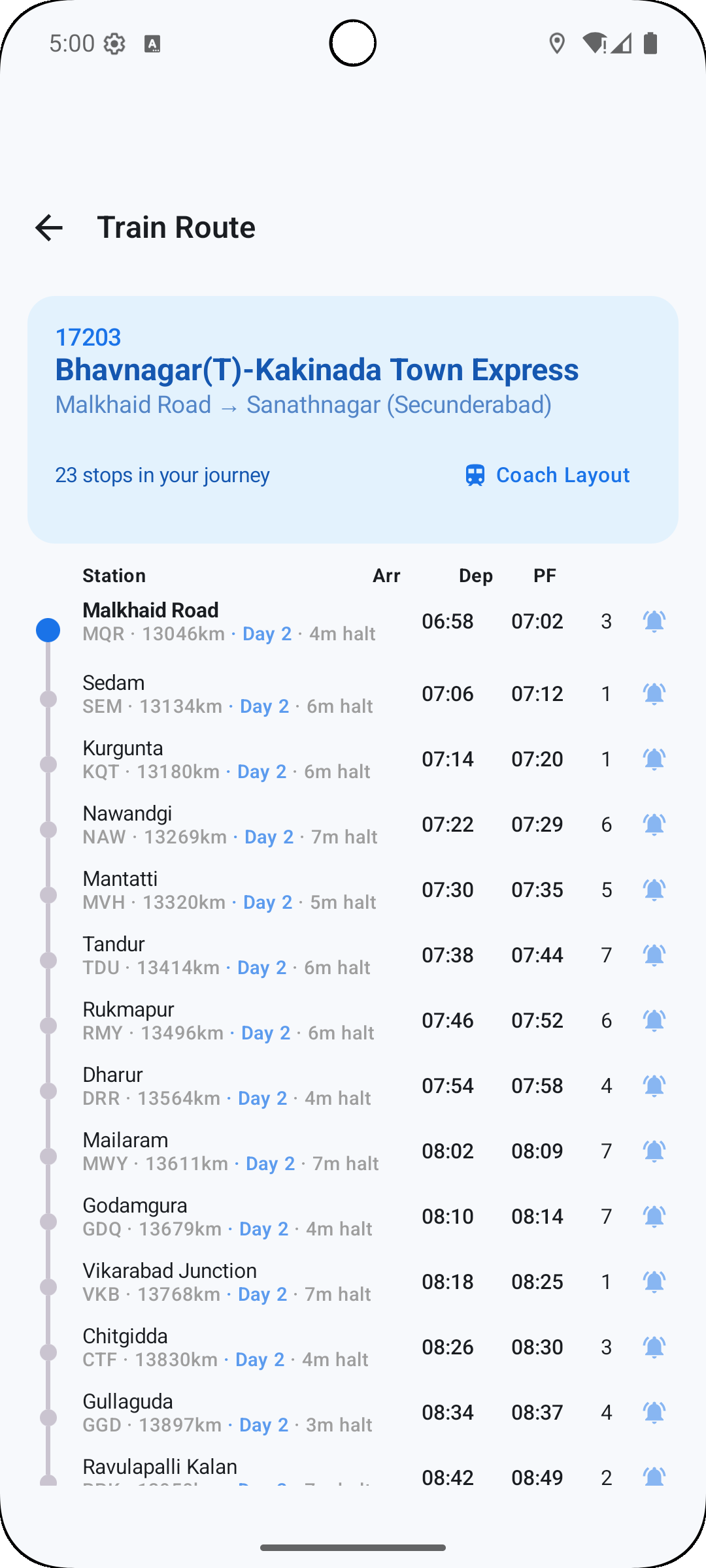
- Integrated timetables — Browse planned departure and arrival times, with automatic adjustments when delays occur.
- Station info — Access platform numbers, amenities, and interchange guidance to streamline transfers.
- Custom watchlists — Save specific routes, services, or trains to monitor them more closely.
How the App Works in Daily Use
Open Rail Tracker and you’re presented with a map view or a list view. The map shows trains moving along rail corridors; tapping a vehicle reveals its destination, next stops, and current delay status. The list view filters services by line or time window to help you find the next suitable option. Background updates keep your selected trains current without constant manual refreshes.
Data Sources and Reliability
The app aggregates official timetable feeds, public transit APIs, and live telemetry where available. To improve reliability it applies smoothing algorithms to position reports and displays confidence levels when data is sparse. Offline caching preserves recently viewed schedules so you can still see critical details when service drops temporarily.
Design and User Interface
Rail Tracker favors readability: high-contrast icons, concise labels, and clear color coding for on-time, delayed, and cancelled services. The layout adapts to different screen sizes while conserving battery life by adjusting update frequency when the app runs in the background. Simple controls let users toggle between map, timetable, and alert panels with minimal taps.
Customization Options
- Notification preferences — Choose the types of alerts you receive and set quiet hours to avoid interruptions.
- Filter settings — Focus on lines, train types, or stations important to you.
- Display themes — Light and dark modes improve legibility during day and night travel.
Performance and Resource Use
Rail Tracker is optimized for responsiveness and low memory usage. It limits background network calls and adjusts polling intervals based on the app state. On modern devices the interface remains fluid while rendering numerous active services on the map; older phones can switch to a low-refresh mode to preserve battery life.
Tips for New Users
- Save your most-used routes to the watchlist for instant access.
- Enable push alerts for disruptions on key lines so you can reroute early.
- Use the map zoom controls to inspect exact platform approaches or transfer corridors.
- Check the confidence indicator when planning tight connections — low confidence suggests double-checking with station announcements.
Why People Choose Rail Tracker
Users appreciate how Rail Tracker turns fragmented rail data into actionable information. Commuters value the timely alerts and intuitive timetable view; hobbyists enjoy following trains in real time; transit managers benefit from quick situational snapshots. The balance of depth and simplicity keeps the app useful without overwhelming casual users.
Getting Started
Installation is straightforward from the Android store. Allow location permissions for better local suggestions, opt into push notifications if you want alerts, and add a couple of routes to your watchlist to experience the core functionality immediately. Regular updates add network-specific features and improve underlying data handling.
For anyone who relies on trains—whether for daily commutes, occasional trips, or professional monitoring—Rail Tracker offers a focused, reliable toolset that simplifies decision-making and keeps you informed when schedules shift.
Information
Other Games by the Same Samuel Paul


User Comments

Descubre Málaga helps you explore Málaga through personalized, sensory-led routes that combine food, culture and local stories into a single travel tool. The app generates tailored itineraries based on your preferences, available time and budget, and lets you save or start a plan immediately. It supports walking, cycling, driving and public transit, and offers flexible durations from a few hours to full days, with photos, text and audio so you can learn the context behind each stop.

Trackline Pro is a vehicle tracking and diagnostics tool that delivers real-time location and operational data so you can monitor a single car or an entire fleet from your mobile device. The app provides precise GPS coordinates, plus speed, fuel level, odometer readings and battery voltage to help you detect issues early and keep vehicles running efficiently. Fleet managers get better route oversight and timely delivery visibility, while individual owners gain reassurance about vehicle status and driver behavior. With a clear, easy-to-use interface, Trackline Pro is built to simplify day-to-day vehicle management and reduce surprises on the road.

MOVI VIRTUAL is an Android utility that provides a virtual camera and media routing for video calls and streaming. The app simplifies connecting graphics, overlays, or prerecorded video to other apps without requiring special hardware.

Moscow Offline Map and Travel provides travelers with a compact, reliable way to carry Moscow’s streets and sights on their device without a data connection. This editor-tested app places detailed offline maps, searchable points of interest and short wiki-style descriptions into a single package so you can plan routes, identify nearby services and explore neighborhoods even when roaming or Wi‑Fi are unavailable.

马蜂窝-全球旅游攻略,旅行度假酒店预订 is an all-in-one travel app that helps travellers plan trips, discover reliable destination guides and book hotels, local tours and holiday packages from a single, practical interface. Designed for people who prefer experience-based advice, the app blends crowd-sourced travelogues, short videos and an active Q&A community with an integrated booking marketplace so you can go from inspiration to reservation without switching apps.

Offline Translator: German is a compact offline speech translator and bilingual dictionary designed for travelers, students and professionals who need dependable English–German communication without an internet connection. Offline Translator: German translates typed text, spoken phrases and printed text captured with your camera, automatically detects the input language and can speak translations aloud in both English and German. The app keeps translations and language data on your device so you can avoid roaming charges and maintain privacy while navigating menus, signs and conversations.