

 X
 facebook
 WhatsApp
 Email
Introduction
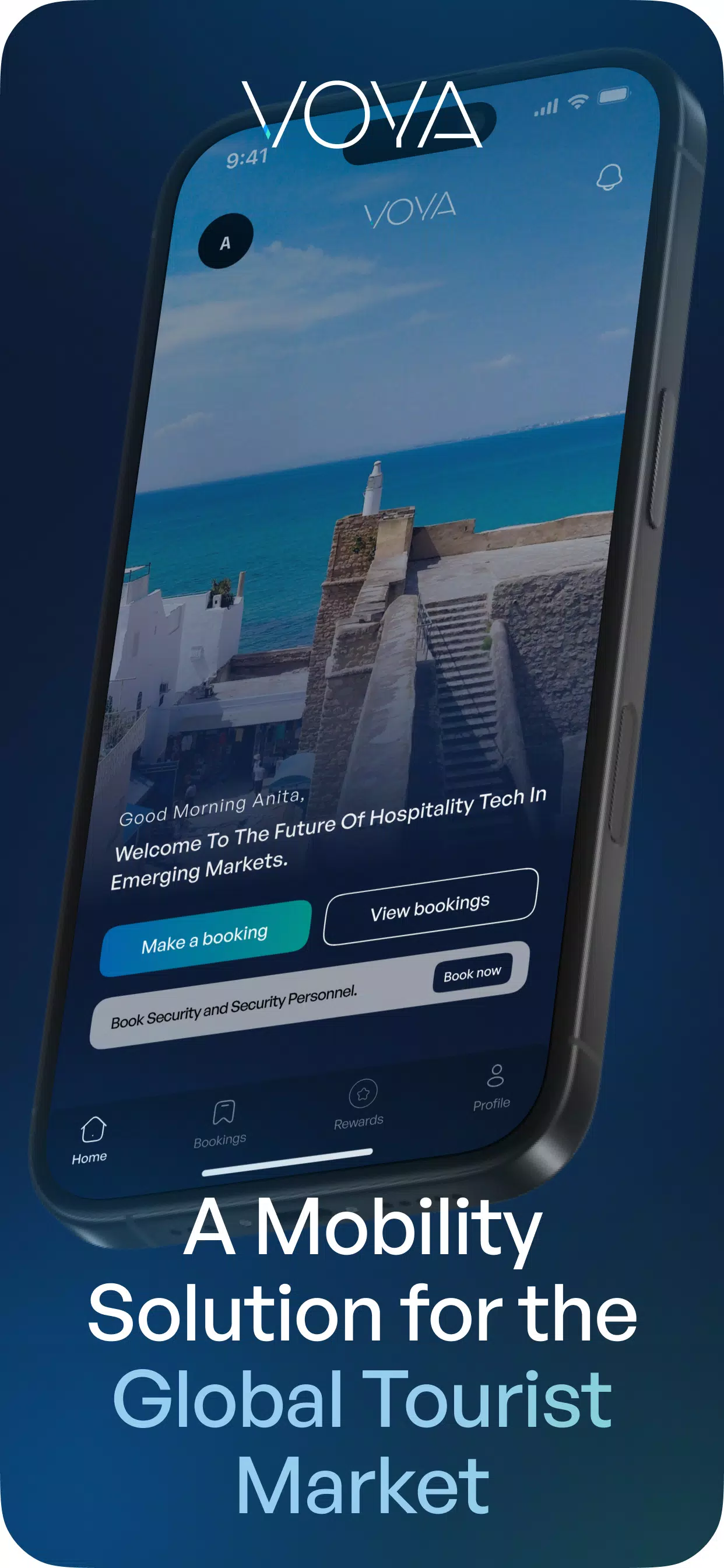
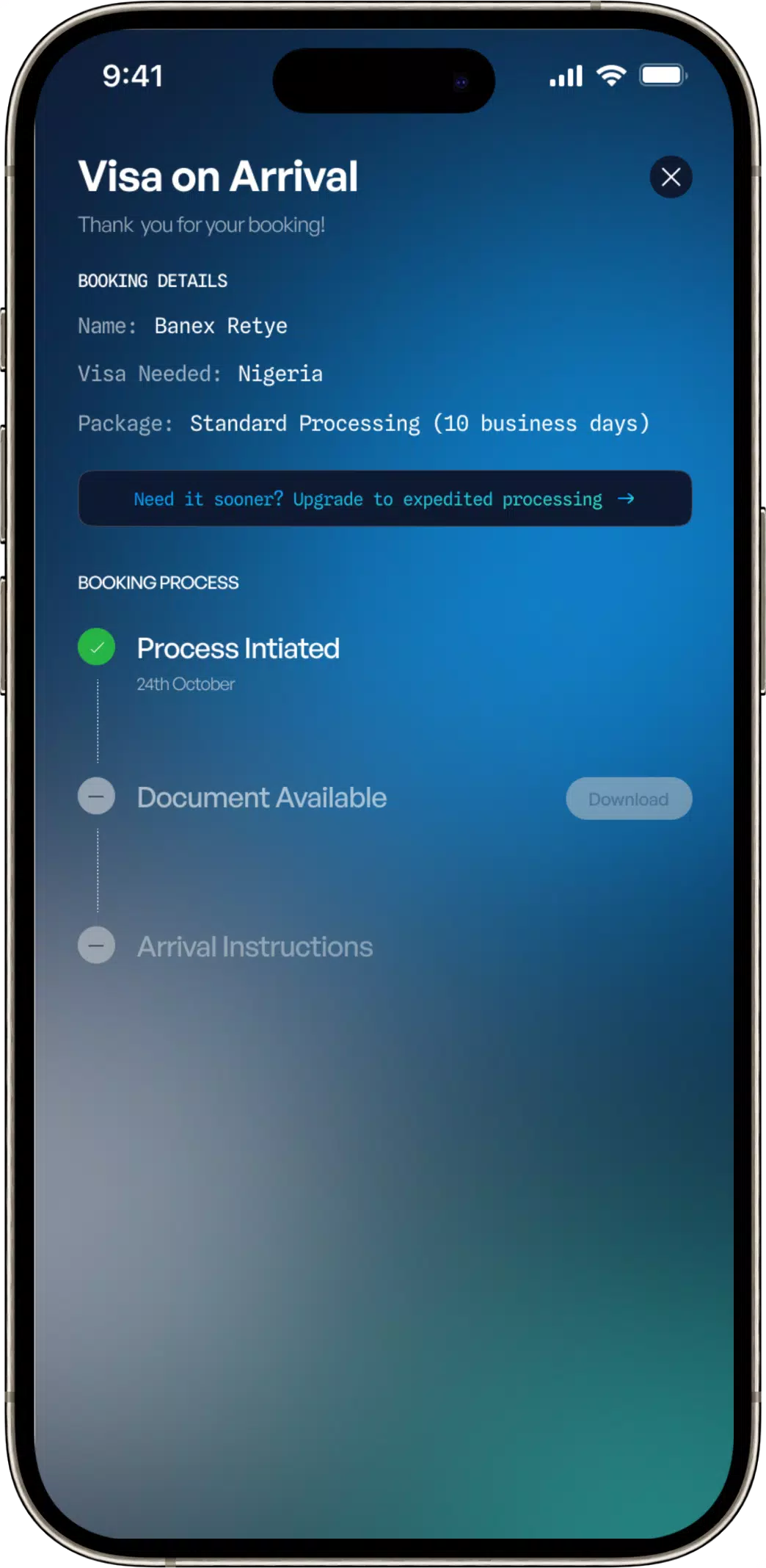
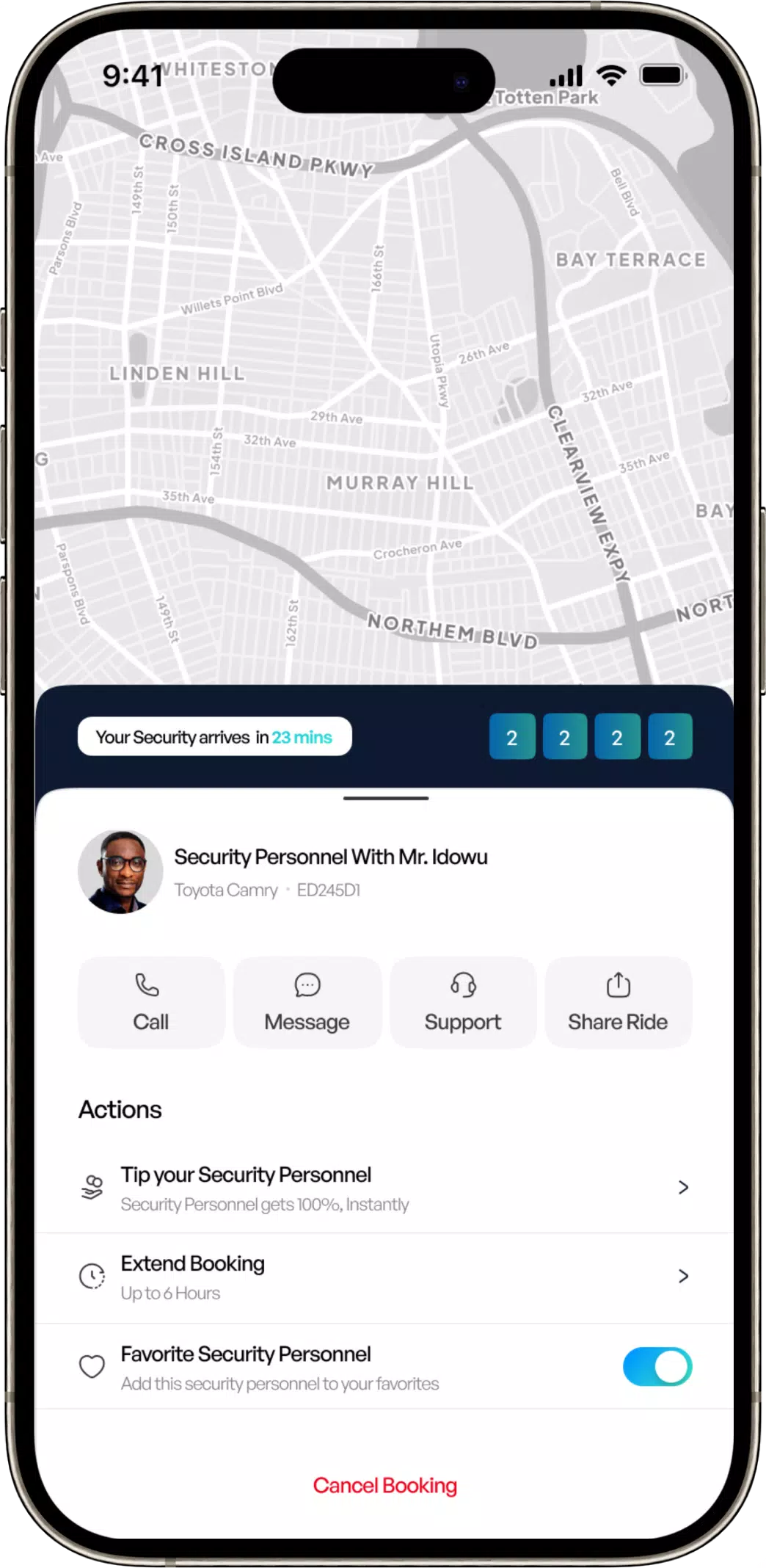
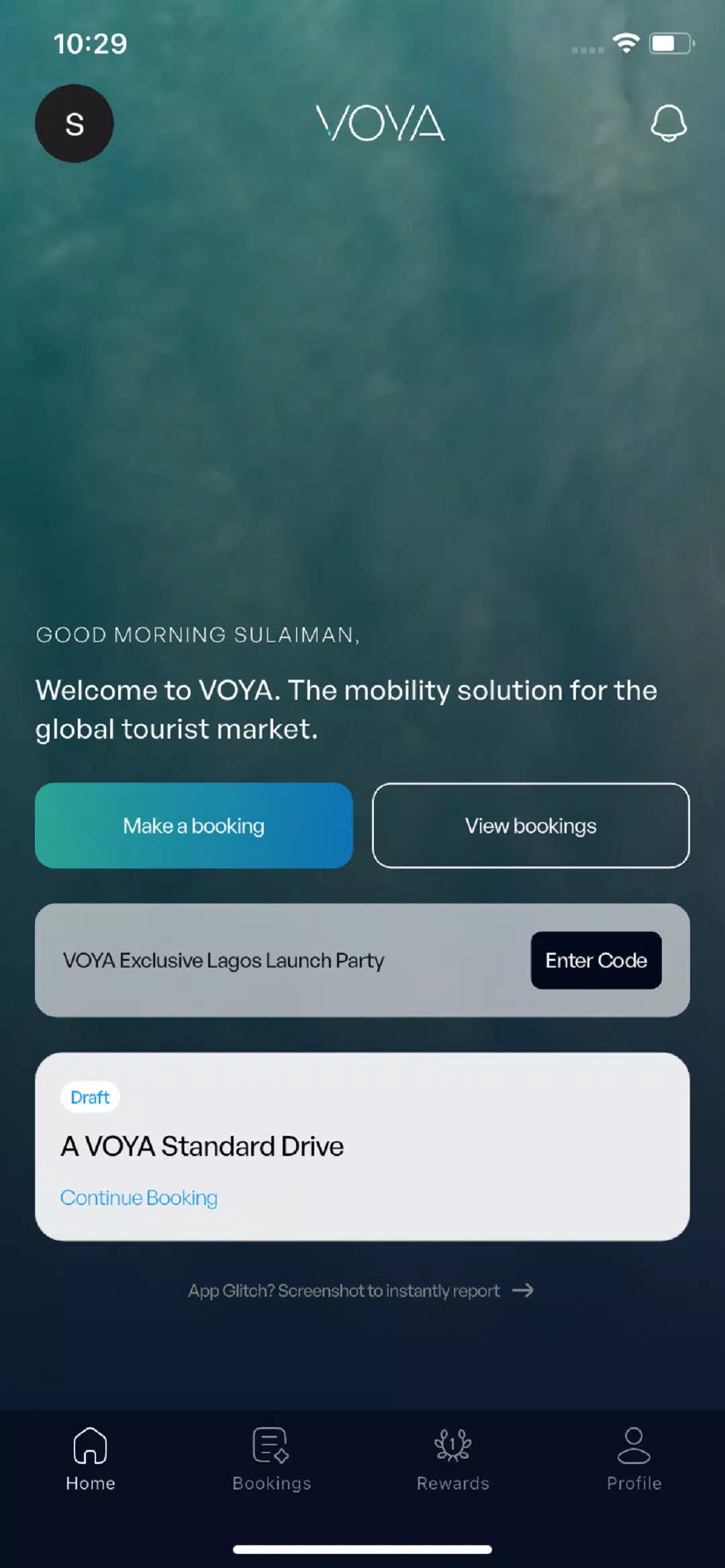
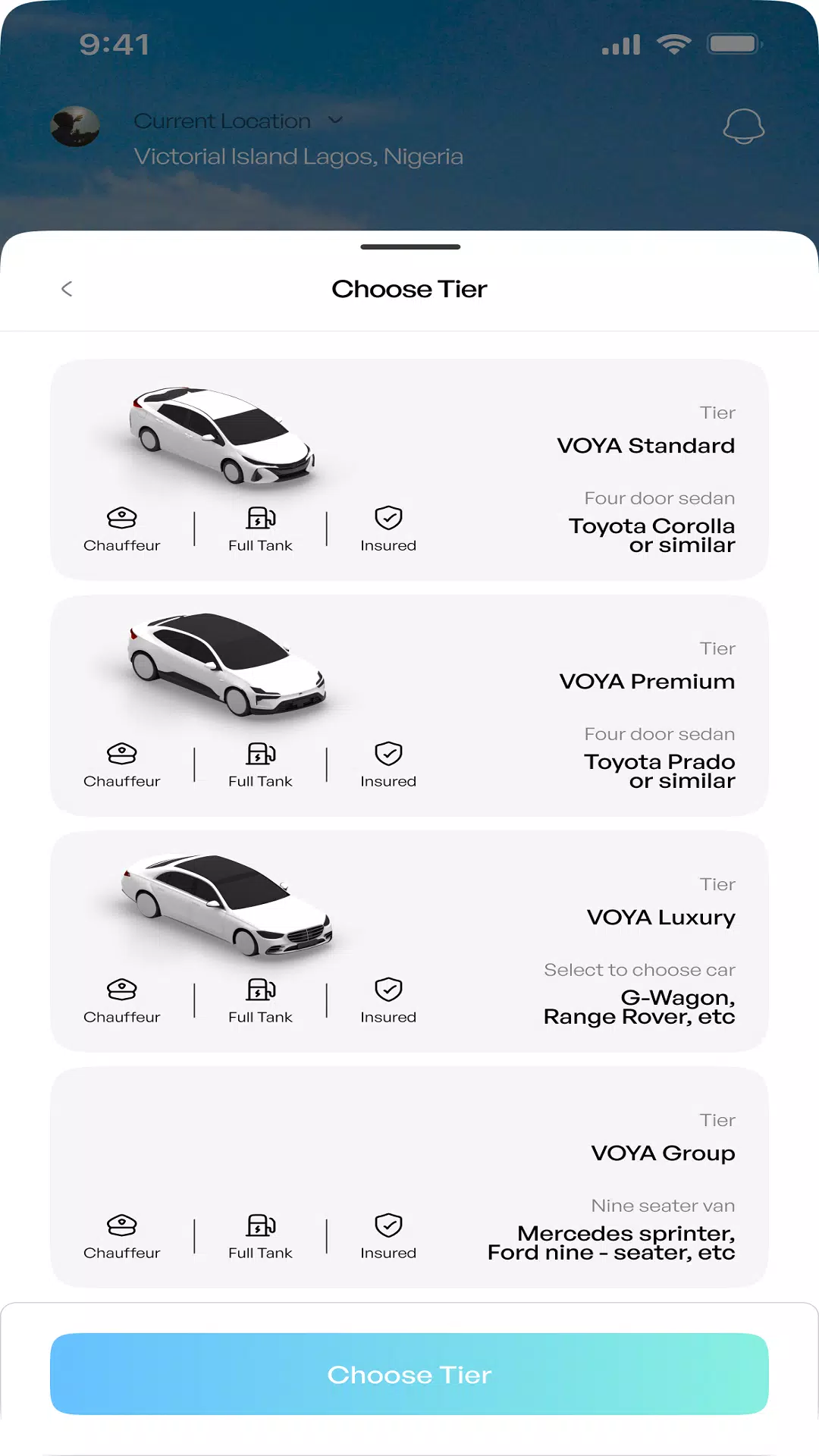
VOYA is a mobile productivity app designed to centralize daily planning, task tracking, and quick collaboration in a single interface. It balances simplicity with power, letting users organize projects, set priorities, and share progress without heavy setup. Ideal for individuals and small teams seeking streamlined workflow management on Android.
What VOYA Brings to Your Device
VOYA focuses on reducing friction between intention and action. The app groups features around real-world workflows: creating tasks, scheduling milestones, and assigning responsibilities. Instead of overwhelming users with buried options, VOYA exposes the most-used tools on the main screen so you can jump into work immediately.
Core Features at a Glance
- Smart Tasks: Create tasks quickly with natural-language input and optional due dates.
- Project Boards: Flexible boards that handle lists, kanban lanes, and timeline views.
- Quick Sharing: Invite collaborators with a single tap and set role-based permissions.
- Notifications & Reminders: Custom alerts that respect quiet hours and priority levels.
- Search & Filters: Fast search, saved filters, and tag grouping for instant retrieval.
How It Works in Daily Use
Using VOYA begins with a simple project setup. Add your tasks, tag them, and arrange them into a workflow. Drag-and-drop support lets you move items between stages, while the timeline view helps visualize deadlines. For recurring duties, VOYA automates task generation so teams don’t repeat routine entries.
Collaboration and Communication
Built-in commenting on tasks keeps context intact — no more scattered messages across multiple apps. @mentions alert teammates directly, and an activity log records changes so managers can trace progress. When paired with VOYA’s notification settings, teams can stay informed without being interrupted.
Interface and Performance
The interface favors clarity: clean typography, neutral colors, and intentional spacing reduce visual noise. VOYA performs smoothly on a range of devices thanks to lightweight caching and efficient sync logic. Offline edits are stored locally and reconciled once connectivity returns, minimizing data loss during travel or spotty coverage.
Customization Options
Users can tailor VOYA to match personal workflows. Choose compact lists for dense task loads or expanded cards when details matter. Filters can be combined to create saved views — for example, a daily focus list showing high-priority tasks assigned to you across multiple projects.
Security and Data Handling
Security is handled with standard mobile safeguards and optional features for advanced users. VOYA provides encrypted storage for local data and secure channels for sync operations. Access controls let admins limit who can modify projects or export data, which is useful for small businesses that need basic governance without complex IT support.
Tips for New Users
- Start small: create one project and add a few sample tasks to explore board behaviors.
- Use tags consistently to enable powerful filtering later.
- Set default reminder offsets for deadlines so important items never slip through.
- Train your team on comment etiquette to keep updates concise and actionable.
Why People Pick VOYA
People choose VOYA when they want a capable planning tool without a steep learning curve. It strikes a good balance for freelancers and micro-teams who need features beyond simple lists but don’t want heavyweight project-management suites. The app’s responsiveness and straightforward permissions model make it a practical daily driver.
Getting Started and Installation
Installing VOYA is straightforward: download from the Android store, sign up with an email or social account, and follow the guided tour. The onboarding flow includes optional templates for common project types, which helps new users adopt productive habits faster.
For users who care about speed and reliability, VOYA’s incremental sync and offline mode keep work moving between commutes and meetings. Regular updates add features and polish while keeping the interface familiar. If you want a no-nonsense productivity companion that stays out of your way while keeping teams aligned, VOYA is worth evaluating.
Information
 Google Play
Social networking apps have become essential tools in everyday life, making communication with others more convenient. These apps allow you to easily stay in touch with old friends while also providing opportunities to meet new people, helping to expand your social network beyond its usual boundaries. This page features a handpicked selection of the best social apps, making it your go-to choice for mobile socializing!





User Comments

Descubre Málaga helps you explore Málaga through personalized, sensory-led routes that combine food, culture and local stories into a single travel tool. The app generates tailored itineraries based on your preferences, available time and budget, and lets you save or start a plan immediately. It supports walking, cycling, driving and public transit, and offers flexible durations from a few hours to full days, with photos, text and audio so you can learn the context behind each stop.

Trackline Pro is a vehicle tracking and diagnostics tool that delivers real-time location and operational data so you can monitor a single car or an entire fleet from your mobile device. The app provides precise GPS coordinates, plus speed, fuel level, odometer readings and battery voltage to help you detect issues early and keep vehicles running efficiently. Fleet managers get better route oversight and timely delivery visibility, while individual owners gain reassurance about vehicle status and driver behavior. With a clear, easy-to-use interface, Trackline Pro is built to simplify day-to-day vehicle management and reduce surprises on the road.

MOVI VIRTUAL is an Android utility that provides a virtual camera and media routing for video calls and streaming. The app simplifies connecting graphics, overlays, or prerecorded video to other apps without requiring special hardware.

Moscow Offline Map and Travel provides travelers with a compact, reliable way to carry Moscow’s streets and sights on their device without a data connection. This editor-tested app places detailed offline maps, searchable points of interest and short wiki-style descriptions into a single package so you can plan routes, identify nearby services and explore neighborhoods even when roaming or Wi‑Fi are unavailable.

马蜂窝-全球旅游攻略,旅行度假酒店预订 is an all-in-one travel app that helps travellers plan trips, discover reliable destination guides and book hotels, local tours and holiday packages from a single, practical interface. Designed for people who prefer experience-based advice, the app blends crowd-sourced travelogues, short videos and an active Q&A community with an integrated booking marketplace so you can go from inspiration to reservation without switching apps.

Offline Translator: German is a compact offline speech translator and bilingual dictionary designed for travelers, students and professionals who need dependable English–German communication without an internet connection. Offline Translator: German translates typed text, spoken phrases and printed text captured with your camera, automatically detects the input language and can speak translations aloud in both English and German. The app keeps translations and language data on your device so you can avoid roaming charges and maintain privacy while navigating menus, signs and conversations.