

 X
X
 facebook
 WhatsApp
 Email
Email
Introduction
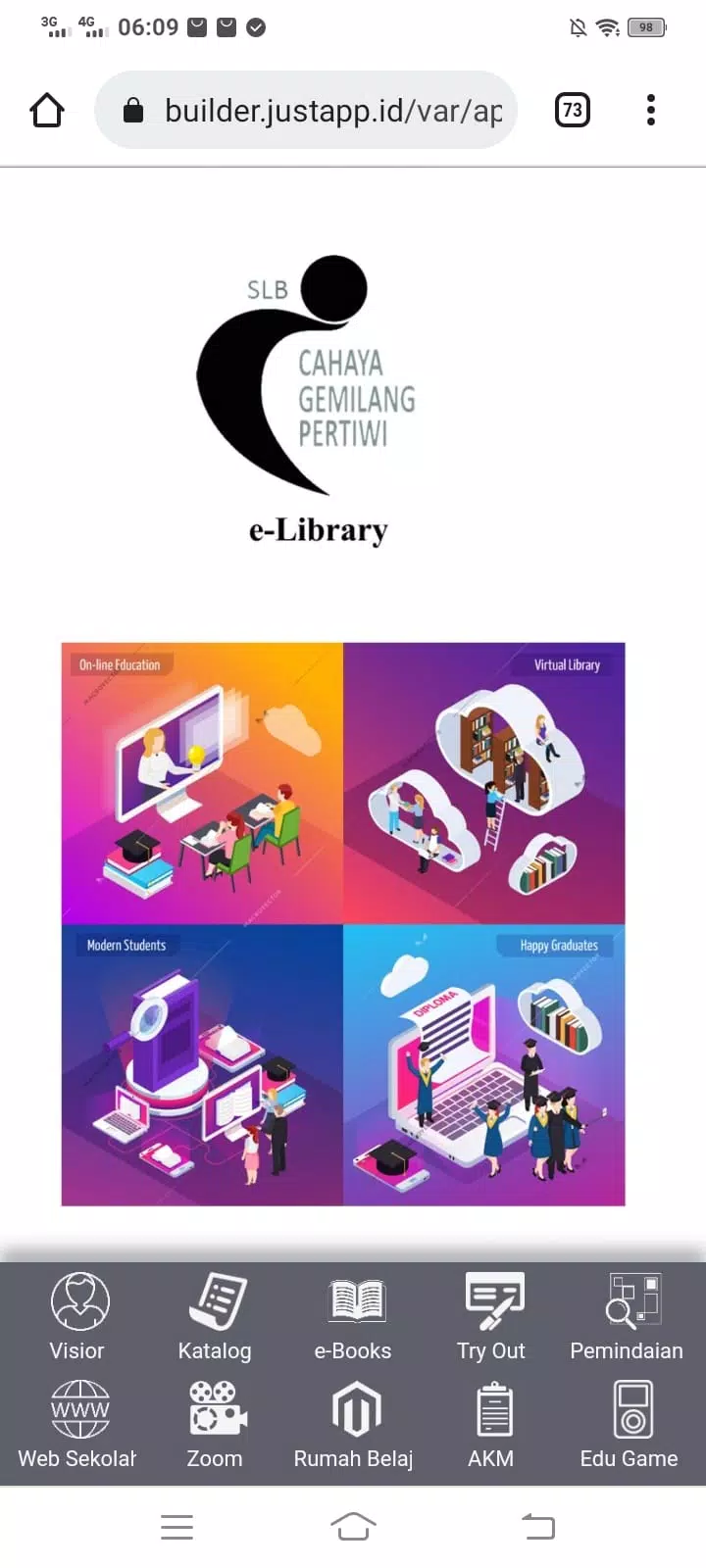
e-Library SLB Cahaya Gemilang is a digital library app designed to give students, educators, and lifelong learners instant access to a broad collection of books, articles, and educational resources in electronic form. The app centralizes content on remote servers so users can search, read, and download materials from phones, tablets, or computers, and it places the name e-Library SLB Cahaya Gemilang at the center of an organized learning environment where geography does not limit study. This editor overview explains how the app organizes content, supports study workflows, and adapts to different reading needs.
Content organization and level structure
e-Library SLB Cahaya Gemilang groups materials into clear categories and curated collections so users can browse by subject, grade level, or curriculum module. Collections are arranged to reflect a typical progression through topics, with introductory materials followed by more detailed texts and supplemental exercises. Each title includes metadata such as author, publication date, subject tags, and a short description to help users quickly judge relevance. Educators can assemble reading lists or shelves to match lesson plans, and learners can create their own custom collections to structure study over time.
Reading mechanics and controls
The reading interface is designed for straightforward controls: tap or swipe to turn pages, pinch to zoom images and diagrams, and use on-screen gestures to move between chapters. Adjustable font size, line spacing, and margin controls allow readers to set a comfortable layout for long study sessions. In-app tools let users highlight passages, create notes attached to specific pages, and jump directly to bookmarked sections. These mechanics are optimized for touch screens but remain accessible with keyboards and mouse input on larger devices.
Progression systems and study planning
The app includes personal progression tools that track reading progress through individual titles and across curated learning paths. Users can mark items as completed, set reading targets for a day or week, and follow simple study plans that break larger works into manageable sections. Progress tracking helps learners return to unfinished material and monitor steady advancement through a syllabus, while educators can review class-level completion when shared reading lists are used in a teaching context.
Customization and visual style
A clean, minimal visual style keeps content legible and minimizes distractions during study. Theme options include a light theme and a night mode to reduce eye strain in low light. Readers can choose typefaces, adjust text contrast, and switch between single-column and two-column layouts for denser documents. Images and diagrams are scaled responsively so visual content remains clear on smaller screens without obscuring surrounding text.
Accessibility and inclusive design
Accessibility features support a wide range of learners: adjustable text sizes, high-contrast themes, and compatibility with screen readers make content more usable for readers with visual or reading challenges. Navigation is designed to follow predictable patterns so assistive technologies can present a consistent experience. Simple language in metadata and clear labeling of sections also helps learners with cognitive differences find and use materials effectively.
Offline use and file format support
Where licensing permits, items can be downloaded for offline reading so study can continue without an active network connection. The app supports multiple file formats commonly used for textbooks and articles, including PDF and EPUB variants, and it preserves annotations on downloaded copies so highlights and notes remain available when offline. Offline availability depends on the rights associated with each item and on which materials administrators or contributors have made downloadable.
Community features and contribution
e-Library SLB Cahaya Gemilang includes community-oriented functions that let users comment on items, share recommendations with peers, and contribute materials for review. These features are intended to foster collaboration among learners and teachers while keeping control over what is added to public collections. Comments and shared reading lists can be used to support group projects, class discussions, and peer feedback without requiring competitive elements or rankings.
Replay value and ongoing use
The app encourages repeated use through updated curated collections, rotating featured resources, and personal reading goals that invite users to return regularly. Re-reading foundational texts, revisiting notes, and iterating on study plans all contribute to long-term learning rather than a one-time transaction. Because the library grows as contributors add materials, the catalog evolves over time and supports continuous learning pathways.
User experience and practical considerations
Overall, the app aims for a low learning curve so students and teachers can focus on content rather than complex tools. Search filters, topic-based browsing, and clear download indicators simplify discovery, and built-in annotation and bookmarking tools make the app practical for lesson preparation and independent study. For organizations, administrators can manage collections and set permissions to match local licensing policies, while individual users benefit from personalization and offline options that keep study flexible and accessible.
Information

The Remote App Tool collection includes many Android apps that allow remote control. With the growing number of smart devices, it's easy to misplace remotes. These apps solve that problem, offering a convenient, free way to control your devices. They provide great convenience for your daily life!






User Comments

Jojo Chess School is a comprehensive training app that helps beginners and experienced players sharpen chess skills through structured, interactive lessons. The app organizes hundreds of activities—explanations, capture drills, tactical puzzles, multiple-choice quizzes and practice positions against an AI—so users can learn concepts, rehearse piece movements and test understanding in short, focused sessions. Whether you want to build a solid opening foundation, improve tactical vision or rehearse essential endgame positions, Jojo Chess School provides guided practice and instant feedback to make steady improvement more manageable and engaging.

Osborne Books is a purpose-built mobile reader that places accounting textbooks and companion ebooks designed for AAT and related qualifications into a single app. Osborne Books lets students and tutors access purchased titles through secure Student Zone and Tutor Zone accounts, read titles online or download them for offline study, and carry structured revision materials on a phone or tablet for focused sessions between classes.

Class - 2 Nepali Teacher Guide brings the full Class 2 Nepali teacher guide into a compact mobile format, giving educators quick access to curriculum content, lesson outlines, and pedagogy notes wherever they work. The app displays the official teacher guide as a navigable PDF so readers experience the same structure and pagination as the printed edition while benefiting from mobile-friendly controls and a lightweight interface designed for fast reference. Teachers who need to plan lessons between classes, check objectives during instruction, or review assessment pointers can rely on Class - 2 Nepali Teacher Guide as a practical companion without carrying extra materials.

AiEnglish brings a fresh, technology-driven way to learn English by combining live lessons from Australian studios with classroom sessions in China, giving students real-time interaction with native speakers. The app uses a "Studio to Classroom" co-teaching model so learners get authentic pronunciation, cultural context, and teacher-led instruction that closely resembles in-person classes. Students looking for immersive speaking and listening practice will appreciate AiEnglish’s emphasis on high-quality audio-visual delivery, low latency, and professional lesson settings that make remote learning feel natural whether at home or in school.

Liceo Fray Amadeo is a school information app built for students, parents and staff of the Educational Center in El Progreso, Jutiapa that brings schedules, grades, assignments and official notices together in one easy-to-use place. The first paragraph gives you a clear sense of purpose: Liceo Fray Amadeo consolidates timetables, classroom resources and announcements so families remain informed and teachers can share updates without duplication. The interface is intentionally simple and multilingual, so checking upcoming exams, reviewing class materials and receiving timely notifications is straightforward for all members of the school community.

Geology Dictionary Offline is a compact, searchable offline reference that brings thousands of geological terms to your device, making it ideal for students, educators and anyone curious about Earth's materials and processes. The app provides clear, concise definitions and quick search tools so you can look up mineral names, rock types, processes, and basic geoscience concepts without an internet connection. Geology Dictionary Offline is useful for exam revision, fieldwork preparation, or casual learning because it combines easy navigation, alphabetical organization and memory-friendly explanations into a free, lightweight study aid.