
 X
 facebook
 WhatsApp
 Email
Introduction
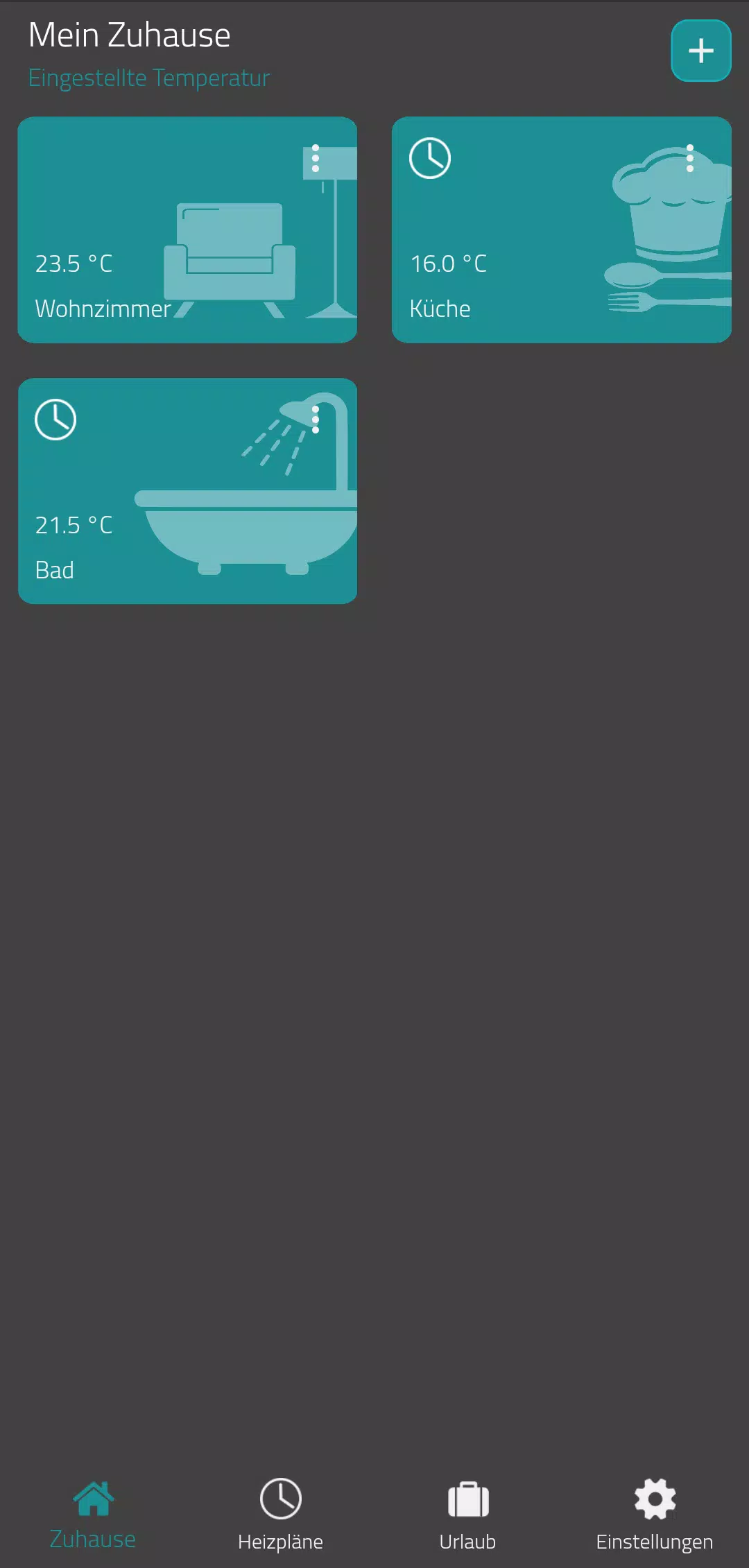
Eurotronic Smart Living 2.0 is a smart-home control app that centralizes radiator thermostats, schedules and energy tracking into a single, easy-to-navigate interface. It simplifies temperature management, automates routines and provides quick access to device status for homeowners and installers who want reliable heating control.
Overview of the app
Designed for people who want precise, energy-conscious heating management, Eurotronic Smart Living 2.0 connects to compatible thermostatic devices and exposes core controls through a mobile dashboard. The app focuses on everyday usability: quick manual overrides, multi-room profiles and historical data that helps fine-tune comfort while reducing waste.
Core functionality
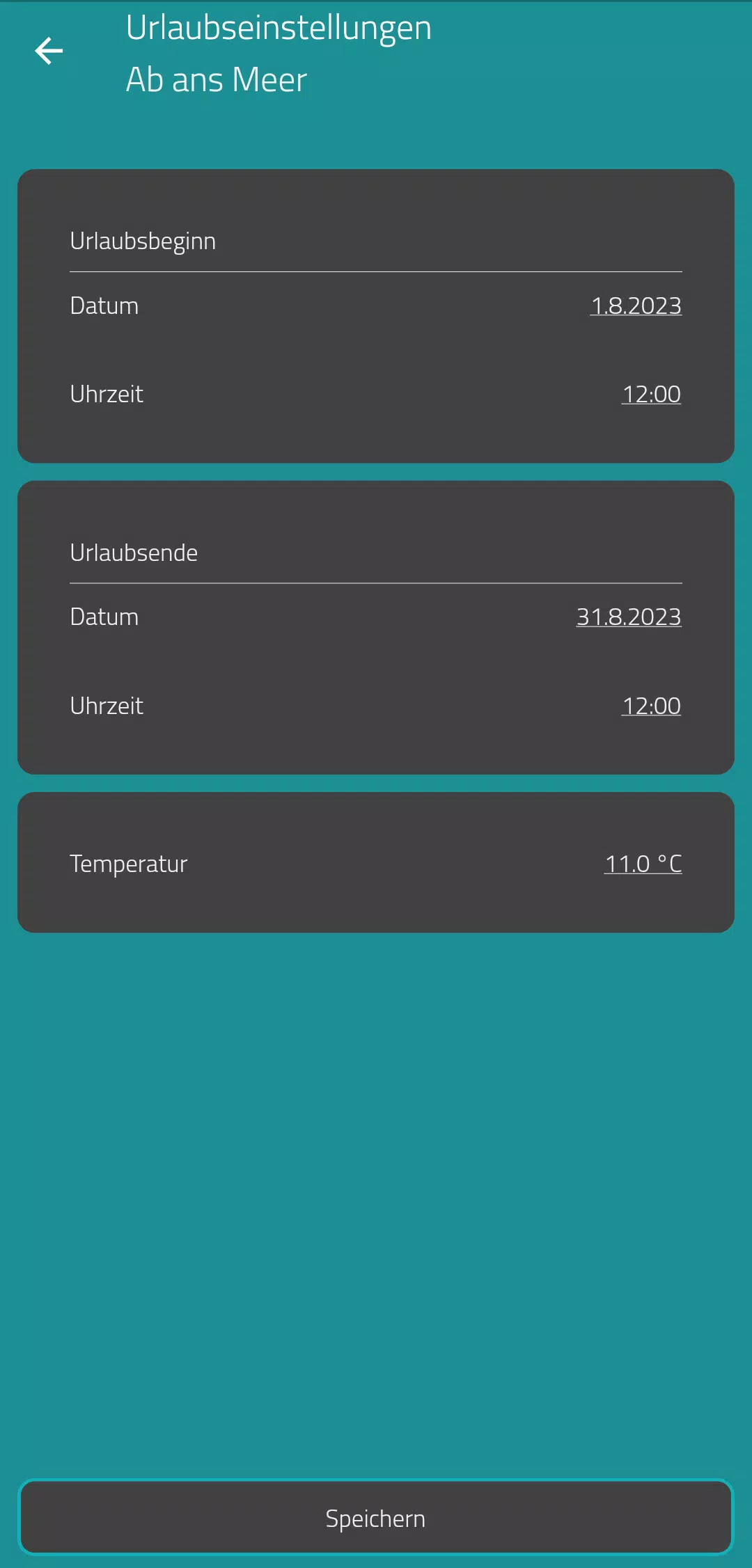
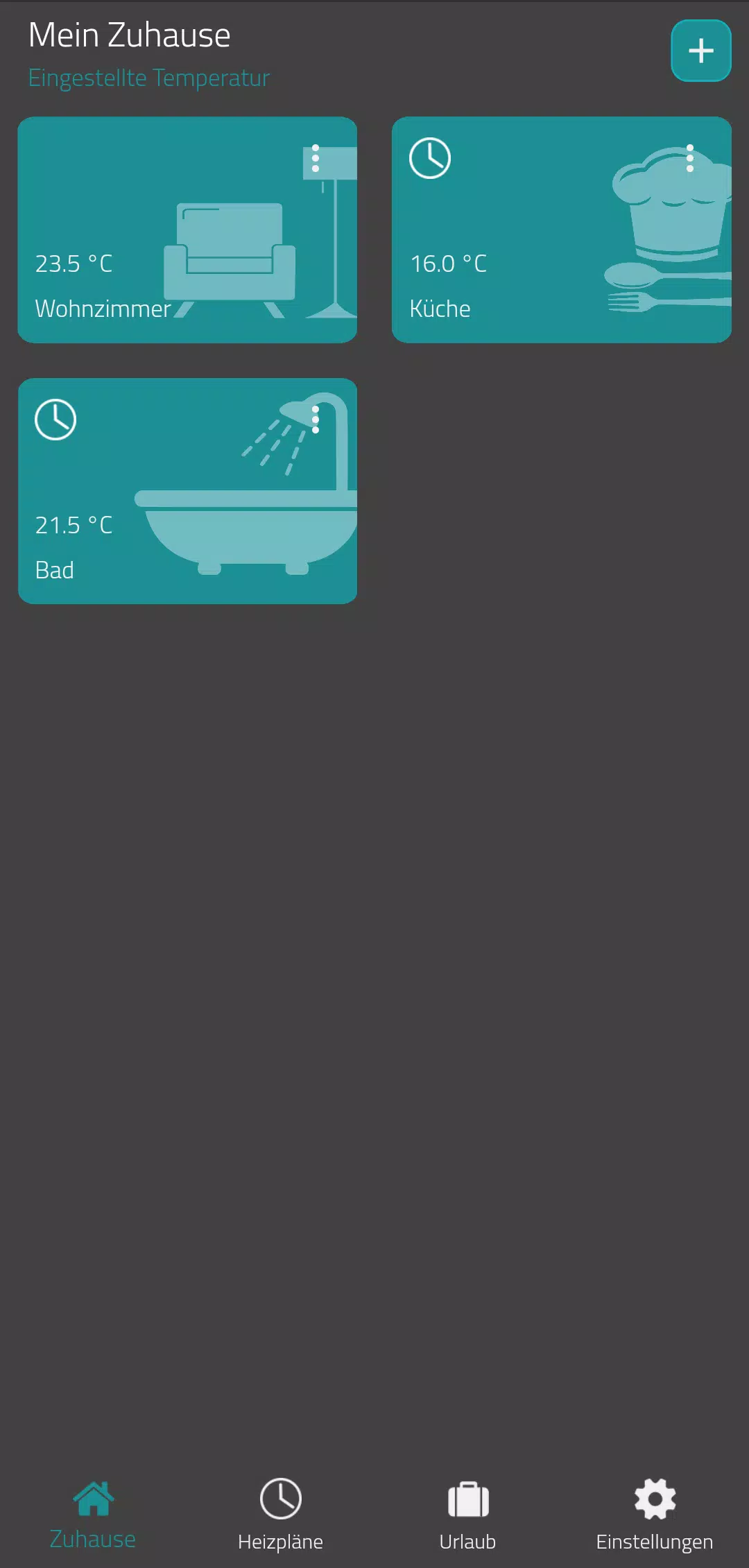
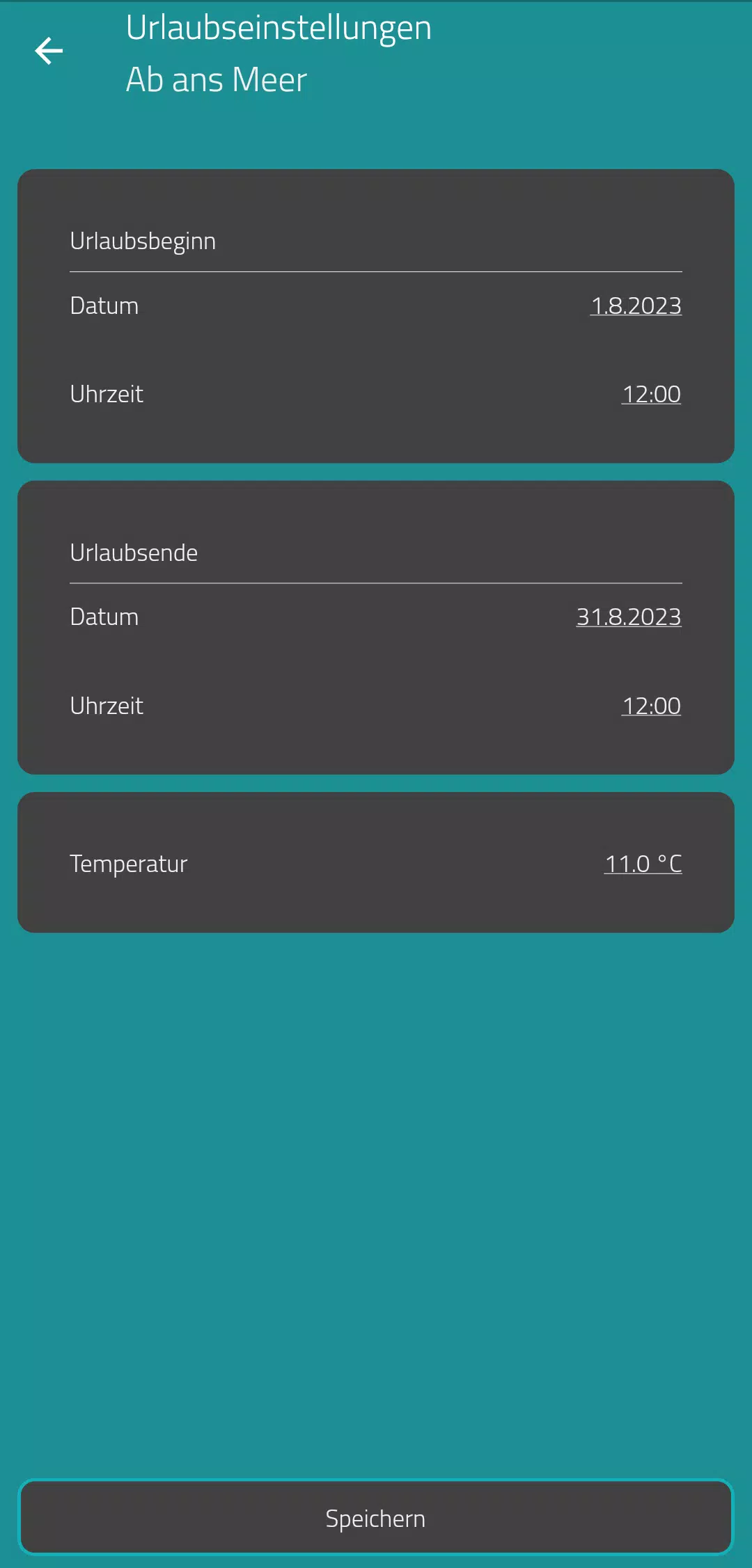
The app supports straightforward pairing of devices, time-based schedules and temperature offsets. Users can set up rooms with multiple valves, apply group settings or use a single-master mode where one device defines a whole zone. Integrated reporting surfaces runtime, battery state and temperature trends so decisions are based on facts rather than guesswork.
Key features that matter
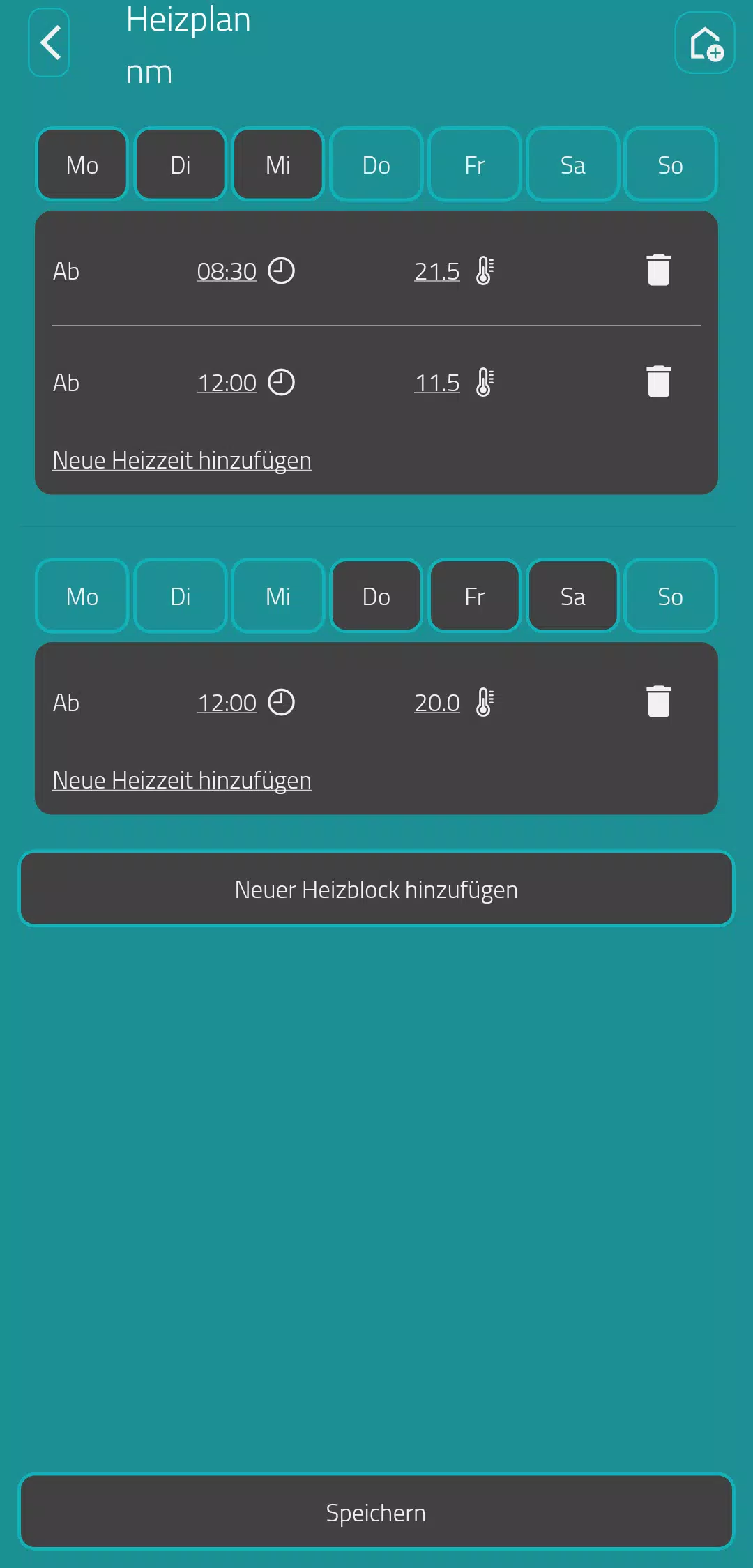
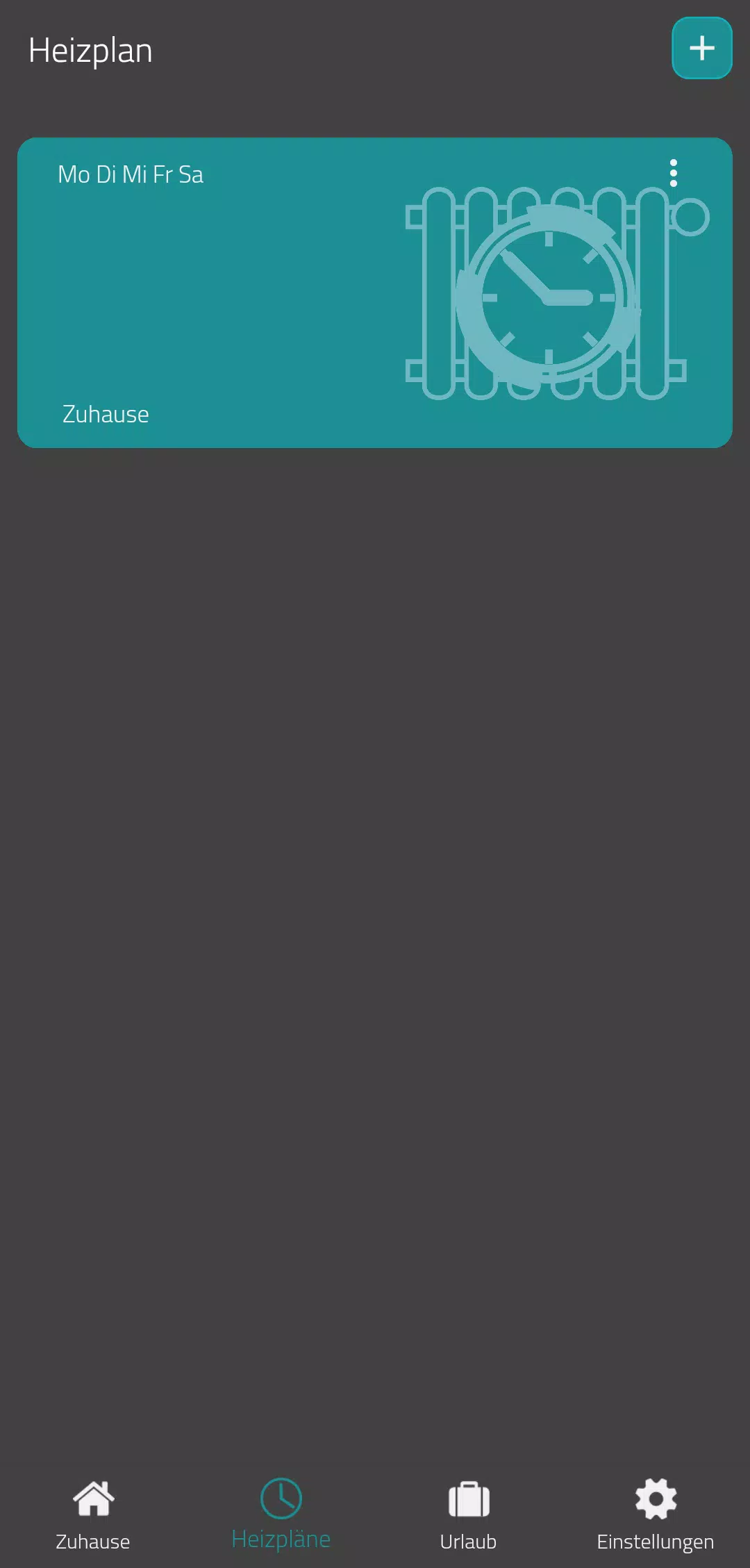
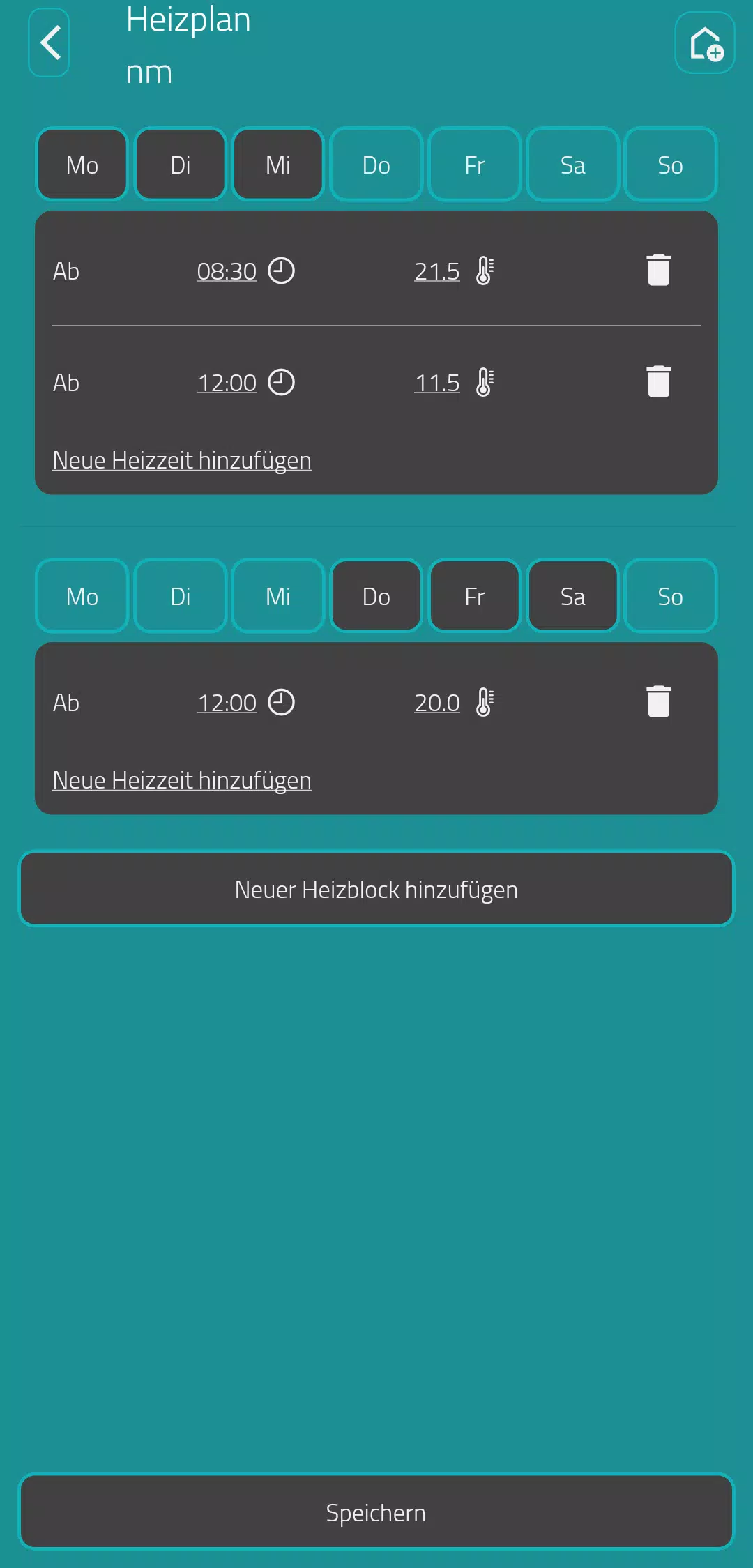
- Intuitive scheduling — create weekly programs that reflect different routines for weekdays and weekends.
- Remote control — adjust setpoints from anywhere when paired with a gateway or hub.
- Multi-device grouping — manage several valves as one unit for consistent comfort across rooms.
- Energy insights — view consumption patterns and battery levels to plan maintenance and efficiency improvements.
- Manual boost — temporary temporary temperature increase function for quick warm-ups.
How it works in daily use
After installation, users typically create room groups and assign devices. Schedules can be copied between rooms to speed setup. Once routines are active, the app automatically enforces temperatures while allowing easy manual adjustments. Notifications warn about low batteries or offline devices so issues can be resolved before comfort is affected.
User interface and responsiveness
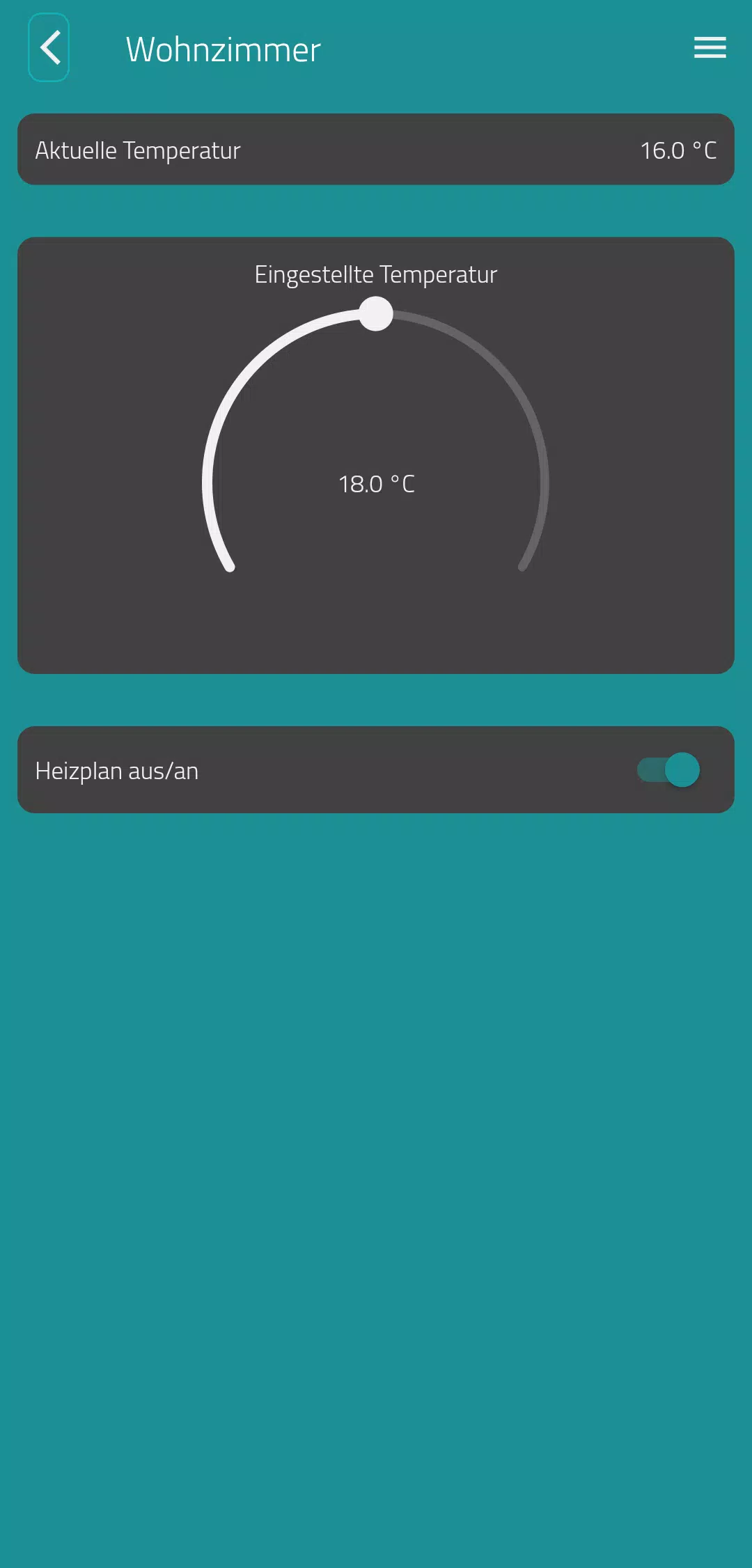
Eurotronic Smart Living 2.0 emphasizes clarity. Temperature wheels, numeric inputs and visual timelines make it fast to set a target. The app keeps frequently used controls front and center, with deeper settings tucked away to avoid clutter. Performance is responsive on mid-range hardware and the animations are functional rather than decorative, which helps preserve battery life on the host device.
Integration and compatibility
This release works best with Eurotronic valves and compatible Bluetooth or Zigbee gateways. It plays nicely with popular smart-home ecosystems when the proper bridge hardware is present. For users running larger setups, the app supports multiple homes and device lists so installers and property managers can switch contexts quickly.
Practical tips for setup
- Place your gateway in a central location to ensure consistent connectivity with all valves.
- Start with a single room to test schedules before applying them house-wide.
- Use the boost function for temporary changes instead of editing the main schedule to keep routines intact.
- Monitor battery levels regularly from the dashboard to avoid unexpected device downtime.
For users upgrading from a previous Eurotronic app, the migration tools guide data import to reduce repeated configuration steps. The onboarding walkthrough highlights pairing, grouping and schedule creation so new users can get a working setup in minutes.
Performance and reliability
In field testing, connection stability depends more on local network quality than on the app itself. Where Bluetooth or Zigbee coverage is solid, the app maintains accurate state information and applies changes promptly. Occasional latency can occur if the gateway is under heavy load, but standard troubleshooting—rebooting the bridge or relocating it—resolves most issues.
Who benefits most
Homeowners focused on comfort and energy savings will find Eurotronic Smart Living 2.0 useful, as will installers managing multiple properties. The blend of scheduling, device grouping and actionable insights suits both single-family residences and multi-zone apartments. Anyone seeking granular radiator control without complex setup steps will appreciate the balance between features and simplicity.
Getting started
Download the app, create an account and follow the in-app setup guide to add devices. Keep firmware up to date to access the latest compatibility and feature improvements. If you plan to use remote features, ensure your gateway supports cloud access and is connected to a stable internet source.
Eurotronic Smart Living 2.0 delivers practical heating control with a clear interface and useful telemetry. Regular updates continue to refine device support and workflow, making it a solid choice for users who want dependable, accessible smart heating management.
Information
 Google Play
Other Games by the Same EUROtronic Technology GmbH

The Remote App Tool collection includes many Android apps that allow remote control. With the growing number of smart devices, it's easy to misplace remotes. These apps solve that problem, offering a convenient, free way to control your devices. They provide great convenience for your daily life!






User Comments

archstore: AI Interior Design is a mobile design assistant that transforms room photos into polished interior plans using artificial intelligence. It helps users visualize furniture layouts, materials, and color schemes quickly, offering editable 3D previews and shopping links for a streamlined home renovation or decorating workflow.

Gates designs , Front gates is a design reference and idea tool that helps homeowners explore and select front gate styles to improve curb appeal and functionality. The app organizes curated collections of steel, iron and wooden gates, ranging from simple modern panels to ornate wrought-iron entries and space-saving sliding solutions. Users turn to it to compare materials, finishes and proportions, discover small steel gate options for narrow openings, and gather customization ideas before consulting builders or fabricators. Clear categories and visual examples make it easy to find a gate that matches a home's architecture and personal taste.
English is a mobile app designed to help learners build vocabulary, grammar, listening, and speaking skills through short lessons and interactive practice. It combines bite-sized exercises, speech recognition, and progress tracking to keep study sessions focused and productive for beginners and intermediate users aiming to improve everyday communication.

초록도시AR – 3D로 즐기는 식물 배치 미리보기, 초록도시AR – 3D로 즐기는 식물 배치 미리보기, 초록도시AR – 3D로 즐기는 식물 배치 미리보기 brings practical augmented reality plant styling to your phone and helps you preview real items in your own rooms before you buy. This editor introduction describes how the app helps you check scale, test pot and plant combinations, and save design ideas so you can make confident decorating choices without guessing how a plant will fit or look in a particular corner.

Consultar precios is a practical shopping utility that helps you track and compare product prices across stores and locations so you can make smarter buying decisions. The app focuses on clear, actionable data: build personal lists of frequently bought items, set target prices, and receive timely alerts when costs change. Consultar precios combines real-time market updates with community reports to reveal trends and local bargains without forcing you to visit every shop or sift through dozens of ads.

Desman is the official app for Desman smart door locks, designed to let you manage your lock directly from a smartphone. It delivers keyless, password-free access and aims to replace cumbersome traditional locks with a lighter, easier-to-install smart alternative. With the Desman app you can control your lock, monitor access, and simplify everyday entry without carrying keys or remembering codes. The app focuses on making life more comfortable by modernizing door access and providing a mobile interface for routine security tasks, so users can handle locks quickly and intuitively.